Пет WordPress gallery плъгина, които правят снимките ви по-забележими

Ако искате красив сайт, трябва да показвате снимките си в галерия.
Снимките са незаменими при създаване на привлекателен уебсайт. Въпреки това, ако просто поставите снимки на страницата, няма да се отличите от други сайтове и блогове. В такава ситуация използвайте галерия.
Това прави галерията. Тя настройва размера на снимките според устройството и ги подрежда вместо вас. В WordPress gallery функционалността е налична като стандартна функция.

Има обаче gallery плъгини, които са по-удобни и по-богати на функции от вградената gallery функция на WordPress. Ако ги използвате добре, можете да направите уебсайта си още по-привлекателен. В тази статия представям пет препоръчани WordPress gallery плъгина.
Sites with many photos tend to become slower to display. If the page does not appear quickly, people lose the desire to keep looking. If you want to publish many photos, be sure to use a fast server.
★ Verified for speed: a comparison of 15 hosting companies in a server speed ranking
Complete Comparison of 32 WordPress Hosting Services for Individuals, Companies, and Overseas Use

When you think, “I want to start WordPress,” and search for “WordPress recommendations,” you find all kinds of articles covering personal hosting, options for companies and small businesses, overseas hosting, and low-cost servers. Honestly,
- which site should you trust?
- you may just want a simple and understandable answer.
- you may want to get started with WordPress right away.
That is why this article carefully selects recommended choices from 32 hosting providers for individuals, companies, domestic use, and overseas use. It is explained by the SEO lead at an app development company that uses hosting every day.
Пет WordPress gallery плъгина, които правят снимките ви по-забележими
Изградете красива галерия с Envira Gallery
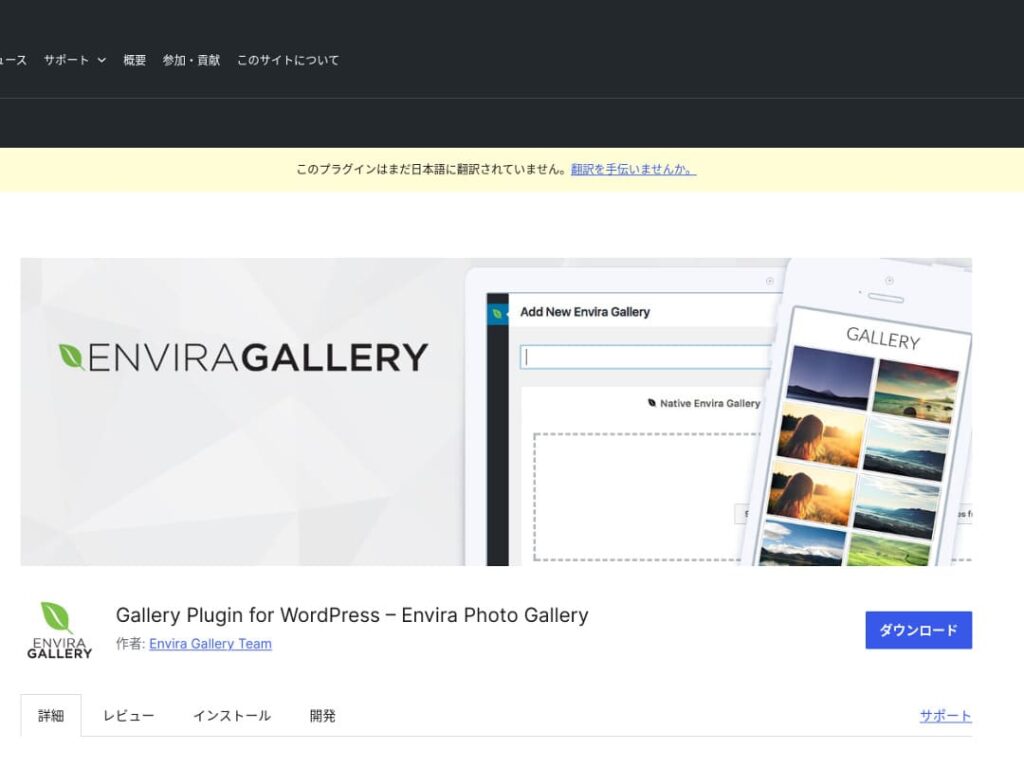
Envira Gallery is a plugin that is popular for its ease of use and beautiful design.
It features drag-and-drop editing and responsive templates, so even without coding knowledge you can easily create a professional-level gallery. It also includes SEO considerations, and its social-media integration makes it easy to share the galleries you create.
That makes it an excellent choice for increasing user engagement and bringing more visitors to your website.

NextGEN Gallery: за професионално представяне на снимки
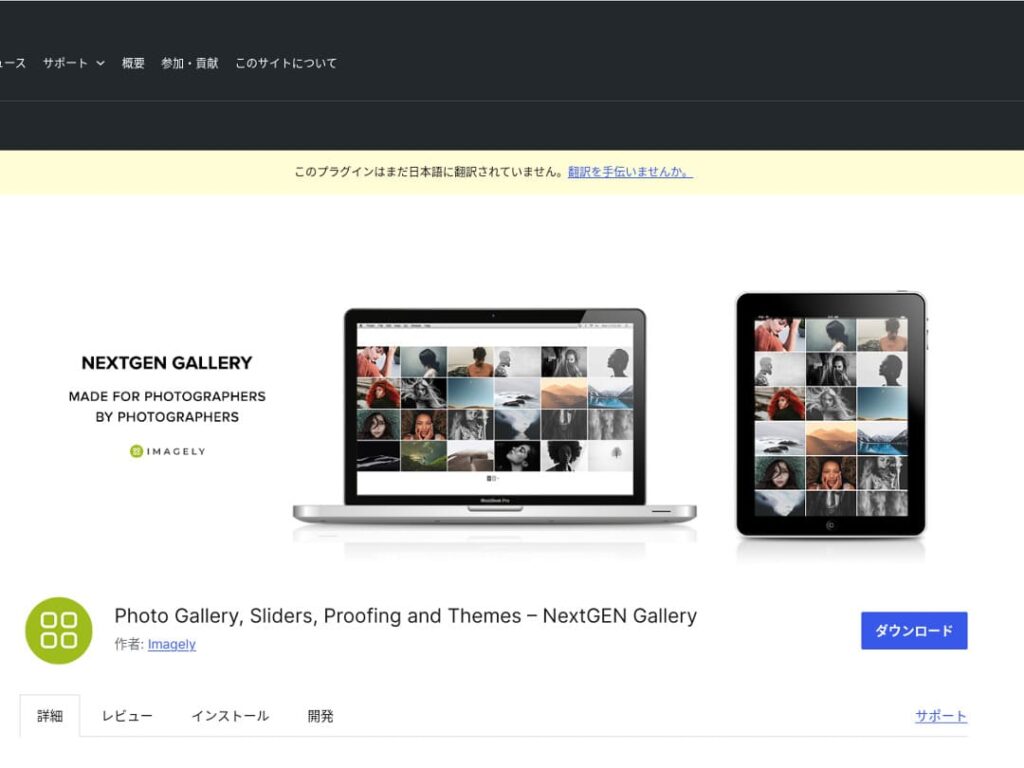
NextGEN Gallery is known for offering advanced management functions and a wide variety of gallery styles.
This plugin is especially recommended for photographers and art lovers. It includes multiple album options, batch uploading, and image editing features, making it ideal for users who want fine-grained control over the galleries on their site.
By using NextGEN, you can give visitors a visual experience they will not forget.

FooGallery: лесна за използване галерия със силна персонализация
FooGallery is chosen for its intuitive operation and its high degree of extensibility.
With this plugin, you can create a beautiful gallery in just a few clicks, and it also offers extension features for developers and advanced users.
The flexibility of FooGallery means that as your site grows and your needs change, you can easily adjust the gallery to match.

Modula Image Gallery: перфектният баланс между скорост и визуално качество
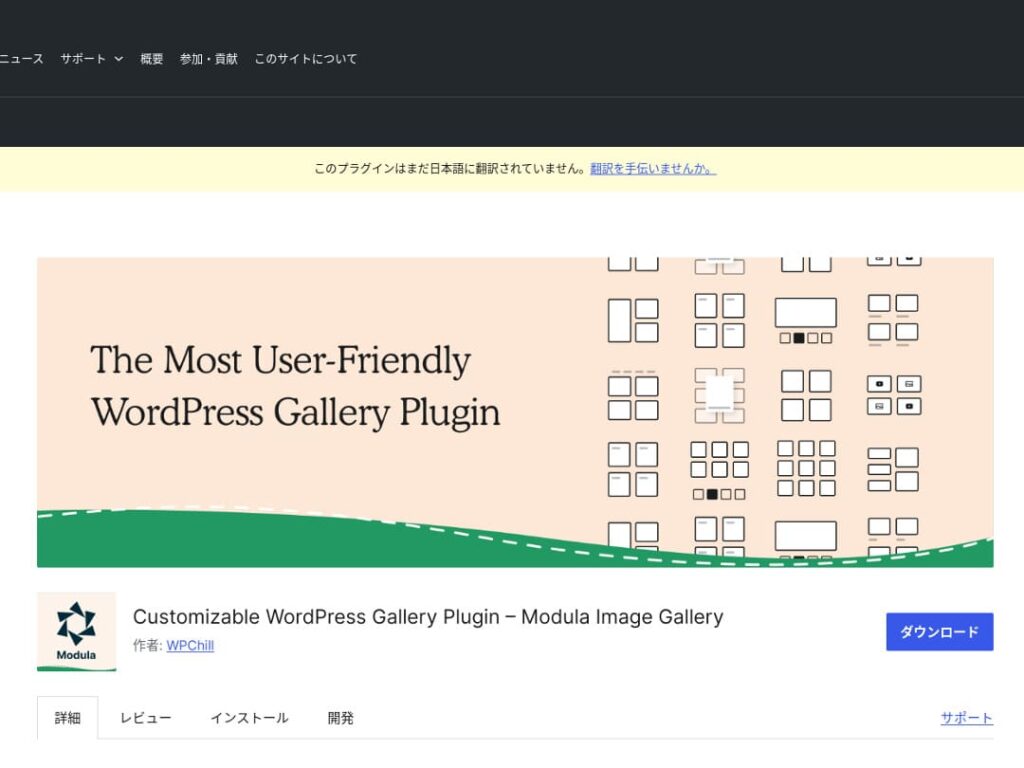
Modula Image Gallery is a plugin whose appeal lies in fast loading and customizable grid layouts.
This lightweight plugin is designed to create beautiful galleries without harming site performance. For webmasters who care deeply about page speed in particular, Modula is an ideal choice.

Photo Gallery by 10Web: комбиниране на снимки и видео
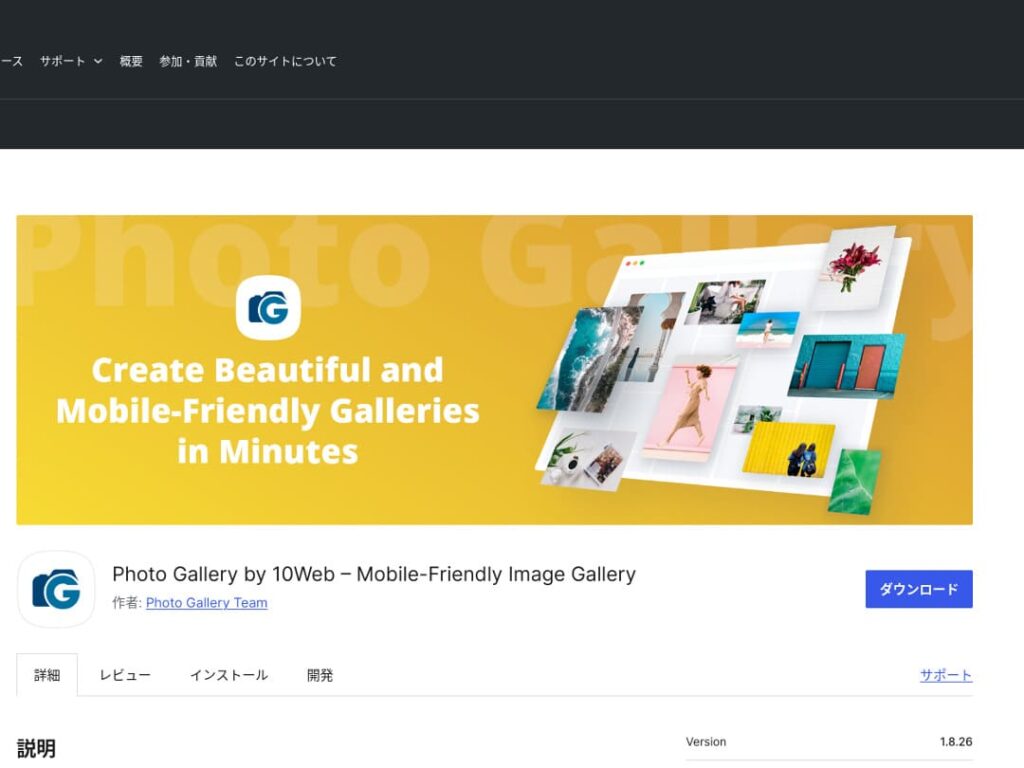
Photo Gallery by 10Web is a multifunctional plugin that can handle not only still images but also video.
It can incorporate YouTube and Vimeo videos and makes it easy to create responsive galleries and slideshows. It is ideal for website owners who want to develop visual content from multiple angles.

Направете WordPress по-привлекателен, като подобрите галериите си

If you keep improving your galleries, your WordPress homepage becomes much more attractive.
Оптимизирайте изображенията
This shortens web page loading time and improves the user experience.
- Adjust the size: match the pixel dimensions to the display size of the image. You do not need images that are larger than the way they are shown on the website.
- Compress the image: save images in JPEG (or WebP) format and strike a balance between quality and file size. Many online tools and software packages help reduce file size without lowering image quality.
- Choose the right format: use JPEG for photographs, and PNG or SVG for simple illustrations and logos. WebP offers an excellent balance of size and quality, but it is not supported by every browser.
Responsive design
Make sure the web page and the gallery display properly on every device.
- CSS media queries: apply different style rules based on screen size. This lets the layout of images and content adapt to the device.
- Flexible images: apply the CSS property max-width: 100%; to images so their size adjusts according to the width of the parent element.
- Use a framework: if you use a responsive design framework such as Bootstrap, you can implement a responsive gallery more easily.
SEO оптимизация
Increase the visibility of your images in search engines.
- Alt text: this is the text shown when an image does not load or when a visually impaired user uses a screen reader. Use text that accurately describes the image and includes keywords.
- File names: use descriptive file names that include keywords. A name like black-leather-shoes.jpg is better than DSC12345.jpg.
- Structured data for images: Google recommends structured data for certain types of images, such as product images and recipe images. This helps images stand out in search results.
★ What is SEO? The steps and proper methods of search engine optimization
Използвайте резервни копия
Backups prevent data loss and help secure your site.
- Back up regularly: use WordPress backup plugins such as UpdraftPlus or BackWPup to back up site data, including the database, files, and images, on a regular basis.
- Save backups to external storage: it is safer to keep backup files not only on the server but also in external cloud storage services such as Dropbox or Google Drive.
- Test your backups: regularly test whether your backups work properly and review the restoration process when necessary. This lets you respond quickly if a real problem occurs.
★ Five WordPress backup plugins
Когато показвате галерии с WordPress плъгини, внимавайте за по-бавна скорост
One thing to watch when using galleries is slower display speed. If you show a large number of photos in a gallery, the amount of data on that page increases, and the page takes longer to load.
If the page takes time to load, visitors may become irritated and leave your website. It would be a shame if you lined up photos you wanted people to see, only for them to leave without viewing even one image in the gallery.
WordPress gallery plugins already include speed-improvement functions. For that reason, if your website is still slow even when you use a gallery plugin, it is a good idea to move to a different server.
Обобщение
Има много плъгини за правене на галерията в WordPress сайт по-привлекателна, но Envira Gallery, NextGEN Gallery, FooGallery, Modula Image Gallery и Photo Gallery by 10Web са особено силни избори сред тях.
Като използвате тези плъгини правилно и прилагате представените по-горе подобрения, можете да предложите визуално съдържание, което привлича посетителите.
A beautiful gallery will leave a strong impression on the people who visit your site and create deeper engagement.