ضمان استرداد الأموال لمدة 97 يومًا
PR
الخوادم
مراجعة DreamHost: موصى به إذا أردت بدء WordPress بسعر معقول مع ضمان استرداد المال لمدة 97 يومًا
نُشر: 2025.07.13
آخر تحديث: 2025.07.13
التقييم: 3.0
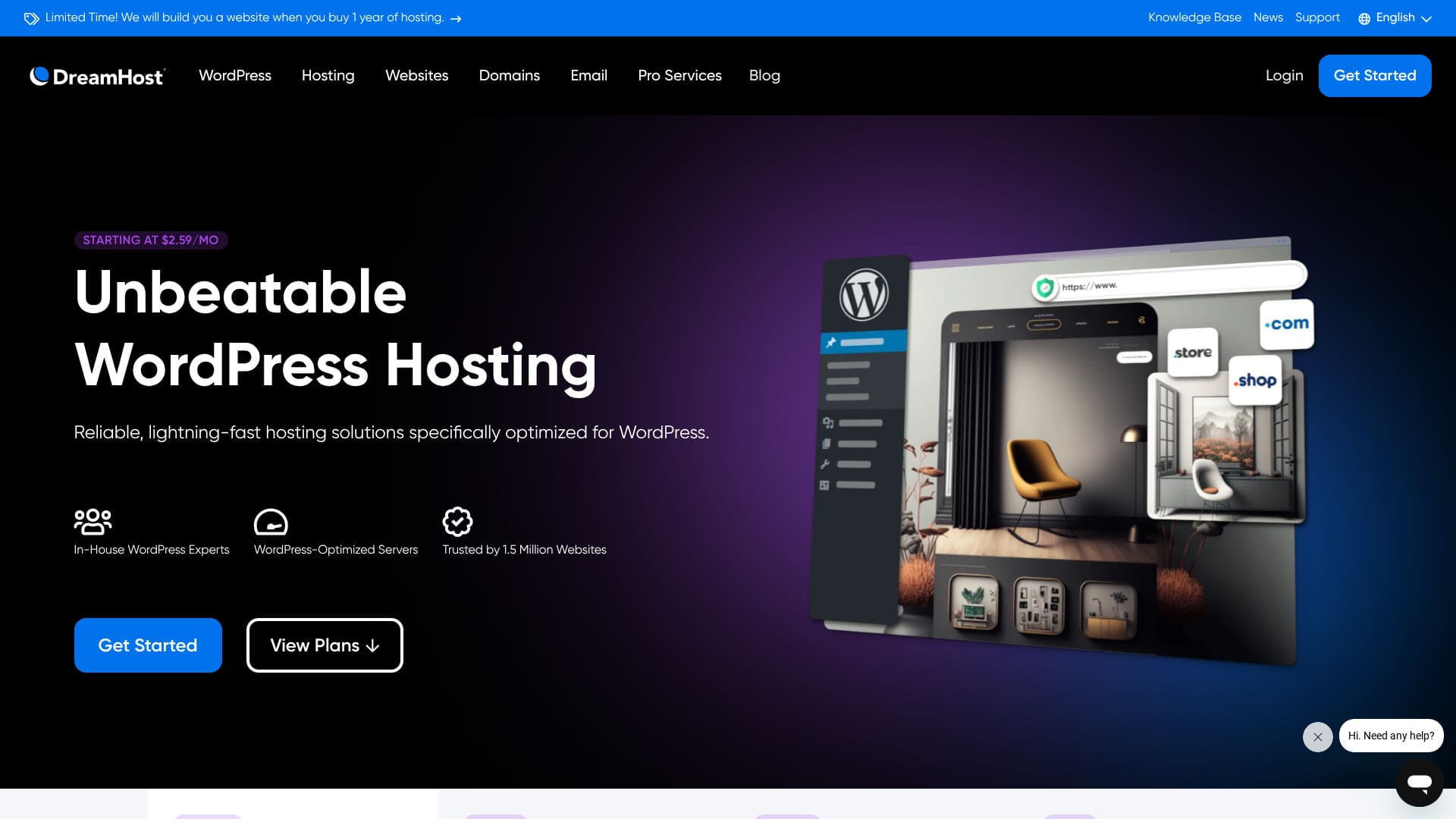
DreamHostشركة عالمية مقرها لوس أنجليس توفر تسجيل واستضافة النطاقات. وهي على ثقة من نوعية خواديمها، وهي تقدم فترة طويلة بشكل استثنائيضمان استرداد الأموال لمدة 97 يومًا.

أوصيDreamHostإلىالناس يبحثون عن استضافة في الخارجلأسباب ثلاثة:
- طمأنة استخدام الخادم الذي أوصى به رسمياً (ورد بريس)
- يمكنك الحصول على الدعم 24 ساعة في اليوم 365 يوما في السنة
- 100 في المائة
هذه هي الأسباب. أعتقد أنك ستكون راضيًا. فهو يأتي مع ضمان استرداد الأموال لمدة 97 يومًا، لذا يمكنك تجربة الخدمة براحة بال.

Hikaru Ono
(دريم هوست) مضيف مُيسّر نسبياً في الخارج. لم يكن لدي أي مشاكل في إمكانية استخدام فريق التحكم الخاص به؛ وكان من السهل استخدامه.
لأنه مستقر مع 100% من وقت التأقلم إنه مضيف يمكنك استخدامه لوقت طويل
| نوع الخادم | الاستضافة المشتركة |
| سرعة استجابة الخادم (TTFB) | 400ms |
| الخطة والمدة الموصى بها | مبتدئ الكلمات، سنة واحدة |
| التجربة / ضمان استرداد المال | ضمان استرداد الأموال لمدة 97 يومًا |
| الرسوم الشهرية (خطة 12 شهرًا) | 2.95 دولار (432 ين) |
| رسوم الإعداد الأولية | مجانا |
| نطاق مجاني | مجال واحد مجانا لمدة ثلاثة أشهر |
| الدعم | 24/7 الدردشة والبريد الإلكتروني والهاتف |
| زمن التشغيل | 100% |
| التخزين | 50GB |
| عدد قواعد البيانات | 6 |
| SSL | Free SSL (ar) |
| النسخ الاحتياطية | Included (ar) |
| حسابات البريد الإلكتروني | لا يوجد |
| التدابير الأمنية البريدية | لا يوجد |
| خدمة نقل الخادم / الموقع | لا يوجد |
| تثبيت WordPress مسبقًا | لا يوجد |
| CDN | لا يوجد |
| مواقع مراكز البيانات | أشبورن، فرجينيا، الولايات المتحدة؛ هيلزبورو، أوريغون، الولايات المتحدة |
داريم هوست بالمقارنة مع مضيفين آخرين
- المجموعالتقييم3/5
- سرعة الخادم 2/5
- السعر 4/5
- الاستقرار 5/5
- سهولة بدء WordPress* 3/5
- عمليات مثل إدارة النطاق وإعداد SSL* 4/5
* بناءً على تجربتي الشخصية في الاستخدام.

كيفية مقارنة واختيار 10 شركات استضافة خارجية موصى بها
كيفية مقارنة واختيار 10 شركات استضافة خارجية موصى بها
serverfield.org
استنادا إلى بيانات بحوث السوق حتى 4 تشرين الثاني/نوفمبر 2025فرزهاالسرعة
الرسوم الشهرية هي تكلفة السنة الأولى لأرخص خطة يمكنها تشغيل WordPress.
السرعة هي قيمة Time to First Byte المقاسة على المواقع التجريبية تحت الظروف نفسها.
" DreamHost " هي شركة مستضيفة مقرها لوس أنجلوس، الولايات المتحدة الأمريكية. أكبر نداء له هو الضمانة الطويلة جداً لاسترداد الأموال لأنه مضيف خارجي قادر على تجربته لفترة طويلة يشعر بالطمأنينة It is also reasonably priced among overseas hosts.
مراجعة DreamHost: استضافة ميسورة ومستقرة مع عيوب قليلة
DreamHost من الاستضافات الموصى بها رسميًا من WordPress.
تلتزم DreamHost بـ WordPress ومجتمعه منذ أكثر من 10 سنوات. ومنصة الاستضافة فيها محسّنة لـ WordPress، كما يساهم فريقها بفاعلية في مجتمع WordPress.
إنه خادم عالي الجودة يمكنك استخدامه بسعر معقول. وإذا كنت تريد إنشاء موقع يستهدف أشخاصًا يعيشون في الولايات المتحدة، حيث تقع مراكز استضافته، فهو خيار قوي بشكل خاص.
ست ميزات في DreamHost

يوفر سرعة خادم بمستوى قياسي
وفقاً لاختبارات هذا الموقع، (دريم هوست) قام بتوصيل سرعته
مقارنة بمضيفي اليابان المتطرفين لا يظهر مع ذلك، وقت استجابة خادم (دريم هوست) 400 متر ليس رقماً سيئاً على الإطلاق
★ هل هو سريع؟ قارنت ترتيب السرعة لـ 15 شركة مستضيفة
يأتي مع دعم على مدار 24/7
يأتي DreamHost مع دعم على مدار 24/7. من المطمئن أن تعرف أنه يمكنك طلب الدعم في أي وقت.
وقد يقتصر الدعم في بعض الأحيان، مع مضيفين خارجيين، على ساعات العمل المحلية، مما يجعل من الصعب على المستعملين في اليابان الحصول على المساعدة بسبب اختلاف الوقت. مع الدعم 24/7، تلك المشكلة تختفي. حتى لو تأخر الوقت في الليل محلياً يمكنك الاتصال بهم
هذا شعور مطمئن، أليس كذلك؟
يأتي مع ضمان تشغيل بنسبة 100%
الأحلام تضمن 100% زيادة في الوقتيمكنه أن يقطع ذلك الوعد فقط لأن الخواديم مستقرة للغاية
إذا كان الخادم مستقراً، عمليات موقعك الإلكتروني وعمليات البريد الإلكتروني تظل مستقرة أيضاً سواء كانت الشركة تستخدمها لموقع شركة أو فرد يستخدمها للتسويق المنتسب فهو يساعدك على تجنب فرص العمل المفقودة
★ دليل المبتدئين لإستضافة وقت العمل
تم استخدامه من قبل 1.5 مليون موقع
تم استخدام الحلم بالفعل من قبل 1.5 مليون موقع شبكي. سجل المسار هذا دليل على أن (دريم هوست) يوفر استضافة جيدة الجودة وإذا كانت النوعية فقيرة، فإن العديد من الناس لن يستمروا في استخدامها.
وهناك إحساس مطمئن بالثقة يأتي من الدعم الذي يقدمه العديد من المستعملين.
يمكنك تثبيت WordPress بنقرة واحدة
الحلم هوست يَتْركُك تُركّزُ ووردبريس بa نقرة واحدة. لأنه من السهل تركيب (ووردبريس) أي شخص يمكنه أن يبدأ موقعاً على الإنترنت مع (وردبريس)
هذا ما قاله، بعض المستضيفين اليابانيين الرئيسيين يوفرون طريقة أسهل حتى لبدء (وورد بريس) من (دريم هوست) يقدمون نظاماً يُفترض أن يُثبت (وورد بريس) عندما تُسجل للخادم وقد أوجزت المضيفين من هذا القبيل في المادة الواردة أدناه.
★ مقارنة شركة إنمائية بـ 28 خدمة لاستضافة "ووردبريس" بالإضافة إلى ثلاث توصيات
يأتي مع ضمان استرداد المال لمدة 97 يومًا
الحلم (هوست) يأتي مع ضمانة لاسترداد الأموال لمدة 97 يوماً هذا يعني أن الضمان يستمر لأكثر من ثلاثة أشهر ويجب أن تكون واثقة جدا من الخدمات التي تقدمها.
من جانب المستخدم، القدرة على محاولة ذلك لمدة طويلة هو ميزة حقيقية. أشعر بالطمأنة لأخذ وقتك و الحكم على كيفية عمل ذلك لك
عيب DreamHost هو أن خطة Shared Starter لا تستضيف سوى موقع WordPress واحد

خطة (دريم هوست) للمبتدئين يمكن أن تستضيف موقعاً واحداً فقط إذا كنت تريد تشغيل مواقع متعددة، سوف تحتاج خادم آخر أو خطة أعلى.
لأن هناك مضيفين في نقطة سعر مماثلة يمكن أن يتعاملوا مع مواقع متعددة، وهذا عيب مقارنة.
قارن DreamHost مع خادمين منافسين
لقد قارنت (دريم هوست) مع مضيفين متنافسين في الخارج
Kinsta
كينستا، التي كثيرا ما توصف بأنها استضافة عالية المستوى، مكلفة جدا. ويقارب الرسم الشهري 000 5 ين. الحلم هو الأسهل للاختيار لأنه أكثر تكلفة.
وهذا ما قاله كينستا معروف أيضا بواحد من أفضل الخيارات لعرض ووردبريس السرعة والراحة العامة. إذا كنت ترغب في دفع القابلية للاستخدام قدر الإمكان، هو خيار واحد للنظر.

مراجعة Kinsta: المزايا والعيوب الخاصة بالخادم فائق السرعة الموصى به من Google، مع دليل إعداد WordPress
مراجعة Kinsta: المزايا والعيوب الخاصة بالخادم فائق السرعة الموصى به من Google، مع دليل إعداد WordPress
serverfield.org
بلوهوست
(بلوهوست) مضيف حيث تساعد (آي) في إنشاء موقع (وورد بريس) الخاص بك مثل داريم هوست، يقدم استضافة ودعم جيدين، بما في ذلك الدعم 24/7 و 100 في المائة من وقت العمل.
لأن (دريم هوست) يقدم المزيد من التخزين، إنها التوصية الأفضل عندما تريد بناء موقع حافظة يستخدم الكثير من الصور.
| البند | DreamHost | بلوهوست |
|---|---|---|
| أكبر ميزة | ضمانة استرداد الأموال | الاستقرار غير المستقر |
| التجربة / ضمان استرداد المال | ضمان استرداد الأموال لمدة 97 يومًا | ضمان استرداد الأموال لمدة 30 يومًا |
| زمن التشغيل | 100% | 100% |
| التخزين | 50GB | 10GB |
| تكلفة الاستضافة في السنة الأولى | 5,303 ين | 5,303 ين |

مراجعة Bluehost [إصدار 2024]: موصى به رسميًا من WordPress مع المزايا والعيوب ودليل الإعداد
مراجعة Bluehost [إصدار 2024]: موصى به رسميًا من WordPress مع المزايا والعيوب ودليل الإعداد
serverfield.org
ست خطوات لبدء موقع WordPress باستخدام DreamHost الآن
لنبدأ موقعاً على الإنترنت مع (دريم هوست)
- STEP.1إنشاء حساب حُلمك
انتقل إلى موقع DreamHost الإلكتروني وانقر على "Get Started".
اختر خطة البداية المشتركة ونقر " صعودا الآن " .
أدخل تفاصيل حسابك، ووفر معلومات الدفع الخاصة بك، وخلق الحساب.
- STEP.2الحصول على مجال العرف
اركبوا إلى لوح الدراجة
انقر على "Domains" في القائمة على اليسار واختر "Register a Domain".
ابحث عن اسم المكان الذي تريده، وإذا كان متاحاً، اذهب من خلال عملية الشراء.
- STEP.3Install WordPress (ar)
عودوا إلى لوحة دبوس الأحلام وأختاروا " الملابس " من القائمة على اليسار.
انقر على "One-Click Installs" واختر WordPress.
اختر المجال الذي ترغب في تركيبه، انقر " ضعه لي الآن " ، وانتظر أن تنتهي المنشأة، التي تستغرق عادة بضع دقائق.
- STEP.4أعد كلمة
وبعد الانتهاء من التركيب، نقر الرابط الذي تم توفيره وفتح صفحة ووردبس.
اختيار لغة ونقر " المواصلة " .
أدخل العنوان الموقعي، واسم المستخدم، وكلمة السر، وعنوان البريد الإلكتروني، ثم نقر " تركيبة ووردPress " .
بمجرد الانتهاء من التركيب، يذهب إلى الصفحة الخشبية والتوقيع في لوحة الدامين.
- STEP.5اختيار ومواءمة موضوع ورودبرس
وبعد دخول منطقة ووردبريس المخصصة، اختار " الخوف " . " المواضيع " من القائمة على اليسار.
وإذا كنت ترغب في إضافة موضوع جديد، نقر " الموضوع الجديد " ، والبحث عن الموضوع، وتركيبه.
تفعيل الموضوع الذي وضعته
" العتاد " .
- STEP.6تركيب البلوغات
ومن قائمة الطعام على اليسار، اختار " البلوجين " Add " Add New " .
ابحثوا عن البلوغات التي تحتاجونها، وتركيبها، وشغلوها.
الملخص
" DreamHost " هي شركة مستضيفة مقرها لوس أنجلوس، الولايات المتحدة الأمريكية. أكبر نداء له هو الضمانة الطويلة جداً لاسترداد الأموال لأنه مضيف خارجي قادر على تجربته لفترة طويلة يشعر بالطمأنينة It is also reasonably priced among overseas hosts.
ضمان استرداد الأموال لمدة 97 يومًا
يمكنك استخدام DreamHost بثقة بفضل دعمه على مدار 24/7 وضمان التشغيل بنسبة 100%.
إنه معقول التكلفة، ويأتي أيضًا مع ضمان استرداد المال لمدة 97 يومًا. جرّبه أولًا.