讓照片更出彩的五款 WordPress 相簿外掛

如果你想讓網站更美觀,就應該用相簿來展示照片。
照片是打造吸引人的網站不可或缺的元素。即便如此,如果只是簡單把照片放到頁面上,你也無法與其他主頁和部落格區分開來。這種情況下,就應該使用相簿。
這就是相簿的作用。它會根據裝置調整照片大小,併為你重新排列。WordPress 自帶相簿功能作為標準功能。

然而,市面上也有比 WordPress 自帶相簿功能更方便、功能更豐富的相簿外掛。善用它們,你可以讓網站更具吸引力。本文將介紹五款推薦的 WordPress 相簿外掛。
照片很多的網站往往載入更慢。如果頁面遲遲不出現,使用者就會失去繼續瀏覽的興趣。如果你要釋出大量照片,請務必使用速度足夠快的伺服器。
32 家 WordPress 主機服務完整比較:適合個人、企業和海外使用的推薦

當你想到“我想開始使用 WordPress”,並搜尋“WordPress 推薦”時,會看到從個人主機、企業和中小企業方案、海外主機到低價伺服器的各種文章。老實說,
- 你該相信哪個網站?
- 你可能只想要一個簡單明瞭的答案。
- 你可能想立刻開始使用 WordPress。
因此,本文從 32 家主機服務中精挑細選出適合個人、企業、國內使用和海外使用的推薦方案。內容由一家每天都在使用主機服務的應用開發公司 SEO 負責人進行說明。
讓照片更出彩的五款 WordPress 相簿外掛
用 Envira Gallery 打造美觀相簿
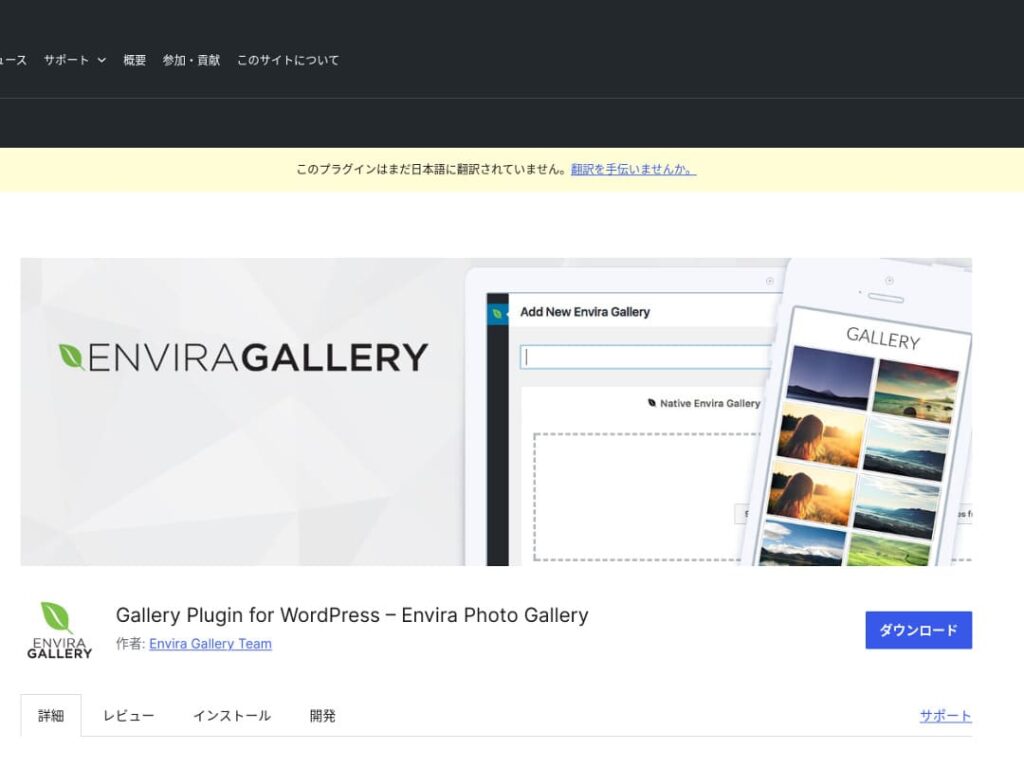
Envira Gallery 是一款因易用性和美觀設計而廣受歡迎的外掛。
它支援拖放編輯和響應式模板,因此即使沒有編碼知識,也能輕鬆建立專業級相簿。它還考慮到了 SEO,社交媒體整合也讓你更容易分享自己建立的相簿。
因此,它非常適合提升使用者參與度,併為你的網站帶來更多訪問者。

NextGEN Gallery:用於專業照片展示
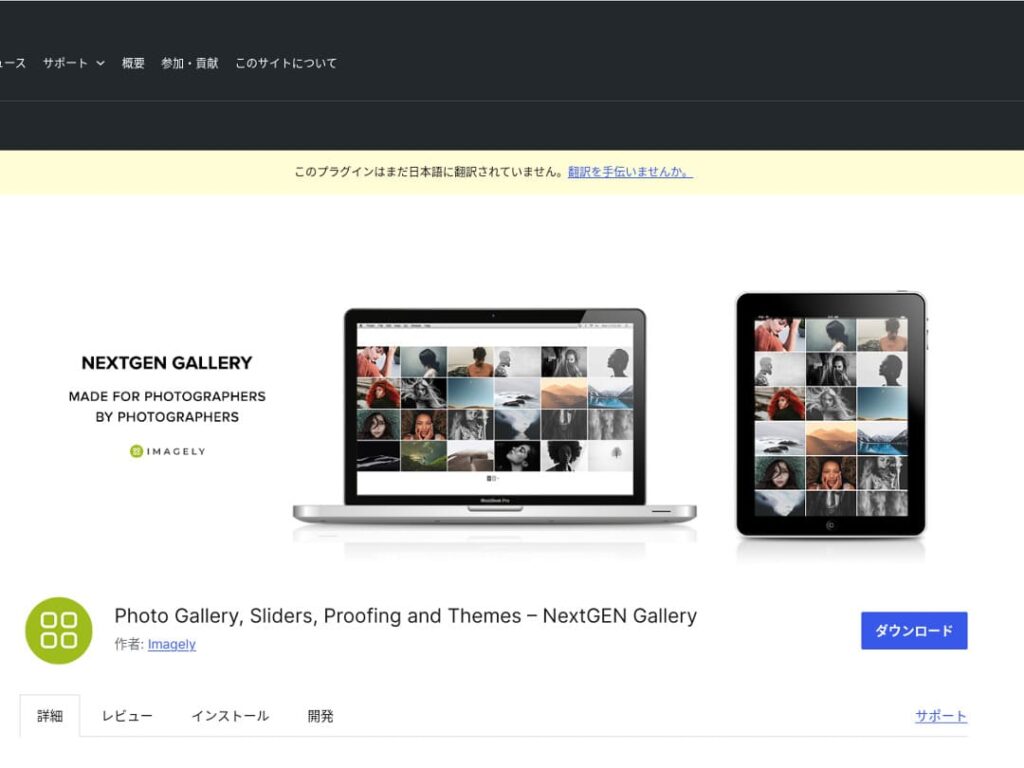
NextGEN Gallery 以提供高階管理功能和多樣化的相簿樣式而聞名。
這款外掛尤其推薦給攝影師和藝術愛好者。它提供多種相簿選項、批次上傳和影象編輯功能,非常適合希望對網站相簿進行精細控制的使用者。
使用 NextGEN,你可以為訪問者帶來難忘的視覺體驗。
FooGallery:易用且高度可定製的相簿
FooGallery 以直觀的操作和高度可擴充套件性而著稱。
使用這款外掛,只需幾次點選就能建立漂亮的相簿,而且還為開發者和高階使用者提供擴充套件功能。
FooGallery 的靈活性意味著,隨著網站成長和需求變化,你都可以輕鬆調整相簿以適應。

Modula Image Gallery:速度與視覺的完美平衡
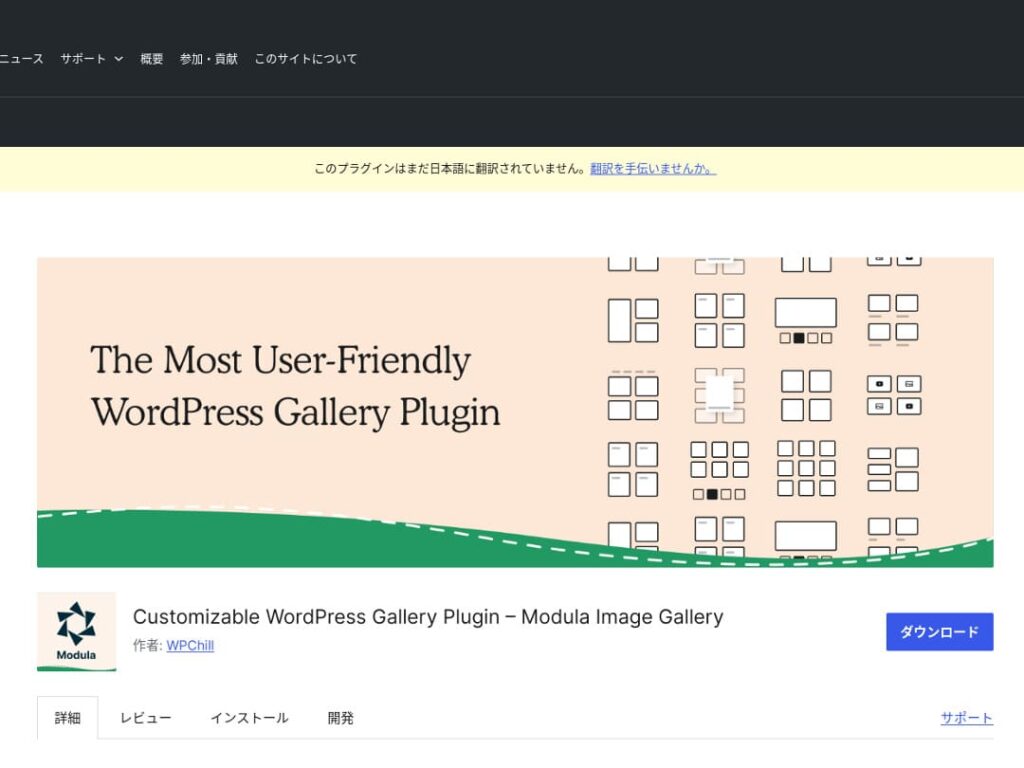
Modula Image Gallery 的魅力在於載入快速以及可自定義的網格佈局。
這是一款輕量級外掛,旨在建立美觀相簿的同時不損害網站效能。對於尤其重視頁面速度的網站管理員來說,Modula 是理想之選。
10Web 的 Photo Gallery:照片與影片的結合
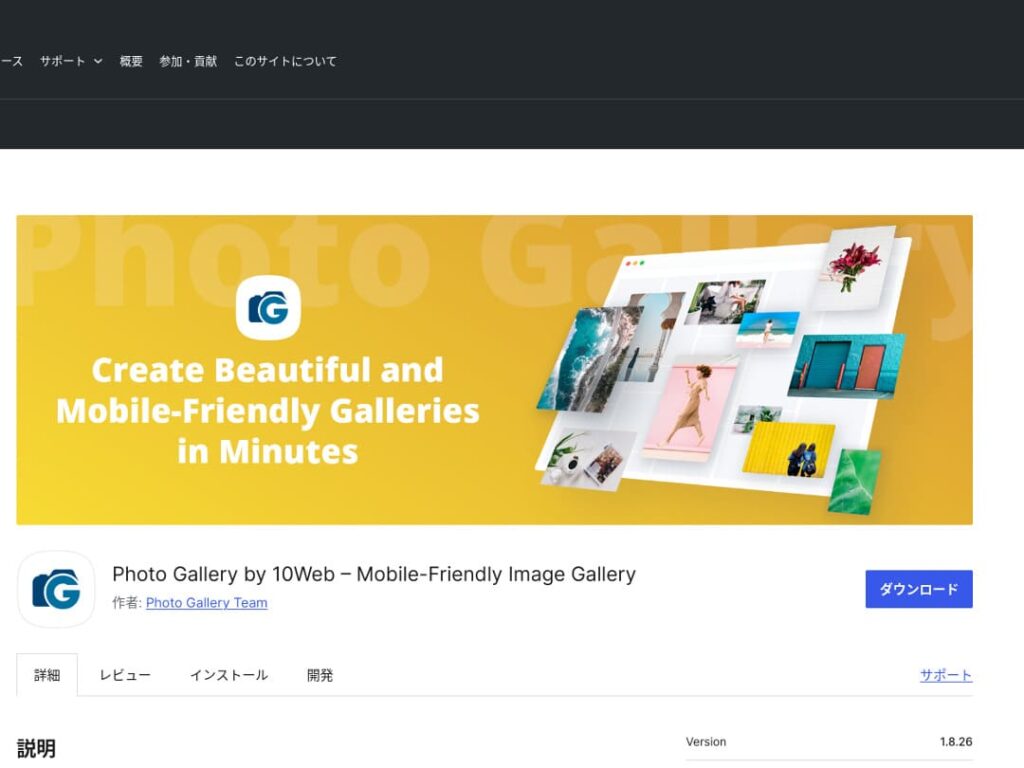
10Web 的 Photo Gallery 是一款多功能外掛,不僅能處理靜態圖片,也能處理影片。
它可以整合 YouTube 和 Vimeo 影片,並且讓你輕鬆建立響應式相簿和幻燈片。對於想從多個角度發展視覺內容的網站所有者來說,它非常合適。

透過最佳化相簿讓 WordPress 更具吸引力

如果你持續最佳化相簿,WordPress 首頁就會變得更有吸引力。
最佳化圖片
這能縮短網頁載入時間並提升使用者體驗。
- 調整尺寸:讓畫素尺寸與圖片的顯示尺寸相匹配。圖片不需要比網站上的顯示尺寸更大。
- 壓縮圖片:以 JPEG(或 WebP)格式儲存圖片,在畫質與檔案大小之間取得平衡。許多線上工具和軟體都能在不降低畫質的情況下減小檔案體積。
- 選擇合適的格式:照片適合用 JPEG,簡單插圖和 Logo 適合用 PNG 或 SVG。WebP 在體積和畫質之間表現出色,但並非所有瀏覽器都支援。
響應式設計
確保網頁和相簿在每一種裝置上都能正常顯示。
- CSS 媒體查詢:根據螢幕尺寸應用不同樣式規則,讓圖片和內容佈局適應裝置。
- 彈性圖片:為圖片應用 CSS 屬性 `max-width: 100%;`,使其尺寸能隨父元素寬度自動調整。
- 使用框架:如果使用 Bootstrap 等響應式設計框架,就能更輕鬆地實現響應式相簿。
SEO 最佳化
提高圖片在搜尋引擎中的可見度。
- 替代文字:當圖片無法載入,或視障使用者使用螢幕閱讀器時會顯示的文字。請使用能準確描述圖片幷包含關鍵詞的文字。
- 檔名:使用帶有關鍵詞的描述性檔名。像 black-leather-shoes.jpg 這樣的名稱,要比 DSC12345.jpg 更好。
- 圖片結構化資料:Google 針對某些型別的圖片,如商品圖片和食譜圖片,推薦使用結構化資料。這有助於圖片在搜尋結果中更醒目。
使用備份
備份可以防止資料丟失,並幫助保護你的網站。
- 定期備份:使用 UpdraftPlus 或 BackWPup 等 WordPress 備份外掛,定期備份網站資料,包括資料庫、檔案和圖片。
- 將備份儲存到外部儲存:把備份檔案不僅儲存在伺服器上,也儲存在 Dropbox 或 Google Drive 等外部雲端儲存中會更安全。
- 測試你的備份:定期確認備份是否正常工作,並在必要時檢查恢復流程。這樣一旦真的發生問題,就能迅速應對。
使用 WordPress 外掛展示相簿時,要注意頁面速度變慢
使用相簿時需要注意的一點是顯示速度變慢。如果你在相簿中展示大量照片,頁面的資料量就會增加,載入時間也會更長。
如果頁面載入時間過長,訪客可能會感到厭煩並離開你的網站。要是你把想讓別人看到的照片排好,卻因為頁面太慢,連一張都沒看就離開,那就太可惜了。
WordPress 相簿外掛本身已經包含提速功能。因此,如果即使使用了相簿外掛,你的網站仍然很慢,那麼遷移到其他伺服器也是不錯的選擇。
總結
讓 WordPress 網站相簿更吸引人的外掛有很多,其中 Envira Gallery、NextGEN Gallery、FooGallery、Modula Image Gallery 和 10Web 的 Photo Gallery 尤其值得選擇。
只要正確使用這些外掛,並落實上文介紹的改進措施,你就能提供抓住訪客眼球的視覺內容。
美觀的相簿會給訪問你網站的人留下深刻印象,並帶來更深層次的互動。