Năm plugin thư viện ảnh WordPress giúp ảnh của bạn nổi bật

Nếu bạn muốn có một site đẹp, bạn nên trưng bày ảnh của mình trong một thư viện ảnh.
Ảnh là không thể thiếu khi tạo ra một website hấp dẫn. Dù vậy, nếu chỉ đặt ảnh lên trang, bạn sẽ không thể tạo khác biệt với các homepage và blog khác. Trong trường hợp đó, hãy dùng một thư viện ảnh.
Đó là điều mà một thư viện ảnh làm. Nó tự điều chỉnh kích thước ảnh cho khớp với thiết bị và sắp xếp lại cho bạn. Trong WordPress, chức năng thư viện ảnh có sẵn như một tính năng tiêu chuẩn.

Mặc dù vậy, vẫn có những plugin thư viện ảnh tiện lợi và nhiều tính năng hơn chức năng thư viện ảnh mặc định của WordPress. Nếu biết cách tận dụng chúng, bạn có thể giúp trang web của mình trở nên hấp dẫn hơn nữa. Trong bài viết này, tôi sẽ giới thiệu năm plugin thư viện ảnh WordPress được khuyên dùng.
Các trang web có nhiều ảnh thường hiển thị chậm hơn. Nếu trang không tải nhanh, người xem sẽ không còn kiên nhẫn để tiếp tục xem. Nếu bạn muốn đăng tải nhiều ảnh, hãy chắc chắn sử dụng một máy chủ tốc độ cao.
★ Verified for speed: a comparison of 15 hosting companies in a máy chủ speed ranking
Complete Comparison of 32 WordPress Hosting Services for Individuals, Companies, and Overseas Use

Khi bạn nghĩ: “Tôi muốn bắt đầu tạo blog WordPress” và tìm kiếm “khuyên dùng WordPress”, bạn sẽ tìm thấy đủ loại bài viết đề cập đến hosting cá nhân, tùy chọn cho công ty và doanh nghiệp nhỏ, hosting nước ngoài và các máy chủ giá rẻ. Thành thật mà nói,
- which site should you trust?
- you may just want a simple and understandable answer.
- you may want to get started with WordPress right away.
That is why this article carefully selects recommended choices from 32 hosting providers for individuals, companies, domestic use, and overseas use. It is explained by the SEO lead at an app development company that uses hosting every day.
Five WordPress thư viện ảnh plugin that make your ảnh nổi bật
Tạo một thư viện ảnh đẹp với Envira Gallery
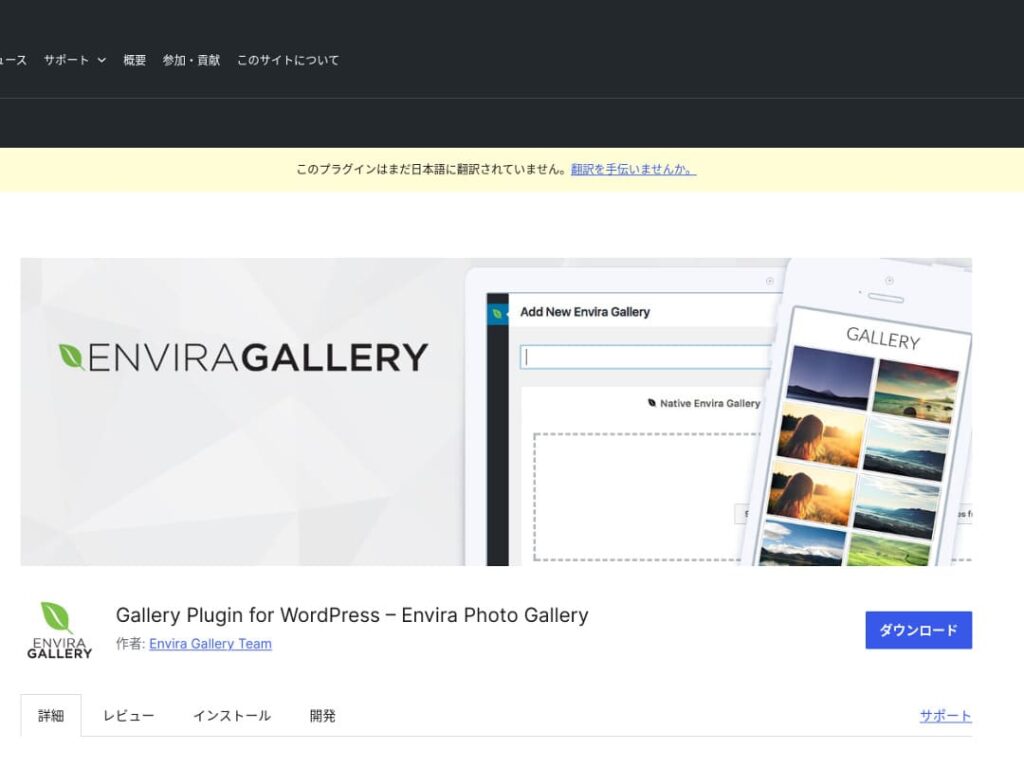
Envira Gallery là một plugin được ưa chuộng vì dễ dùng và có thiết kế đẹp.
Nó có tính năng kéo-thả và các mẫu giao diện thích ứng, nên ngay cả khi không biết lập trình bạn vẫn có thể dễ dàng tạo một thư viện ảnh chuyên nghiệp. Nó cũng chú ý đến SEO, và khả năng tích hợp mạng xã hội giúp bạn dễ dàng chia sẻ những thư viện ảnh mình tạo ra.
Điều đó khiến nó trở thành lựa chọn tuyệt vời để tăng mức độ gắn kết của người dùng và thu hút thêm khách truy cập vào website của bạn.

NextGEN Gallery: dành cho trình bày ảnh chuyên nghiệp
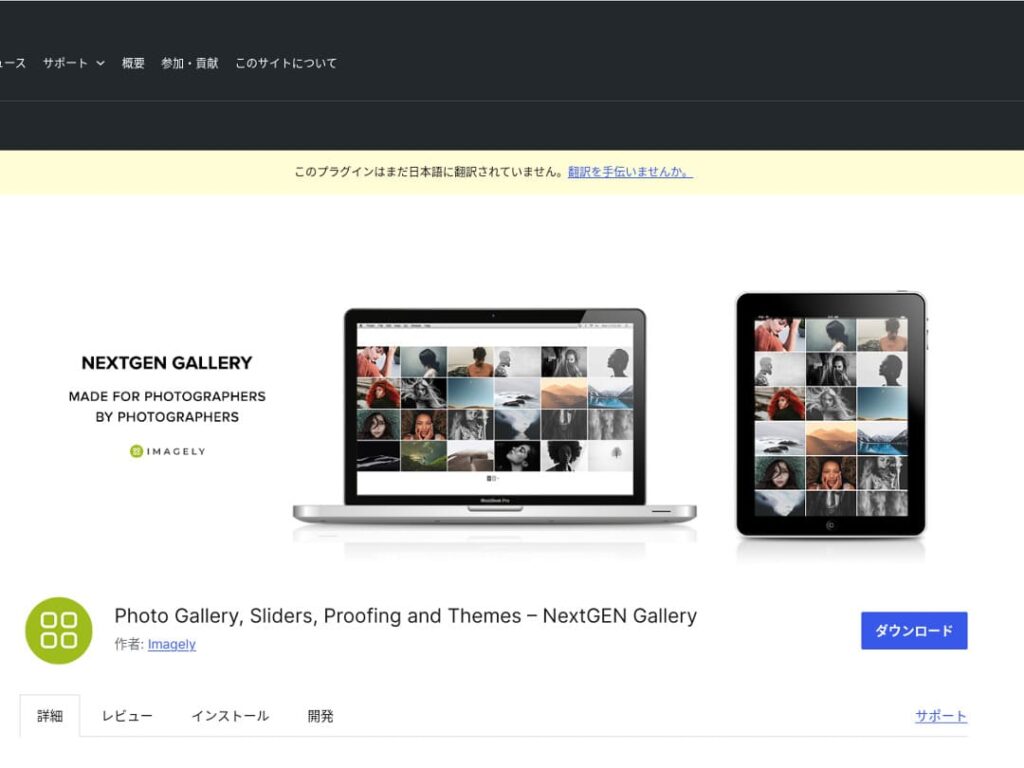
NextGEN Gallery nổi tiếng vì cung cấp các chức năng quản lý nâng cao và nhiều kiểu thư viện ảnh khác nhau.
Plugin này đặc biệt được khuyên dùng cho nhiếp ảnh gia và người yêu nghệ thuật. Nó bao gồm nhiều tùy chọn album, tải lên hàng loạt và các tính năng chỉnh sửa ảnh, rất phù hợp cho những người muốn kiểm soát chi tiết các thư viện ảnh trên site của mình.
Bằng cách dùng NextGEN, bạn có thể mang đến cho khách truy cập một trải nghiệm thị giác khó quên.
FooGallery: thư viện ảnh dễ sử dụng với khả năng tùy biến mạnh mẽ
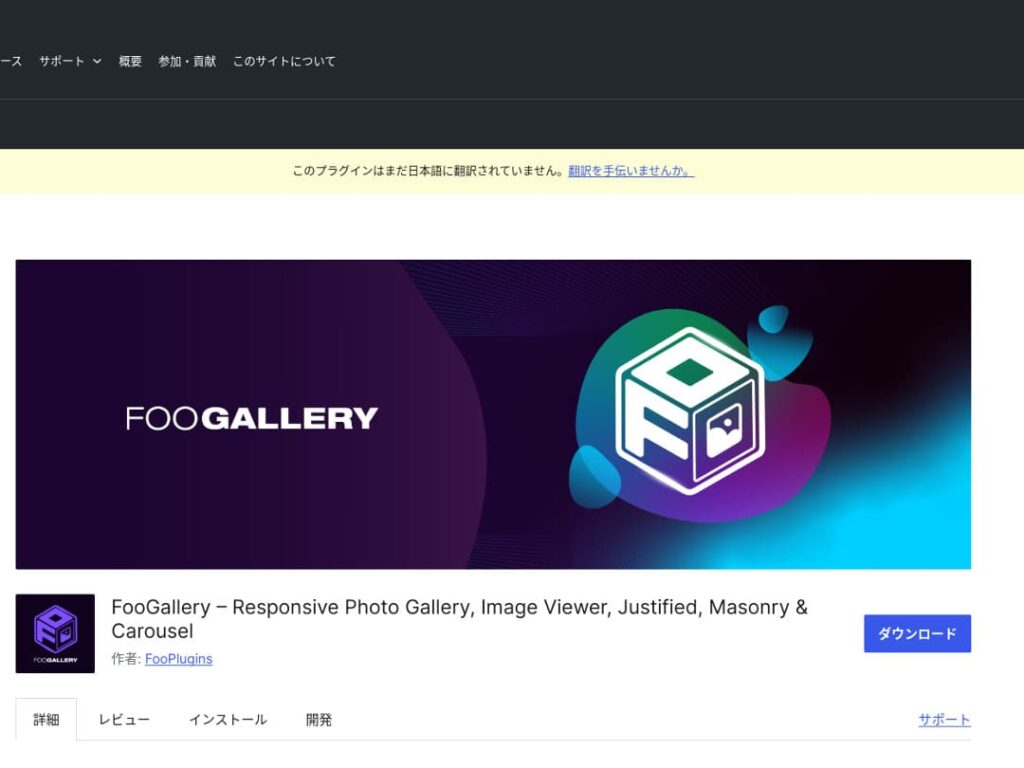
FooGallery is chosen for its intuitive operation and its high degree of extensibility.
Với plugin này, bạn có thể tạo một bộ sưu tập ảnh tuyệt đẹp chỉ bằng vài cú nhấp chuột, ngoài ra nó còn cung cấp các tính năng mở rộng cho nhà phát triển và người dùng nâng cao.
Sự linh hoạt của FooGallery giúp bạn dễ dàng điều chỉnh bộ sưu tập ảnh sao cho phù hợp khi trang web của bạn phát triển và nhu cầu thay đổi.

Modula Image Gallery: the perfect balance of speed and visuals
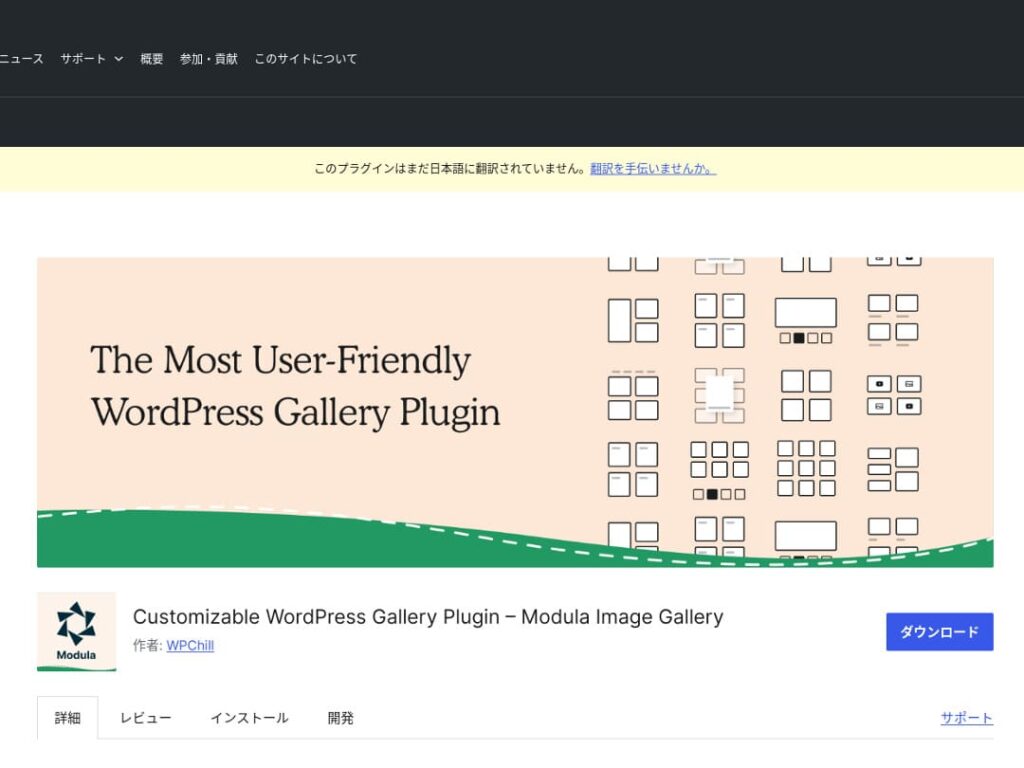
Modula Image Gallery is a plugin whose appeal lies in fast loading and customizable grid layouts.
This lightweight plugin is designed to tạo beautiful galleries without harming site performance. For webmasters who care deeply about page speed in particular, Modula is an ideal choice.
Photo Gallery by 10Web: kết hợp giữa hình ảnh và video
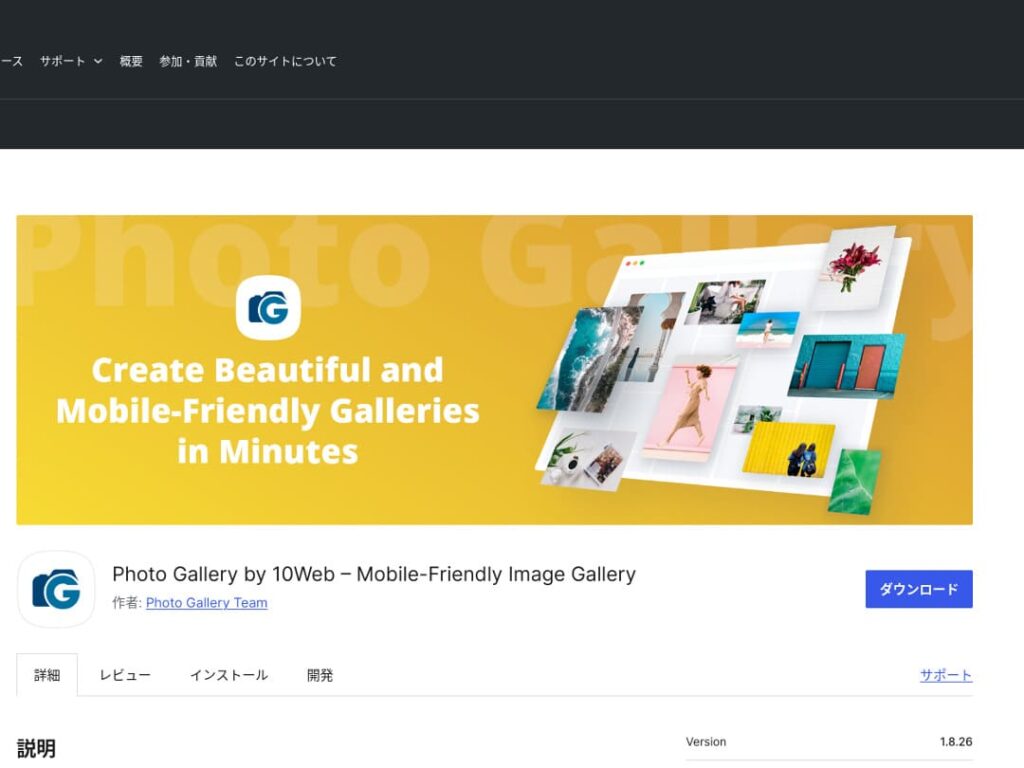
Photo Gallery by 10Web is a multifunctional plugin that can handle not only still images but also video.
Công cụ này có thể nhúng video YouTube và Vimeo, đồng thời giúp dễ dàng tạo các thư viện ảnh và trình chiếu slide có phản hồi tốt (responsive). Nó lý tưởng cho các chủ trang web muốn phát triển nội dung trực quan dưới nhiều góc độ.

Make WordPress more appealing by improving your galleries

If you keep improving your galleries, your WordPress homepage becomes much more attractive.
Optimize images
This shortens web page loading time and improves the user experience.
- Adjust the size: match the pixel dimensions to the display size of the image. You do not need images that are larger than the way they are shown on the website.
- Nén ảnh: lưu ảnh ở định dạng JPEG (hoặc WebP) và cân bằng giữa chất lượng và dung lượng tệp. Nhiều công cụ trực tuyến và gói phần mềm có thể giúp giảm dung lượng tệp mà không làm giảm chất lượng hình ảnh.
- Chọn định dạng phù hợp: sử dụng JPEG cho ảnh chụp, và PNG hoặc SVG cho hình minh họa đơn giản và logo. WebP mang lại sự cân bằng tuyệt vời giữa dung lượng và chất lượng, nhưng không phải trình duyệt nào cũng hỗ trợ.
Responsive design
Đảm bảo trang web và bộ sưu tập ảnh hiển thị chính xác trên mọi thiết bị.
- CSS media queries: apply different style rules based on screen size. This lets the layout of images and content adapt to the device.
- Flexible images: apply the CSS property max-width: 100%; to images so their size adjusts according to the width of the parent element.
- Use a framework: if you use a thích ứng design framework such as Bootstrap, you can implement a thích ứng thư viện ảnh more easily.
SEO optimization
Increase the visibility of your images in search engines.
- Alt text: this is the text shown when an image does not load or when a visually impaired user uses a screen reader. Use text that accurately describes the image and includes keywords.
- File names: use descriptive tệp names that include keywords. A name like black-leather-shoes.jpg is better than DSC12345.jpg.
- Dữ liệu có cấu trúc cho hình ảnh: Google khuyến nghị sử dụng dữ liệu có cấu trúc cho một số loại hình ảnh nhất định, chẳng hạn như ảnh sản phẩm và ảnh công thức nấu ăn. Điều này giúp hình ảnh nổi bật hơn trong kết quả tìm kiếm.
★ What is SEO? The steps and proper methods of search engine optimization
Use sao lưus
Backups prevent data loss and help secure your site.
- Sao lưu thường xuyên: sử dụng các plugin sao lưu WordPress như UpdraftPlus hoặc BackWPup để sao lưu dữ liệu trang web một cách định kỳ, bao gồm cơ sở dữ liệu, các tệp tin và hình ảnh.
- Lưu trữ bản sao lưu vào bộ nhớ ngoài: Sẽ an toàn hơn nếu lưu các tệp sao lưu không chỉ trên máy chủ mà còn trên các dịch vụ lưu trữ đám mây bên ngoài như Dropbox hoặc Google Drive.
- Kiểm tra các bản sao lưu của bạn: Hãy thường xuyên kiểm tra xem các bản sao lưu có hoạt động bình thường hay không và xem lại quy trình khôi phục khi cần thiết. Điều này cho phép bạn phản ứng nhanh chóng nếu xảy ra sự cố thực sự.
★ Five WordPress sao lưu plugin
Khi hiển thị bộ sưu tập ảnh bằng các plugin WordPress, hãy lưu ý tốc độ tải trang có thể bị chậm lại
Một lưu ý khi sử dụng bộ sưu tập ảnh là tốc độ hiển thị có thể chậm hơn. Nếu bạn hiển thị quá nhiều hình ảnh trong một bộ sưu tập, dung lượng dữ liệu trên trang sẽ tăng lên và thời gian tải trang sẽ lâu hơn.
Nếu trang web mất nhiều thời gian để tải, khách truy cập có thể cảm thấy khó chịu và rời khỏi trang của bạn. Sẽ thật đáng tiếc nếu bạn đã chuẩn bị sẵn những bức ảnh muốn mọi người xem, nhưng họ lại rời đi mà không xem được bất kỳ hình ảnh nào trong bộ sưu tập.
WordPress thư viện ảnh plugin already include speed-improvement functions. For that reason, if your website is still slow even when you use a thư viện ảnh plugin, it is a good idea to move to a different máy chủ.
Summary
Có rất nhiều plugin để làm cho thư viện ảnh trên trang web WordPress trở nên hấp dẫn hơn, nhưng trong đó Envira Gallery, NextGEN Gallery, FooGallery, Modula Image Gallery và Photo Gallery by 10Web là những lựa chọn đặc biệt mạnh mẽ.
Bằng cách sử dụng hợp lý các plugin này và thực hiện các biện pháp cải tiến được trình bày ở trên, bạn có thể cung cấp các nội dung hình ảnh thu hút trái tim của khách truy cập.
Một thư viện ảnh đẹp mắt sẽ để lại ấn tượng mạnh mẽ cho những người truy cập trang web của bạn và tạo ra sự tương tác sâu sắc hơn.