Master WordPress Contact Forms: Five Carefully Chosen Plugins, from the Standard Picks to Hidden Gems

Biểu mẫu liên hệ là phần không thể thiếu đối với các trang web WordPress. Thiết lập một biểu mẫu dễ dàng hơn nhiều so với suy nghĩ của nhiều người và bạn có thể thêm ngay vào trang web của mình. Tại đây, chúng tôi giới thiệu 5 plugin được tuyển chọn kỹ lưỡng, phù hợp cho mọi đối tượng từ người mới bắt đầu đến người dùng nâng cao.
Bên cạnh bản thân các plugin, chúng tôi cũng giải thích cách vận hành biểu mẫu của bạn một cách tốt nhất khi cân nhắc đến tính bảo mật và khả năng sử dụng. Sau khi đọc xong bài viết này, bạn sẽ có thể tự tin cài đặt và vận hành một biểu mẫu liên hệ.
Complete Comparison of 32 WordPress Hosting Services for Individuals, Companies, and Overseas Use

Khi bạn nghĩ: “Tôi muốn bắt đầu tạo blog WordPress” và tìm kiếm “khuyên dùng WordPress”, bạn sẽ tìm thấy đủ loại bài viết đề cập đến hosting cá nhân, tùy chọn cho công ty và doanh nghiệp nhỏ, hosting nước ngoài và các máy chủ giá rẻ. Thành thật mà nói,
- which site should you trust?
- có lẽ bạn chỉ muốn có một câu trả lời đơn giản và dễ hiểu.
- you may want to get started with WordPress right away.
Chính vì thế, bài viết này tuyển chọn kỹ lưỡng các gợi ý từ 32 nhà cung cấp hosting cho cá nhân, doanh nghiệp, nhu cầu trong nước và ngoài nước. Nội dung được giải thích bởi trưởng bộ phận SEO tại một công ty phát triển ứng dụng sử dụng hosting hàng ngày.
Năm plugin giúp tạo biểu mẫu liên hệ WordPress đơn giản và tiện lợi
Khi vận hành một trang web, biểu mẫu liên hệ là phần không thể thiếu để nhận ý kiến trực tiếp từ người dùng. Với WordPress, các plugin cho phép tạo biểu mẫu và nhúng vào trang web một cách dễ dàng ngay cả khi không có kiến thức lập trình. Lần này, chúng tôi đã chọn lọc ra 5 plugin đáng giới thiệu nhất từ rất nhiều tùy chọn có sẵn.
1. Contact Form 7: a đơn giản, classic form-building tool
Contact Form 7 là một plugin WordPress lâu đời nổi tiếng với tính dễ dùng và khả năng mở rộng cao. Nó đáp ứng mọi nhu cầu từ các biểu mẫu cơ bản đến các biểu mẫu phức tạp hơn.
Ngoài việc được sử dụng miễn phí, công cụ này còn cung cấp các tùy chọn tùy chỉnh phong phú và nhiều plugin mở rộng, giúp đáp ứng mọi loại yêu cầu.

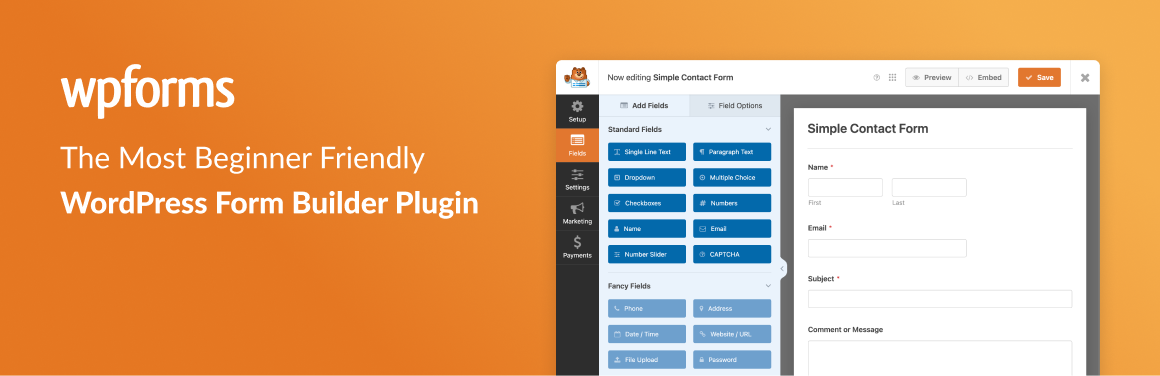
2. WPForms: intuitive form building that người mới bắt đầus can handle easily
WPForms sở hữu giao diện thân thiện với người dùng giúp bạn tạo biểu mẫu bằng thao tác kéo thả. Ngay cả người mới bắt đầu cũng có thể xây dựng các biểu mẫu đẹp mắt trong thời gian ngắn.
Lựa chọn mẫu phong phú và thao tác trực quan của công cụ này giúp bất kỳ ai cũng có thể dễ dàng tạo biểu mẫu. Một ưu điểm lớn khác là ngay cả phiên bản miễn phí cũng bao gồm nhiều tính năng hữu ích.
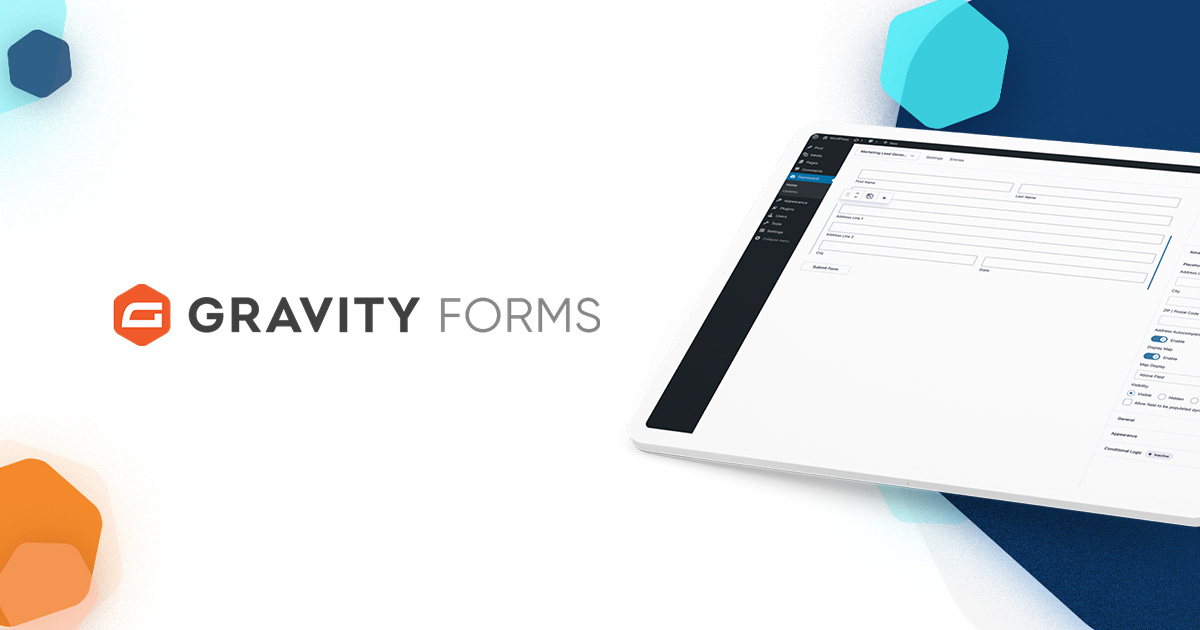
3. Gravity Forms: a powerful form builder that suits business sử dụng
Gravity Forms cực kỳ phù hợp cho các trang web doanh nghiệp có nhu cầu sử dụng các biểu mẫu phức tạp. Nó cho phép bạn xây dựng các biểu mẫu với tính năng quản lý trường thông tin nâng cao và logic điều kiện.
Bằng cách sử dụng nhiều tiện ích bổ sung của nó, bạn có thể quản lý các lượt gửi biểu mẫu và tùy chỉnh thông báo qua email, điều này mang lại lợi thế lớn trong hoạt động kinh doanh.
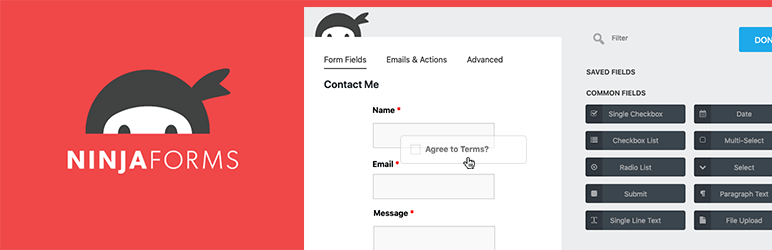
4. Ninja Forms: một plugin biểu mẫu cân bằng giữa tính linh hoạt và sự dễ sử dụng
Ninja Forms is một plugin kết hợp giữa tính dễ sử dụng và khả năng tùy biến linh hoạt. Nó hỗ trợ nhiều đối tượng người dùng khác nhau, từ người mới bắt đầu cho đến lập trình viên.
Các tính năng cốt lõi được cung cấp miễn phí và có thể thêm các tiện ích mở rộng (add-on) trả phí khi cần thiết, do đó rào cản để bắt đầu là rất thấp.
5. Formidable Forms: một plugin biểu mẫu vượt trội trong việc thu thập dữ liệu và xây dựng ứng dụng
Đây là một plugin nâng cao có thể lưu thông tin trực tiếp vào cơ sở dữ liệu và cung cấp các chức năng giống như ứng dụng thông qua biểu mẫu.
Vì nó có thể dễ dàng tạo báo cáo từ dữ liệu biểu mẫu thu thập được cũng như các biểu mẫu có logic điều kiện và phép tính phức tạp, nên nó đặc biệt phù hợp cho mục đích sử dụng của doanh nghiệp.

Important points khi operating a contact form

Khi bạn cài đặt và vận hành biểu mẫu liên hệ, hãy lưu ý các điểm sau.
- Bảo mật là trên hết: Việc cấu hình CAPTCHA để chống thư rác và mã hóa thông tin bằng SSL là điều vô cùng thiết yếu.
- Prioritize usability: the form should be designed so that people can understand it intuitively and fill it out easily. Do not forget to make it mobile-friendly as well.
- Comply with the law: follow laws related to the handling of personal information, such as GDPR, and clearly state your privacy policy on the site.
Summary
Bằng cách ghi nhớ những điểm này, bạn có thể tạo ra một biểu mẫu liên hệ dễ dàng sử dụng cho cả người dùng lẫn người điều hành trang web. Hãy tận dụng tối đa biểu mẫu liên hệ của bạn như một công cụ giao tiếp hiệu quả.