Eligible domains free forever
PR
سرورز
Onamae.com Rental سرور کا جائزہ: 99.99% اپ ٹائم، استحکام، اور قیمت
شائع شدہ: 2025.04.18
تازہ کاری: 2025.04.18
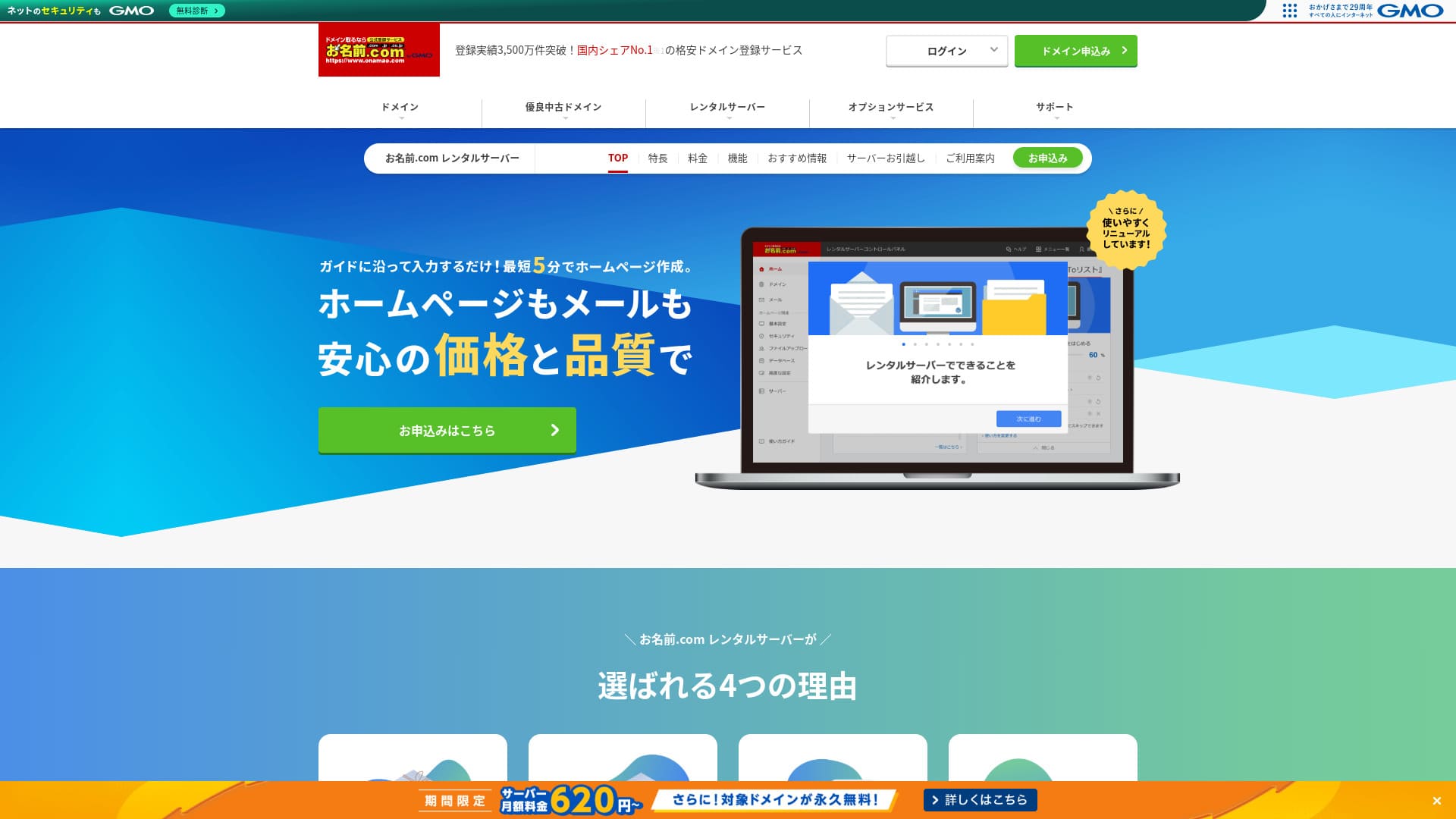
صرف ڈومینز ہی نہیں بلکہ سرورز کے لیے بھی مشہور ہونے میں فائدہ ہے۔
Onamae.com جاپان میں ڈومین رجسٹرار کے طور پر معروف ہے۔ اس کی سرور سروس نسبتاً پس منظر میں رہتی ہے۔تاہم، اس کی خصوصیات اور اسپیکز مضبوط ہیں۔ میں اسے افراد اور کاروبار دونوں کے لیے تجویز کر سکتا ہوں۔
In this article, I explain everything from the reputation and خصوصیات ofonamae.com Rental Serverto how to start WordPress.

Complete Comparison of 32 WordPress Rental Servers: Recommendations by Personal, Business, and Overseas Use

When you میرا خیال ہے, “I want to start WordPress,” and search for “WordPress recommendations,” you see all kinds of articles, from personal-use services and سرورز for کمپنیاں and چھوٹا businesses to overseas and کم-لاگت options. Honestly,
- Which site should I read?
- I just want to choose a server simply and clearly.
- Show me how to start WordPress right away.
Do you ever feel that way? This article introducescarefully selected recommendations from 32 rental سرورز for افراد, businesses, domestic use, and overseas use. It is explained by the SEO lead of an app development کمپنی that works with rental سرورز every day.
Onamae.com Rental سرور جائزہ: a سرور whose زیادہ uptime gives peace of mind
「onamae.com Rental Server” has been used by both individuals and businesses. It is Japan’s largest domain registration service, and being able to manage your domain and server together is a major advantage. It makes email, website, and domain management easier across the board.

| سرور کی قسم | Shared سرور |
| Display speed (TTFB) | Not measured |
| تجویز کردہ plan and contract term | 12 months |
| آزمائش / رقم واپسی کی ضمانت | کچھ نہیں |
| Monthly fee (12-ماہ contract) | 2,398 yen |
| ابتدائی سیٹ اپ فیس | مفت |
| مفت ڈومین | 1 free forever |
| سپورٹ | Phone, ای میل, and chat (weekdays 10:00-18:00) |
| اپ ٹائم | 99.99% guaranteed |
| سرور اسٹوریج | 1TB |
| Number of databases | Unlimited |
| سیکیورٹی measures | WAF / access restrictions / ads.txt / SiteLock |
| SSL | Free SSL / AlphaSSL |
| بیک اپ / بحال کریں | 14 روزہ خودکار بیک اپ / Free restoration |
| Number of ای میل accounts | Unlimited |
| ای میل سیکیورٹی اقدامات | Spam filter and virus scanning / SMTP over SSL, POP over SSL / IMAP / restriction on outbound mail from overseas / blacklist and whitelist |
| سرور / ویب سائٹ منتقلی سروس | No migration service Migration tool دستیاب |
| Easy WordPress installation | Yes |
| CDN | کچھ نہیں |
Five features of Onamae.com Rental Server

99.99% اپ ٹائم
onamae.com Rental Serverhas 99.99% uptime. The سرور is very مستحکم.چونکہ سرور مستحکم ہے، آپ کی ویب سائٹ کی نمائش بھی مستحکم رہتی ہے۔
چونکہ یہ اعلیٰ اپ ٹائم کے 99.99% معیار تک پہنچتا ہے، ایک سال کے معاہدے میں مجموعی ڈاؤن ٹائم ایک گھنٹے تک بھی نہیں پہنچتا۔
★ A Beginner's Guide to Understanding Rental Server Uptime and SLAs
جامع ای میل خصوصیات
onamae.com Rental Serveris run by a کمپنی that specializes in ڈومین services, andits ای میل خصوصیات are comprehensive.
ای میل اکاؤنٹس کی تعداد لامحدود ہے۔ آپ لامحدود میلنگ لسٹس بھی بنا سکتے ہیں، جو اُن کمپنیوں کے لیے آسان ہے جو کارپوریٹ ای میل اکاؤنٹس بنانا اور بغیر پابندی کے ملازمین کو پیغامات بھیجنا چاہتی ہیں۔
ای میل وائرس ہٹانے کی سہولت بھی بغیر اضافی چارج کے دستیاب ہے، اس لیے آپ اعتماد کے ساتھ ای میل سروس استعمال کر سکتے ہیں۔
14 روزہ خودکار بیک اپ
onamae.com Rental Serverincludes a 14-day automatic بیک اپ خصوصیت.
Because بیک اپ data is kept,your سائٹ can be restored even if you accidentally delete ویب سائٹ data or it gets tampered with in a cyberattack.
اس سے آپ اپنی ویب سائٹ اطمینان کے ساتھ چلا سکتے ہیں۔
لامحدود ڈیٹا ٹرانسفر
onamae.com Rental Serveroffers لامحدود data ٹرانسفر.
آپ اس صورتحال کا شکار نہیں ہوتے کہ ٹریفک بڑھ جائے اور ٹرانسفر گنجائش ختم ہونے کی وجہ سے آپ سائٹ پیش نہ کر سکیں۔
★ What Are Traffic and Data Transfer? Managing and Optimizing Web Traffic
Affordable for کاروباری use, including چھوٹا and midsize کمپنیاں
「onamae.com Rental Server” is well known as the ڈومین مینجمنٹ کمپنی within GMO Internet Group. It is one of the most affordable سرورز for کاروباری use. Because it is a ڈومین-focused کمپنی, it is particularly strong at ای میل operation. It is a اچھا fit for کمپنیاں that want to منظم کریں their ویب سائٹ and ای میل together.
Eligible ڈومینز مفت forever
onamae.com Rental Serverworks for both افراد and businesses کیونکہ its uptime is زیادہ and مستحکم and its ای میل خصوصیات are comprehensive.
Even so,it is cheaper than competing services when you evaluate it for کاروباری use by چھوٹا and midsize کمپنیاں and other organizations.That makes it a strong option for کمپنیاں that want to keep costs down.
A drawback of Onamae.com Rental سرور is that it has only one plan

One disappointing point is thatonamae.com Rental Serveronly has one plan.While it is nice to have more خصوصیات and اسپیکز than you may ever fully use, it would be even nicer if there were a cheaper plan that limited some of them.
If you could choose a plan according to your سائٹ ٹریفک, it would be easier to lower چلانے costs, so this is a point I hope changes in the future.
That said, having only one plan is آسان and آسان to understand. If it feels expensive, you can choose another سرور, and if the قیمت feels acceptable, the زیادہ سہولت means you can keep using it for the long term.
Compare Onamae.com Rental سرور with two similar سرورز
ConoHa WING
ConoHa WINGis a سرور that makes it آسان to start WordPress. Because the ڈومین and WordPress settings are completed when you sign up, you can launch your ویب سائٹ with confidence.
Because multiple plans are دستیاب, you can scale up the اسپیکز when you need to.
However, Onamae.com Rental سرور is cheaper in the first سال.

ConoHa WING Review: Testing the Reasons 750,000 Users Choose It, Plus Its Speed, Pros, and Cons
ConoHa WING Review: Testing the Reasons 750,000 Users Choose It, Plus Its Speed, Pros, and Cons
serverfield.org
Xserver
Xserveris also a مستحکم سرور with 99.99% uptime. Its اسپیکز and خصوصیات are strong enough that it is difficult to rank one clearly above the other.
It is also a سرور that makes WordPress آسان to start. If you use “WordPress Quick Start,” WordPress is preinstalled when you sign up.That means even سرور beginners can start WordPress with confidence.
However, کیونکہ Onamae.com Rental سرور is cheaper in the first سال, لاگت is something you should factor into your decision.

Xserver Review [2025 Edition]: A Thorough Look at Speed, Pricing, Pros, and Cons
Xserver Review [2025 Edition]: A Thorough Look at Speed, Pricing, Pros, and Cons
serverfield.org
Five steps to start a WordPress ویب سائٹ with Onamae.com Rental سرور right now
Let’s start your website with Onamae.com Rental Server
- STEP.1Visit the official site: Onamae.com Rental Server
Click “Apply now.”
- STEP.2Apply for the سرور and get your ڈومین
Choose a billing term. I تجویز کریں the 12-ماہ payment option کیونکہ the discount is larger.
Choose your ڈومین. Select “Apply for a custom ڈومین.” That lets you skip tasks such as connecting the ڈومین and سرور manually.
In the application details, if this is your first time, set your ای میل address and password. Agree to the terms of use and privacy policy, then click “Next.”
Enter the ڈومین string you want and search for it.
★ What Is a Domain? Its Role as an Address on the Internet and How to Get One
You can choose a root ڈومین such as “.com” or “.co.jp.” Registration and renewal costs change depending on the root ڈومین. If you are unsure which to choose, I تجویز کریں “.co.jp” for businesses whenever possible. For افراد, “.com” and “.net” are اچھا choices کیونکہ they are familiar and less likely to look suspicious to visitors.
Check the ڈومین you want and click “Proceed to application.”
Choose the number of years for ڈومین registration. It is fine to leave the optional services unchecked.
Enter your payment information. I تجویز کریں paying by credit card so you can start your ویب سائٹ right away. If everything is correct, click “Complete application.” That finishes both the سرور application and ڈومین registration.
- STEP.3Install WordPress
Log in from “Onamae.com Navi Login.”
From “Rental سرور,” click “List of rental سرورز in use.” The ڈومین you just applied for will be listed there. Click “Login” for the ڈومین where you want to install WordPress.
The control panel password setup screen appears. Create a new password. As you continue through the guidance, you will reach the WordPress ویب سائٹ creation screen. Click “Create.”
Click “Create a new سائٹ if this is your first one.”
Choose the ڈومین you already obtained. You do not need to add any extra text. Click “Enter information.”
Enter the user settings.
- Website title:Anything is fine. You can easily change it later.
- ای میل address:Use an address you normally check. For کمپنیاں, a کاروباری ای میل address for the ویب سائٹ administrator is بہترین.
- Password:Make it as complex as possible. You can easily change it later.
After filling everything in, click “Confirm.”
You will use the ای میل address and password when logging in to WordPress. Be sure to save them.After confirming the details, click “Create.”
Your database information will be shown. Save it.You will need it when editing the database.
- STEP.4Initial WordPress setup
Click “Go to list.” A list of WordPress سائٹس will appear, so click “Login” for the سائٹ you just installed.
On the WordPress login screen, enter the username and password you set during installation and click “Log in.”
After logging in to WordPress, set your permalinks. In the WordPress dashboard, go to “Settings” and then “Permalinks.” Choose “Post name,” then click “Save changes.”
With “Post name,” you can enter whatever string you want in each article URL. I تجویز کریں a short string that helps readers imagine the article content. If it gets too long, some people may worry that the سائٹ looks suspicious.
- STEP.5Install plugins
Return to the WordPress dashboard, go to “Plugins,” then “Add New,” and install the plugins you need.
When you find a plugin you want by searching, click “Install Now” and then “Activate.” After that, follow the instructions for each plugin.
Be sure to install سیکیورٹی and بیک اپ plugins.
- Five WordPress سیکیورٹی Plugins and How to Choose Them
- Five Powerful WordPress بیک اپ Plugins to Help You Recover Data
Once your plugins are installed, your WordPress ویب سائٹ is ready to go!
Summary
「onamae.com Rental Server” has been used by both افراد and businesses. It is Japan’s largest ڈومین registration service, and being able to منظم کریں your ڈومین and سرور together is a بڑا advantage. It makes ای میل, ویب سائٹ, and ڈومین مینجمنٹ easier across the board.
Eligible domains free forever
onamae.com Rental Serveris a مستحکم سرور with 99.99% uptime.Its اسپیکز and خصوصیات are strong enough that both افراد and businesses can use it with confidence. Give it a try.
Complete Comparison of 32 WordPress Rental Servers: Recommendations by Personal, Business, and Overseas Use
When you میرا خیال ہے, “I want to start WordPress,” and search for “WordPress recommendations,” you see all kinds of articles, from personal-use services and سرورز for کمپنیاں and چھوٹا businesses to overseas and کم-لاگت options. Honestly,
- Which site should I read?
- I just want to choose a server simply and clearly.
- Show me how to start WordPress right away.
Do you ever feel that way? This article introducescarefully selected recommendations from 32 rental سرورز for افراد, businesses, domestic use, and overseas use. It is explained by the SEO lead of an app development کمپنی that works with rental سرورز every day.