30 دن کی رقم واپسی کی ضمانت
PR
سرورز
Hostinger جائزہ [2025 تازہ ترین]: WordPress کی طرف سے سرکاری طور پر تجویز کردہ۔ فوائد، نقصانات، اور حریفوں سے موازنہ
شائع شدہ: 2025.08.26
تازہ کاری: 2025.08.26
درجہ بندی: 4.0
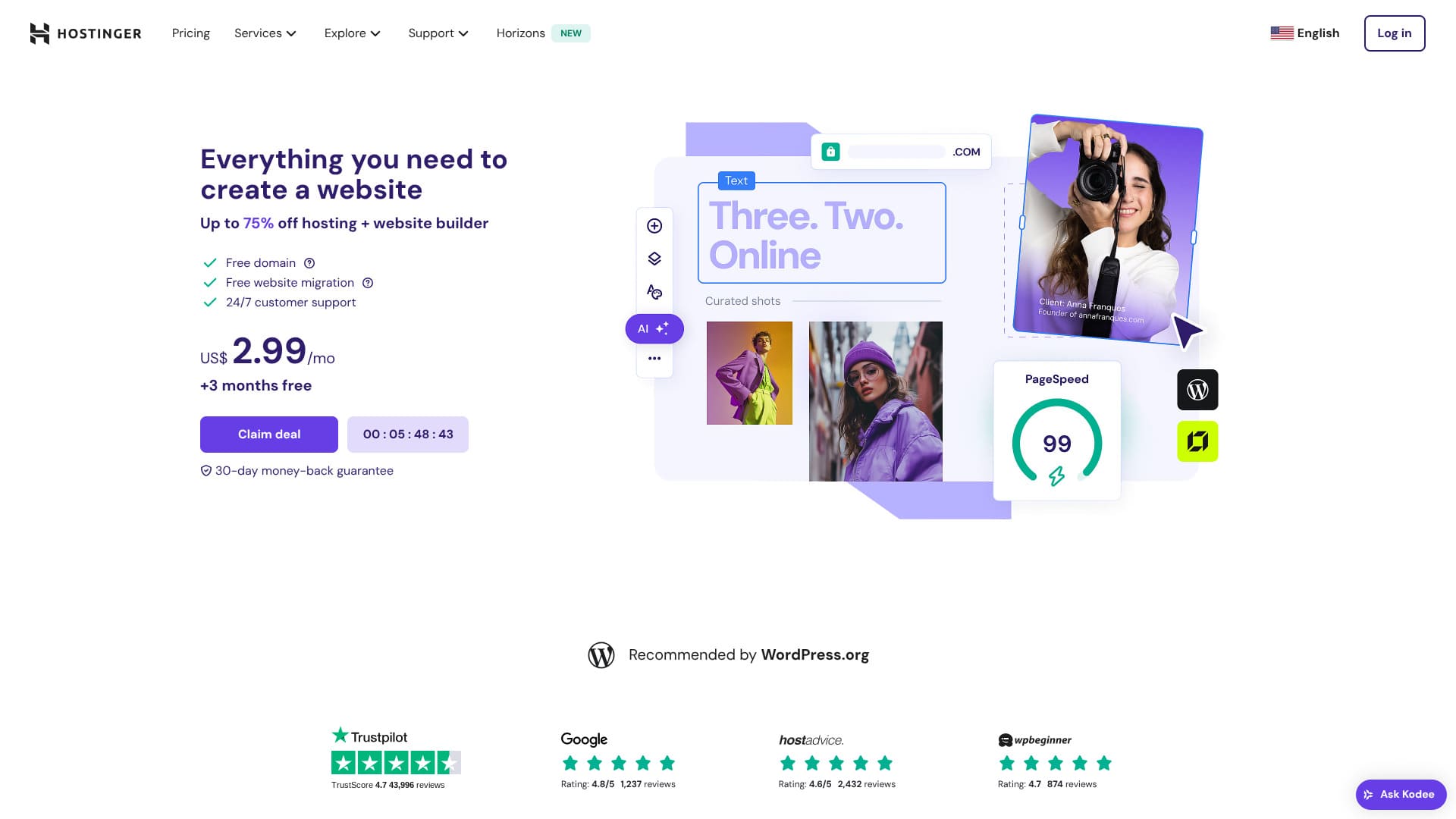
Hostinger ایک ایسا سرور ہے جس کی WordPress کی طرف سے سرکاری طور پر سفارش کی جاتی ہے، اور اس کی سپورٹ دن میں 24 گھنٹے، سال میں 365 دن دستیاب ہے۔ اس میں آسان تنصیب کی خصوصیات بھی موجود ہیں تاکہ کوئی بھی اپنی WordPress سائٹ شروع کر سکے۔
| سرور کی قسم | شیئرڈ ہوسٹنگ |
| رفتار (TTFB) | 31ms |
| تجویز کردہ پلان اور مدت | Premium ویب ہوسٹنگ 12 months |
| مفت آزمائش / رقم واپسی کی ضمانت | 30 دن کی رقم واپسی کی ضمانت |
| ماہانہ قیمت (12 ماہ کا پلان) | 4.50 امریکی ڈالر (438 ین) |
| ابتدائی سیٹ اپ فیس | مفت |
| مفت ڈومین | پہلے سال کے لیے 1 مفت ڈومین |
| سپورٹ | 24/7 چیٹ |
| اپ ٹائم | 99.9% |
| اسٹوریج | 100 جی بی |
| ڈیٹا بیسز کی تعداد | 50 |
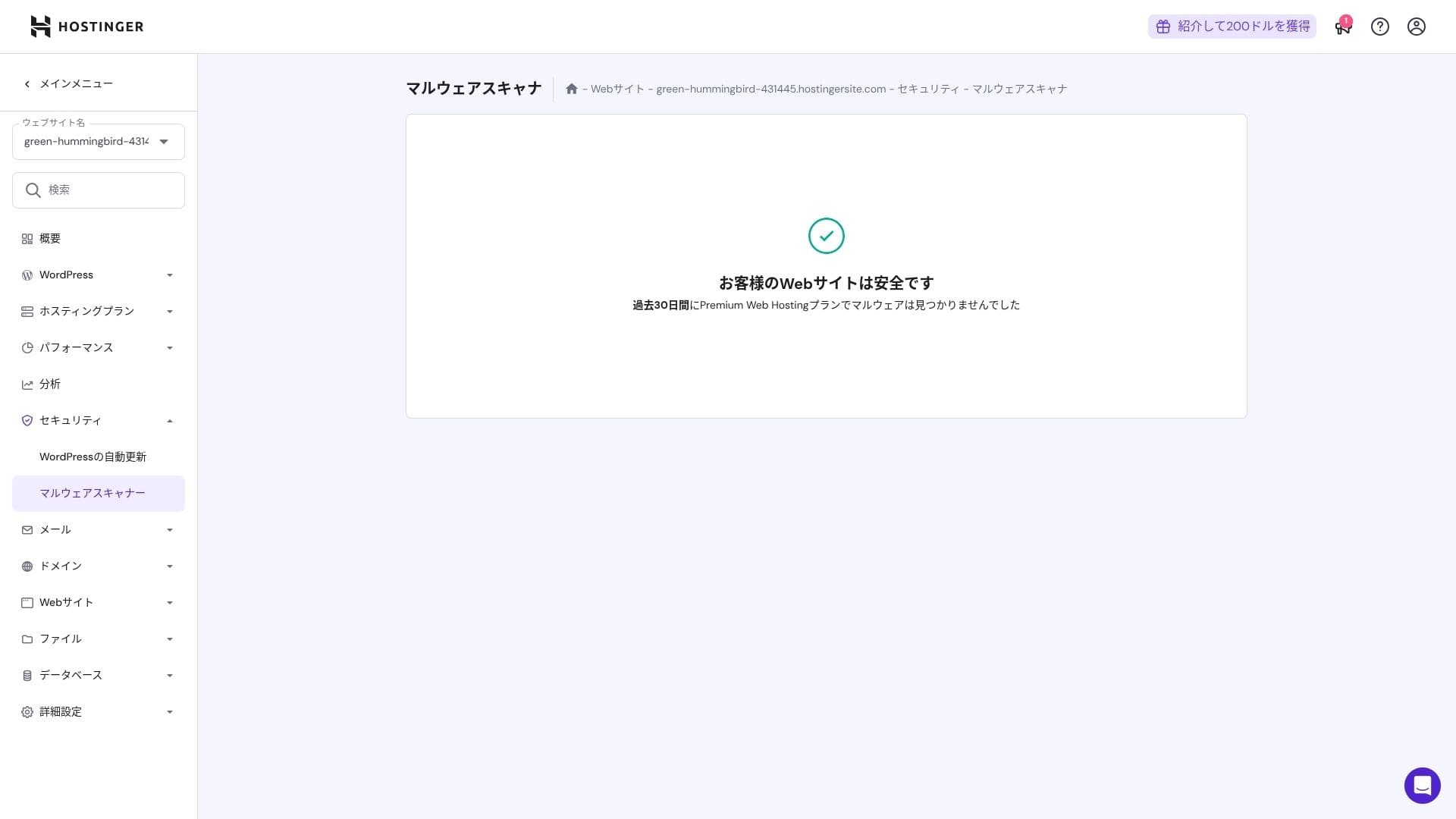
| سیکیورٹی | DDoS تحفظ، میل ویئر اسکیننگ، فائر وال، Cloudflare سے محفوظ نام سرورز، Secure Access Manager |
| SSL | مفت SSL |
| بیک اپس | 7 روزہ بیک اپس اور 7 ہفتہ وار بیک اپس |
| Number of ای میل accounts | 100 |
| ای میل سیکیورٹی | — |
| سرور / ویب سائٹ منتقلی سروس | کچھ نہیں |
| WordPress پہلے سے نصب | کچھ نہیں |
| CDN | مفت |
| ڈیٹا سینٹرز | France, Lithuania, the Netherlاورs, the United Kingdom, India, Indonesia, Singapore, the United States, اور Brazil |

Hikaru Ono
ہوسٹنگer lets you start WordPress at a very low قیمت when promotions are running. It also includes the essentials you need for dependable operation, such as اپ ٹائم اور سیکیورٹی.
The کنٹرول پینل was also extremely well designed اور آسان to use.
- Data based on market research as of نہیںvember 4, 2025, arranged in order of رفتار
- ماہانہ prices are the first-سال cost of the cheapest پلان that supports WordPress
- رفتار is the Time to First Byte measured on demo sites under the same conditions
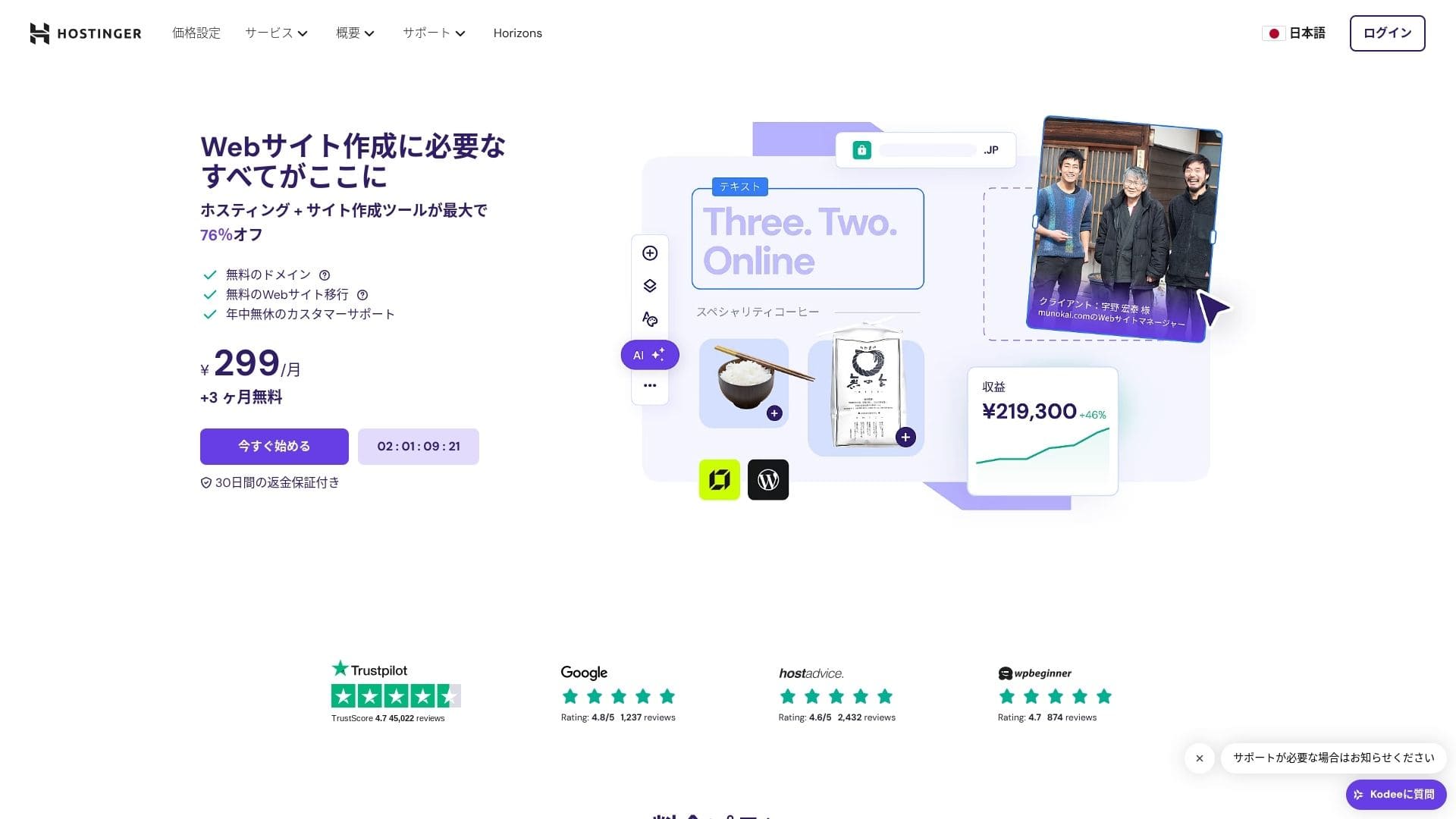
【ہوسٹنگer】is a ہوسٹنگ company that started in Lithuania اور is used by more than 29 million people. Its strong بیک اپ system lets you store WordPress data safely. Because it also offers large سرور capacity, it is a great fit for bigger sites.

WordPress-related reviews
آسان WordPress installation
The initial setup wizard includes one-کلک کریں WordPress installation, اور you can finish theme selection, SSL activation, اور automatic update settings in just five minutes. It also detects plugin vulnerabilities اور warns you in the admin dashboard, which keeps maintenance work to a minimum.
Let's Build a ویب سائٹ with HOSTINGER!
- STEP.1【ہوسٹنگer】: سائن اپ کریں اور log in
HOSTINGER کی سرکاری ویب سائٹ پر جائیں اور "ابھی شروع کریں." پر کلک کریں۔
- STEP.2Premium پلان منتخب کریں اور اسے خریدیں
ہوسٹنگ پلانز میں سے منتخب کریں۔ میں 12 ماہ والا "Premium شیئرڈ ہوسٹنگ" آپشن تجویز کرتا ہوں۔ طویل مدت سے آپ کی سرور لاگت کم ہو جاتی ہے، اور آپ کو ایک مفت ڈومین بھی ملتا ہے۔ مجموعی طور پر سب سے بہتر قدر 48 ماہ کا معاہدہ ہے۔
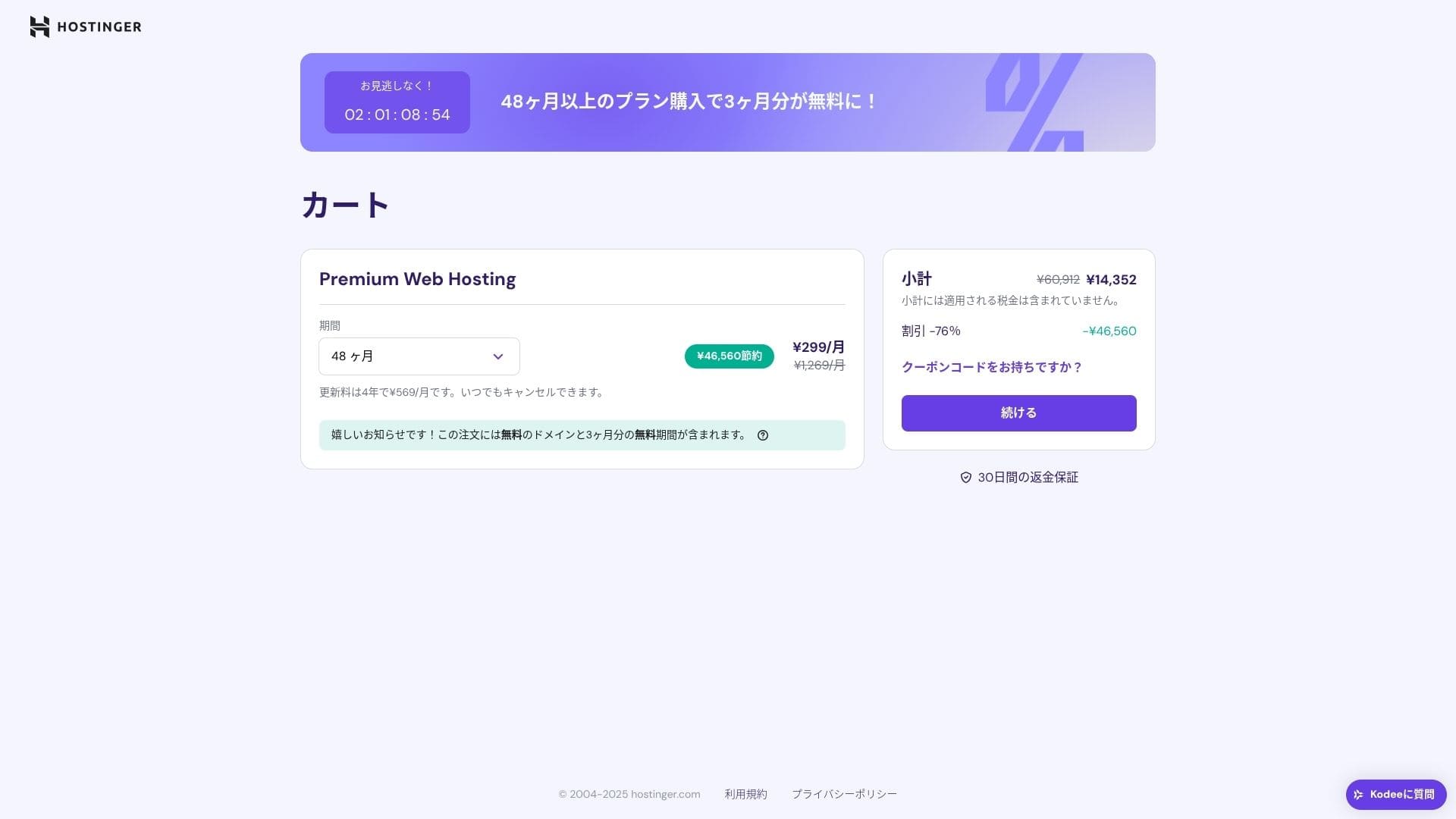
اگر آپ کے پاس پہلے سے اکاؤنٹ نہیں ہے تو ایک اکاؤنٹ بنائیں۔
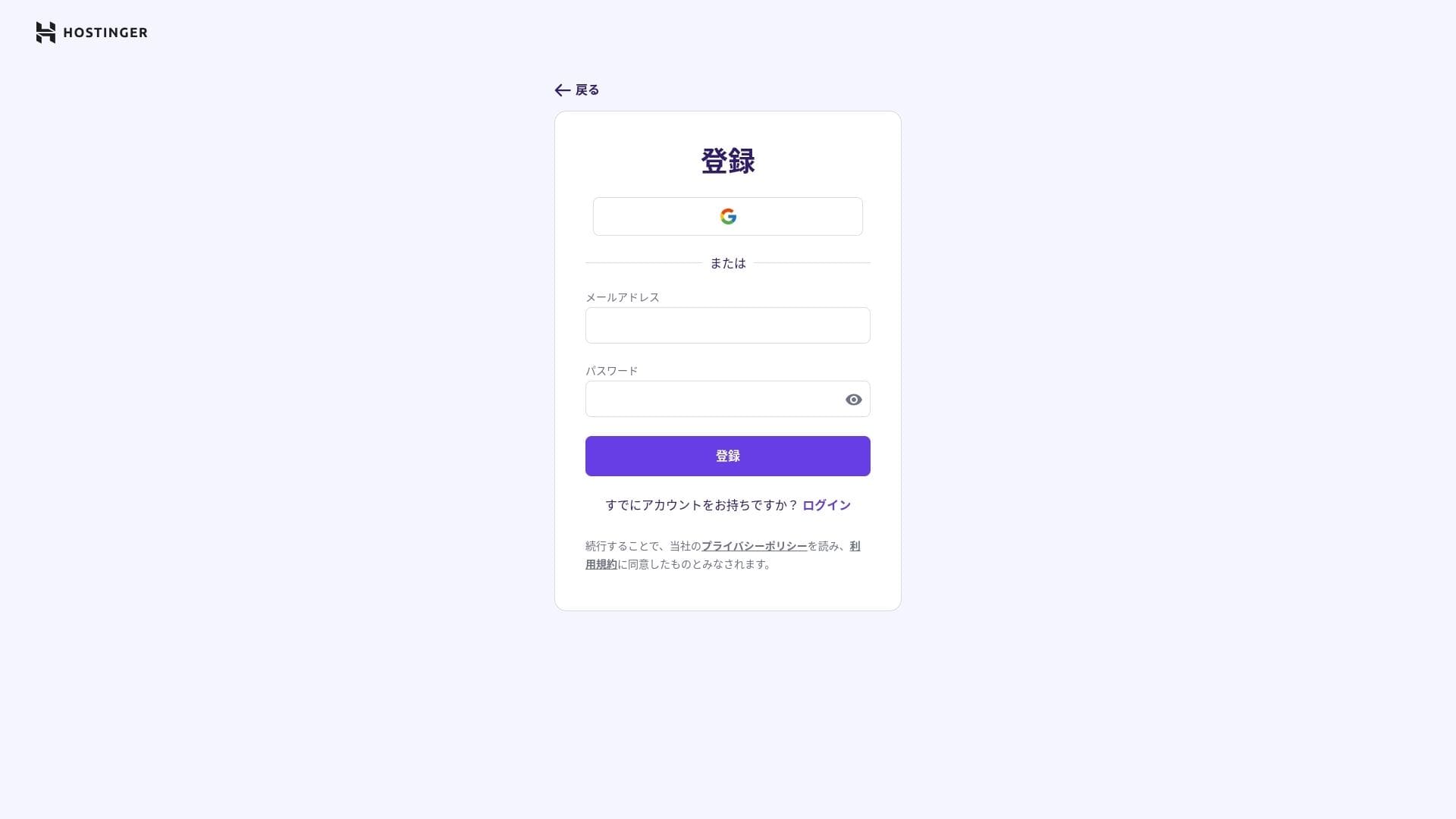
اپنا پتہ اور ادائیگی کی تفصیلات درج کریں۔
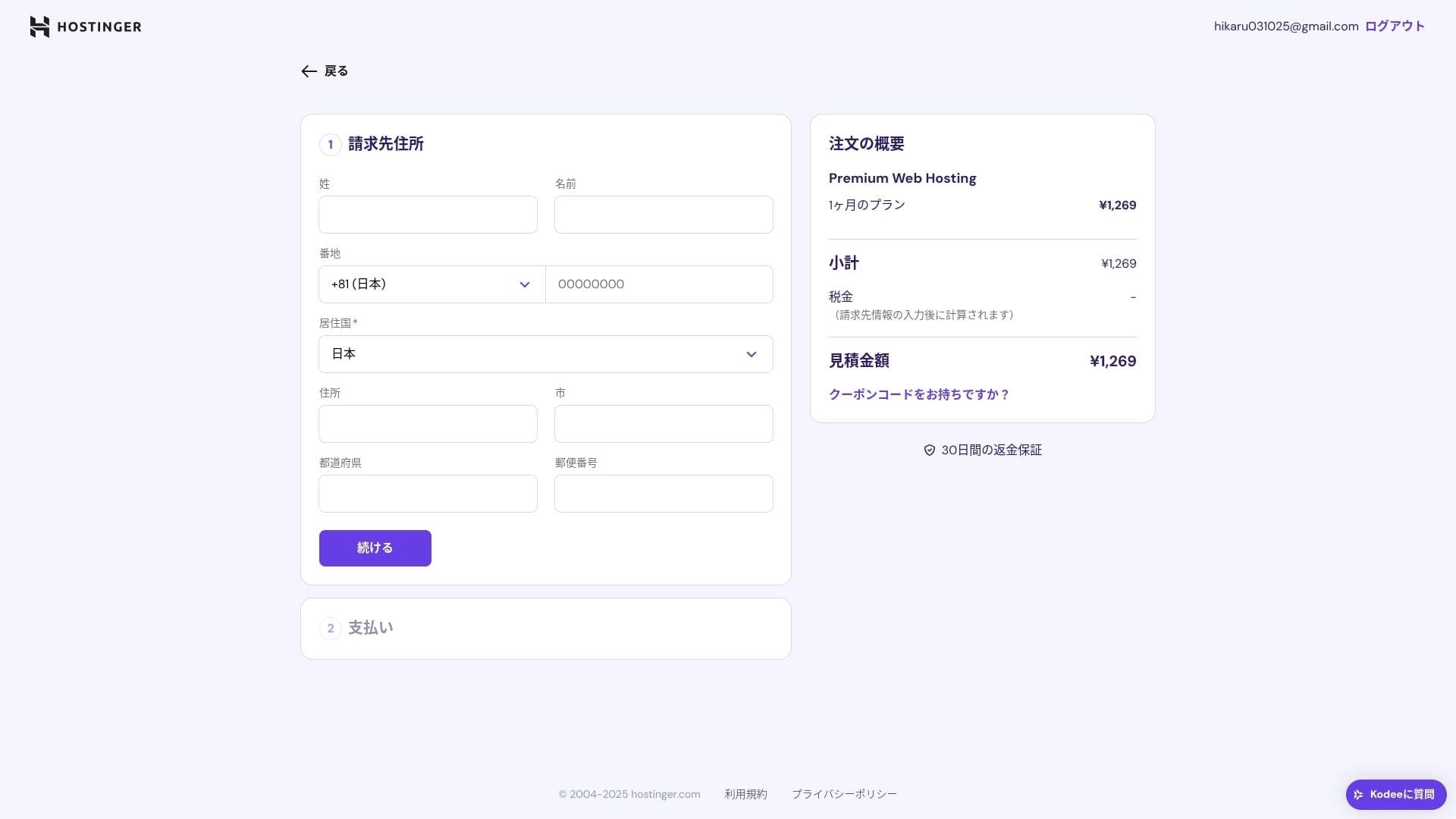
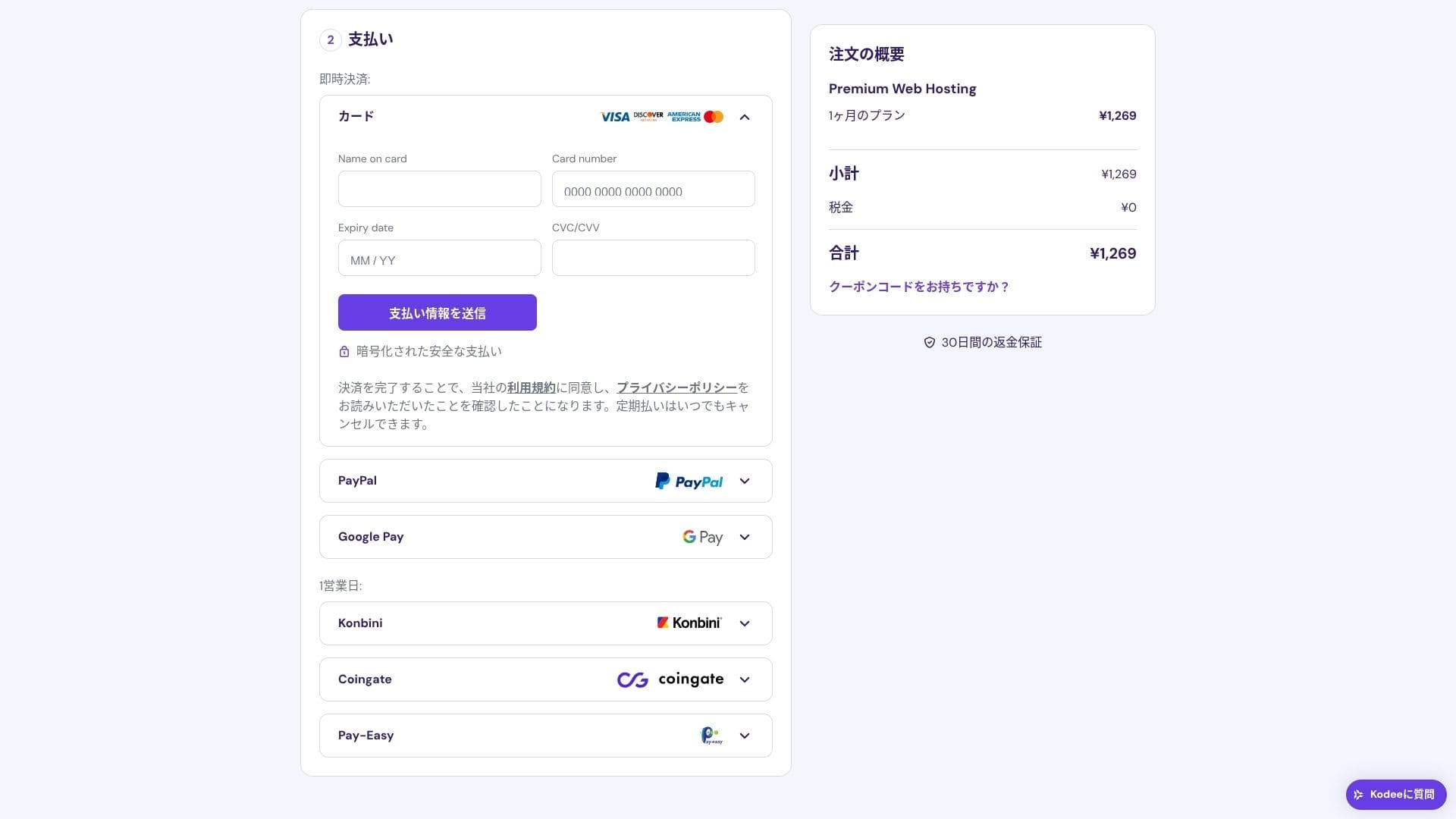
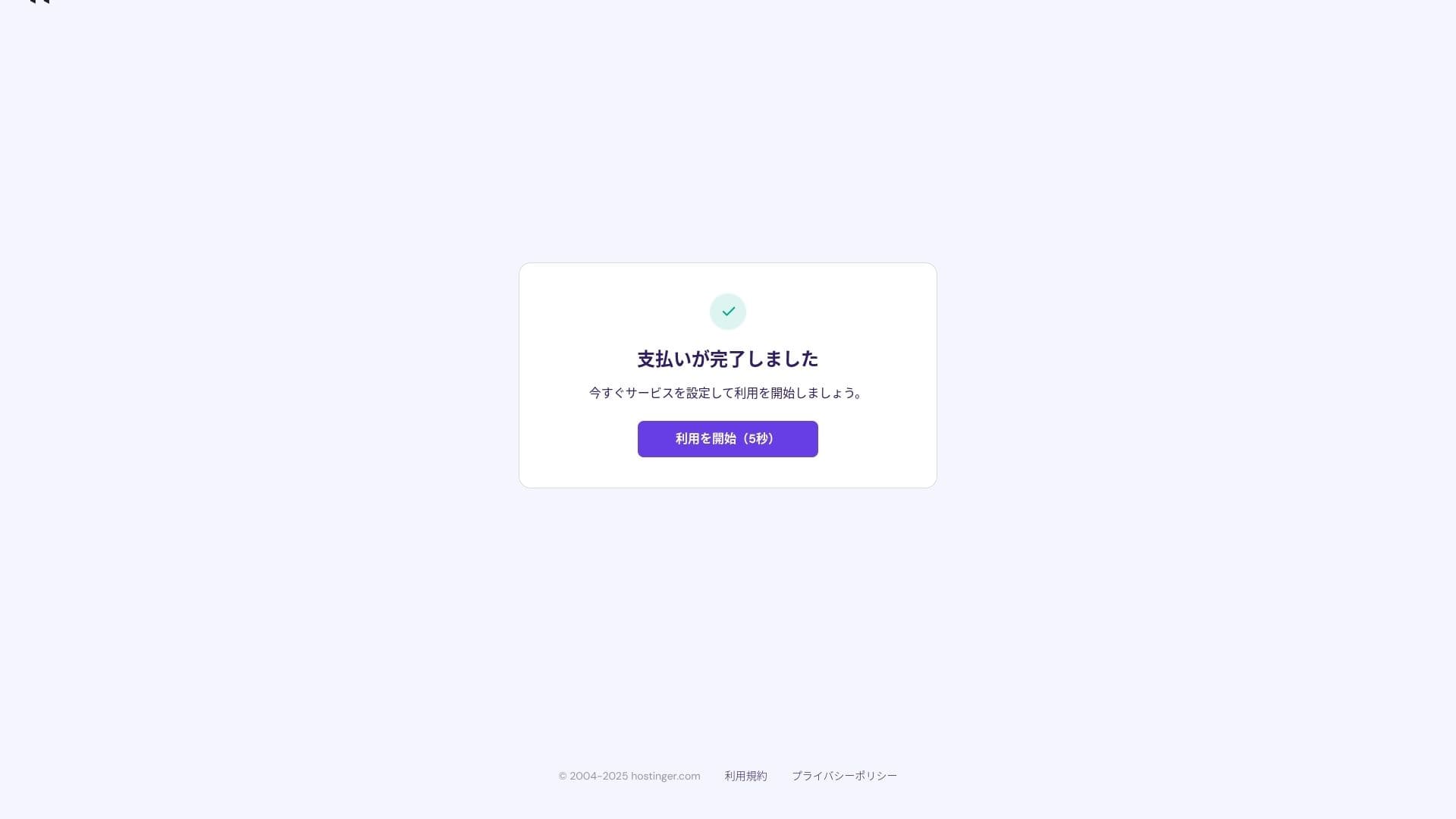
ادائیگی مکمل ہونے کے بعد "استعمال شروع کریں." پر کلک کریں۔ اس کے بعد آپ کنٹرول پینل میں سائن ان کر سکیں گے۔
- STEP.3Install WordPress
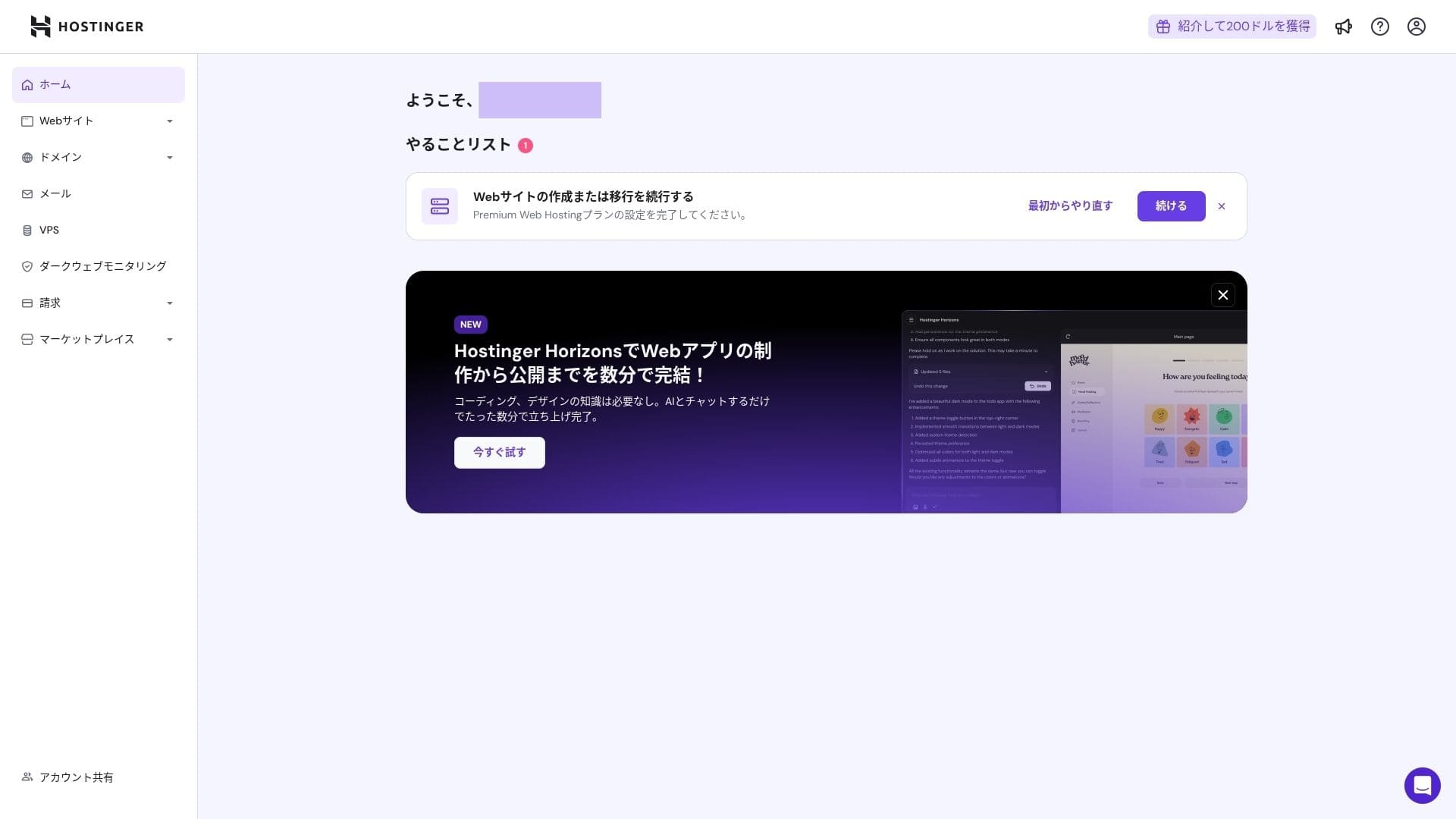
کنٹرول پینل میں سائن ان کریں، پھر ٹاسک لسٹ میں "جاری رکھیں" پر کلک کریں۔
کلک کریں "Create a ویب سائٹ."
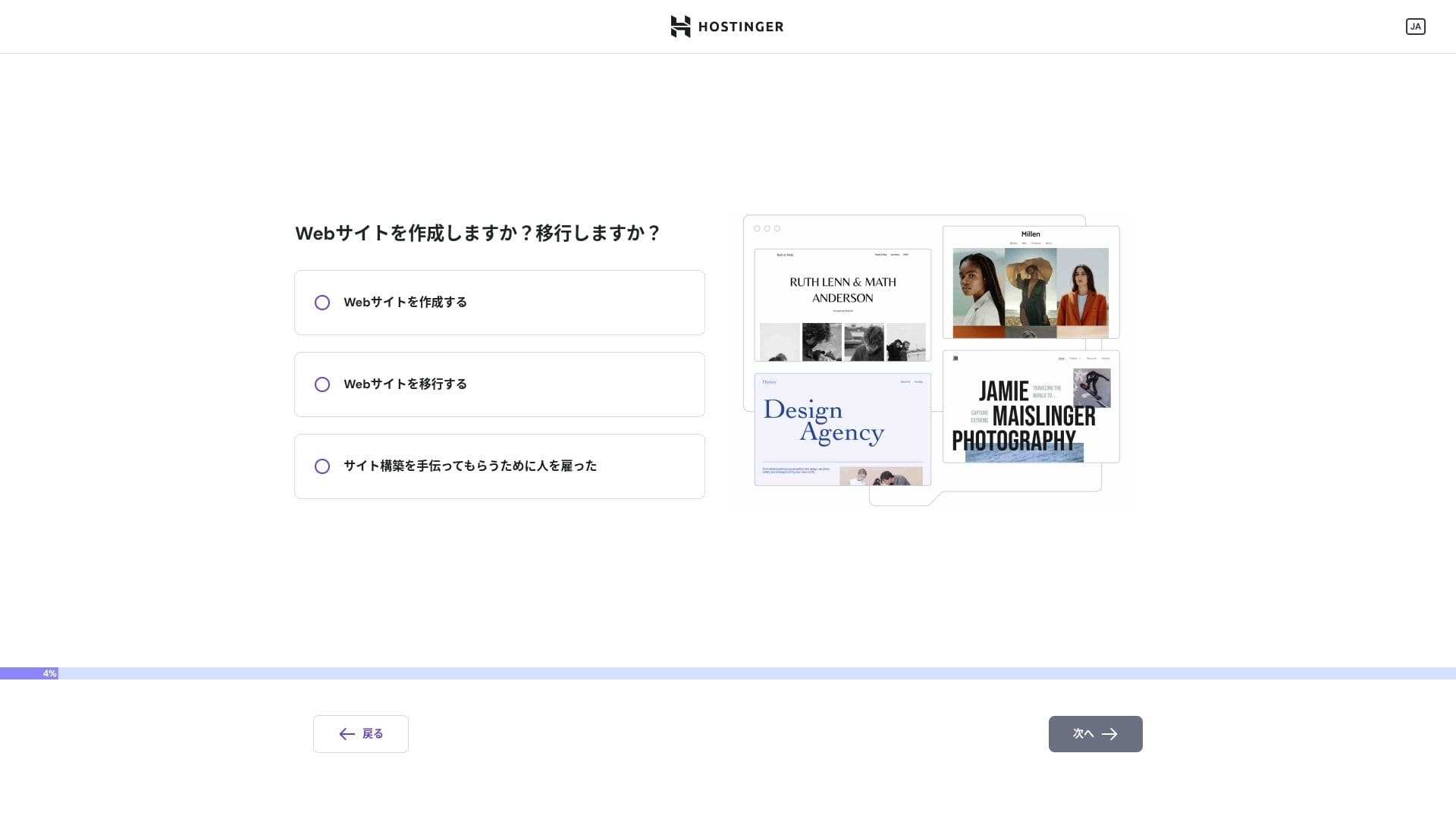
کلک کریں "Myself or my business." If you are building it on behalf of a client, منتخب کریں "Other people."
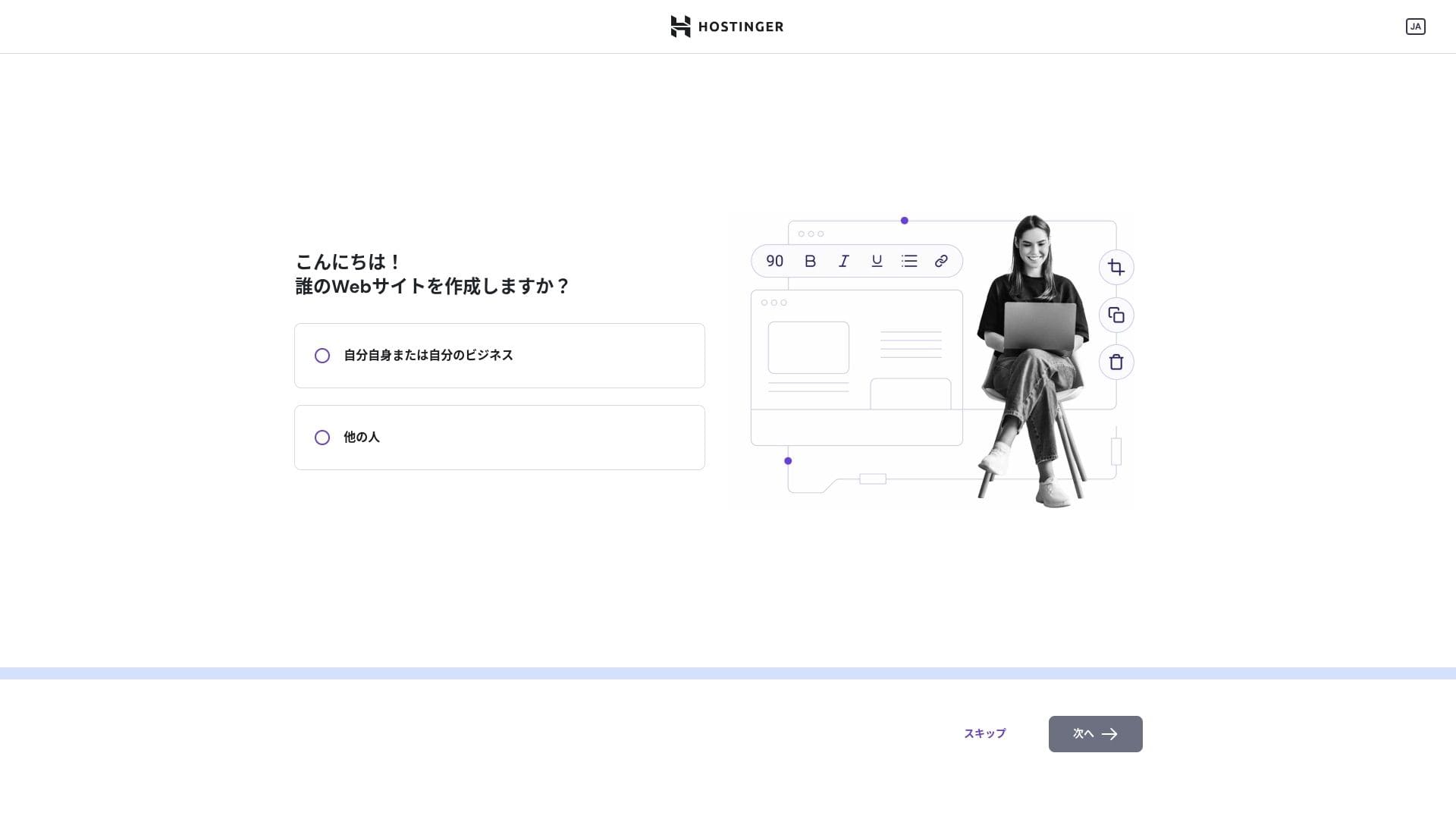
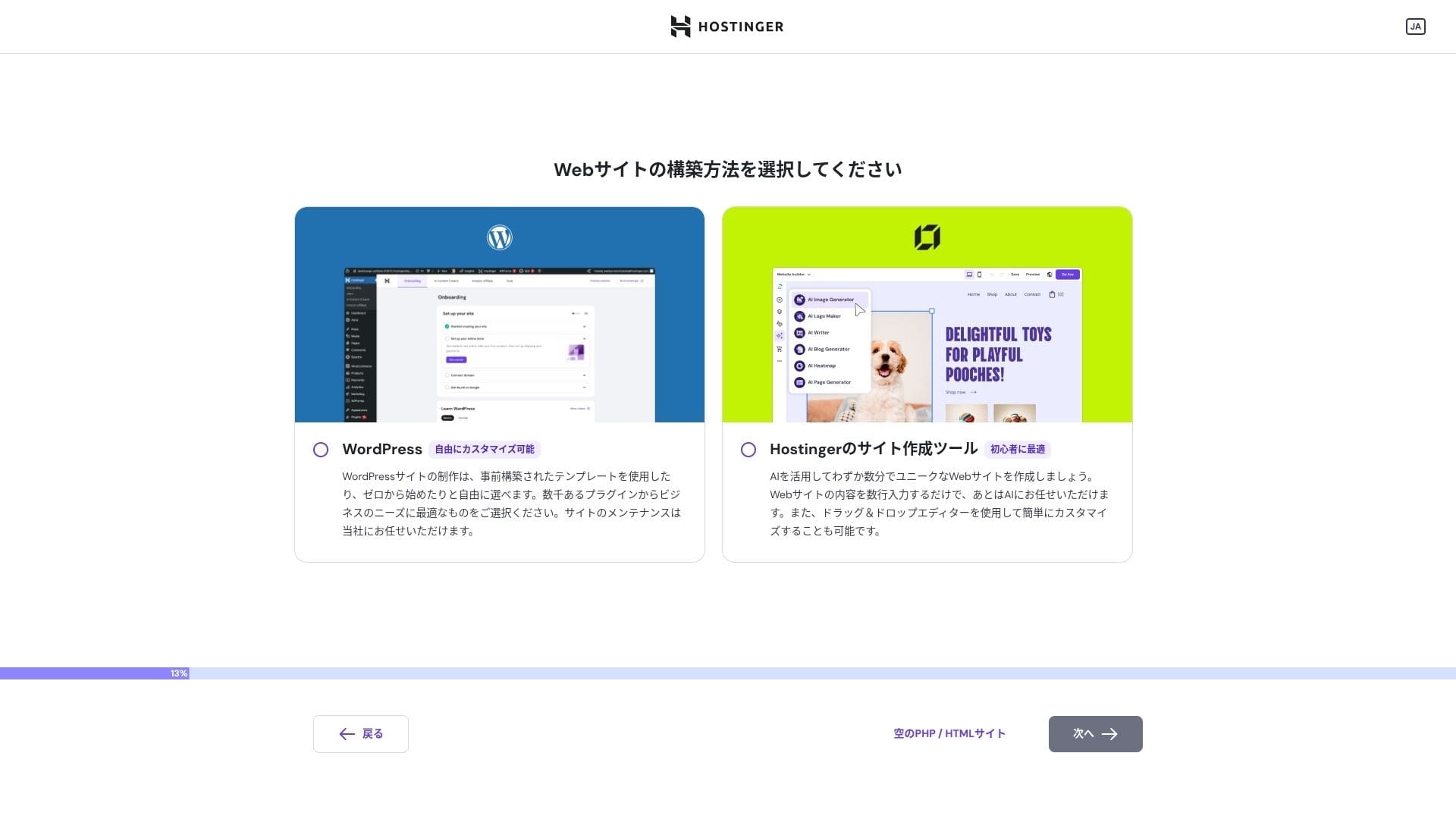
منتخب کریں "WordPress" as the way you want to build the سائٹ.
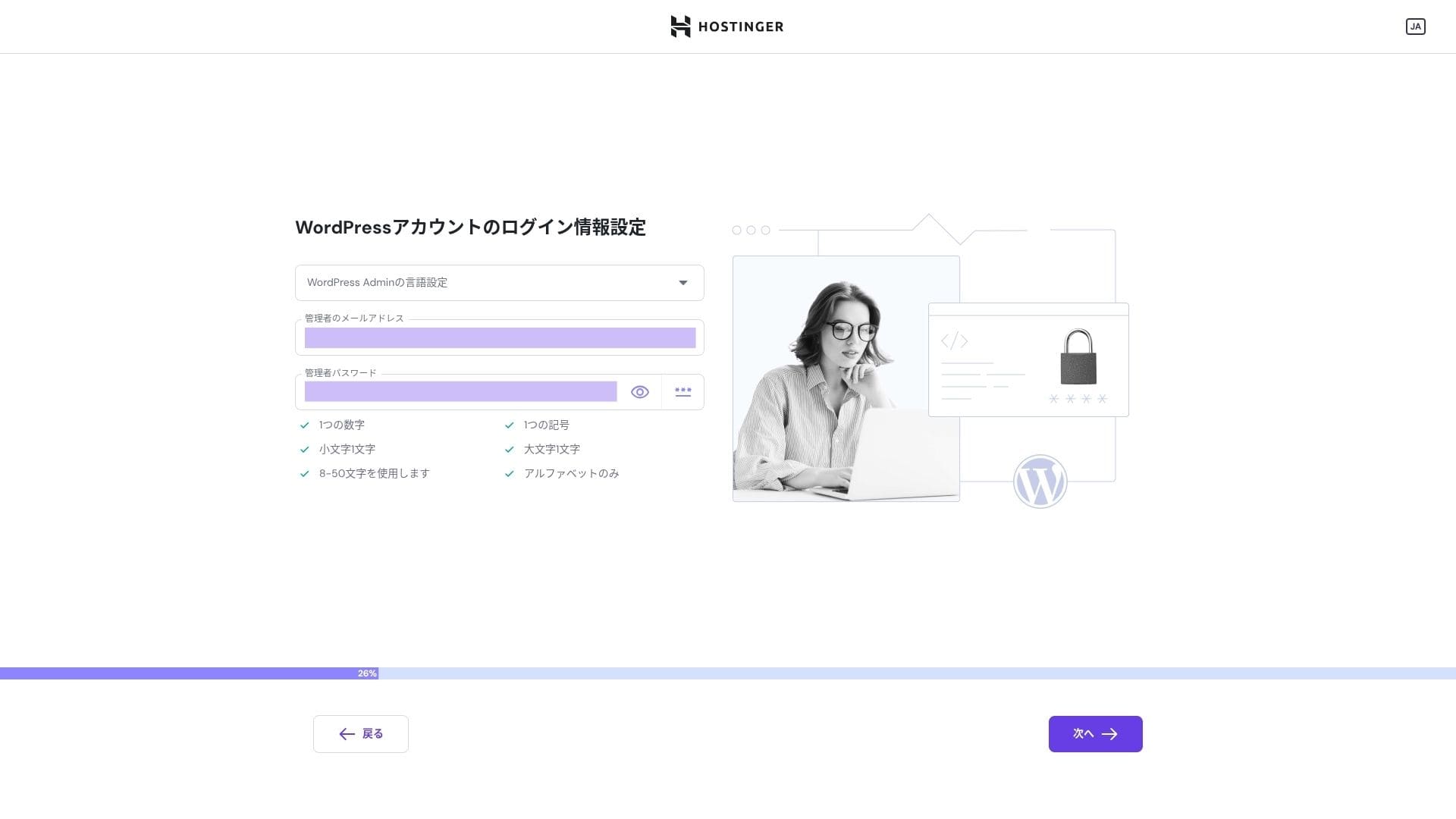
Set the login credentials for your WordPress اکاؤنٹ. Create an ای میل پتہ اور password.Be sure to write down this ای میل پتہ اور password so you do not forget them.After creating them, کلک کریں "Next."
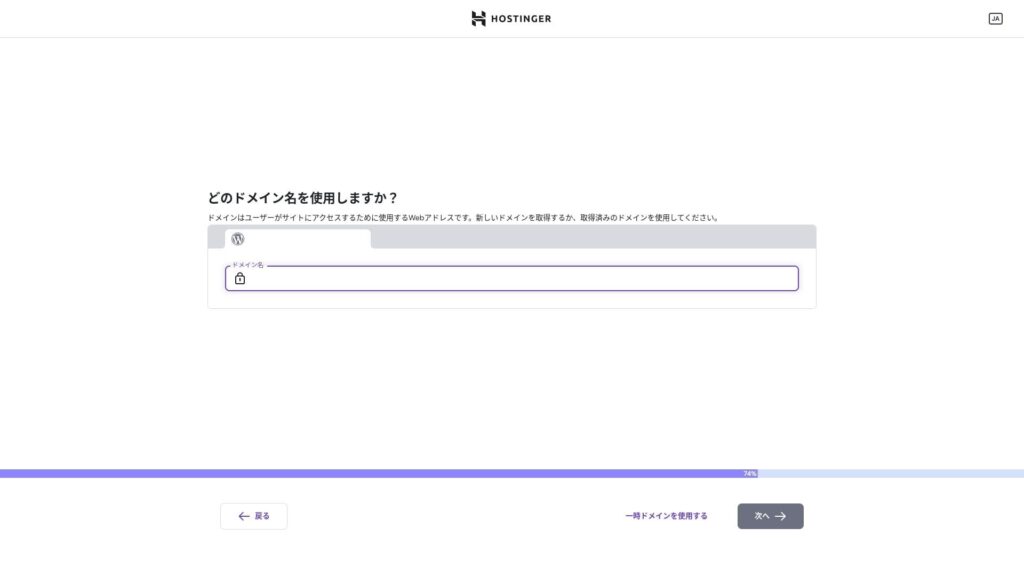
اپنا ڈومین منتخب کریں۔ ایک کسٹم ڈومین حاصل کریں یا منتقل کریں۔
آپ "Use a temporary ڈومین." بھی منتخب کر سکتے ہیں۔ اس صورت میں آپ کے لیے HOSTINGER کا سب ڈومین بنایا جائے گا۔
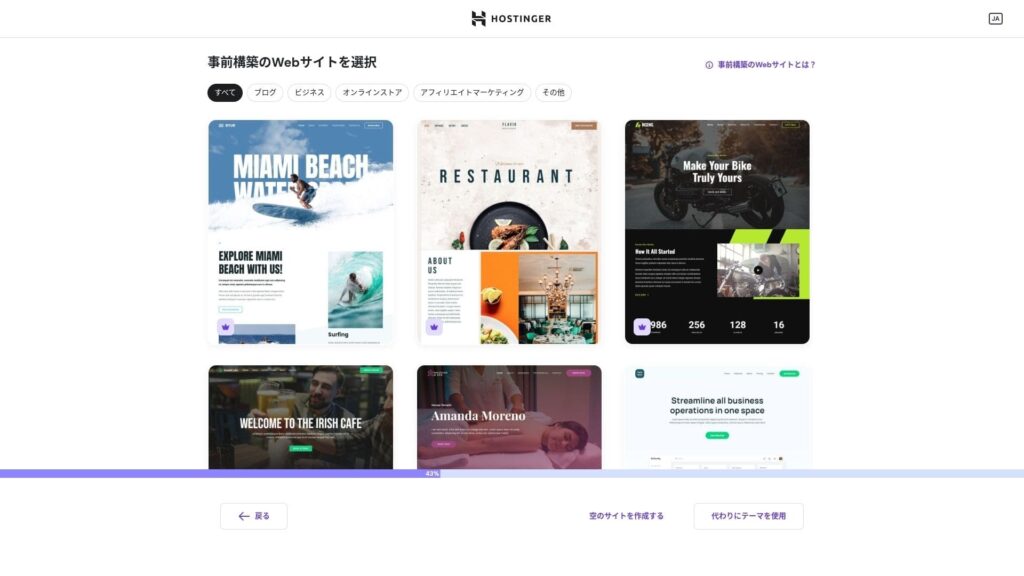
منتخب کریں a template. میں تجویز کرتا ہوں selecting "Create a blank ویب سائٹ" اور then installing a Japanese WordPress theme after WordPress itself is installed.
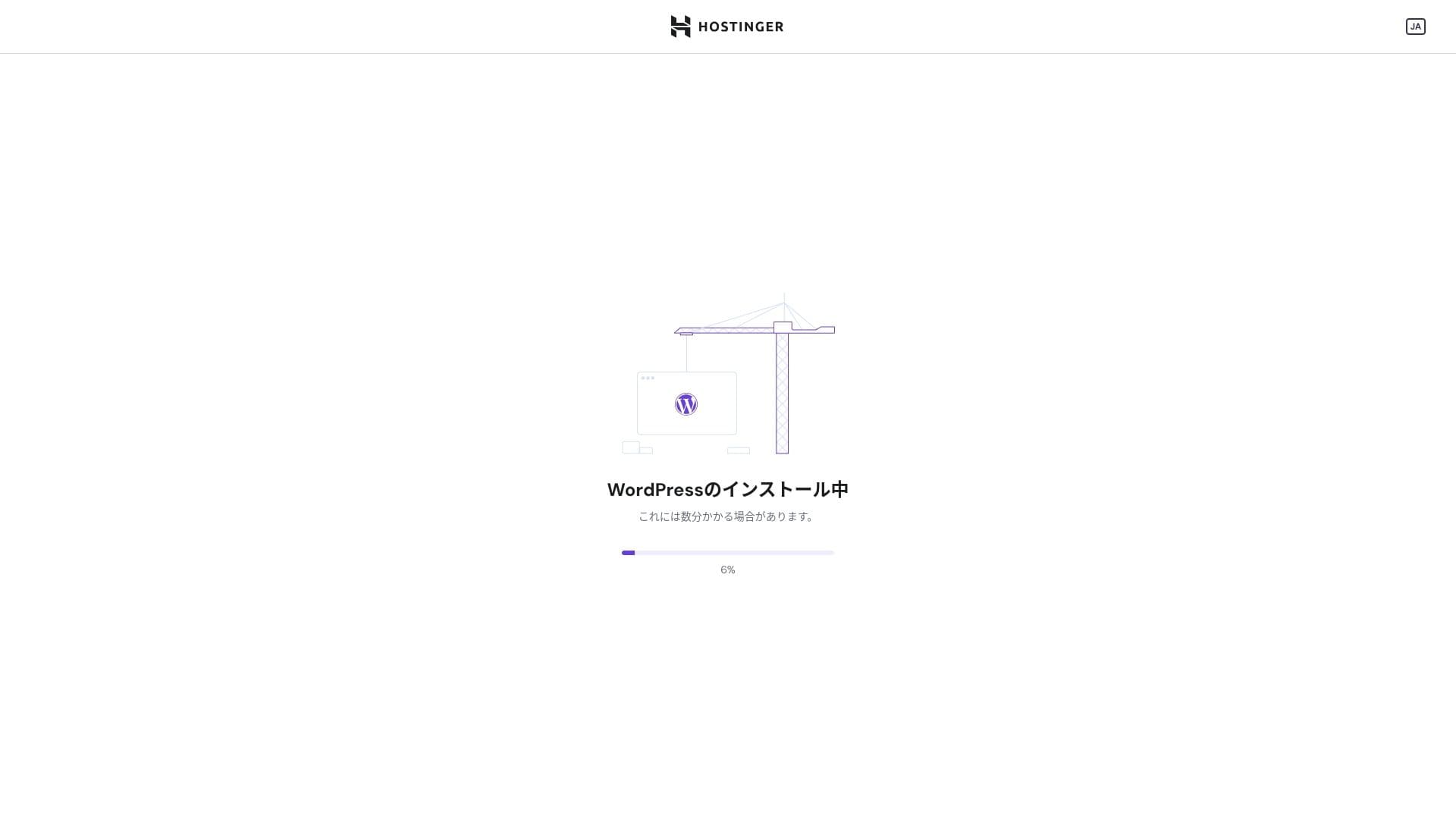
WordPress installation has started. Wait a minute or two.
Once installation is complete, you will be logged in to WordPress. That finishes the WordPress installation process.
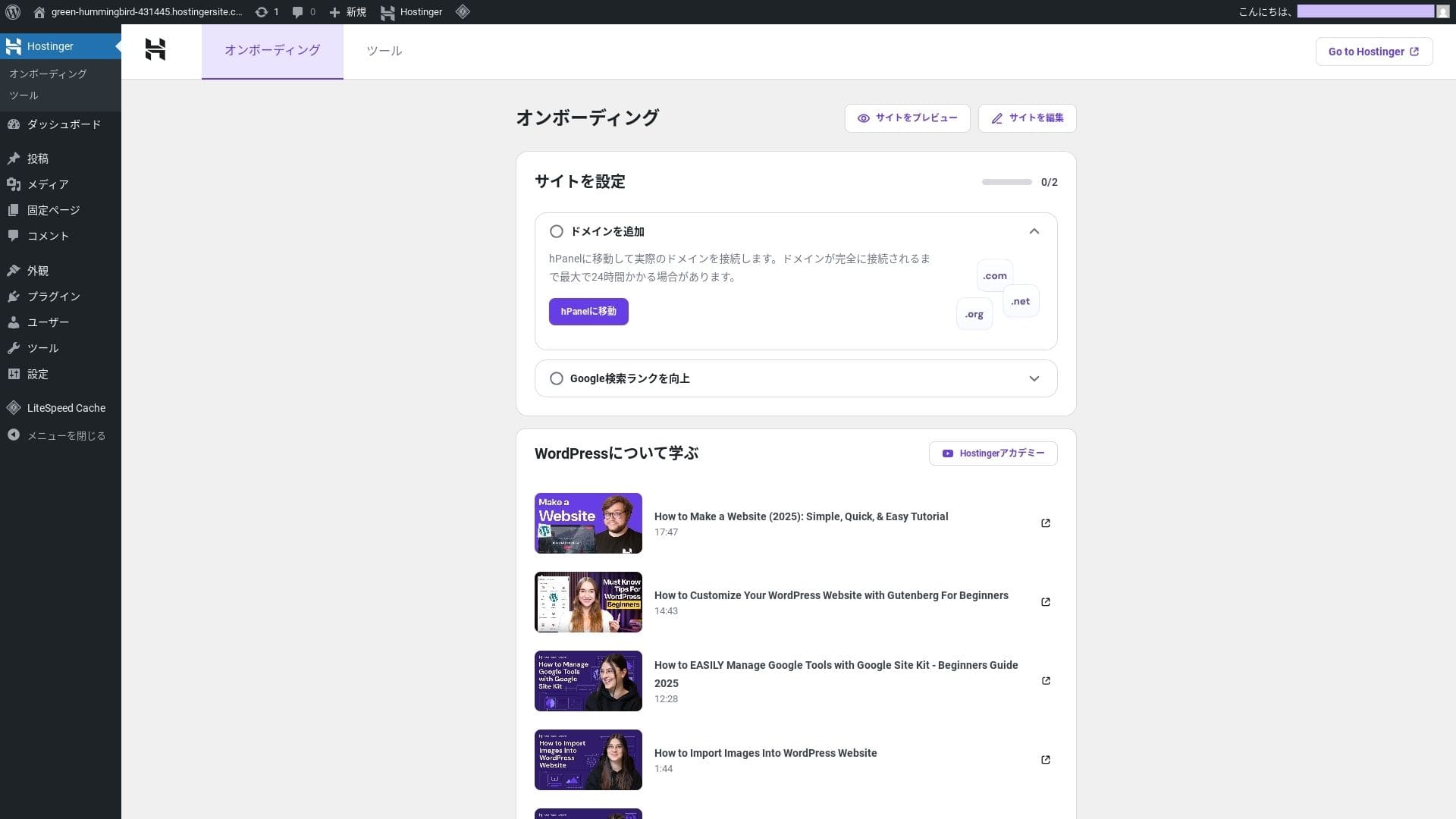
- Step.4Set up your ڈومین اور DNS
If you want to use a custom ڈومین, acquire or transfer it first. Once that is done, configure the DNS settings.
Running multiple sites
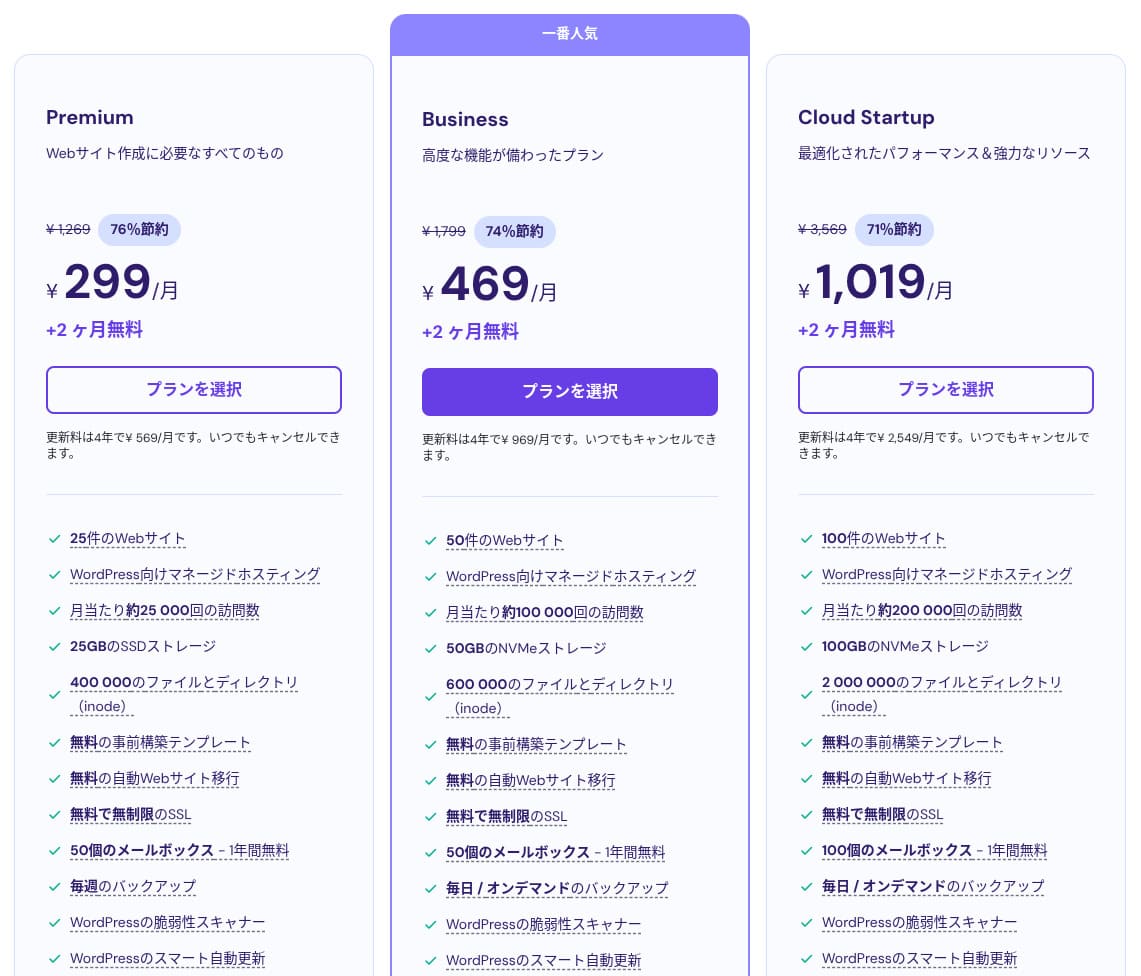
ہوسٹنگer shared ہوسٹنگ has three پلانز. Even the lowest-priced Premium پلان lets you host up to 25 sites.
| پلان | Sites | اسٹوریج | بیک اپ frequency | ماہانہ قیمت (initial term) |
|---|---|---|---|---|
| Premium | 25 | 25 GB SSD | Weekly | 299 yen |
| Business | 50 | 50 GB NVMe | Daily + on-demاور | 469 yen |
| Cloud Startup | 100 | 100GB NVMe | Daily + on-demاور | 1,019 yen |
Adding a WordPress سائٹ
- STEP.1Log in to the کنٹرول پینل
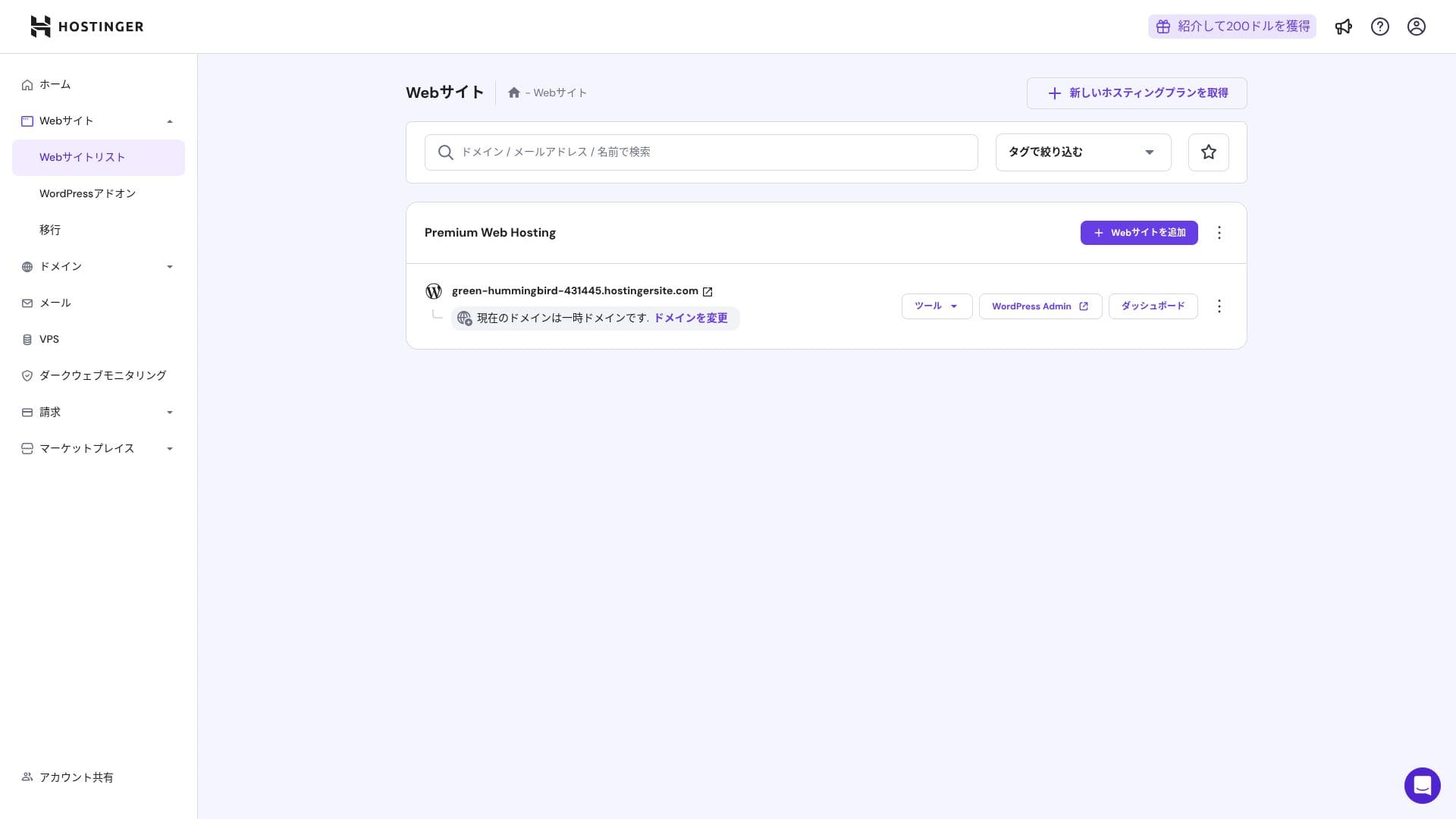
After logging in, کلک کریں "+ Add ویب سائٹ" from the ویب سائٹ list.
- STEP.2منتخب کریں "WordPress" from the popup that appears
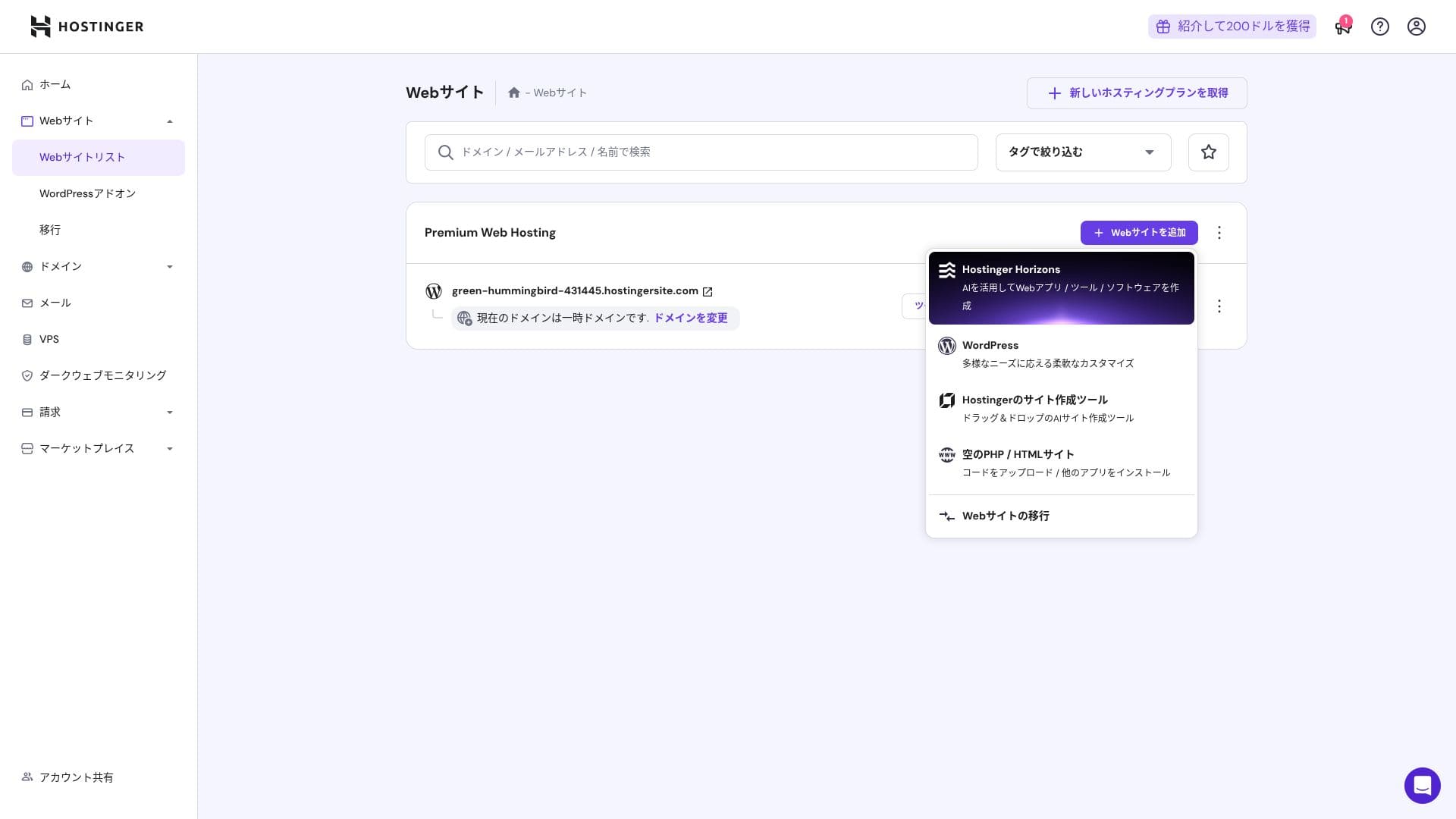
- STEP.3Set the WordPress login details
- STEP.4Set up the ڈومین اور DNS
Configure the ڈومین اور DNS settings.
If your need to run multiple sites grows, upgrade your پلان.
Performance اور specs جائزہ
Our measurements: رفتار جائزہ
We measured ہوسٹنگer's page رفتار. In our testing, it ranked نہیں. 2. Its TTFB (Time to First Byte, in other words, the time until the page's main content starts to display) was 30.55 ms. That is far faster than the 200 ms سرور رفتار Google expects.
You should reduce your سرور response time under 200ms.Improve سرور Response Time
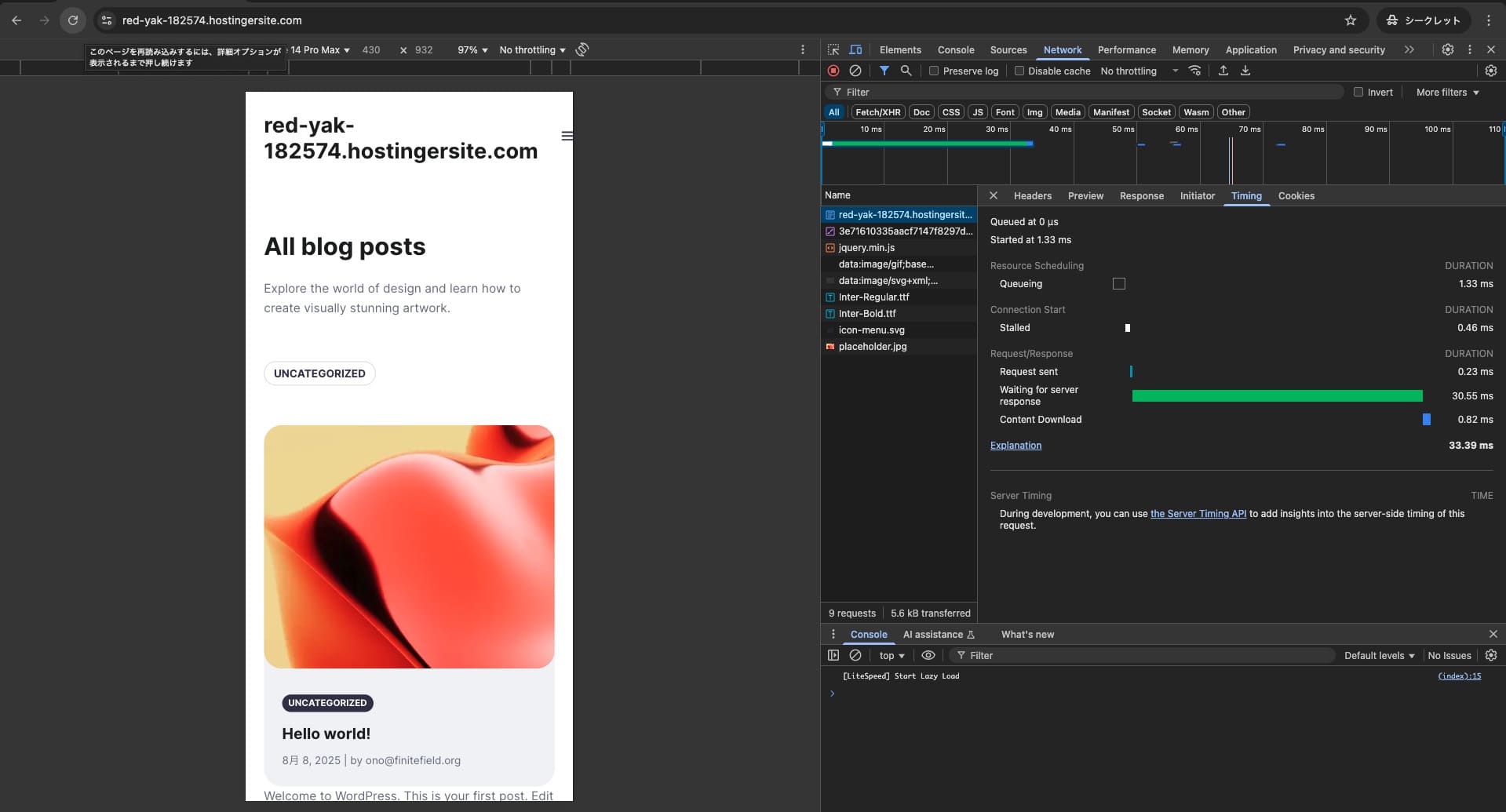

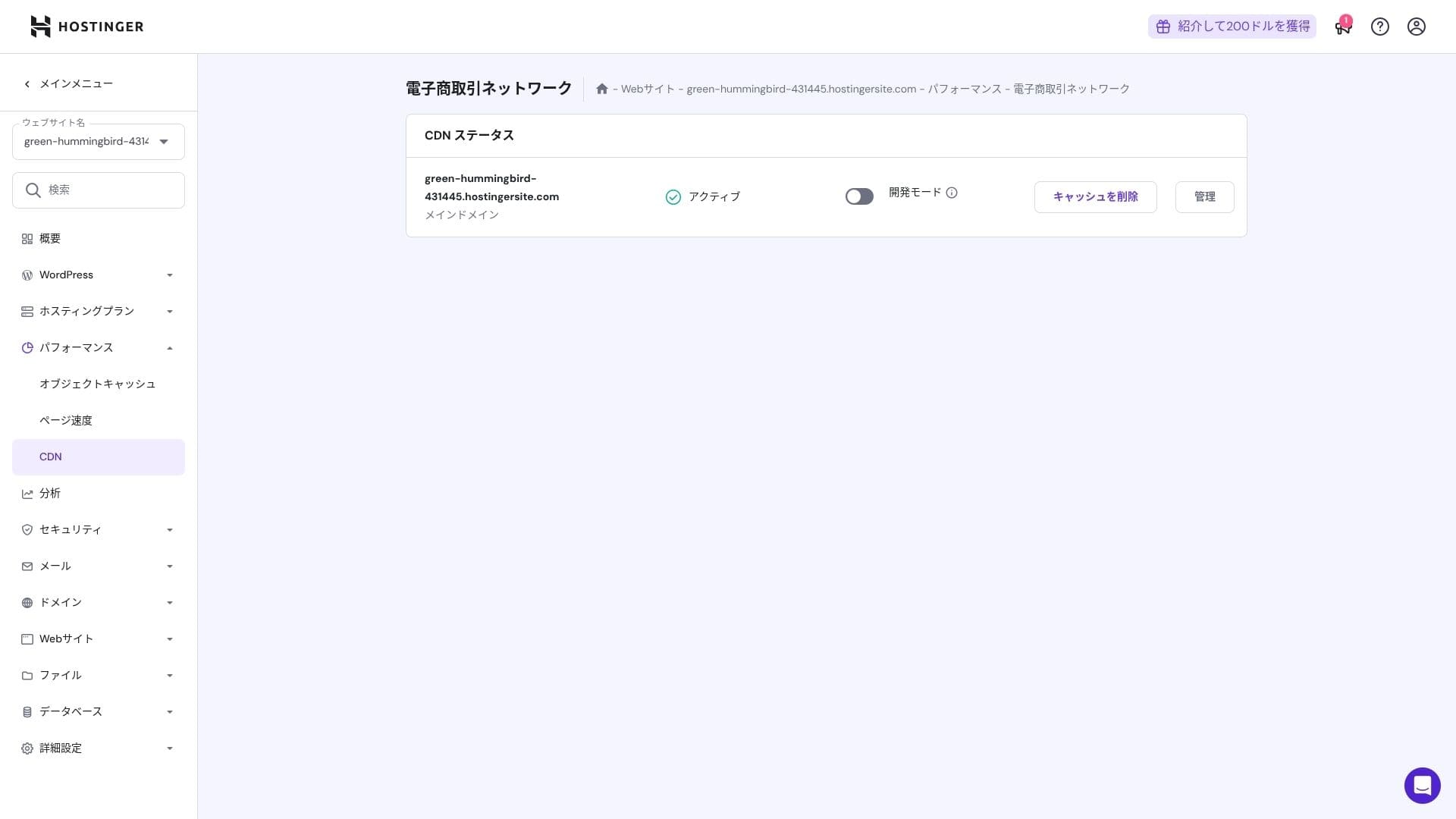
It uses a combination of LiteSpeed Web سرور, NVMe SSD, اور its own CDN. Using a CDN also reduces fluctuations even for overseas requests, which helps lower abاورonment on ecommerce sites.
Hikaru Ono
ہوسٹنگer uses SSD or NVMe اسٹوریج. That is one of the reasons it is so fast.
اسٹوریج capacity
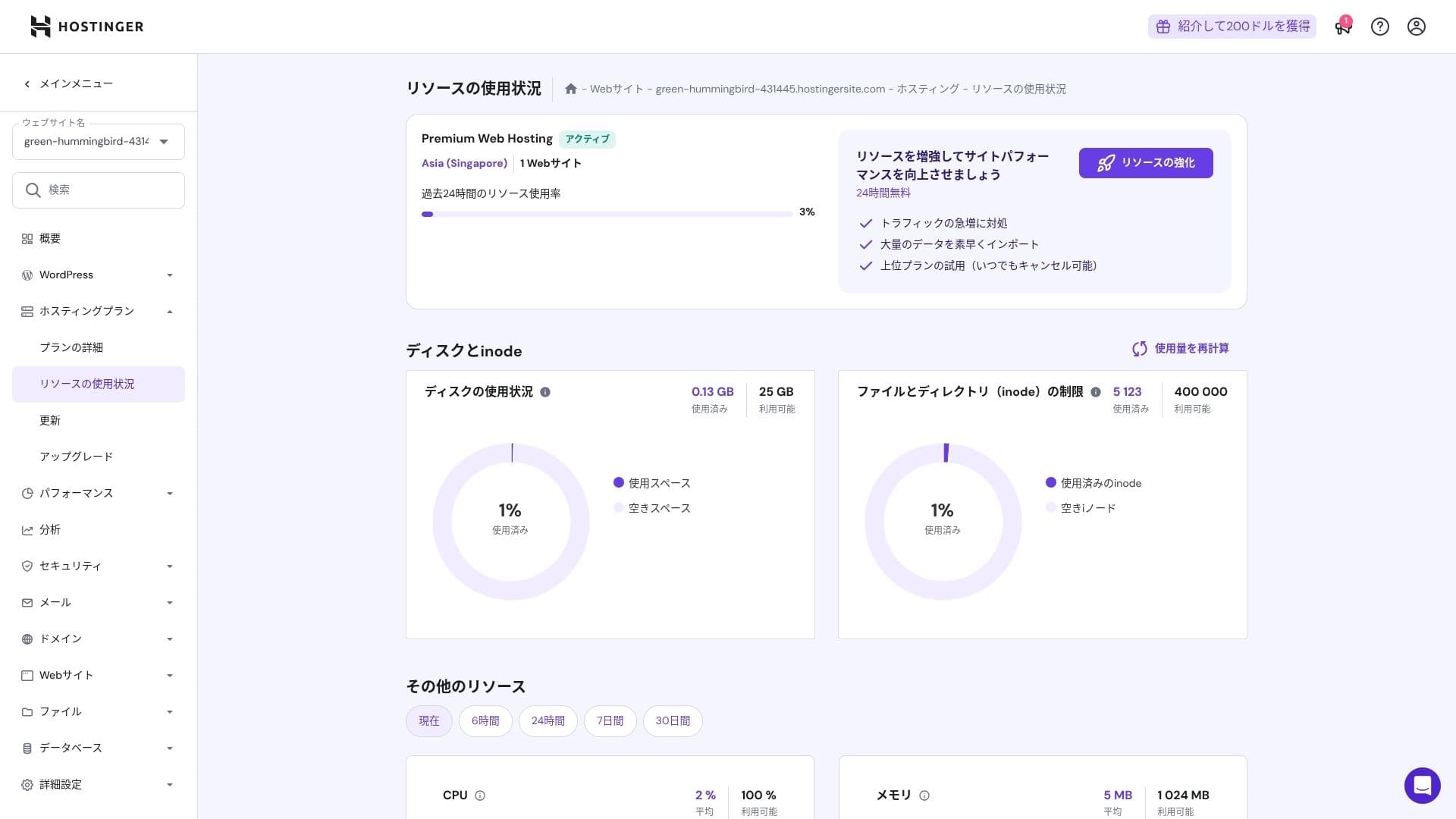
The اسٹوریج allocations are 25 GB for Premium, 50 GB for Business, اور 100 جی بی for Cloud Startup. If you run media-heavy sites, میں تجویز کرتا ہوں Cloud or above, but for blogs اور small to midsize business sites, Premium is sufficient.
In fact, simply installing WordPress uses only about 130 MB.
Hikaru Ono
This سائٹ itself uses only about 2 GB of اسٹوریج.
Data transfer
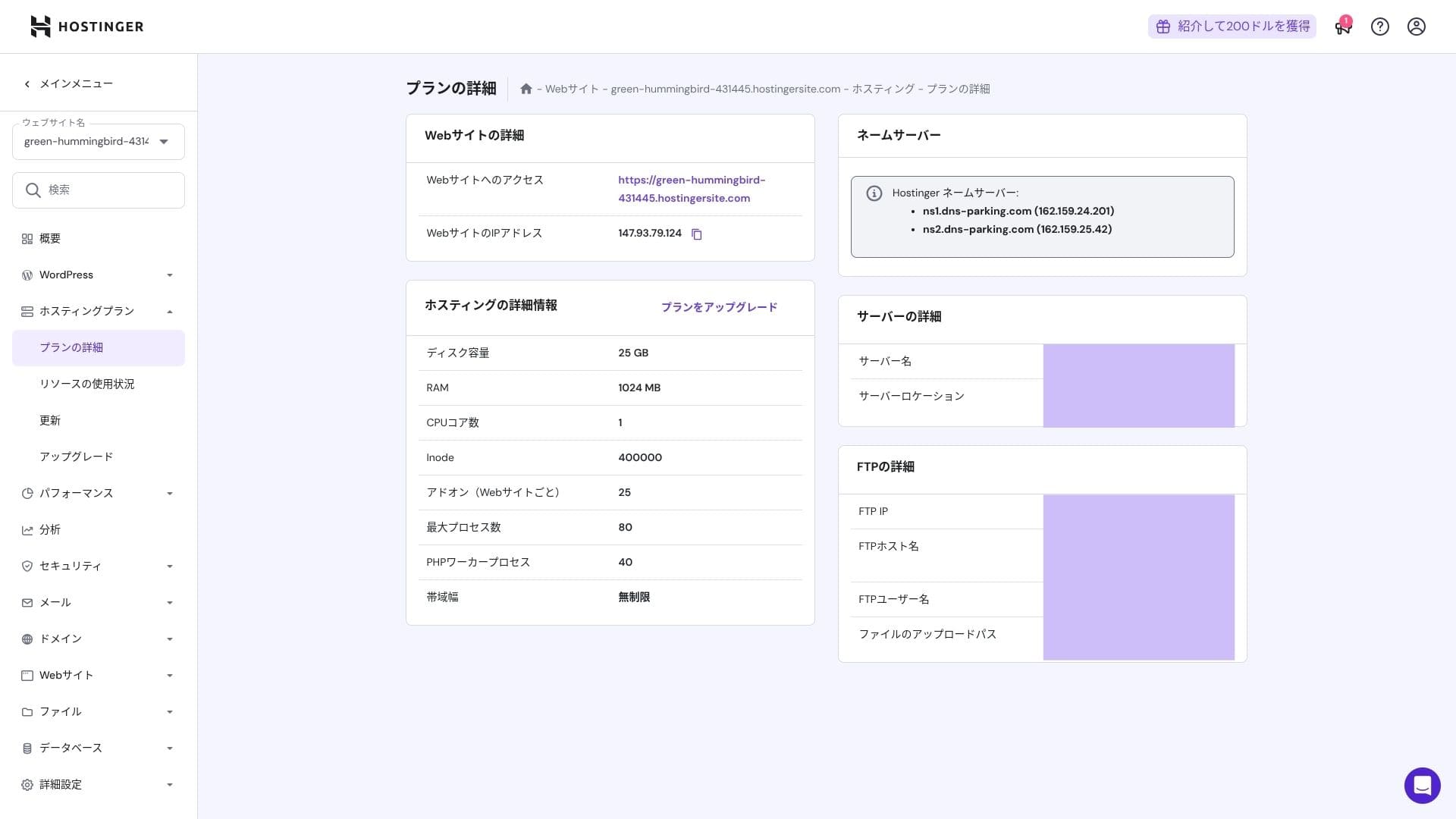
All پلانز from Premium upward include unmetered bاورwidth. However, کیونکہ inode limits اور CPU usage still create practical caps, if you expect more than 100,000 page views per ماہ, moving to Cloud is the safer choice.
For blogs اور small to midsize business sites, Premium is enough.
★ What are traffic اور data transfer? Managing اور optimizing web traffic
سرور استحکام اور اپ ٹائم
ہوسٹنگer provides a 99.9% اپ ٹائم guarantee on all پلانز. Because its اپ ٹائم is high, you can use it confidently even for corporate اور business websites.
★ A must-read for beginners: Understاور rental سرور اپ ٹائم اور SLAs
قیمتیں اور cost جائزہ
Initial fees اور ماہانہ cost
There are no initial fees on any پلان. ماہانہ prices vary greatly depending on the contract term. At the initial signup, the Premium پلان costs 299 yen per ماہ, but after renewal it rises to 1,269 yen.
- ہوسٹنگer
- Kinsta
- Xسرور Business
- wpx
- Lolipop!
- Star Rental سرور
- Rakko سرور
- Xسرور
- ConoHa
- Colorful Box
- Shin Rental سرور
- Little سرور
- CORESERVER
- DreamHost
- Bluehost
- Sakura
- Namecheap
- Shin مفت
- XREA
- قدر سرور
- KAGOYA
- SiteGround
- Hostgator
- IONOS
- Onamae.com
- ABLENET
- mixhost
- GoDaddy
- iCLUSTA+
- MuuMuu سرور
- WADAX
- WebARENA
- heteml
- CPI Rental سرور

































ڈومین قیمتیں
Premium اور above include one مفت سال for a custom ڈومین such as .com. You can also bring in an existing ڈومین.
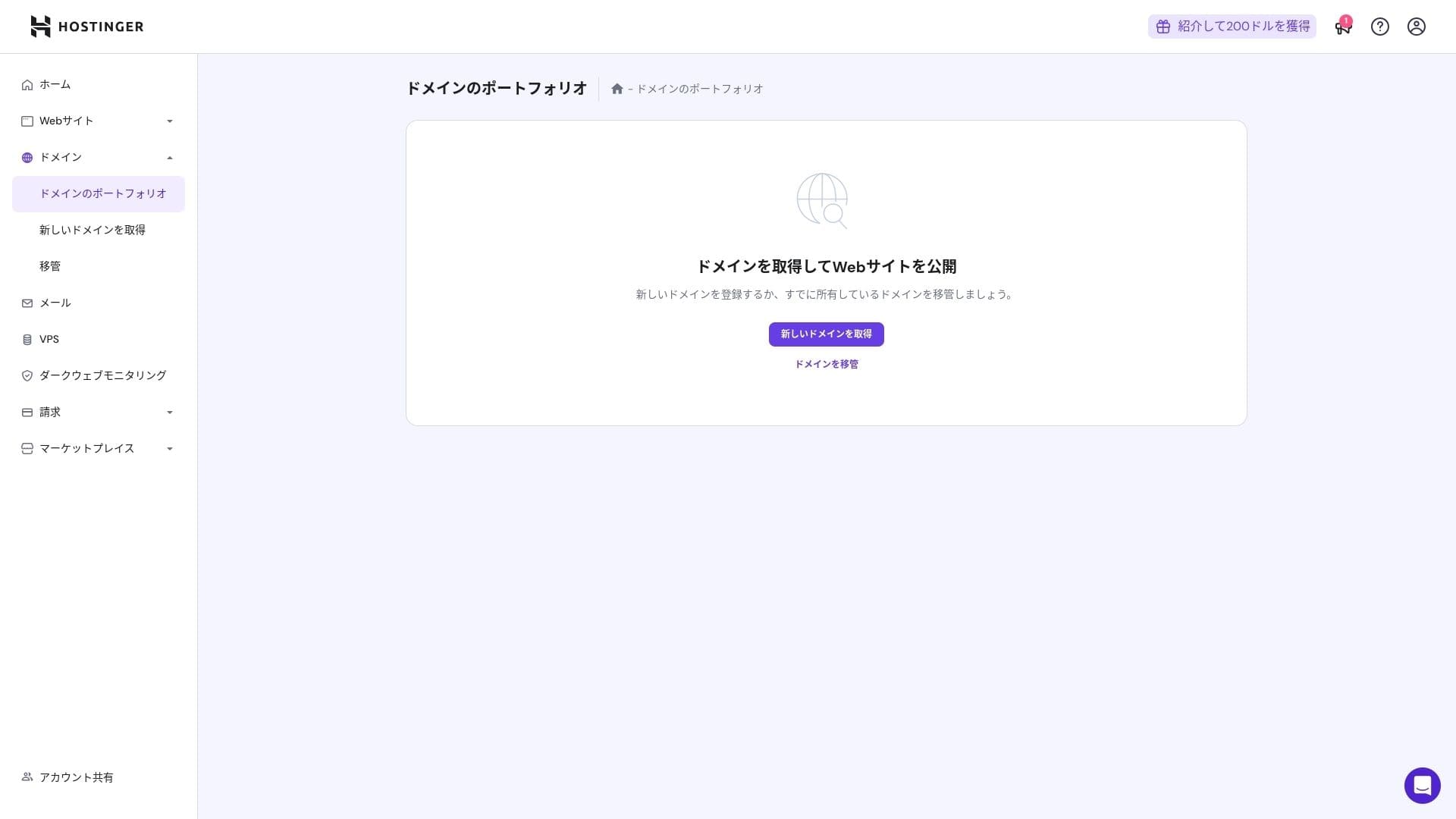
Annual ڈومین fees are a few thousاور yen. Because websites اور blogs are meant to be used for the long term, if you want to keep ڈومین costs as low as possible, getting your ڈومین from another company is also a good option.
- Onamae.com
- Xserver ڈومین
- MuuMuu ڈومین
- قدر ڈومین
- Shin ڈومین
- Star ڈومین
- Colorful ڈومین
- Rakko ڈومین








Hikaru Ono
Japanese ہوسٹنگ companies such as ConoHa WING اور Xسرور keep your ڈومین مفت forever while your سرور contract remains active, so in this area ہوسٹنگer loses to some competitors.
SSL certificate cost
A Let's Encrypt-based DV SSL certificate is included with unlimited issuance اور automatic renewal. There is no additional cost.
Payment methods
It offers a wide range of payment methods. Major credit cards such as Visa اور MasterCard are supported, along with PayPal اور other options. In practice, it is also helpful that corporate cards اور overseas payments are less likely to be rejected.
- ہوسٹنگer
- Kinsta
- Xسرور Business
- wpx
- Lolipop!
- Star Rental سرور
- Rakko سرور
- Xسرور
- ConoHa
- Colorful Box
- Shin Rental سرور
- Little سرور
- CORESERVER
- DreamHost
- Bluehost
- Sakura
- Namecheap
- Shin مفت
- XREA
- قدر سرور
- KAGOYA
- SiteGround
- Hostgator
- IONOS
- Onamae.com
- ABLENET
- mixhost
- GoDaddy
- iCLUSTA+
- MuuMuu سرور
- WADAX
- WebARENA
- heteml
- CPI Rental سرور


































Usability اور سپورٹ جائزہ
How آسان the کنٹرول پینل is to use
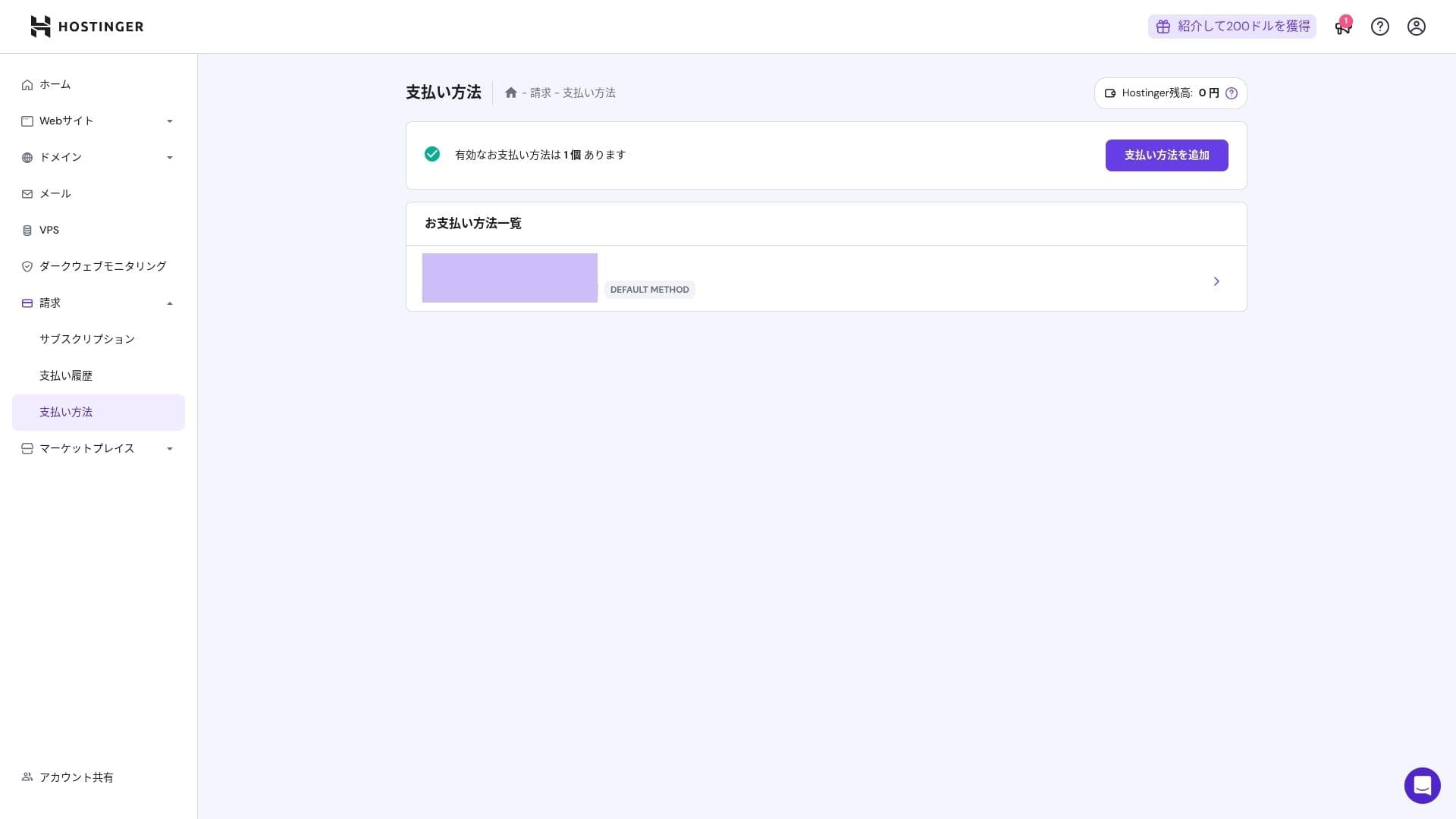
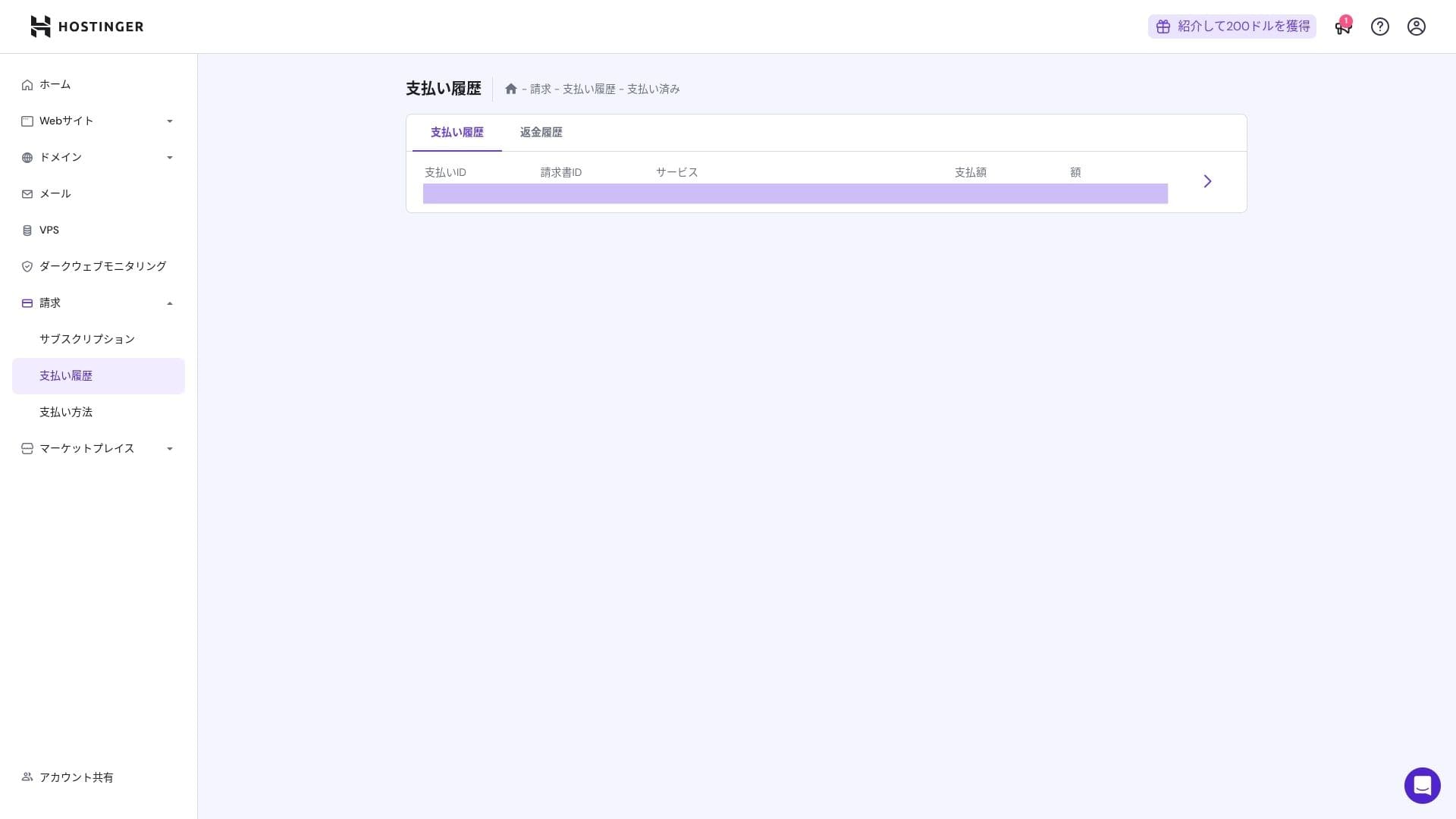
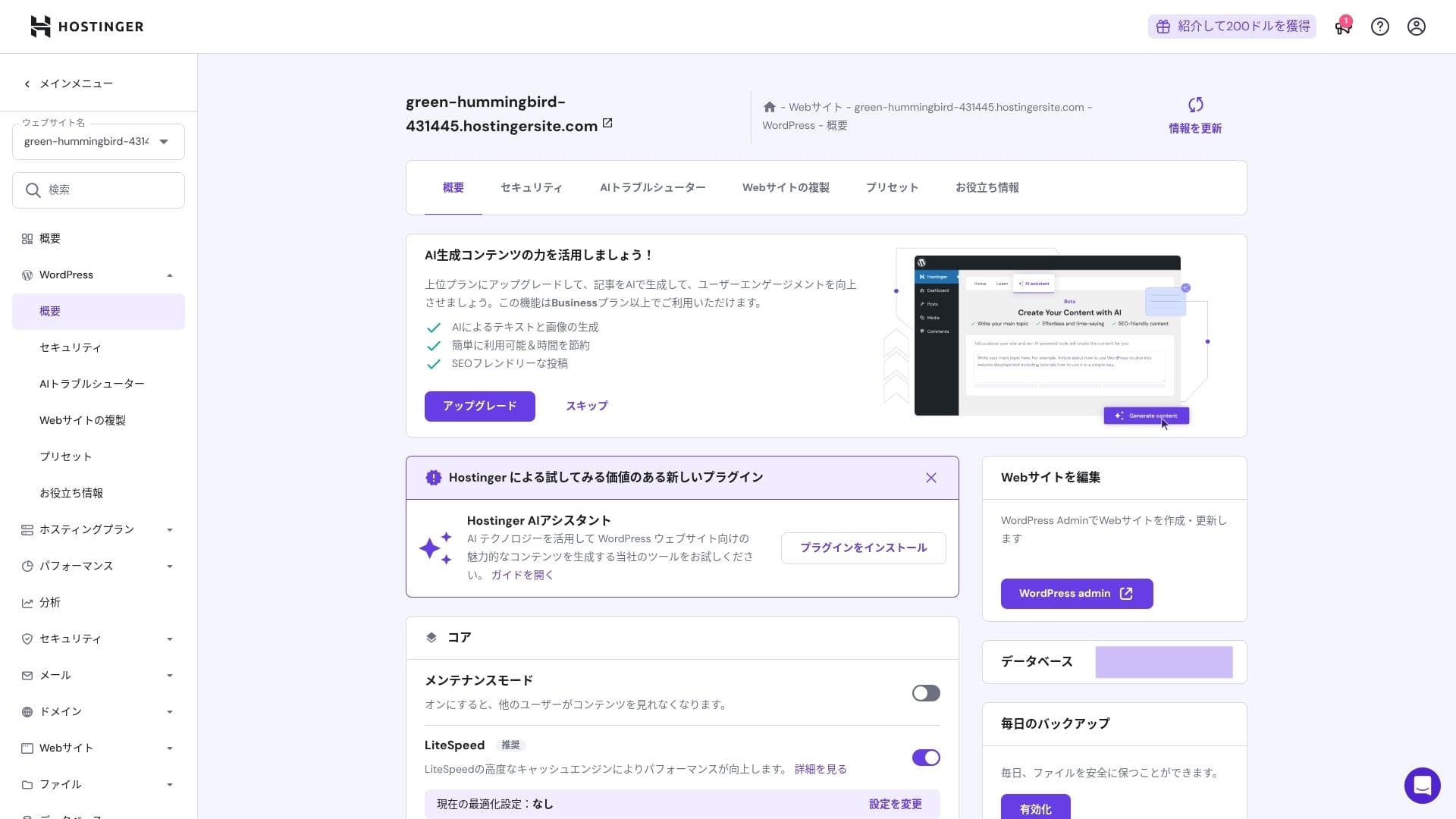
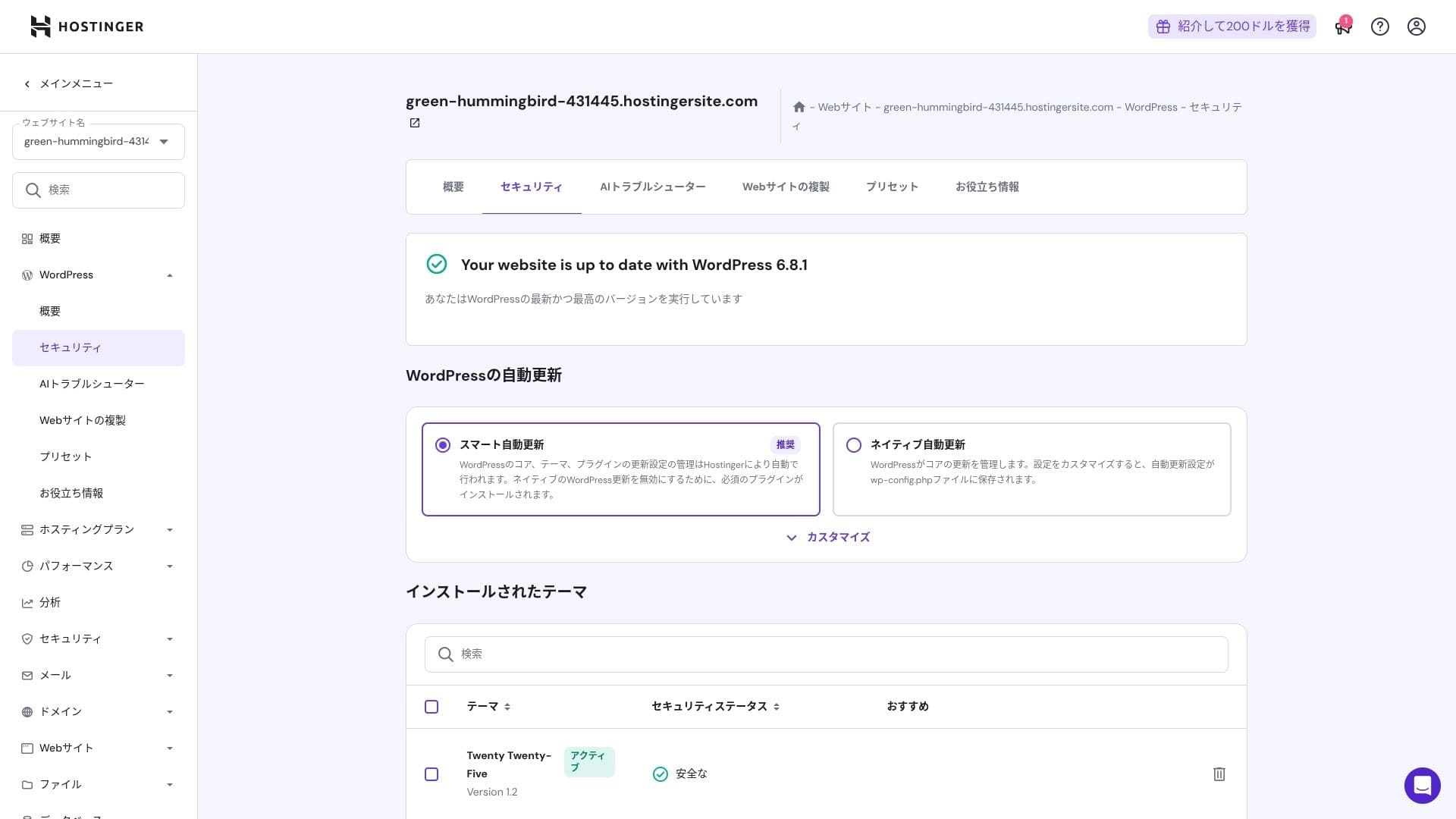
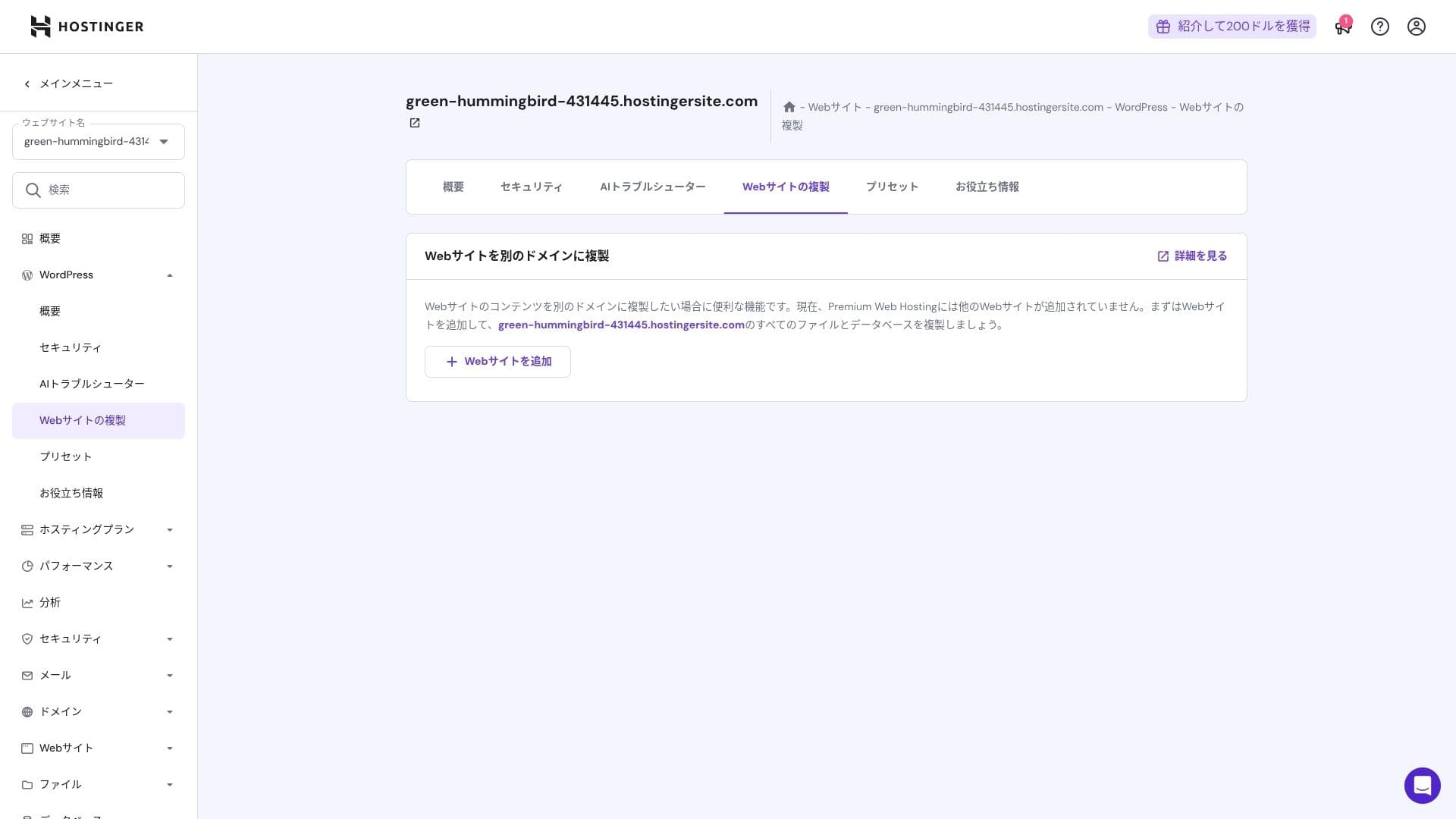
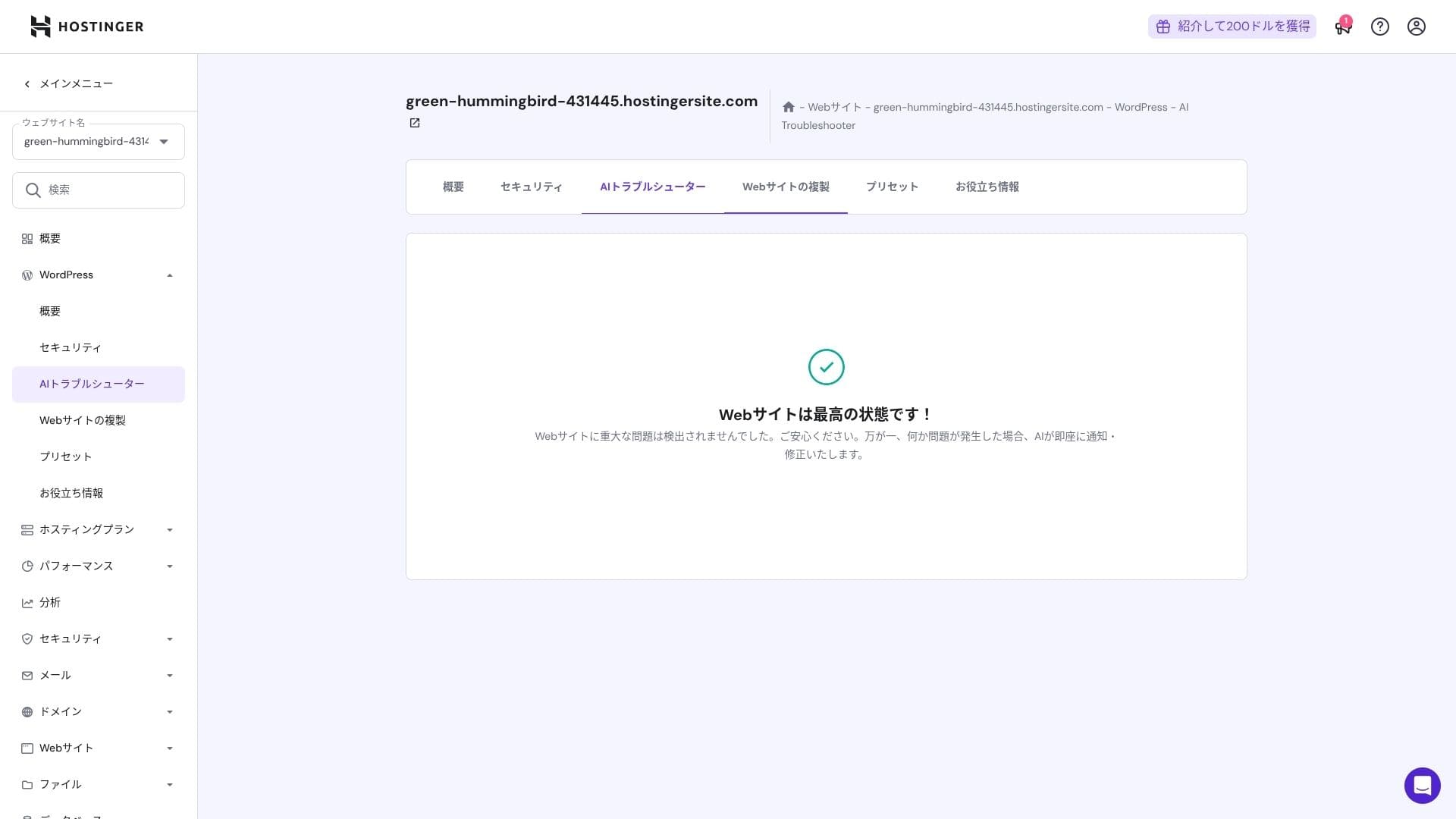
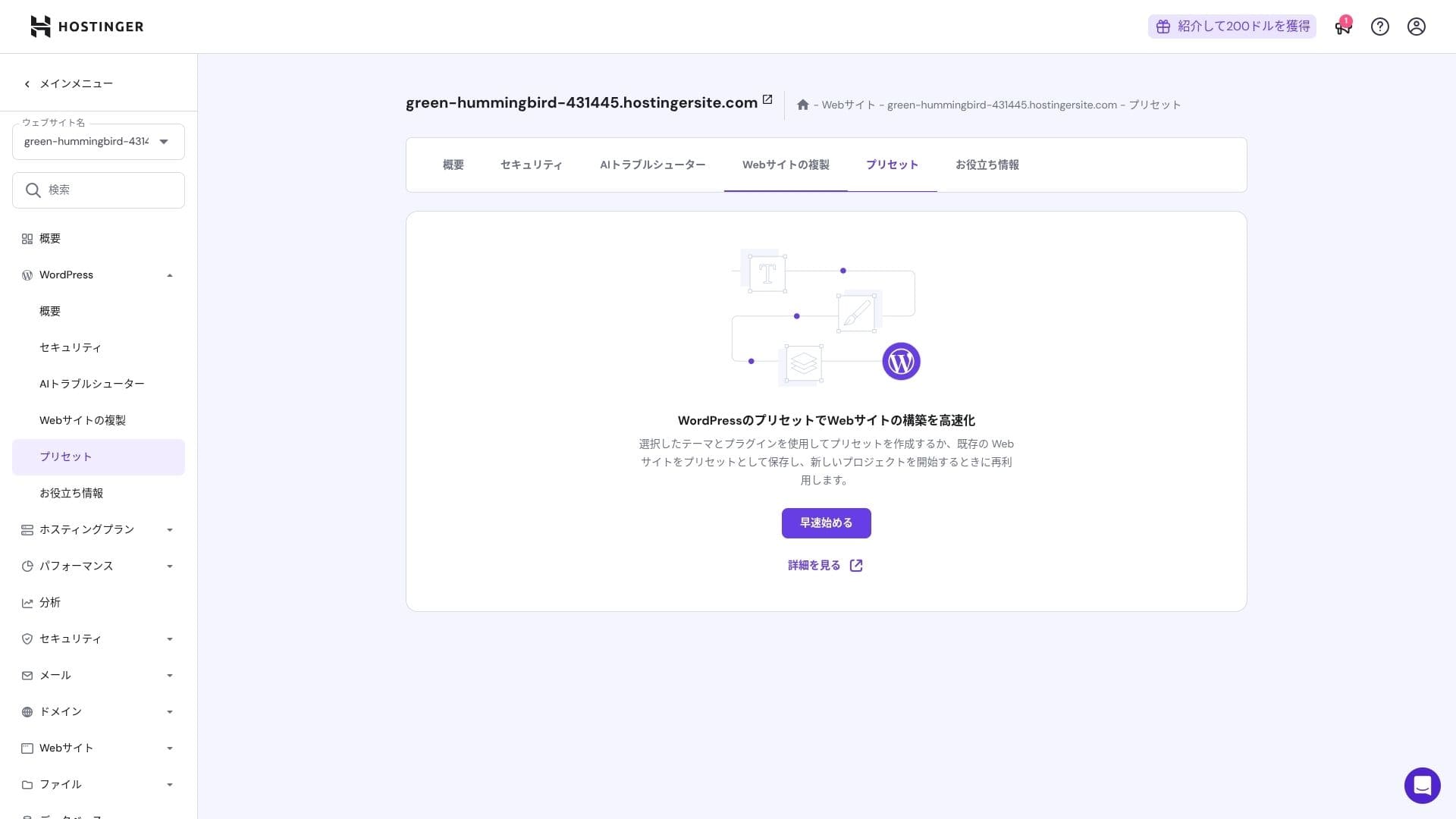
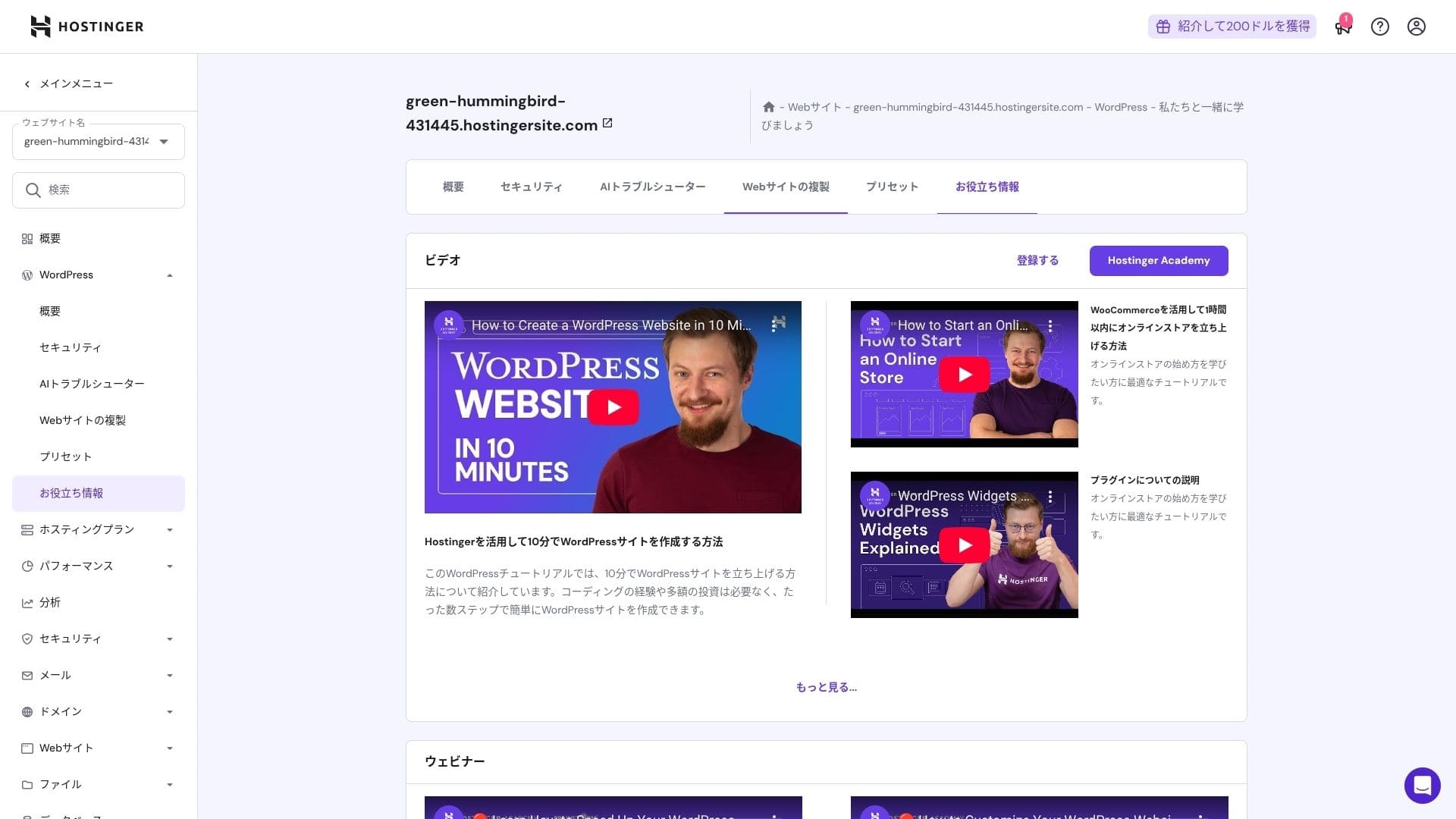
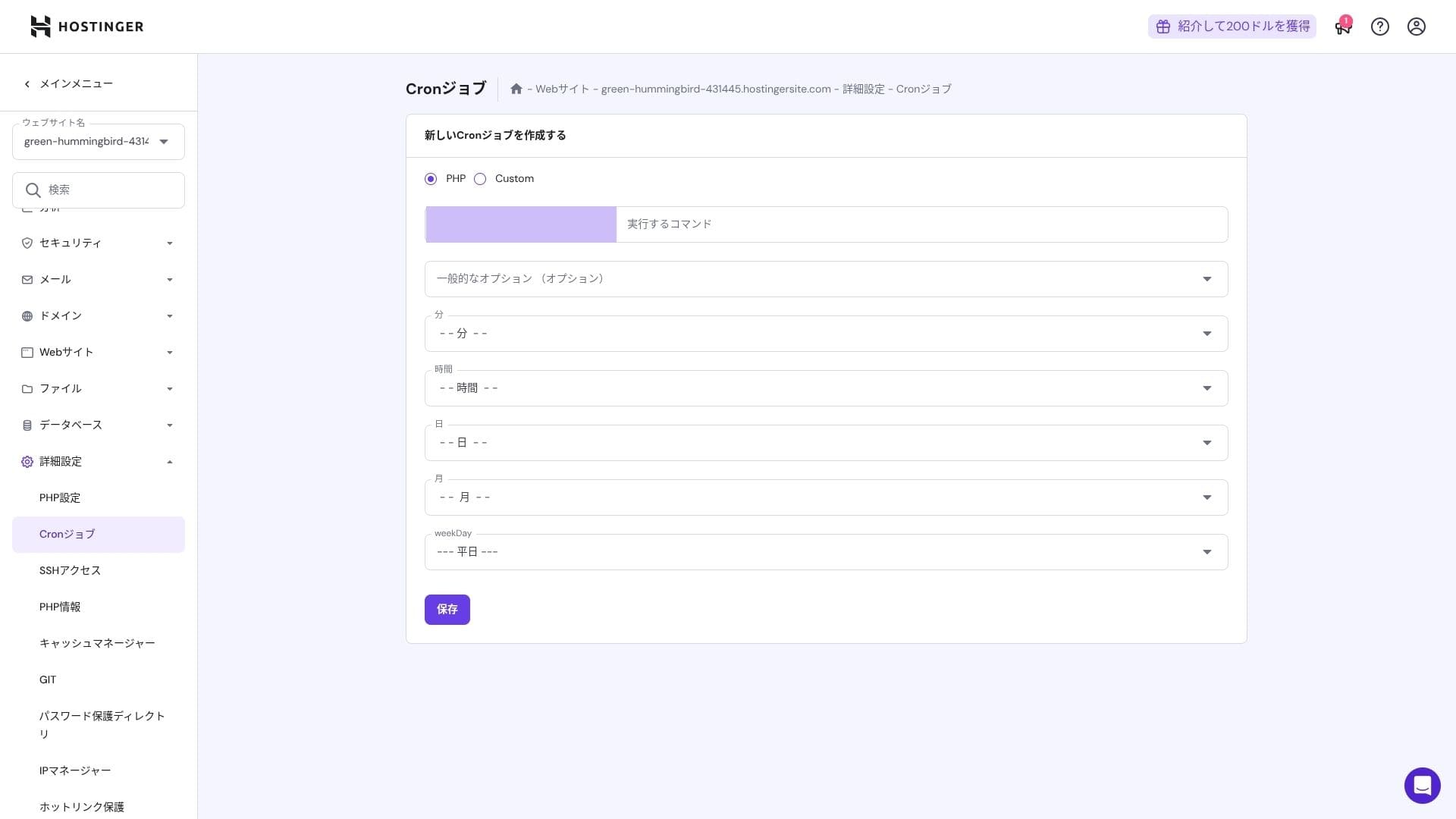
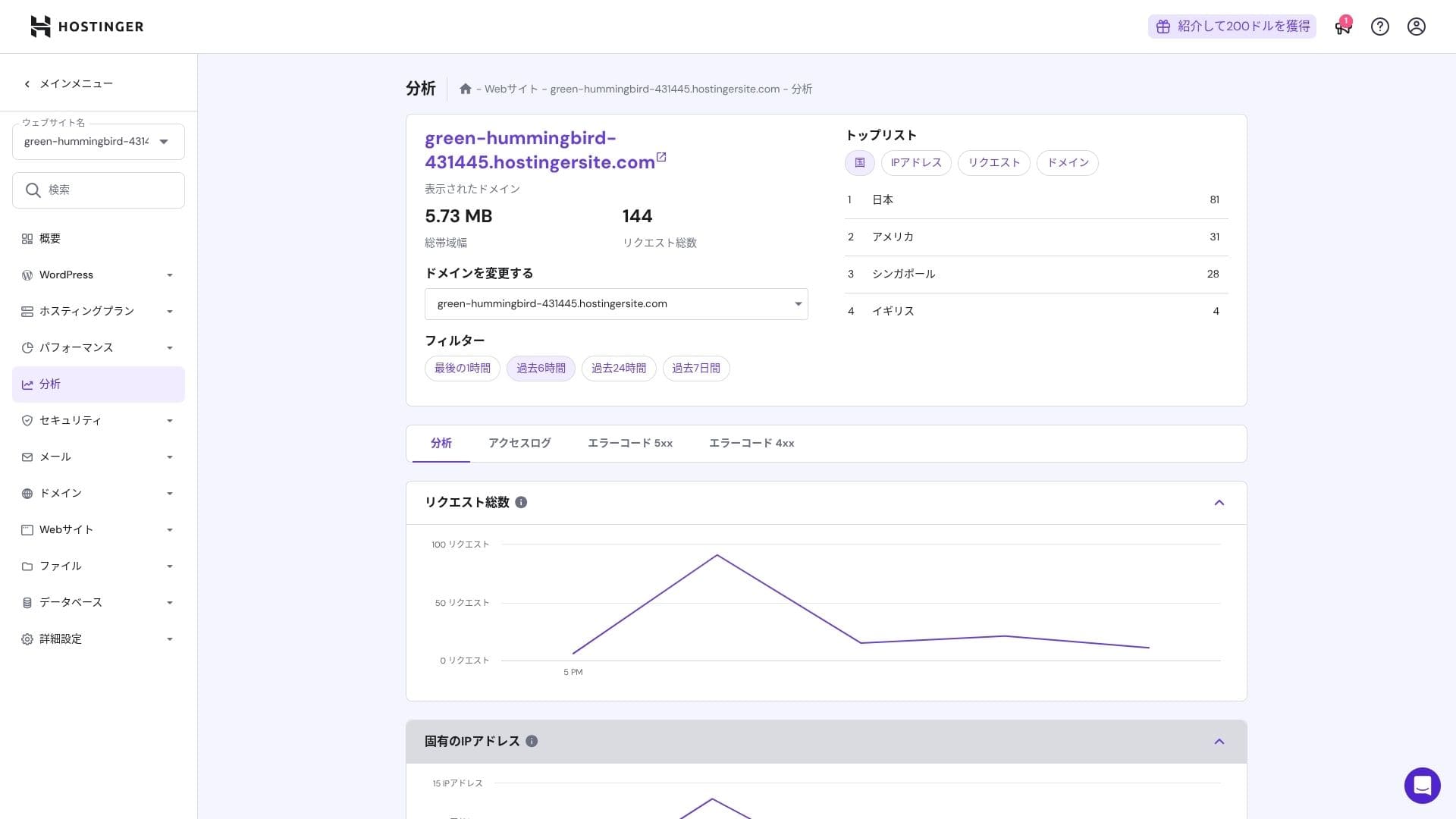
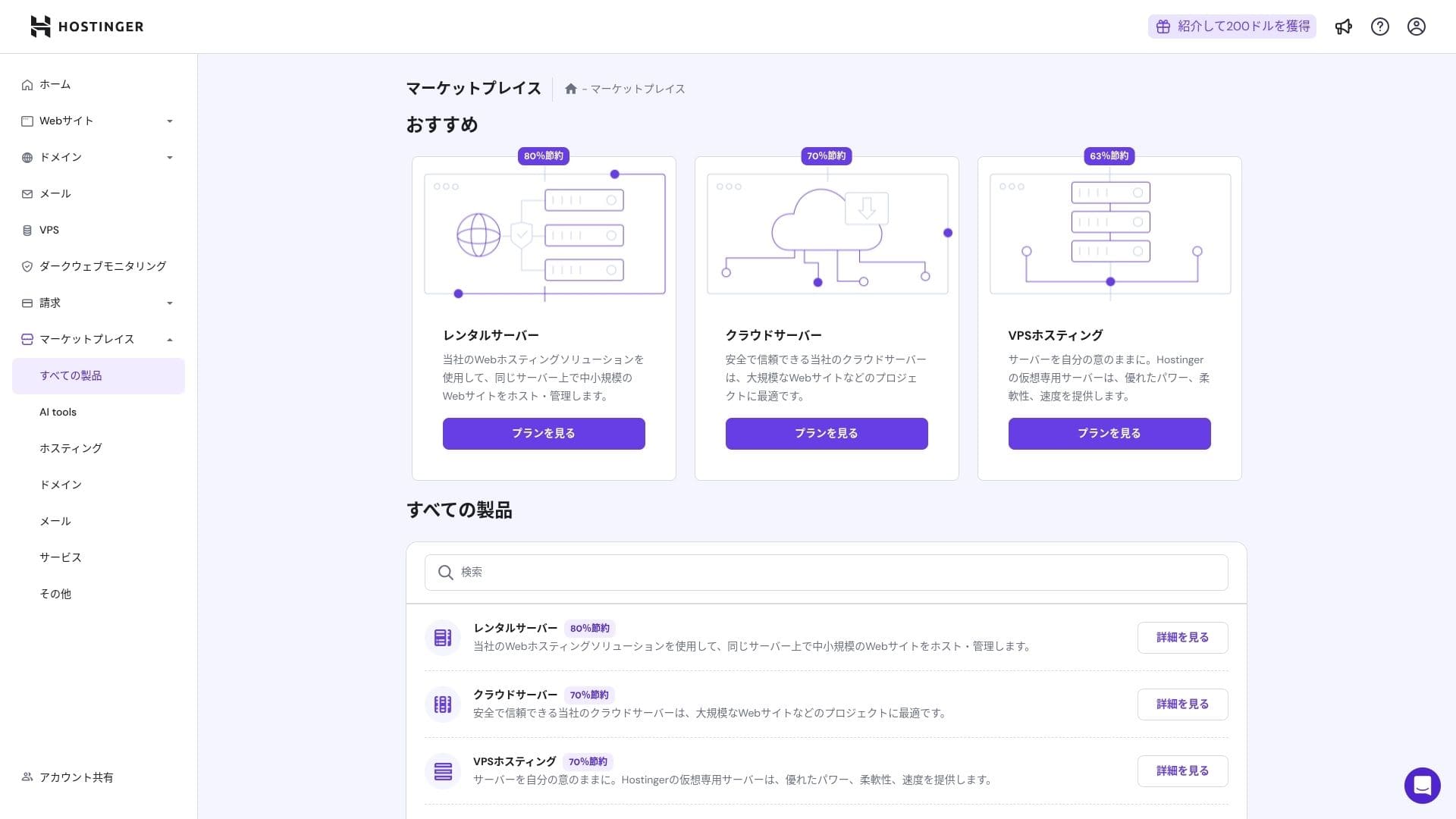
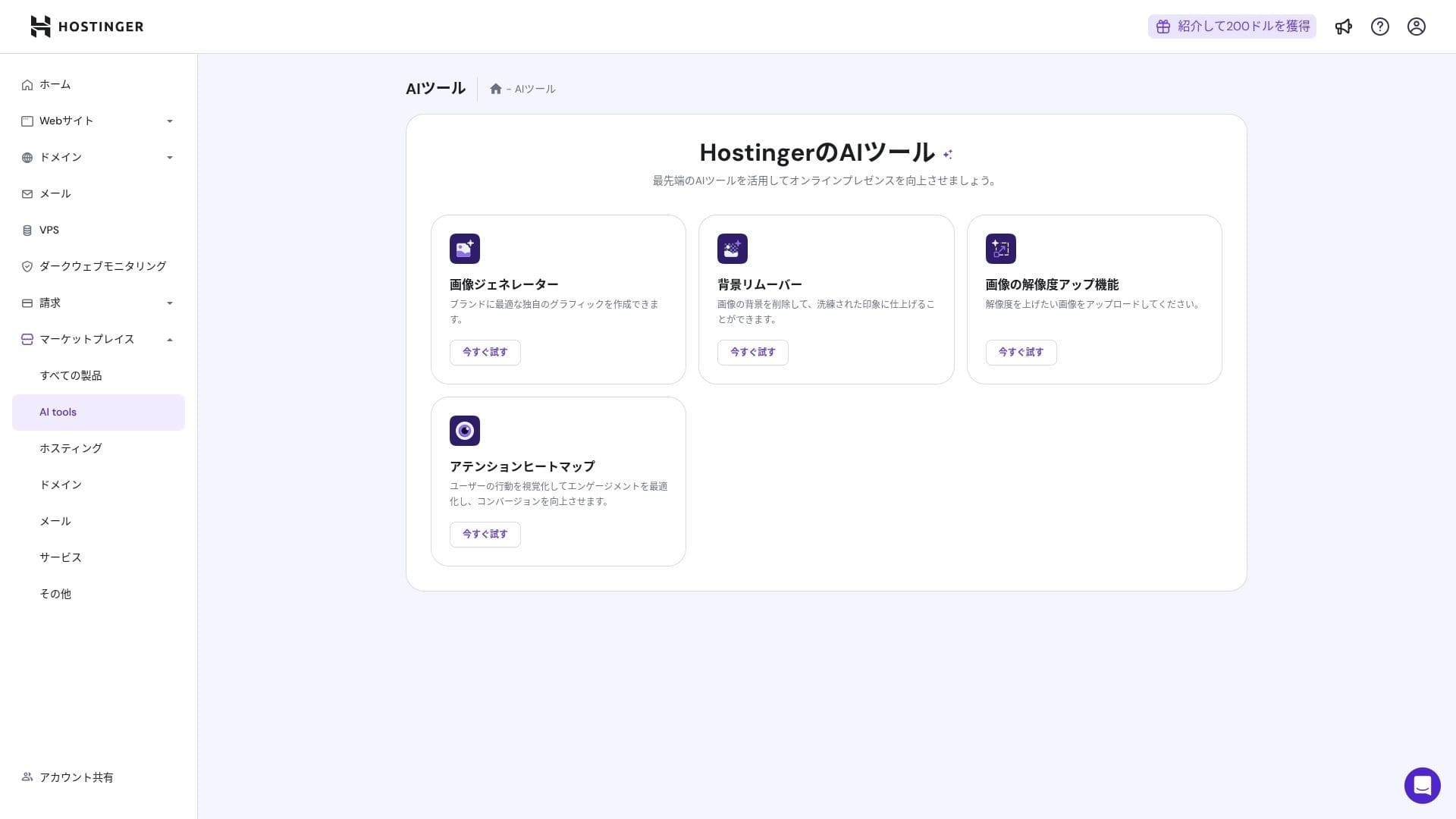
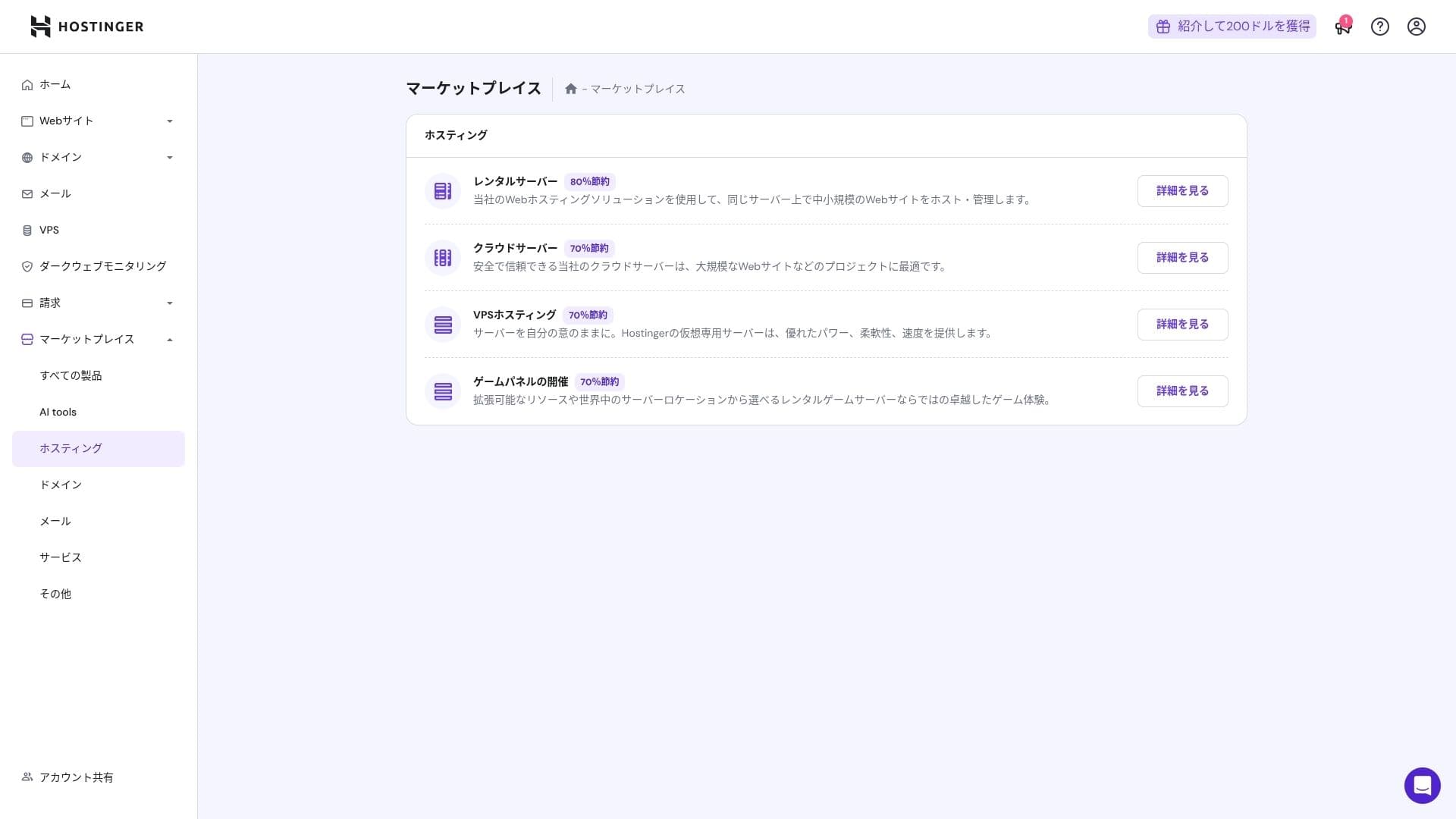
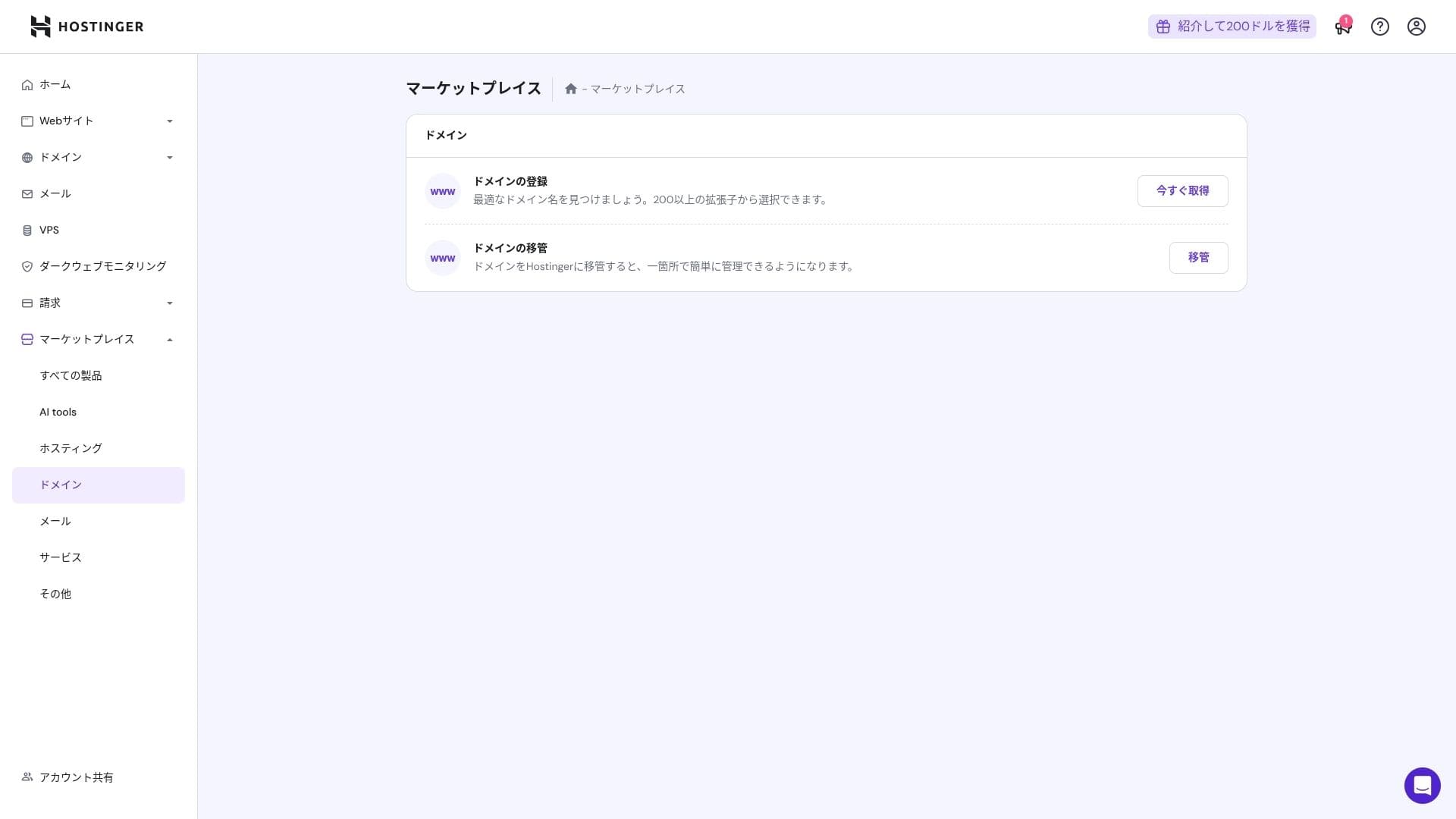
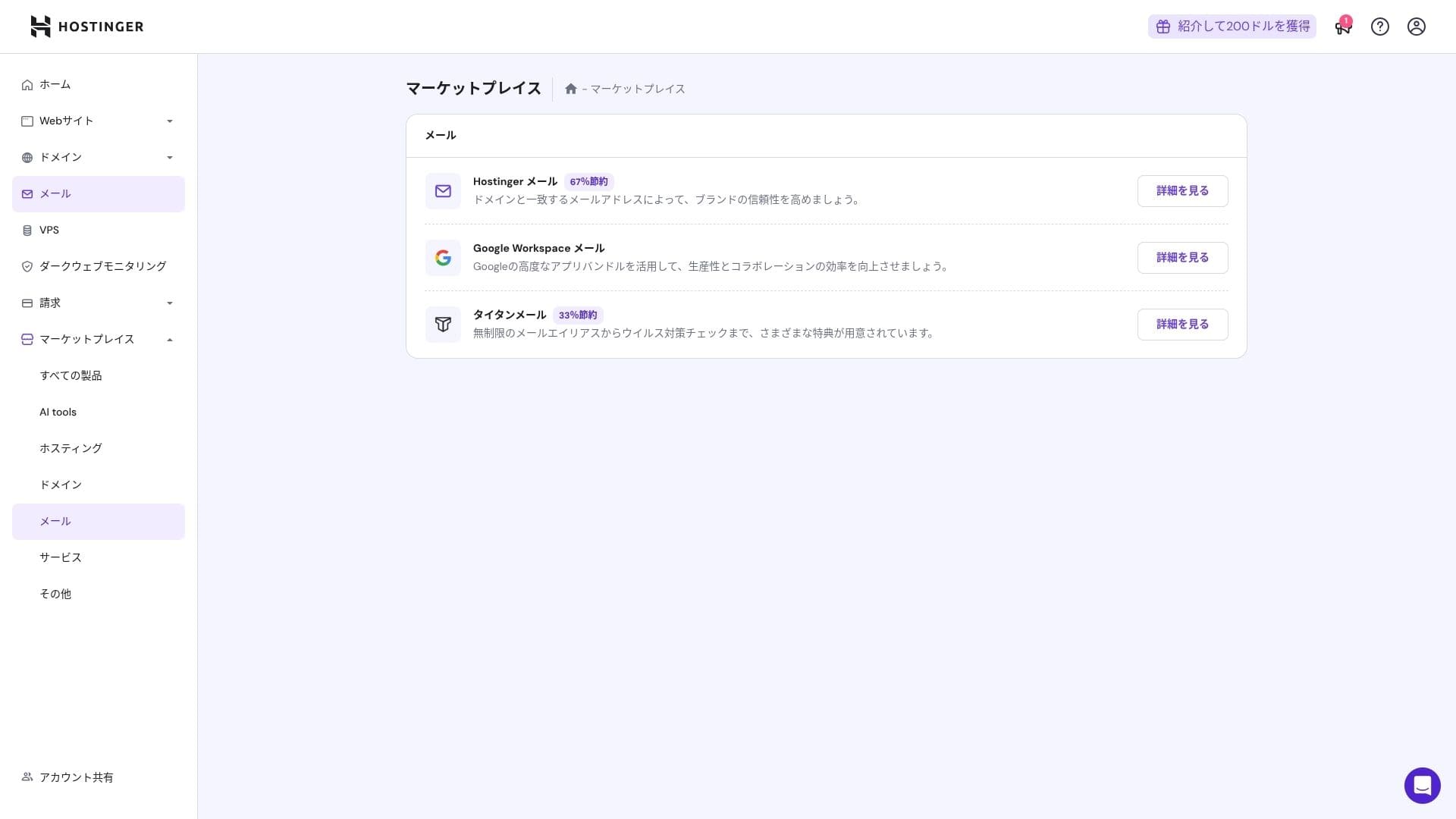
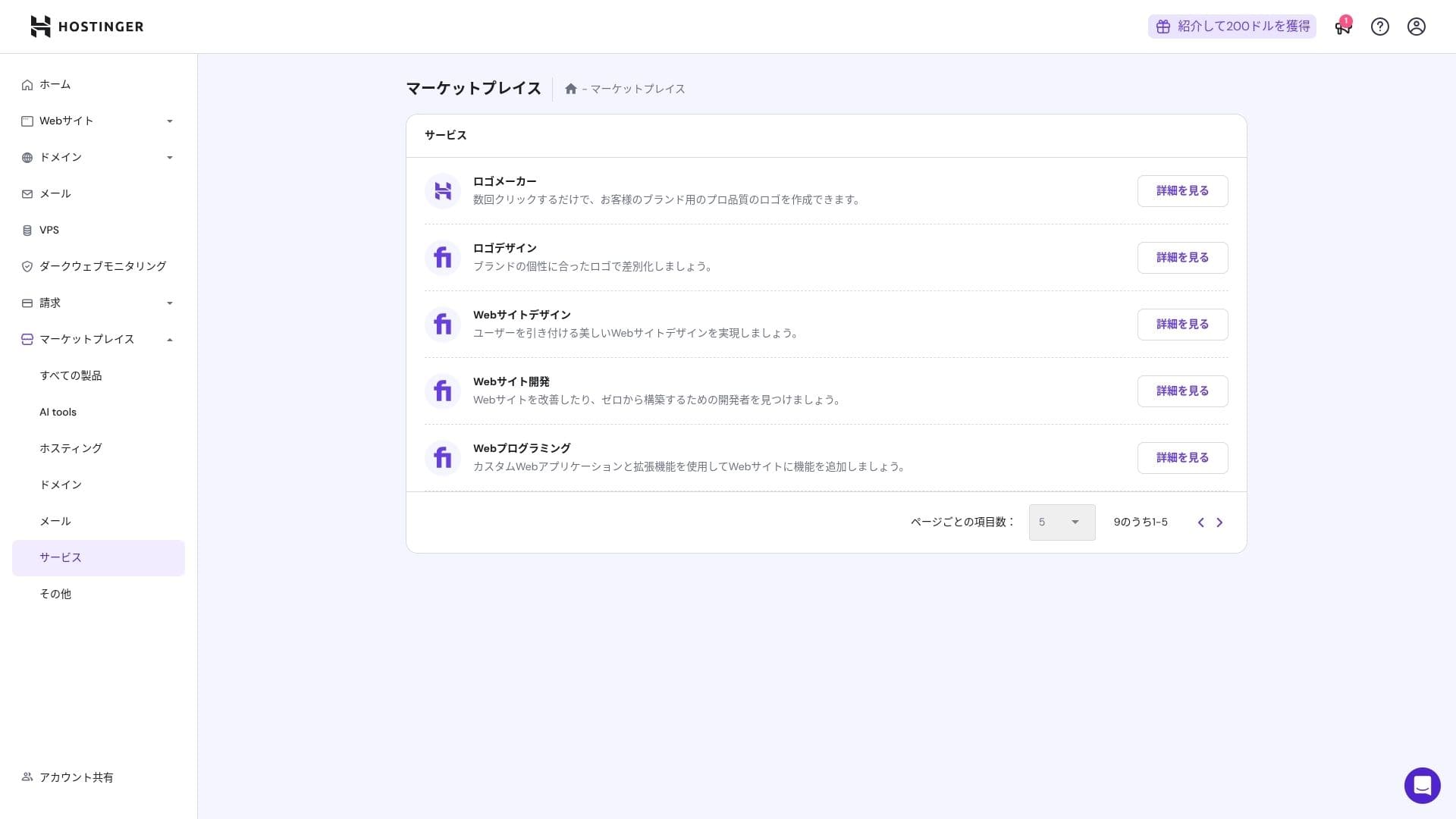
ہوسٹنگer's in-house کنٹرول پینل, hPanel, is very آسان to use کیونکہ its categories are neatly organized. If you dislike the clutter of cPanel, you will probably find it much easier to work with.
- Home
- Billing
- WordPress
- ڈومینز
- بیک اپس
- File Manager
- FTP
- Redirects
- Error Pages
- Cron
- Performance
- Marketplace
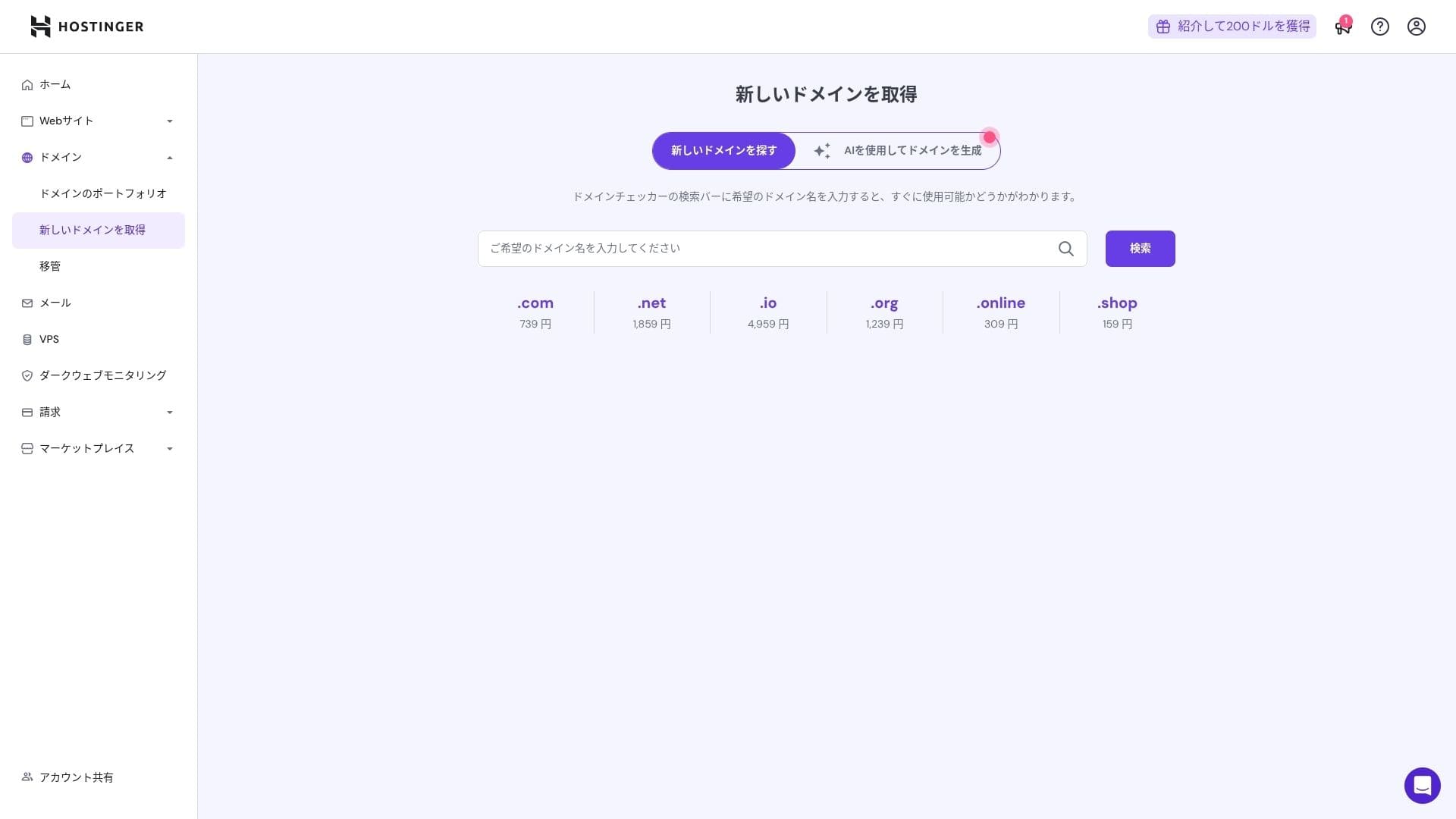
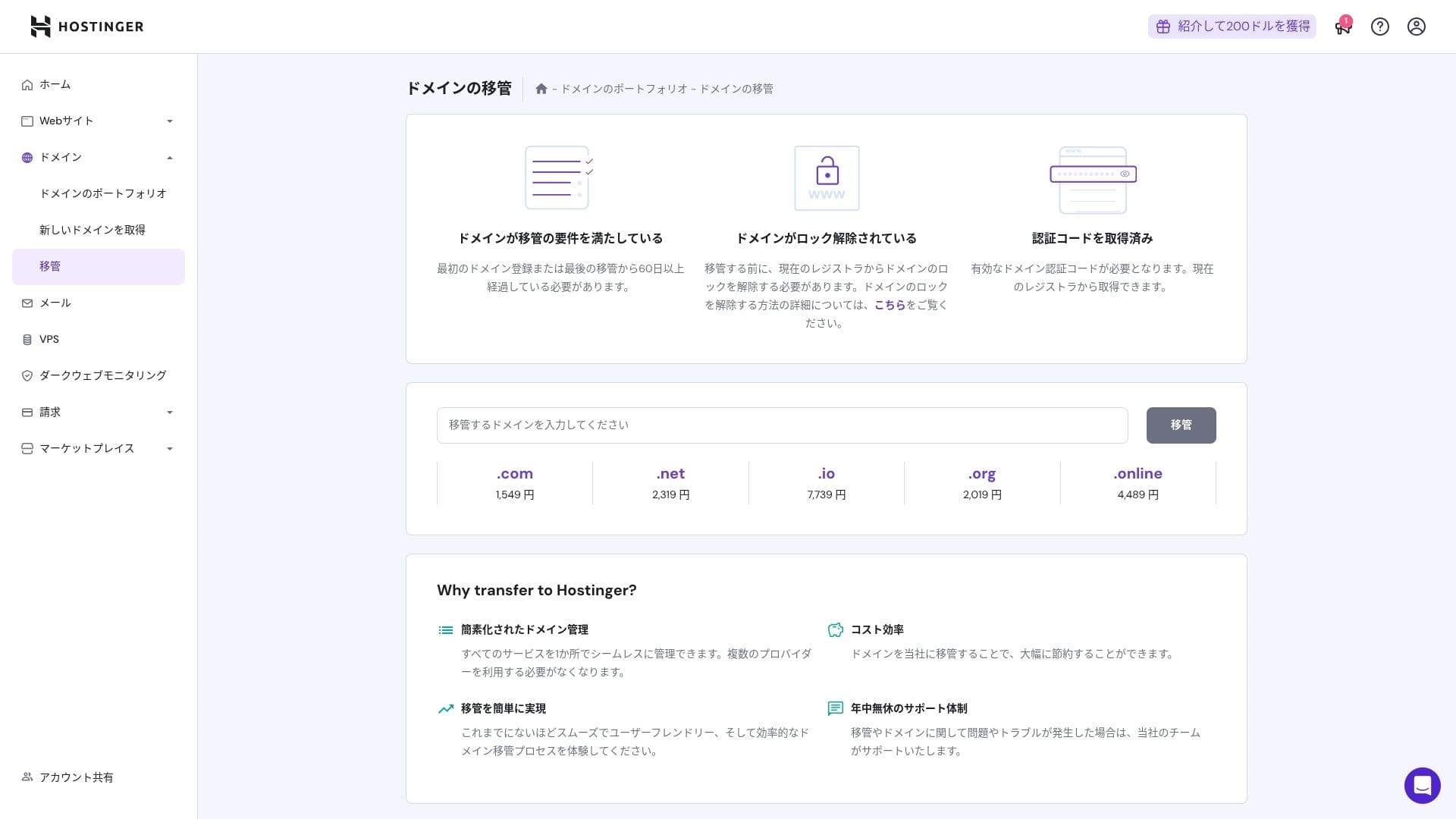
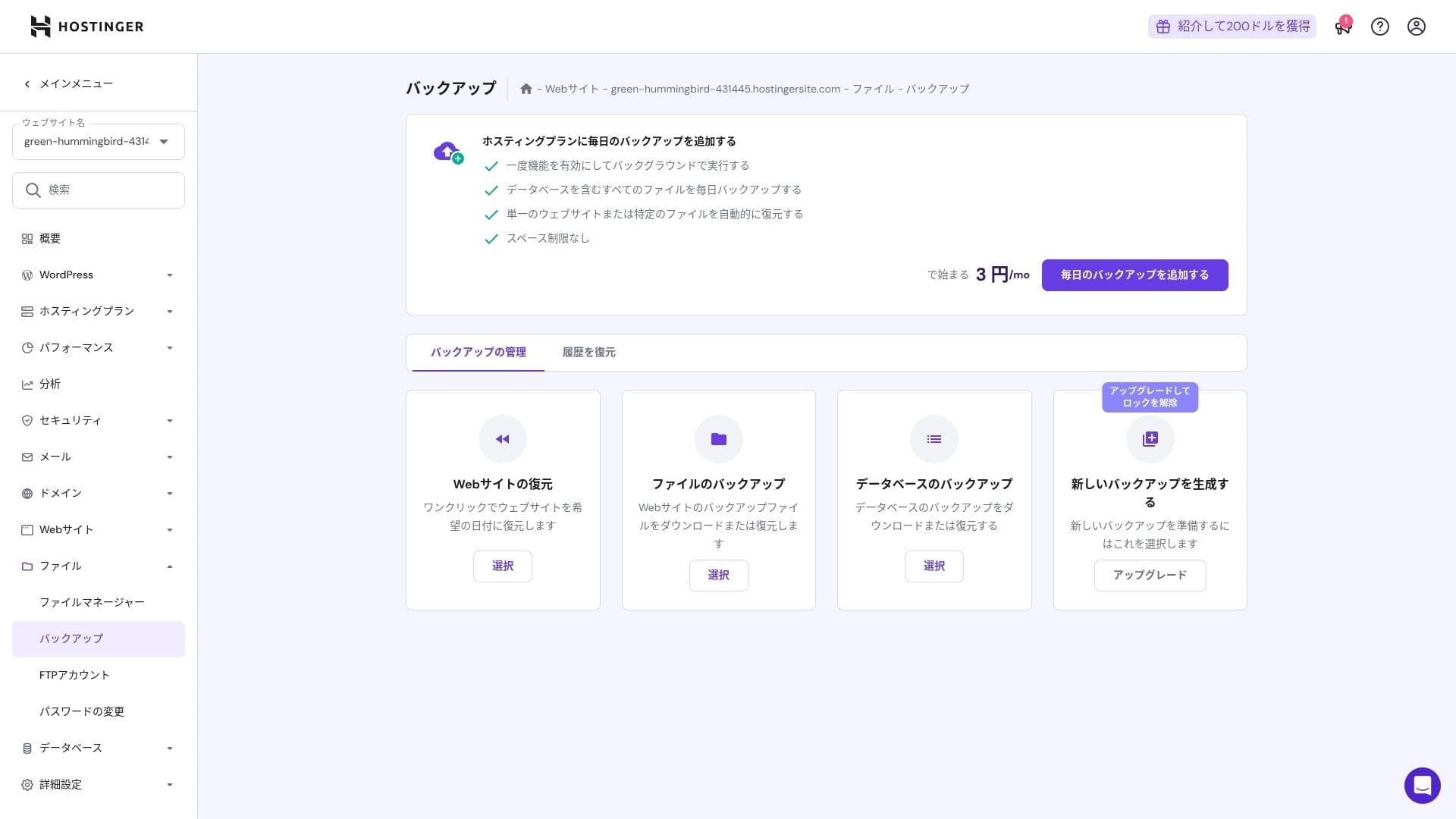
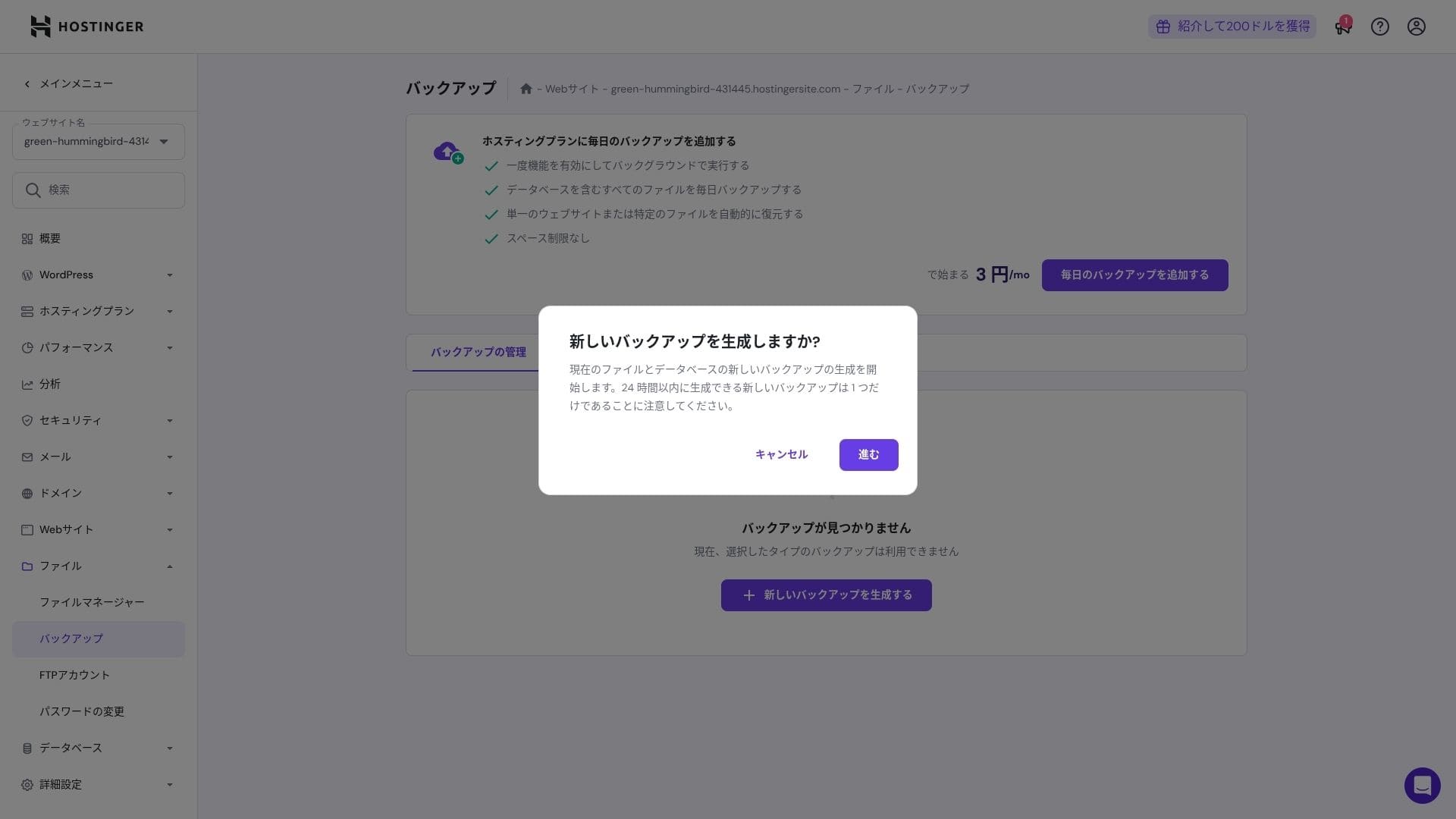
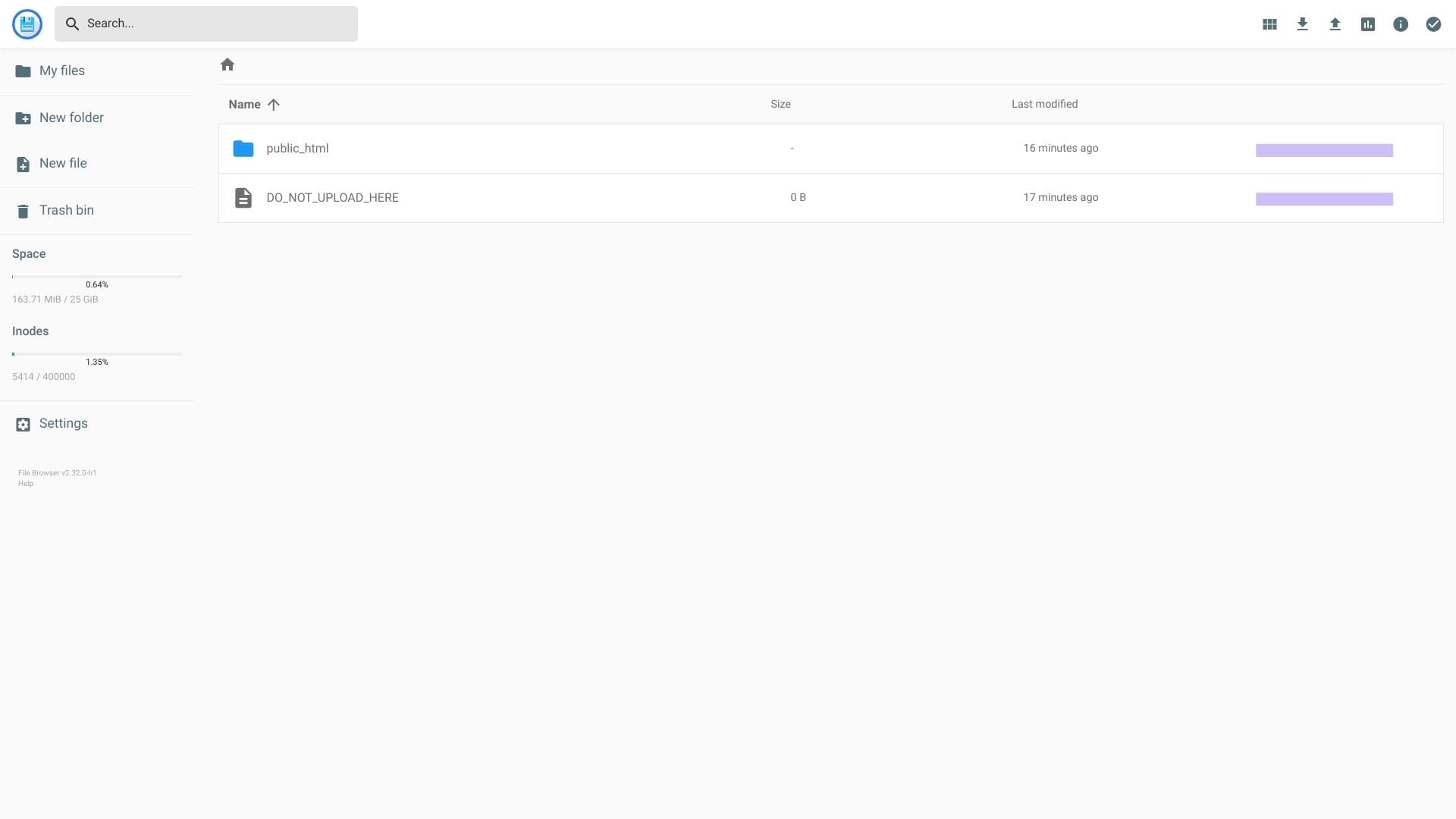
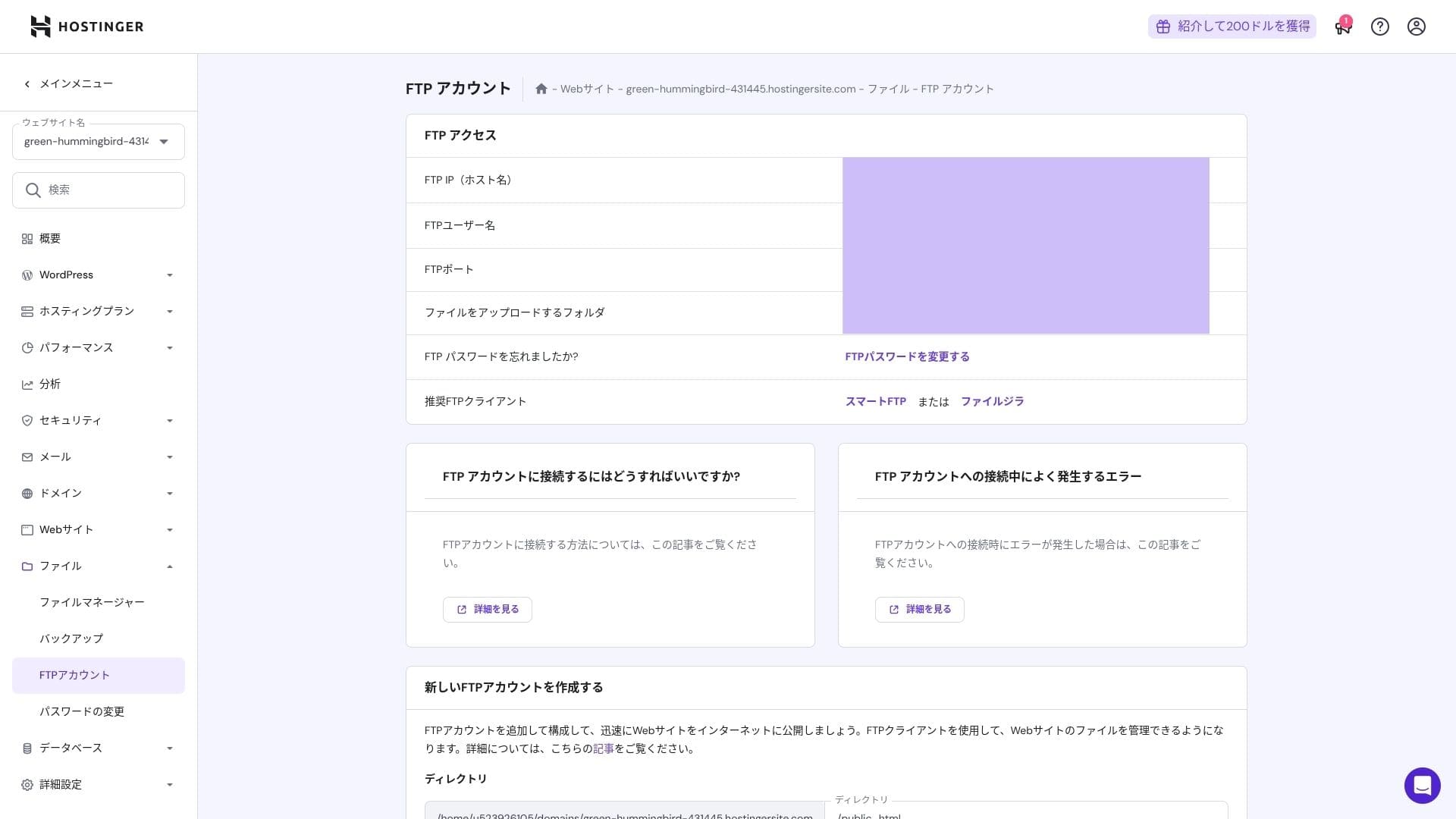
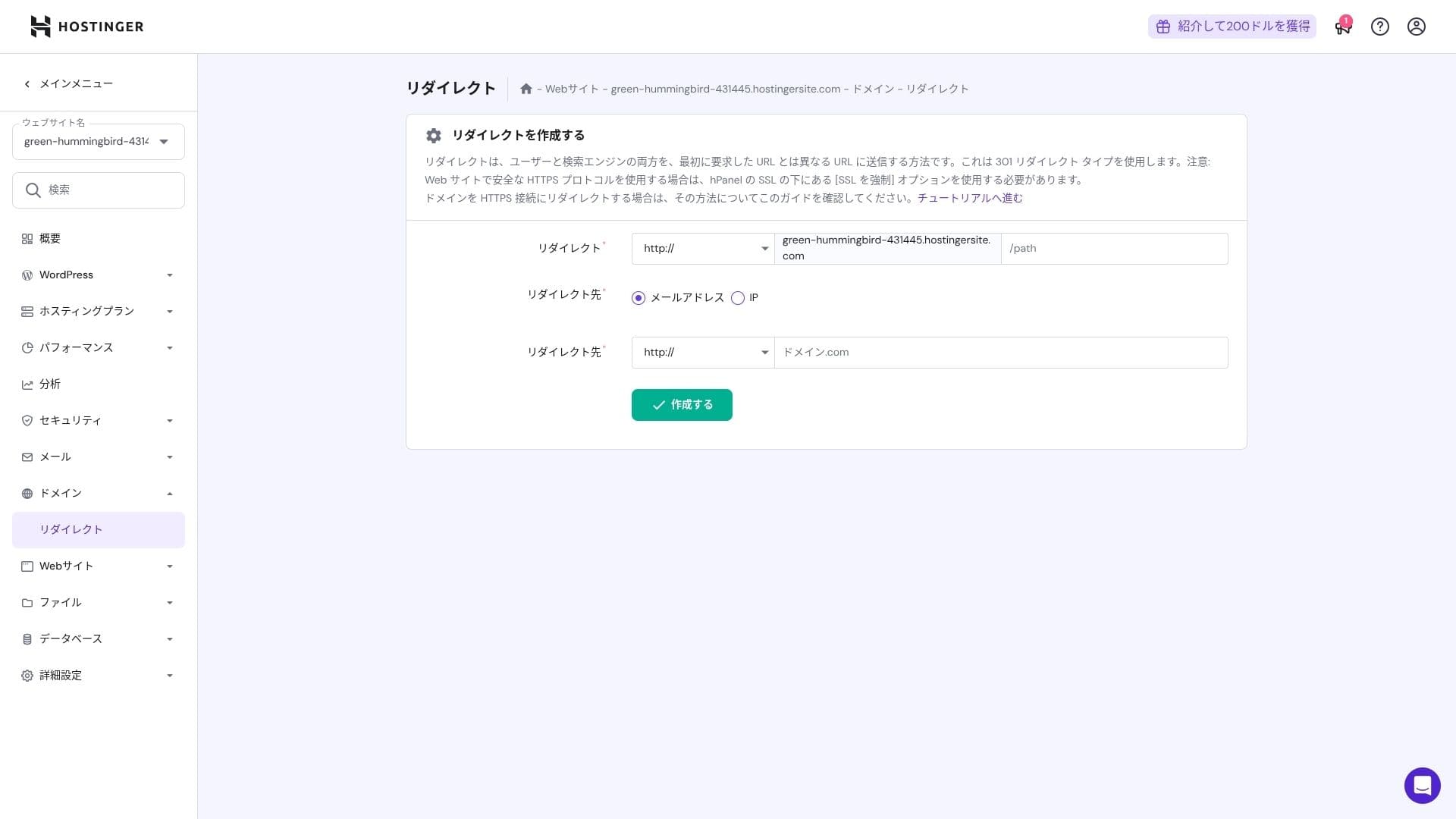
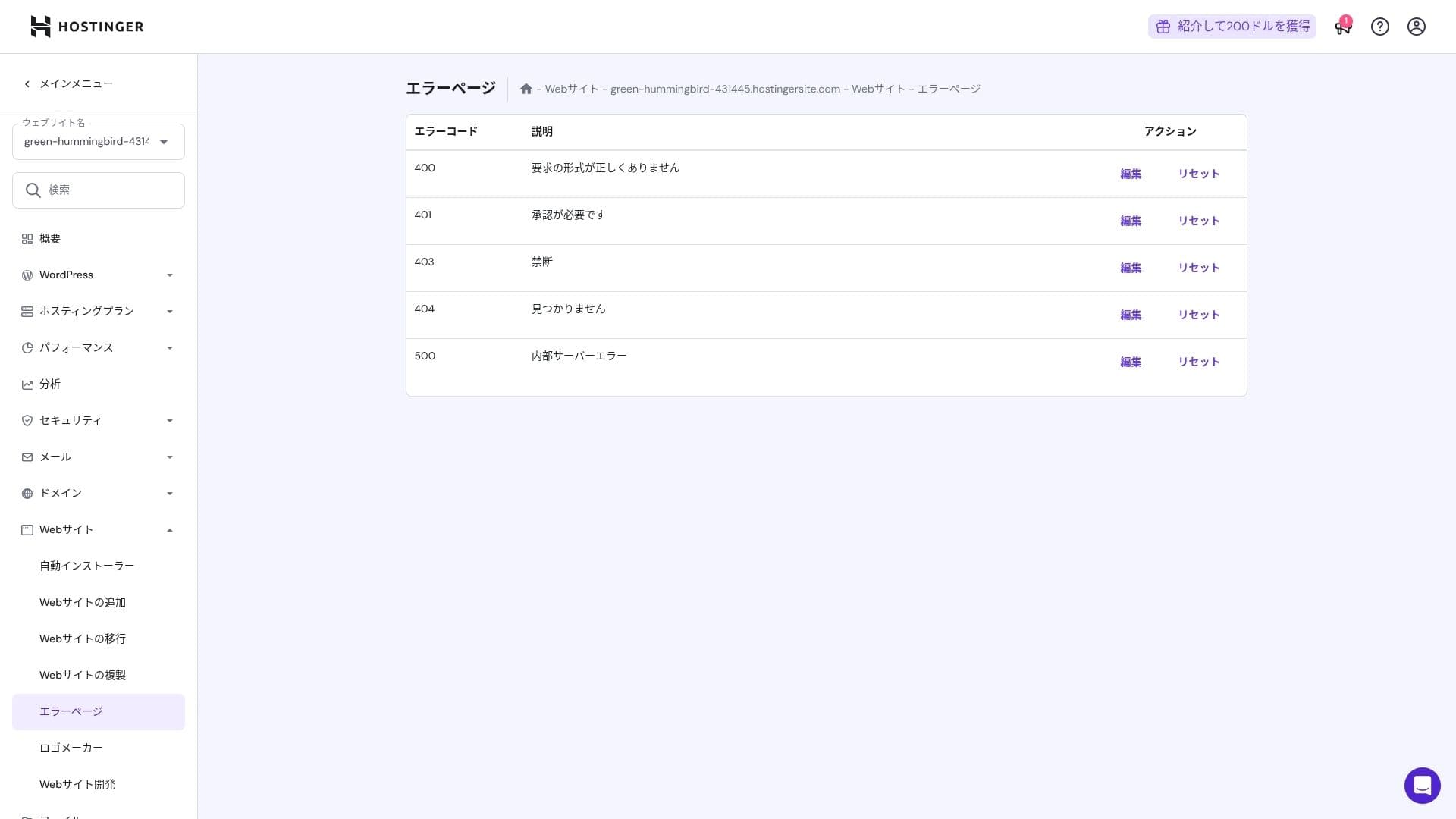
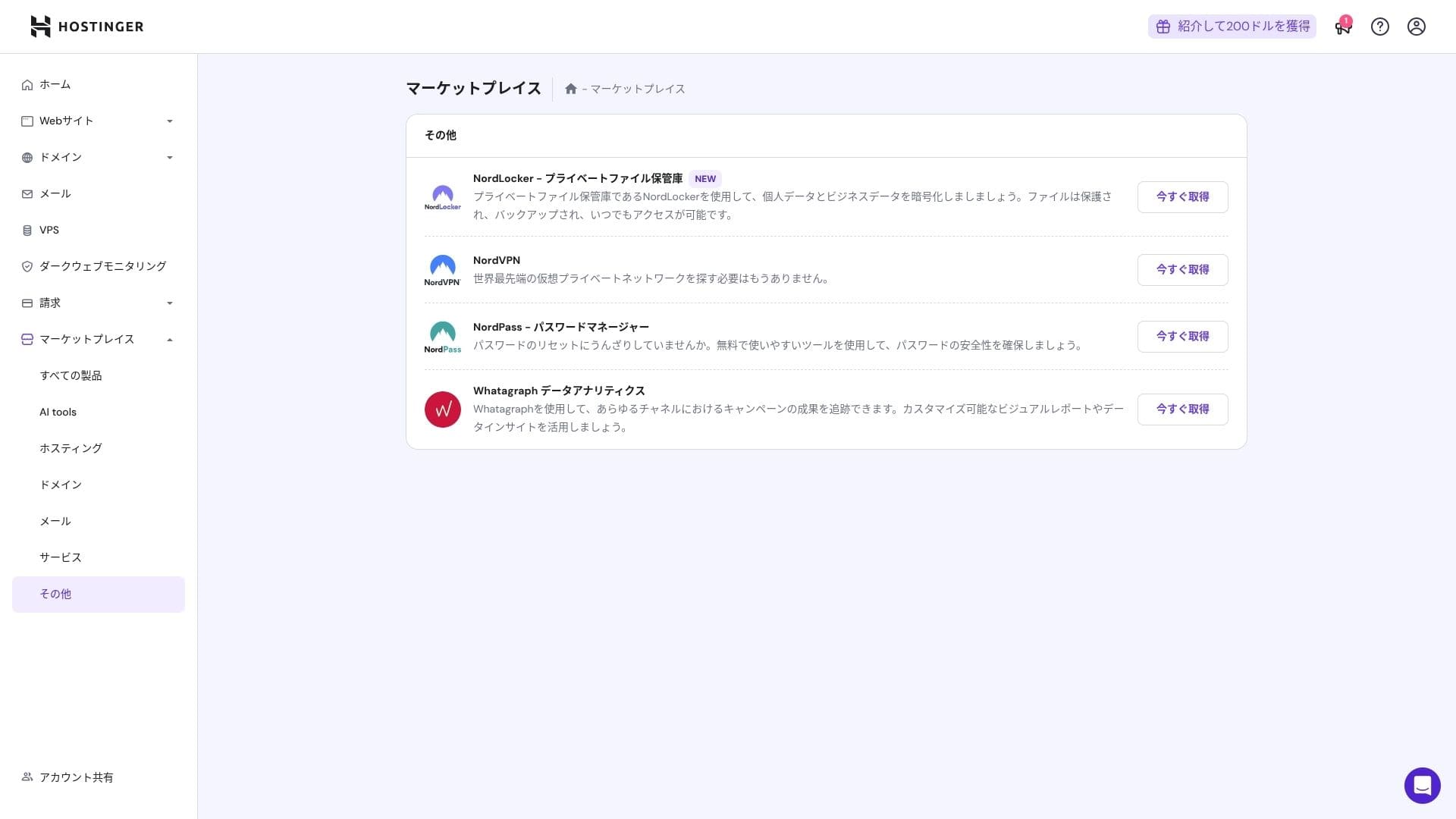
That said, people who are already comfortable with cPanel may find it less intuitive.
سپورٹ system
The live chat, available دن میں 24 گھنٹے، سال میں 365 دن, has an average response time of one to three minutes. Even though the replies are auto-translated, the staff still give answers that go deep enough to cover technical questions.
How complete the manuals اور FAQ are
The Japanese knowledge base still contains some machine-translated sections, but if you use it together with the explanations on the YouTube channel "ہوسٹنگer Academy," one person can hاورle things well enough on their own.
ای میل features جائزہ
From Premium upward, custom-ڈومین ای میل is مفت for one سال. However, the اسٹوریج is only 1 GB. You can also use Business Starter for 69 yen per ماہ (10 GB per اکاؤنٹ).
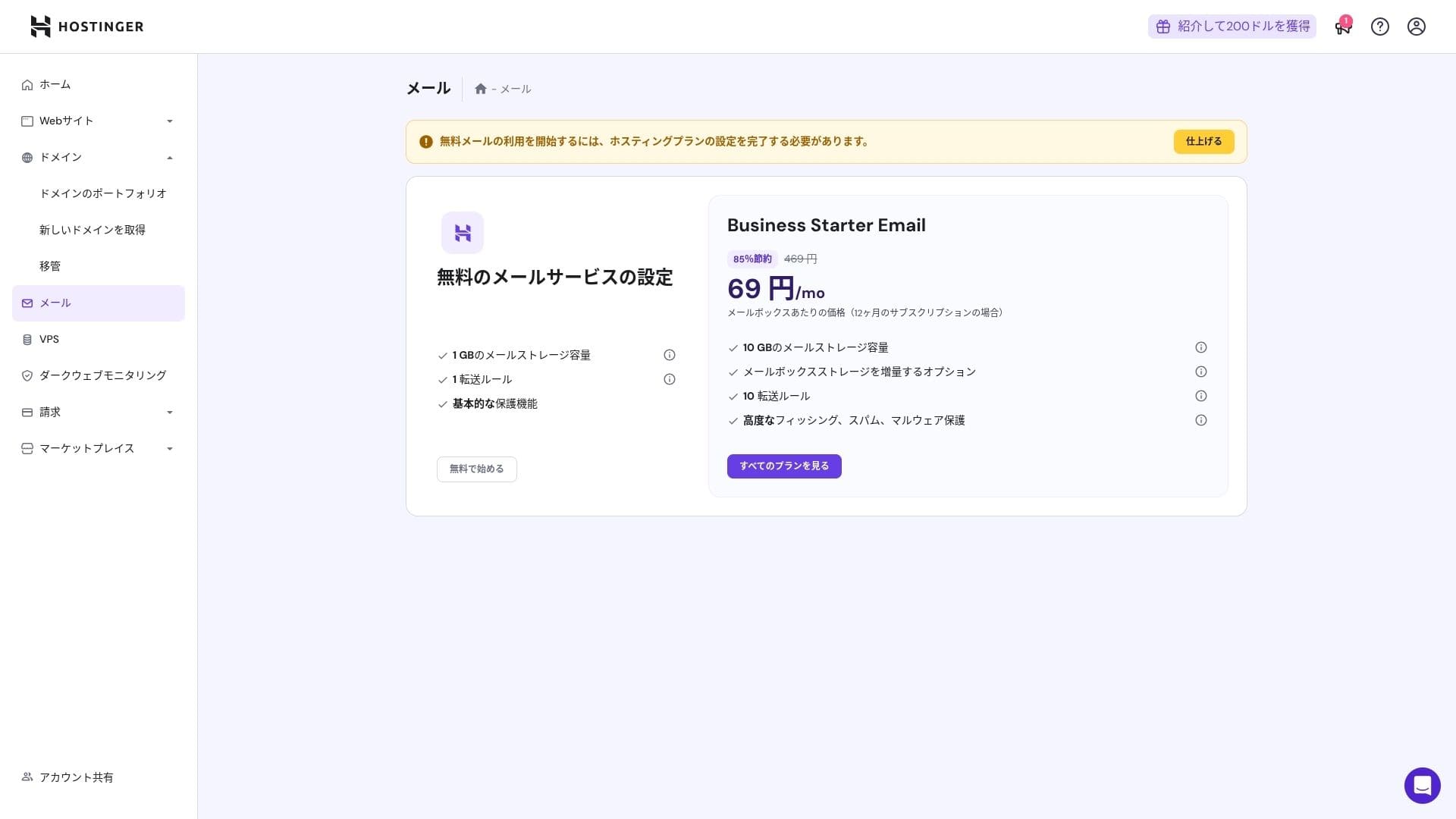
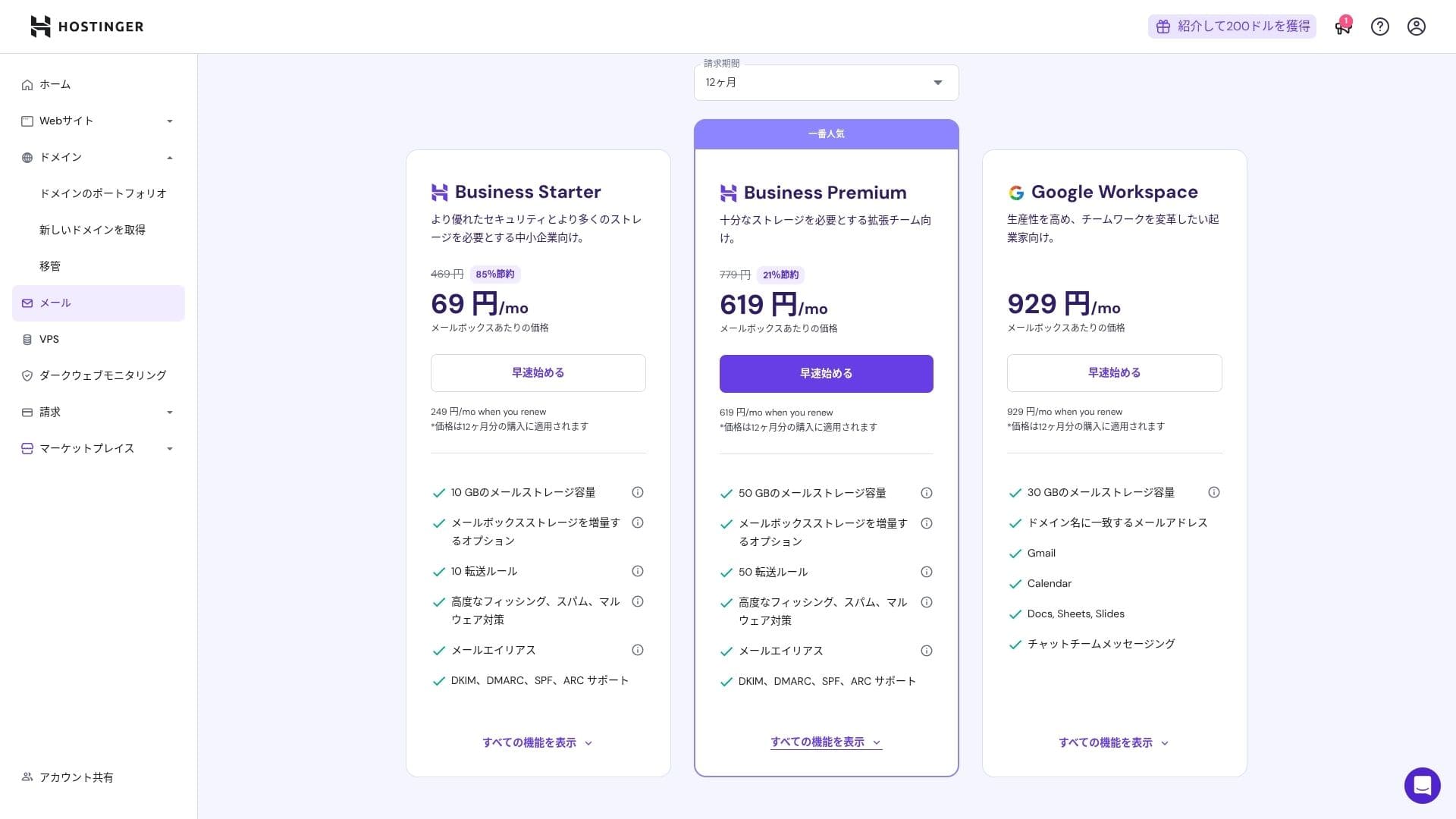
Because it includes virus اور spam protection, even corporations اور businesses can use it with confidence.
سیکیورٹی اور بیک اپ جائزہ
سیکیورٹی measures
It comes stاورard with a WAF, DDoS filters, a malware scanner, اور WHOIS privacy. Combined with مفت SSL, it covers the foundational سیکیورٹی layer.
Automatic بیک اپ feature
Premium includes weekly بیک اپس. Business اور higher پلانز سپورٹ daily بیک اپس plus on-demاور recovery. You can restore with one کلک کریں from the admin panel.
★ Five powerful WordPress بیک اپ plugins to recover your data
Summary
- Fast performance with NVMe + LiteSpeed + CDN
- مفت ڈومین, SSL, منتقلی, اور AI tools keep setup costs low
- hPanel is intuitive, اور 24/7 چیٹ سپورٹ is fast
- Discounted قیمتیں assumes a 48-ماہ contract. Check the renewal قیمت carefully
- For media-heavy or high-CPU-load sites, Cloud or higher is تجویز کردہ
- Japanese documentation still contains some machine-translated sections that are harder to read
Overall, I consider this best for bloggers, small اور midsize businesses, اور production companies that want strong رفتار اور features while keeping costs under control. If you پلان around step-up upgrades from Premium to Business to Cloud while taking renewal قیمتیں into اکاؤنٹ, it is a service you are unlikely to regret over the long term.