30-day money-back guarantee
PR
Сервери
Огляд GoDaddy: докладне пояснення переваг, недоліків, налаштування WordPress і процесу скасування
Опубліковано: 2025.07.13
Оновлено: 2025.07.13
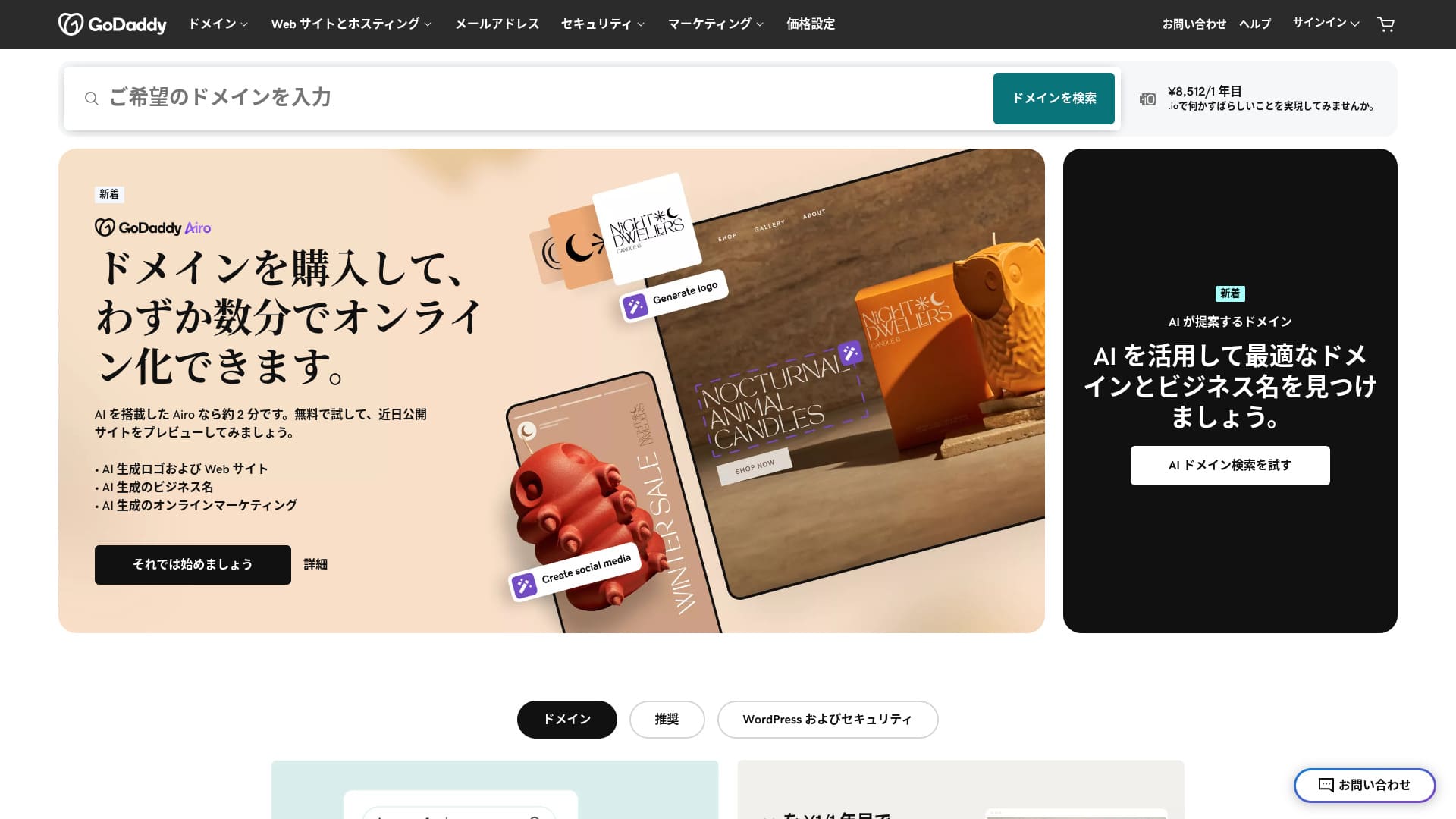
Сервер від одного з найбільших у світі реєстраторів доменів.
GoDaddy is the most widely used domain management company in the world. You may have heard the name at least once. Unusually for an overseas server, it also offers a Japanese-language website. And you can receive support in Japanese.
У цій статті я докладно пояснюю все — від особливостей і репутації GoDaddy до запуску WordPress і скасування.
Compare 10 overseas servers

With overseas rental servers, many people are unsure which server to choose because of language barriers and cultural differences.
In this article, I thoroughly compare 10 carefully selected overseas rental servers from around the world and explain each one's features, pricing plans, and actual user experience in detail.
I provide information that covers a wide range of needs, from selection criteria that beginners can use with confidence to advanced features that engineers look for.
Огляд GoDaddy: сервер із японською чат-підтримкою
“GoDaddy” — одна з найбільших у світі хостинг-компаній зі штаб-квартирою в Скоттсдейлі, штат Аризона. Одна з її переваг — простота використання завдяки наявності сторінок японською мовою. Навіть найдешевший план має WAF, що забезпечує високу безпеку.
| Тип сервера | Спільний сервер |
| Швидкість відображення (TTFB) | Not measured |
| Рекомендований план і строк контракту | Basic, 1 year |
| Пробний період / гарантія повернення грошей | 30-day money-back guarantee |
| Щомісячна плата (12-місячний контракт) | 899 yen |
| Початкова адміністративна плата | Безплатно |
| Безплатний домен | Немає |
| Підтримка | 24/7 chat, phone (weekdays 10:00-17:00) |
| Час безвідмовної роботи | 99.9% |
| Server storage | 10 GB |
| Кількість баз даних | 1 |
| SSL | Безплатно SSL |
| Backup | Weekly backup |
| Number of email accounts | Немає |
| Засоби безпеки електронної пошти | Немає |
| Послуга міграції сервера / сайту | Немає |
| Попереднє встановлення WordPress | Yes |
| CDN | Безплатно |
| Data centers | Kirkland, Washington, USA / Beeston, UK / Iași, Romania / Tempe, Arizona, USA / Belgrade, Serbia |
П’ять особливостей GoDaddy

Сервер швидкий завдяки сховищу NVMe
GoDaddy uses NVMe storage. It is faster than a standard SATA SSD.
Якщо сервер швидкий, сайт завантажується миттєво. Якщо сайт завантажується швидко, відвідувачі можуть переглядати його без зайвого стресу. Швидкість особливо важлива для корпоративних вебсайтів, сайтів електронної комерції та партнерських ресурсів.
Із швидким сервером GoDaddy ви можете бути спокійні.
Безплатно SSL
GoDaddy comes with free SSL. SSL is the standard form of security for websites. When a site uses SSL, its address starts with https.
Браузери також позначають його як безпечний сайт. Якщо сайт не використовує SSL, можуть з’являтися повідомлення на кшталт “Not secure”, і це стає однією з причин, чому кількість відвідувачів не зростає так, як очікується.
У GoDaddy ви можете безплатно ввімкнути SSL і сприяти залученню відвідувачів.
★ What are SSL and TLS? How encryption protects data and why it matters
Попереднє встановлення WordPress feature
GoDaddy has a Попереднє встановлення WordPress feature. WordPress is already installed when you sign up. That means you do not have to go through the trouble of installing WordPress after the contract is complete.
Навіть люди без досвіду роботи з серверами чи WordPress можуть упевнено почати.
Висока безпека завдяки WAF
GoDaddy comes standard with a highly secure WAF. This cloud-based firewall protects websites from threats such as DDoS attacks.
WAF is also offered by domestic servers. However, it is usually provided only by servers with somewhat higher pricing.
Система щотижневого резервного копіювання
GoDaddy provides a weekly backup system. Even if unexpected trouble occurs, such as data corruption, deletion, or tampering, you can restore your site if backup data is available.
Система щотижневого резервного копіювання is generally sufficient, but if you want daily backups whenever possible, make use of WordPress plugins.
★ Five powerful WordPress backup plugins that help you recover your data
Недолік GoDaddy в тому, що найдешевший план дозволяє створити лише один сайт

The drawback is that the cheapest plan lets you create only one website. If you want to build a personal site in addition to your company website, you have to upgrade your plan.
Найдешевший план GoDaddy коштує 1 199 єн на місяць. Це приблизно стільки ж, скільки коштує дещо дорогий вітчизняний серверний план для приватних осіб. На таких серверах навіть найдешевший план зазвичай дозволяє створювати кілька сайтів. Деякі сервери навіть дають змогу додавати сайти без limit.
Тож, чесно кажучи, обмеження одним сайтом за такої ціни означає, що вартість висока, і це недолік.
Порівняйте GoDaddy з двома конкуруючими серверами
Я порівняв GoDaddy з двома конкуруючими закордонними серверами.
IONOS
IONOS — це хостинг-компанія з Німеччини. Оскільки вона має сервери по всій Європі, її можна рекомендувати для сайтів, орієнтованих на жителів Європи.
It is less expensive than GoDaddy. Its uptime is also extremely stable at 99.98%. If you want to prioritize price, IONOS is definitely the better choice.
However, IONOS is not very good in terms of support before you sign up. Before the contract, it offers phone support only. For most people, calling the support team of an overseas server is unrealistic. By contrast, GoDaddy lets you use chat support before the contract. In terms of support, GoDaddy is more user-friendly.
| Item | GoDaddy | IONOS |
|---|---|---|
| Найсильніша сторона | No.1 in number of domain users | Good value |
| Пробний період / гарантія повернення грошей | 30-day money-back guarantee | 30-day money-back guarantee |
| Час безвідмовної роботи | 99.9% | 99.98% |
| Сховище | 10 GB | 50 GB |
| First-year server cost | 14,388 yen | 1,798 yen |

IONOS Review: An affordable and stable server for Europe that also works with WordPress
IONOS Review: An affordable and stable server for Europe that also works with WordPress
serverfield.org
HOSTINGER
HOSTINGER is affordable hosting with large storage. If you want to use an overseas server more cheaply than GoDaddy, it is a candidate worth considering.
However, HOSTINGER offers support only in English. With GoDaddy, you can receive chat support in Japanese. When I actually asked a question in chat, a reply came back immediately. If you want kind support, I recommend GoDaddy.
| Comparison | GoDaddy | HOSTINGER |
|---|---|---|
| Найсильніша сторона | No.1 in number of domain users | Good value |
| Пробний період / гарантія повернення грошей | 30-day money-back guarantee | 30-day money-back guarantee |
| Час безвідмовної роботи | 99.9% | 99.9% |
| Сховище | 10 GB | 100 GB |
| First-year server cost | 14,388 yen | 4,405 yen |

Hostinger Review [2025 Edition]: Officially recommended by WordPress, with pros, cons, and comparisons with other companies
Hostinger Review [2025 Edition]: Officially recommended by WordPress, with pros, cons, and comparisons with other companies
serverfield.org
Сім кроків, щоб зараз запустити сайт WordPress на GoDaddy
Як запустити WordPress із GoDaddy
- STEP.1Sign in to GoDaddy
Go to the official GoDaddy website and log in to your account.
- STEP.2Go to My Products
After logging in, choose “My Products” from the top menu in the dashboard. The domains and hosting plans you manage will appear there.
- STEP.3Choose WordPress hosting
Go to the “Web Hosting” section and click the “Manage” button next to your managed WordPress plan.
- STEP.4Install WordPress
The hosting management screen appears. From there, click the “Set Up” button.
In “Select a Domain,” choose the domain where you want to install WordPress. If you already obtained a domain through GoDaddy, you can select it from the list.
- STEP.5Configure WordPress
In “Site Settings,” enter the site name and the administrator information for WordPress.
Set the administrator username, password, and email address. These become the credentials you use to log in to the WordPress admin screen.
- STEP.6Automatic installation is completed
After entering all the information, click “Install.” GoDaddy automatically installs WordPress and completes the setup.
- STEP.7Access the WordPress dashboard
Once the installation is complete, you can log in to the WordPress dashboard. The administrator URL is “yourdomain.com/wp-admin,” and from there you can configure and customize WordPress.
Set up your theme and plugins, publish the site, and you are done.
Як скасувати GoDaddy
Timeline title
- STEP.1Log in to GoDaddy
Go to GoDaddy and log in to your account.
- STEP.2Go to My Products
Click “My Products” at the top of the dashboard and go to the page where all purchased services are listed.
- STEP.3Select the service you want to cancel
Click the “Manage” button next to the service you want to cancel, such as a domain, hosting plan, or email service.
- STEP.4Turn off automatic renewal
After you move to the service management screen, first turn off automatic renewal. This prevents the next charge from being processed.
Go to the “Renewal Options” or “Billing Information” section and set “Auto-Renew” to “Off.”
- STEP.5Delete the service
After turning off automatic renewal, look for the “Cancel” or “Delete” option. Selecting it completely cancels the service.
A confirmation message appears, so review the details and click the “Confirm” button.
- STEP.6If you want to delete your GoDaddy account entirely
If you want to delete your GoDaddy account itself, you need to contact the support team. Use the official GoDaddy support page to contact support by phone or chat and proceed with the account deletion process.
Make sure that you receive the email from GoDaddy about the service cancellation.
Часті запитання про GoDaddy
Яка це компанія GoDaddy?
GoDaddy — найбільша у світі компанія з керування доменами. Окрім керування доменами, вона надає хостинг і конструктор сайтів.
Як зареєструватися в GoDaddy?
Перейдіть на офіційний сайт GoDaddy і зареєструйтеся через “Create Account”.
Підсумок
GoDaddy is a server where you can receive Japanese chat support. Because it is a globally famous domain management company, it provides a sense of reassurance. However, it is not particularly cheap, so compare carefully before choosing it.
Оскільки GoDaddy має 30-денну гарантію повернення грошей, я рекомендую бодай один раз спробувати його.
“GoDaddy” is one of the world’s largest hosting companies, headquartered in Scottsdale, Arizona. Because it supports Japanese-language pages and Japanese chat support, one of its strengths is that it is easy to introduce even as an overseas server.