5 ปลั๊กอินแกลเลอรี WordPress ที่ช่วยให้ภาพถ่ายของคุณโดดเด่น

ถ้าอยากให้เว็บไซต์ดูสวยงาม การนำภาพถ่ายมาแสดงด้วยแกลเลอรีจะช่วยได้มาก
ภาพถ่ายเป็นสิ่งจำเป็นสำหรับเว็บไซต์ที่ต้องการความดึงดูด แต่ถ้าวางภาพแบบธรรมดา คุณจะไม่ต่างจากบล็อกหรือหน้าเว็บอื่น ๆ มากนัก ในสถานการณ์นั้น แกลเลอรีจะช่วยให้ผลงานดูดีขึ้น
แกลเลอรีช่วยปรับขนาดภาพให้เหมาะกับอุปกรณ์และจัดเรียงภาพให้สวยงาม ใน WordPress ก็มีฟังก์ชันแกลเลอรีแบบมาตรฐานอยู่แล้ว

เว็บไซต์ที่มีภาพจำนวนมากมักแสดงผลช้าลง ถ้าหน้าเว็บขึ้นช้า คนก็หมดความอยากดูต่อ หากคุณจะลงภาพจำนวนมาก ควรใช้เซิร์ฟเวอร์ที่เร็วด้วย
Sites with many photos tend to become slower to display. If the page does not appear อย่างรวดเร็ว, people lose the desire to keep looking. If you want to publish many photos, be sure to use a เร็ว เซิร์ฟเวอร์.
★ Verified for ความเร็ว: a comparison of 15 โฮสต์ing companies in a เซิร์ฟเวอร์ ความเร็ว ranking
Complete Comparison of 32 WordPress Hosting Services for Individuals, Companies, and Overseas Use

When you think, “I want to start WordPress,” and search for “WordPress recommendations,” you find all kinds of บทความs covering personal โฮสต์ing, options for companies and small businesses, overseas โฮสต์ing, and low-cost เซิร์ฟเวอร์s. Honestly,
- which เว็บไซต์ should you trust?
- you may just want a เรียบง่าย and understandable answer.
- you may want to get started with WordPress right away.
That is why this บทความ carefully selects recommended choices from 32 โฮสต์ing providers for individuals, companies, domestic use, and overseas use. It is explained by the SEO lead at an app development company that uses โฮสต์ing every day.
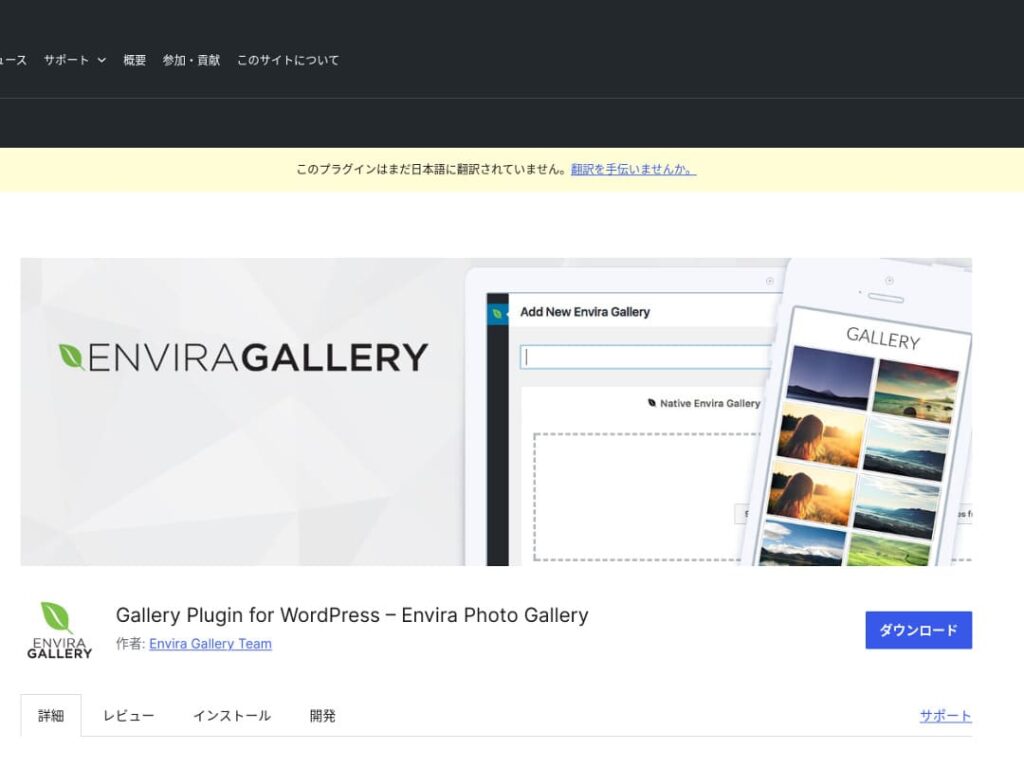
มีระบบลากวางและเทมเพลตที่รองรับ responsive ทำให้แม้ไม่มีความรู้โค้ดก็สร้างแกลเลอรีระดับมืออาชีพได้ นอกจากนี้ยังคำนึงถึง SEO และเชื่อมต่อกับโซเชียลมีเดียได้ดี
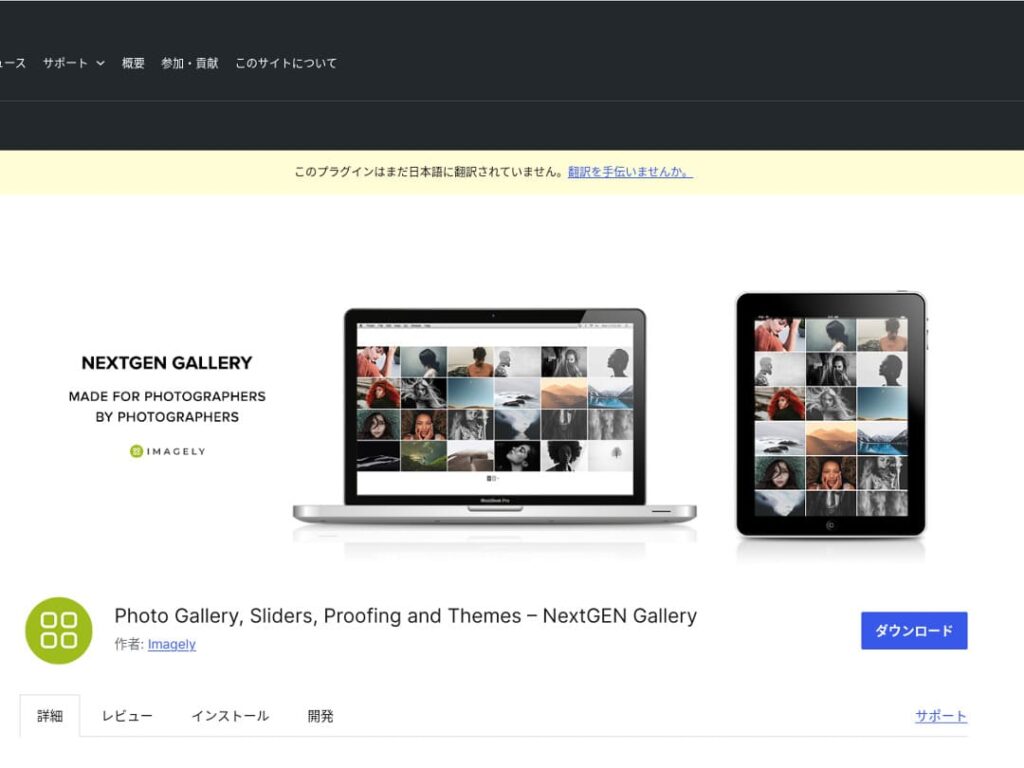
NextGEN Gallery
มีอัลบั้มหลายแบบ การอัปโหลดจำนวนมาก และฟีเจอร์แก้ไขภาพ จึงเหมาะกับผู้ใช้ที่ต้องการควบคุมแกลเลอรีอย่างละเอียด
FooGallery
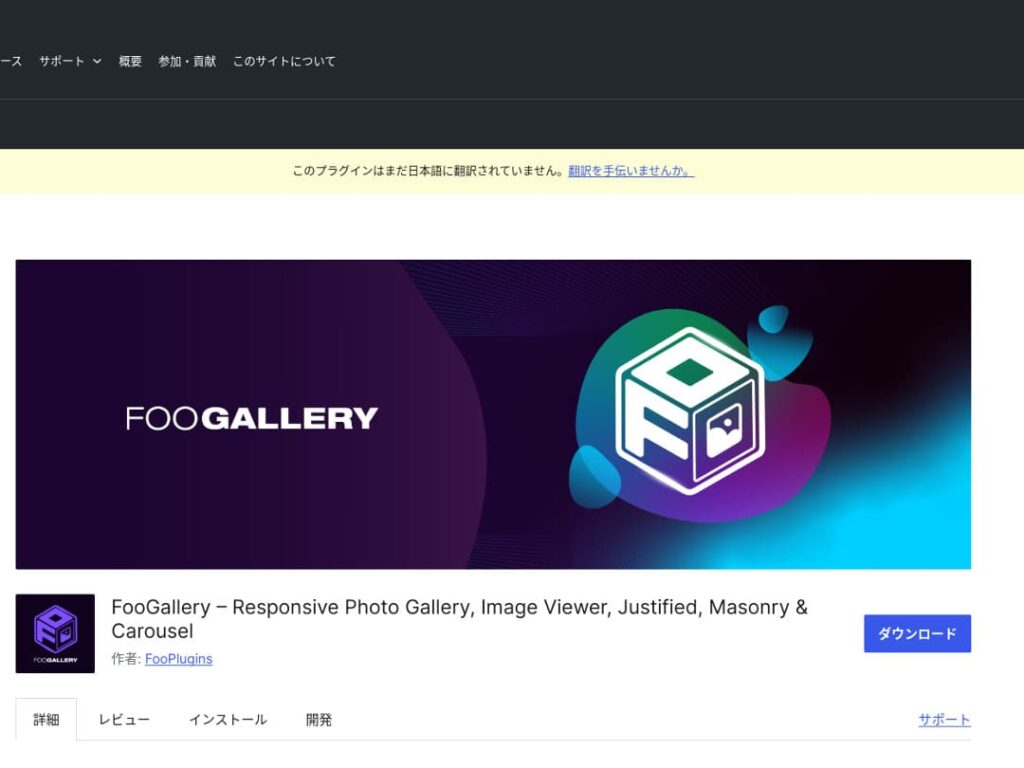
FooGallery ได้รับเลือกเพราะใช้งานเข้าใจง่ายและปรับแต่งได้สูง

Modula Image Gallery
เหมาะกับคนที่อยากได้ผลลัพธ์สวยแต่ยังคงความเบาและใช้งานง่าย
Photo Gallery by 10Web
ปลั๊กอินนี้เหมาะกับงานที่ต้องใช้ทั้งภาพถ่ายและวิดีโอ ช่วยให้แสดงผลงานสื่อผสมได้อย่างเป็นระเบียบ

ทำให้ WordPress น่าสนใจขึ้นด้วยการปรับแกลเลอรี
เมื่อแสดงแกลเลอรีด้วยปลั๊กอิน WordPress ต้องระวังเรื่องความเร็วหน้าเว็บที่ช้าลง
เว็บไซต์ที่มีรูปภาพจำนวนมากจะช้าลงได้ง่าย จึงควรใช้การบีบอัดภาพ แคช และเซิร์ฟเวอร์ที่เร็วเพื่อรักษาความสบายในการใช้งาน
สรุป

Modula Image Gallery: ความสมดุลที่ลงตัวระหว่างความเร็วและภาพลักษณ์
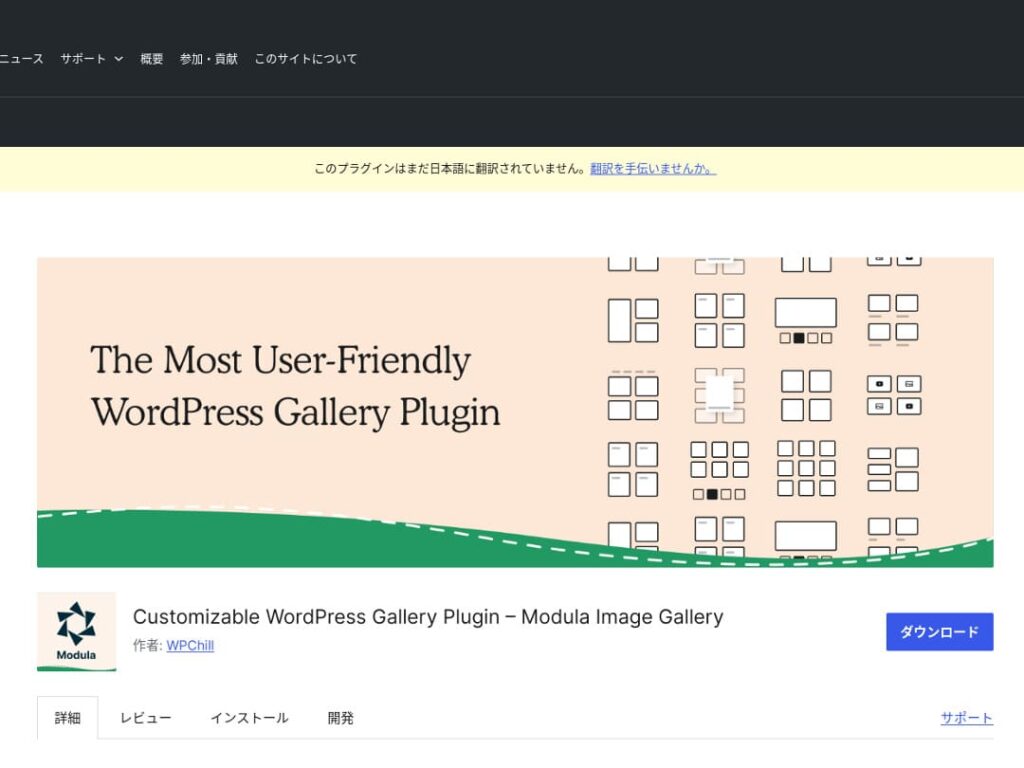
Modula Image Gallery เป็นปลั๊กอินที่มีเสน่ห์ตรงการโหลดที่รวดเร็วและเลย์เอาต์กริดที่ปรับแต่งได้
ปลั๊กอินน้ำหนักเบานี้ออกแบบมาเพื่อสร้างแกลเลอรีที่สวยงามโดยไม่กระทบประสิทธิภาพของเว็บไซต์ สำหรับผู้ดูแลเว็บไซต์ที่ใส่ใจความเร็วหน้าเว็บเป็นพิเศษ Modula คือทางเลือกที่เหมาะสม
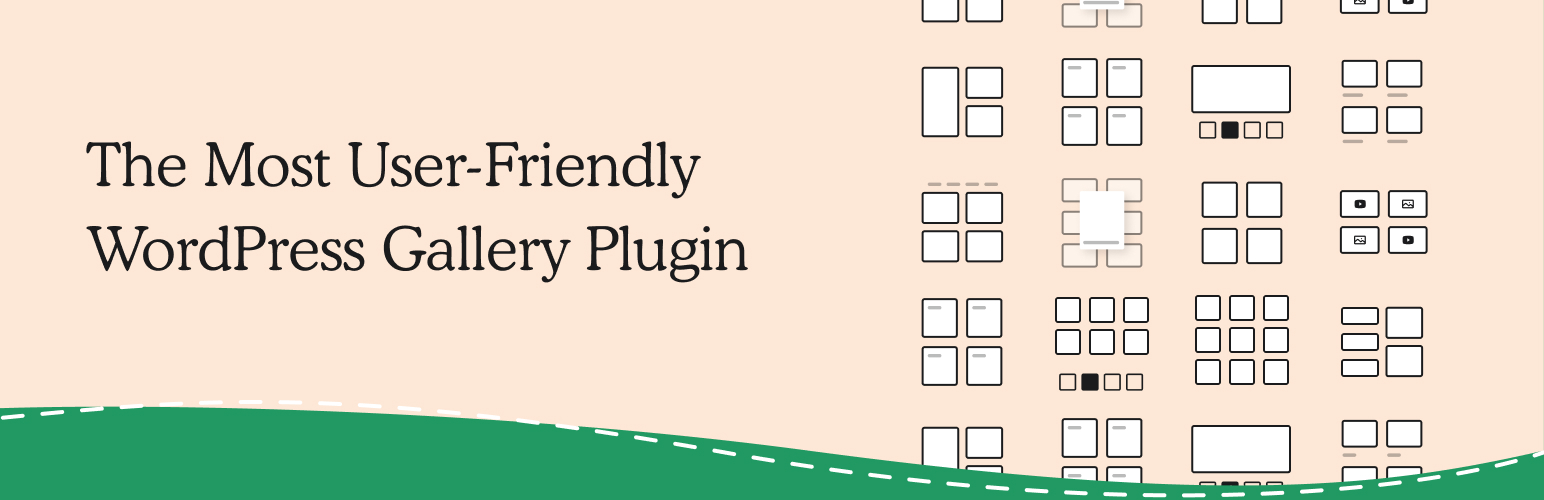
Photo Gallery by 10Web: รวมภาพถ่ายและวิดีโอ
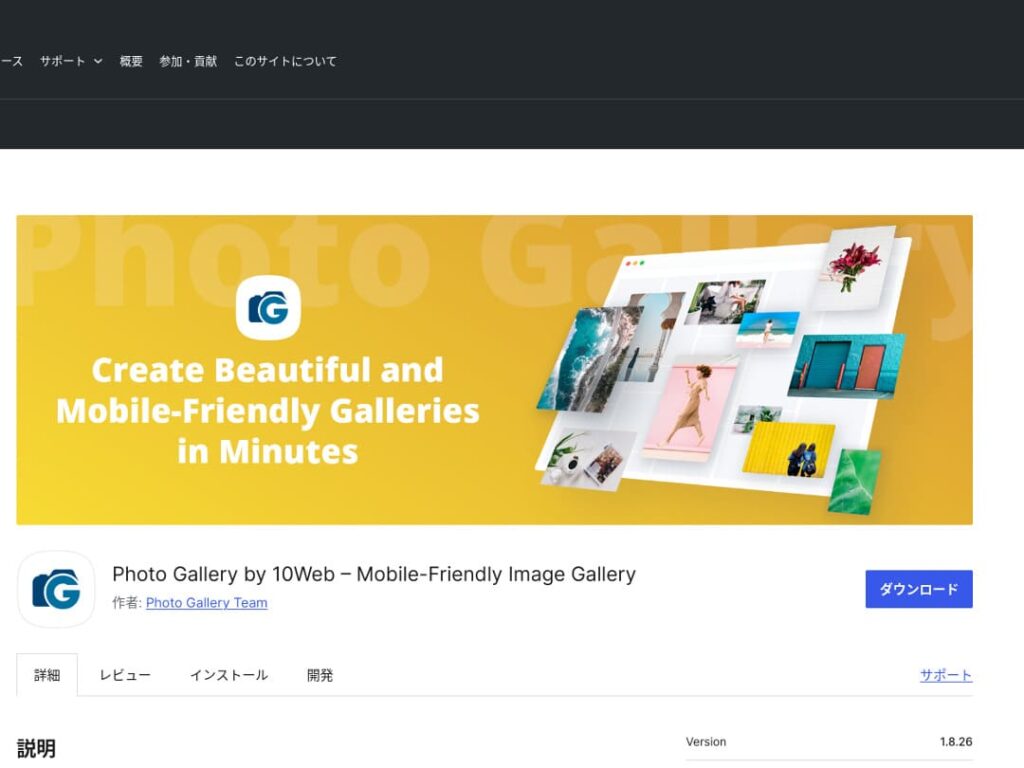
Photo Gallery by 10Web เป็นปลั๊กอินอเนกประสงค์ที่รองรับได้ทั้งภาพนิ่งและวิดีโอ
สามารถฝังวิดีโอจาก YouTube และ Vimeo ได้ และยังช่วยสร้างแกลเลอรีและสไลด์โชว์แบบ responsive ได้อย่างง่ายดาย เหมาะอย่างยิ่งสำหรับเจ้าของเว็บไซต์ที่ต้องการพัฒนาคอนเทนต์ภาพจากหลายมุม

ทำให้ WordPress น่าสนใจยิ่งขึ้นด้วยการปรับปรุงแกลเลอรีของคุณ

หากคุณปรับปรุงแกลเลอรีอย่างต่อเนื่อง หน้าแรก WordPress ของคุณก็จะน่าดึงดูดยิ่งขึ้นมาก
ปรับแต่งรูปภาพ
ช่วยลดเวลาโหลดหน้าเว็บและยกระดับประสบการณ์ผู้ใช้
- ปรับขนาด: ให้มิติพิกเซลตรงกับขนาดที่แสดงจริงของรูปภาพ ไม่จำเป็นต้องใช้รูปที่ใหญ่เกินกว่าขนาดที่แสดงบนเว็บไซต์
- บีบอัดรูปภาพ: บันทึกรูปภาพในรูปแบบ JPEG (หรือ WebP) แล้วหาจุดสมดุลระหว่างคุณภาพกับขนาดไฟล์ มีเครื่องมือออนไลน์และซอฟต์แวร์หลายตัวที่ช่วยลดขนาดไฟล์โดยไม่ทำให้คุณภาพภาพลดลง
- เลือกฟอร์แมตที่เหมาะสม: ใช้ JPEG สำหรับภาพถ่าย และใช้ PNG หรือ SVG สำหรับภาพประกอบและโลโก้ง่าย ๆ WebP ให้สมดุลที่ยอดเยี่ยมระหว่างขนาดและคุณภาพ แต่ยังไม่รองรับในทุกเบราว์เซอร์
Responsive design
Make sure the web page and the แกลเลอรี display properly on every device.
- CSS media queries: apply different style rules based on screen size. This lets the layout of รูปภาพ and เนื้อหา adapt to the device.
- Flexible รูปภาพ: apply the CSS property max-width: 100%; to รูปภาพ so their size adjusts according to the width of the parent element.
- Use a framework: if you use a responsive design framework such as Bootstrap, you can implement a responsive แกลเลอรี more easily.
SEO optimization
Increase the visibility of your รูปภาพ in search engines.
- Alt text: this is the text shown when an รูปภาพ does not load or when a ภาพly impaired user uses a screen reader. Use text that accurately describes the รูปภาพ and includes keywords.
- File names: use descriptive ไฟล์ names that include keywords. A name like black-leather-shoes.jpg is better than DSC12345.jpg.
- Structured data for รูปภาพ: Google recommends structured data for certain types of รูปภาพ, such as product รูปภาพ and recipe รูปภาพ. This helps รูปภาพ stand out in search results.
★ What is SEO? The steps and proper methods of search engine optimization
Use สำรองข้อมูลs
Backups prevent data loss and help secure your เว็บไซต์.
- Back up regularly: use WordPress สำรองข้อมูล ปลั๊กอิน such as UpdraftPlus or BackWPup to back up เว็บไซต์ data, including the ฐานข้อมูล, ไฟล์, and รูปภาพ, on a regular basis.
- Save สำรองข้อมูลs to external storage: it is safer to keep สำรองข้อมูล ไฟล์ not only on the เซิร์ฟเวอร์ but also in external cloud storage services such as Dropbox or Google Drive.
- Test your สำรองข้อมูลs: regularly test whether your สำรองข้อมูลs work properly and review the restoration process when necessary. This lets you respond อย่างรวดเร็ว if a real problem occurs.
★ Five WordPress สำรองข้อมูล ปลั๊กอิน
When displaying galleries with WordPress ปลั๊กอิน, watch out for slower page ความเร็ว
One thing to watch when using galleries is slower display ความเร็ว. If you show a large number of photos in a แกลเลอรี, the amount of data on that page increases, and the page takes longer to load.
If the page takes time to load, visitors may become irritated and leave your webเว็บไซต์. It would be a shame if you lined up photos you wanted people to see, only for them to leave without viewing even one รูปภาพ in the แกลเลอรี.
WordPress แกลเลอรี ปลั๊กอิน already include ความเร็ว-improvement functions. For that reason, if your webเว็บไซต์ is still slow even when you use a แกลเลอรี ปลั๊กอิน, it is a good idea to ย้าย to a different เซิร์ฟเวอร์.
Summary
There are many ปลั๊กอิน for making the แกลเลอรี on a WordPress เว็บไซต์ more appealing, but Envira Gallery, NextGEN Gallery, FooGallery, Modula Image Gallery, and Photo Gallery by 10Web are especially strong choices among them.
By using these ปลั๊กอิน properly and carrying out the improvement measures presented above, you can provide คอนเทนต์ภาพ that captures the hearts of your visitors.
A beautiful แกลเลอรี will leave a strong impression on the people who visit your เว็บไซต์ and create deeper engagement.