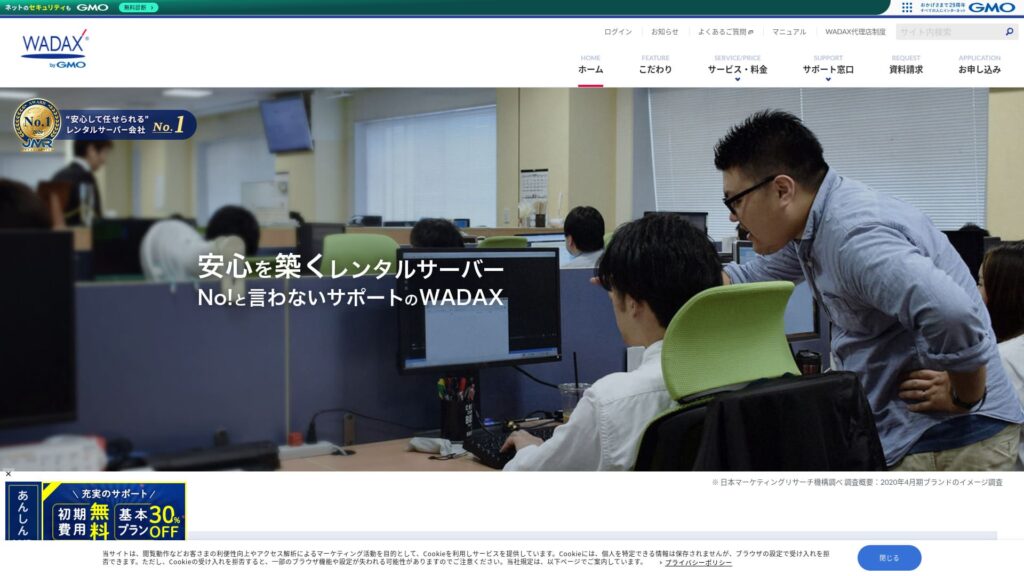
30 dagars pengarna-tillbaka-garanti finns
PR
Servrar
WADAX-recension: Telefonsupport till kl. 22. Är det en bra server för upptagna företag?
Publicerad: 2025.04.18
Uppdaterad: 2025.04.18
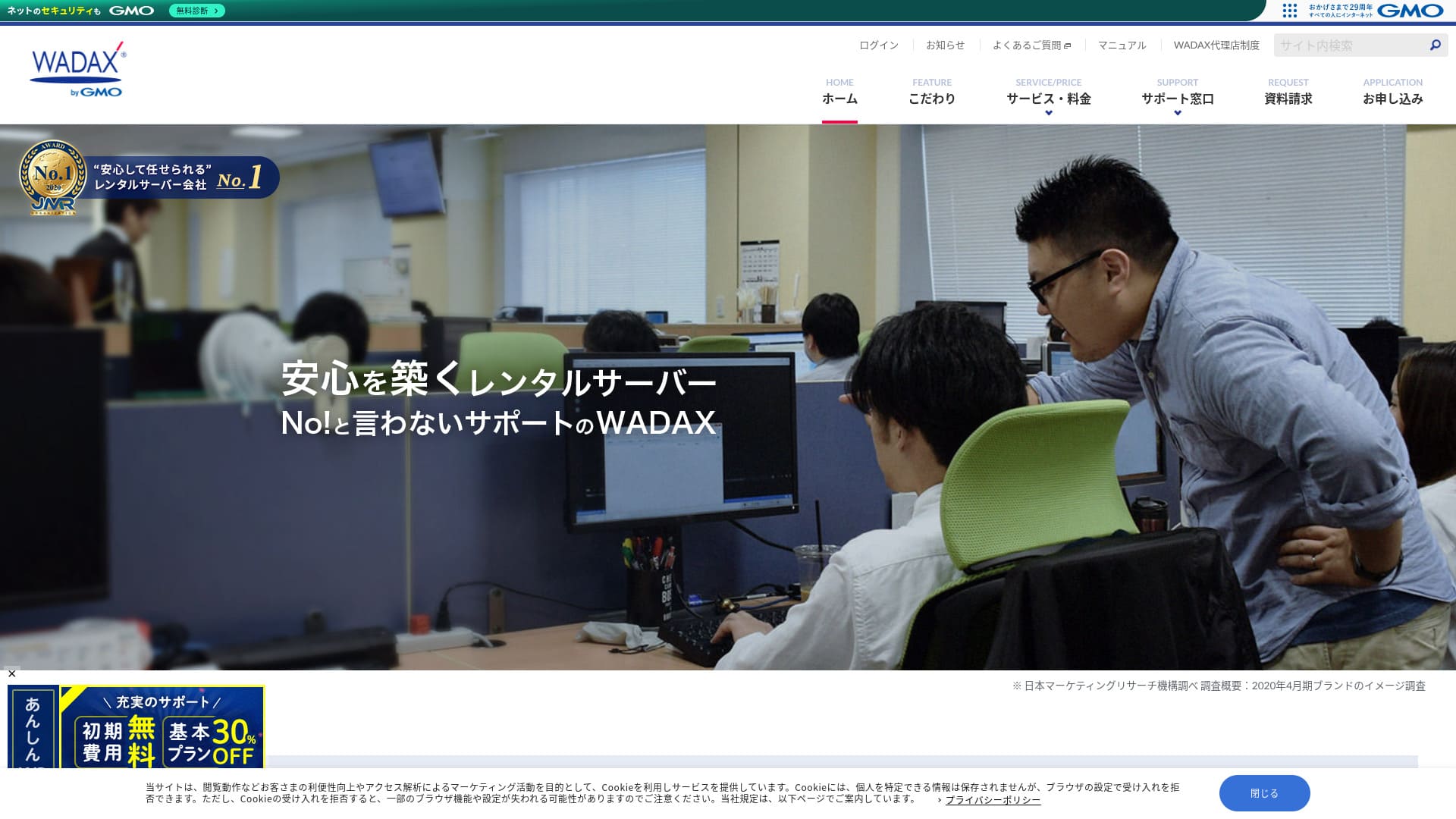
Ett supportsystem som är anpassat för användarna är en nyckelfunktion hos denna företagsinriktade server.
WADAX är en trygg server med support 365 dagar om året som hjälper till att lösa problem snabbt när de uppstår.Som man kan förvänta sig av en företagsinriktad server har den en robust säkerhetslösning i samarbete med Secom.
Ändå har den nackdelar. I den här artikeln förklarar jag WADAX:s funktioner och hur du kommer igång med WordPress.
Fullständig jämförelse av 32 WordPress-hostingleverantörer: rekommendationer för privatpersoner, företag och internationella webbplatser

När du bestämmer dig för att börja med WordPress och söker efter "bästa WordPress-hosting" hittar du alla möjliga artiklar, från alternativ för privatpersoner och företag till utländska och billiga servrar. Ärligt talat,
- Vilken webbplats ska jag lita på?
- Jag vill välja server på ett enkelt och lättbegripligt sätt.
- Visa mig hur jag kan starta WordPress direkt.
Känner du inte så? I den här artikeln har jag noggrant valt ut rekommendationer från 32 hostingleverantörer för privatpersoner, företag samt nationell och internationell användning. Förklaringen kommer från SEO-ansvarig på ett apputvecklingsföretag som använder webbhotell varje dag.
WADAXs rykte: detaljerad support är en nyckelfunktion för företag

| Servertyp | Delad server |
| Laddningstid (TTFB) | Ej uppmätt |
| Rekommenderade planer och avtalstider | WP Standard 12 månader |
| Provperiod och pengarna-tillbaka-garanti | 30 dagars pengarna-tillbaka-garanti |
| Månadsavgift (12-månadersavtal) | 1,540 yen |
| Administrationsavgift vid start | Gratis |
| Gratis domän | Ingen |
| Support | Vardagar 9:00-22:00, lördagar och söndagar 9:00-18:00 |
| Drifttid | 99.9% |
| Serverkapacitet | 50GB |
| Antal databaser | 20 |
| Säkerhetsåtgärder | WAF / KYUBI (sårbarhetsdiagnostik för WordPress) / kontroll av webbvirus / regelbunden säkerhetsdiagnostik (sårbarhetsdiagnostik) / intrångsdetektering och intrångsskydd (IPS) / skydd mot DoS-/DDoS-attacker |
| SSL | Delad SSL / FTP över SSL / Quick Authentication SSL / Enterprise Authentication SSL / EV SSL / SecomTrust Systems for Web SR3.0/for Web EV |
| Säkerhetskopiering och återställning | Gratis säkerhetskopiering / gratis återställning |
| Antal e-postkonton som kan skapas | Obegränsat |
| E-postsäkerhetsåtgärder | SpamAssassin-spamfilter / POP över SSL / SMTP över SSL / SMTP AUTH / SMTP submission port / IMAP / IMAP över SSL / viruskontroll |
| Server-/webbplatsmigreringstjänst | Ingen tjänst ingår Gratis migreringsverktyg tillgängligt |
| Enkel WordPress-installation | Ingen |
| CDN | Gratis |
Fyra funktioner hos WADAX

Support dygnet runt
WADAXDu kan få support varje dag, 365 dagar om året. Detta är supportsystemet per juni 2024.
- Telefon: vardagar 9:00-22:00, lördagar och söndagar 9:00-18:00
- Formulär: dygnet runt, 365 dagar om året (svar vanligtvis inom 24 timmar)
- Chatt: dygnet runt, 365 dagar om året (livechatt vardagar 9:00-17:00)
Du kan få support varje dag, och du kan också få support fram till kl. 22 på vardagar.Med tanke på att många supportcenter hos hostingföretag stänger supporten kl. 18WADAXär det tydligt att supportsystemet är utmärkt.
Det kan låta självklart, men serverproblem uppstår inte bara mellan 9:00 och 18:00 på vardagar. Problem kan uppstå när som helst. Därför vill man att supporten ska vara tillgänglig varje dag och så länge som möjligt.
WADAXÄr inte det bra?
Robust säkerhet i samarbete med Secom
WADAX har byggt upp ett starkt säkerhetsramverk i samarbete med Secom. Det skyddar data mot intrång, obehörig manipulering, avlyssning och DoS-attacker.
Jag uppskattar att de inte bara gör sitt bästa internt, utan också tar hjälp av andra företags kompetens för att bygga robust säkerhet. Det ger en känsla av seriositet och trygghet.
Möjlighet att använda ett snabbt leverans-CDN
WADAXDu kan använda ett snabbt CDN. Genom att använda ett CDN skickas webbplatsdata från den närmaste servern till användaren som tittar på webbplatsen, vilket ger en smidigare visning.
★ Vad är ett CDN? Det förbättrar hastighet och prestanda genom ett kluster av servrar.
Många hostingföretag erbjuder CDN endast som ett betalt tillval. Med WADAX kan du använda det gratis, vilket är prisvärt.
Prisvärd prissättning för företagsservrar
WADAXVår säkra WP-server erbjuds till lågt pris som företagsserver. Jämför den med andra företagsservrar.
- Administrationsavgift vid start
- Teckna ett 12-månadersavtal.
- Domänregistreringsavgift för ett års kostnader.
- En plan som låter dig använda WordPress.
Den är betydligt billigare än andra tjänster, eller hur?
Den avsedda användningen av servern ärOm er huvudsakliga webbplatsdrift sker med WordPress är WADAX tillräckligt.
En nackdel med WADAXs Secure WP Server är avsaknaden av drifttidsgaranti

WADAX:s Anshin WP Server har ingen drifttidsgaranti, och dess drifttidsnivå offentliggörs inte. Drifttid återspeglar serverns stabilitet. När den siffran inte offentliggörs lämnar det naturligtvis en del oro över om din webbplats kommer att förbli konsekvent tillgänglig.
Med det sagt garanterar WADAX:s Otasuke Cloud Server 99,9 % drifttid. Det är en annan tjänst, men den drivs ändå av samma företag, så det är svårt att tänka sig att drifttiden skulle vara extremt låg.
Även när man tar hänsyn till support och säkerhetsåtgärder behöver man inte känna sig alltför orolig.
Jämförelse med WADAXs konkurrerande servrar (2 företag)
iCLUSTA+
iCLUSTA+ byGMOIt’sWADAXungefär lika mycket att använda den servern. Eftersom den garanterar 100 % drifttid kan du driva din webbplats utan några bekymmer.
Däremot,är supportsystemet inte lika omfattande som hos WADAX.Telefonsupporten är endast tillgänglig från 10:00 till 18:00, måndag till fredag, och håller sig inom vanliga svarstider för support. Det skulle kännas tryggare om supporten fanns tillgänglig fram till 22:00 på vardagar.WADAXpå det sättet skulle det ge en större känsla av trygghet om den var tillgänglig fram till 22:00 på vardagar.
Om ni inte har någon internt som är stark på servrar rekommenderar vi WADAX.

iCLUSTA+-recensioner【2024 senaste】En grundlig förklaring av företagsservrar från 1 000 yen per månad
iCLUSTA+-recensioner【2024 senaste】En grundlig förklaring av företagsservrar från 1 000 yen per månad
serverfield.org
Sakura Rental Server Business
Sakura Rental Server Business är en stabil server med en uppmätt drifttid på 99,99 % och drifttidsgaranti. Med generösa 600 GB lagringsutrymme kan du anförtro både webbplatsdrift och e-postdrift åt en och samma leverantör.
Däremot är den inte lika billig som WADAXs Anshin WP Server. Den kostar nästan 10 000 yen mer. Om du planerar att använda ett annat företags tjänst för e-postdrift är WADAX det bättre valet.

Recensioner och omdömen om Sakura Rental Server【skrämmande långsam?】Utmärkt för enskilda firmor◎Priser, fördelar och nackdelar förklaras
Recensioner och omdömen om Sakura Rental Server【skrämmande långsam?】Utmärkt för enskilda firmor◎Priser, fördelar och nackdelar förklaras
serverfield.org
7 steg för att starta din WordPress-webbplats med WADAX nu
Låt oss starta en webbplats med WADAX!
- STEP.1Gå till den officiella webbplatsen för WADAX
Rulla längst ned på startsidan och klicka på “Apply”.
- STEP.2Val av tjänst
Avtalsplanen förblir WP Standard.
Vi rekommenderar ett 12-månadersavtal, som ger en lägre månadsavgift.
Inga tillval behövs. Klicka på “Next”.
- STEP.3Val av domänanvändning
Om du skaffar ett nytt domännamn väljer du “Acquire a New Domain Name”. Ange önskad sträng och välj en toppdomän som “.com” eller “.co.jp”.
Domännamn är viktiga. Ta god tid på dig och fatta ett genomtänkt beslut.
★ Vad är en domän? Dess roll som adress på internet och hur du skaffar en.
- STEP.4Inmatning av kundinformation
För förstagångssökande, klicka på “Continue”.
- Företagsinformation
- Kundinformation
- Betalningsinformation
Ange informationen.
Granska alla uppgifter i ansökan och klicka på ”Nästa”.
Bekräftelseskärmen för ansökningsuppgifterna visas igen, så fortsätt enligt instruktionerna. Du får ett meddelande via e-post med vägledning för att börja använda tjänsten, vilket betyder att ansökan är slutförd.
- STEP.5WordPress-installation
Logga in på kontrollpanelen.
Gå från menyn “Contracts” till “WordPress”. Skärmen ändras. I avsnittet “Install” i WP Tool klickar du på “Install WordPress”.
Nu ställer vi in WordPress-installationen.
- Installationssökväg: som den är
- Webbplatstitel: ange startsidans titel.
- Tilläggs- och temaset: inget
- Webbplatsspråk: japanska
- Version: som den är
- Användarnamn: vad som helst går bra.
- Lösenord: vad som helst går bra. Gör det så komplext som möjligt.
- E-postadress: ange din vanliga e-postadress. Om du är ett företag rekommenderas en företagsadress.
- Databas: som den är
- Inställningar för automatisk uppdatering: som de är
När du har angett all information klickar du på “Install”. Om du ser “Installation complete” är WordPress-installationen klar.
- STEP.6Installera WordPress-tillägg
Klicka på “Install Plugin” som visas på skärmen när WordPress-installationen är klar.
Ange de tillägg som behövs.
Om du hittar ett tillägg du vill installera söker du efter det och klickar på “Install Now” och “Activate”. Fortsätt därefter enligt instruktionerna för respektive tillägg.
Det är nödvändigt att installera tillägg för säkerhet och säkerhetskopiering.
- Topp 5 WordPress-tillägg för att stärka säkerheten och hur du väljer dem
- Topp 5 starkaste WordPress-tilläggen för säkerhetskopiering och dataåterställning
När tilläggen är installerade är du redo att lansera din WordPress-webbplats!
- STEP.7Övriga WordPress-inställningar
Ställ in permalänkarna. Gå till “Permalink Settings” från avsnittet “Settings” i WordPress administrationspanel. Välj “Post Name”. Klicka sedan på “Save Changes”.
När du väljer “Post Name” kan du ange önskad sträng i URL:en när du publicerar artiklar. Vi rekommenderar en kort sträng som beskriver artikelns innehåll, eftersom det gör det lättare för läsare att hitta din webbplats. En för lång sträng kan få människor att oroa sig för att den är osäker.
Nu är du redo att starta din WordPress-webbplats.
Sammanfattning
WADAXDetta är en företagsinriktad server som erbjuder telefonsupport fram till 22:00 på vardagar.Den passar företag som vill ha gedigen support.
WADAXMed en Anshin WP-server kan du komma igång till ett rimligt pris. Prova gärna.
Fullständig jämförelse av 32 WordPress-hostingleverantörer: rekommendationer för privatpersoner, företag och internationella webbplatser
När du bestämmer dig för att börja med WordPress och söker efter "bästa WordPress-hosting" hittar du alla möjliga artiklar, från alternativ för privatpersoner och företag till utländska och billiga servrar. Ärligt talat,
- Vilken webbplats ska jag lita på?
- Jag vill välja server på ett enkelt och lättbegripligt sätt.
- Visa mig hur jag kan starta WordPress direkt.
Känner du inte så? I den här artikeln har jag noggrant valt ut rekommendationer från 32 hostingleverantörer för privatpersoner, företag samt nationell och internationell användning. Förklaringen kommer från SEO-ansvarig på ett apputvecklingsföretag som använder webbhotell varje dag.