Pesë shtojca galerie WordPress që i bëjnë fotot tuaja të bien në sy

Nëse dëshironi një faqe të bukur, duhet t'i shfaqni fotot tuaja në një galeri.
Fotot janë të domosdoshme kur krijoni një faqe tërheqëse. Megjithatë, nëse thjesht i vendosni fotot në faqe, nuk mund të dalloheni nga faqet dhe blogjet e tjera. Në një situatë të tillë, përdorni një galeri.
Kjo është ajo që bën një galeri. Ajo përshtat madhësinë e fotove sipas pajisjes dhe i riorganizon për ju. Në WordPress, funksionaliteti i galerisë është i disponueshëm si veçori standarde.

Megjithatë, ka shtojca galerie që janë më praktike dhe më të pasura me veçori se funksioni i integruar i galerisë në WordPress. Nëse i përdorni si duhet, mund ta bëni faqen tuaj edhe më tërheqëse. Në këtë artikull prezantoj pesë shtojca të rekomanduara galerie WordPress.
Faqet me shumë foto priren të shfaqen më ngadalë. Nëse faqja nuk shfaqet shpejt, njerëzit humbasin dëshirën për të vazhduar ta shikojnë. Nëse dëshironi të publikoni shumë foto, sigurohuni të përdorni një server të shpejtë.
Krahasim i plotë i 32 shërbimeve të hostimit WordPress për individë, kompani dhe përdorim jashtë vendit

Kur mendoni, «Dua të filloj me WordPress», dhe kërkoni «rekomandime për WordPress», gjeni lloj-lloj artikujsh që mbulojnë hostimin personal, opsionet për kompani dhe biznese të vogla, hostimin jashtë vendit dhe serverët me kosto të ulët. Sinqerisht,
- cilës faqe duhet t'i besoni?
- mund të dëshironi thjesht një përgjigje të thjeshtë dhe të kuptueshme.
- mund të dëshironi të filloni menjëherë me WordPress.
Prandaj ky artikull përzgjedh me kujdes opsione të rekomanduara nga 32 ofrues hostimi për individë, kompani, përdorim vendas dhe përdorim jashtë vendit. Ai shpjegohet nga drejtuesi SEO në një kompani zhvillimi aplikacionesh që e përdor hostimin çdo ditë.
Pesë shtojca galerie WordPress që i bëjnë fotot tuaja të bien në sy
Krijo një galeri të bukur me Envira Gallery
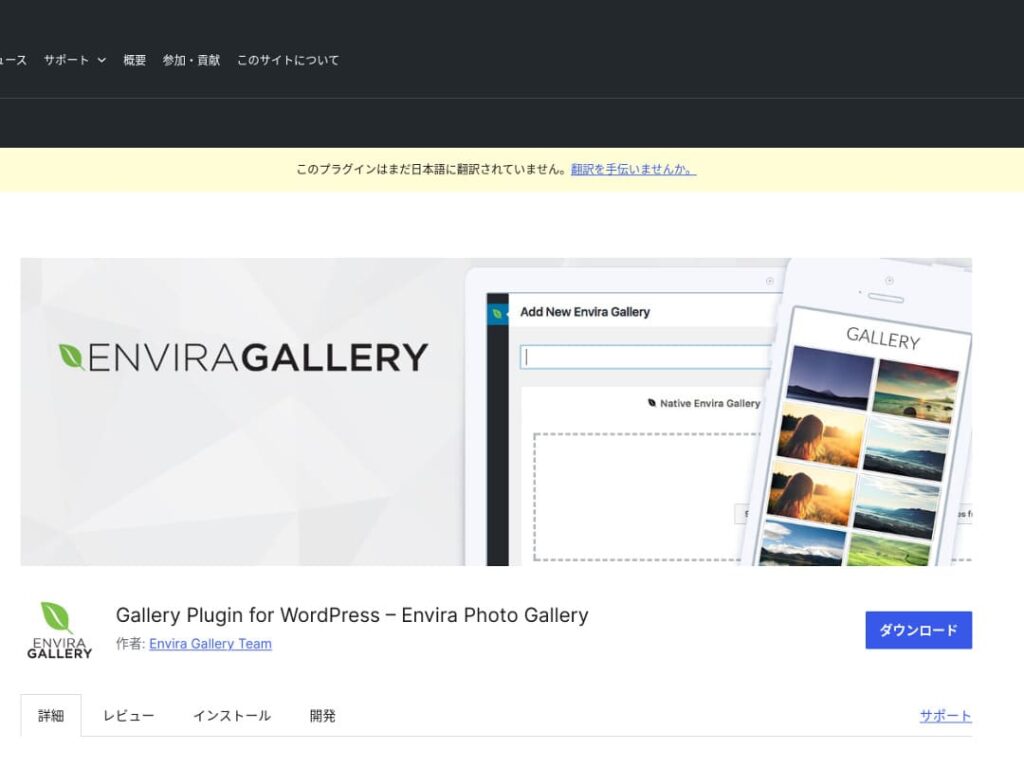
Envira Gallery is a plugin that is popular for its ease of use and beautiful design.
It features drag-and-drop editing and responsive templates, so even without coding knowledge you can easily create a professional-level gallery. It also includes SEO considerations, and its social-media integration makes it easy to share the galleries you create.
That makes it an excellent choice for increasing user engagement and bringing more visitors to your website.

NextGEN Gallery: për paraqitje profesionale të fotove
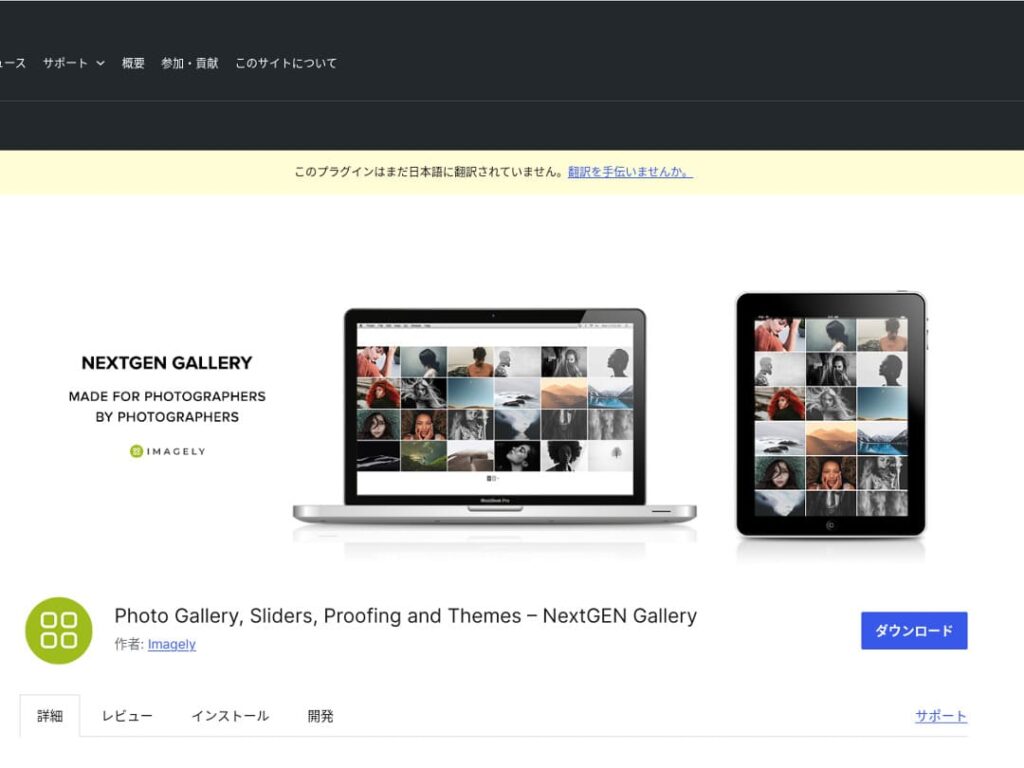
NextGEN Gallery is known for offering advanced management functions and a wide variety of gallery styles.
This plugin is especially recommended for photographers and art lovers. It includes multiple album options, batch uploading, and image editing features, making it ideal for users who want fine-grained control over the galleries on their site.
By using NextGEN, you can give visitors a visual experience they will not forget.

FooGallery: një galeri e lehtë për t'u përdorur me personalizim të fortë
FooGallery is chosen for its intuitive operation and its high degree of extensibility.
With this plugin, you can create a beautiful gallery in just a few clicks, and it also offers extension features for developers and advanced users.
The flexibility of FooGallery means that as your site grows and your needs change, you can easily adjust the gallery to match.

Modula Image Gallery: ekuilibri i përsosur mes shpejtësisë dhe pamjes
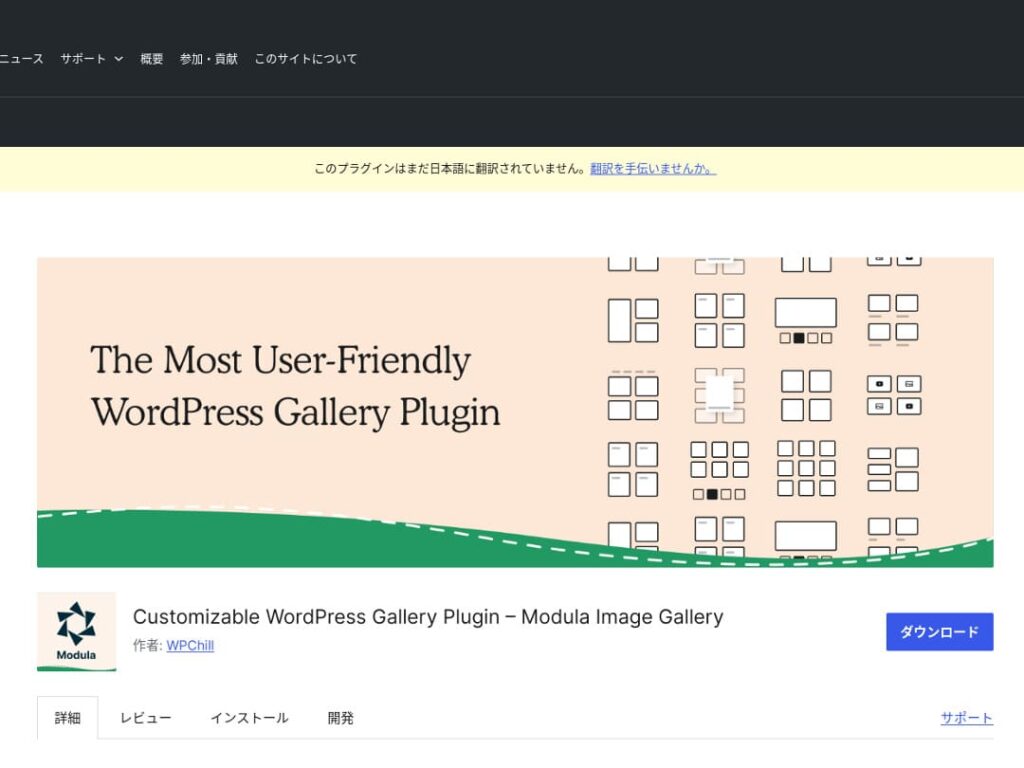
Modula Image Gallery is a plugin whose appeal lies in fast loading and customizable grid layouts.
This lightweight plugin is designed to create beautiful galleries without harming site performance. For webmasters who care deeply about page speed in particular, Modula is an ideal choice.
Photo Gallery by 10Web: kombinon foto dhe video
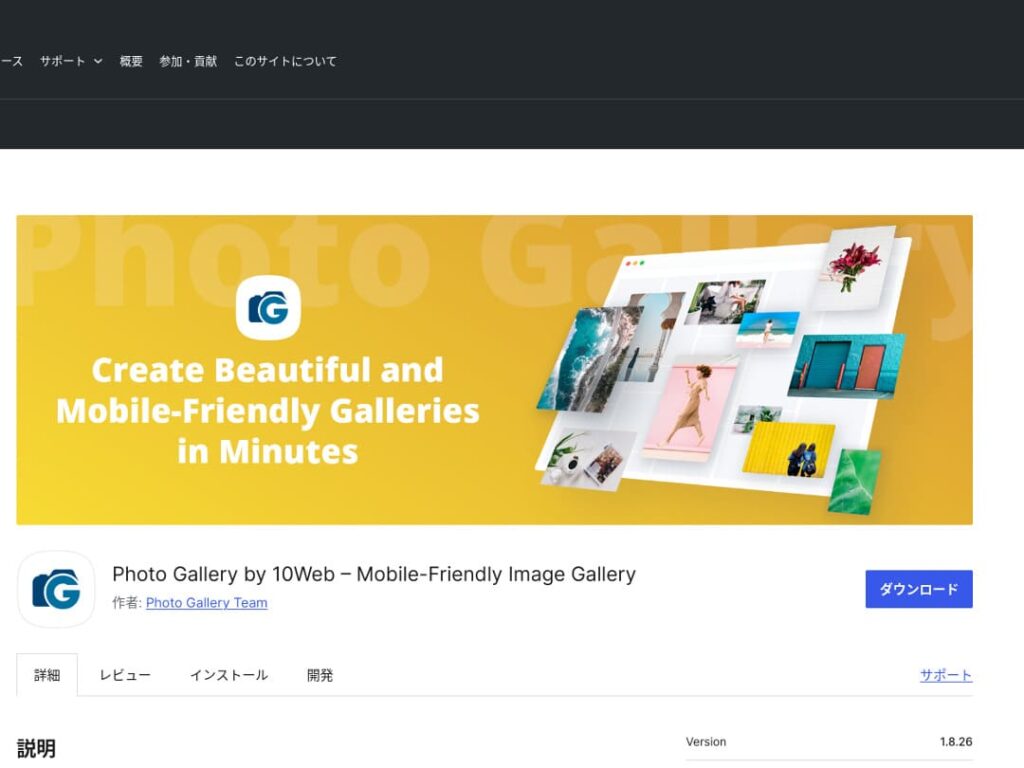
Photo Gallery by 10Web is a multifunctional plugin that can handle not only still images but also video.
It can incorporate YouTube and Vimeo videos and makes it easy to create responsive galleries and slideshows. It is ideal for website owners who want to develop visual content from multiple angles.

Bëjeni WordPress më tërheqës duke përmirësuar galeritë tuaja

If you keep improving your galleries, your WordPress homepage becomes much more attractive.
Optimizo imazhet
This shortens web page loading time and improves the user experience.
- Adjust the size: match the pixel dimensions to the display size of the image. You do not need images that are larger than the way they are shown on the website.
- Compress the image: save images in JPEG (or WebP) format and strike a balance between quality and file size. Many online tools and software packages help reduce file size without lowering image quality.
- Choose the right format: use JPEG for photographs, and PNG or SVG for simple illustrations and logos. WebP offers an excellent balance of size and quality, but it is not supported by every browser.
Dizajn responsive
Make sure the web page and the gallery display properly on every device.
- CSS media queries: apply different style rules based on screen size. This lets the layout of images and content adapt to the device.
- Flexible images: apply the CSS property max-width: 100%; to images so their size adjusts according to the width of the parent element.
- Use a framework: if you use a responsive design framework such as Bootstrap, you can implement a responsive gallery more easily.
Optimizim SEO
Increase the visibility of your images in search engines.
- Alt text: this is the text shown when an image does not load or when a visually impaired user uses a screen reader. Use text that accurately describes the image and includes keywords.
- File names: use descriptive file names that include keywords. A name like black-leather-shoes.jpg is better than DSC12345.jpg.
- Structured data for images: Google recommends structured data for certain types of images, such as product images and recipe images. This helps images stand out in search results.
★ What is SEO? The steps and proper methods of search engine optimization
Përdor kopje rezervë
Backups prevent data loss and help secure your site.
- Back up regularly: use WordPress backup plugins such as UpdraftPlus or BackWPup to back up site data, including the database, files, and images, on a regular basis.
- Save backups to external storage: it is safer to keep backup files not only on the server but also in external cloud storage services such as Dropbox or Google Drive.
- Test your backups: regularly test whether your backups work properly and review the restoration process when necessary. This lets you respond quickly if a real problem occurs.
★ Five WordPress backup plugins
Kur shfaqni galeri me shtojca WordPress, kini kujdes nga ngadalësimi i shpejtësisë së faqes
One thing to watch when using galleries is slower display speed. If you show a large number of photos in a gallery, the amount of data on that page increases, and the page takes longer to load.
If the page takes time to load, visitors may become irritated and leave your website. It would be a shame if you lined up photos you wanted people to see, only for them to leave without viewing even one image in the gallery.
WordPress gallery plugins already include speed-improvement functions. For that reason, if your website is still slow even when you use a gallery plugin, it is a good idea to move to a different server.
Përmbledhje
There are many plugins for making the gallery on a WordPress site more appealing, but Envira Gallery, NextGEN Gallery, FooGallery, Modula Image Gallery, and Photo Gallery by 10Web are especially strong choices among them.
By using these plugins properly and carrying out the improvement measures presented above, you can provide visual content that captures the hearts of your visitors.
A beautiful gallery will leave a strong impression on the people who visit your site and create deeper engagement.