Shkarko nga faqja zyrtare
PR
VPS
Konfigurim i thjeshtë: lidhje VPN të sigurta me Outline dhe XServer VPS
Publikuar: 2025.06.26
Përditësuar: 2025.06.26
Dëshironi më shumë siguri në internet, por shqetësoheni se konfigurimi do të jetë i vështirë? Dëshironi të përdorni shërbime japoneze nga jashtë vendit, por nuk keni qasje? A ju kanë shqetësuar këto gjëra?
Kjo është pikërisht kur një lidhje VPN bëhet e dobishme. Nëse dëshironi një mënyrë të lirë dhe të lehtë për të përdorur një VPN, ju rekomandoj kombinimin e Outline VPN dhe XServer VPS.
Outline VPN është një mjet VPN me kod të hapur i zhvilluar nga Google, dhe forca e tij më e madhe është thjeshtësia e përdorimit. Duke përdorur XServer VPS, të ofruar nga Xserver Inc., një kompani e madhe japoneze e njohur për mjedise serverësh me performancë të lartë dhe të qëndrueshme, mund të ndërtoni vetë një mjedis VPN të rehatshëm dhe të sigurt.
Nëse po mendoni, "Çfarë është Outline VPN?" ose "VPS tingëllon i vështirë...", mos u shqetësoni. Pasi ta lexoni këtë artikull, do të jeni në gjendje të konfiguroni një lidhje VPN pa u ngatërruar dhe të shijoni një përvojë të sigurt në internet.
Fillimi me XServer VPS: Outline VPN për fillestarë të plotë

Çfarë është Outline VPN? Një shpjegim i thjeshtë i VPN-së për fillestarët
A VPN (Virtual Private Network) is a technology that creates an encrypted tunnel on the internet and prevents third parties from eavesdropping on or tampering with your communications. By routing traffic through a VPN server, it can also hide your real IP address and increase anonymity.
Outline VPN is designed to make this VPN connection process extremely simple.
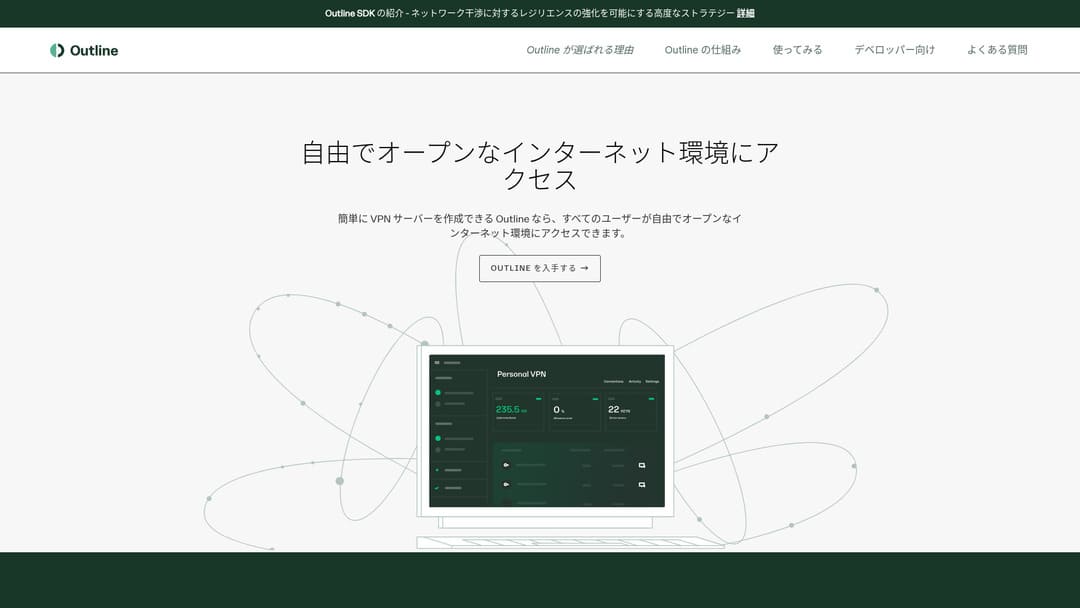
Outline është një aplikacion falas dhe i lehtë për t'u përdorur për lidhje me VPN, i ofruar nga Jigsaw, pjesë e Google. Edhe nëse nuk keni përdorur kurrë më parë një VPN, mund ta filloni ta përdorni me vetëm disa klikime.
Nuk kërkon njohuri të vështira teknike. Qëllimi është ta bëjë përdorimin e VPN-së po aq të lehtë sa instalimi i një aplikacioni dhe shtypja e një butoni për të përfunduar lidhjen.
Pse Outline VPN dhe XServer VPS janë një kombinim kaq i fortë
Outline VPN itself is simple and easy to use, but the server that supports it is just as important. That is where XServer VPS comes in.
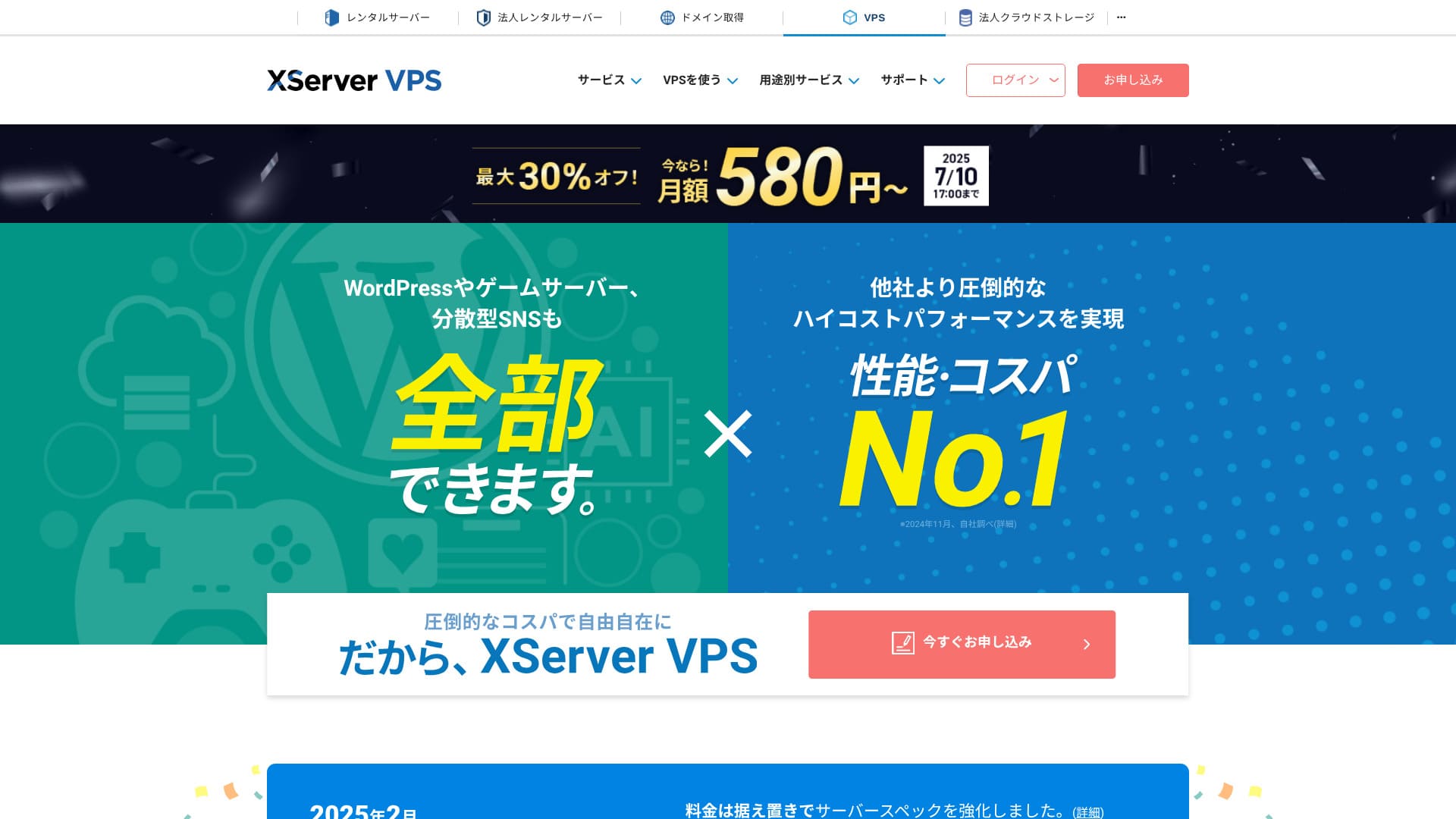
XServer VPS is a VPS service from a long-established, high-speed rental server with the No. 1 domestic market share. It offers everything from an affordable 2GB plan to large-capacity 8GB plans. Because it provides phone and email support, even people with no VPS experience can use it casually for VPN connections or website creation.
Up to 30% off through August 5, 2025, plus a 10-day free trial

XServer VPS stands out for its fast and stable network environment as well as its strong support system. Managing your own server does take some work, but when you combine it with Outline VPN, you gain the following advantages.
- Reliable domestic location: Because the server is located in Japan, you can use it with confidence.
- High security: Because you manage it yourself, you can apply security measures properly.
- Stable communication speed: Because you can use Xserver's high-performance infrastructure, you can expect comfortable connection speeds.
- Cost performance: Compared with rental VPN services, it can be more economical over the long term. The longer the contract, the cheaper it becomes.
Building your own VPN server may sound difficult, but with Outline Manager, you can set it up easily by entering just a few commands.
Lehtë për t'u përdorur: ndërto Outline VPN në XServer VPS në 6 hapa

Now let me walk you through the actual steps for building Outline VPN on XServer VPS.
Hapi 1: Përgatit XServer VPS - Fillo këtu
If you have not signed up for XServer VPS yet, start by completing the contract.
Preparing XServer VPS
- STEP.1: Create an account on the official XServer websiteGo to XServer VPS. Click Apply now. If you do not already have an account, choose Start now! New application.Enter your email address, name, and other required information to complete registration.
- STEP.2: Apply for a server in your XServer accountChoose the VPS plan that matches your needs. If this is your first time, it is best to start with a relatively affordable plan. The 12-month 2GB plan is a good value at the campaign price.
- STEP.3: Complete the contract procedureFollow the on-screen instructions to finish the contract process.
- STEP.4: Choose the server OSOn the screen where you choose the server OS, I strongly recommend selecting the latest stable version of Ubuntu or Debian. Those are the recommended environments for Outline VPN, and setup will go more smoothly.
- STEP.5: Initial setupAfter the contract is complete, log in to Xserver's server panel and carry out the initial VPS setup. This includes setting the hostname and the root password. Make sure to choose a strong root password and store it safely so you do not forget it.
- STEP.6: Confirm SSH accessTo configure the VPN server, you need to connect to the VPS over SSH.
- For Windows: Install an SSH client such as Tera Term, then confirm that you can connect using the VPS IP address, the port number (usually 22), the username (root), and the password.
- For macOS/Linux: Open Terminal and run
ssh root@your-vps-ip-address. On your first connection, you may see a security confirmation message, so type yes. Then enter the root password you set.
Hapi 2: Instalo Outline Manager - konfigurim i lehtë
Next, install Outline Manager on your PC so you can configure and manage the VPN server.
Instalo Outline Manager
- STEP.1: Go to the official Outline websiteVisit Outline.
- STEP.2: Shkarko Outline ManagerFrom the Get Outline Manager section, download the version of Outline Manager that matches your PC operating system (Windows, macOS, or Linux).
- STEP.3: InstalojeRun the downloaded file and follow the on-screen instructions to install Outline Manager.
Hapi 3: Ndërto një server Outline në VPS me Outline Manager
Use Outline Manager to install an Outline server on XServer VPS.
Build an Outline server on the VPS with Outline Manager
- STEP.1: Hap Outline ManagerAfter installation is complete, launch Outline Manager.
- STEP.2: Kliko "Konfiguro serverin"When you launch it for the first time, the server setup screen appears. Kliko "Konfiguro serverin".
- STEP.3: Choose Përdor serverin tëndYou will be shown a cloud provider selection screen, but choose Set up Outline anywhere and use your own server.
- STEP.4: Kopjo komandën e instalimitA command for installing the Outline server on your VPS will appear on the screen. Select the entire command and copy it.
- STEP.5: Connect to the VPS over SSHPaste the copied installation command into the terminal or command prompt connected over SSH and press Enter to run it.
- STEP.6: Ekzekuto komandën
- The installation can take several minutes. Read the messages on the screen carefully and wait until it finishes.
- You may be asked a few questions during the process, but in most cases it is fine to press Enter and accept the default choice.
- STEP.7: Fut informacionin në Outline ManagerWhen the installation finishes, Outline Manager displays a screen where you enter the server details.
- URL-ja e API-së së administratorit: The API URL generated during VPS installation is shown. In most cases it is reflected in Outline Manager automatically, but if it is not shown, copy and paste the API URL displayed in the SSH terminal.
- Vendndodhja e serverit (opsionale): You can enter the server location, such as Tokyo, Japan. This is only for management purposes and does not affect the connection.
- STEP.8: Click Mbaruar me serverinAfter entering all the information, click Mbaruar me serverin.
Hapi 4: Krijo çelësa aksesi dhe lejo lidhjet VPN
Once the Outline server has been built, create the access keys that are needed for actual VPN connections.
Create access keys and allow VPN connections
- STEP.1: Check the Outline Manager screenOn the Outline Manager screen, you will see one default access key.
- STEP.2: Add a new access key if neededIf you want to create a new access key, click the Add new key button.
- STEP.3: Rename the access key if you wantYou can rename the access key you created to match the device or user that will connect. Select the key, click Edit name, and change it.
- STEP.4: Share the access keyThe access key you create is required when you connect with the Outline client. When you select the access key, a button labeled Share invite appears. Click it to copy the access-key URL, then share that URL with the device you want to connect.
Hapi 5: Instalo klientin Outline - funksionon në çdo pajisje
Instalo klientin Outline on the device that will lidhe me VPN-në, such as a PC, smartphone, or tablet.
Instalo klientin Outline
- STEP.1: Go to the official Outline websiteVisit Outline.
- STEP.2: Download the Outline clientFrom the Get Outline Client section, download and install the Outline client for your device's operating system.
- PC (Windows, macOS, Linux): Run the downloaded file to install it.
- Smartphone / tablet (Android, iOS): Search for Outline in the App Store or Google Play Store and install it.
Hapi 6: Lidhu me Outline VPN me çelësin e dhënë të aksesit
Once the Outline client is installed, it is time to lidhe me VPN-në.
Connect to Outline VPN with the issued access key
- STEP.1: Launch the Outline clientLaunch the Outline client you installed.
- STEP.2: Add the access key
- For PC: Click Add server or a similar button, paste the access-key URL you copied in Step 4, and click Add server.
- For smartphone / tablet: When you launch the app, it may ask you for an access key. Copy and paste the access-key URL shared in Step 4. If a QR code is shown, you can also scan it.
- STEP.3: ConnectOnce the server has been added, a connect button appears. Click it to start the VPN connection.
- STEP.4: Confirm the connectionWhen the connection succeeds, the Outline client shows Connected, and a VPN icon appears in the status bar at the top of the screen or in a similar location.
With that, your VPN connection using Outline VPN and XServer VPS is complete. Your internet traffic is encrypted, making it safer, and it is routed through the server location you selected.
Përfitimet dhe rastet e përdorimit të Outline VPN dhe XServer VPS

Sa i shpejtë është? Sa i qëndrueshëm është? Një vështrim i plotë mbi përfitimet e Outline VPN
Outline VPN is based on the Shadowsocks protocol, so you can expect communication that is relatively lightweight and fast.
By using the high-performance infrastructure of XServer VPS, you can achieve an even more stable communication environment. Still, you should understand that VPN speed can vary depending on physical distance and network congestion.
Qasje e sigurt nga kudo: rastet e përdorimit të Outline VPN
- Security on public Wi-Fi: Public Wi-Fi in places such as cafes and hotels can be weak on security. By using a VPN connection, you encrypt your communications and prevent third parties from eavesdropping on them.
- Bypassing access restrictions from overseas: If you want to access services or content that are available only in Japan while you are abroad, routing your connection through a VPN server in Japan may make that possible.
- Privacy protection: By routing traffic through a VPN server, you can hide your real IP address and make it harder for websites and advertising trackers to follow you.
- Bypassing censorship: In some countries and regions, internet censorship may be in place. Using a VPN may help you get around those restrictions.
Qasje e rehatshme edhe nga jashtë vendit: anashkaloni kufizimet rajonale
By using Outline VPN and XServer VPS, you can build a VPN server in a location you choose yourself. For example, if you want to use Japanese services from overseas, you can route your traffic through a VPS server in Japan so that it appears as if you are accessing the service from inside Japan.
As a result, you may be able to use content that had been unavailable because of regional restrictions.
Këshilla për përdorimin e Outline VPN më rehatshëm

Si ta përdorni në pajisje të shumta - ndajeni me familjen ose një ekip
The access key you create can be shared and used on multiple devices.
By issuing a new access key in Outline Manager and adding it to the Outline client on another device, you can easily use the VPN connection across multiple devices. This is convenient when you want to share a VPN with family members or a small team.
Kontrolloni dhe menaxhoni përdorimin e të dhënave - parandaloni tejkalimin
In Outline Manager, you can check the data usage for each access key.
This lets you see who is using how much data, and you can also set data limits if needed. By setting limits, you can prevent unintended overuse of bandwidth.
Cilësimet e rekomanduara për të përmirësuar edhe më tej sigurinë
- VPS security measures: Review the firewall settings on XServer VPS and close unnecessary ports. It is also important to keep the operating system and software fully up to date.
- Strong passwords: Set strong, hard-to-guess passwords for the VPS root account and the Outline Manager access keys.
- Two-factor authentication: Enable two-factor authentication for your Xserver account and VPS login wherever possible.
Përmbledhje: shijoni një përvojë të sigurt dhe të rehatshme VPN me Outline dhe XServer VPS

Outline VPN provides powerful VPN functionality that goes far beyond what its simple interface might suggest. Because Outline Manager handles the difficult setup automatically, even beginners can build and use a VPN environment with confidence.
When you combine it with XServer VPS, the flexibility of Outline VPN increases even more. You can place your VPN server wherever you want and use stable, high-speed communication.
Use this article as your guide, and try building a safe and comfortable internet environment of your own with Outline VPN and XServer VPS.