30-day මුදල් ආපසු සහතිකය
PR
Servers
Hostinger විචාරය [2025 නවතමය]: WordPress විසින් නිල වශයෙන් නිර්දේශිතයි. වාසි, අවාසි, සහ තරඟකරුවන් සමඟ සසඳීම
ප්රකාශිත: 2025.08.26
යාවත්කාලීන: 2025.08.26
Rating: 4.0
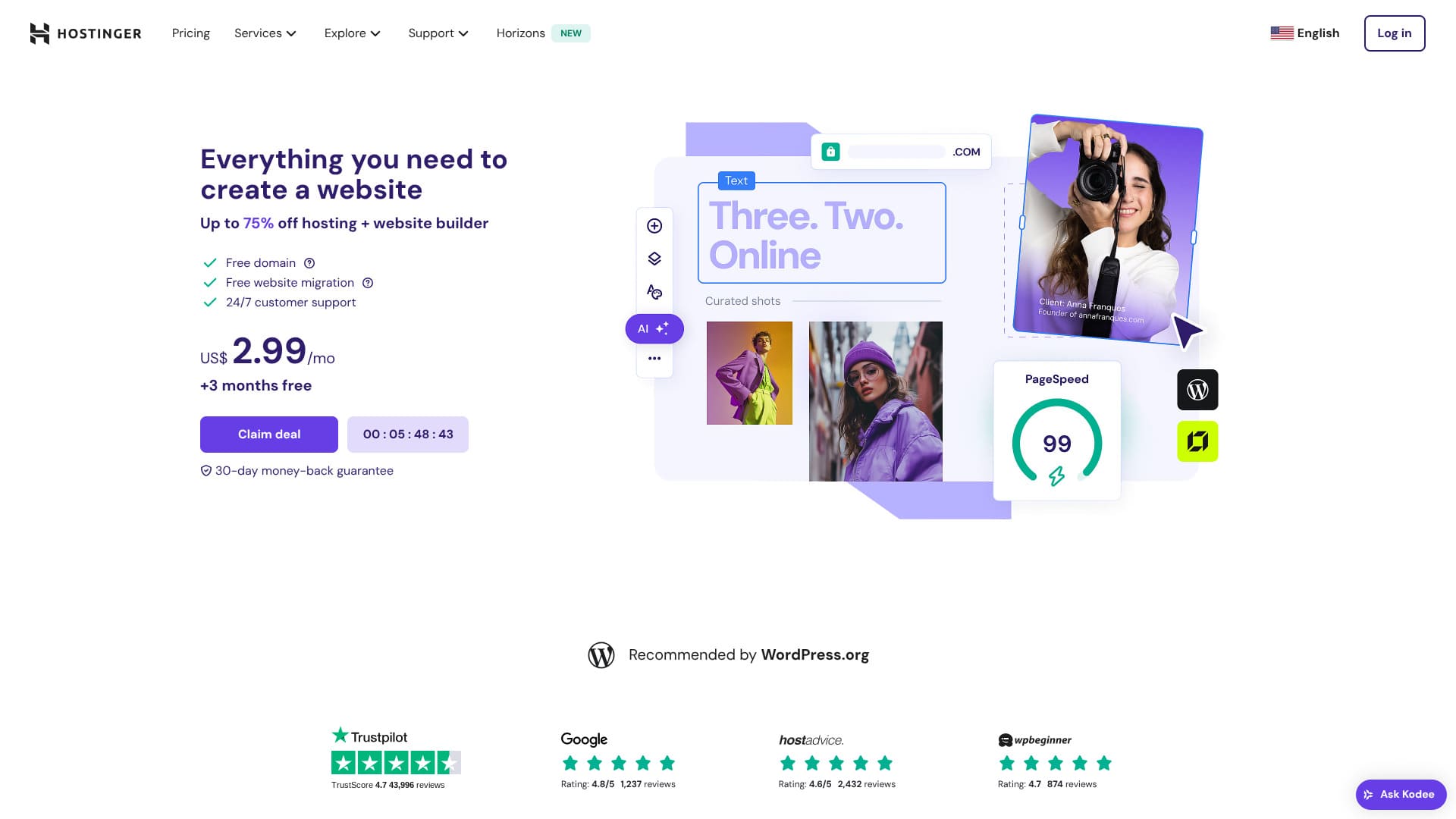
Hostinger යනු WordPress විසින් නිල වශයෙන් නිර්දේශිත සේවාදායකයක් වන අතර, දවසට පැය 24ක්, වසරට දින 365ක් සහාය ලබා ගත හැක. ඕනෑම කෙනෙකුට තමන්ගේ WordPress අඩවිය ආරම්භ කළ හැකි පහසු ස්ථාපන විශේෂාංගද එයට ඇත.
| සර්වර් වර්ගය | බෙදාගන්නd hosting |
| වේගය (TTFB) | 31ms |
| නිර්දේශිත සැලැස්ම සහ කාලසීමාව | Premium Web Hosting - මාස 12 |
| Free අත්හදා බැලීම / මුදල් ආපසු සහතිකය | 30-day මුදල් ආපසු සහතිකය |
| Monthly මිල (12-month plan) | 4.50 USD (438 yen) |
| Initial සැකසුම fee | Free |
| නොමිලේ ඩොමේනය | 1 නොමිලේ domain for the first year |
| Support | 24/7 chat |
| Uptime | 99.9% |
| Storage | 100 GB |
| දත්ත ගබඩා ගණන | 50 |
| Security | DDoS protection, malware scanning, firewall, Cloudflare protected name සේවාදායක, Secure Access Manager |
| SSL | නොමිලේ SSL |
| Backups | 7-day backup & 7-week backup |
| ඊමේල් ගිණුම් ගණන | 100 |
| Email ආරක්ෂාව | — |
| සර්වර් / වෙබ් අඩවිය මාරු කිරීමේ සේවාව | None |
| WordPress පෙර-ස්ථාපනය | None |
| CDN | Free |
| දත්ත මධ්යස්ථාන | ප්රංශය, ලිතුවේනියාව, නෙදර්ලන්තය, එක්සත් රාජධානිය, ඉන්දියාව, ඉන්දුනීසියාව, සිංගප්පූරුව, එක්සත් ජනපදය සහ බ්රසීලය |

Hikaru Ono
Hostinger lets you start WordPress at a very low මිල when promotions are running. It also includes the essentials you need for dependable operation, such as uptime and ආරක්ෂාව.
The control panel was also extremely well designed and පහසු to use.
- වෙළඳපොළ පර්යේෂණ මත පදනම් වූ දත්ත, November 4, 2025, පිළිවෙළට order of වේගය
- Monthly මිලs are the first-year පිරිවැය of the cheapest plan that සහායs WordPress
- වේගය යනු එකම කොන්දේසි යටතේ demo අඩවිවල මනින Time to First Byte වේ
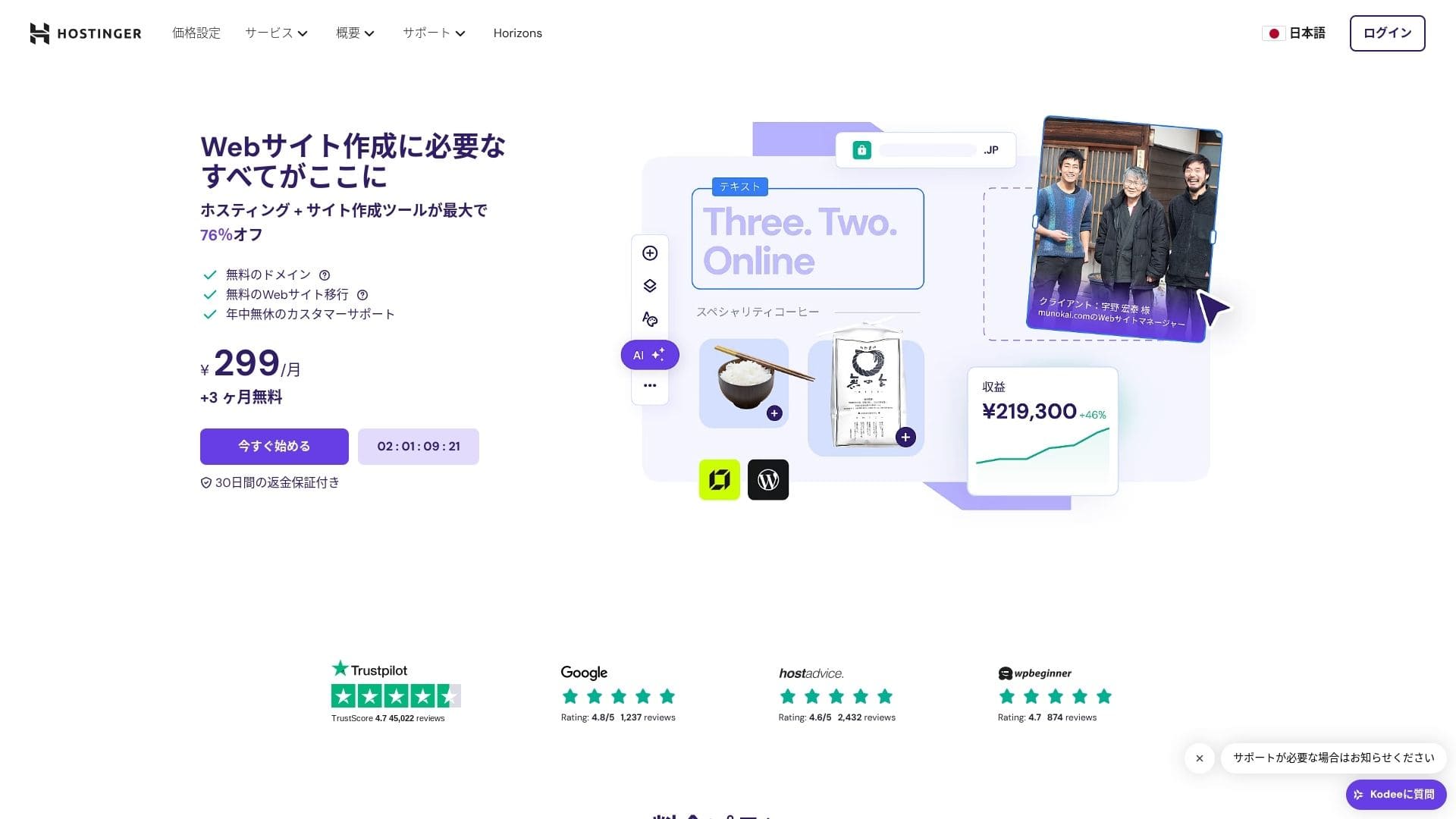
【Hostinger】 is a hosting company that started in Lithuania and is used by more than 29 million people. Its strong backup system lets you store WordPress data safely. Because it also offers large සේවාදායකය capacity, it is a great fit for bigger sites.

WordPress-related විචාරයs
පහසු WordPress ස්ථාපනය
The initial සැකසුම wizard includes one-click WordPress installation, and you can finish theme selection, SSL activation, and automatic update සැකසුම් in just five minutes. It also detects plugin vulnerabilities and warns you in the admin dashboard, which keeps maintenance work to a minimum.
HOSTINGER සමඟ වෙබ් අඩවියක් ගොඩනඟමු!
- STEP.1【Hostinger】 ලියාපදිංචි වී ඇතුළු වන්න
HOSTINGER හි නිල වෙබ් අඩවියට ගොස් "Get Started Now" ක්ලික් කරන්න.
- STEP.2Premium සැලැස්ම තෝරා එය මිලදී ගන්න
Choose from the hosting plans. I recommend the 12-month "Premium බෙදාගන්නd Hosting" option. A longer term lowers your සේවාදායකය පිරිවැය, and you also get one නොමිලේ domain. The best overall value is the 48-month contract.
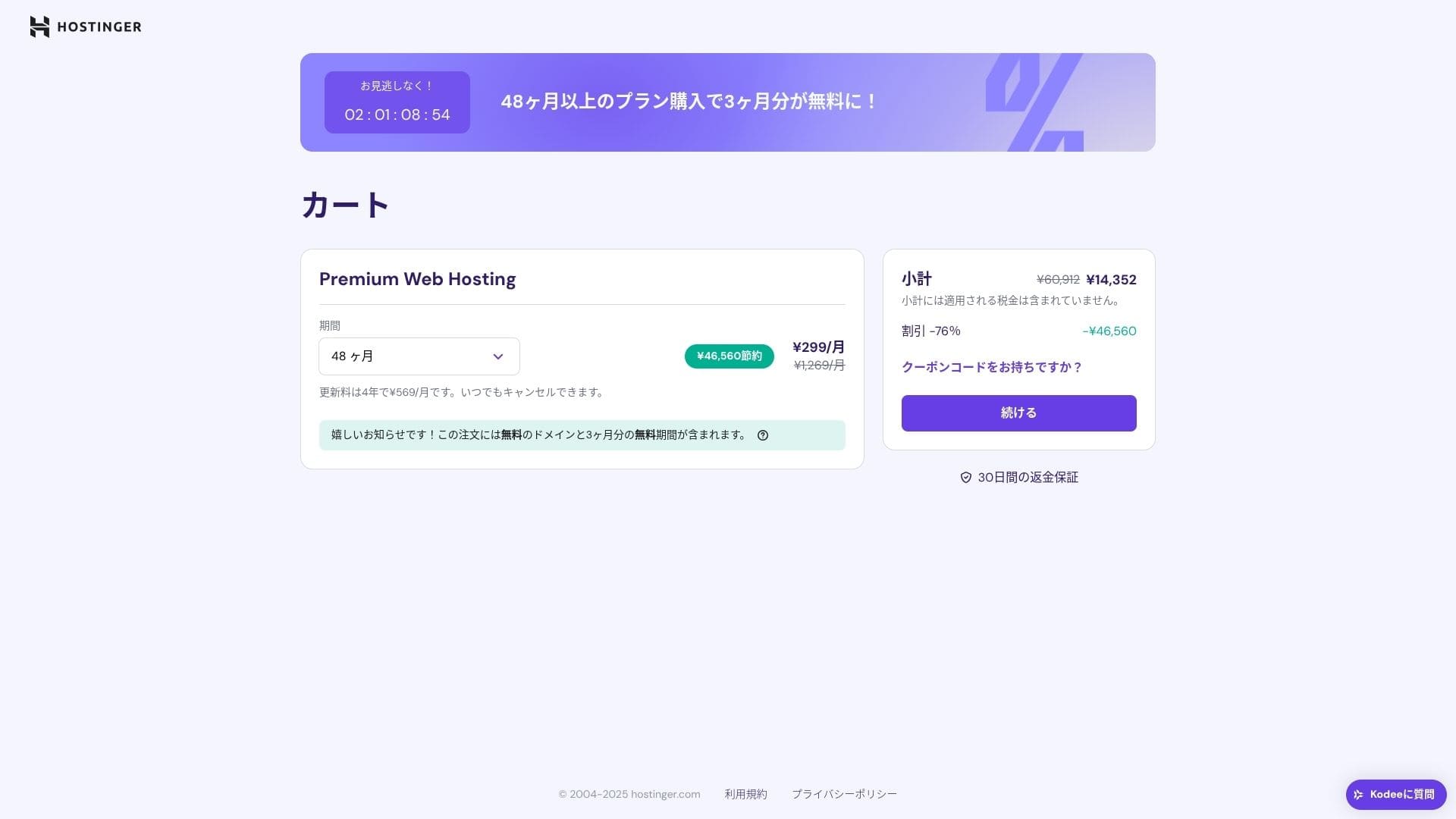
ඔබට දැනට ගිණුමක් නොමැති නම්, එකක් සඳහා ලියාපදිංචි වන්න.
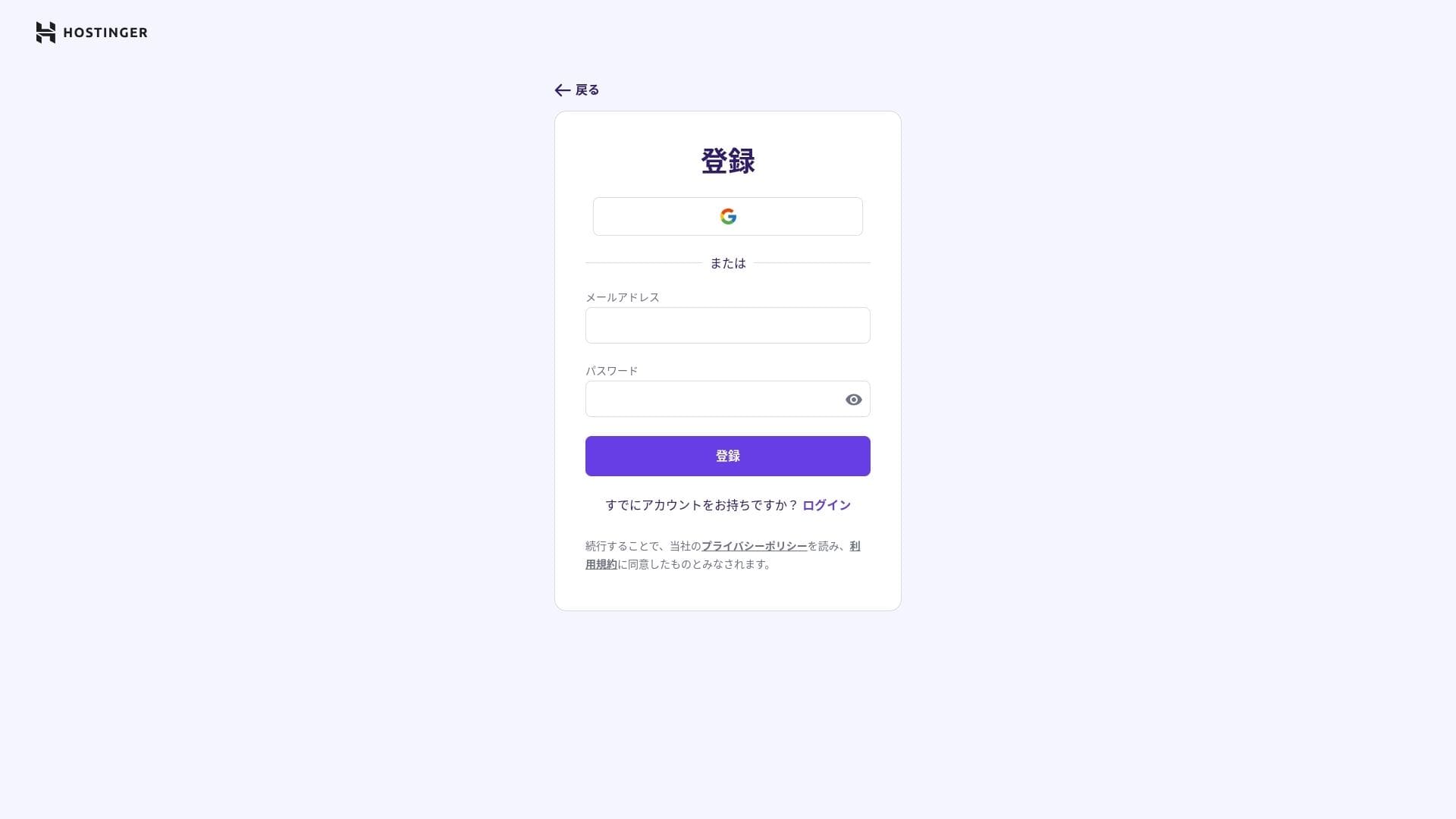
ඔබගේ ලිපිනය සහ ගෙවීම් විස්තර ඇතුළත් කරන්න.
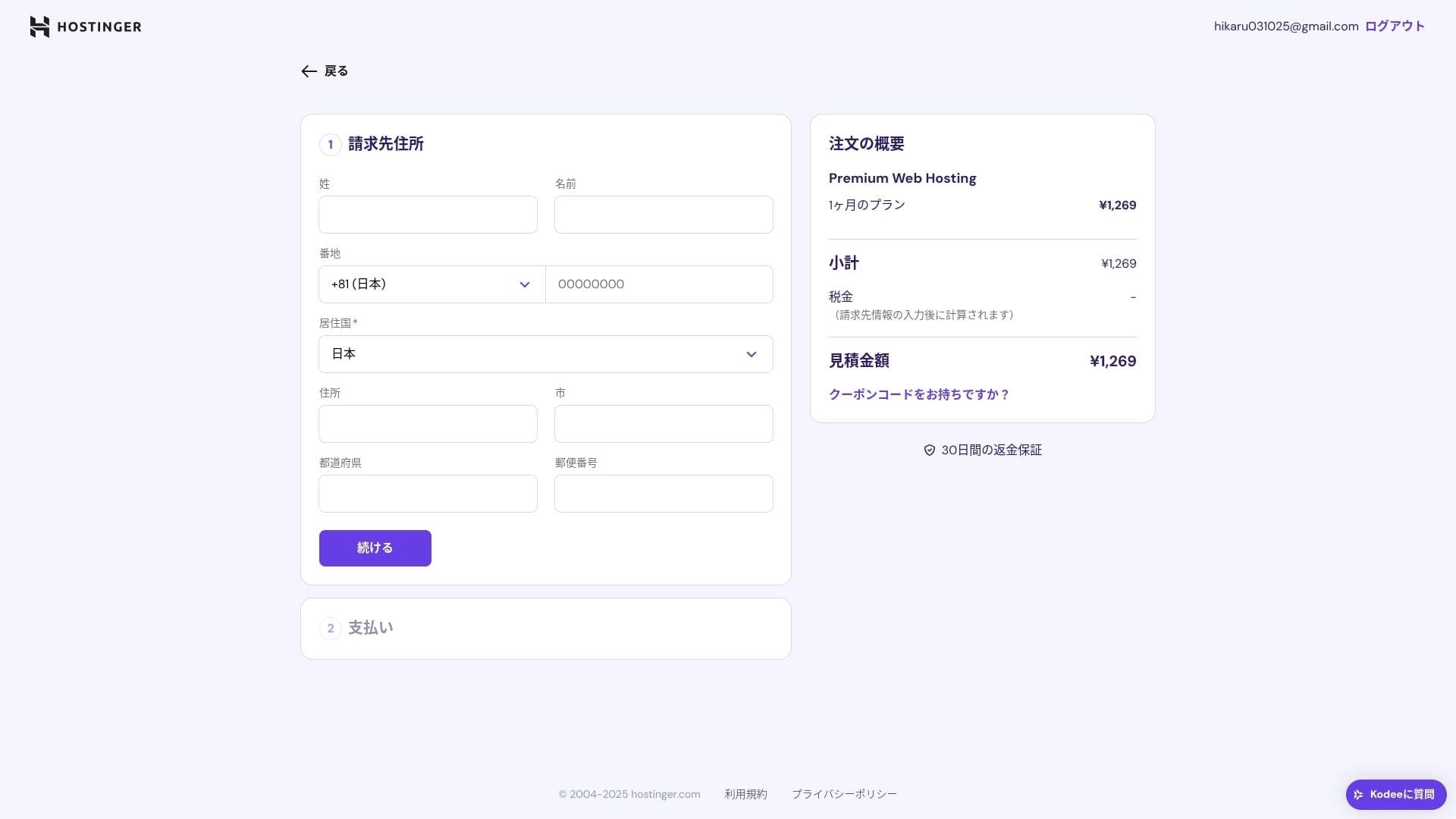
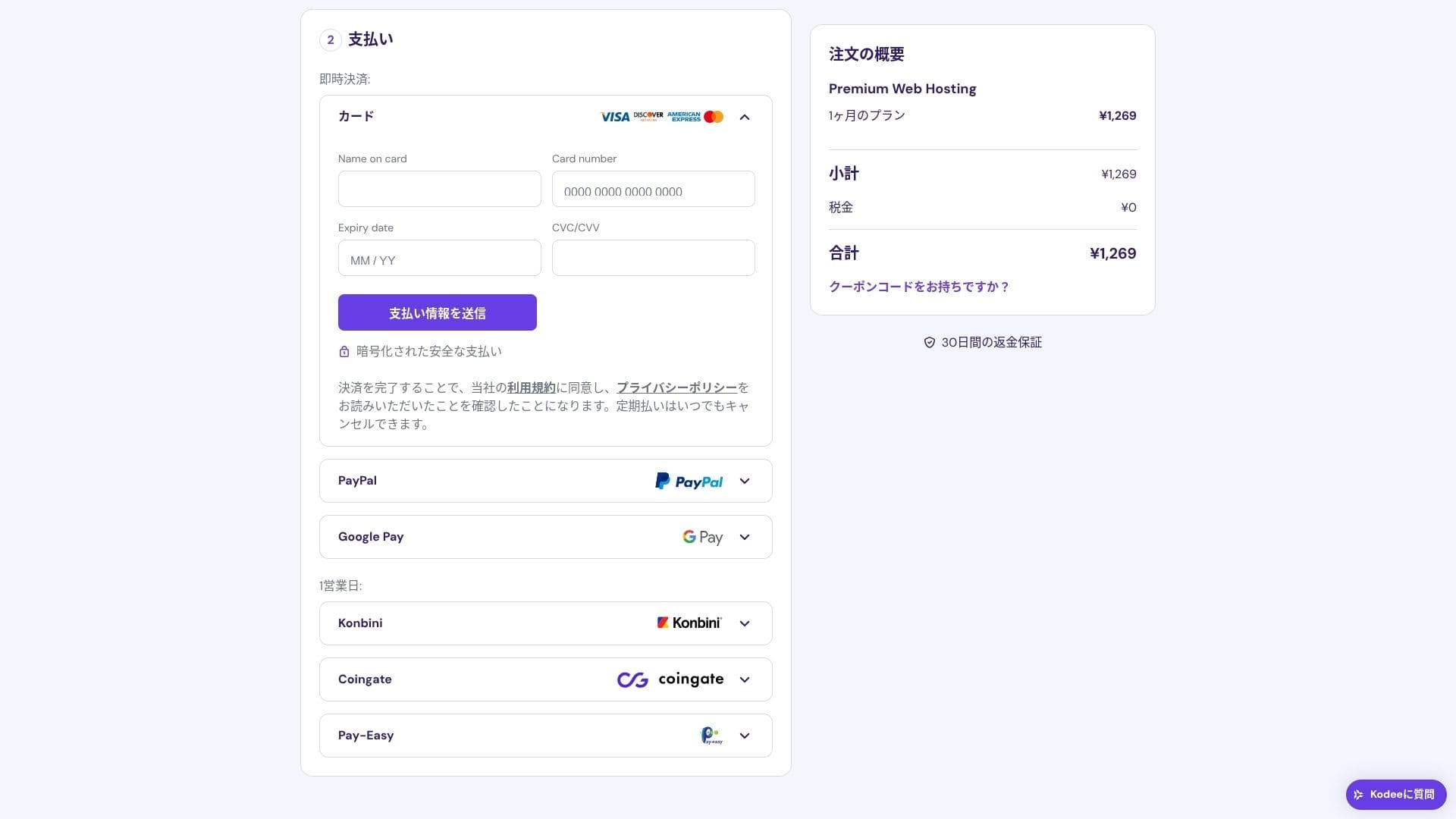
ගෙවීම සම්පූර්ණ වූ පසු, "Start Using" ක්ලික් කරන්න. එවිට ඔබට පාලක පැනලයට ඇතුළු විය හැක.
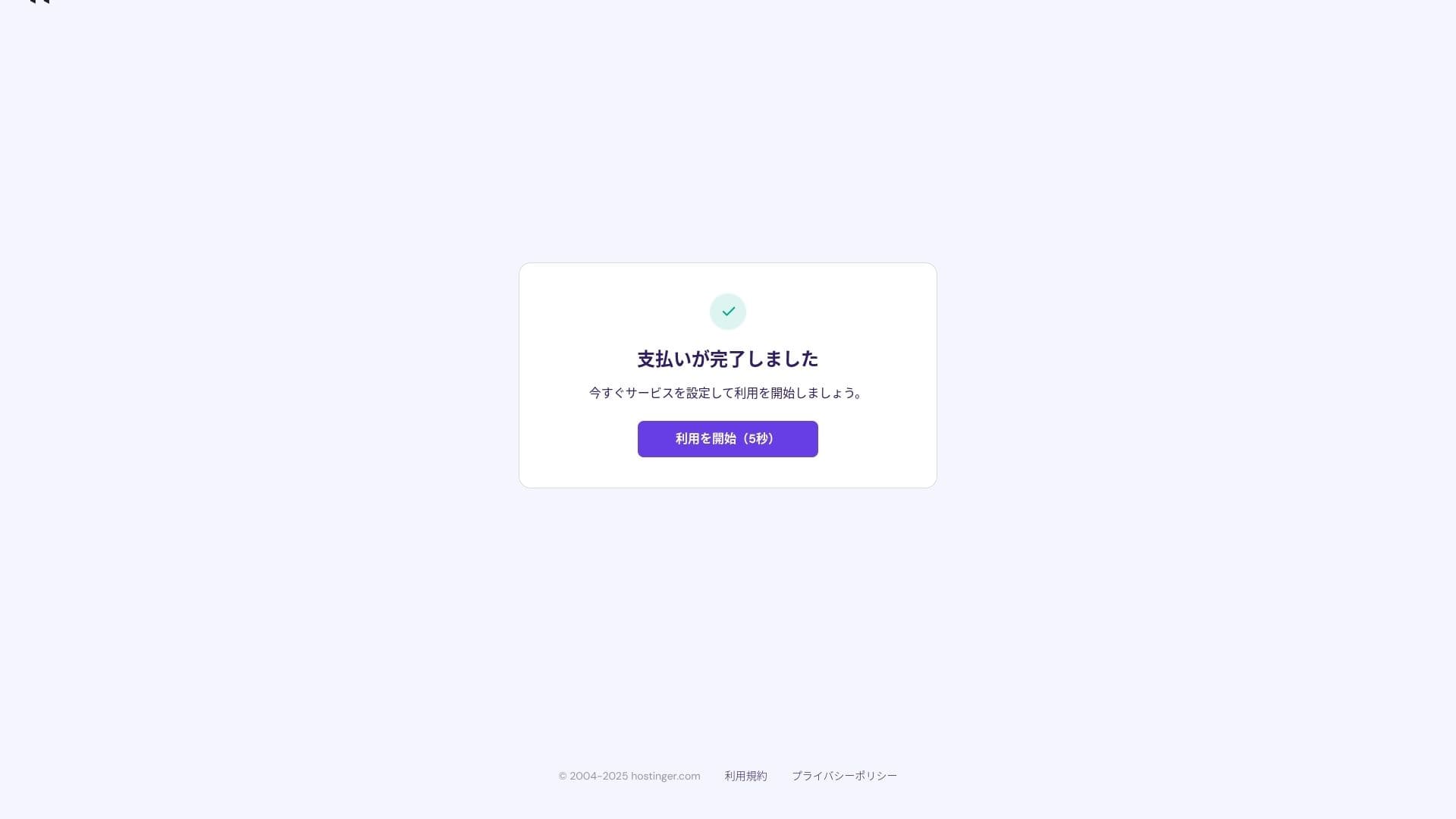
- STEP.3WordPress ස්ථාපනය කරන්න
පාලක පැනලයට ඇතුළු වී, පසුව කාර්ය ලැයිස්තුවේ "Continue" ක්ලික් කරන්න.
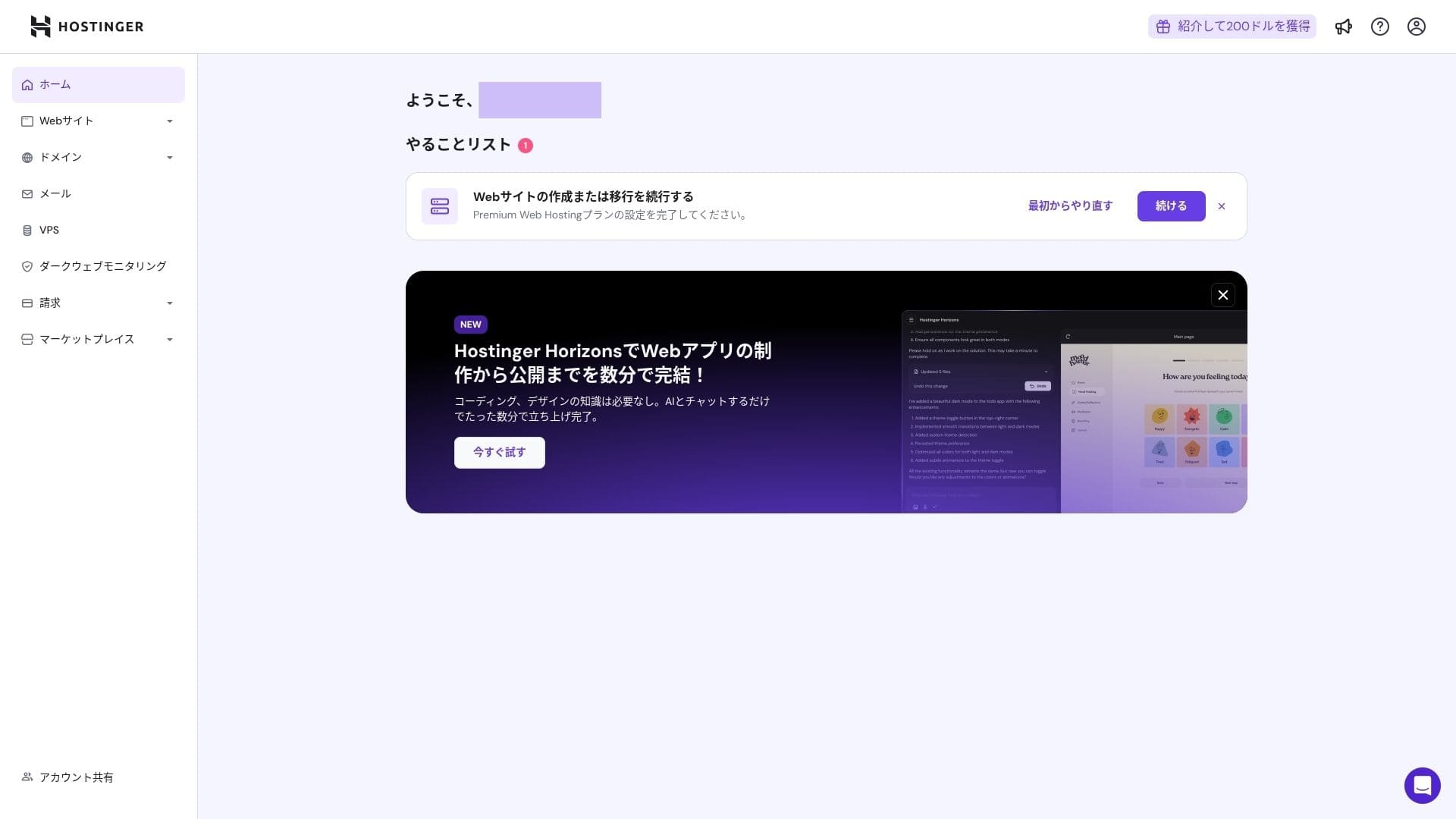
"Create a website" ක්ලික් කරන්න.
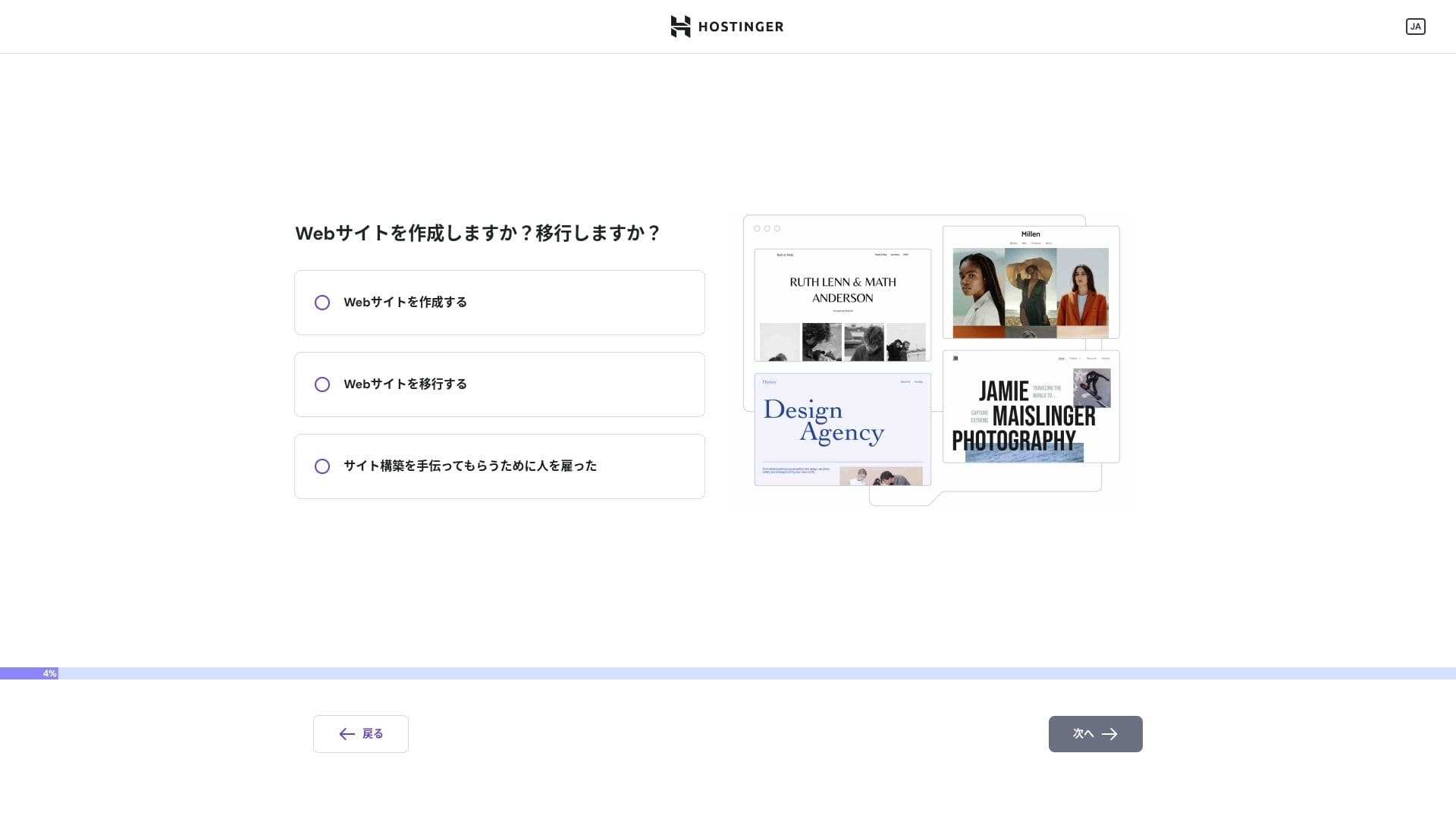
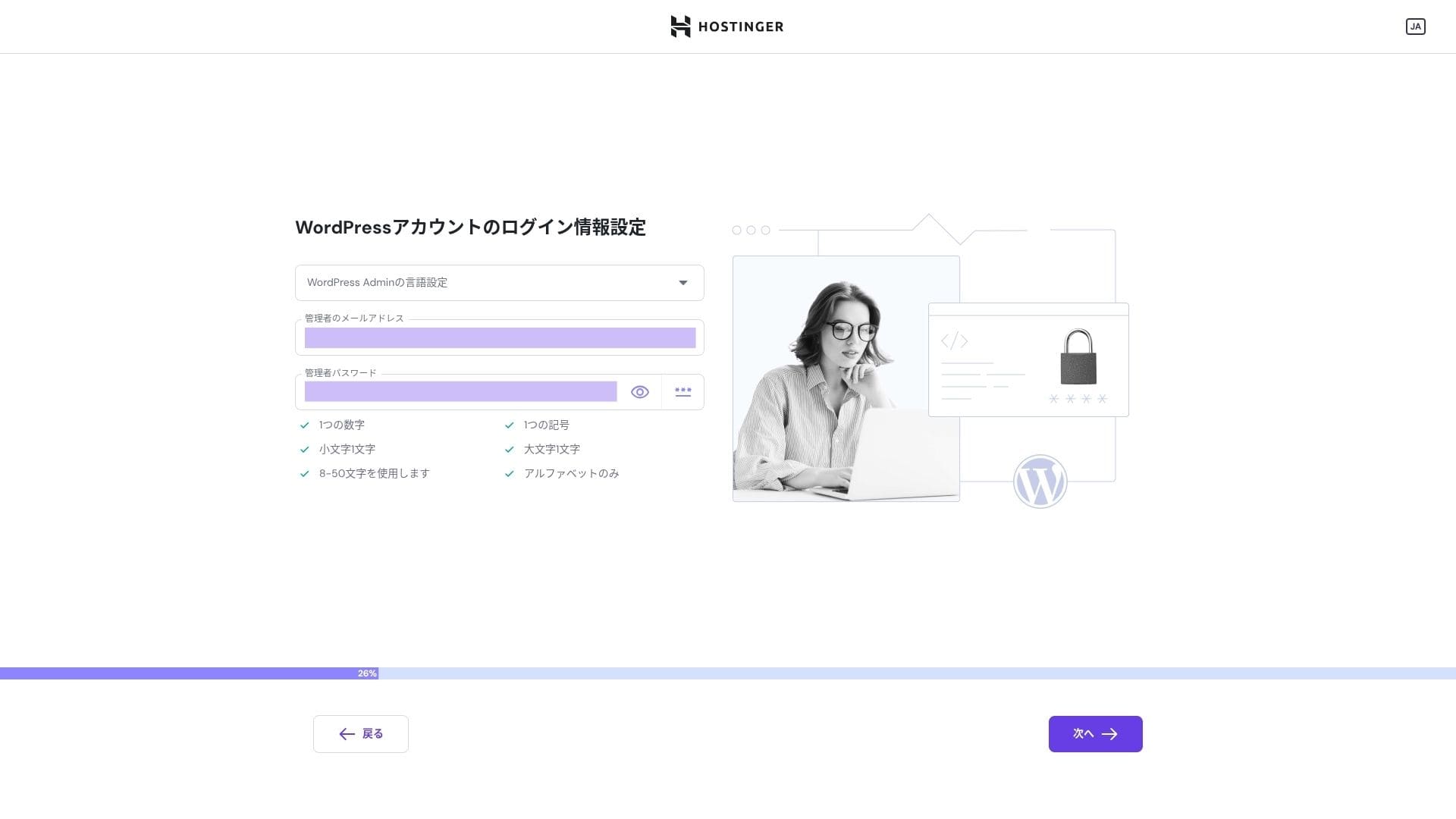
"Myself or my business" ක්ලික් කරන්න. ඔබ සේවාදායකයෙකු වෙනුවෙන් එය ගොඩනඟන්නේ නම්, "Other people" තෝරන්න.
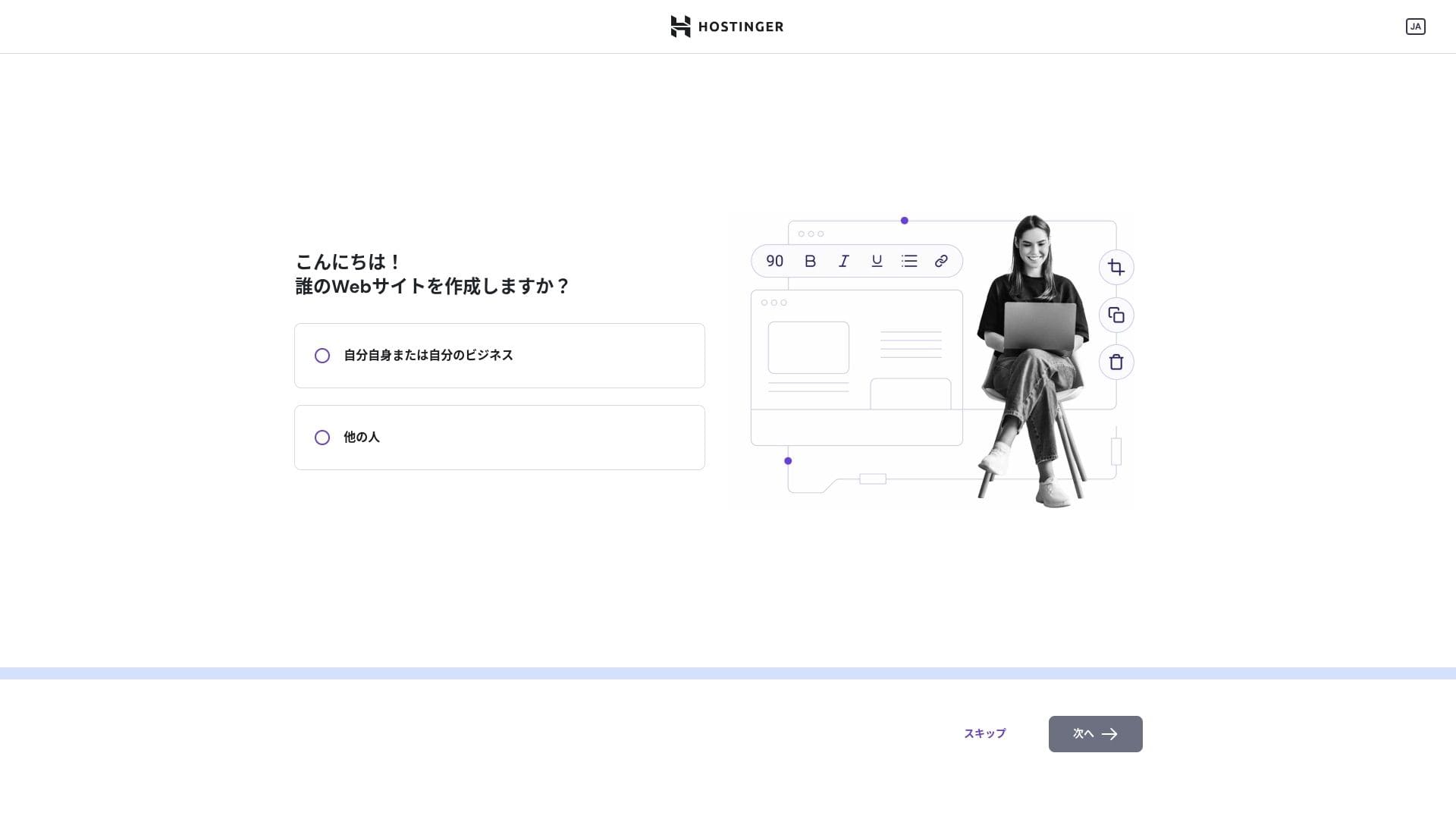
අඩවිය ගොඩනඟන ක්රමය ලෙස "WordPress" තෝරන්න.
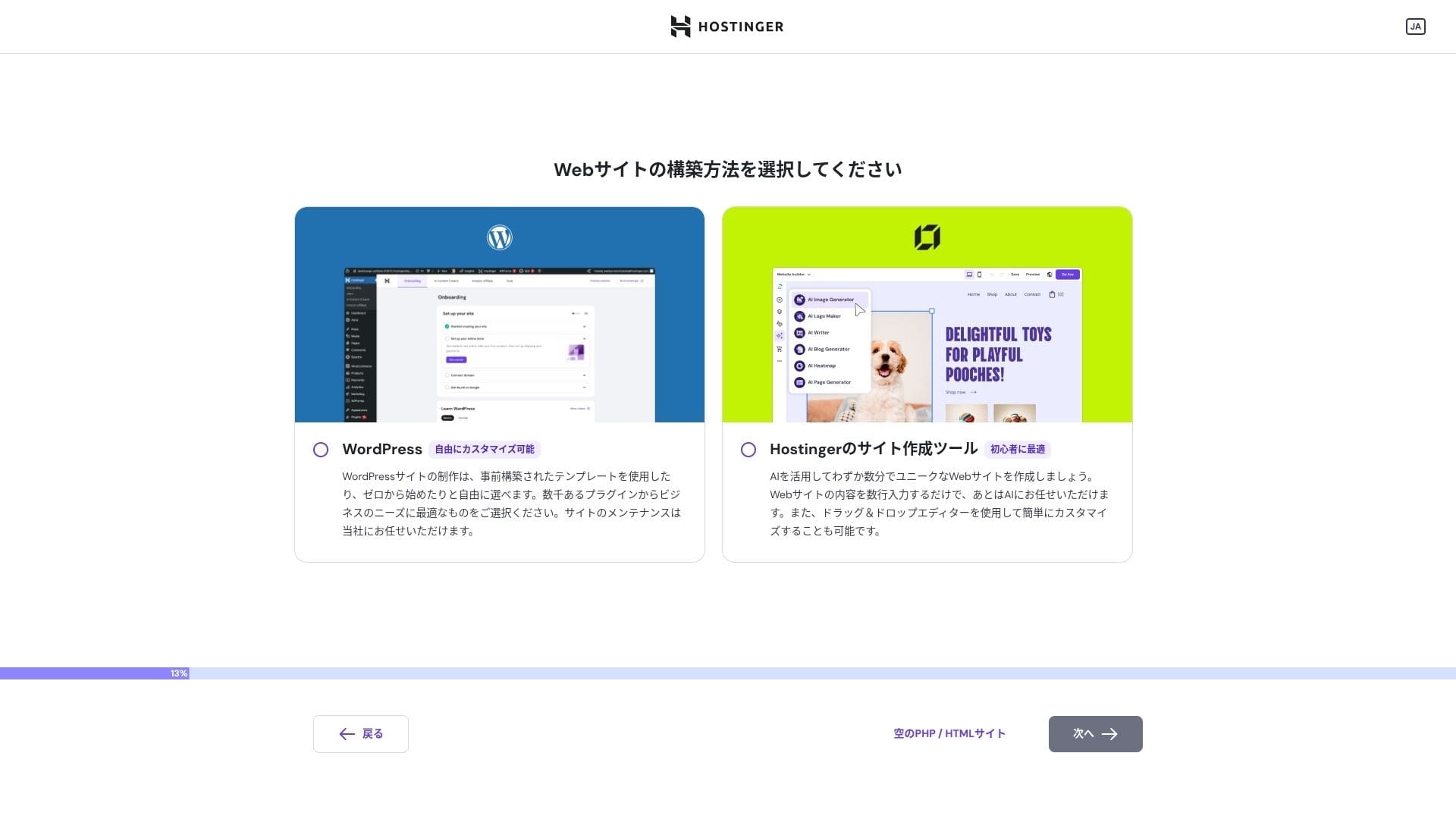
ඔබගේ WordPress ගිණුම සඳහා පිවිසුම් තොරතුරු සකසන්න. ඊමේල් ලිපිනයක් සහ මුරපදයක් සාදන්න.මෙම ඊමේල් ලිපිනය සහ මුරපදය ලියා තබා ගැනීමට වග බලා ගන්න, එවිට ඔබට ඒවා අමතක නොවනු ඇත.ඒවා සෑදූ පසු, "Next" ක්ලික් කරන්න.
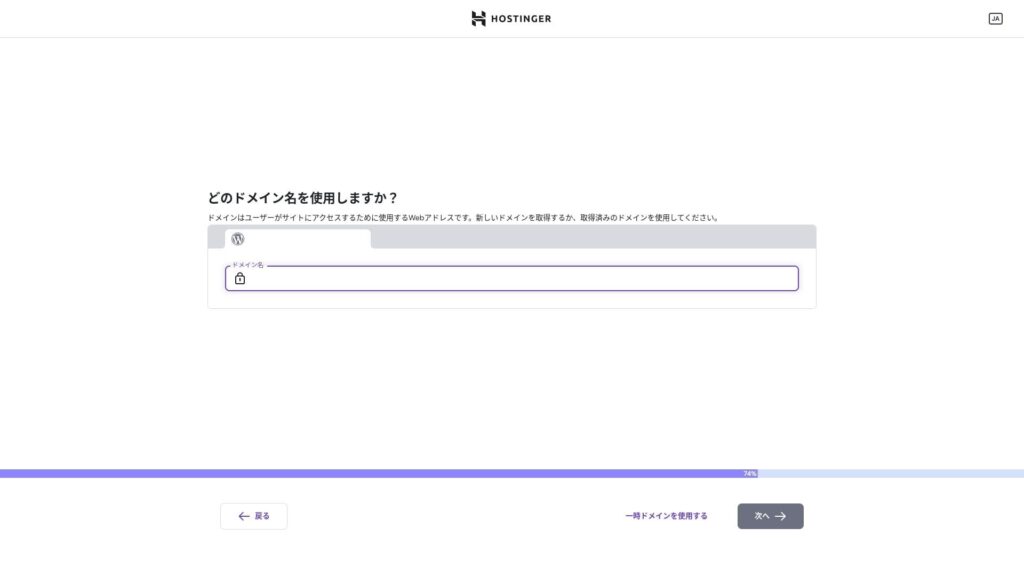
ඔබගේ ඩොමේනය තෝරන්න. අභිරුචි ඩොමේනයක් ලබා ගන්න හෝ මාරු කරන්න.
ඔබට "Use a temporary domain" තෝරාගත හැක. එවිට ඔබ සඳහා HOSTINGER උප-ඩොමේනයක් සාදනු ඇත.
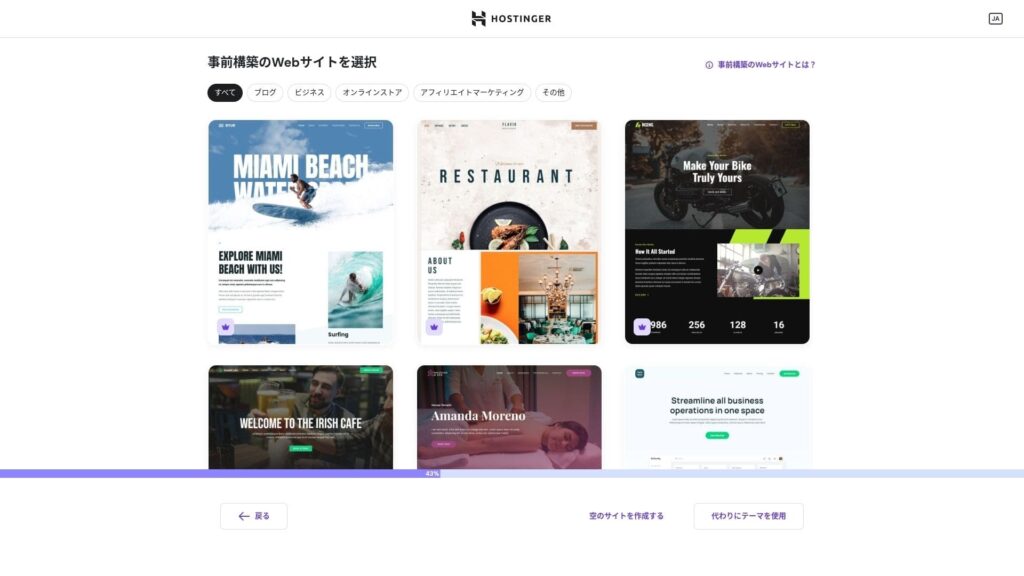
ටෙම්ප්ලේට් එකක් තෝරන්න. මම "Create a blank website" තෝරාගෙන, පසුව WordPress ස්ථාපනය වූ පසු ජපන් WordPress තේමාවක් ස්ථාපනය කිරීමට නිර්දේශ කරමි.
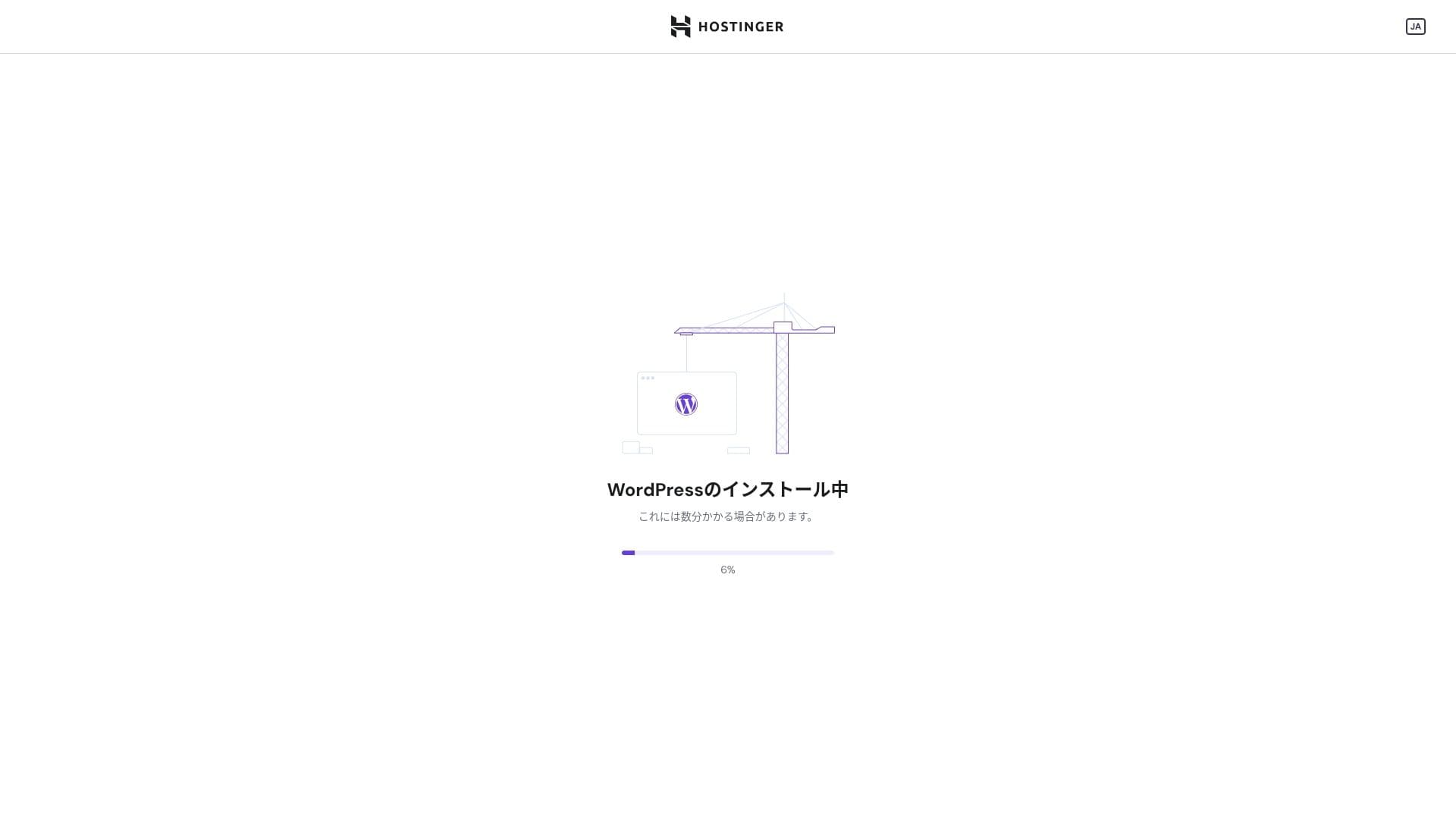
WordPress ස්ථාපනය ආරම්භ වී ඇත. මිනිත්තු එකක් හෝ දෙකක් රැඳී සිටින්න.
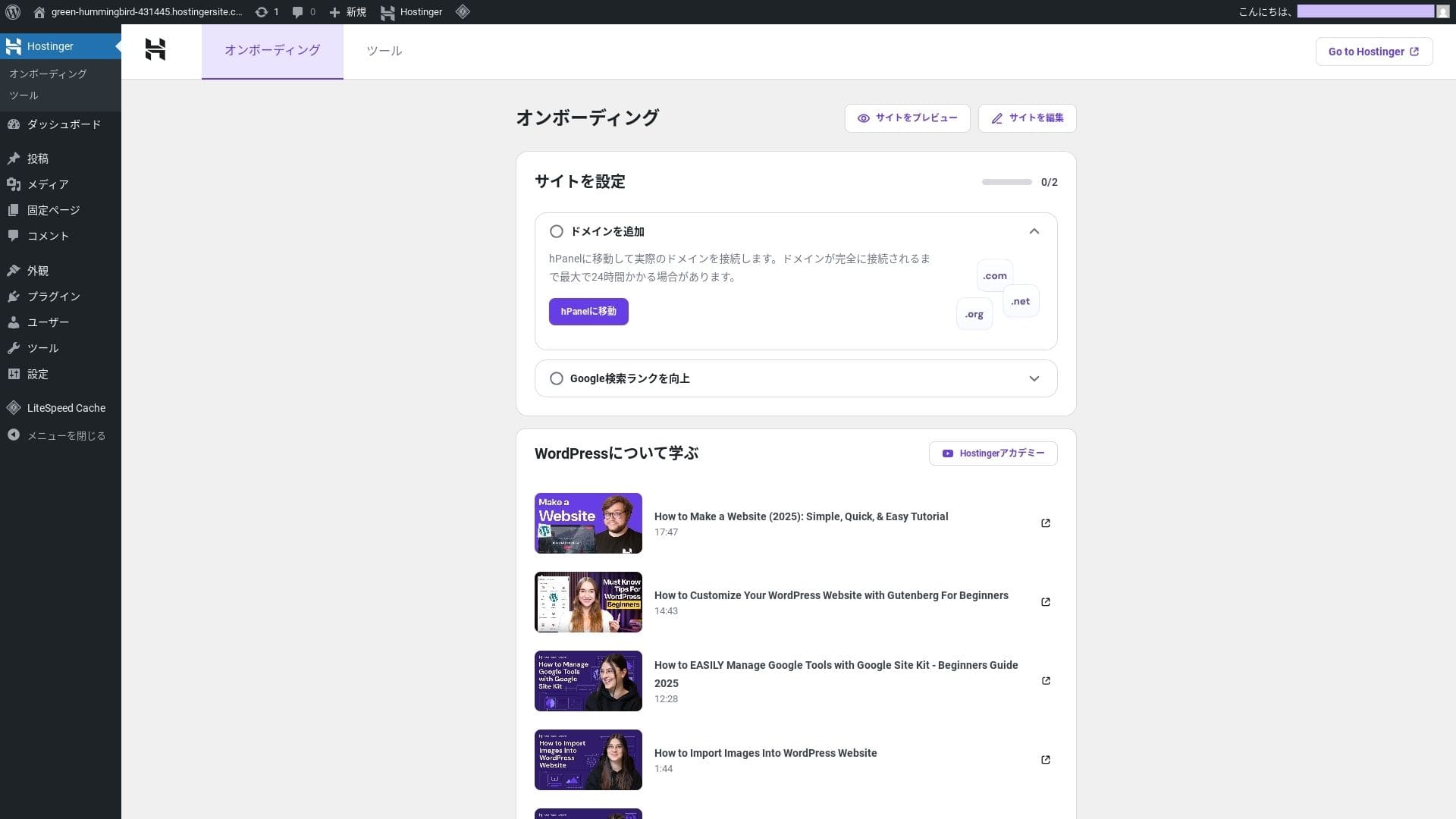
ස්ථාපනය අවසන් වූ විට, ඔබ WordPress තුළට ඇතුළු විය හැක. එවිට WordPress ස්ථාපන ක්රියාවලිය අවසන් වේ.
- Step.4ඔබගේ ඩොමේනය සහ DNS සකසන්න
If you want to use a custom domain, acquire or transfer it first. Once that is done, configure the DNS සැකසුම්.
බහු අඩවි ක්රියාත්මක කිරීම
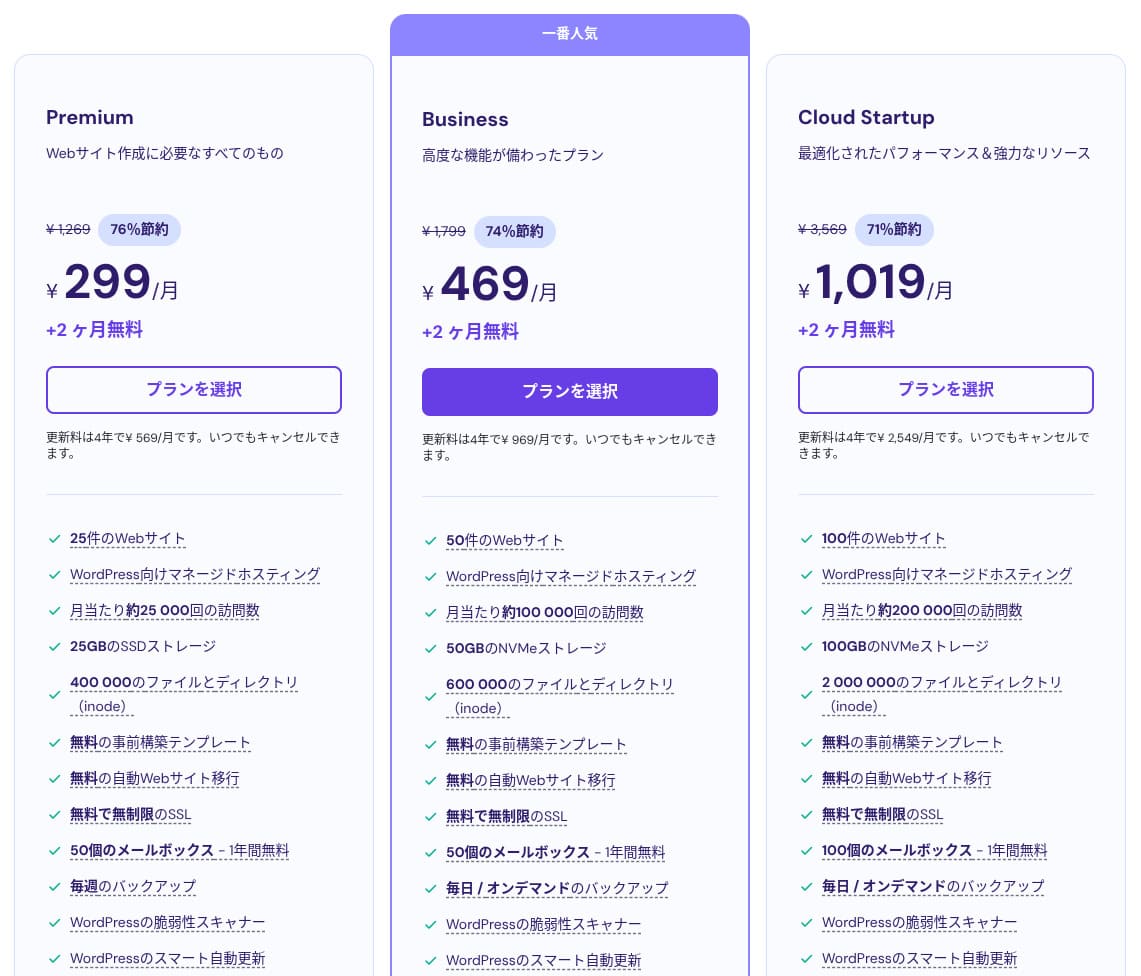
Hostinger බෙදාගන්නd hosting has three plans. Even the lowest-මිලd Premium plan lets you host up to 25 sites.
| Plan | Sites | Storage | පිටුබලය ගැනීමේ වාරතාව | Monthly මිල (initial term) |
|---|---|---|---|---|
| Premium | 25 | 25 GB SSD | Weekly | 299 yen |
| Business | 50 | 50 GB NVMe | දිනපතා + අවශ්ය විට | 469 yen |
| Cloud Startup | 100 | 100GB NVMe | දිනපතා + අවශ්ය විට | 1,019 yen |
Adding a WordPress අඩවිය
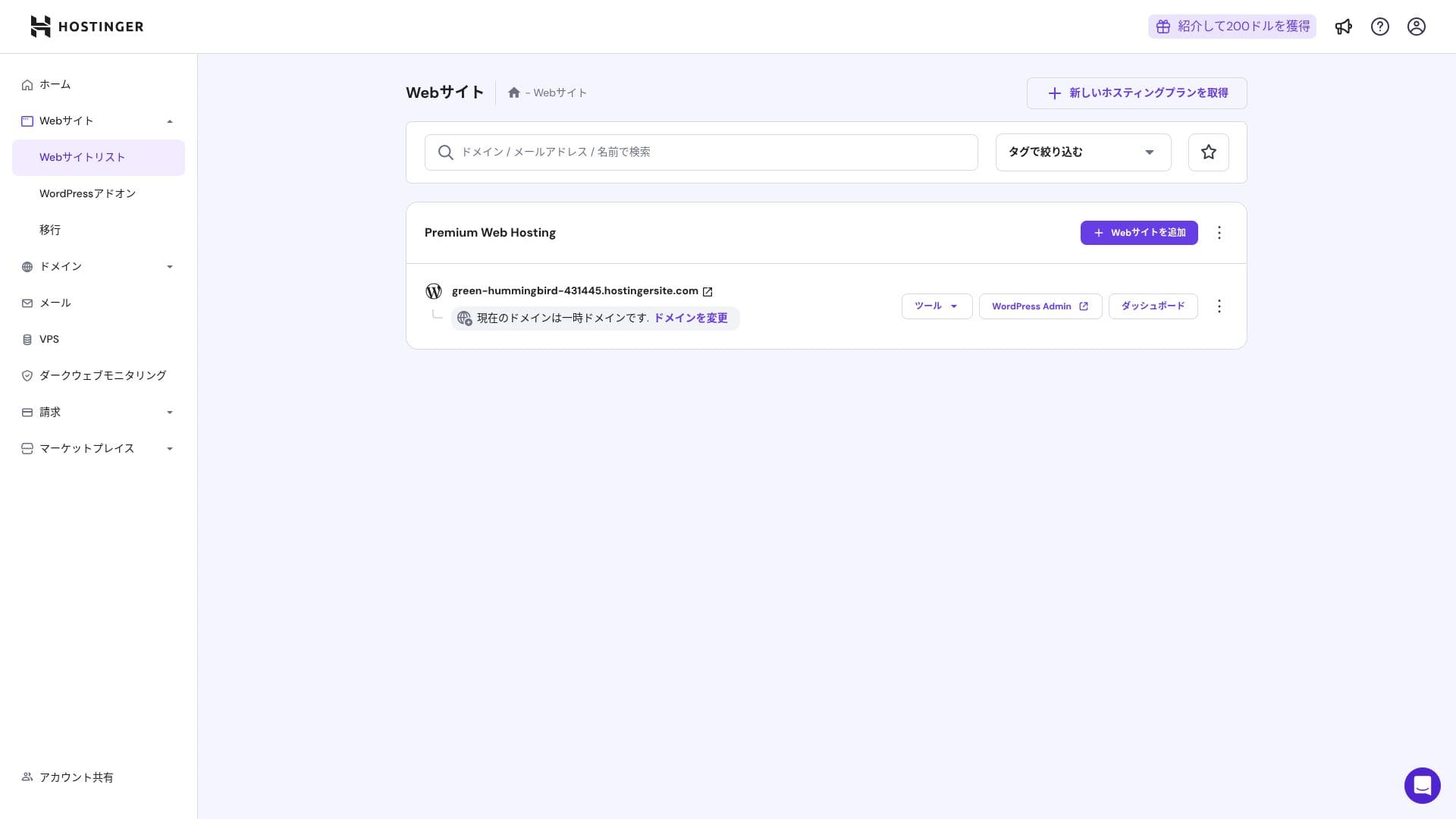
- STEP.1පාලක පැනලයට ඇතුළු වන්න
ඇතුළු වූ පසු, වෙබ් අඩවි ලැයිස්තුවෙන් "+ Add Website" ක්ලික් කරන්න.
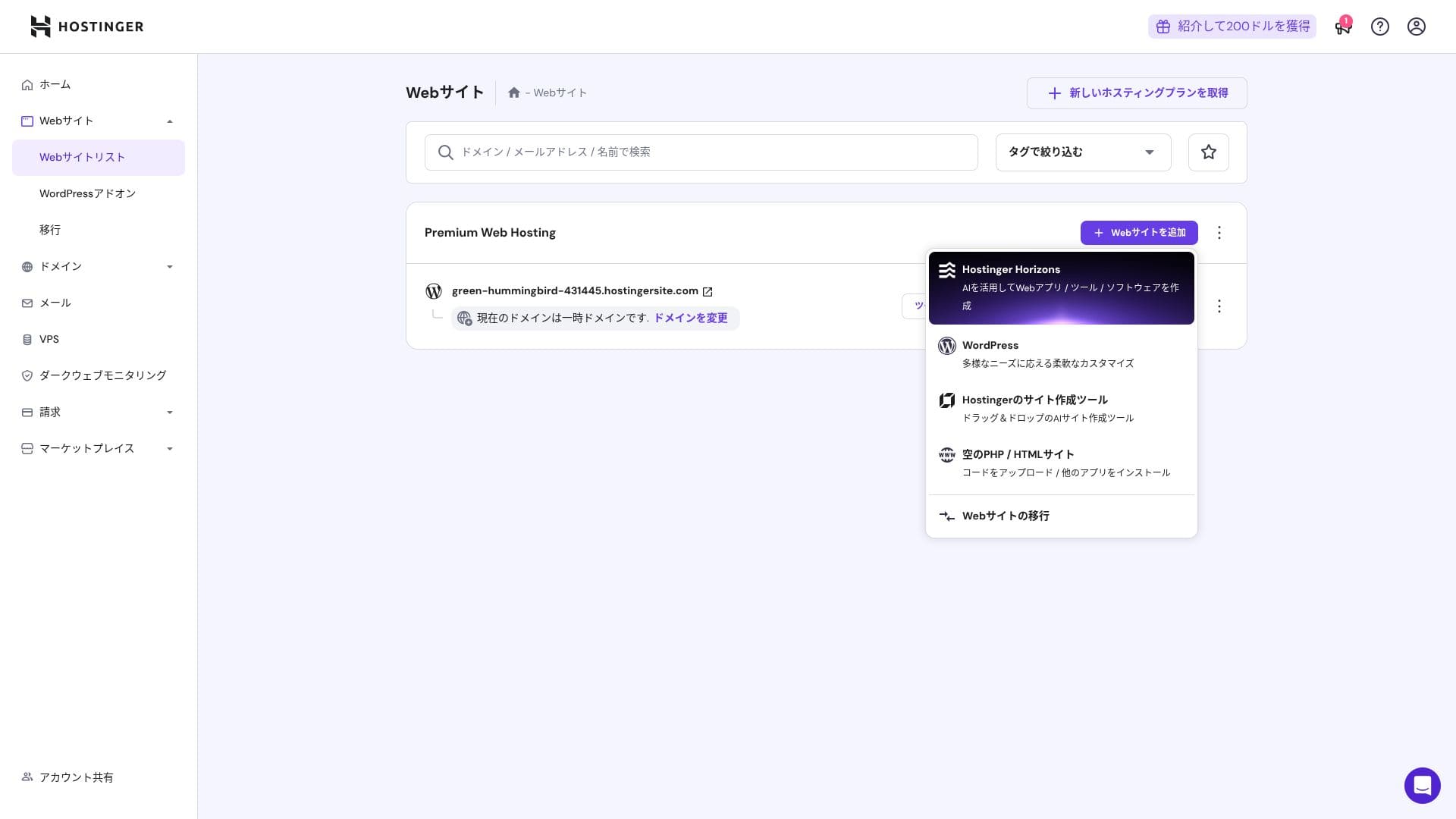
- STEP.2පෙනෙන පොප්අප් එකෙන් "WordPress" තෝරන්න
- STEP.3WordPress පිවිසුම් තොරතුරු සකසන්න
- STEP.4ඩොමේනය සහ DNS සකසන්න
Configure the domain and DNS සැකසුම්.
බහු අඩවි ක්රියාත්මක කිරීමේ අවශ්යතාවය වැඩි වුවහොත්, ඔබගේ සැලැස්ම උත්ශ්රේණි කරන්න.
Performance and specs විචාරය
Our measurements: වේගය විචාරය
We measured Hostinger's page වේගය. In our testing, it ranked No. 2. Its TTFB (Time to First Byte, in other words, the time until the page's main content starts to display) was 30.55 ms. That is far faster than the 200 ms සේවාදායකය වේගය Google expects.
You should reduce your සේවාදායකය response time under 200ms.සර්වර් ප්රතිචාර කාලය වැඩි දියුණු කරන්න
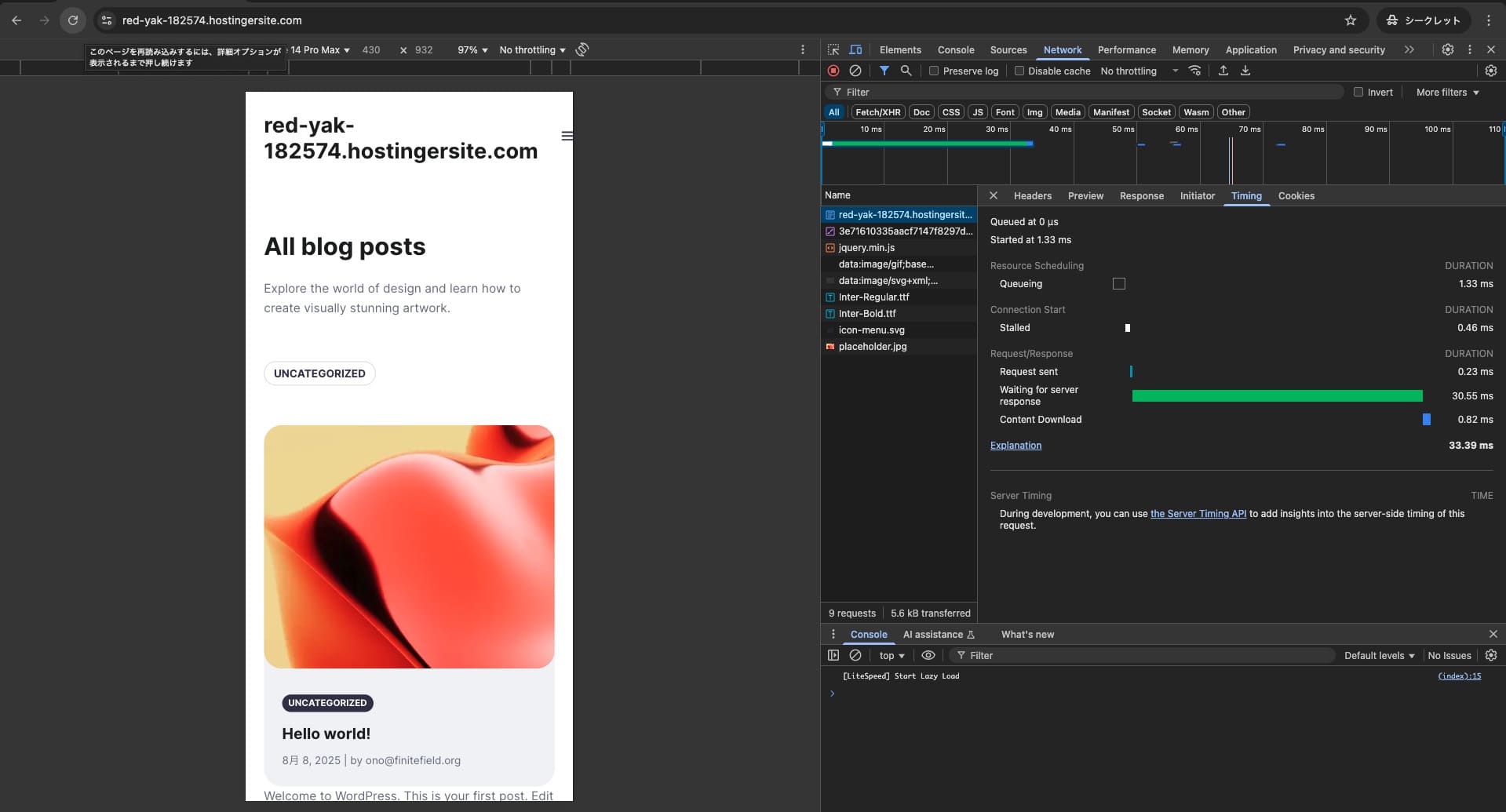

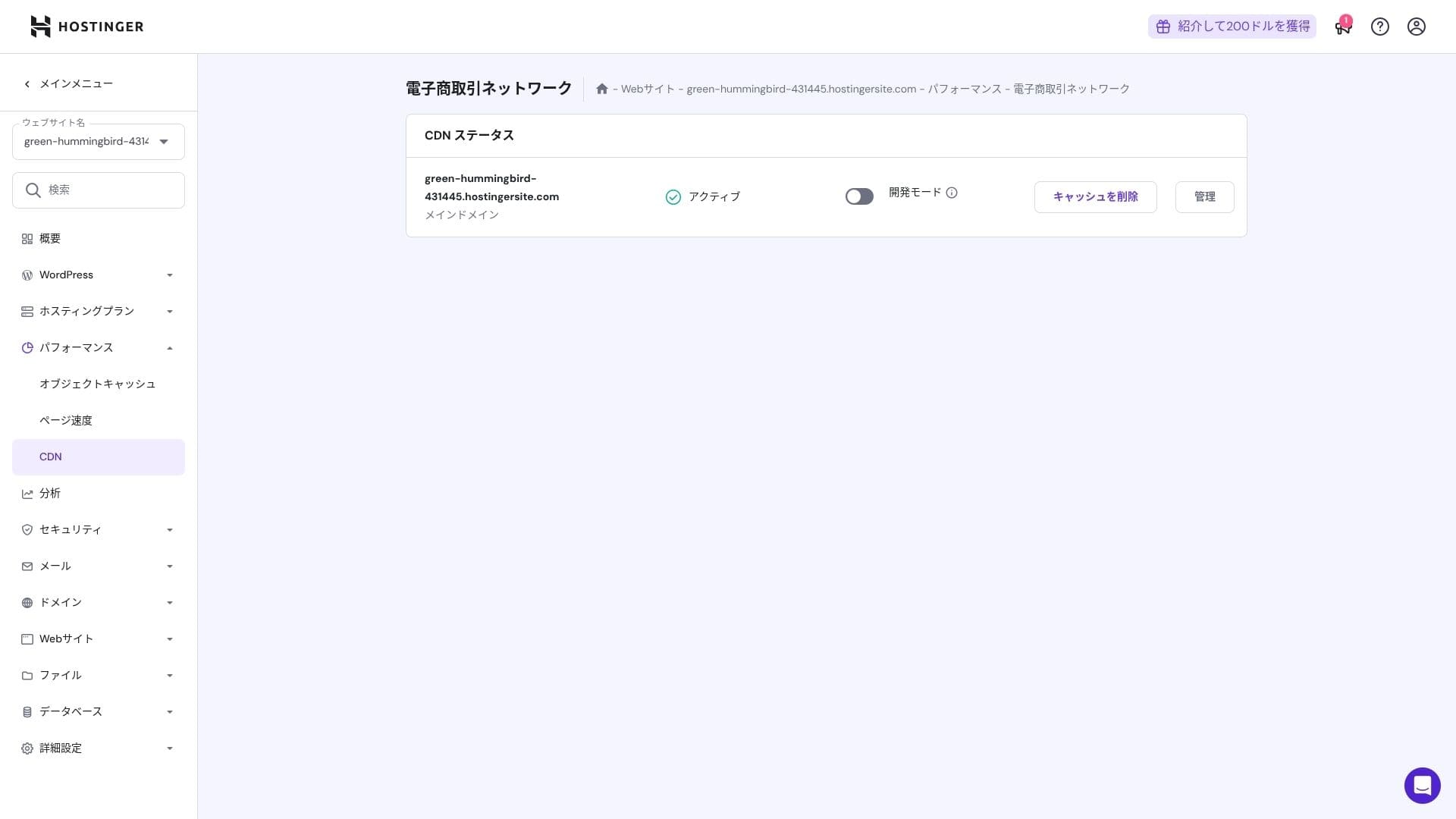
එය LiteSpeed Web Server, NVMe SSD, සහ තමන්ගේම CDN එකේ සංයෝජනයක් භාවිතා කරයි. CDN එකක් භාවිතා කිරීම විදේශීය ඉල්ලීම්වලට පවා වෙනස්කම් අඩු කරයි, එය ecommerce අඩවිවල ඉවත්වීම් අඩු කිරීමට උපකාරී වේ.
Hikaru Ono
Hostinger SSD හෝ NVMe ගබඩා භාවිතා කරයි. එය මෙතරම් වේගවත් වීමට එය එක් හේතුවකි.
ගබඩා ධාරිතාව
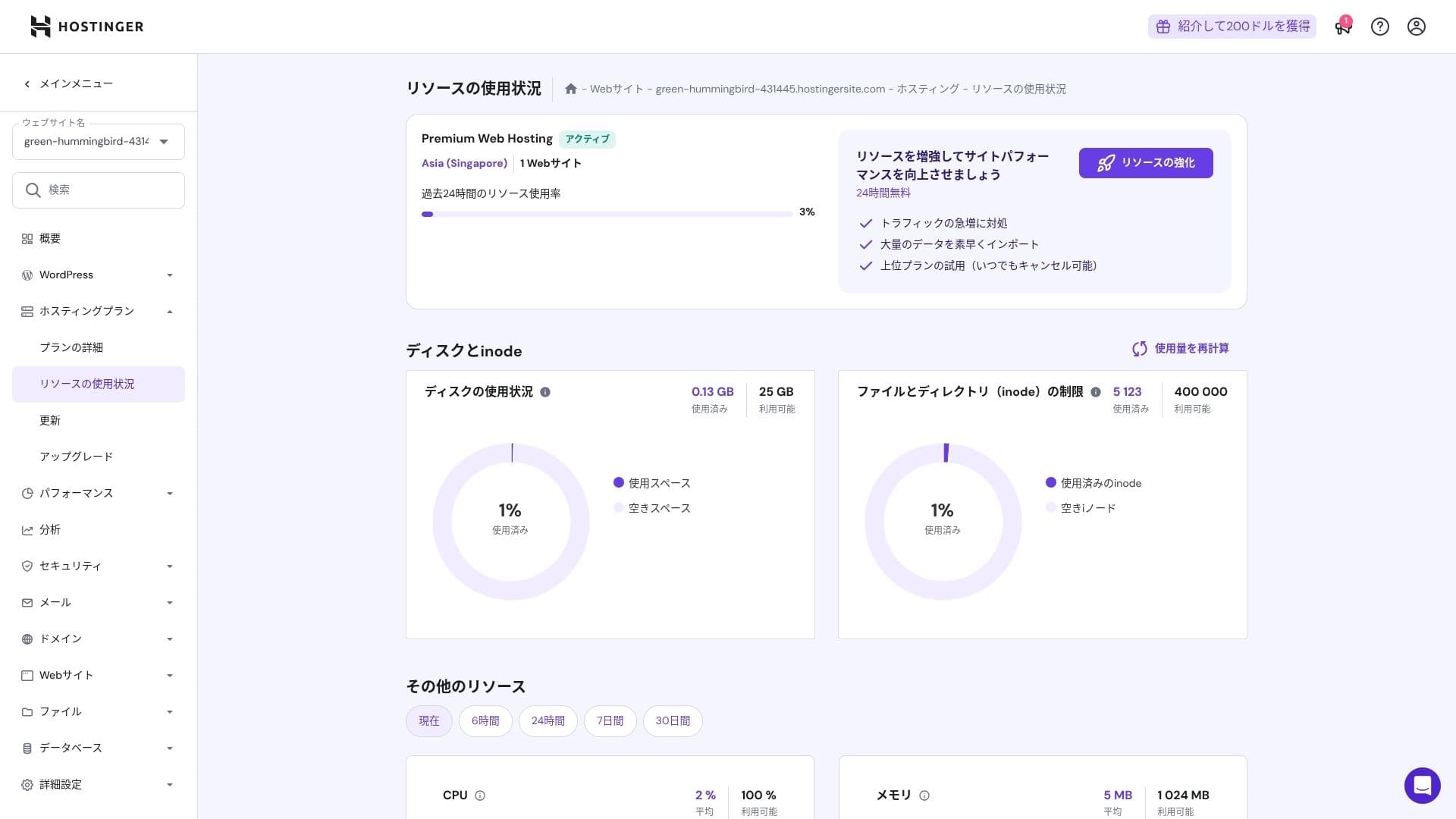
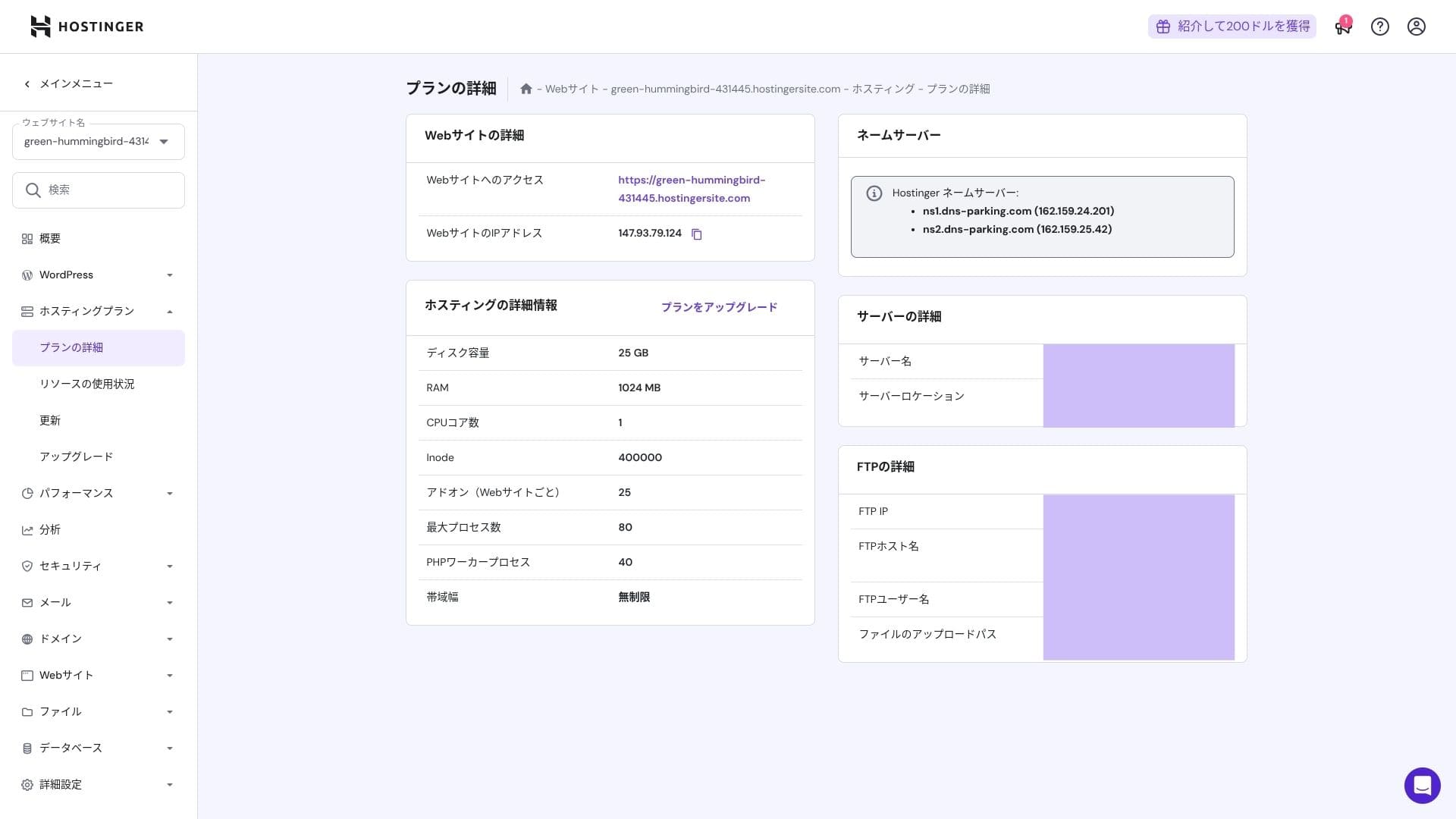
ගබඩා වෙන්කිරීම් Premium සඳහා 25 GB, Business සඳහා 50 GB, සහ Cloud Startup සඳහා 100 GB වේ. ඔබ මාධ්ය-බර අඩවි ක්රියාත්මක කරන්නේ නම්, මම Cloud හෝ ඊට ඉහළ එකක් නිර්දේශ කරමි; නමුත් බ්ලොග් සහ කුඩා සිට මධ්යම ව්යාපාර අඩවි සඳහා Premium ප්රමාණවත් වේ.
ඇත්ත වශයෙන්ම, WordPress ස්ථාපනය කිරීම සඳහා පමණක් සுமார் 130 MB පමණක් භාවිතා වේ.
Hikaru Ono
මෙම අඩවියම ගබඩායෙන් භාවිතා කරන්නේ සுமார் 2 GB පමණි.
දත්ත මාරු කිරීම
Premium සිට ඉහළ සියලු සැලසුම්වලට unmetered bandwidth ඇතුළත් වේ. නමුත් inode සීමා සහ CPU භාවිතය තවමත් ප්රායෝගික සීමා ඇති කරන බැවින්, ඔබ මාසයකට පිටු දර්ශන 100,000 කට වඩා අපේක්ෂා කරන්නේ නම් Cloud වෙත මාරු වීම ආරක්ෂිත තේරීමයි.
බ්ලොග් සහ කුඩා සිට මධ්යම ව්යාපාර අඩවි සඳහා Premium ප්රමාණවත් වේ.
★ traffic සහ data transfer කියන්නේ මොනවාද? වෙබ් traffic කළමනාකරණය සහ වැඩිදියුණු කිරීම
Server ස්ථායිතාව and uptime
Hostinger සියලු සැලසුම් සඳහා 99.9% uptime සහතිකයක් ලබා දෙයි. එහි uptime ඉහළ බැවින්, එය corporate සහ business වෙබ් අඩවි සඳහාද විශ්වාසයෙන් භාවිතා කළ හැක.
★ A must-read for beginners: Understand rental සේවාදායකය uptime and SLAs
Pricing and පිරිවැය විචාරය
Initial fees and monthly පිරිවැය
There are no initial fees on any plan. Monthly මිලs vary greatly depending on the contract term. At the initial signup, the Premium plan පිරිවැයs 299 yen per month, but after renewal it rises to 1,269 yen.
- Hostinger
- Kinsta
- XServer Business
- wpx
- Lolipop!
- Star Rental Server
- Rakko Server
- XServer
- ConoHa
- Colorful Box
- Shin Rental Server
- Little Server
- CORESERVER
- DreamHost
- Bluehost
- Sakura
- Namecheap
- Shin Free
- XREA
- Value Server
- KAGOYA
- SiteGround
- Hostgator
- IONOS
- Onamae.com
- ABLENET
- mixhost
- GoDaddy
- iCLUSTA+
- MuuMuu Server
- WADAX
- WebARENA
- heteml
- CPI Rental Server

































Domain මිලකරණය
Premium and above include one නොමිලේ year for a custom domain such as.com. You can also bring in an existing domain.
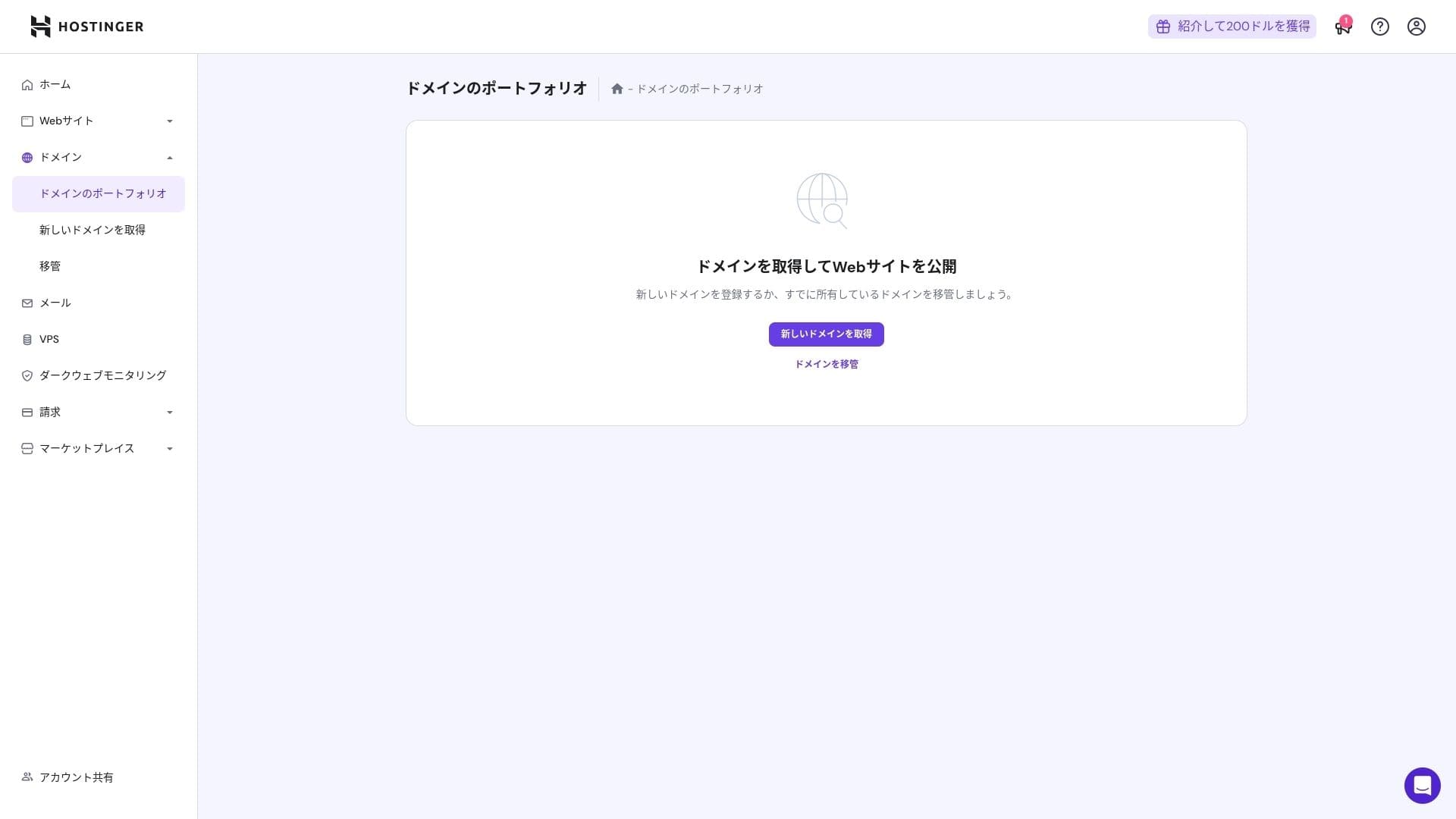
Annual domain fees are a few thousand yen. Because websites and blogs are meant to be used for the long term, if you want to keep domain පිරිවැයs as low as possible, getting your domain from another company is also a good option.
- Onamae.com
- Xසේවාදායකය Domain
- MuuMuu Domain
- Value Domain
- Shin Domain
- Star Domain
- Colorful Domain
- Rakko Domain








Hikaru Ono
Japanese hosting companies such as ConoHa WING and XServer keep your domain නොමිලේ forever while your සේවාදායකය contract remains active, so in this area Hostinger loses to some competitors.
SSL certificate පිරිවැය
A Let's Encrypt-based DV SSL certificate is included with unlimited issuance and automatic renewal. There is no additional පිරිවැය.
ගෙවීම් ක්රම
It offers a wide range of payment methods. Major credit cards such as Visa and MasterCard are සහායed, along with PayPal and other options. In practice, it is also helpful that corporate cards and overseas payments are less likely to be rejected.
- Hostinger
- Kinsta
- XServer Business
- wpx
- Lolipop!
- Star Rental Server
- Rakko Server
- XServer
- ConoHa
- Colorful Box
- Shin Rental Server
- Little Server
- CORESERVER
- DreamHost
- Bluehost
- Sakura
- Namecheap
- Shin Free
- XREA
- Value Server
- KAGOYA
- SiteGround
- Hostgator
- IONOS
- Onamae.com
- ABLENET
- mixhost
- GoDaddy
- iCLUSTA+
- MuuMuu Server
- WADAX
- WebARENA
- heteml
- CPI Rental Server


































Usability and සහාය විචාරය
How පහසු the control panel is to use
Hostinger's in-house control panel, hPanel, is very පහසු to use because its categories are neatly organized. If you dislike the clutter of cPanel, you will probably find it much easier to work with.
- Home
- Billing
- WordPress
- Domains
- Backups
- File Manager
- FTP
- Redirects
- Error Pages
- Cron
- Performance
- Marketplace
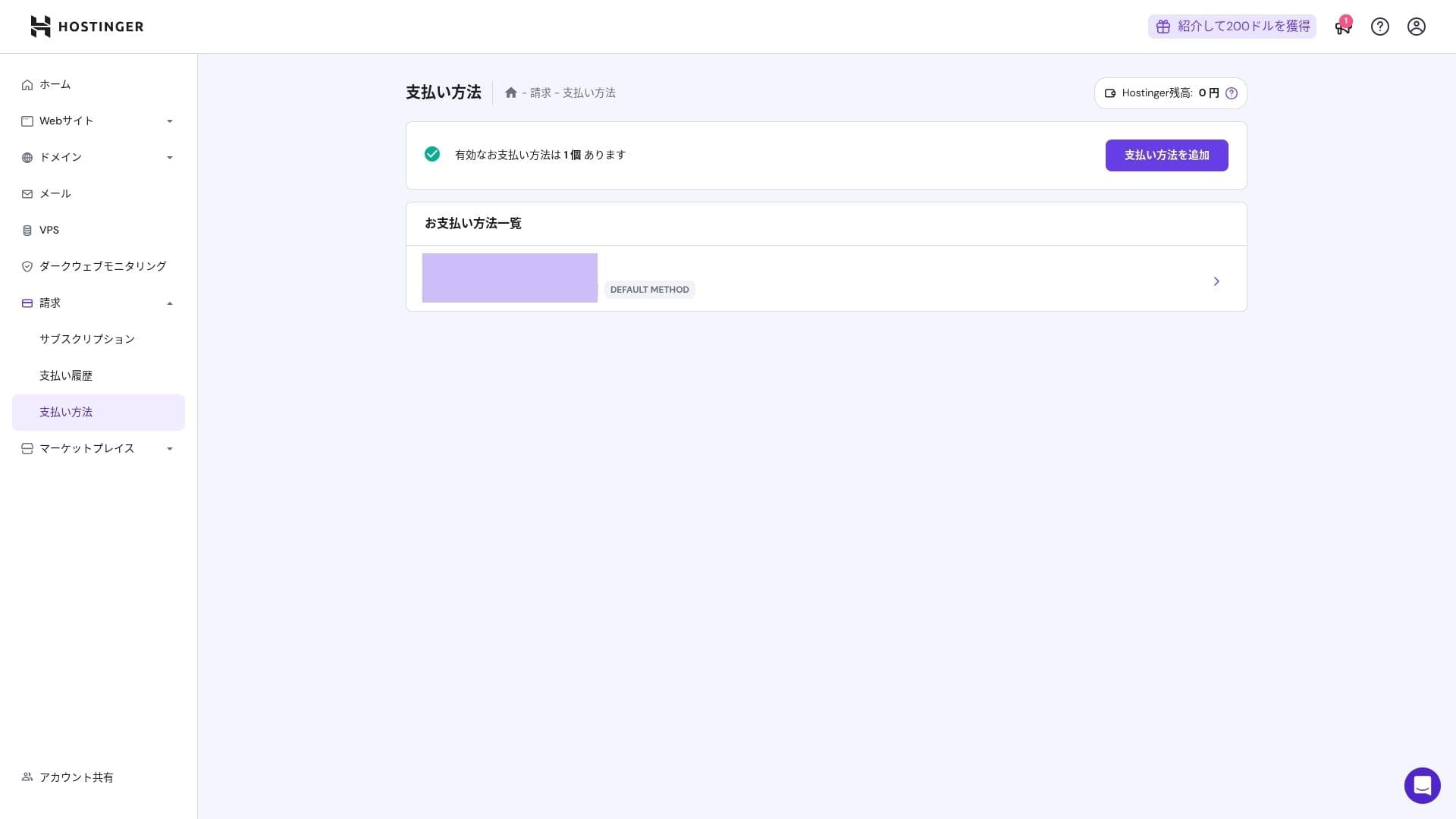
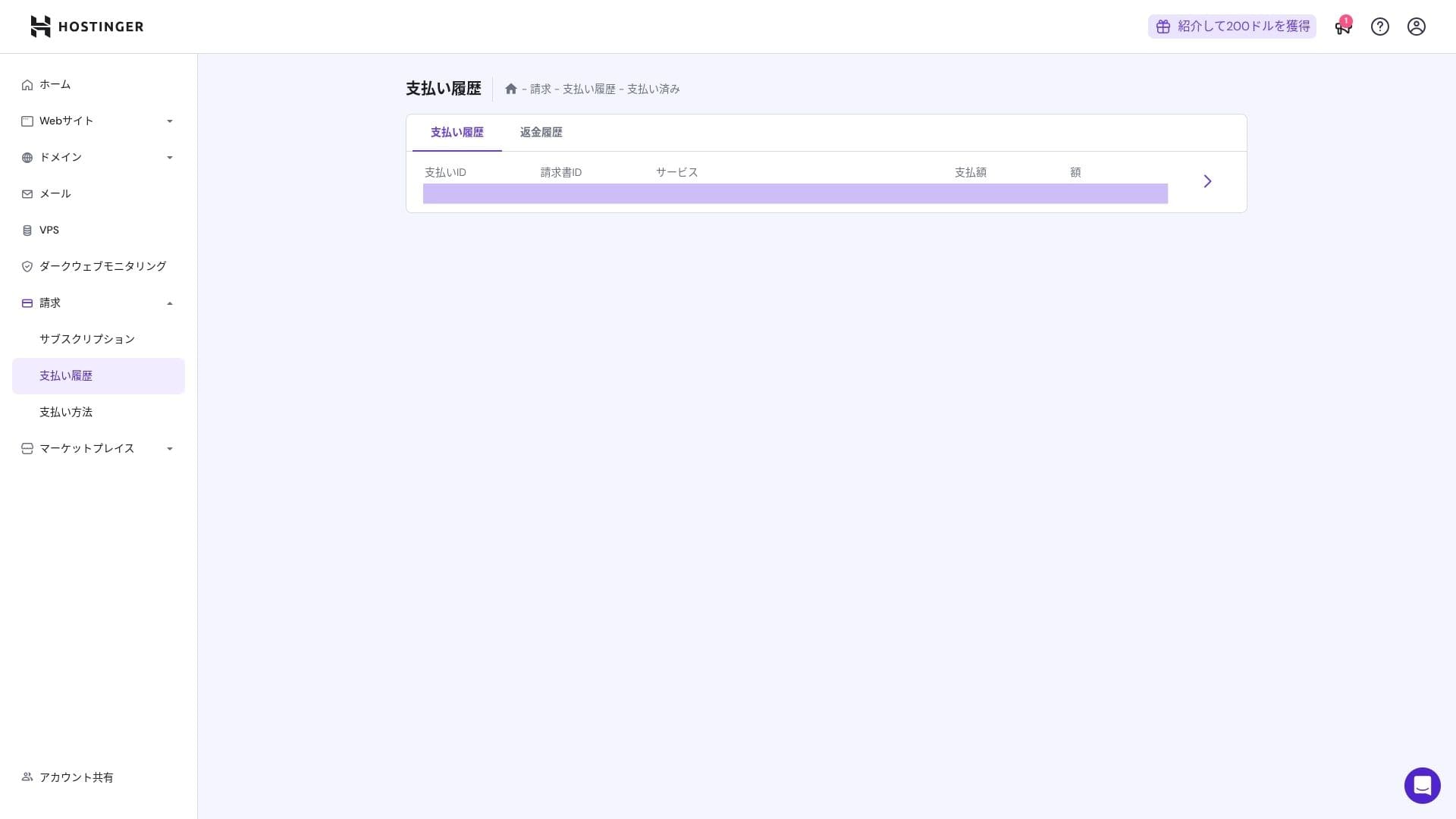
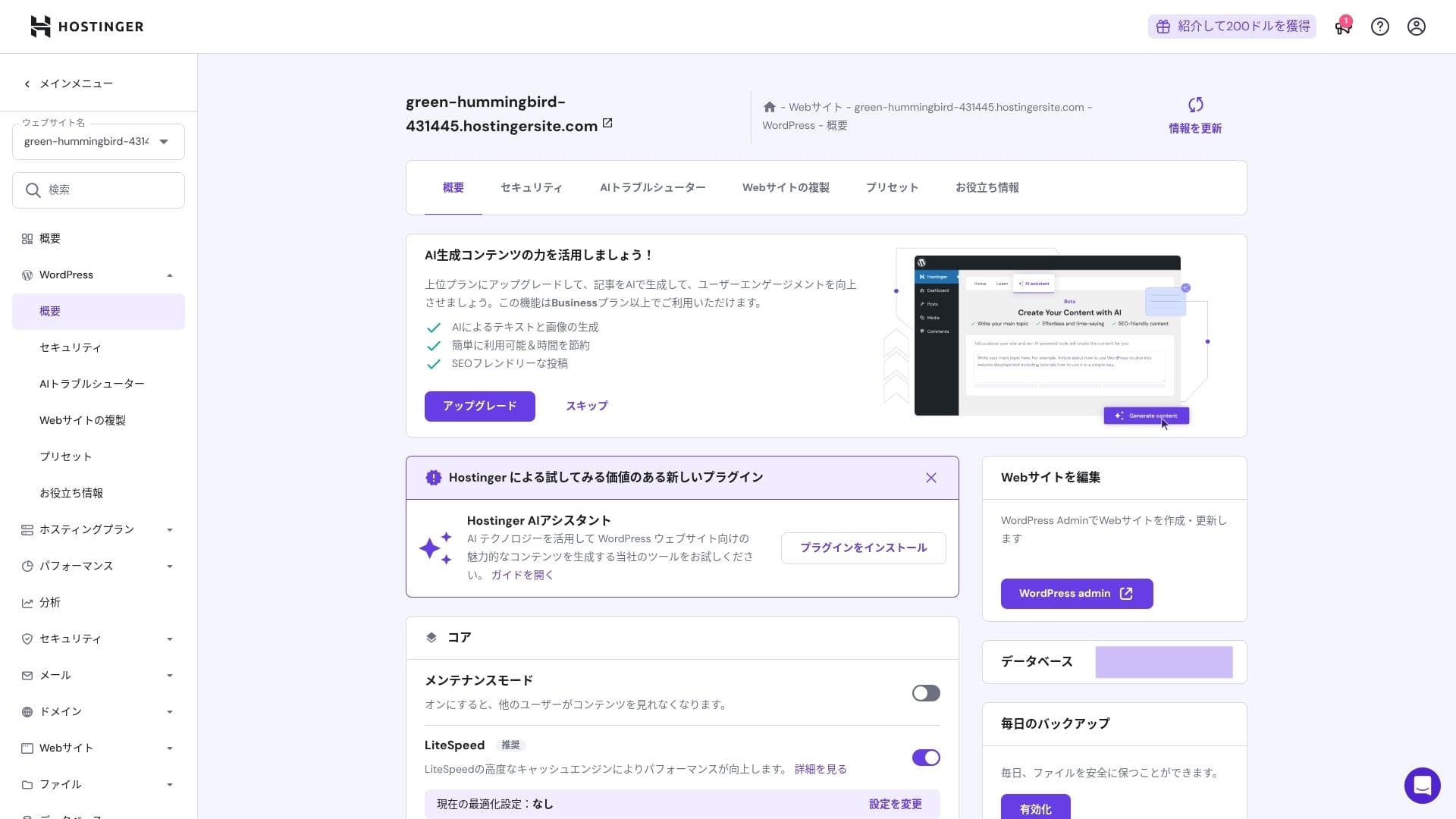
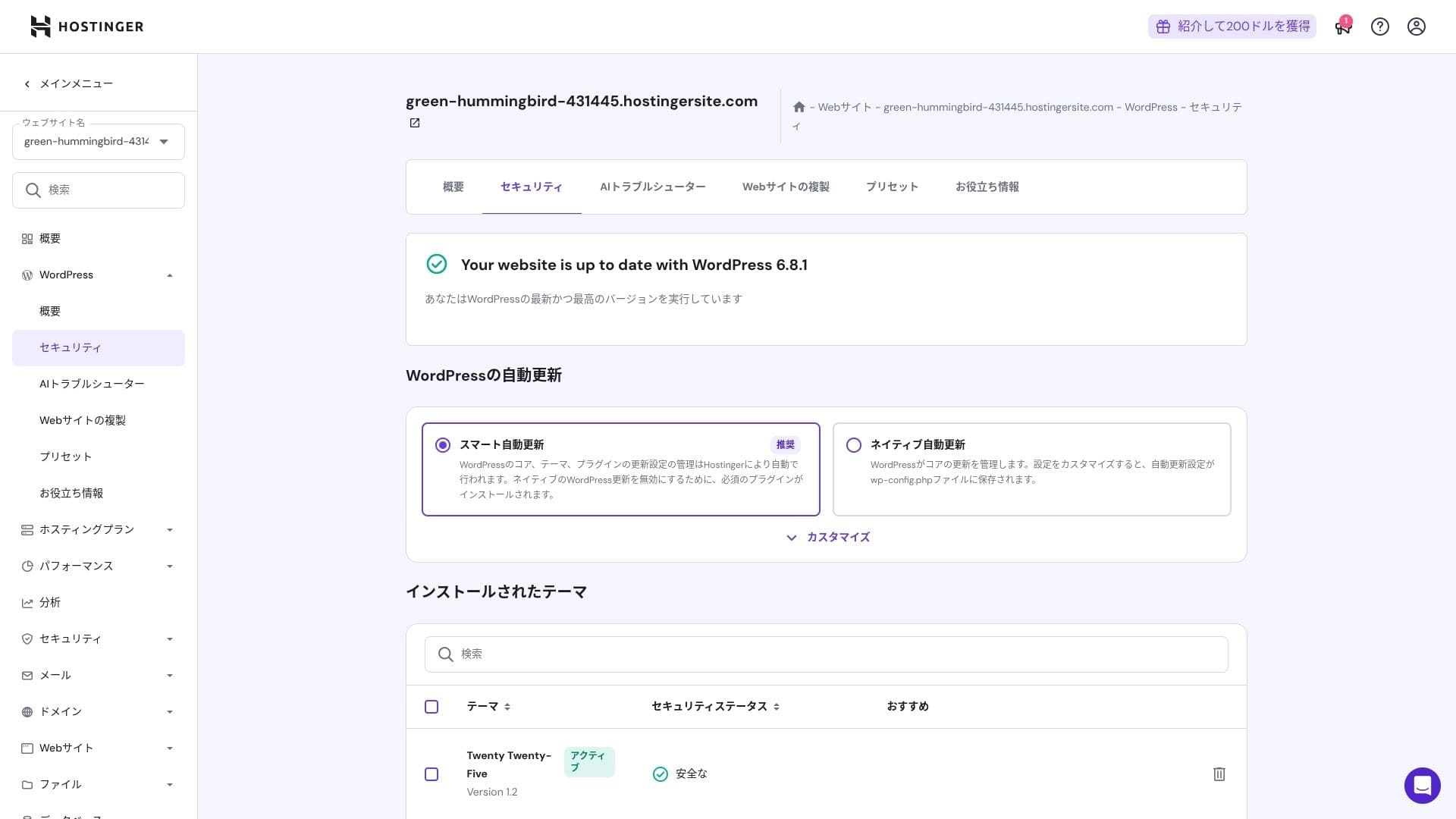
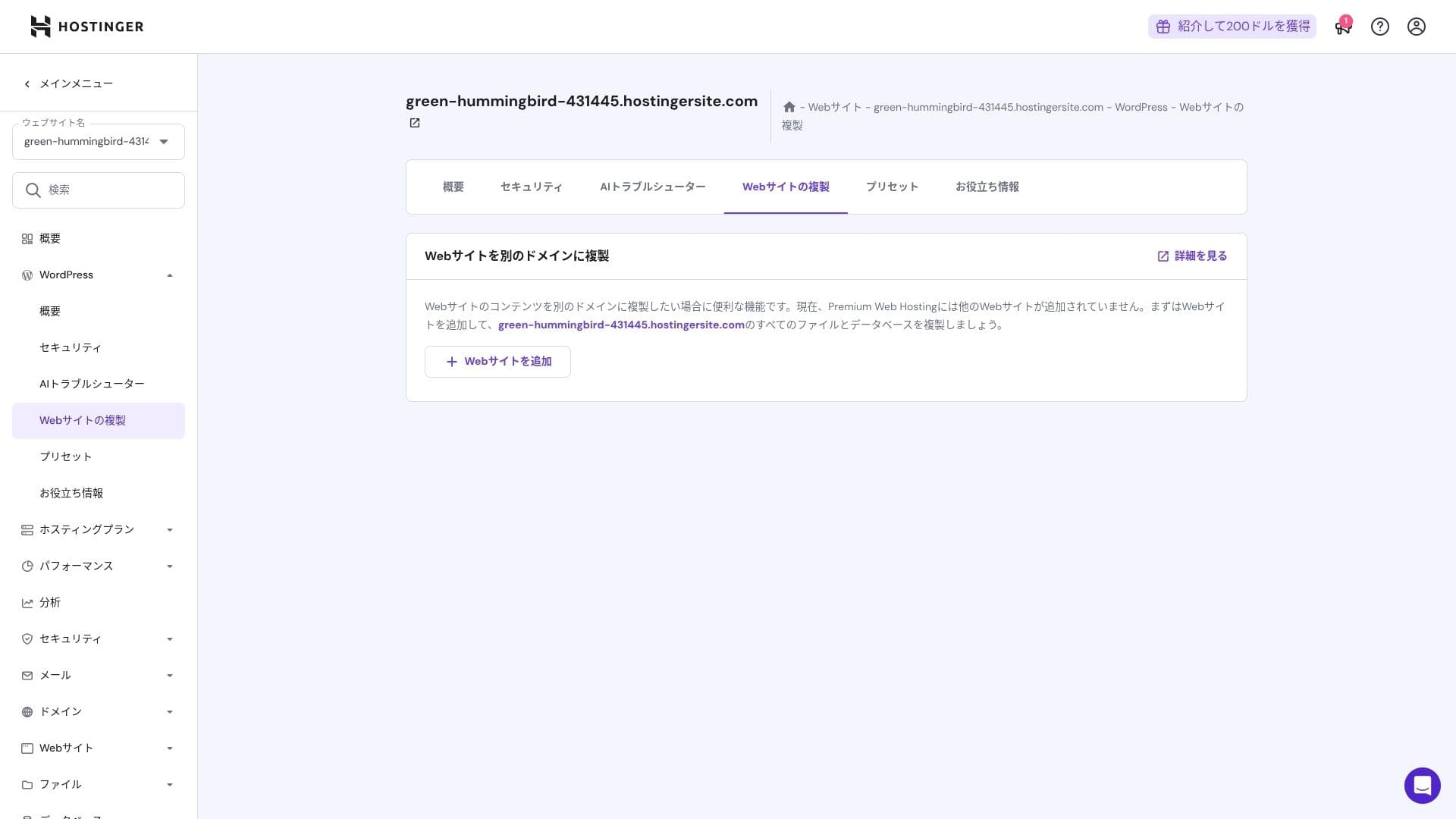
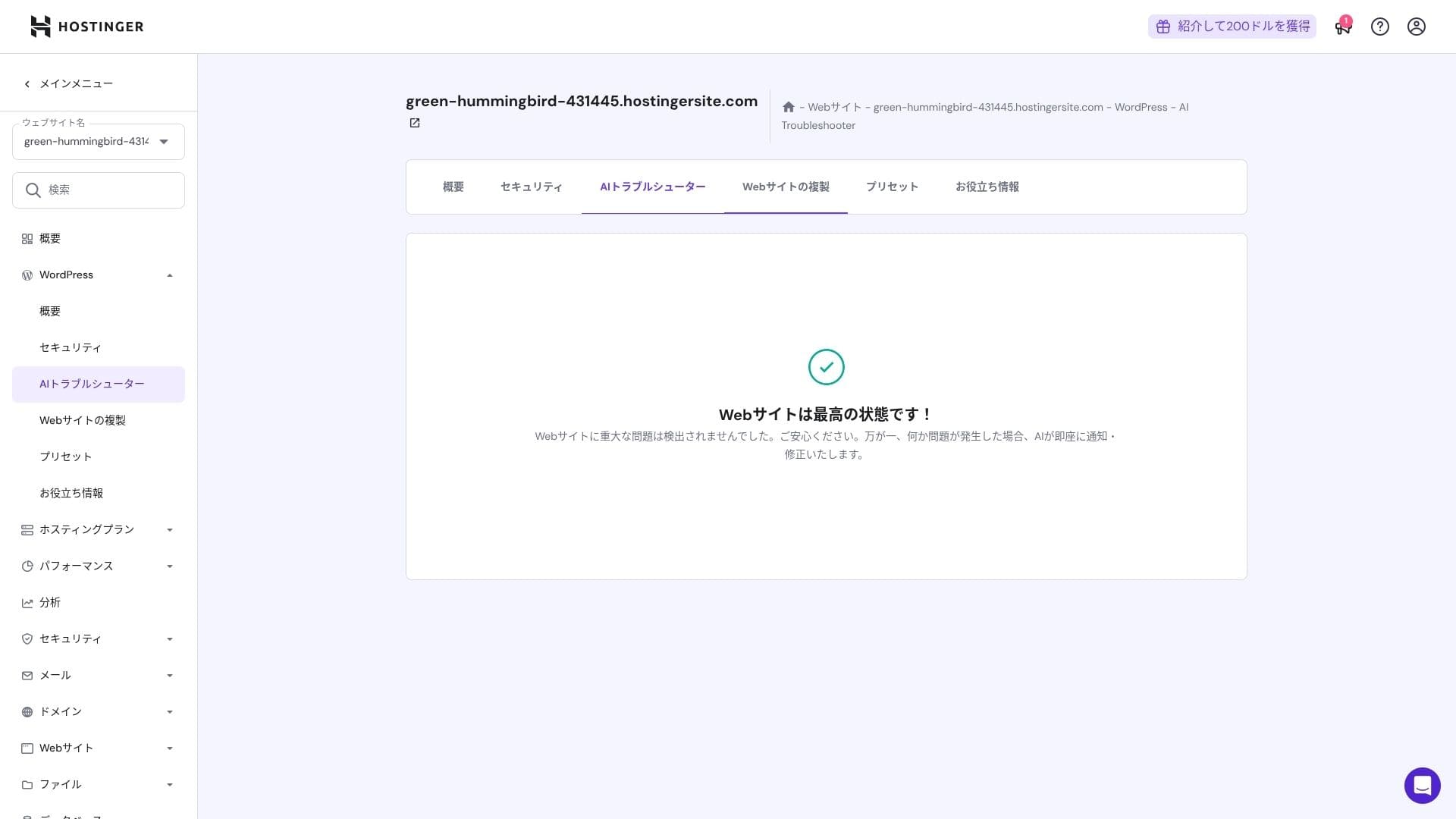
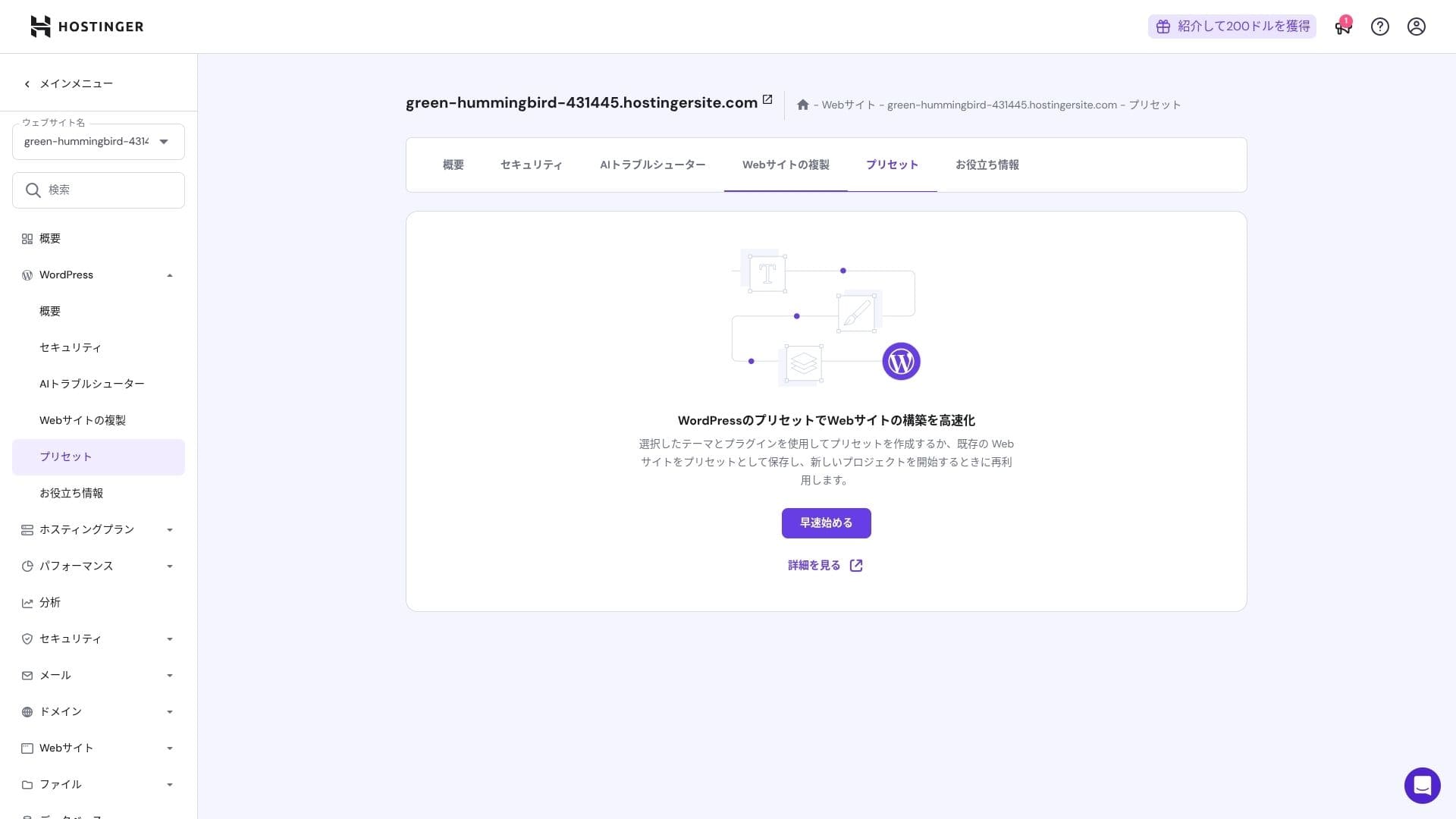
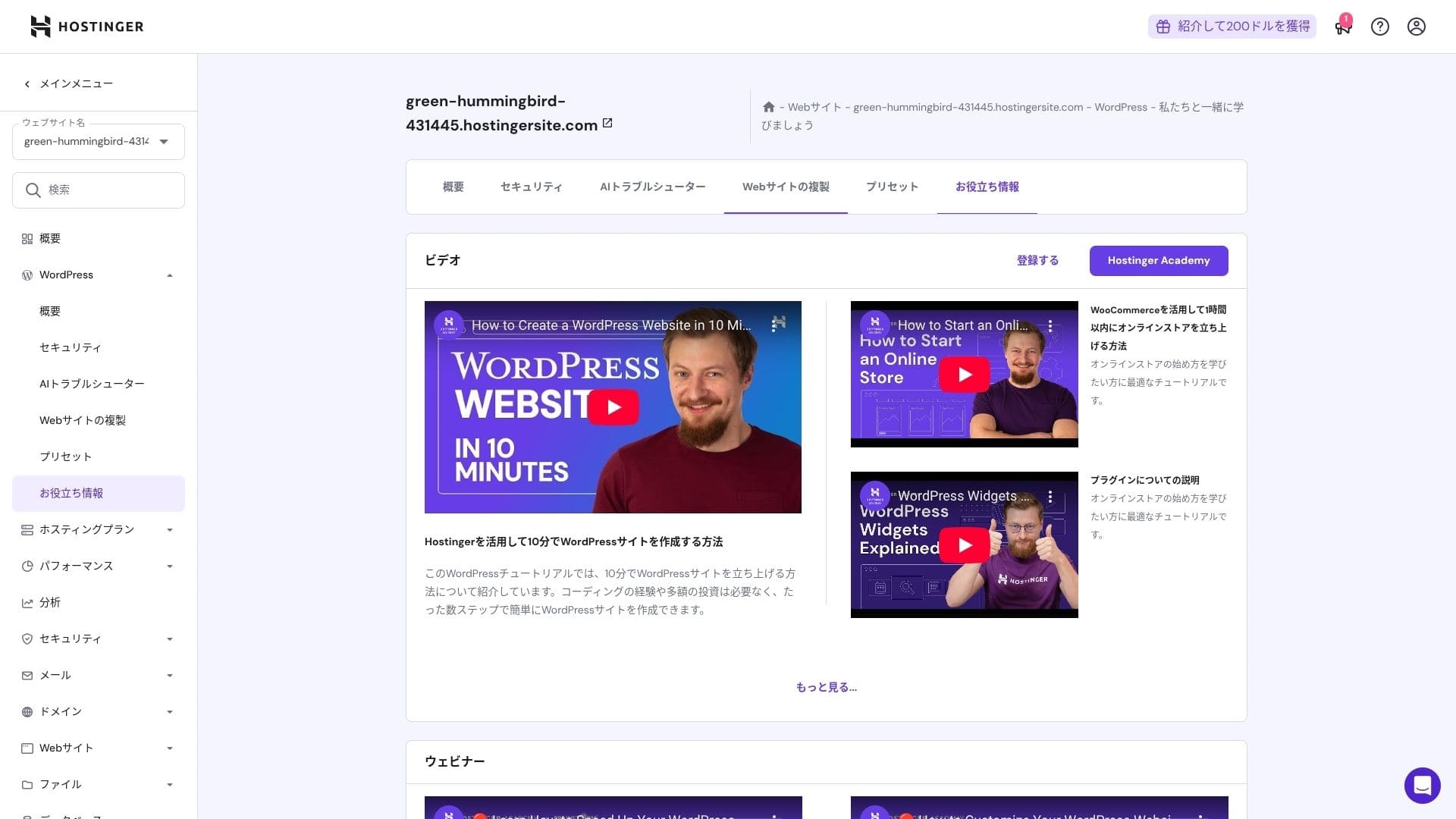
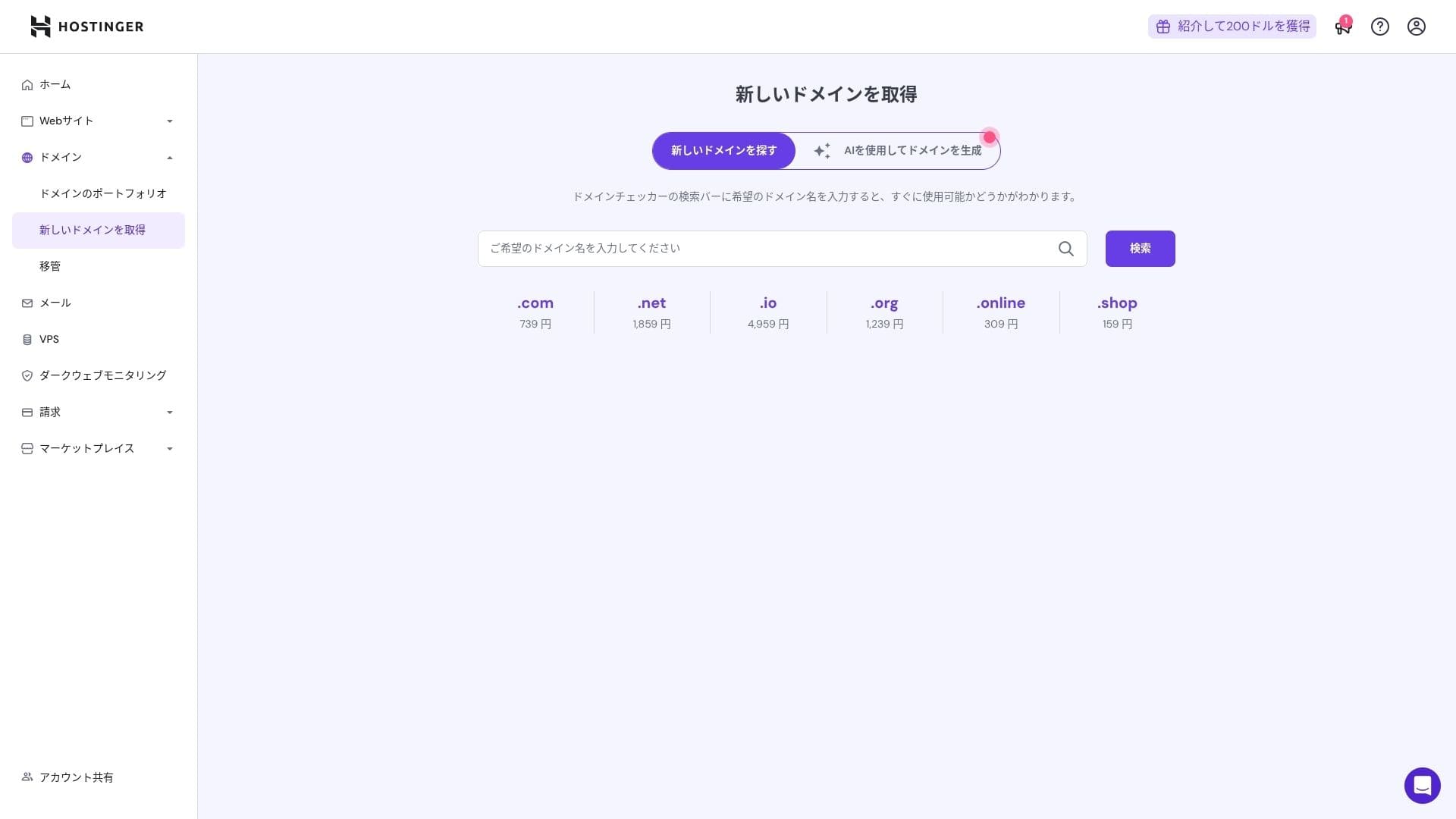
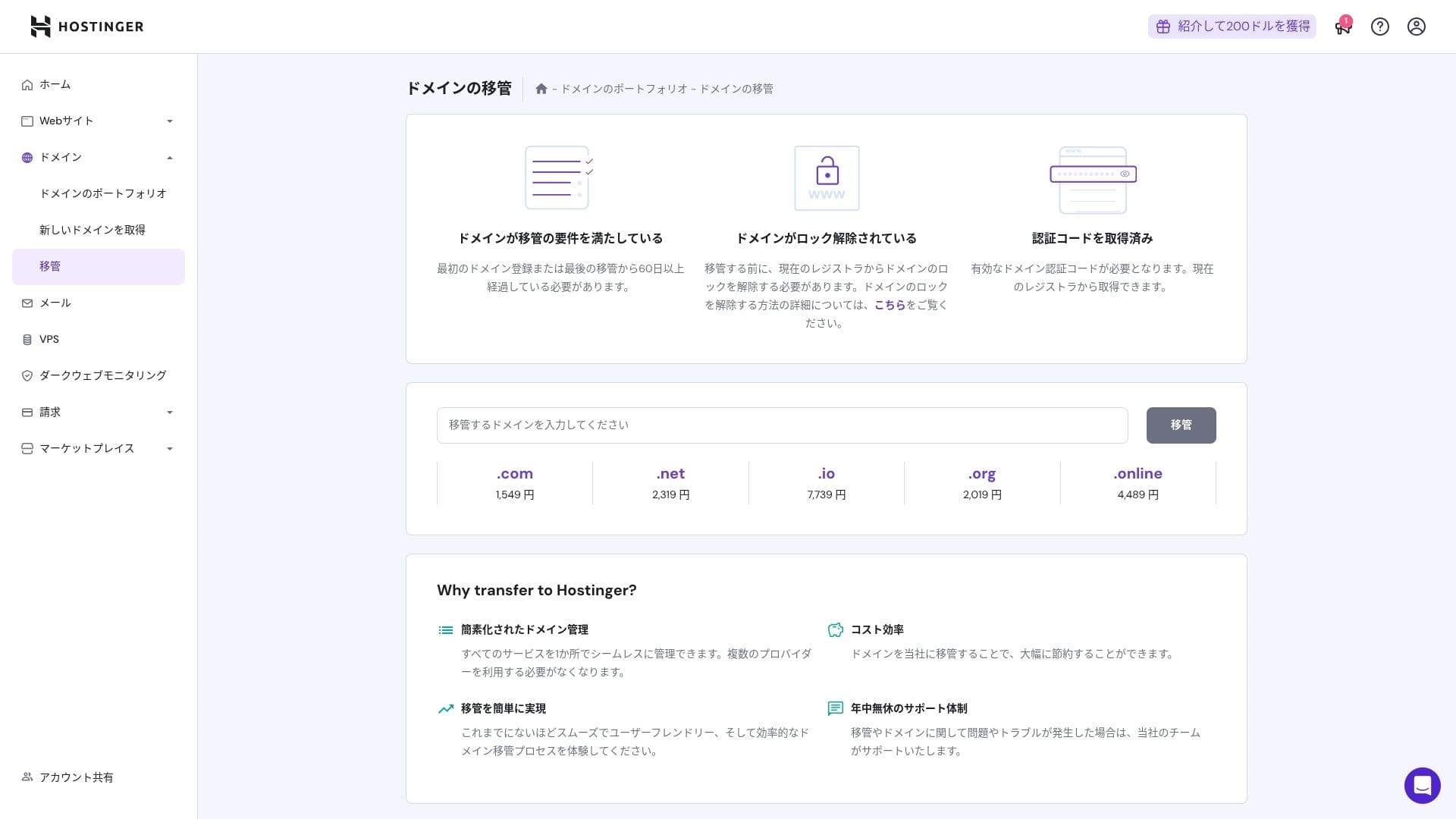
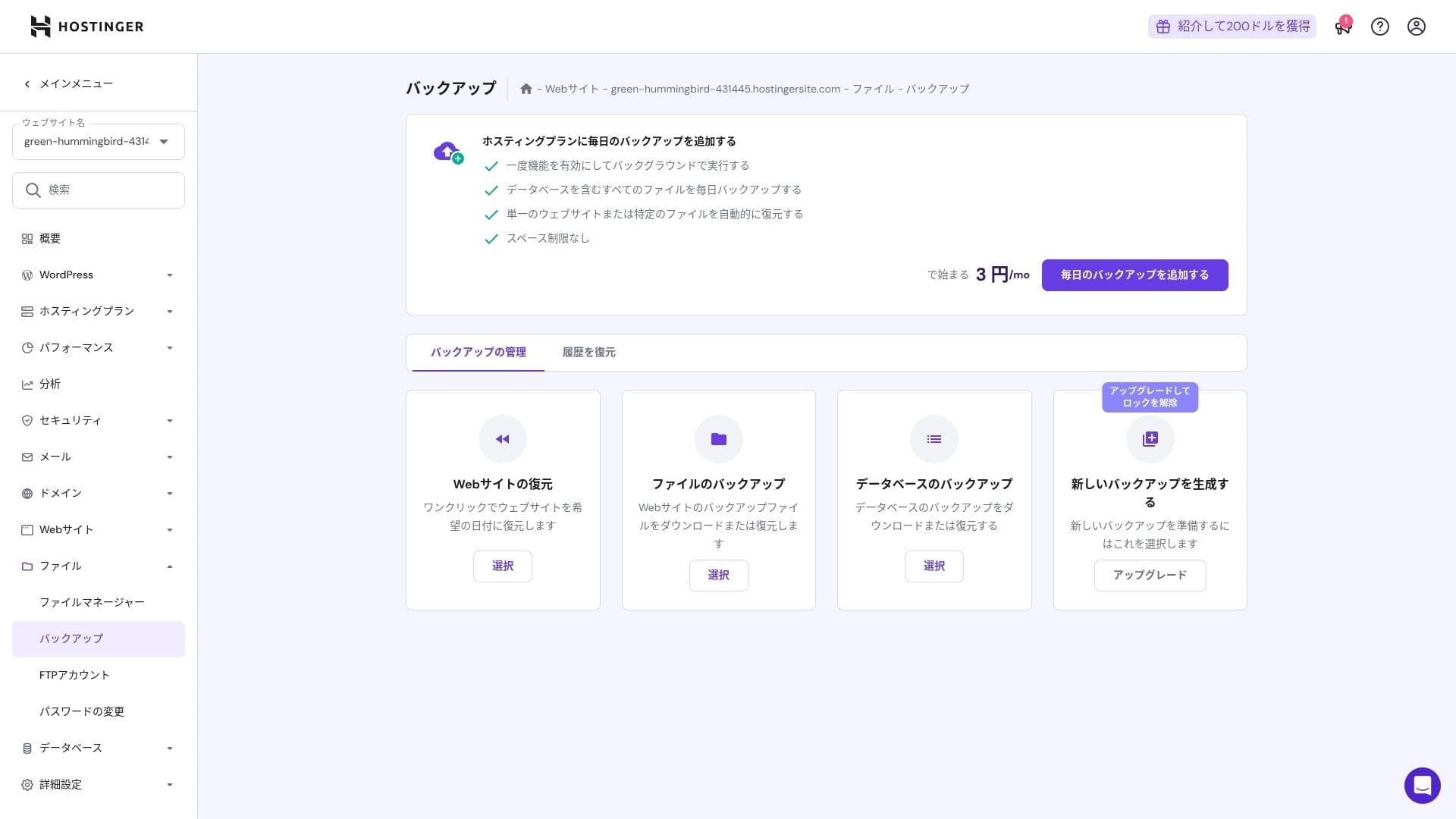
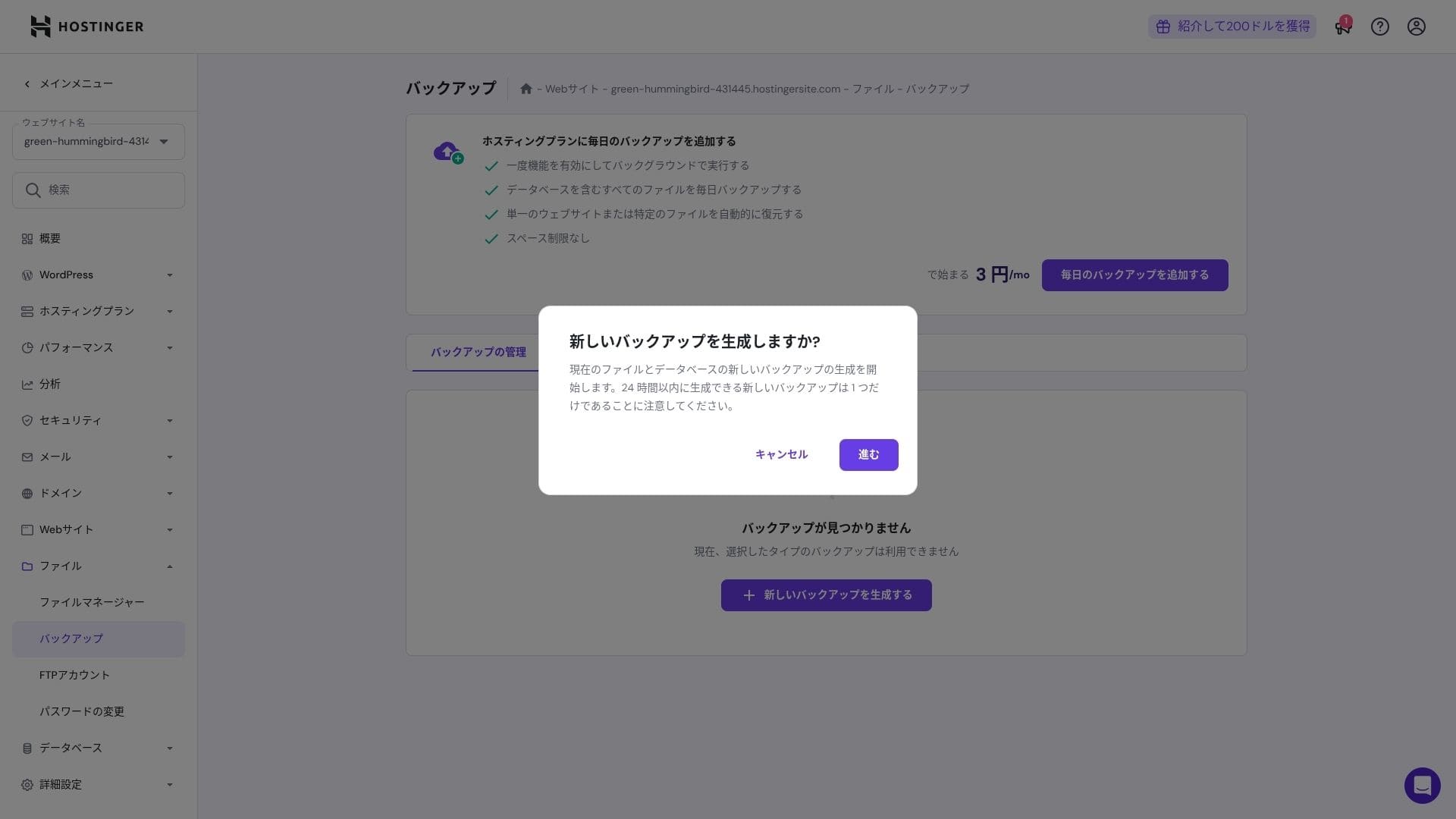
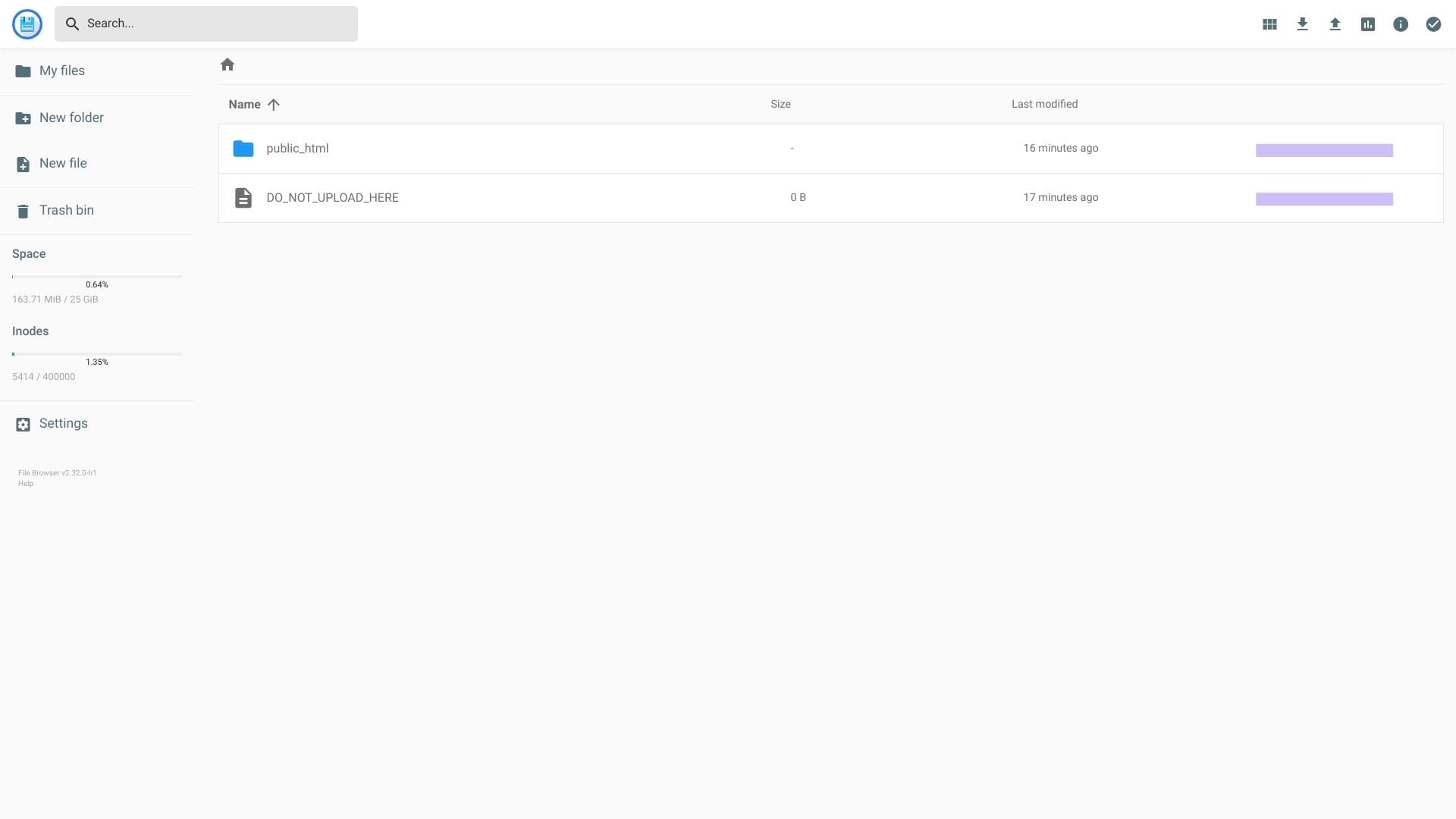
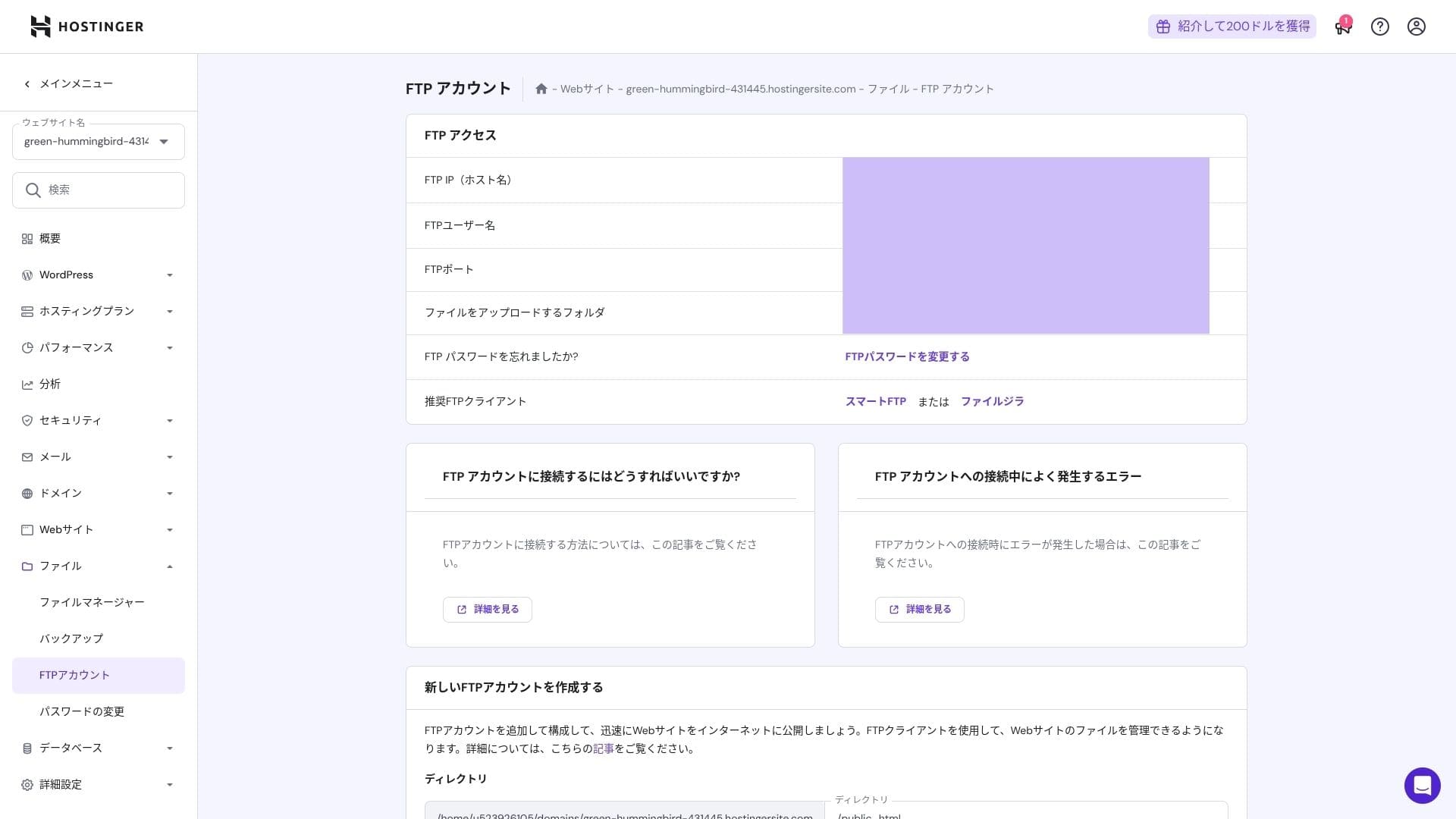
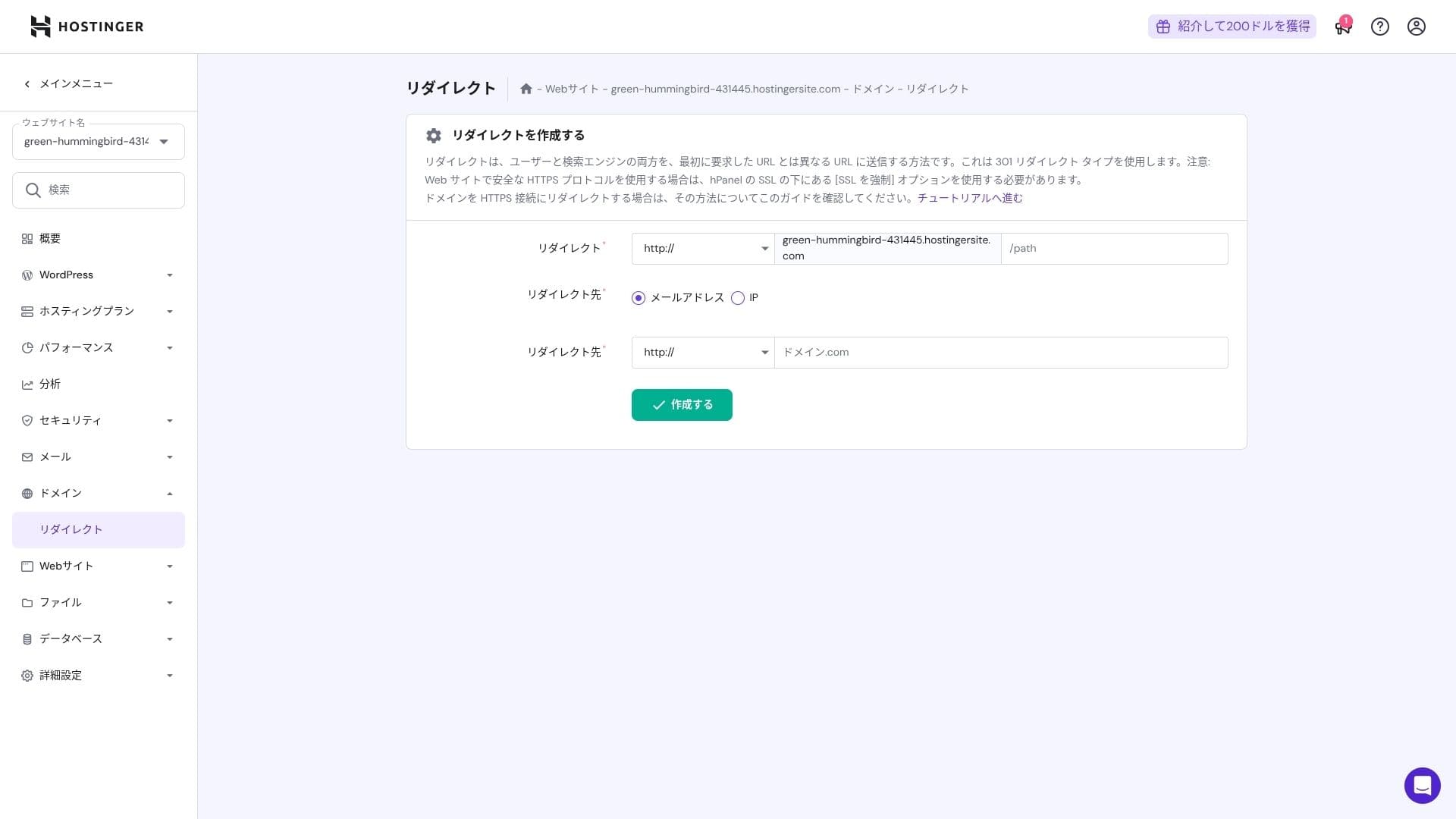
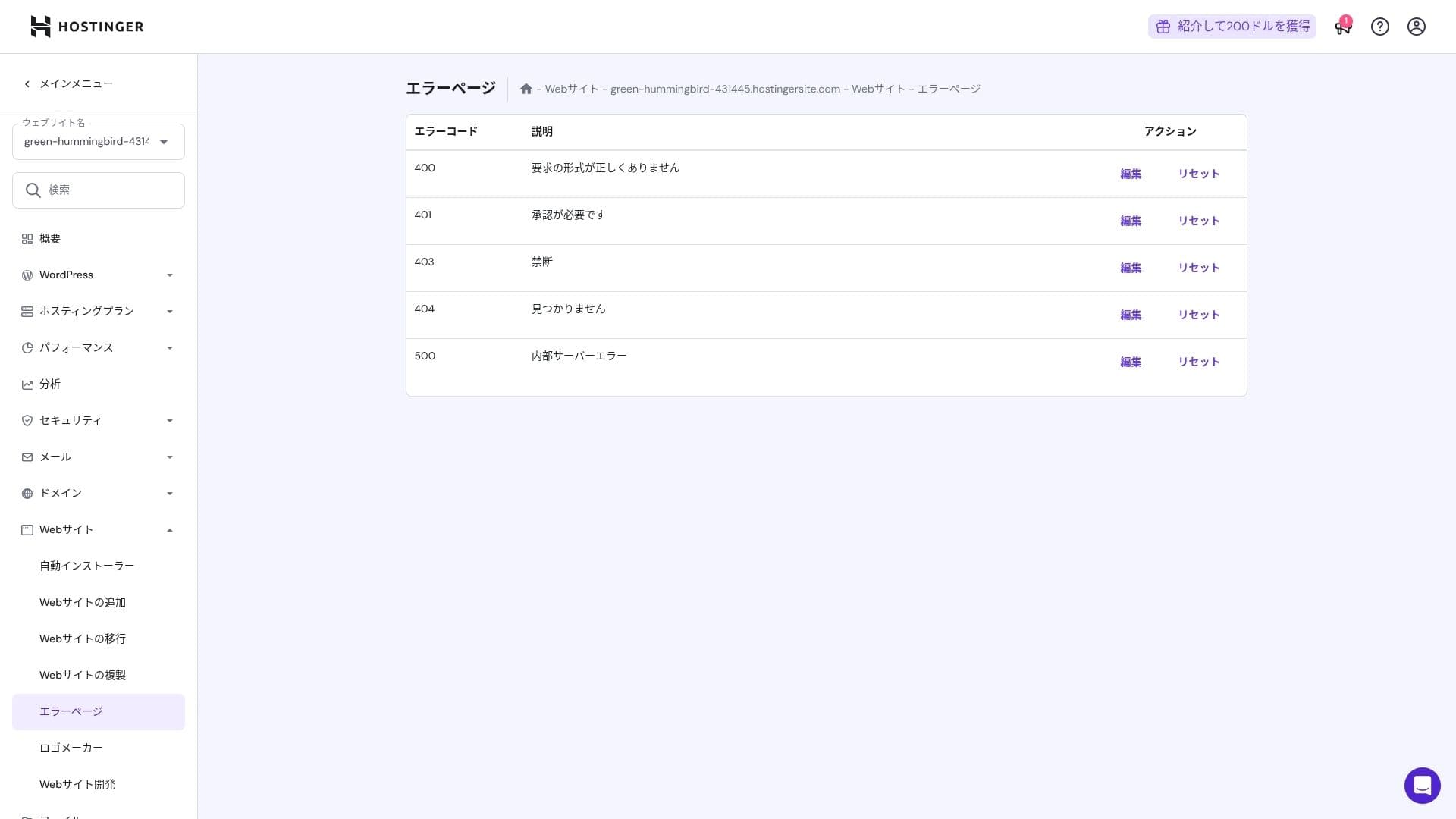
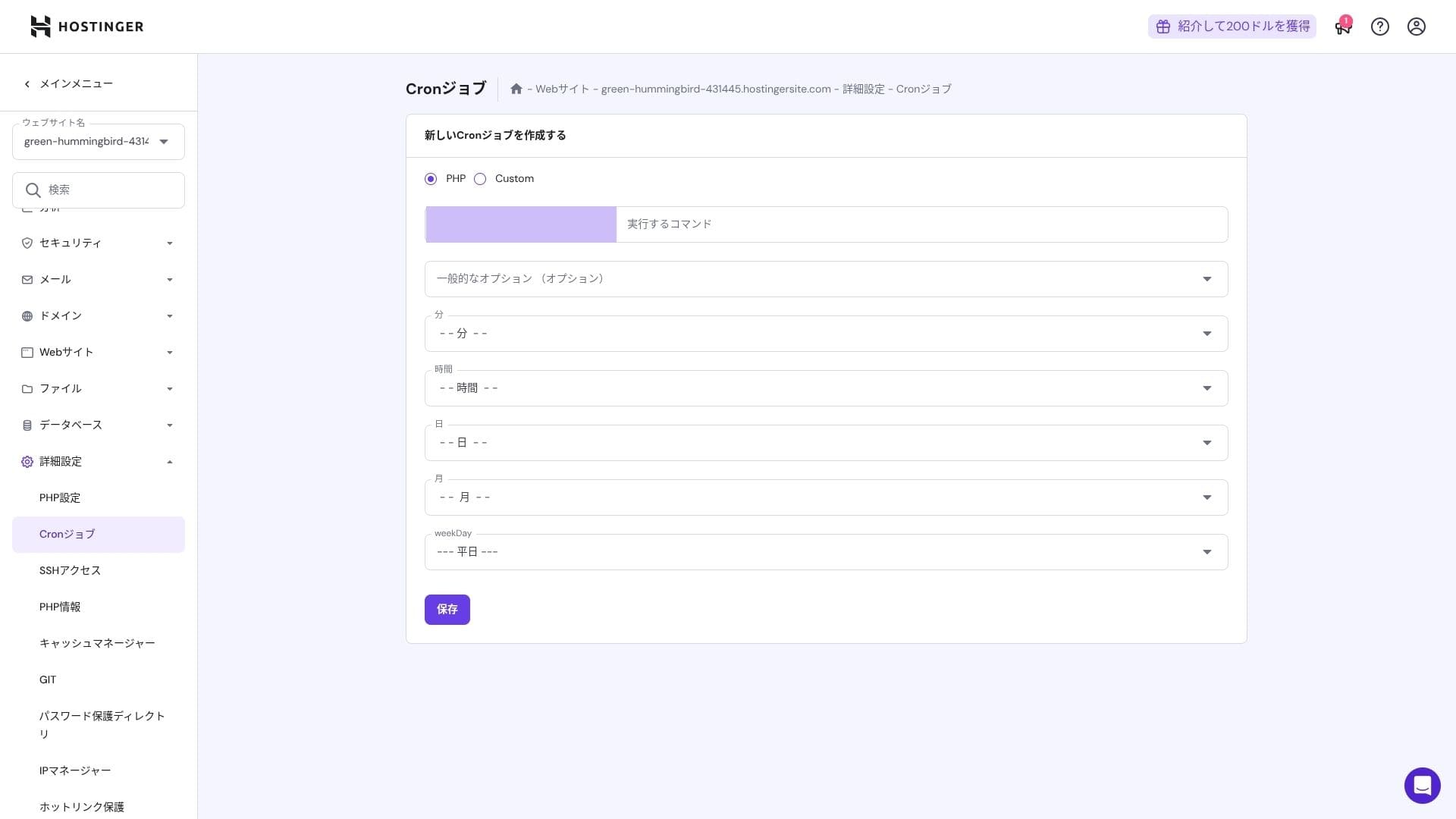
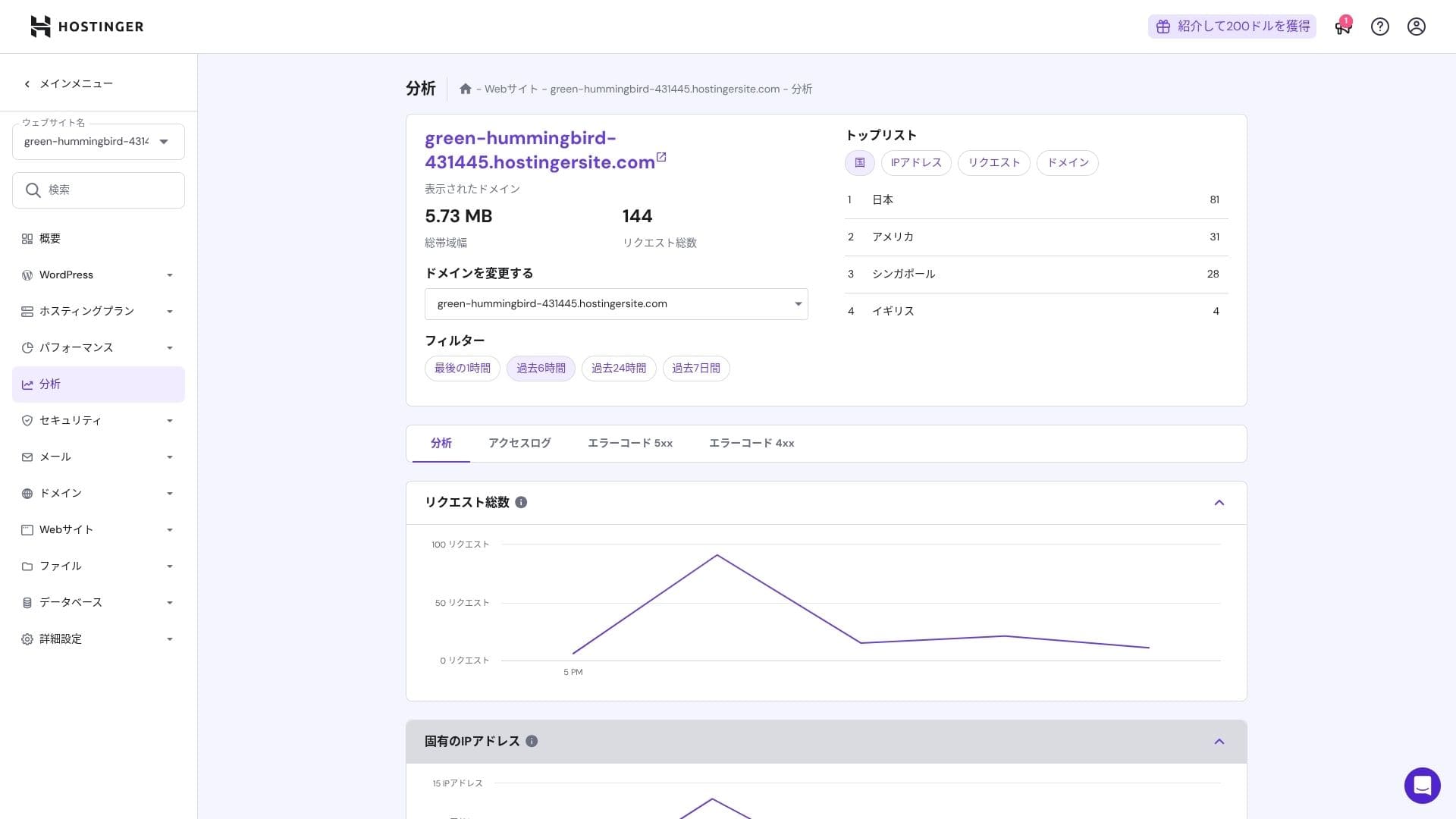
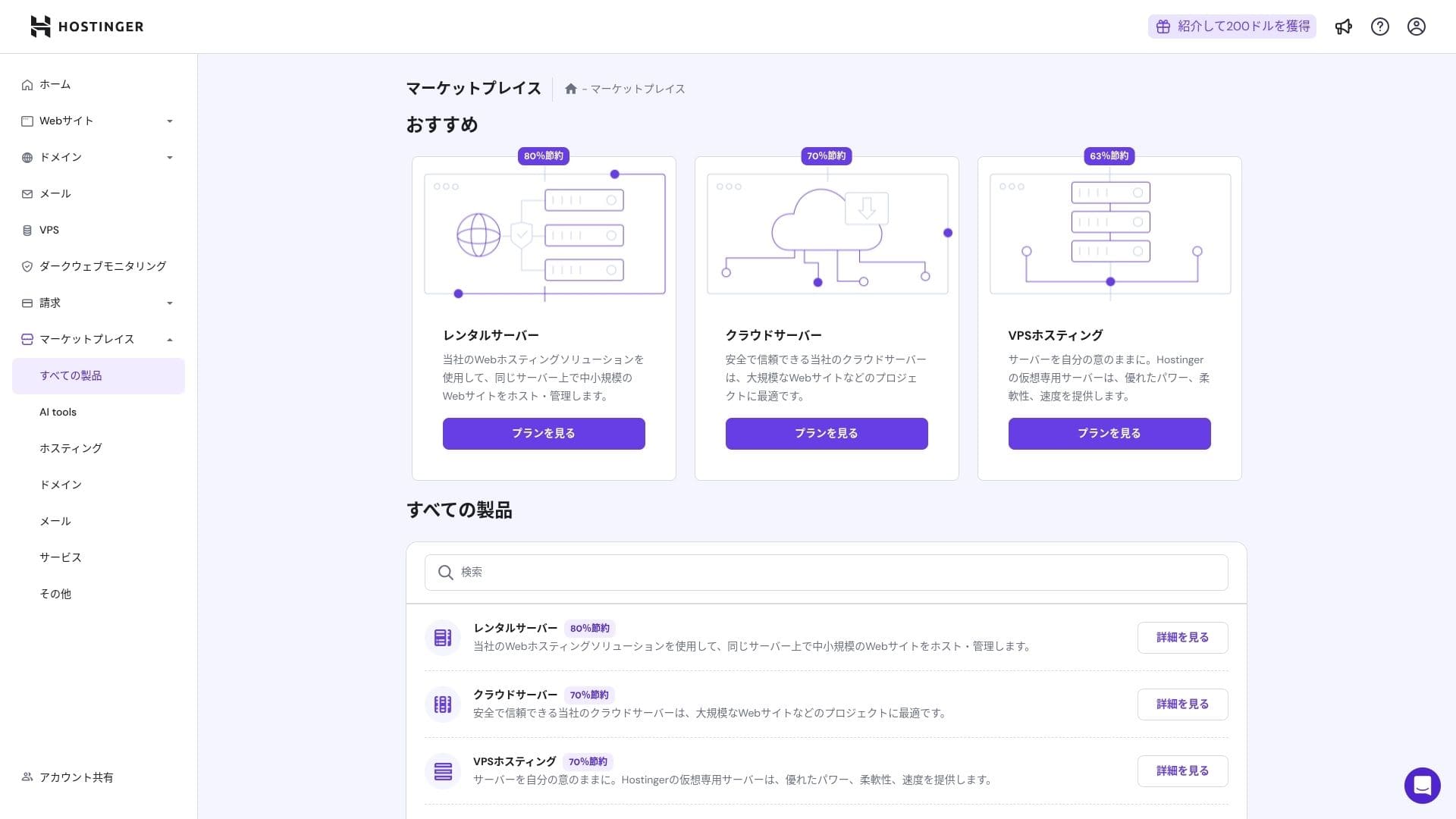
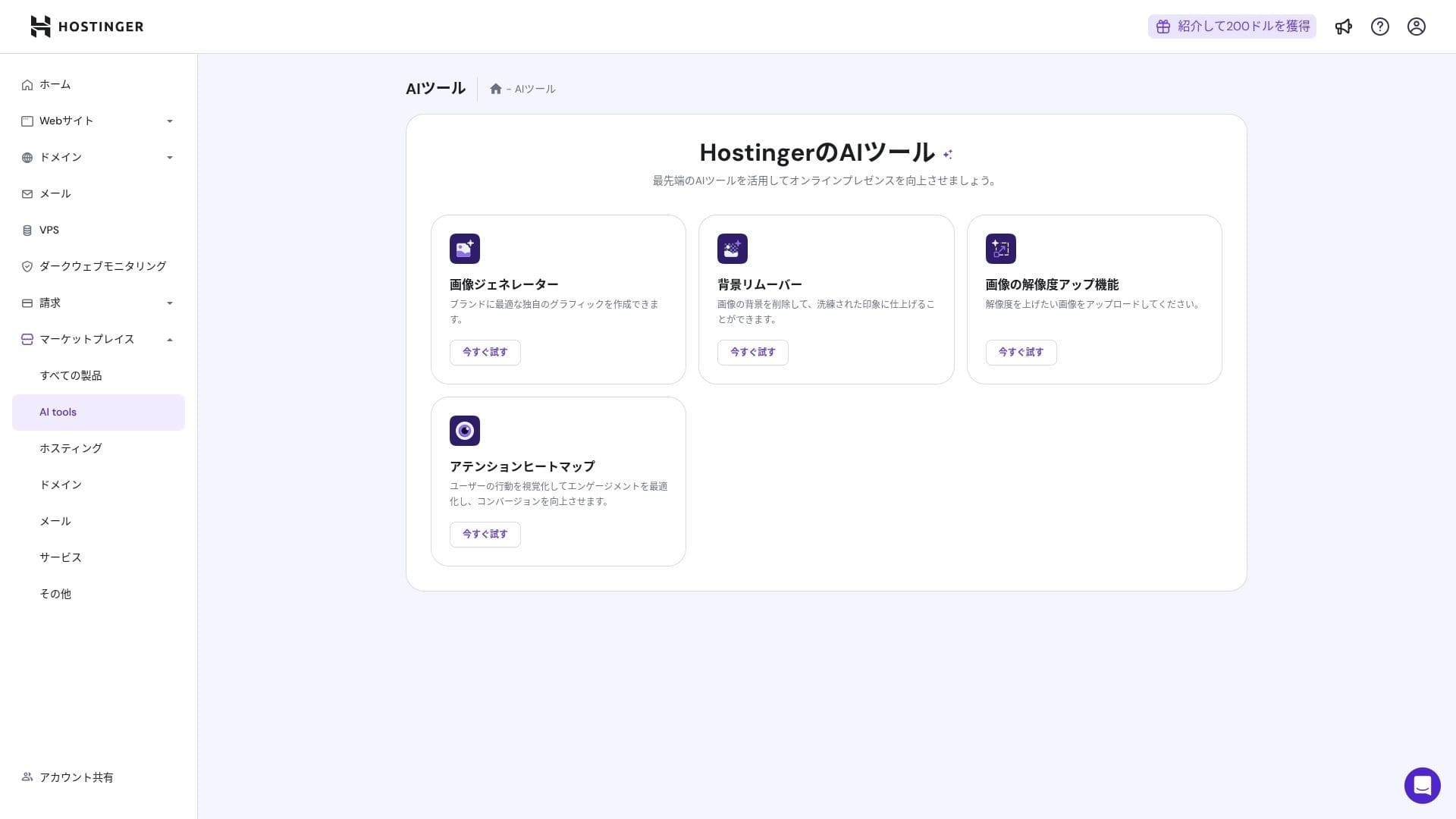
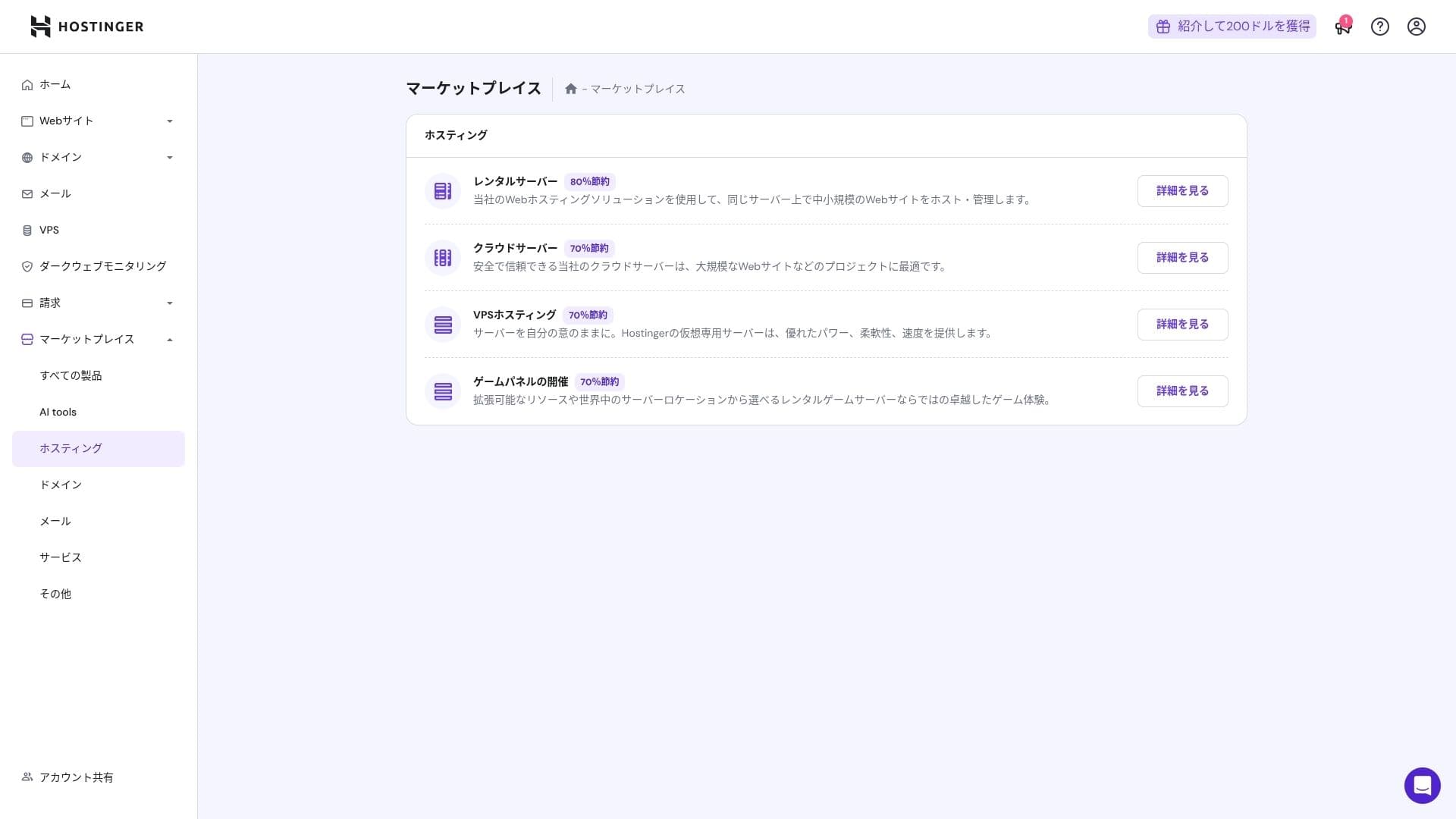
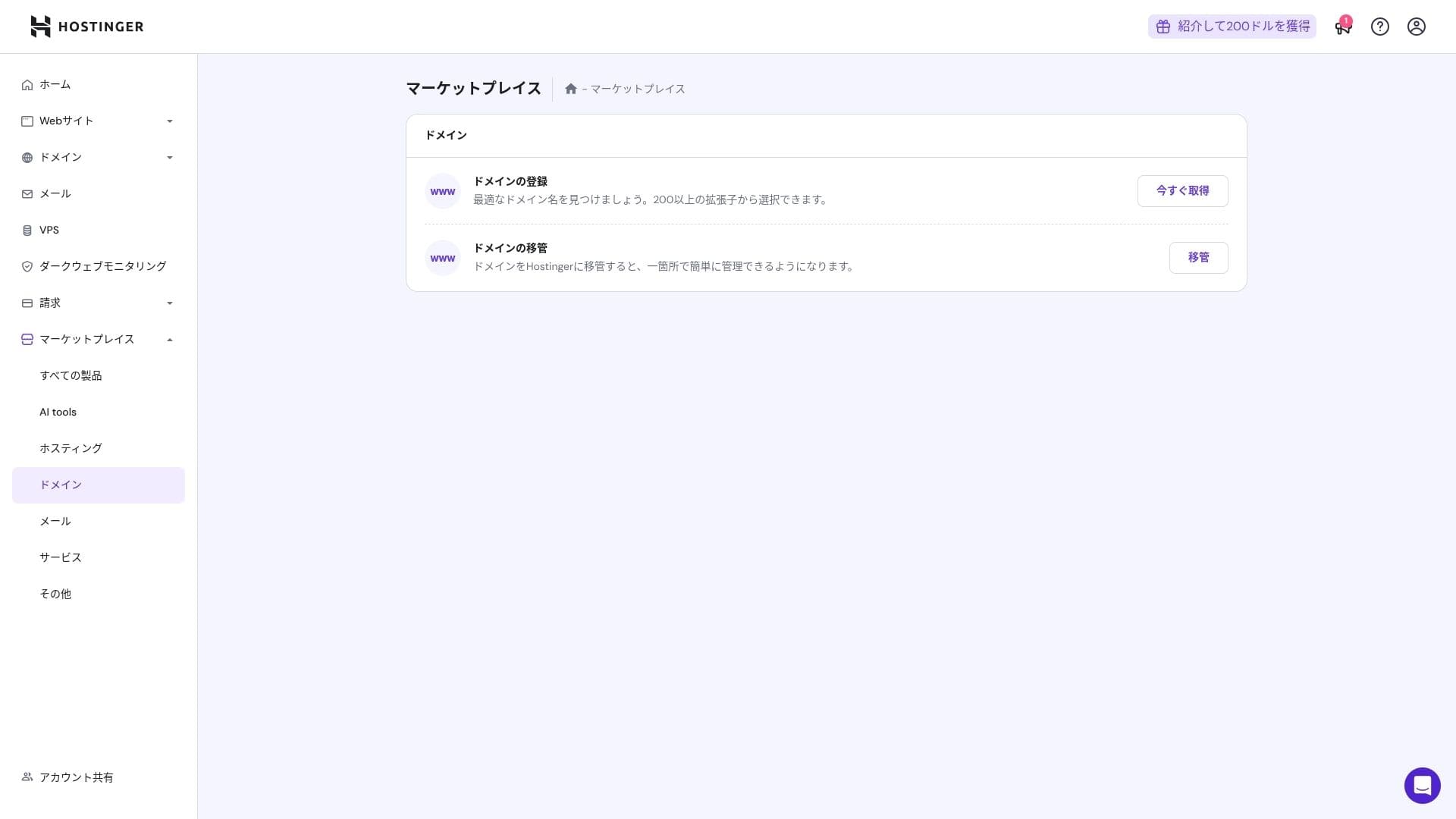
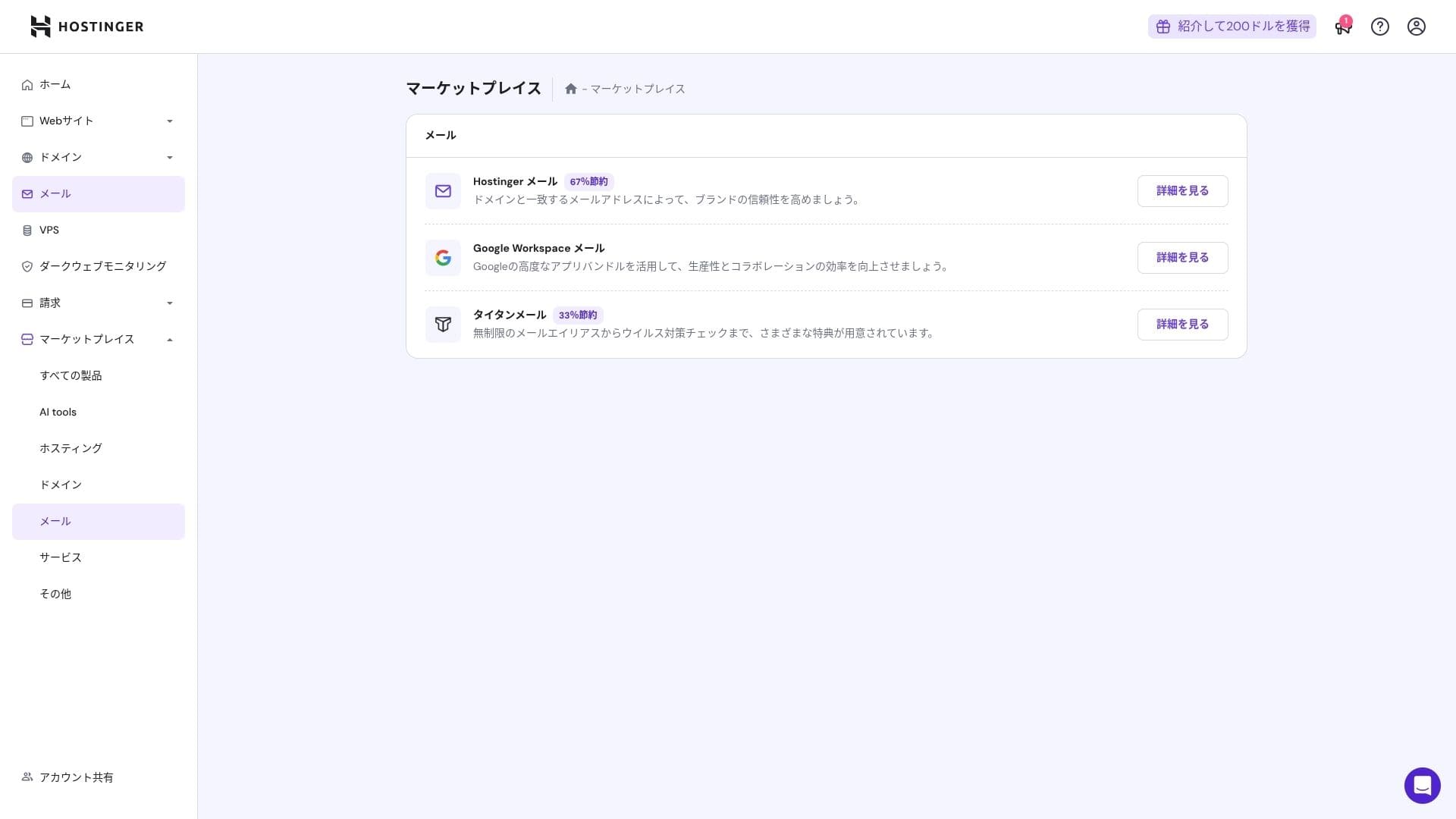
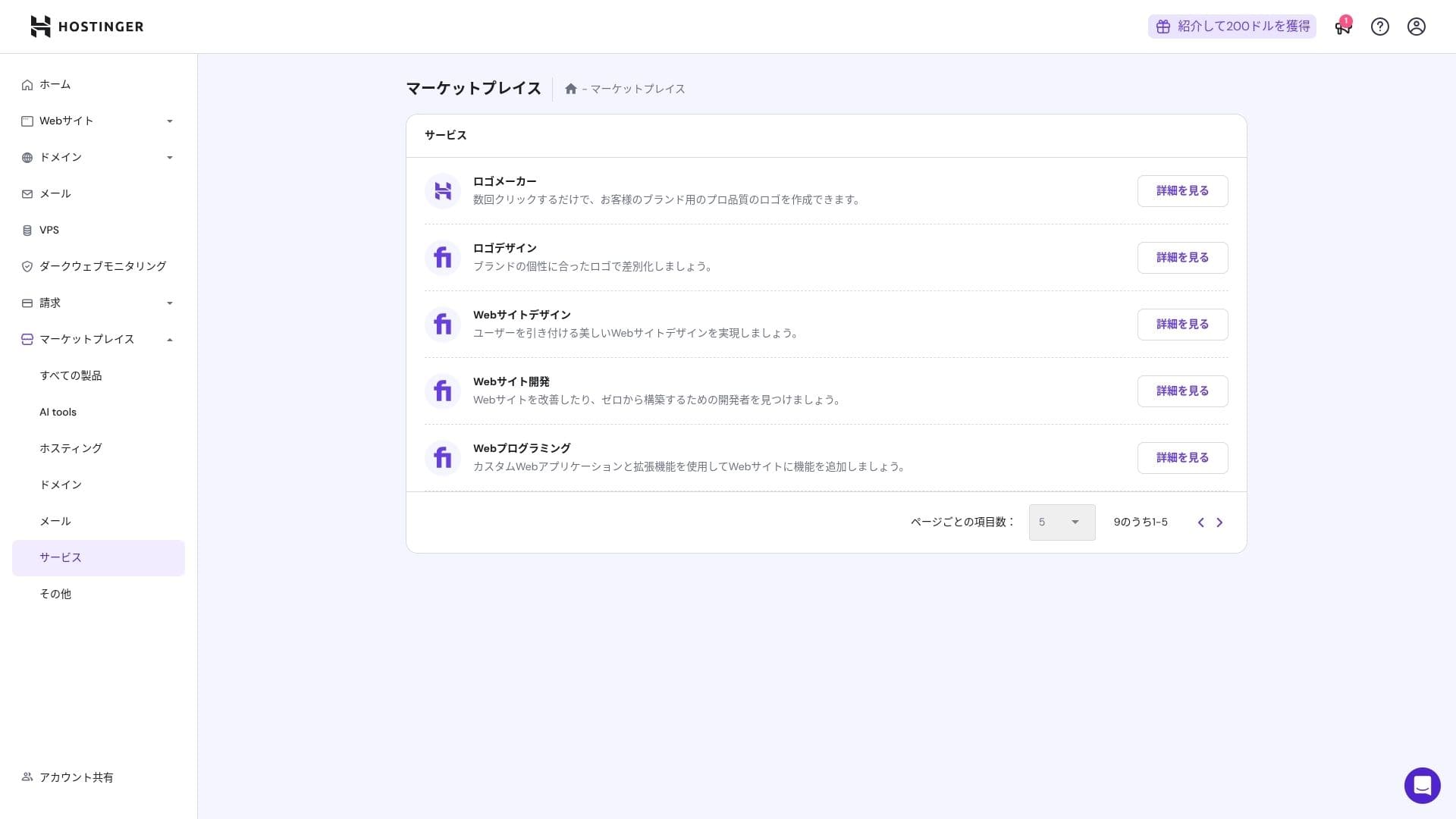
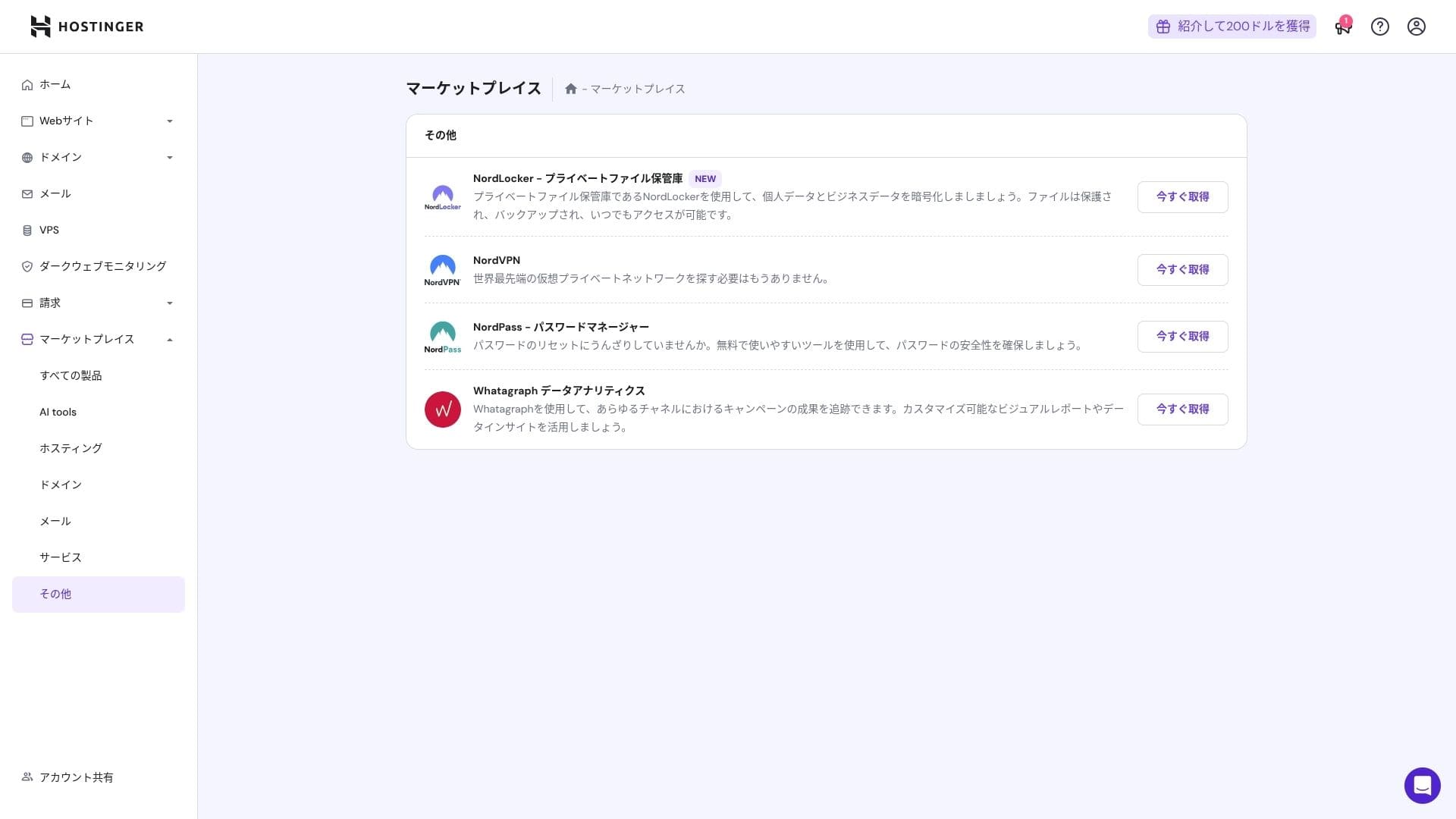
කෙසේ වෙතත්, cPanel සමඟ දැනටමත් හුරුපුරුදු අයට එය අඩු ලෙස ඉතා අවබෝධාත්මක විය හැක.
සහාය පද්ධතිය
දවසේ පැය 24ම, වසරේ දින 365ම ලබා ගත හැකි live chat එකේ සාමාන්ය ප්රතිචාර කාලය මිනිත්තු එකක් සිට තුනක් දක්වා වේ. පිළිතුරු ස්වයංක්රීයව පරිවර්තනය වුවද, කාර්ය මණ්ඩලය තවමත් තාක්ෂණික ප්රශ්න ආවරණය කිරීමට ප්රමාණවත් ගැඹුරින් පිළිතුරු ලබා දෙයි.
How complete the manuals and නිතර අසන ප්රශ්න are
ජපන් knowledge base එකේ තවමත් යන්ත්ර-පරිවර්තිත කොටස් කිහිපයක් තිබේ, නමුත් ඔබ එය "Hostinger Academy" YouTube නාලිකාවේ විස්තර සමඟ එකට භාවිතා කළහොත්, එක් පුද්ගලයෙකුටම සියල්ල තනිවම හොඳින් කළ හැක.
Email විශේෂාංග විචාරය
From Premium upward, custom-domain email is නොමිලේ for one year. However, the storage is only 1 GB. You can also use Business Starter for 69 yen per month (10 GB per account).
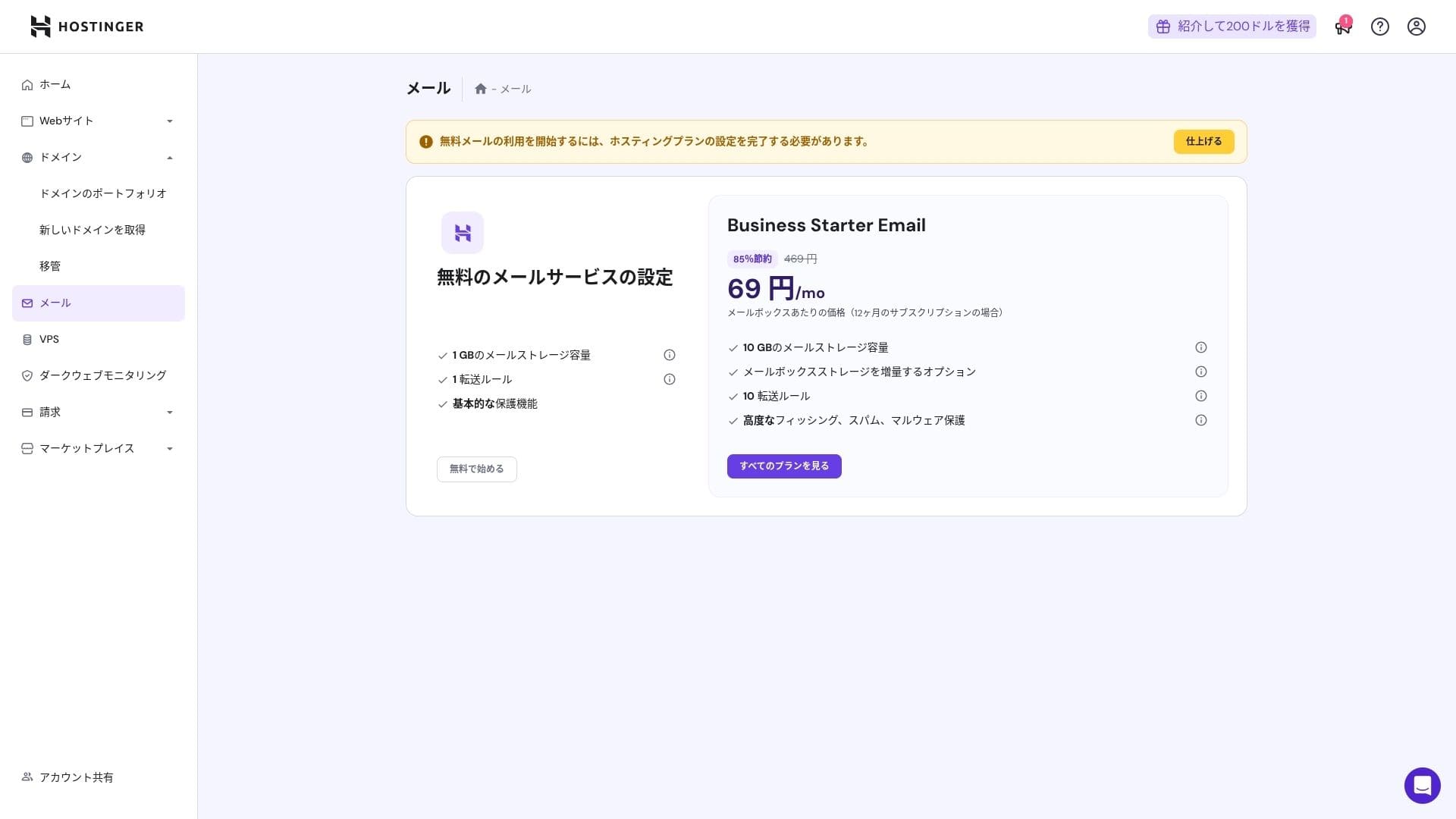
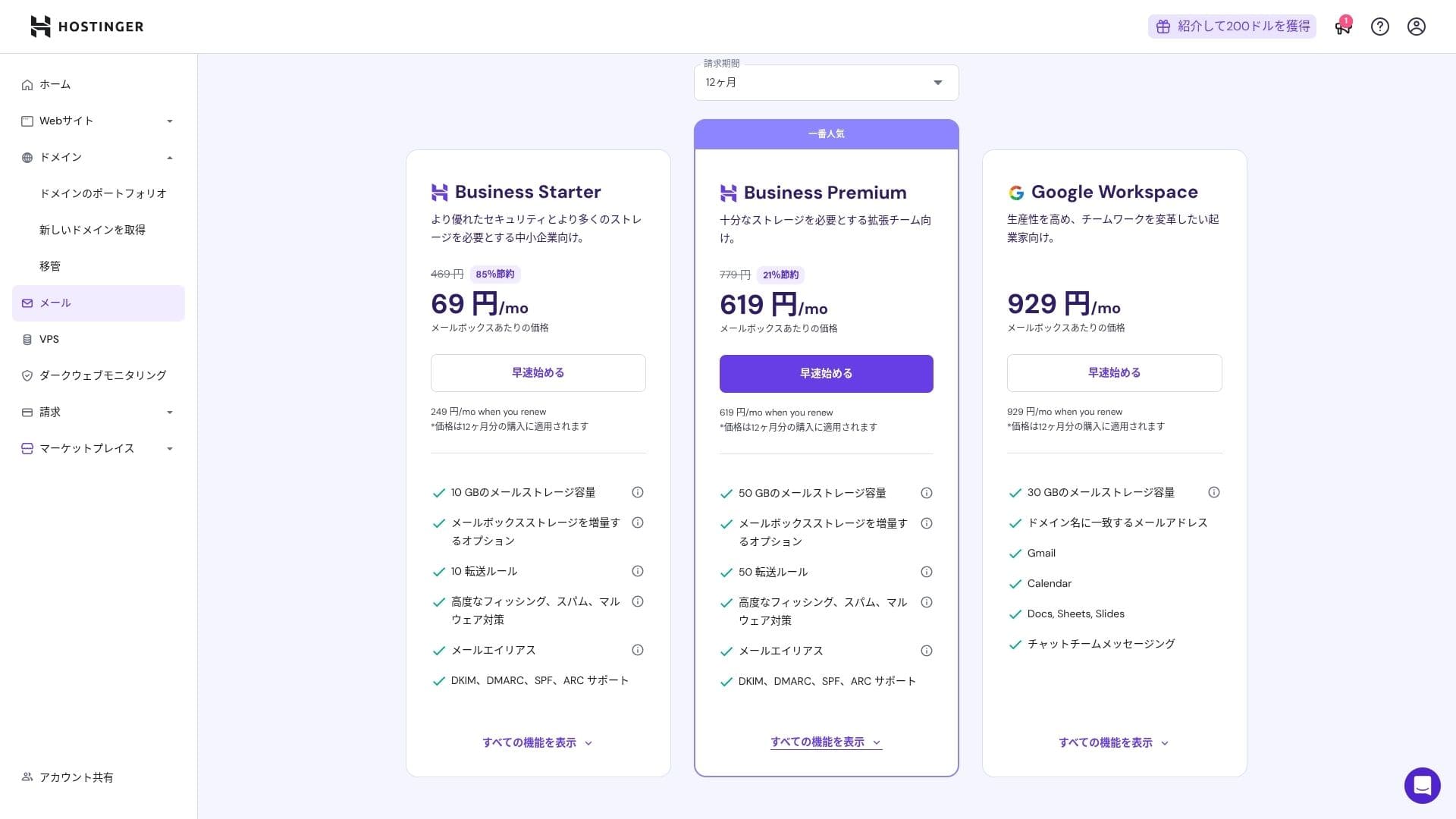
එයට වයිරස් සහ spam ආරක්ෂාව ඇතුළත් බැවින්, corporations සහ businesses පවා එය විශ්වාසයෙන් භාවිතා කළ හැක.
Security and backup විචාරය
ආරක්ෂක පියවර
It comes standard with a WAF, DDoS filters, a malware scanner, and WHOIS privacy. Combined with නොමිලේ SSL, it covers the foundational ආරක්ෂාව layer.
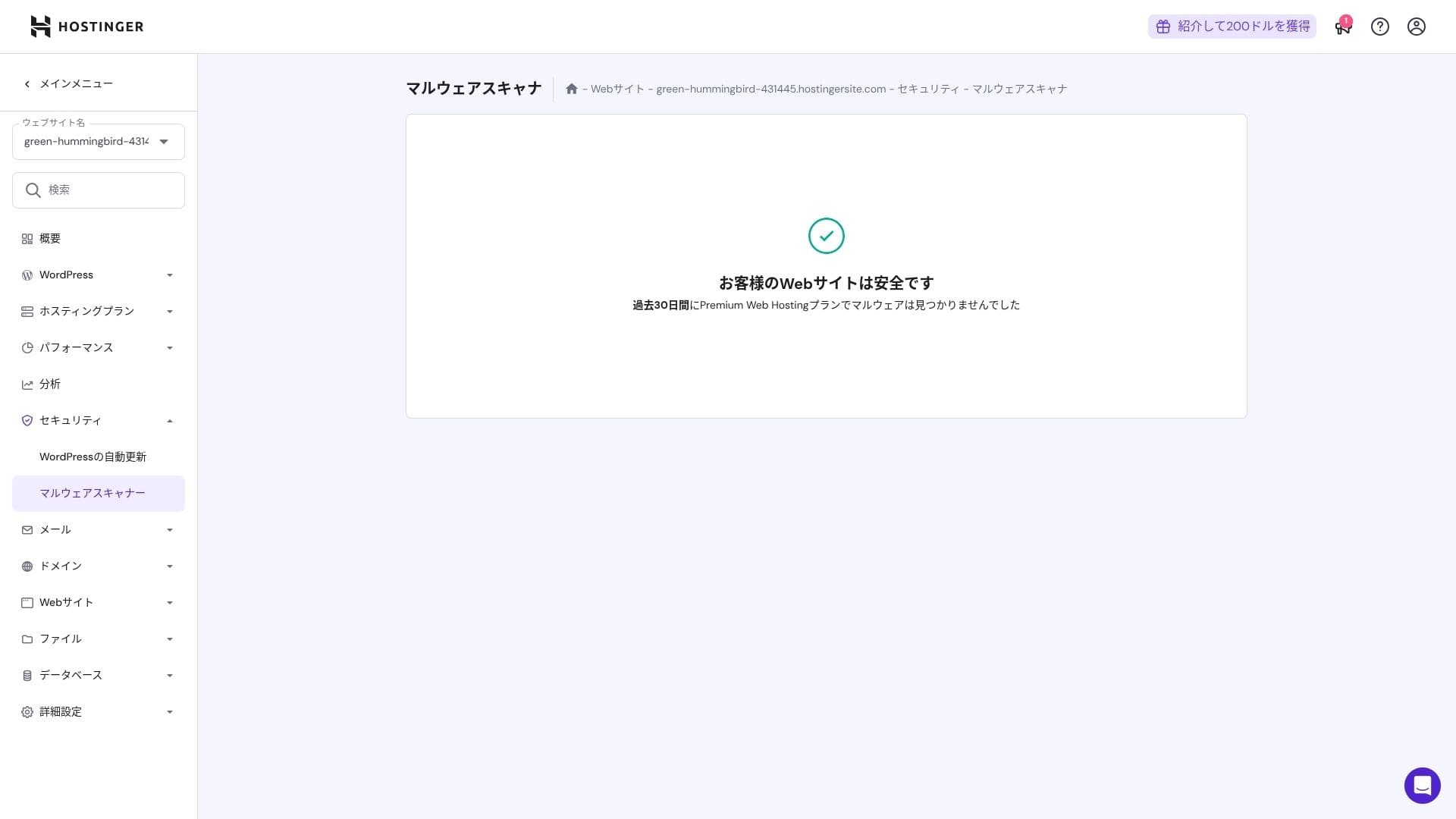
Automatic backup විශේෂාංගය
Premium includes weekly backup. Business and higher plans සහාය daily backup plus on-demand recovery. You can restore with one click from the admin panel.
★ ඔබගේ දත්ත නැවත ලබා ගැනීමට ශක්තිමත් WordPress backup plugins පහක්
සාරාංශය
- NVMe + LiteSpeed + CDN සමඟ වේගවත් ක්රියාකාරිත්වය
- Free domain, SSL, migration, and AI tools keep සැකසුම පිරිවැයs low
- hPanel is intuitive, and 24/7 chat සහාය is fast
- Discounted මිලකරණය assumes a 48-month contract. Check the renewal මිල carefully
- For media-heavy or high-CPU-load sites, Cloud or higher is නිර්දේශිත
- ජපන් documentation එකේ තවමත් කියවීමට අපහසු යන්ත්ර-පරිවර්තිත කොටස් කිහිපයක් ඇත
Overall, I consider this best for bloggers, small and midsize businesses, and production companies that want strong වේගය and විශේෂාංග while keeping පිරිවැයs under control. If you plan around step-up upgrades from Premium to Business to Cloud while taking renewal මිලකරණය into account, it is a service you are unlikely to regret over the long term.