30-day money-back guarantee
PR
Servers
10 aanbevolen buitenlandse hostingdiensten: vergelijking en hoe je kiest
Gepubliceerd: 2025.08.26
Bijgewerkt: 2025.08.26

Buitenlandse hostingdiensten zijn aantrekkelijk omdat ze een enorm prijsvoordeel en een mate van flexibiliteit bieden die binnenlandse hosting vaak niet kan evenaren. Tegelijkertijd twijfelen veel mensen door taalbarrières en culturele verschillen, en weten ze niet welke dienst ze moeten kiezen.
In dit artikel vergelijken we 10 zorgvuldig geselecteerde buitenlandse hostingdiensten van over de hele wereld grondig en leggen we van elke dienst de kenmerken, prijzen en praktische bruikbaarheid uitgebreid uit. Van criteria die beginners helpen met vertrouwen te kiezen tot geavanceerde mogelijkheden die door technische gebruikers worden gewaardeerd, deze gids dekt een breed scala aan behoeften.
Vergelijkingstabel: 10 aanbevolen buitenlandse hostingdiensten
- Gegevens gebaseerd op marktonderzoek van November 4, 2025, arranged by speed
- Maandprijzen tonen de kosten voor het eerste jaar van het goedkoopste pakket dat WordPress ondersteunt
- Snelheid verwijst naar de Time to First Byte die op demowebsites onder dezelfde omstandigheden is gemeten
Gedetailleerde vergelijking van 10 aanbevolen buitenlandse hostingdiensten
[Beste prijs-kwaliteit] Hostinger - krachtige prestaties voor een uitzonderlijk lage prijs
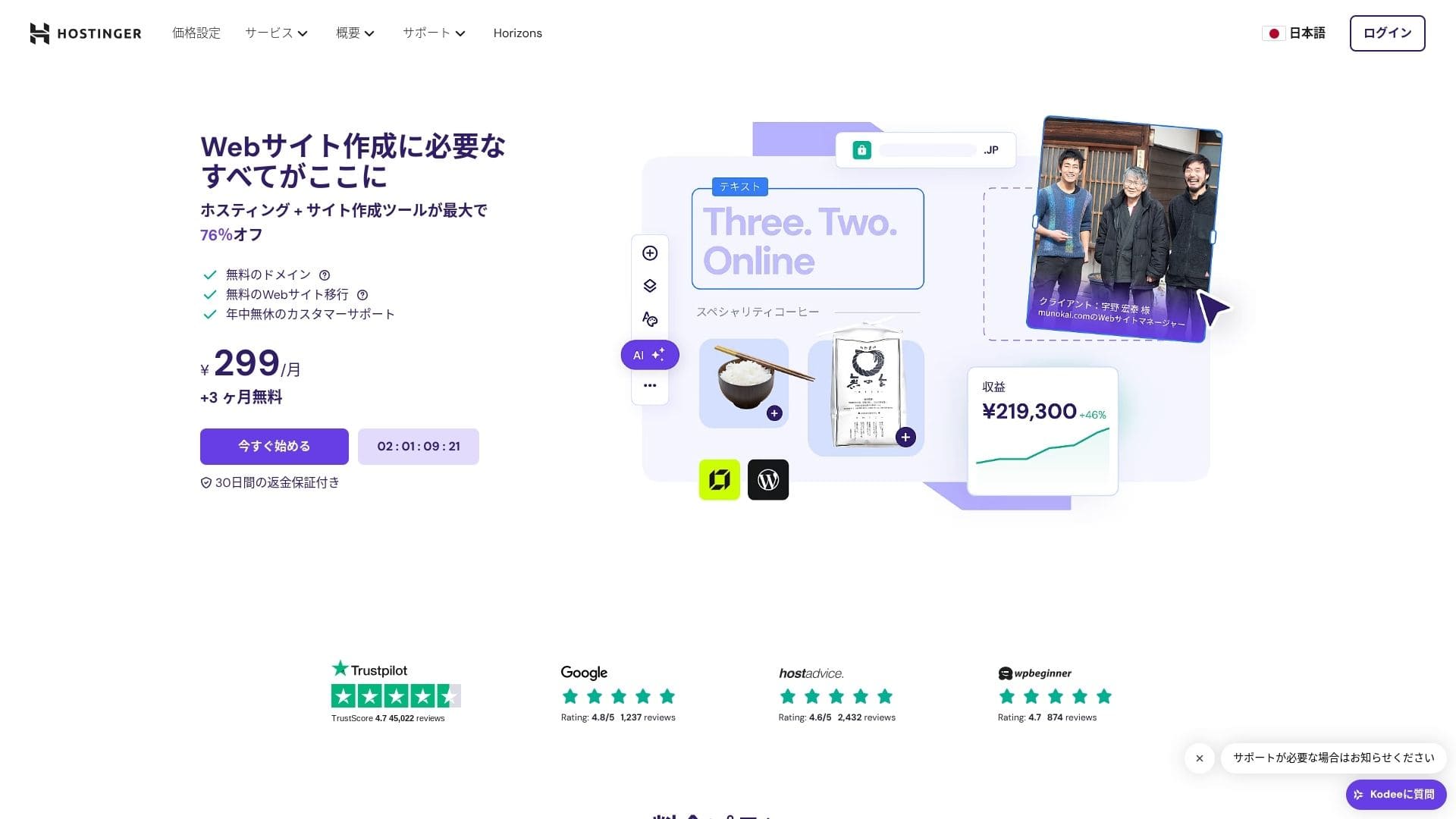
【Hostinger】 is a hosting company that began in Lithuania and now serves more than 29 million users. Its strong backup system helps keep WordPress data safe. Because overseas hosting often provides large storage allocations, it is also a good fit for bigger sites.

| Server type | Shared hosting |
| Speed (TTFB) | 31ms |
| Recommended plan and term | Premium Web Hosting 12 months |
| Free trial / money-back guarantee | 30-day money-back guarantee |
| Monthly price (12-month plan) | 4.50 USD (438 yen) |
| Initial setup fee | Free |
| Free domain | 1 free domain for the first year |
| Support | 24/7 chat |
| Uptime | 99.9% |
| Storage | 100 GB |
| Number of databases | 50 |
| Security | DDoS protection, malware scanning, firewall, Cloudflare protected name servers, Secure Access Manager |
| SSL | Free SSL |
| Backups | 7-day backups & 7-week backups |
| Number of email accounts | 100 |
| Email security | — |
| Server / website migration service | None |
| WordPress preinstall | None |
| CDN | Free |
| Data centers | France, Lithuania, the Netherlands, the United Kingdom, India, Indonesia, Singapore, the United States, and Brazil |
Hostinger is a major hosting provider that started in Lithuania and now serves more than 29 million users across 178 countries. Its defining strength is that it offers high-quality service while keeping prices at some of the lowest levels in the industry.
Hostinger's shared hosting plans start at about 200 yen per month for Single Web Hosting. The higher Premium Web Hosting plan, which costs about 500 yen per month, includes unlimited websites, 100 GB of SSD storage, and unlimited bandwidth. Every plan includes a free SSL certificate, weekly automated backups, and 24/7 customer support.
Hostinger uses its custom-built hPanel control panel, which is intuitive and easy to operate. By using data centers in the Asia-Pacific region, it can also deliver good performance from Japan. It also offers a strong automatic WordPress installation flow, letting you launch a site in just a few minutes.
Hostinger is an excellent fit for individual bloggers and small businesses that care most about cost. On the other hand, if you need advanced customization or enterprise-grade support, it makes sense to consider a higher-end service.

Hikaru Ono
What impressed me most was how easy hPanel was to use despite being feature-rich. Because the management interface is available in Japanese, you can use it without worrying about English.

Hostinger Review [2025 Latest]: Officially Recommended by WordPress. Pros, Cons, and Competitor Comparison
Hostinger Review [2025 Latest]: Officially Recommended by WordPress. Pros, Cons, and Competitor Comparison
serverfield.org
[Japanse ondersteuning] mixhost - buitenlandse prestaties met volledige Japanse ondersteuning
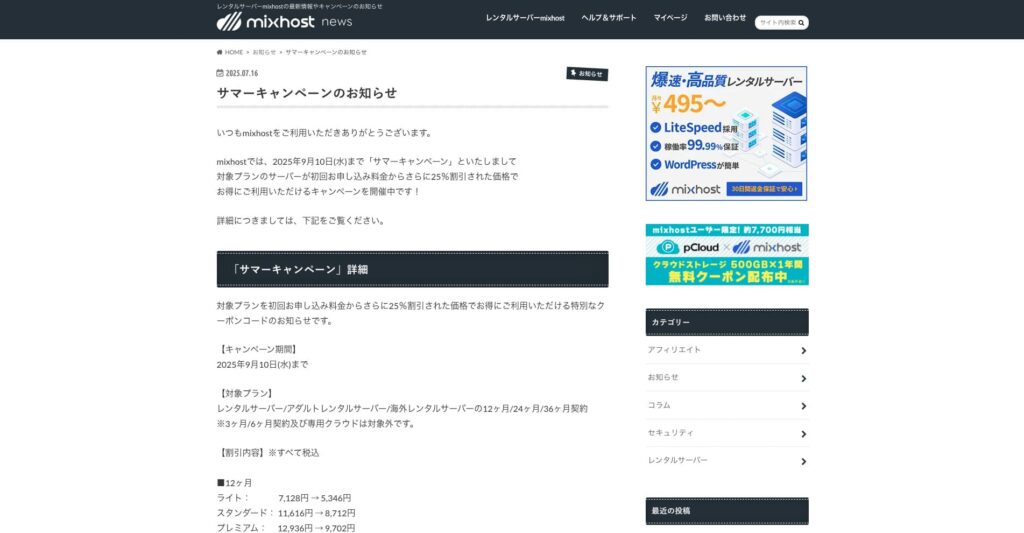
mixhost is a high-speed hosting service operated by AzPocket Inc., whose headquarters are in Osaka. It can deliver content from servers located in San Jose on the U.S. West Coast. Although it uses overseas servers, it is run by a Japanese company, so you can receive fully Japanese support.
25% off the first contract through September 10, 2025, plus 500 GB of cloud storage free for one year and a 30-day money-back guarantee

| Server type | Shared hosting / dedicated cloud hosting |
| Speed (TTFB) | 150 ms |
| Recommended plan and term | Shared hosting Light, 12 months |
| Trial / money-back guarantee | 30-day money-back guarantee |
| Monthly price (12-month term) | 594 yen |
| Initial administrative fee | Free |
| Free domain | 1 domain free for life |
| Support | |
| Uptime | 99.99% guarantee |
| Storage | 100 GB |
| Number of databases | Unlimited |
| Security measures | WAF / DDoS protection / malware detection and cleanup |
| SSL | Free custom SSL |
| Backup / restore | Standard plan and above include automatic backups for 14 days |
| Number of email accounts | Unlimited |
| Email security | — |
| WordPress preinstall | Yes |
| Server / website migration service | 10,890 yen |
| CDN | None |
| Data center | San Jose, West Coast, United States |
mixhost is unusual in that it is an overseas-focused hosting service with a full Japanese support experience. It uses LiteSpeed Web Server and NVMe SSD storage on every plan, giving it a configuration that is clearly designed around speed.
mixhost's Standard plan starts at 968 yen per month on a 12-month contract. Every plan includes unlimited databases, subdomains, and email accounts, and comes standard with features such as HTTP/3 support, automatic backups, and WordPress Quick Start.
mixhost uses a Japanese-localized version of cPanel, combining the high functionality of overseas hosting with the usability Japanese users want. Its WordPress optimization built on LiteSpeed Web Server can deliver performance improvements of up to 84 times compared with traditional Apache hosting.
mixhost is ideal for people who want the benefits of overseas hosting while still placing high value on Japanese-language support. That said, it is more expensive than many domestic servers, so anyone prioritizing the lowest possible cost should compare other options as well.
Hikaru Ono
The peace of mind that comes from receiving support in natural Japanese is a benefit that is hard to replace.

mixhost Review [2025 Latest]: A Thorough Guide to Fast Hosting with Global Reach and Strong Security
mixhost Review [2025 Latest]: A Thorough Guide to Fast Hosting with Global Reach and Strong Security
serverfield.org
[WordPress-gericht] Kinsta - premium WordPress-hosting
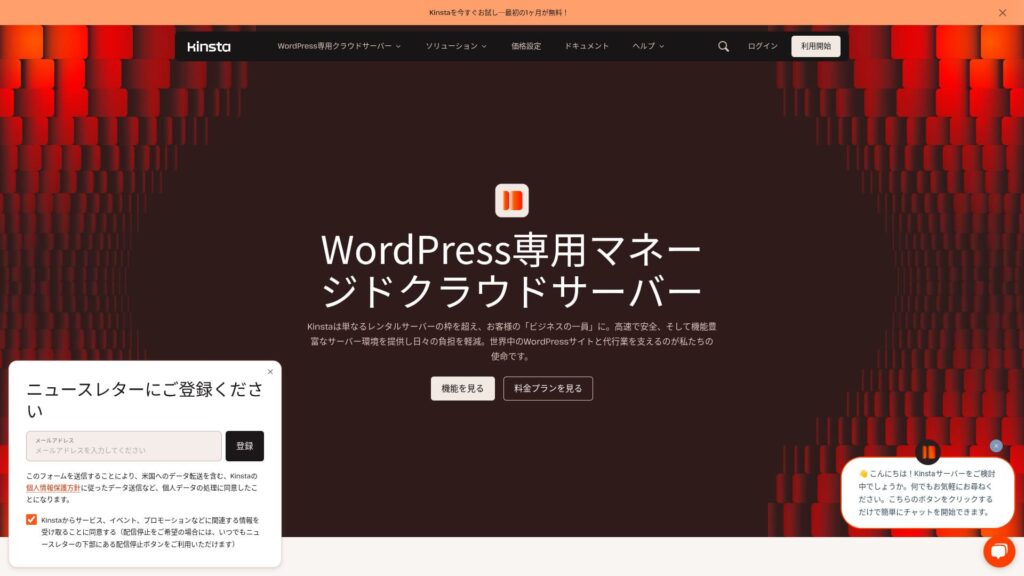
Kinsta is a top-tier ultra-fast hosting service with data centers in 37 locations around the world. It was the fastest provider in our own measurements. It is undeniably expensive, but if you want a server built for maximum comfort and performance, it is an outstanding choice. Chat support is also available in Japanese.
30-day money-back guarantee
| Server type | Dedicated managed server |
| Display speed (TTFB) | 30ms |
| Recommended plan and billing term | Single35k |
| Trial / money-back guarantee | 30-day money-back guarantee |
| Monthly fee (12-month plan) | 4,407 yen |
| Initial setup fee | Free |
| Free domain | None |
| Support | 24/7 chat support (available in Japanese) and email |
| Uptime | 99.9% |
| Server storage | 10GB |
| Number of databases | 1 |
| Security | Malware scanning, WAF, firewall, DDoS protection, Google Cloud firewall |
| SSL | Free custom SSL |
| Backups | 14 days of automatic backups |
| Number of email accounts | None |
| Email security features | None |
| Server / website migration service | Free |
| WordPress preinstalled | Yes |
| CDN | Free (125GB) |
| Data centers | Johannesburg, South Africa; Changhua County, Taiwan; Hong Kong; Tokyo; Osaka; Seoul, South Korea; Mumbai, India; Delhi, India; Jurong West, Singapore; Jakarta, Indonesia; Sydney, Australia; Melbourne, Australia; Warsaw, Poland; Hamina, Finland; Madrid, Spain; Saint-Ghislain, Belgium; London, United Kingdom; Frankfurt, Germany; Eemshaven, Netherlands; Zurich, Switzerland; Milan, Italy; Paris, France; Dammam, Saudi Arabia; Tel Aviv, Israel; Montreal, Canada; Toronto, Canada; Sao Paulo, Brazil; Santiago, Chile; Council Bluffs, Iowa, USA; Moncks Corner, South Carolina, USA; Ashburn, Virginia, USA; Columbus, Ohio, USA; Dallas, Texas, USA; The Dalles, Oregon, USA; Los Angeles, California, USA; Salt Lake City, Utah, USA; Las Vegas, Nevada, USA |
Kinsta is a managed WordPress hosting service that provides a high-performance, high-security environment. It runs on Google Cloud Platform infrastructure and lets you choose the best location from data centers around the world.
Kinsta's entry plan starts at 35 dollars per month and includes one WordPress site, 25,000 monthly visits, and 10 GB of SSD storage. Every plan includes a CDN, SSL certificate, DDoS protection, automatic backups, and a staging environment as standard features.
Kinsta manages performance monitoring, backups, and security settings through its custom MyKinsta dashboard. With support for PHP 8.2, Nginx Reverse Proxy, and the latest MariaDB versions, it delivers an environment that is thoroughly optimized for WordPress and capable of very fast page delivery.
Kinsta is a strong fit for operators of serious business websites and high-traffic WordPress properties. On the other hand, for a hobby blog or a static site, its cost-performance balance may not make sense.
Hikaru Ono
The speed really was as impressive as advertised. Once you use it, the difference is obvious.

Kinsta Review: Pros and Cons of the Ultra-Fast Server Recommended by Google, Plus a WordPress Setup Guide
Kinsta Review: Pros and Cons of the Ultra-Fast Server Recommended by Google, Plus a WordPress Setup Guide
serverfield.org
[Bewezen betrouwbaarheid] DreamHost - een lange staat van dienst om op te vertrouwen
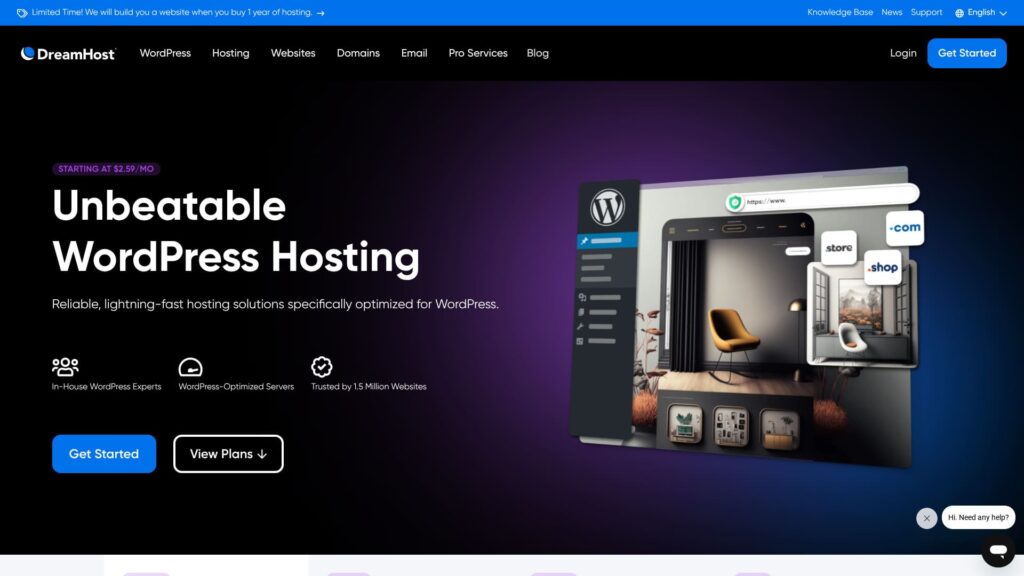
DreamHost
97-day money-back guarantee
| Server type | Shared hosting |
| Server response speed (TTFB) | 400ms |
| Recommended plan and term | WordPress Starter, 1 year |
| Trial / money-back guarantee | 97-day money-back guarantee |
| Monthly fee (12-month plan) | $2.95 (432 yen) |
| Initial setup fee | Free |
| Free domain | 1 domain free for 3 months |
| Support | 24/7 chat, email, and phone callback |
| Uptime | 100% |
| Storage | 50GB |
| Number of databases | 6 |
| SSL | Free SSL |
| Backups | Included |
| Email accounts | None |
| Email security measures | None |
| Server / website migration service | None |
| WordPress preinstall | None |
| CDN | None |
| Data center locations | Ashburn, Virginia, USA; Hillsboro, Oregon, USA |
DreamHost is a long-established hosting company founded in 1996. It has a track record that includes more than 1.5 million websites and a recommendation from WordPress.org. It is also known for its strong commitment to open source and privacy protection.
DreamHost's Shared Starter plan begins at 2.95 dollars per month and includes one website, 50 GB of SSD storage, and unlimited bandwidth. The higher Shared Unlimited plan adds unlimited websites, unlimited storage, and a free domain for one year.
DreamHost uses a custom-developed control panel with a simple and user-friendly interface. It guarantees 99.9% uptime and adopts a modern technology stack that includes SSD-only infrastructure, HTTP/2 support, and compatibility with PHP 8.x.
DreamHost is well suited to people who prioritize stability and trust and who plan to run a website over the long term. If you want the latest performance optimization features or deeper customization, however, a more specialized service may be a better fit.
Hikaru Ono
Because it comes with a 97-day money-back guarantee, I think it is perfectly reasonable to simply try it once.

DreamHost Review: Recommended if you want to start WordPress at a reasonable price, with a 97-day money-back guarantee
DreamHost Review: Recommended if you want to start WordPress at a reasonable price, with a 97-day money-back guarantee
serverfield.org
[Domein inbegrepen] Namecheap - beheer je domein en hosting samen
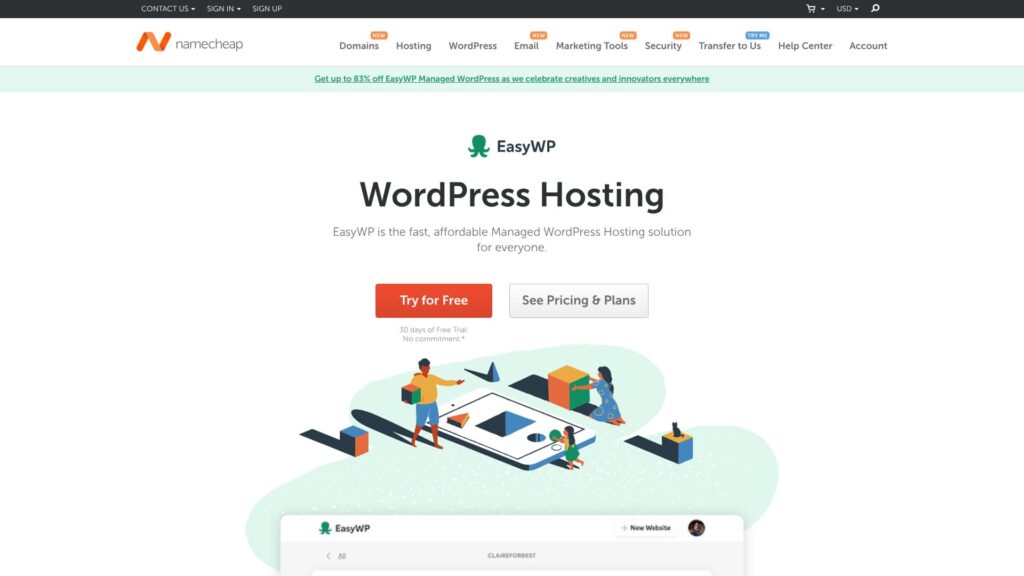
Namecheap
30-day free trial
| Server type | Shared hosting |
| Server response speed (TTFB) | 440ms |
| Recommended plan and term | EasyWP Starter, 1 year |
| Trial / money-back guarantee | 30-day money-back guarantee |
| Monthly fee (12-month plan) | $2.98 (437 yen) |
| Initial setup fee | Free |
| Free domain | None |
| Support | 24/7 chat |
| Uptime | 99.9% |
| Storage | 10GB |
| Number of databases | 1 |
| SSL | Free SSL |
| Backups | Yes |
| Email accounts | None |
| Email security measures | None |
| Server / website migration service | None |
| WordPress preinstall | None |
| CDN | Free |
| Data center locations | Phoenix, Arizona, USA; Timico, Midlands, UK; Amsterdam, Netherlands |
Namecheap is globally well known as a domain registrar, and it also operates a hosting business. Its strengths are the convenience of managing domains and hosting in one place and a pricing structure that is relatively transparent.
Namecheap's Shared Hosting Stellar plan starts at 1.44 dollars per month and includes three websites, 20 GB of SSD storage, and unlimited bandwidth. On annual plans, the first year of domain registration is free, and all plans include a free SSL certificate, automatic backups, and WordPress optimization features.
Namecheap uses cPanel to combine domain management and server management in a single control panel. Server performance is fairly standard, but when paired with the convenience of centralized domain management, overall operational efficiency improves.
Namecheap is a good match for people who want to manage domains and hosting together and who prefer a simple pricing structure. If you want higher performance or more specialized features, it makes sense to compare more focused services.
Hikaru Ono
When I actually used it, the chat support was exceptionally good.

Namecheap Review and Setup Guide: Pricing, Speed, Support, and WordPress Compatibility
Namecheap Review and Setup Guide: Pricing, Speed, Support, and WordPress Compatibility
serverfield.org
[Beste voor beginners] Bluehost - een standaardkeuze die officieel door WordPress wordt aanbevolen
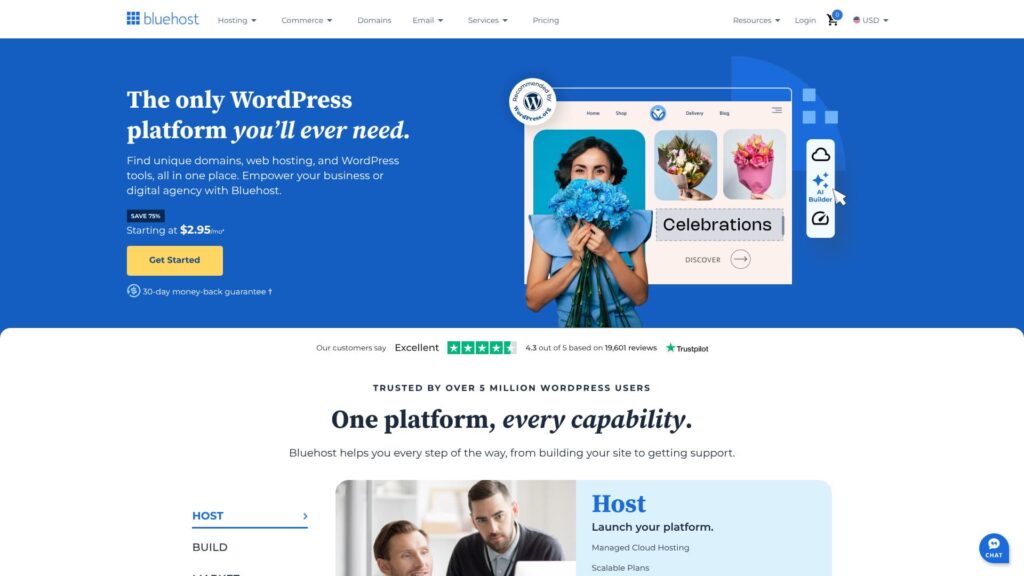
Bluehost is a world-famous hosting company headquartered in Florida, United States. It is trusted as one of the servers officially recommended by WordPress. Despite its quality, it remains affordable, which makes it an easy recommendation.
30-day money-back guarantee
| Server type | Shared server |
| Display speed (TTFB) | 420 ms |
| Recommended plan and contract term | Basic, 12 months |
| Trial / money-back guarantee | 30-day money-back guarantee |
| Monthly fee (12-month contract) | $2.95 (432 yen) |
| Initial administrative fee | Free |
| Free domain | 1 free for the first year |
| Support | 24/7 chat |
| Uptime | 100% |
| Server storage | 10 GB |
| Number of databases | 10 |
| Security measures | Malware scanning, SiteLock |
| SSL | Free custom SSL |
| Backup / restore | None |
| Number of email accounts | None |
| Email security measures | None |
| Server / website migration service | None |
| WordPress preinstall | None |
| CDN | Free |
| Data centers | Utah, USA / Orem, USA / London, UK / Shanghai, China / Hong Kong / Mumbai, India |
Bluehost is one of the hosting services officially recommended by WordPress.org and supports more than two million websites worldwide. It is a long-established hosting company that began service in 1996 and remains a famous name that consistently ranks near the top of U.S. review lists.
Bluehost's basic plan starts at 2.95 dollars per month and includes one website, 50 GB of SSD storage, and unlimited bandwidth. You also receive one domain when you sign up for hosting. When you renew the hosting contract, the domain can continue to be used at no cost.
Bluehost provides a WordPress-optimized control panel and supports one-click WordPress installation. It also comes with CDN integration, automatic WordPress updates, malware detection and removal, and other capabilities needed for running WordPress smoothly.
Bluehost is ideal for people who want to start a blog or website with WordPress and who value the reassurance of an official WordPress recommendation. If you plan to use another CMS or need more advanced customization, a more flexible service may be a better choice.

Bluehost Review [2024 Edition]: Officially Recommended by WordPress, with Pros, Cons, and a Setup Guide
Bluehost Review [2024 Edition]: Officially Recommended by WordPress, with Pros, Cons, and a Setup Guide
serverfield.org
[Snelheid eerst] SiteGround - een sterke keuze als snelheid en beveiliging het belangrijkst zijn
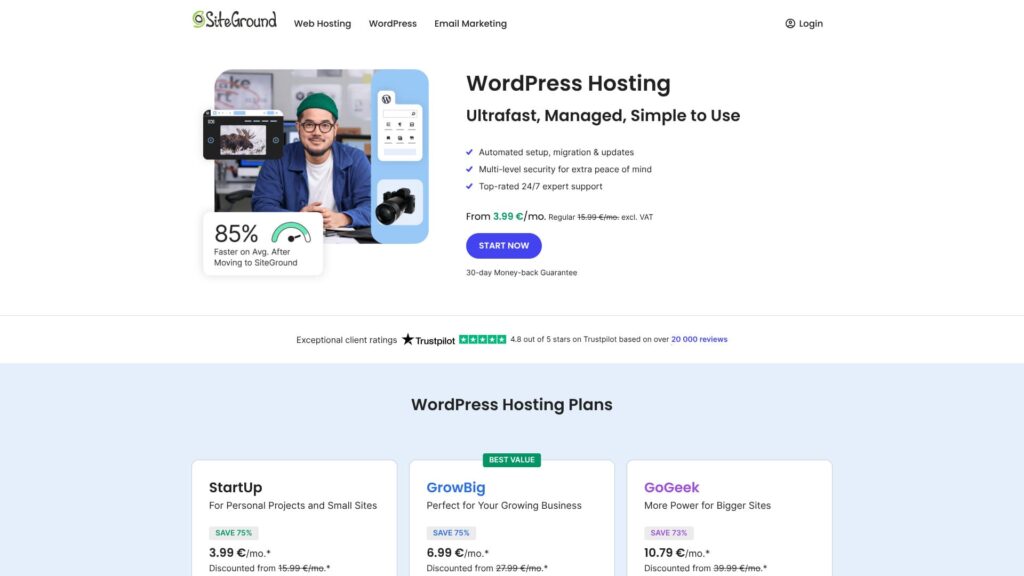
SiteGround is a hosting company founded in Bulgaria. Its biggest strength is 30 generations of automatic backups, which makes it reassuring to use. Because it can use data centers around the world as part of its CDN infrastructure, visitors can view sites comfortably from almost anywhere.
30-day money-back guarantee
| Server type | Shared hosting |
| Server response speed (TTFB) | Not measured |
| Recommended plan and term | WordPress Hosting StartUp, 1 year |
| Trial / money-back guarantee | 30-day money-back guarantee |
| Monthly fee (12-month plan) | $3.99 (586 yen) |
| Initial setup fee | Free |
| Free domain | None |
| Support | 24/7 chat, email, and phone |
| Uptime | 99.99% |
| Storage | 10GB |
| Number of databases | Unlimited |
| SSL | Free SSL |
| Backups | 30 automatic backup generations included free |
| Email accounts | Unlimited |
| Email security measures | — |
| Server / website migration service | None |
| WordPress preinstall | None |
| CDN | Free |
| Data center locations | Los Angeles, California, USA; Dallas, Texas, USA; Council Bluffs, Iowa, USA; Ashburn, Virginia, USA; London, UK; Madrid, Spain; Eemshaven, Netherlands; Frankfurt, Germany; Paris, France; Singapore; Sydney, Australia |
SiteGround is a Bulgaria-based, technology-focused hosting company that is highly regarded for its proprietary performance technology and proactive security measures.
SiteGround's StartUp plan begins at 2.99 dollars per month and supports one website, 10 GB of web space, and around 10,000 monthly visits. Every plan includes a free SSL certificate, daily backups, automatic WordPress updates, and CDN integration.
SiteGround uses its own Site Tools control panel, which is intuitive and easy to use. It actively adopts modern acceleration technologies such as SuperCacher, NGINX, HTTP/2, and PHP 8.x support. It also uses AI-driven security systems for real-time threat detection and response.
SiteGround is a good fit for people who care strongly about site speed, security, and technical quality. If your main priority is the lowest possible price or very large storage capacity, you should compare other providers as well.

SiteGround Review: Safe, Stable Hosting with 30 Backup Generations and 24/7 Support
SiteGround Review: Safe, Stable Hosting with 30 Backup Generations and 24/7 Support
serverfield.org
[Wereldspeler] GoDaddy - enorme schaal met een breed dienstenaanbod
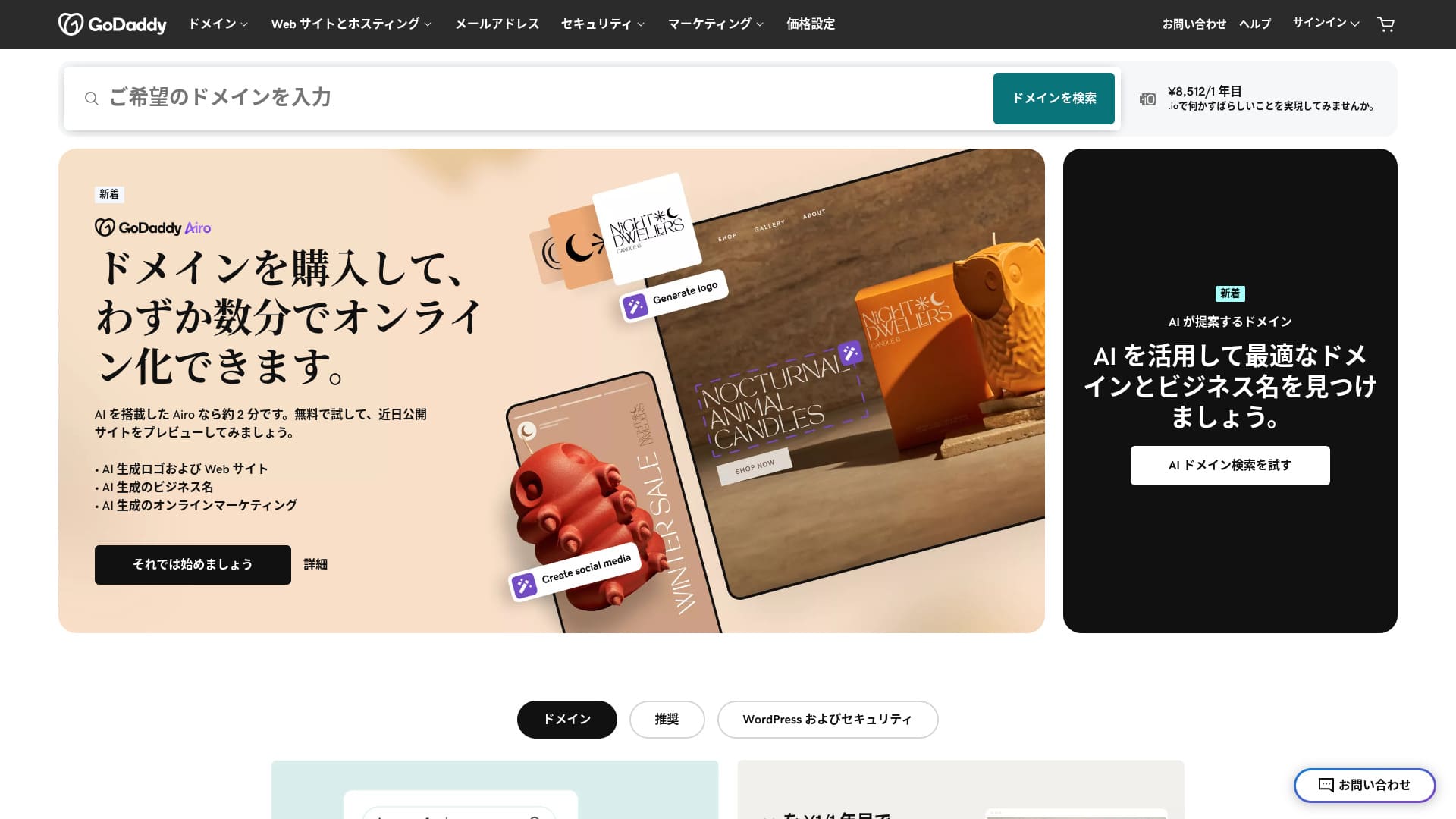
GoDaddy is one of the world's largest hosting companies and is headquartered in Scottsdale, Arizona. It is easy to use because it also provides Japanese-language pages. Even its cheapest plan includes a WAF, giving it a strong security profile.
30-day money-back guarantee
| Server type | Shared server |
| Display speed (TTFB) | Not measured |
| Recommended plan and contract term | Basic, 1 year |
| Trial / money-back guarantee | 30-day money-back guarantee |
| Monthly fee (12-month contract) | 899 yen |
| Initial administrative fee | Free |
| Free domain | None |
| Support | 24/7 chat, phone (weekdays 10:00-17:00) |
| Uptime | 99.9% |
| Server storage | 10 GB |
| Number of databases | 1 |
| SSL | Free SSL |
| Backup | Weekly backup |
| Number of email accounts | None |
| Email security measures | None |
| Server / website migration service | None |
| WordPress preinstall | Yes |
| CDN | Free |
| Data centers | Kirkland, Washington, USA / Beeston, UK / Iași, Romania / Tempe, Arizona, USA / Belgrade, Serbia |
GoDaddy is both the world's largest domain registrar and a major hosting provider, managing more than 84 million domains and serving more than 20 million customers worldwide. Its biggest strengths are the breadth of its services and its track record of operating at global scale.
GoDaddy's Economy plan starts at 2.99 dollars per month and includes one website, 100 GB of storage, and unlimited bandwidth. Every plan comes standard with a free SSL certificate, 24/7 security monitoring, one-click WordPress installation, and DDoS protection.
In addition to a cPanel-based control panel, GoDaddy offers site-building tools such as GoDaddy Studio. Its CDN and globally distributed data centers also make it capable of serving international traffic.
GoDaddy is well suited to people who want the reassurance of the world's largest provider, want to manage domains and hosting together, or want to take advantage of a wide range of add-on services. If you prefer simple pricing or want deeper technical control, a more specialized service may be a better fit.

GoDaddy Review: A thorough explanation of the pros, cons, WordPress setup, and cancellation process
GoDaddy Review: A thorough explanation of the pros, cons, WordPress setup, and cancellation process
serverfield.org
[Europese optie] IONOS - hoogwaardige hosting uit Duitsland
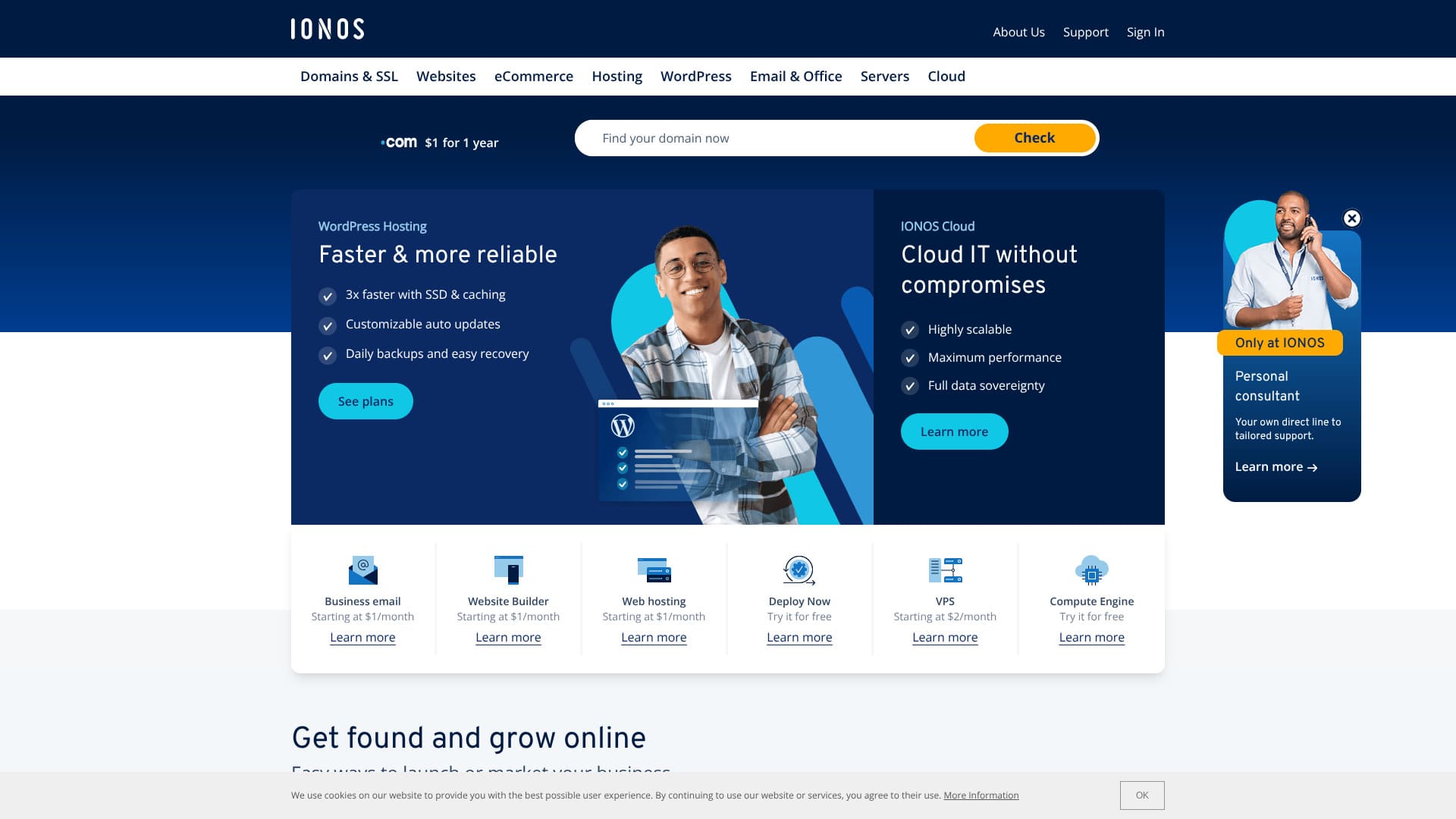
IONOS is a German hosting company. It delivers outstanding stability with 99.98% uptime while remaining inexpensive. In addition to seven days of automatic backups, it also includes security measures such as DDoS protection.
30-day money-back guarantee
| Server type | Shared hosting |
| Server response speed (TTFB) | Not measured |
| Recommended plan and term | WordPress Hosting Grow, 1 year |
| Trial / money-back guarantee | 30-day money-back guarantee |
| Monthly fee (12-month plan) | $5 (734 yen) |
| Initial setup fee | Free |
| Free domain | 1 domain free for the first year |
| Support | 24/7 chat, email, and phone |
| Uptime | 99.98% |
| Storage | 50GB |
| Number of databases | 1 |
| Security | Malware scanning, vulnerability scanning, DDoS protection, and anti-phishing / anti-spam filters |
| SSL | Free SSL |
| Backups | Seven days of automatic backups |
| Email accounts | 5 |
| Email security measures | None |
| Server / website migration service | None |
| WordPress preinstall | None |
| CDN | None |
| Data center locations | Frankfurt, Germany; Berlin, Germany; London, UK; Logrono, Spain; Las Vegas, Nevada, USA; Newark, New Jersey, USA; Lenexa, Kansas, USA |
IONOS is part of the 1&1 IONOS brand based in Germany and is one of the largest hosting providers in Europe. It offers strict data protection standards, including full GDPR compliance, together with environmentally conscious green hosting.
IONOS's Essential plan starts at 1 dollar per month and includes one website, 10 GB of SSD storage, and unlimited bandwidth. All plans include a free SSL certificate, DDoS protection, daily backups, and 24/7 support, and they also offer a three-month free trial period.
IONOS uses its own control panel and is straightforward to operate. By using data centers in Europe, the United States, and Asia, it optimizes performance through geographic distribution. It also maintains enterprise-level security practices backed by ISO 27001 certification.
IONOS is a good fit for people who value data privacy, want a provider with environmental initiatives, or are targeting European markets. If you need Japanese-language support or Japan-specific functionality, you may be better served by a provider more closely tailored to Japan.

IONOS Review: Stable, low-cost hosting in Europe that also supports WordPress
IONOS Review: Stable, low-cost hosting in Europe that also supports WordPress
serverfield.org
[Veel functies] HostGator - diverse pakketten met stevige ondersteuning
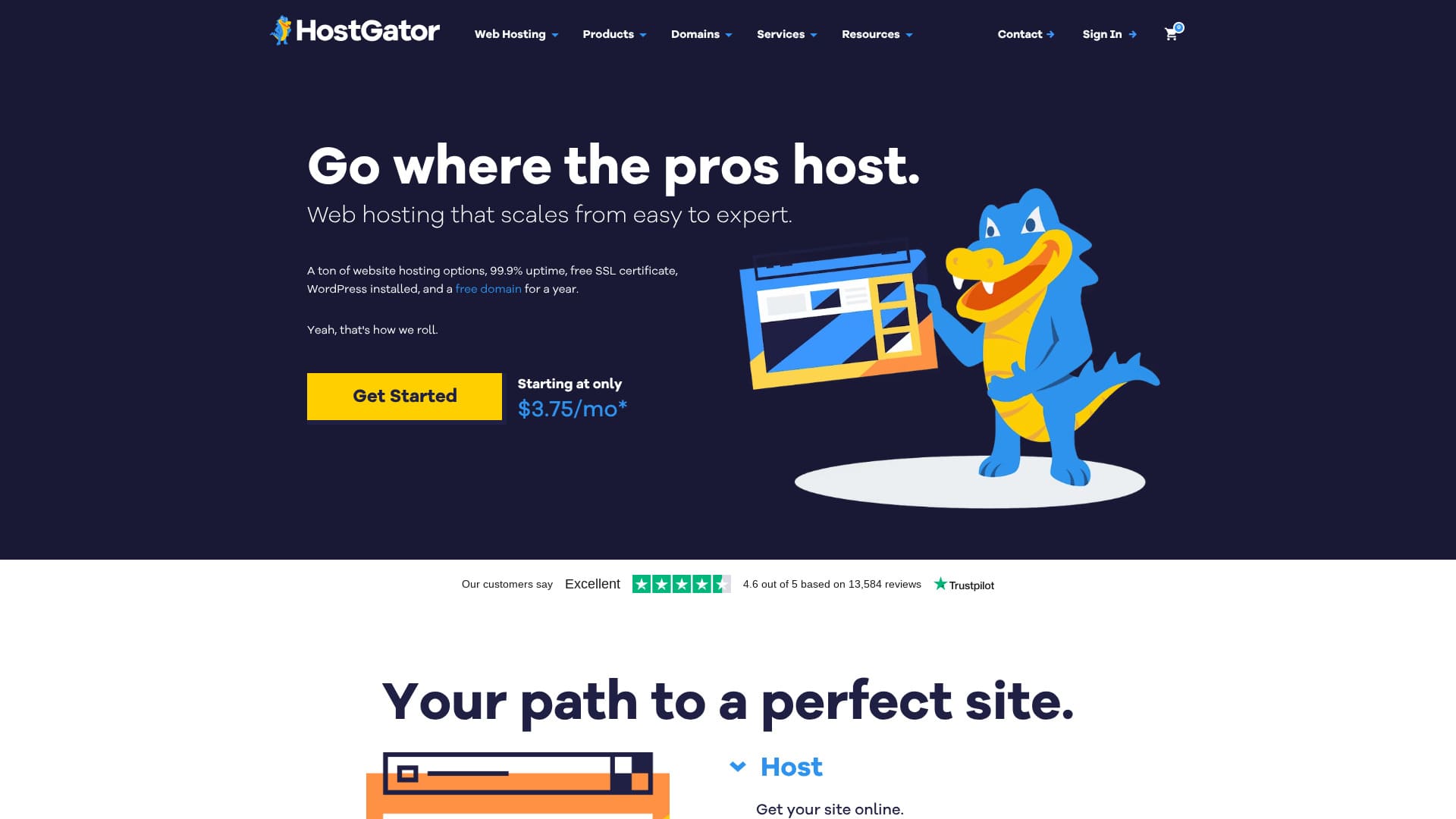
HostGator is a Houston-based hosting company in the United States. Because WordPress comes preinstalled, anyone can get started reliably. Even the lowest-priced plan includes security features such as malware scanning.
30-day money-back guarantee
| Server type | Shared server |
| Display speed (TTFB) | Not measured |
| Recommended plan and contract term | WordPress Baby Plan |
| Trial / money-back guarantee | 30-day money-back guarantee |
| Monthly fee (12-month contract) | $4.50 (661 yen) |
| Initial administrative fee | Free |
| Free domain | 1 free for the first year |
| Support | 24/7 phone support (Baby plan and above), chat |
| Uptime | 99.9% |
| Server storage | 20 GB |
| Number of databases | 20 |
| Security | Malware scanning |
| SSL | Free SSL |
| Backup | Available |
| Number of email accounts | - |
| Email security measures | POP3 email accounts with SMTP, Prevent spam with SpamAssassin |
| Server / website migration service | None |
| WordPress preinstall | Yes |
| CDN | Available |
| Data centers | Provo, Utah, USA / Atlanta, Georgia, USA |
HostGator is a U.S. hosting service that launched in 2002 and is known for a wide range of hosting solutions and substantial support. Its extensive plan lineup makes it suitable for everyone from individuals to large companies.
HostGator's Hatchling Plan starts at 2.75 dollars per month and includes one website, unlimited storage, and unlimited bandwidth. All plans include a free SSL certificate, 100 dollars in Google Ads credit, and a 45-day money-back guarantee.
HostGator uses cPanel and supports one-click installation for major CMS platforms including WordPress, Joomla, and Drupal. It also offers a 99.9% uptime guarantee, 24/7/365 customer support, and unlimited email accounts, giving it a strong base for stable operation.
HostGator is a good choice for users who want a rich feature set and substantial support, especially if they plan to operate multiple sites. If you want the newest performance technologies or more innovative features, a more technology-focused provider may be preferable.

HostGator Review: Easy WordPress Setup, Pricing, Support, and Cancellation Compared [2024 Edition]
HostGator Review: Easy WordPress Setup, Pricing, Support, and Cancellation Compared [2024 Edition]
serverfield.org
Four Reasons and Benefits to Choose Overseas Hosting

De grootste aantrekkingskracht van buitenlandse hosting zit in de vrijheid en kostenefficiëntie die binnenlandse hosting vaak niet kan bieden. Veel buitenlandse providers leggen minder beperkingen op aan inhoud en hanteren flexibelere beleidsregels. Als je internationale groei overweegt, kan buitenlandse hosting ook een strategische keuze zijn.
Outstanding value when compared with domestic hosting
Buitenlandse hosting is vaak aanzienlijk goedkoper dan binnenlandse hosting. Het is niet ongebruikelijk dat functies die op een binnenlandse shared server ongeveer 1.000 yen per maand kosten, in het buitenland beschikbaar zijn voor 200 tot 500 yen per maand. Langetermijncontracten geven vaak nog grotere kortingen, en bij driejarige contracten zijn prijsverlagingen van meer dan 50% niet ongewoon.
The appeal of overseas hosting: greater freedom of expression
Overseas hosting often imposes fewer restrictions on content than domestic hosting does. This reflects differences in laws and cultural backgrounds from one country to another. Even so, you should always review the terms of service carefully and operate with enough caution to avoid legal problems.
Key points when choosing a server for global expansion
Als je internationale uitbreiding plant, kan het kiezen van een server dicht bij je doelregio de paginasnelheid verbeteren. Ook wordt het eenvoudiger om meerdere talen te ondersteunen en met internationale betaalsystemen te integreren. Door een CDN (Content Delivery Network) te gebruiken, kun je verkeer van gebruikers over de hele wereld verwerken.
★ What Is a CDN? Improve Speed and Performance with a Network of Servers
SEO-voordelen geoptimaliseerd voor doelregio's
Als je een site voor buitenlandse markten runt, kan het combineren van een regio-specifiek domein met een server in de doelregio de SEO aanzienlijk verbeteren. Google heeft officieel verklaard dat het zowel IP-adressen als top-level domeinen gebruikt om regionale relevantie te bepalen, dus het kiezen van een server in het doelland kan de zichtbaarheid in zoekmachines verbeteren.
Naleving van lokale regelgeving en eisen rond gegevensprivacy
Bij het voldoen aan regels voor gegevensbescherming zoals de GDPR in Europa of de CCPA in Californië zijn er situaties waarin het gebruik van een lokale server feitelijk vereist is. Door vooraf een lokale server te kiezen, wordt het later makkelijker om aan wettelijke eisen te voldoen en blijft de bedrijfscontinuïteit beter behouden.
Hoe je zonder spijt buitenlandse hosting kiest: 7 controlepunten
Bij het kiezen van buitenlandse hosting hangt succes niet alleen af van de prijs, maar ook van de praktische bruikbaarheid in het dagelijks gebruik. Als je de volgende zeven punten in gedachten houdt, maak je een keuze waar je waarschijnlijk geen spijt van krijgt.
Serverreactietijd en prestaties vanuit Japan
De toegangssnelheid vanuit Japan wordt sterk beïnvloed door de fysieke afstand tot de server. Servers aan de westkust van de VS zijn vaak relatief snel, terwijl Europese servers meestal iets trager zijn. Gebruik bij voorkeur een eventuele gratis proefperiode om de echte prestaties te controleren voordat je je aanmeldt.
Hikaru Ono
Soms blijkt het niet zo snel als je had gedacht.
Japanese-language support and how strong it really is
Steeds meer buitenlandse hostingbedrijven bieden Japanstalige ondersteuning. Toch verschilt de kwaliteit sterk, dus controleer de responstijd en de kwaliteit van de antwoorden voordat je je aanmeldt. Als ondersteuning alleen in het Engels beschikbaar is, moet je voorbereid zijn om vertaaltools en eenvoudige Engelse zinnen te gebruiken.
Hikaru Ono
Buitenlandse chatondersteuning brengt je meestal snel in contact met een medewerker. In die zin vind ik het vaak beter dan binnenlandse hostingondersteuning, waar vaak eerst een AI antwoordt.
Transparante prijzen en hoe je verborgen kosten herkent
Bij buitenlandse hosting kan de initiële prijs laag lijken, terwijl de verlengingsprijs later sterk stijgt. SSL-certificaten, back-ups en beveiligingsfuncties kunnen ook extra kosten met zich meebrengen, dus het is belangrijk om de totale kosten nauwkeurig te begrijpen voordat je besluit.
Een server is iets dat je op de lange termijn blijft gebruiken. Controleer deze details zorgvuldig.
Beveiligingsfuncties en back-upsysteem
Als basisbeveiliging is het belangrijk om gratis SSL-certificaten, DDoS-bescherming en regelmatige beveiligingsupdates te hebben. Controleer bij back-ups hoe vaak ze worden gemaakt en hoe herstel werkt, en combineer indien mogelijk meer dan één back-upmethode.
★ Five Powerful WordPress Backup Plugins to Help You Recover Data
Schaalbaarheid en flexibiliteit bij het wijzigen van pakketten
De flexibiliteit om van pakket te veranderen terwijl je site groeit is belangrijk. Controleer vooral of CPU, geheugen en opslag stapsgewijs kunnen worden uitgebreid en of pakketwijzigingen zonder downtime kunnen worden uitgevoerd.
Uptime-garanties en SLA's (servicekwaliteitsgaranties)
Betrouwbare hostingbedrijven garanderen een uptime van minstens 99,9%. Een SLA legt ook compensatieregelingen en responstijden bij incidenten vast, wat het vooral belangrijk maakt voor zakelijk gebruik.
In dat opzicht voelt buitenlandse hosting vaak geruststellend, omdat providers hun uptime-garanties meestal duidelijker vermelden dan binnenlandse diensten.
Hikaru Ono
Kies waar mogelijk een provider die minstens 99,99% uptime garandeert.
★ A Beginner's Guide to Understanding Rental Server Uptime and SLAs
Opzegging, migratieprocedures en beperkingen
Bij buitenlandse hosting kunnen opzegprocedures soms ingewikkeld zijn. Beperkingen op gegevens-export en de bewaartermijn na opzegging verschillen ook per provider, dus het is belangrijk om deze punten vooraf te controleren.
Aandachtspunten en tegenmaatregelen bij gebruik van buitenlandse hosting
Wanneer je buitenlandse hosting gebruikt, krijg je te maken met andere uitdagingen dan bij binnenlandse hosting. Als je die uitdagingen vooraf begrijpt en de juiste maatregelen neemt, verloopt de werking veel soepeler.
Praktische manieren om de taalbarrière te overwinnen
Omdat veel buitenlandse providers vooral Engelstalige ondersteuning bieden, is het belangrijk om basiszinnen voor support in het Engels te kennen. Voor technische problemen zijn tools zoals DeepL of Google Translate nuttig, en bij belangrijke zaken is het verstandig de betekenis bij meer dan één vertaaldienst te controleren. Je kunt ook praktische oplossingen vinden via gebruikersgemeenschappen en Japanstalige forums over buitenlandse hosting.
Hoe je ondersteuning over tijdzones heen effectief inzet
Omdat buitenlandse ondersteuning in lokale tijd werkt, moet je bij noodsituaties vooruit plannen. Vooral bij Amerikaanse hosting valt support vaak samen met late nacht tot vroege ochtend in Japan, dus belangrijk werk moet vooraf worden gepland en uitgevoerd tijdens de uren waarop ondersteuning beschikbaar is.
Hoe je omgaat met belastingen en wisselkoersschommelingen
Omdat kosten voor buitenlandse hosting in vreemde valuta worden gefactureerd, zijn ze gevoelig voor wisselkoersschommelingen. Bij langetermijncontracten is het belangrijk om voldoende ruimte in het budget te laten om dat risico op te vangen. Je moet ook de btw/consumptiebelasting correct afhandelen volgens de Japanse belastingwetgeving.
Hoe Japans recht toch van toepassing kan zijn
Zelfs wanneer je een buitenlandse server gebruikt, kan Japans recht nog steeds van toepassing zijn als je diensten aanbiedt aan gebruikers in Japan. Het is in het bijzonder verstandig om professioneel advies in te winnen over wetten zoals de Wet bescherming persoonsgegevens, de wet op e-commerce en het auteursrecht.
Installatie- en beheergids na de start met buitenlandse hosting
Vijf instapstappen die je altijd eerst moet afronden
- Versterk de beveiligingsinstellingen: change the admin password, enable two-factor authentication, and disable unnecessary services.
- Bouw een back-upsysteem: confirm automatic backup settings and learn how to take manual backups.
- Configureer het SSL-certificaat: enable the free SSL certificate and set the site to use HTTPS.
- Controleer de DNS-instellingen: make sure the domain is correctly connected to the server.
- Stel monitoring en waarschuwingen in: configure notifications for uptime issues and other abnormalities.
Een Japanstalige omgeving opzetten en WordPress installeren
Bij het opzetten van een Japanstalige omgeving op buitenlandse hosting is tekencodering cruciaal. Schakel de mb_string-functie in PHP in en stel de tekenset van de database in op UTF-8. Kies tijdens de WordPress-installatie de Japanse versie van WordPress en zet de tijdzone op Asia/Tokyo, zodat de omgeving geoptimaliseerd is voor Japan.
Regelmatige back-ups en beveiligingsmaatregelen
Back-ups moeten zowel bestanden als databases omvatten en op verschillende locaties worden opgeslagen. Een wekelijkse volledige back-up combineren met dagelijkse incrementele back-ups maakt gegevensbescherming efficiënter. Voor de beveiliging helpen plugins zoals Wordfence en Sucuri met realtime detectie en reactie op bedreigingen.
Tips voor prestatie-optimalisatie
Je kunt de snelheid van de site verbeteren met plugins voor afbeeldingsoptimalisatie, cache-plugins en een CDN. Ook regelmatig onderhoud is belangrijk, zoals onnodige plugins verwijderen, de database optimaliseren en PHP up-to-date houden.
Veelgestelde vragen (FAQ)
Vragen over contracten en prijzen
V: Welke betaalmethoden zijn beschikbaar voor buitenlandse hosting?
A: De meeste buitenlandse hostingproviders accepteren creditcards zoals Visa, Mastercard en American Express, PayPal en bankoverschrijvingen. Sommige providers accepteren ook betalingen in cryptocurrency.
V: Zijn er kosten naast de initiële vergoeding?
A: Ja. Mogelijke extra kosten zijn SSL-certificaten wanneer ze niet gratis inbegrepen zijn, extra back-ups, premium support en verlengingskosten voor domeinen. Het is het beste om de prijsstructuur in detail te bekijken voordat je je aanmeldt.
V: Kan ik tijdens de contractperiode van pakket wisselen?
A: Bij veel providers kunnen upgrades direct worden doorgevoerd, terwijl downgrades pas vanaf de volgende verlenging ingaan. Controleer ook welke extra kosten of beperkingen gelden bij het wijzigen van pakketten.
Antwoorden op technische vragen
V: Kan ik een Japans domein gebruiken op buitenlandse hosting?
A: Ja, als de provider internationalized domain names (IDN's) ondersteunt, kun je Japanse domeinnamen gebruiken. In sommige gevallen moet je het domein tijdens de installatie echter omzetten naar Punycode.
V: Kan een buitenlandse server externe API's in Japan benaderen?
A: In principe wel. Sommige API's van Japanse bedrijven beperken echter toegang vanaf buitenlandse IP-adressen, dus het is verstandig om vooraf de specificaties van elke API die je wilt gebruiken te controleren.
V: Wat moet ik doen als de tekst in mijn database onleesbaar wordt?
A: Zet de tekenset van de database op UTF-8 (utf8mb4) en stel mb_internal_encoding in PHP in op UTF-8. Als bestaande gegevens al onleesbaar zijn, kun je ze vaak herstellen met tools zoals phpMyAdmin.
Hoe je problemen aanpakt wanneer er iets misgaat
V: Wat moet ik controleren als mijn site niet laadt?
A: Controleer in deze volgorde: 1) DNS-instellingen, 2) serverstatus, 3) het .htaccess-bestand, 4) of plugins uitgeschakeld moeten worden, en 5) of het wisselen van thema het probleem oplost. Als het probleem blijft bestaan, neem dan contact op met de support van de provider.
V: Wat moet ik doen als e-mail niet kan worden verzonden of ontvangen?
A: Controleer je e-mailinstellingen, configureer SPF-, DKIM- en DMARC-records en bevestig de status van de mailserver. Bij buitenlandse hosting kunnen Japanse provider-e-mailadressen berichten blokkeren, dus testen met een ander e-mailadres kan ook helpen.
V: Waar moet ik op letten bij het migreren van servers?
A: Belangrijke punten zijn onder meer een volledige back-up maken vóór de migratie, DNS-TTL-waarden vooraf verlagen, de werking na migratie controleren en een verificatieperiode inlassen voordat je gegevens van de oude server verwijdert. Vergeet ook niet SSL-certificaten en e-mailinstellingen te migreren.
Andere vragen
V: Welke buitenlandse serverbedrijven staan bovenaan?
Microsoft, Alphabet, and Amazon rank at the top by market capitalization among server-related companies. All three are American companies, and they are followed by businesses from places such as Hong Kong and China.
V: Zijn er gratis buitenlandse hostingdiensten?
Google Cloud Hosting has a free tier, but once you exceed that allowance, charges apply, so you need to keep close track of your usage.
Samenvatting: hoe kies je de juiste buitenlandse hostingdienst voor jou
Buitenlandse hosting kiezen is niet alleen een kwestie van prijzen vergelijken. Het is belangrijk om je operationele doelen, technische vaardigheden en langetermijnplannen als geheel te bekijken.
Als je buitenlandse hosting voor het eerst gebruikt, maak dan gebruik van gratis proefperiodes en geld-terug-garanties zodat je kunt controleren hoe de dienst in de praktijk aanvoelt. Het is ook essentieel om vóór de migratie een solide back-upsysteem op te zetten, omdat dat een van de sleutels is tot een succesvolle uitrol.
Als buitenlandse hosting goed wordt gekozen en beheerd, kan het veel voordelen bieden die binnenlandse hosting niet heeft. Gebruik de selectiecriteria en dienstkenmerken uit dit artikel om de provider te vinden die het beste bij jouw behoeften past.