Capaciteit van een huurserver: hoe je zonder fouten kiest en waarom het belangrijk is voor een soepele werking van je site

Wanneer je een server huurt, vergelijk je misschien allerlei specificaties zoals CPU en geheugen en blijf je vervolgens hangen bij 'capaciteit'. Als je voor het eerst met huurservers werkt, weet je misschien niet hoeveel capaciteit je nodig hebt of zelfs wat voor soort capaciteit het precies is.
In dit artikel kijk ik uitgebreid naar de capaciteit van huurservers. Samen met aandachtspunten bij het starten van een WordPress-blog help ik je de beste bundel te kiezen. Na het lezen van dit artikel moet je de capaciteit van huurservers begrijpen en met vertrouwen een plan kunnen kiezen.
Wat is de capaciteit van een huurserver precies? Wat wordt erin opgeslagen?

Simpel gezegd is de capaciteit van een huurserver de hoeveelheid ruimte die beschikbaar is om de gegevens van je website op te slaan. Concreet worden de volgende soorten gegevens opgeslagen.
- Websitebestanden: alle bestanden die nodig zijn om de site weer te geven, zoals HTML, CSS, JavaScript, afbeeldingen en video's
- Databases: opslag voor dynamische content zoals blogberichten, gebruikersinformatie en productinformatie
- E-mailgegevens: als je e-mailaccounts gebruikt, je verzonden en ontvangen e-mails en bijlagen
- Logbestanden: servertoegangslogboeken, foutlogboeken en vergelijkbare records
- Back-upgegevens: back-ups van je websitegegevens
Al deze gegevens verbruiken servercapaciteit. Als je capaciteit opraakt, kun je mogelijk geen nieuwe content meer toevoegen, wordt je site trager en kan je site in het ergste geval offline gaan.
Drie stappen om de juiste servercapaciteit te kiezen

Hoe kies je dan de juiste hoeveelheid capaciteit? Denk er in de volgende drie stappen over na.
STAP 1: Denk na over het type website (voor WordPress)
De hoeveelheid capaciteit die je nodig hebt verschilt sterk per type website. Als je een WordPress-blog begint, houd dan rekening met de volgende punten.
- Bloggrootte: whether it is a small personal blog or a large blog run by multiple people.
- Type content: whether it is mainly text or uses many images and videos.
- Aantal plugins: many plugins consume capacity.
- Gewicht van het thema: depending on the theme you use, it may put pressure on your capacity.
Als algemene vuistregel,
- Kleine blog (vooral tekst, weinig afbeeldingen): 5GB to 10GB
- Middelgrote blog (veel afbeeldingen, meerdere plugins): 10GB to 20GB
- Grote blog (inclusief video's, veel plugins): 20GB to 50GB or more
zijn goede waarden om in gedachten te houden.
★ Beheers WordPress-plugins en geef je site meer kracht: een grondige gids voor beginners
STAP 2: Schat toekomstige groei in
Een website bouw je niet en vergeet je daarna. Naarmate je content toevoegt en het verkeer groeit, neemt ook de benodigde capaciteit toe.
Assume what things will look like at least one year from now, and choose capacity with some room to spare. You can add more capacity later, but considering the trouble of changing plans, it is smoother to choose a slightly larger plan from the beginning.
Ga bij WordPress er in elk geval van uit dat het aantal berichten, afbeeldingen en video's in de loop van de tijd zal toenemen.
STAP 3: Denk in concrete getallen
Denk op basis van de bovenstaande stappen in concrete getallen. Je kunt bijvoorbeeld ongeveer het volgende inschatten.
- Tekst voor één pagina: ongeveer 1 KB
- Eén afbeelding: ongeveer 1 MB (kan groter zijn bij hoge resolutie)
- Eén minuut video: ongeveer 100 MB (sterk afhankelijk van kwaliteit en formaat)
Bij WordPress moet je ook rekening houden met de grootte van thema's en plugins. Dat kan oplopen tot tientallen of zelfs honderden megabytes.
Voordelen en aandachtspunten bij plannen met onbeperkte capaciteit (voor WordPress)
Als je een WordPress-blog begint, kan een plan met onbeperkte capaciteit aantrekkelijk lijken. Maar zoals hierboven al genoemd, zijn er ook aandachtspunten.
- Let op de databasegrootte: because WordPress stores posts, settings, and other data in a database, even with unlimited capacity you may still run into limieten voor databasegrootte.
- Back-upopslag: just because capacity is unlimited does not mean you can store unlimited backups. Check the backup storage limit and retention period.
★ What Is a Database? An Essential Management System for WordPress
Ernstige problemen door een tekort aan servercapaciteit: concrete gevolgen en maatregelen

1. Je kunt geen content meer toevoegen
When capacity is full, you can no longer add new content. This is a serious problem that gets in the way of website growth.
- Je kunt geen afbeeldingen of video's meer uploaden: images and videos are important elements that make a website attractive, but once capacity runs short, they can no longer be uploaded. In WordPress, you will get errors when trying to upload files to the media library, and you will no longer be able to add new images or videos.
- Je kunt geen berichten en pagina's meer maken of bijwerken: text content also uses storage space. When capacity runs short, you may no longer be able to create new posts or pages, or even update existing ones.
- Je kunt geen producten meer registreren (bij een e-commercesite): on an e-commerce site, product information and images are the lifeblood of the business. Lack of capacity can prevent you from adding new products or updating existing ones, seriously affecting the business.
Countermeasure: move to a larger plan, delete unnecessary files, and optimize images (for example, through compression).
2. Langzamere weergave van de website: een slechtere gebruikerservaring
Lack of capacity can also lead to slower website display speed. If display speed becomes slow, the user experience deteriorates and SEO is negatively affected as well.
- Grotere serverbelasting: when capacity becomes tight, the load on the server increases and processing speed drops. As a result, page loading time gets longer, which means waardoor gebruikers moeten wachten.
- Prestaties dalen tijdens verkeerspieken: if the server is already short on capacity during periods of concentrated traffic, it can become overloaded, making the website extremely slow or, in the worst case, causing it to go down.
- Negatief effect op SEO: search engines such as Google take page loading speed into account as a ranking factor. A slow website may drop in search rankings, which can lead to fewer visitors.
Countermeasure: gebruik maatregelen zoals cache-plugins, optimalisatie van afbeeldingen en CDN's om de weergavesnelheid te verbeteren. Mogelijk moet je ook overstappen op een serverplan dat past bij je verkeersvolume.
★ How Fast Is It? Comparing 15 Rental Servers in a Speed Ranking
3. Verzenden en ontvangen van e-mail stopt: zakelijke communicatie raakt verstoord
Email data also consumes server capacity. When capacity runs short, you may no longer be able to send or receive email, which interferes with business communication.
- Je kunt geen e-mail meer ontvangen: when the inbox reaches its capacity limit, new email can no longer be received. You may miss important communication or fail to respond to customer inquiries.
- Je kunt geen e-mail meer verzenden: sent mail and drafts also consume capacity. Once capacity runs short, you may no longer be able to send email, which can kan leiden tot gemiste zakelijke kansen.
Countermeasure: verwijder onnodige e-mails, sla e-mailgegevens lokaal op en overweeg een externe maildienst te gebruiken.
4. Website-uitval: het bedrijf komt stil te liggen
If lack of capacity becomes serious, in the worst case the website may go down and become inaccessible. This means business operations are effectively stopped and can lead to major losses.
- Overmatige belasting van de server: traffic concentration while the server is already short on capacity can put excessive load on the server and cause system crashes.
- Herstel kan tijd kosten: if the server goes down, recovery work may take time and the website may remain inaccessible for a long period.
Countermeasure: voer maatregelen grondig uit die een stabiele werking garanderen, zoals het monitoren van serverbronnen, het analyseren van toegangslogboeken en het kiezen van een passend serverplan. Regelmatige back-ups zijn ook belangrijk.
Een tekort aan capaciteit heeft een ernstige invloed op de werking van de website. Om deze problemen te voorkomen is het belangrijk om een serverplan met voldoende capaciteit te kiezen en het capaciteitsverbruik van je website regelmatig te controleren. Het is ook belangrijk om vooraf na te denken over wat je doet als de capaciteit toch onvoldoende blijkt.
★ What Is a 503 Error? Web Traffic Jams, How to Avoid Them, and Emergency Responses
Aanbevolen huurservers op basis van capaciteit
30GB: Little Server
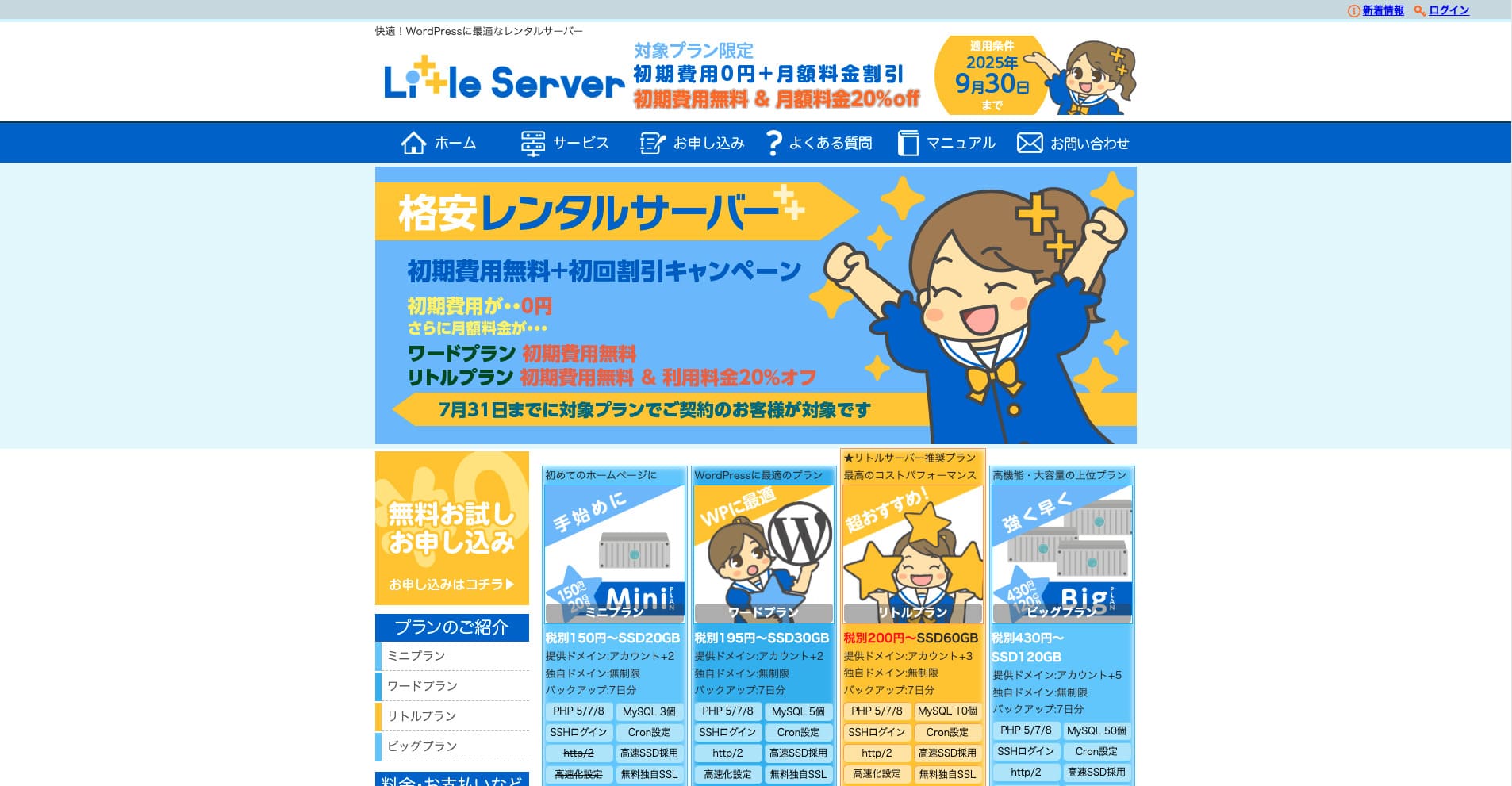
“Little Server” is a low-cost rental server. Excluding free servers, it is one of the lowest-priced rental servers for personal use. Even so, it uses NVMe SSDs to improve speed.
Geen aansluitkosten tot 30 september 2025, 20% korting op de serverkosten van het Little Plan en een 20 dagen gratis proefperiode
| Server type | Shared server |
| Display speed (TTFB) | 200ms |
| Recommended plan and contract term | Mini, 12 months |
| Trial / refund guarantee | 20-day free trial |
| Monthly fee (12-month contract) | 165 yen |
| Initial administrative fee | 920 yen |
| Free domain | None |
| Support | Email (business hours not disclosed) |
| Uptime | Not disclosed |
| Server capacity | 20GB |
| Number of databases | 3 |
| Security measures | IMP |
| SSL | Free SSL, dedicated SSL (Little Plan and above) |
| Backup / restore | 7 dagen automatische back-ups gratis, gratis herstel |
| Number of email accounts | Unlimited |
| Email security measures | Spam filter |
| Server / website migration service | None |
| WordPress pre-installation | Ja |
| CDN | None |
*Voor het Mini-plan
Als je de prijs laag wilt houden en toch de minimaal noodzakelijke capaciteit wilt hebben, Little Server wordt aanbevolen. Zelfs het goedkoopste plan geeft je 30 GB. Zelfs als je upgradet, blijft de maandelijkse prijs binnen enkele honderden yen, dus als je je zorgen begint te maken over een tekort aan capaciteit, upgrade dan op tijd.
★ Little Server Reviews and How to Start WordPress on an Affordable Hosting Service
300GB: ConoHa WING

“ConoHa WING” is a high-speed server from GMO Internet Group, whose number of users has been rapidly increasing, and it is a service our company also uses. Because WordPress comes pre-installed when you sign up for the server, anyone can get started easily. It strikes a good balance between cost and performance, and we use it as well.
Up to 53% off server fees until August 5, 2025, two domains free forever, and the first month free
| Server type | Shared server |
| Display speed (TTFB) | 160ms |
| Recommended plan and contract term | Basic, 12 months |
| Trial / refund guarantee | First month free |
| Monthly fee (12-month contract) | 971 yen |
| Initial administrative fee | Free |
| Free domains | Two free forever |
| Support | Phone, email, and chat (weekdays 10:00-18:00) |
| Uptime | 99.99% guaranteed |
| Server capacity | 300GB |
| Number of databases | Unlimited |
| Security measures | WAF / directory access restrictions / IP access restrictions / vulnerability diagnosis (Net de Diagnosis) / spam comment and trackback restrictions / overseas comment and trackback restrictions / overseas access restrictions |
| SSL | Free SSL / Alpha SSL / Quick Authentication SSL / Company Authentication SSL / EV SSSL |
| Backup / restore | 14 days of automatic backups / restore free of charge |
| Number of email accounts | Unlimited |
| Email security measures | Virus checking / spam filters |
| Server / website migration service | WordPress migration service from 7,678 yen Gratis migration tool available |
| WordPress pre-installation | Yes |
| CDN | None |
Als je als particulier genoeg capaciteit wilt hebben, kies ConoHa WING. Even the lowest-priced plan gives you 300GB, so running WordPress is no problem at all.
★ Build a Homepage in 10 Minutes! ConoHa WING Reviews and How to Start WordPress
600GB: Sakura Rental Server

“Sakura Rental Server” is een gedeelde server van Sakura Internet Inc. Het bedrijf biedt ook managed servers aan. Het heeft een goede balans tussen prestaties, service en prijs, dus het is aan te raden voor elk bedrijf. Omdat het, afhankelijk van het plan, een bepaalde hoeveelheid gratis CDN-gebruik bevat, kan het zorgen voor soepel dataverkeer.
14 dagen gratis proefperiode
| Server type | Shared server |
| Display speed (TTFB) | 440ms |
| Recommended plan and contract term | Standard, 12 months |
| Trial / refund guarantee | 14-day free trial |
| Monthly fee (12-month contract) | 550 yen |
| Initial administrative fee | Free |
| Free domain | None |
| Support | Business hours: 10:00-18:00 Phone callback reservations, chat, and email (reply the same day or the next business day) |
| Uptime | 99.99% |
| Server capacity | 300GB |
| Number of databases | Unlimited |
| Security measures | Website defacement notifications (paid), WAF, overseas IP address filters, prevention of unauthorized relaying, encryption, |
| SSL | Free shared SSL, dedicated SSL |
| Backup / restore | Eight generations of backups free of charge, restore free of charge |
| Number of email accounts | Unlimited |
| Email security measures | POP3, IMAP4, virus checking, simple spam filter, advanced spam filter |
| WordPress pre-installation | None |
| Server / website migration service | None |
| CDN | 100 GB per maand gratis |
Als je een bedrijf bent, geeft meer servercapaciteit rust. Sakura Rental Server biedt veel capaciteit, met 300 GB in het Standard-plan en 600 GB in het Business-plan.
Onbeperkte capaciteit: mixhost
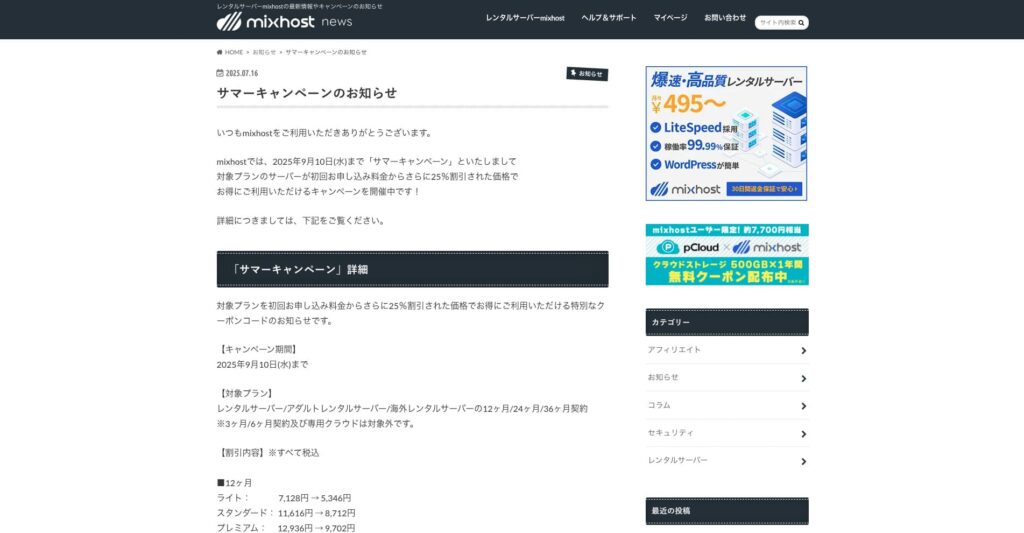
“ mixhost” is a high-speed rental server from Az Pocket Co., Ltd., headquartered in Osaka. It can deliver content from servers located in San Jose on the west coast of the United States. Although it is an overseas server, the company is based in Japan, so you still get complete Japanese-language support.
25% korting op het eerste contract tot 10 september 2025, één jaar gratis voor 500 GB cloudopslag en een 30 dagen geld-terug-garantie
| Server type | Shared server / dedicated cloud server |
| Display speed (TTFB) | 150ms |
| Recommended plan and contract term | Shared server Light, 12 months |
| Trial / refund guarantee | 30-day money-back guarantee |
| Monthly fee (12-month contract) | 594 yen |
| Initial administrative fee | Free |
| Free domain | One free forever |
| Support | |
| Uptime | 99.99% guaranteed |
| Server capacity | 100GB |
| Number of databases | Unlimited |
| Security measures | WAF / DDo attack protection / malware detection and removal |
| SSL | Free dedicated SSL |
| Backup / restore | Automatic backups for 14 days on the Standard plan and above |
| Number of email accounts | Unlimited |
| Email security measures | — |
| WordPress pre-installation | Ja |
| Server / website migration service | 10,890 yen |
| CDN | None |
| Data center | San Jose, U.S. West Coast |
Als je een server met onbeperkte capaciteit wilt gebruiken, kies mixhost. Niet alleen is de capaciteit onbeperkt, maar ook de datatransfer is onbeperkt, waardoor het uitstekende schaalbaarheid biedt.
★ mixhost Reviews and How to Start WordPress with Peace of Mind Thanks to Elevent Nines Backup
Samenvatting: kies de juiste capaciteit en laat je WordPress-blog soepel draaien

Capaciteit van een huurserver heeft een grote invloed op de stabiliteit en groei van een website. Gebruik de stappen uit dit artikel om de capaciteit te kiezen die het beste bij je WordPress-blog past en zorg voor een soepele blogwerking.
Indien nodig is het ook een goed idee om de serverbeheerder te raadplegen. Zelfs als je een plan met onbeperkte capaciteit kiest, is het belangrijk om die beslissing pas te nemen nadat je zowel de voordelen als de aandachtspunten volledig begrijpt.