30-day money-back guarantee
PR
Serveri
HostGator apskats: vienkārša WordPress iestatīšana, cenas, atbalsts un atcelšana salīdzinājumā [2024. gada izdevums]
Publicēts: 2025.07.13
Atjaunināts: 2025.07.13
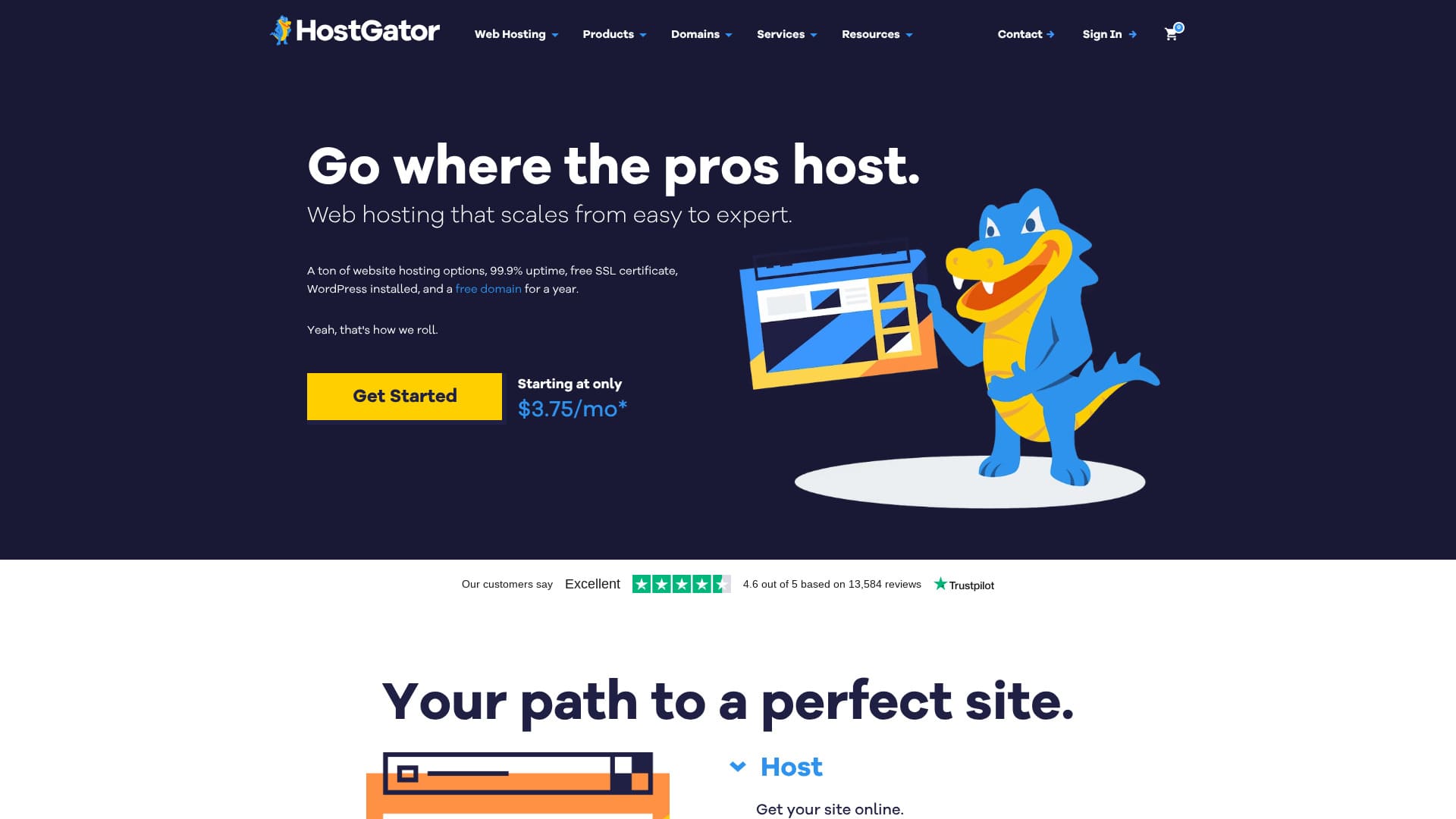
An overseas server that is easy to start with because WordPress comes preinstalled.
HostGator ir serveru uzņēmums, kas atrodas Hjūstonā, Teksasā, un to izmanto vairāk nekā 2 miljoni vietņu. Tas ir ilggadējs serveru pakalpojumu sniedzējs, kas darbojas kopš 2002. gada. Tā ilgais darbības laiks un lielā lietotāju bāze iedvesmo uzticību.
Šajā rakstā es rūpīgi izskaidroju visu, sākot no HostGator īpašībām un plusiem/mīnusiem līdz tam, kā sākt WordPress un kā atcelt pakalpojumu.
Salīdziniet 10 ārzemju serverus

Ārzemju nomas serveru gadījumā daudzi cilvēki valodas barjeru un kultūras atšķirību dēļ nav pārliecināti, kuru serveri izvēlēties.
In this article, I thoroughly compare 10 carefully selected overseas rental servers from around the world and explain each one's features, pricing plans, and actual user experience in detail.
Sniedzu informāciju, kas aptver plašu vajadzību loku, sākot no atlases kritērijiem, ko iesācēji var izmantot droši, līdz uzlabotām funkcijām, ko meklē inženieri.
HostGator apskats: serveris, kas padara WordPress uzsākšanu vienkāršu
"HostGator" is a hosting company based in Houston, Texas. Because WordPress comes preinstalled, anyone can start WordPress with confidence. Even the lowest-priced plan includes security measures such as malware scanning.
| Servera tips | Koplietojams serveris |
| Attēlošanas ātrums (TTFB) | Nav mērīts |
| Ieteicamais plāns un līguma termiņš | WordPress Baby Plan |
| Pārbaudes periods / naudas atdošanas garantija | 30-day money-back guarantee |
| Mēneša maksa (12 mēnešu līgums) | $4.50 (661 yen) |
| Sākotnējā administrēšanas maksa | Bezmaksas |
| Bezmaksas domēns | 1 free for the first year |
| Atbalsts | 24/7 phone support (Baby plan and above), chat |
| Darbspējas laiks | 99.9% |
| Servera krātuve | 20 GB |
| Number of databases | 20 |
| Drošība | Malware scanning |
| SSL | Bezmaksas SSL sertifikāts |
| Dublējums | Pieejams |
| Number of email accounts | - |
| E-pasta drošības pasākumi | POP3 email accounts with SMTP, Prevent spam with SpamAssassin |
| Servera / vietnes migrācijas pakalpojums | Nav |
| WordPress iepriekšinstalēts | Jā |
| CDN | Pieejams |
| Datu centri | Provo, Utah, USA / Atlanta, Georgia, USA |
Četras HostGator īpašības

24/7 support
HostGator offers 24/7 support. I also found comments online saying that chat support responded quickly.
Ir mierinoši, ja palīdzību var saņemt uzreiz, kad kaut kas noiet greizi.
WordPress iepriekšinstalēts
HostGator comes with WordPress iepriekšinstalēts. Because WordPress is installed when you sign up, even people with no experience using servers or WordPress can start WordPress with confidence.
Even experienced users find it cumbersome to install WordPress manually. HostGator is an overseas server, so having WordPress iepriekšinstalēts is appreciated.
Varat izmantot CDN
HostGator supports CDNs. If you can use a CDN, your site can display quickly no matter where in the world your visitors are. HostGator only has servers in the United States. However, because you can use servers around the world as a CDN, site display will not become extremely slow regardless of where you live.
★ Kas ir CDN? Uzlabojiet ātrumu un veiktspēju ar serveru tīklu
Automātiskas ikdienas dublējumkopijas
HostGator is automatically backed up every day. Dublējumi ļauj atjaunot vietni pat tad, ja rodas problēmas, tāpēc tie ir būtiski, lai vietni darbinātu ar mierīgu prātu.
HostGator trūkums ir augstā regulārā cena

The drawback of HostGator is that the regular price is high. Look at the pricing.
- Baby Plan: $4.50 for the first 12-month term, renews at $16.49
- Business Plan: $6.25 for the first 12-month term, renews at $21.99
- Pro Plan: $13.95 for the first 12-month term, renews at $329.69
Even the Baby Plan renews at $16.49, which is 2,493 yen at the exchange rate on December 10, 2024. That is quite expensive. It costs more than fast domestic servers, and at that price you could almost rent a corporate-class server.
At the time of the initial contract, longer terms give you a higher discount rate, so they are a better deal. But if the contract period is short, the discount is not very large.
Zemā sākotnējā cena ļauj viegli sākt, taču jābūt uzmanīgiem, jo pagarināšanas cena kļūst augsta.
Salīdziniet HostGator ar diviem konkurējošiem serveriem
Es salīdzināju HostGator ar diviem konkurējošiem ārzemju serveriem.
Kinsta
Kinsta is often described as a top-tier server. It focuses on speed and, honestly, it is not cheap. If server performance is your priority, I recommend Kinsta.
Tomēr, ja domā par līdzsvaru ar cenu, HostGator ir labāka izvēle.
| Item | HostGator | Kinsta |
|---|---|---|
| Biggest strength | Good value | Reputation as a top-tier server |
| Pārbaudes periods / naudas atdošanas garantija | 30-day money-back guarantee | 30-day money-back guarantee |
| Darbspējas laiks | 99.9% | 99.9% |
| Krātuve | 20 GB | 10 GB |
| First-year server cost | 8,091 yen | 31,466 yen |
GoDaddy
GoDaddy ir pasaulē pazīstamākais domēnu pārvaldības uzņēmums. To var izmantot lētāk nekā HostGator. Ja prioritāte ir cena, GoDaddy ir labāka izvēle.
However, GoDaddy's lowest-priced plan lets you create only one website. By contrast, HostGator lets you create up to 20. If you plan to operate multiple sites, choose HostGator.
| Item | HostGator | GoDaddy |
|---|---|---|
| Biggest strength | Good value | 1. vieta domēna lietotāju skaita ziņā |
| Pārbaudes periods / naudas atdošanas garantija | 30-day money-back guarantee | 30-day money-back guarantee |
| Darbspējas laiks | 99.9% | 99.9% |
| Krātuve | 20 GB | 10 GB |
| First-year server cost | 8,091 yen | 14,388 yen |
Četri soļi, kā tagad sākt WordPress vietni ar HostGator
Kā sākt WordPress ar HostGator
- STEP.1Izveidojiet HostGator kontu
Visit the HostGator website and go to the Managed WordPress Hosting page.
Choose a plan and register the domain name you need (or use an existing domain). Review the plan details, enter the contract term and payment information, and create your account.
- STEP.2Automātiska WordPress instalēšana
With HostGator Managed WordPress, WordPress is installed automatically.
- Piesakieties sava konta informācijas panelī.
- Saite uz WordPress administrēšanas paneli parādīsies informācijas panelī, tāpēc izmantojiet to, lai atvērtu WordPress admin screen.
- STEP.3Iestatiet savu WordPress vietni
Log in to WordPress un pabeidziet sākotnējos iestatījumus. Pieteikšanās datus varat pārbaudīt HostGator e-pastā vai informācijas panelī.
Choose a theme and install it. You can choose from free and paid themes.
Install plugins: Nepieciešamības gadījumā instalējiet drošības, SEO, kešatmiņas un citus spraudņus. HostGator automātiski instalē dažus ieteicamos spraudņus, bet varat pievienot arī citus.
- STEP.4Drošība un optimizācija
HostGator provides an SSL certificate, so make sure to enable SSL (it may be configured automatically in some cases).
Rezerves kopijas: The Managed WordPress plan includes automatic backups, so confirm that backup settings are in place just in case.
Kā atcelt HostGator
Kā atcelt HostGator
- STEP.1Piesakieties savā HostGator kontā
Dodieties uz HostGator informācijas paneli un piesakieties savā kontā.
- STEP.2Atceliet plānu vai pakalpojumu
After logging in, click the "Navrēķini" tab at the top right of the screen.
Next, in sections such as "Manage Packages" or "Hosting," find the plan or service you want to cancel.
Click the "More" button (or a similar option) next to the relevant plan, and choose "Cancel Package" or the cancel option.
- STEP.3Aizpildiet atcelšanas veidlapu
A cancellation form will appear where you enter your reason for cancellation and other information. Fill in the appropriate items, enter your reason for cancellation, and click "Submit" to send the cancellation request.
- STEP.4Apstipriniet ar atbalstu
Jūs varat saņemt apstiprinājuma e-pastu no HostGator klientu atbalsta. Viņi var vēlreiz apstiprināt, ka vēlaties atcelt pakalpojumu, tāpēc sekojiet e-pastā norādītajām instrukcijām. Ja nepieciešams, sazinieties ar atbalstu tieši tiešsaistes tērzēšanā vai pa tālruni, lai pārliecinātos, ka atcelšana ir pabeigta.
- STEP.5Atceliet domēnu (pēc izvēles)
- If you registered a domain with HostGator, you need to stop the domain's automatic renewal when you cancel the hosting.
- Dodieties uz cilni "Domēni" un atspējojiet attiecīgā domēna automātisko atjaunošanu.
- STEP.6Par naudas atmaksas politiku
HostGator piedāvā 45 dienu naudas atdošanas garantiju pirmreizējiem lietotājiem. Atkarībā no lietošanas perioda, atceļot pakalpojumu, varat kvalificēties atmaksai, tāpēc pārbaudiet arī naudas atmaksas politiku.
Kopsavilkums
HostGator ir serveris ar iepriekšinstalētu WordPress. Cena ir augstāka, taču pamata funkcijas ir stabilas. Because it comes with a 30-day money-back guarantee, try it first.
Salīdziniet 10 ārzemju serverus
Ārzemju nomas serveru gadījumā daudzi cilvēki valodas barjeru un kultūras atšķirību dēļ nav pārliecināti, kuru serveri izvēlēties.
In this article, I thoroughly compare 10 carefully selected overseas rental servers from around the world and explain each one's features, pricing plans, and actual user experience in detail.
Sniedzu informāciju, kas aptver plašu vajadzību loku, sākot no atlases kritērijiem, ko iesācēji var izmantot droši, līdz uzlabotām funkcijām, ko meklē inženieri.