Penki WordPress galerijų papildiniai, padedantys nuotraukoms išsiskirti

Jei norite, kad svetainė atrodytų įsimintinai, nuotraukas verta rodyti ne padrikai, o tvarkingoje galerijoje.
Vien įkelti daug nuotraukų neužtenka. Patogi galerija padeda išlaikyti aiškų vaizdų išdėstymą, geresnį naršymą skirtinguose įrenginiuose ir stipresnį bendrą svetainės įspūdį.
Toliau pateikiu penkis WordPress galerijų papildinius ir praktinius aspektus, į kuriuos verta atkreipti dėmesį, jei svetainėje daug nuotraukų ar vizualinio turinio.

Penki galerijų papildiniai, padedantys nuotraukoms išsiskirti
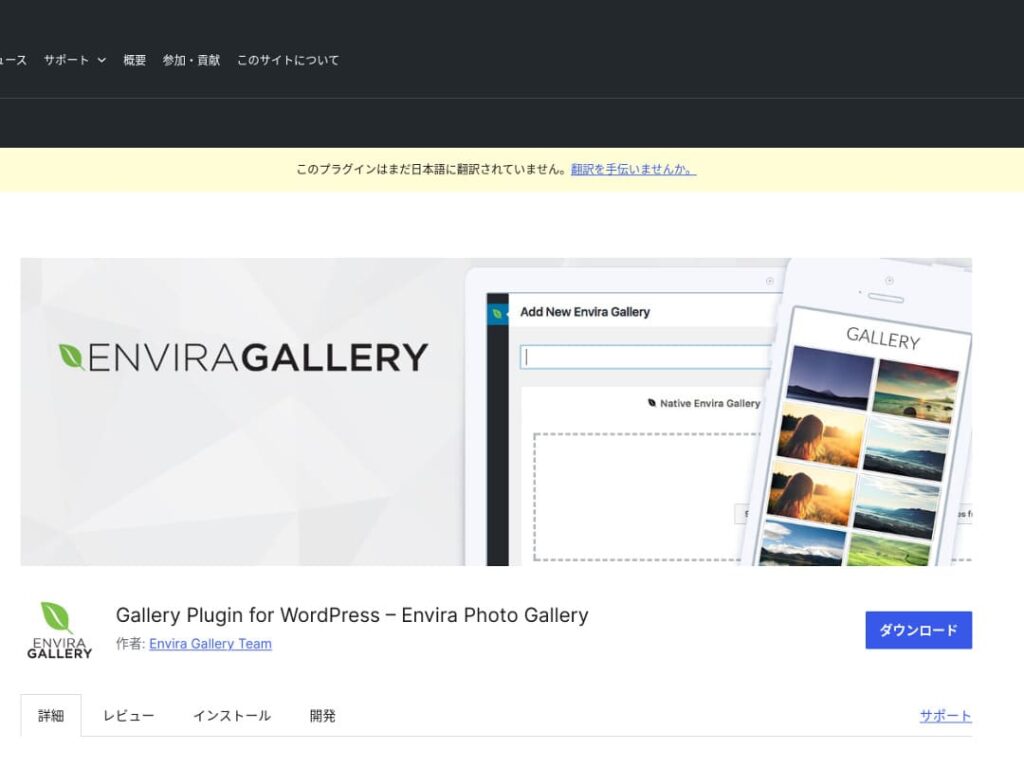
Envira Gallery
★ Verified for speed: a comparison of 15 hosting companies in a server speed ranking
Complete Comparison of 32 WordPress Hosting Services for Individuals, Companies, and Overseas Use

When you think, “I want to start WordPress,” and search for “WordPress recommendations,” you find all kinds of articles covering personal hosting, options for companies and small businesses, overseas hosting, and low-cost servers. Honestly,
- which site should you trust?
- you may just want a simple and understandable answer.
- you may want to get started with WordPress right away.
That is why this article carefully selects recommended choices from 32 hosting providers for individuals, companies, domestic use, and overseas use. It is explained by the SEO lead at an app development company that uses hosting every day.
FooGallery
FooGallery yra lengvai perprantamas, bet kartu suteikia nemažai valdymo. Jis tinka, kai svarbu greitai susikurti tvarkingą galeriją ir turėti pakankamai dizaino pasirinkimų.
Modula išsiskiria balansu tarp greičio ir vaizdo kokybės. Jis patrauklus tada, kai norite modernios išvaizdos ir lankstesnio galerijos išdėstymo.
Photo Gallery by 10Web
Photo Gallery by 10Web tinka tada, kai norite rodyti ne tik nuotraukas, bet ir vaizdo turinį. Tai praktiška, jei galerija turi tapti platesne vizualinio pasakojimo dalimi.

Optimizuokite vaizdus
Pasirūpinkite prisitaikančiu dizainu
Galerija turi gerai atrodyti telefone, planšetėje ir plačiame ekrane. Jei išdėstymas lūžta ar vaizdai per smulkūs, net kokybiškos nuotraukos nepaliks gero įspūdžio.
Nepamirškite SEO

Rūpinkitės atsarginėmis kopijomis

Stebėkite puslapio greitį
Daug nuotraukų dažnai reiškia lėtesnį puslapį. Jei galerija smarkiai sunkina įkėlimą, lankytojai gali išeiti dar neperžiūrėję turinio, todėl greitį verta matuoti po kiekvieno didesnio pakeitimo.
Santrauka

Modula Image Gallery: the perfect balance of speed and visuals
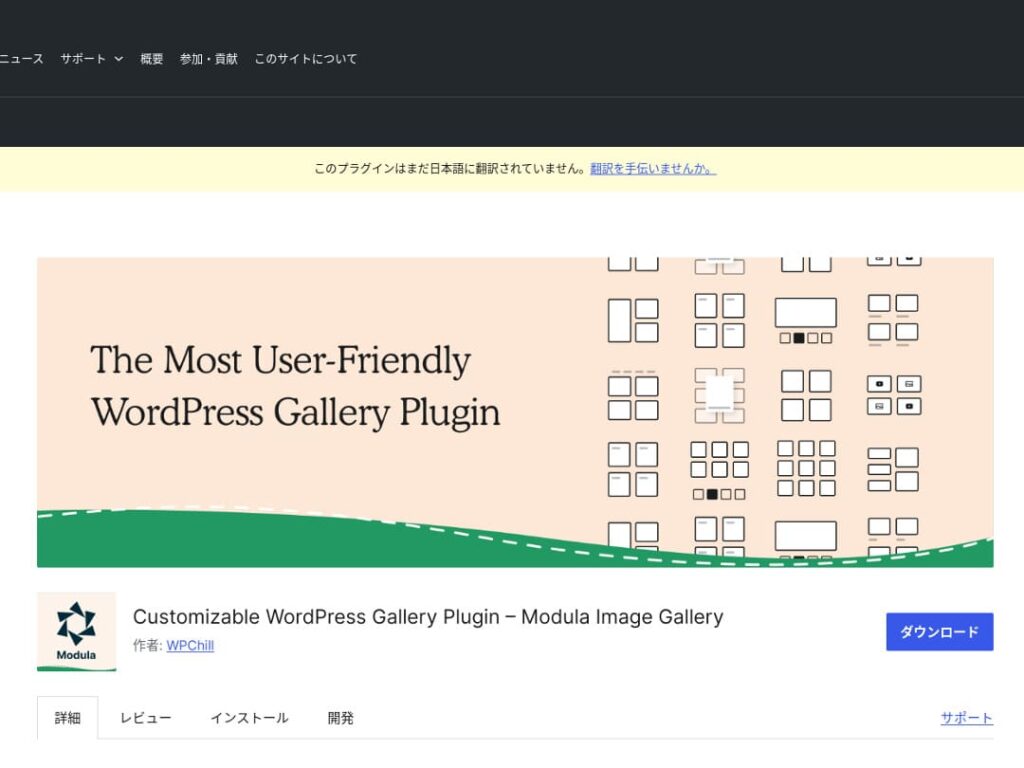
Modula Image Gallery is a plugin whose appeal lies in fast loading and customizable grid layouts.
This lightweight plugin is designed to create beautiful galleries without harming site performance. For webmasters who care deeply about page speed in particular, Modula is an ideal choice.

Photo Gallery by 10Web: combining photos and video
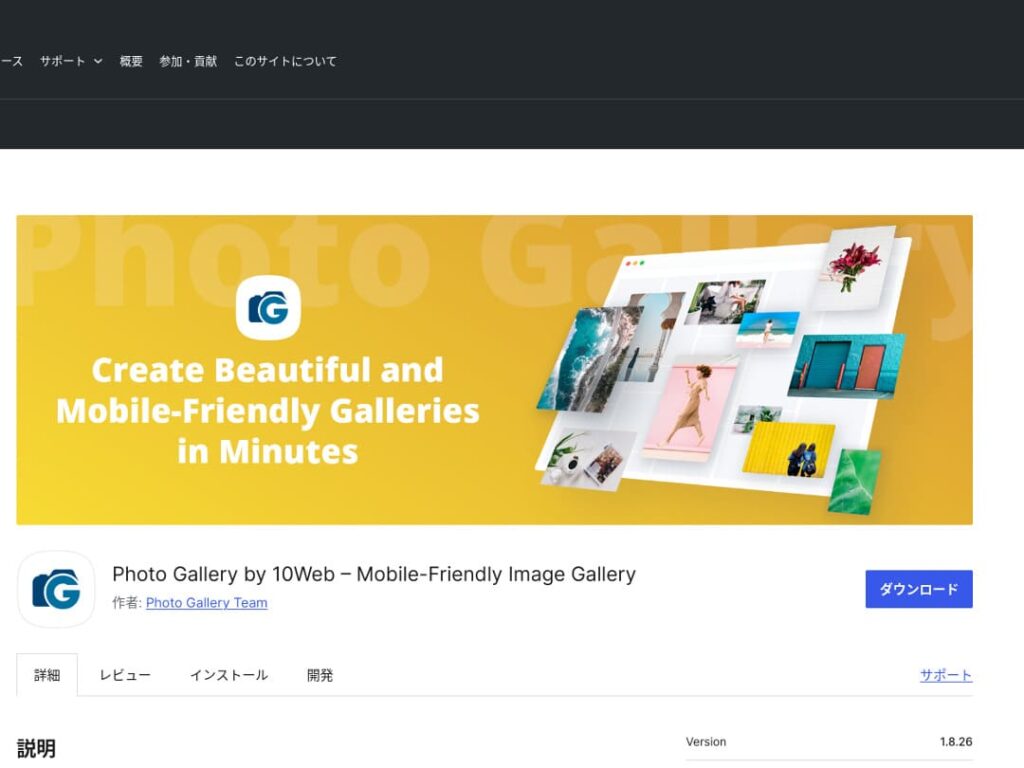
Photo Gallery by 10Web is a multifunctional plugin that can handle not only still images but also video.
It can incorporate YouTube and Vimeo videos and makes it easy to create responsive galleries and slideshows. It is ideal for website owners who want to develop visual content from multiple angles.

Make WordPress more appealing by improving your galleries

If you keep improving your galleries, your WordPress homepage becomes much more attractive.
Optimize images
This shortens web page loading time and improves the user experience.
- Adjust the size: match the pixel dimensions to the display size of the image. You do not need images that are larger than the way they are shown on the website.
- Compress the image: save images in JPEG (or WebP) format and strike a balance between quality and file size. Many online tools and software packages help reduce file size without lowering image quality.
- Choose the right format: use JPEG for photographs, and PNG or SVG for simple illustrations and logos. WebP offers an excellent balance of size and quality, but it is not supported by every browser.
Responsive design
Make sure the web page and the gallery display properly on every device.
- CSS media queries: apply different style rules based on screen size. This lets the layout of images and content adapt to the device.
- Flexible images: apply the CSS property max-width: 100%; to images so their size adjusts according to the width of the parent element.
- Use a framework: if you use a responsive design framework such as Bootstrap, you can implement a responsive gallery more easily.
SEO optimization
Increase the visibility of your images in search engines.
- Alt text: this is the text shown when an image does not load or when a visually impaired user uses a screen reader. Use text that accurately describes the image and includes keywords.
- File names: use descriptive file names that include keywords. A name like black-leather-shoes.jpg is better than DSC12345.jpg.
- Structured data for images: Google recommends structured data for certain types of images, such as product images and recipe images. This helps images stand out in search results.
★ What is SEO? The steps and proper methods of search engine optimization
Use backups
Backups prevent data loss and help secure your site.
- Back up regularly: use WordPress backup plugins such as UpdraftPlus or BackWPup to back up site data, including the database, files, and images, on a regular basis.
- Save backups to external storage: it is safer to keep backup files not only on the server but also in external cloud storage services such as Dropbox or Google Drive.
- Test your backups: regularly test whether your backups work properly and review the restoration process when necessary. This lets you respond quickly if a real problem occurs.
★ Five WordPress backup plugins
When displaying galleries with WordPress plugins, watch out for slower page speed
One thing to watch when using galleries is slower display speed. If you show a large number of photos in a gallery, the amount of data on that page increases, and the page takes longer to load.
If the page takes time to load, visitors may become irritated and leave your website. It would be a shame if you lined up photos you wanted people to see, only for them to leave without viewing even one image in the gallery.
WordPress gallery plugins already include speed-improvement functions. For that reason, if your website is still slow even when you use a gallery plugin, it is a good idea to move to a different server.
Summary
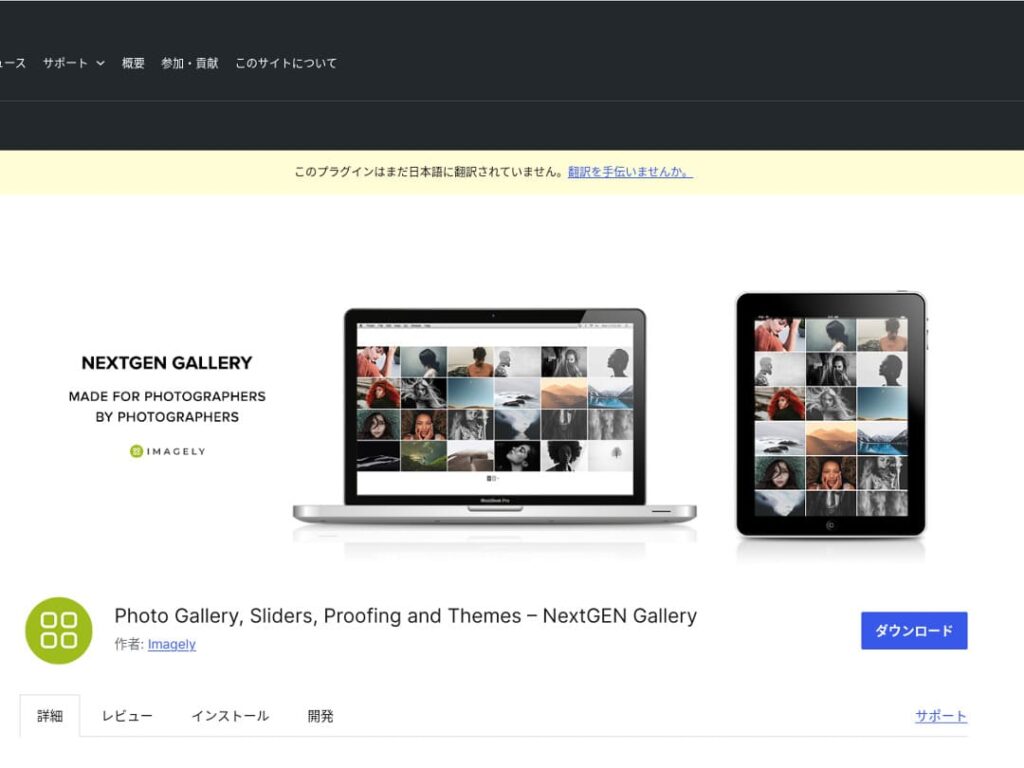
There are many plugins for making the gallery on a WordPress site more appealing, but Envira Gallery, NextGEN Gallery, FooGallery, Modula Image Gallery, and Photo Gallery by 10Web are especially strong choices among them.
By using these plugins properly and carrying out the improvement measures presented above, you can provide visual content that captures the hearts of your visitors.
A beautiful gallery will leave a strong impression on the people who visit your site and create deeper engagement.