Nuomojamo serverio talpa: kaip pasirinkti be klaidų ir kodėl ji svarbi sklandžiam svetainės veikimui

Renkantis serverį dažnai lyginami CPU, atmintis ir kiti parametrai, tačiau sustojama ties „talpa“. Jei su nuomojamais serveriais susiduriate pirmą kartą, gali būti neaišku nei kiek talpos reikia, nei ką ši talpa apskritai reiškia.
Šiame straipsnyje išsamiai aptariu nuomojamo serverio talpą. Kartu paaiškinu, į ką verta atkreipti dėmesį pradedant WordPress tinklaraštį ir kaip pasirinkti tinkamiausią planą. Perskaitę geriau suprasite, kas yra serverio talpa, ir galėsite drąsiau pasirinkti planą.
Kas tiksliai yra nuomojamo serverio talpa ir ką ji saugo?

Paprastai tariant, nuomojamo serverio talpa yra vietos kiekis, skirtas jūsų svetainės duomenims saugoti. Konkrečiai joje laikoma toliau nurodyta informacija.
- Svetainės failai: visi failai, reikalingi svetainei rodyti, tokie kaip HTML, CSS, JavaScript, paveikslėliai ir vaizdo įrašai
- Duomenų bazės: jose saugomas dinaminis turinys, pavyzdžiui, tinklaraščio įrašai, naudotojų duomenys ir produktų informacija
- El. pašto duomenys: jei naudojate pašto dėžutes, jose laikomi gauti ir išsiųsti laiškai bei priedai
- Žurnalų failai: serverio prieigos, klaidų ir kiti registrai
- Atsarginės kopijos: svetainės duomenų kopijos
Visa ši informacija naudoja serverio vietą. Jei talpos pritrūksta, galite nebegalėti pridėti naujo turinio, svetainė gali sulėtėti, o blogiausiu atveju net tapti nepasiekiama.
Trys žingsniai, padedantys pasirinkti tinkamą serverio talpą

Kaip pasirinkti tinkamą talpą? Patogu tai įvertinti trimis žingsniais.
1 žingsnis: įvertinkite svetainės tipą (WordPress atveju)
Reikalinga talpa smarkiai priklauso nuo svetainės tipo. Jei kuriate WordPress tinklaraštį, verta įvertinti toliau nurodytus veiksnius.
- Tinklaraščio dydis: ar tai mažas asmeninis tinklaraštis, ar didesnė kelių žmonių valdoma svetainė.
- Turinio tipas: ar daugiausia publikuojamas tekstas, ar gausu vaizdų ir vaizdo įrašų.
- Įskiepių skaičius: didesnis įskiepių skaičius taip pat naudoja daugiau vietos.
- Temos svoris: kai kurios temos reikalauja daugiau vietos nei kitos.
Kaip bendrą orientyrą galima naudoti tokius dydžius:
- Mažas tinklaraštis (daugiausia tekstas, mažai vaizdų): 5–10 GB
- Vidutinis tinklaraštis (daug vaizdų, keli įskiepiai): 10–20 GB
- Didelis tinklaraštis (vaizdo įrašai, daug įskiepių): 20–50 GB ar daugiau
Šie skaičiai yra naudingi kaip pradinė gairė.
★ WordPress įskiepių vadovas pradedantiesiems
2 žingsnis: numatykite būsimą augimą
Svetainė nėra dalykas, kurį sukuriate ir pamirštate. Daugėjant turinio ir srautui, didėja ir reikalinga talpa.
Planuokite bent vienerių metų perspektyvą, ir rinkitės planą su tam tikra atsarga. Talpą vėliau galima didinti, tačiau dėl planų keitimo rūpesčių dažnai patogiau iškart rinktis kiek didesnį planą.
WordPress atveju verta numatyti, kad laikui bėgant daugės įrašų, vaizdų ir vaizdo įrašų.
3 žingsnis: galvokite konkrečiais skaičiais
Remdamiesi ankstesniais žingsniais, pamėginkite viską paversti konkrečiais skaičiais. Pavyzdžiui, galima skaičiuoti taip.
- Vieno puslapio tekstas: apie 1 KB
- Vienas paveikslėlis: apie 1 MB (didelės raiškos atveju gali būti ir daugiau)
- Viena vaizdo minutė: apie 100 MB (labai priklauso nuo kokybės ir formato)
WordPress atveju taip pat reikia įvertinti temų ir įskiepių dydį. Jie gali užimti nuo kelių dešimčių iki kelių šimtų megabaitų.
★ Kaip pasirinkti WordPress temą ir ko vengti
Neribotos talpos planų privalumai ir į ką atkreipti dėmesį (WordPress)
Jei pradedate WordPress tinklaraštį, neribotos talpos planas gali atrodyti patraukliai. Vis dėlto, kaip minėta, yra ir svarbių apribojimų bei niuansų.
- Stebėkite duomenų bazės dydį: WordPress įrašus, nustatymus ir kitus duomenis saugo duomenų bazėje, todėl net esant „neribotai“ talpai vis tiek galite atsiremti į duomenų bazės dydžio ribas.
- Atsarginių kopijų saugykla: neribota talpa nereiškia, kad galima laikyti neribotą atsarginių kopijų kiekį. Patikrinkite atsarginių kopijų limitą ir saugojimo laiką.
★ What Is a Database? An Essential Management System for WordPress
Rimtos problemos, kurias sukelia vietos trūkumas serveryje: poveikis ir priemonės

1. Nebegalite pridėti naujo turinio
Kai talpa pilna, nebegalima įkelti naujo turinio. Tai rimta kliūtis svetainės augimui.
- Nebegalite įkelti paveikslėlių ar vaizdo įrašų: šie elementai daro svetainę patrauklią, tačiau pritrūkus vietos jų įkelti nebeįmanoma. WordPress medijos bibliotekoje pradeda rastis klaidos.
- Nebegalite kurti ar atnaujinti įrašų ir puslapių: tekstinis turinys taip pat naudoja vietą, todėl pritrūkus jos gali būti neįmanoma sukurti naujų ar atnaujinti esamų puslapių.
- Nebegalite registruoti prekių (el. parduotuvėje): jei valdote elektroninę parduotuvę, produkto informacija ir vaizdai yra verslo pagrindas. Talpos stoka gali tiesiogiai pakenkti veiklai.
Priemonė: pereikite į didesnį planą, pašalinkite nereikalingus failus ir optimizuokite paveikslėlius, pavyzdžiui, juos suglaudindami.
2. Svetainė lėtėja: blogėja naudotojo patirtis
Talpos stoka gali sulėtinti svetainės rodymo greitį. Kai greitis krenta, blogėja naudotojo patirtis ir nukenčia SEO.
- Didėja serverio apkrova: kai laisvos vietos mažai, serveriui sunkiau apdoroti užklausas ir naudotojams tenka laukti ilgiau.
- Našumas krenta srauto pikų metu: jei serveris ir taip jau arti ribos, didesnis lankytojų antplūdis gali padaryti svetainę labai lėtą arba ją išjungti.
- Neigiamas poveikis SEO: paieškos sistemos, tokios kaip Google, atsižvelgia į puslapio įkėlimo greitį, todėl lėtesnė svetainė gali prarasti pozicijas paieškoje.
Priemonė: naudokite talpyklos įskiepius, optimizuokite paveikslėlius, įjunkite CDN ir, jei reikia, rinkitės planą, atitinkantį jūsų srautą.
★ How Fast Is It? Comparing 15 Rental Servers in a Speed Ranking
3. Sustoja el. paštas: trikdoma verslo komunikacija
El. pašto duomenys taip pat užima serverio vietą. Kai vietos pritrūksta, galite nebegauti ar neišsiųsti laiškų, o tai tiesiogiai trikdo verslo komunikaciją.
- Nebegalite gauti laiškų: kai pašto dėžutė pasiekia limitą, nauji laiškai nebepristatomi. Taip galima praleisti svarbią komunikaciją ar klientų užklausas.
- Nebegalite siųsti laiškų: išsiųsti laiškai ir juodraščiai taip pat naudoja vietą, todėl vietos stoka gali kainuoti verslo galimybes.
Priemonė: ištrinkite nereikalingus laiškus, archyvuokite juos lokaliai ir, jei reikia, svarstykite išorinę el. pašto paslaugą.
4. Svetainė tampa nepasiekiama: veikla stoja
Jei vietos trūkumas tampa rimtas, blogiausiu atveju svetainė gali visai nebeatsidaryti. Tai faktiškai sustabdo veiklą ir gali sukelti didelių nuostolių.
- Per didelė serverio apkrova: jei srautas išauga tuo metu, kai serveris jau arti talpos ribos, tai gali sukelti sistemos strigtis.
- Atkūrimas gali užtrukti: jei serveris sustoja, jo atkūrimas gali pareikalauti laiko, todėl svetainė ilgiau lieka nepasiekiama.
Priemonė: nuolat stebėkite serverio resursus, analizuokite prieigos žurnalus, rinkitės tinkamą planą ir reguliariai kurkite atsargines kopijas.
Talpos trūkumas rimtai paveikia svetainės veikimą. Kad to išvengtumėte, svarbu rinktis pakankamos talpos planą ir reguliariai stebėti naudojimą. Taip pat verta iš anksto apsvarstyti veiksmus, jei vietos pritrūktų.
★ What Is a 503 Error? Web Traffic Jams, How to Avoid Them, and Emergency Responses
Rekomenduojami serveriai pagal talpą
30GB: Little Server
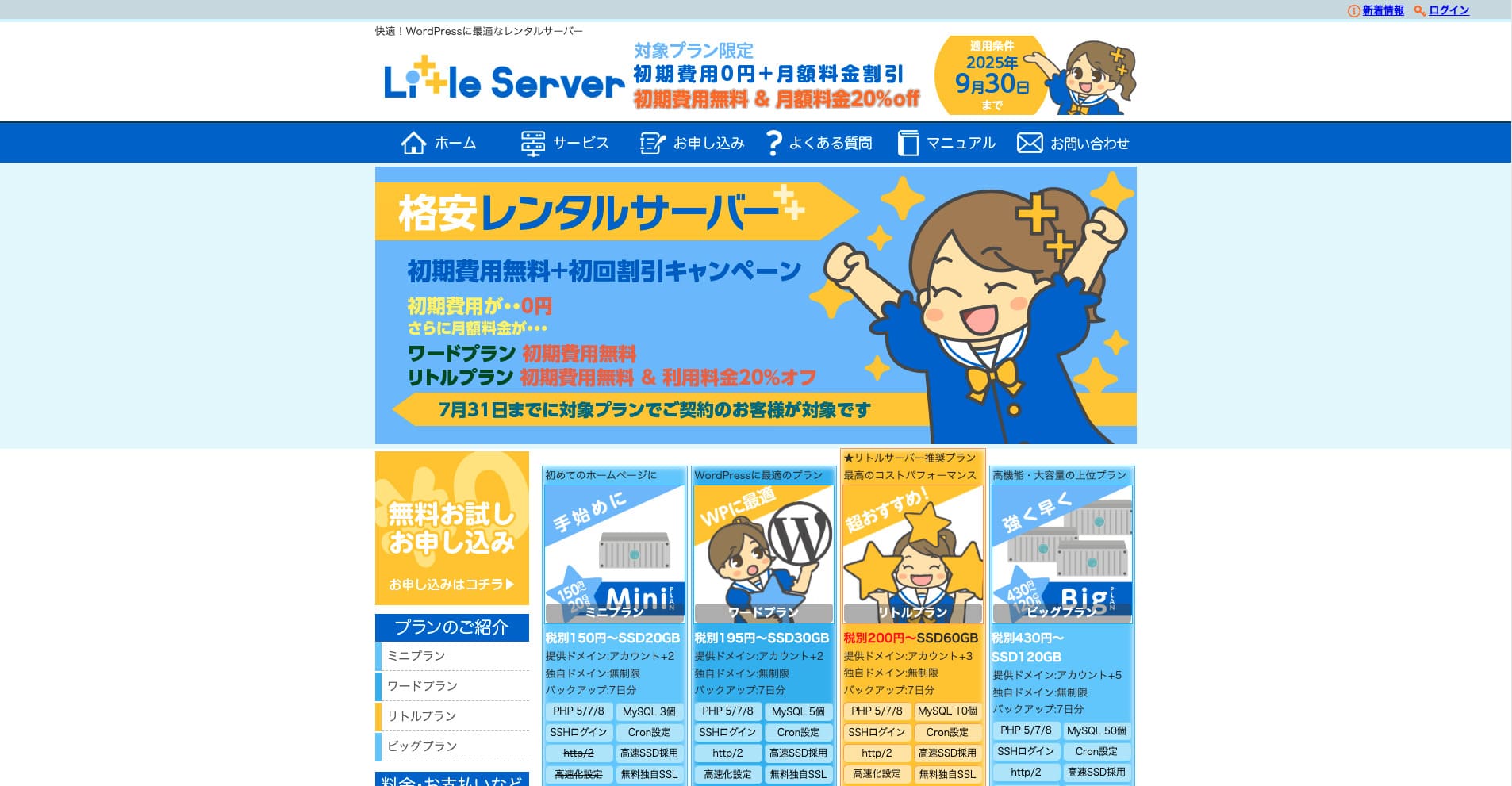
„Little Server“ yra nebrangi nuomojamo serverio paslauga. Net ir už mažą kainą ji naudoja NVMe SSD ir suteikia pakankamai vietos nedidelėms WordPress svetainėms.
Iki 2025-09-30 netaikomas pradinis mokestis, Little Plan planui taikoma 20 % nuolaida, o išbandymas trunka 20 dienų.
| Server type | Shared server |
| Display speed (TTFB) | 200ms |
| Recommended plan and contract term | Mini, 12 months |
| Trial / refund guarantee | 20-day free trial |
| Monthly fee (12-month contract) | 165 yen |
| Initial administrative fee | 920 yen |
| Free domain | None |
| Support | Email (business hours not disclosed) |
| Uptime | Not disclosed |
| Server capacity | 20GB |
| Number of databases | 3 |
| Security measures | IMP |
| SSL | Free SSL, dedicated SSL (Little Plan and above) |
| Backup / restore | 7 dienų automatinės atsarginės kopijos nemokamai, atkūrimas taip pat nemokamas |
| Number of email accounts | Unlimited |
| Email security measures | Spam filter |
| Server / website migration service | None |
| WordPress pre-installation | Taip |
| CDN | None |
*Mini planui
Jei norite išlaikyti kuo mažesnę kainą ir kartu turėti būtiną talpą, rekomenduojamas Little Server. Net pigiausias planas suteikia apie 30 GB, todėl vėliau, prireikus daugiau vietos, galima laiku pereiti į aukštesnį planą.
★ Little Server Reviews and How to Start WordPress on an Affordable Hosting Service
300GB: ConoHa WING

„ConoHa WING“ yra sparčiai populiarėjantis GMO Internet Group serveris, kurį naudoja ir mūsų įmonė. Kadangi registruojantis WordPress įdiegiamas iš anksto, pradėti lengva net pradedantiesiems.
Iki 2025-08-05 serverio mokesčiams taikoma iki 53 % nuolaida, du domenai suteikiami visam laikui nemokamai, o pirmasis mėnuo yra nemokamas.
| Server type | Shared server |
| Display speed (TTFB) | 160ms |
| Recommended plan and contract term | Basic, 12 months |
| Trial / refund guarantee | First month free |
| Monthly fee (12-month contract) | 971 yen |
| Initial administrative fee | Free |
| Free domains | Du suteikiami visam laikui |
| Support | Phone, email, and chat (weekdays 10:00-18:00) |
| Uptime | 99.99% guaranteed |
| Server capacity | 300GB |
| Number of databases | Unlimited |
| Security measures | WAF / directory access restrictions / IP access restrictions / vulnerability diagnosis (Net de Diagnosis) / spam comment and trackback restrictions / overseas comment and trackback restrictions / overseas access restrictions |
| SSL | Free SSL / Alpha SSL / Quick Authentication SSL / Company Authentication SSL / EV SSSL |
| Backup / restore | 14 days of automatic backups / restore free of charge |
| Number of email accounts | Unlimited |
| Email security measures | Virus checking / spam filters |
| Server / website migration service | WordPress migration service from 7,678 yen Yra nemokamas perkėlimo įrankis |
| WordPress pre-installation | Yes |
| CDN | None |
Jei net kaip individualus naudotojas norite turėti daug atsargos, rinkitės ConoHa WING. Net pigiausias planas suteikia 300 GB, tad WordPress svetainei to paprastai visiškai pakanka.
★ Build a Homepage in 10 Minutes! ConoHa WING Reviews and How to Start WordPress
600GB: Sakura Rental Server

„Sakura Rental Server“ yra bendrasis serveris iš Sakura Internet Inc. Paslauga tinka ir įmonėms, nes siūlo gerą našumo, aptarnavimo ir kainos pusiausvyrą, o kai kuriuose planuose yra ir nemokamas CDN kiekis.
14 dienų nemokamas išbandymas
| Server type | Shared server |
| Display speed (TTFB) | 440ms |
| Recommended plan and contract term | Standard, 12 months |
| Trial / refund guarantee | 14-day free trial |
| Monthly fee (12-month contract) | 550 yen |
| Initial administrative fee | Free |
| Free domain | None |
| Support | Business hours: 10:00-18:00 Phone callback reservations, chat, and email (reply the same day or the next business day) |
| Uptime | 99.99% |
| Server capacity | 300GB |
| Number of databases | Unlimited |
| Security measures | Website defacement notifications (paid), WAF, overseas IP address filters, prevention of unauthorized relaying, encryption, |
| SSL | Free shared SSL, dedicated SSL |
| Backup / restore | Aštuonios kartos atsarginių kopijų nemokamai, atkūrimas nemokamas |
| Number of email accounts | Unlimited |
| Email security measures | POP3, IMAP4, virus checking, simple spam filter, advanced spam filter |
| WordPress pre-installation | None |
| Server / website migration service | None |
| CDN | 100 GB per mėnesį nemokamai |
Jei valdote įmonės svetainę, didesnė serverio talpa suteikia daugiau ramybės. Sakura Rental Server siūlo 300 GB Standard plane ir 600 GB Business plane.
Neribota talpa: mixhost
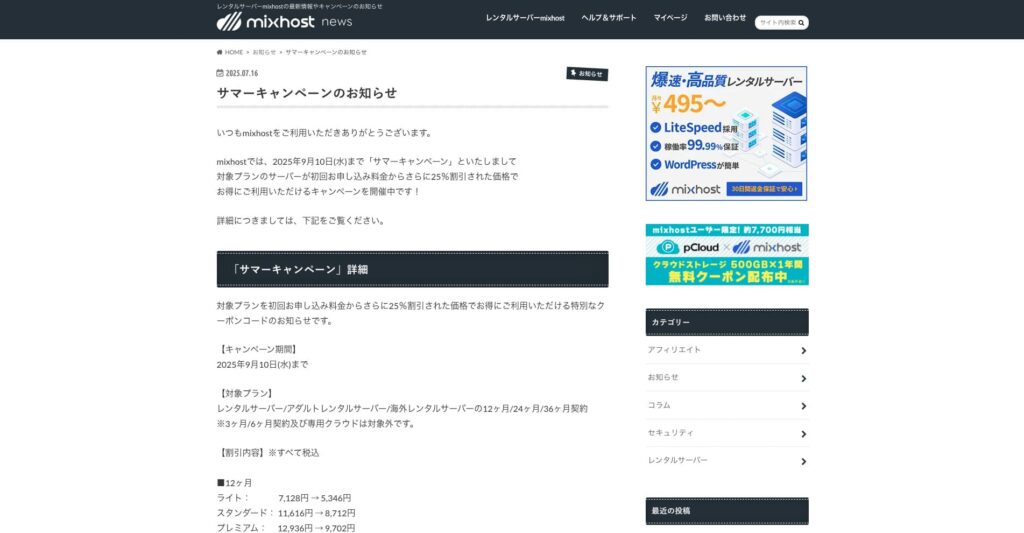
„ mixhost“ yra spartus serveris iš Osaka įsikūrusios Az Pocket Co., Ltd. Turinys gali būti pateikiamas iš serverių San Chosė JAV vakarinėje pakrantėje, o kadangi įmonė yra Japonijoje, naudotojai vis tiek gauna visą japonišką palaikymą.
Iki 2025-09-10 pradinei sutarčiai taikoma 25 % nuolaida, vieneriems metams suteikiama 500 GB debesų saugykla ir galioja 30 dienų pinigų grąžinimo garantija.
| Server type | Shared server / dedicated cloud server |
| Display speed (TTFB) | 150ms |
| Recommended plan and contract term | Shared server Light, 12 months |
| Trial / refund guarantee | 30-day money-back guarantee |
| Monthly fee (12-month contract) | 594 yen |
| Initial administrative fee | Free |
| Free domain | One free forever |
| Support | |
| Uptime | 99.99% guaranteed |
| Server capacity | 100GB |
| Number of databases | Unlimited |
| Security measures | WAF / DDo attack protection / malware detection and removal |
| SSL | Free dedicated SSL |
| Backup / restore | Automatic backups for 14 days on the Standard plan and above |
| Number of email accounts | Unlimited |
| Email security measures | — |
| WordPress pre-installation | Taip |
| Server / website migration service | 10,890 yen |
| CDN | None |
| Data center | San Jose, U.S. West Coast |
Jei ieškote serverio su neribota talpa, rinkitės mixhost. Čia neribota ne tik talpa, bet ir duomenų perdavimas, todėl paslauga labai gerai plečiasi augant projektui.
★ mixhost Reviews and How to Start WordPress with Peace of Mind Thanks to Elevent Nines Backup
Santrauka: pasirinkite tinkamą talpą ir valdykite WordPress sklandžiai

Nuomojamo serverio talpa stipriai veikia svetainės stabilumą ir augimo galimybes. Vadovaukitės šiame straipsnyje aprašytais žingsniais ir pasirinkite savo WordPress tinklaraščiui tinkamiausią talpą.
Jei reikia, verta pasitarti ir su serverio administratoriumi. Net pasirinkus neribotos talpos planą, sprendimą reikėtų priimti gerai supratus ir jo privalumus, ir apribojimus.