
50% cashback until August 6, 2025, plus a 10 күндүк акысыз сыноо
PR
Серверлер
Shin Rental Server кароосу [2025-жылдагы эң акыркы]: Ылдамдык жана баа тууралуу практикалык талдоо
Жарыяланды: 2025.04.18
Жаңыртылды: 2025.04.18
Баалоо: 4.0
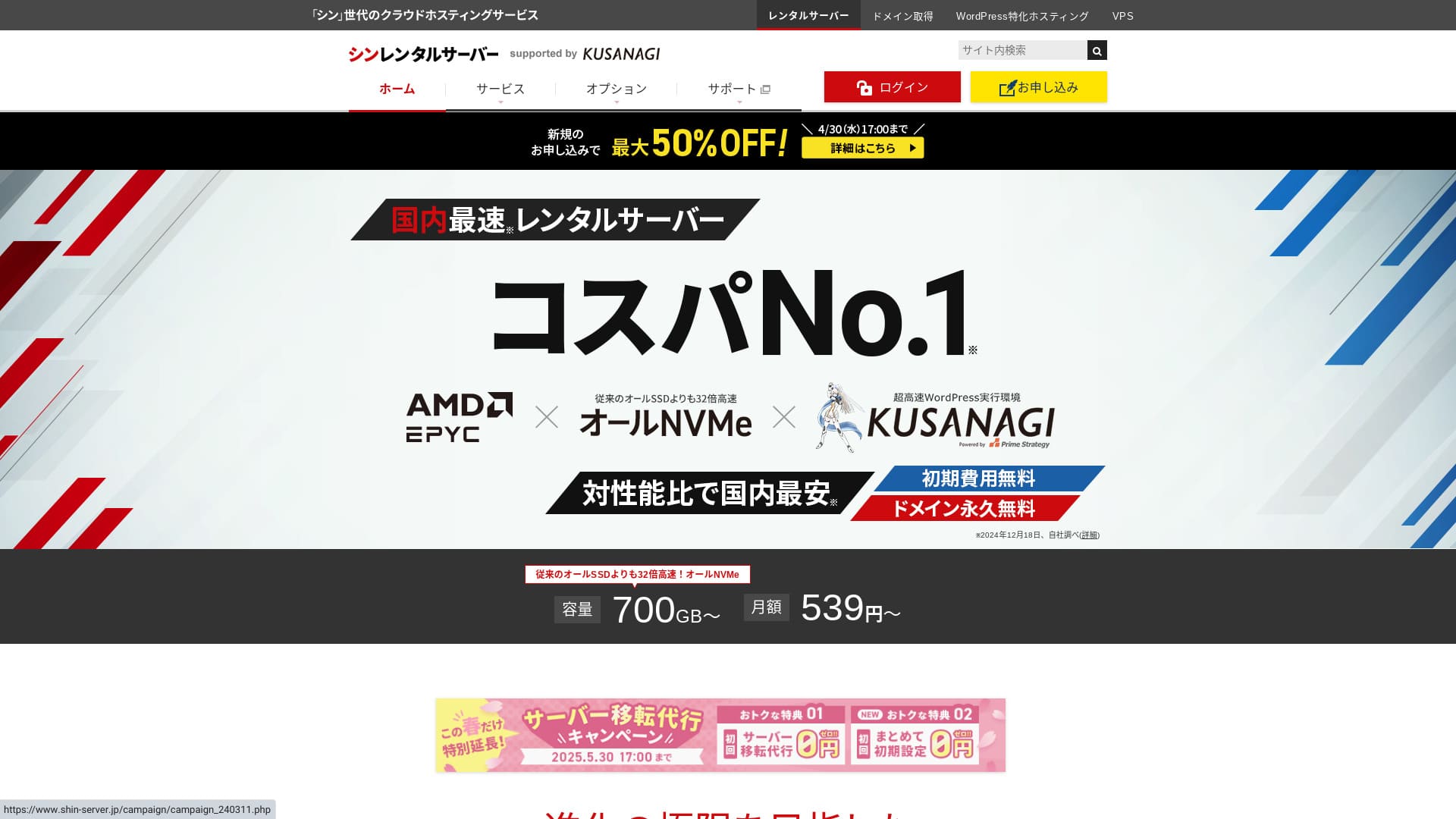
Shin Rental Server тарабынан иштетилет ShinCloud Co., Ltd. and lets you start WordPress at an affordable баа.

We recommend Shin Rental Server to individuals, companies, and sole proprietors using WordPress for the first time because:
- It meets Google's сунушталган ылдамдык target.
- You can start WordPress easily.
- Campaigns are frequent and the баалар is inexpensive.
That is why. Көбүнчө ыраазы болосуз. 10 күн акысыз сынап көрө аласыз.
A competing service is ColorfulBox. Its региондук автоматтык камдык көчүрүү системасы is even stronger than Shin Rental Server's. Consider it as well.
★ Colorful Box Кароол [2025 Эң акыркы]: WordPressти баштоо with Outstanding Cost Performance
| Сервер түрү | Жалпы хостинг |
| Жооп берүү ылдамдыгы (TTFB) | 200ms |
| Recommended тариф and term | Негизги, 12 ай |
| Сыноо / акысыз мөөнөт | 10 күндүк акысыз сыноо |
| Айлык баа (12-ай contract) | 880 иена |
| Баштапкы орнотуу акысы | Акысыз |
| Акысыз домен | Бир акысыз forever |
| Колдоо | Телефон жана электрондук почта (жумуш күндөрү 10:00-18:00) |
| Иштөө убактысы | Ачык айтылган эмес |
| Сактагыч | 700GB |
| Маалымат базаларынын саны | Чексиз |
| Коопсуздук чаралары | SECOM коопсуздук диагностикасы, WAF, ads.txt, кирүү аракеттерине чектөөлөр, чет элдик IP даректерден кирүүгө чектөөлөр, көп сандагы комментарий жана trackback чектөөлөрү, чет элдик IP даректерден комментарийлерге жана trackback’терге чектөөлөр, антивирус, спам чыпкасы |
| SSL | Акысыз жеке SSL, кошумча жеке SSL |
| Камдык көчүрүү / калыбына келтирүү | 14 күндүк автоматтык камдык көчүрмөлөр акысыз, калыбына келтирүү акысыз |
| Электрондук почта эсептеринин саны | Чексиз |
| Электрондук почта коопсуздугу | POP over SSL, SMTP over SSL, IMAP over SSL, DKIM, DMARC |
| Сервер / веб-сайт көчүрүү кызматы | Жок |
| WordPress алдын ала орнотулган | Ооба |
| CDN | Жок |

Hikaru Ono
I was able to start WordPress easily while өтүнмө берүүing for Shin Rental Server. Because кампаниялар are run so often, I recommend checking the official сайт regularly.
The best deal so far has been either a 50% cashback or 50% off the server fee. If one of those happens to be available while you are considering it, you are lucky.
Shin Rental Server vs. Other Services
- Overall rating★★★★☆
- Server ылдамдык ★★★★☆
- Pricing ★★★★☆
- Stability ★★★★☆
- Ease of starting WordPress* ★★★★★
- Ease of домен башкаруу, SSL орнотуу, and related операциялар* ★★★★★
* These ratings reflect my own hands-on experience using the service.

Толук салыштыруу of Сунушталган 21 WordPress хостинг кызматы for Individuals
Толук салыштыруу of Сунушталган 21 WordPress хостинг кызматы for Individuals
serverfield.org
- Based on market research as of Жокvember 4, 2025, sorted by ылдамдык
- Айлык баа is the биринчи жылдагы наркы of эң арзан план that can run WordPress
- Speed is the Time to First Byte measured on demo сайттар under the same conditions
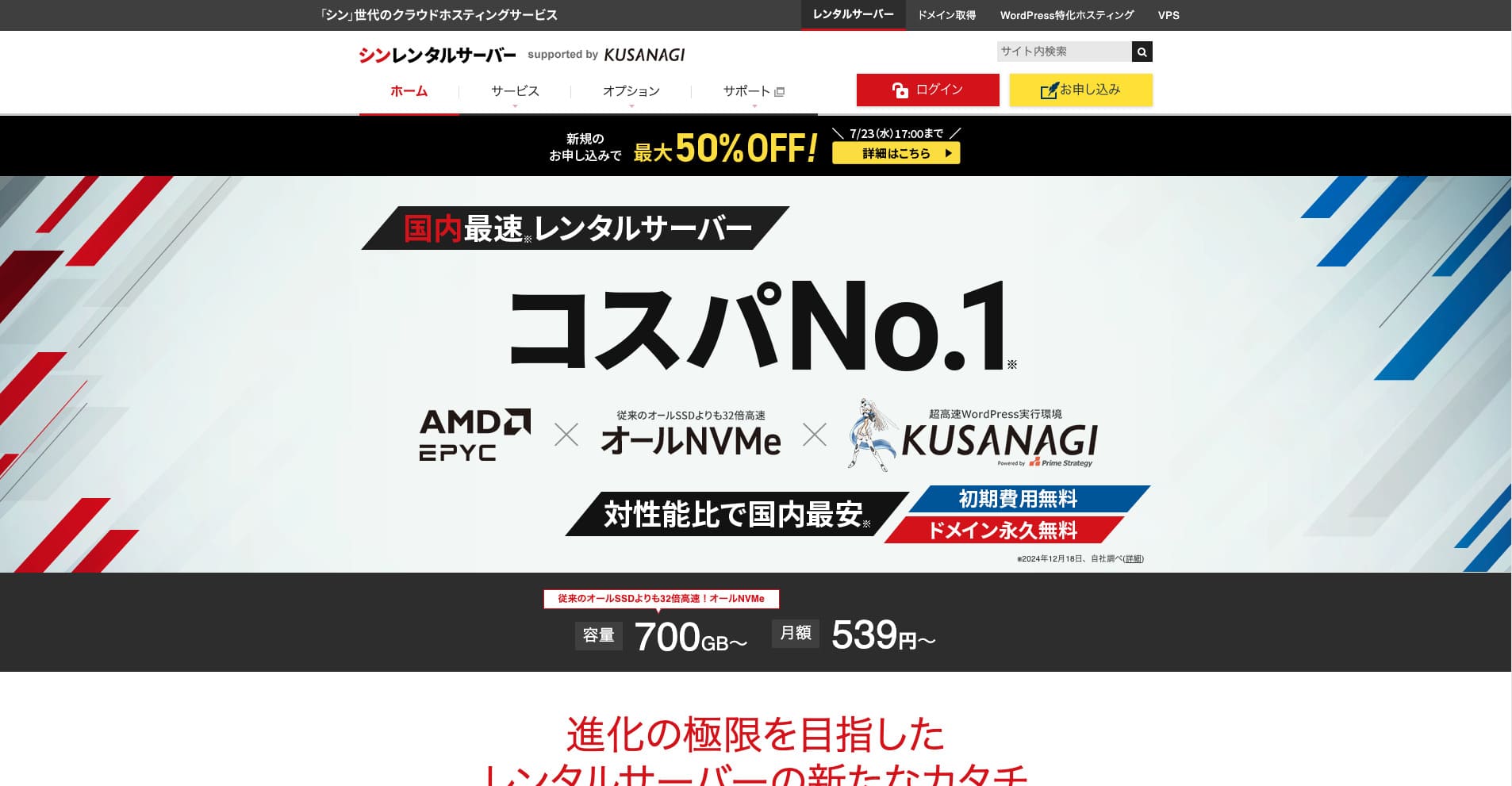
Shin Rental Server is ShinCloud Co., Ltd.'s жогорку ылдамдыктагы ижара сервери. Its affordable баалар makes it appealing even for individual колдонуучулар. On top of that, it runs regular кампаниялар, so the best time to sign up is while a кампания is active.
Shin Rental Server Кароолs and Six Key Features

It Meets a Sufficiently Strong Page Speed Стандарт
Shin Rental Server, according to this сайт's independent testing, meets a sufficiently strong standard for беттин ылдамдыгы.
Google has publicly said that server response times should ideally stay under 200 ms. Shin Rental Server clears that benchmark, making it a fast host. Беттин ылдамдыгы is unlikely to become a problem, so you can use it with confidence.
Server response time should be kept under 200 milliseconds.
https://developers.google.com/server/speed/docs/insights/Server?hl=en
★ Verified: Comparing Eight Hosting Services in a Speed Рейтинг
You Can WordPressти баштоо Easily
Shin Rental Server makes it easy to start WordPress. It includes a “WordPressти тез баштоо” feature that completes домен acquisition and DNS setup when you sign up for the server. With it, you can build a WordPress сайты in about 10 minutes.
★ Эмне деген a Domain? Its Role as an Address on the Internet and Кантип Register Бир
★ What Are DNS and Name Servers? Connecting a Domain and a Server
You will not run into the problem of finally trying to launch a веб-сайт only to find it too difficult to get started. Anyone can begin using WordPress with confidence.
The Pricing Is Low
Shin Rental Serverhas low баалар. Let's салыштыруу it with major domestic hosts under the following conditions.
- Баштапкы орнотуу акысы
- A 12-ай server contract
- The first-year домен cost
- The cheapest тариф that can run WordPress
Looking at the салыштыруу table, LOLIPOP and Sakura Rental Server are cheaper. Кантипever, the cheapest LOLIPOP тариф that колдооs WordPress does not include automatic камдык көчүрмөлөр. Once you салыштыруу that point, you can see how strong Shin Rental Server's overall value really is.
Every service has strengths and weaknesses, but even when салыштырууd with companies that compete on value for money, Shin Rental Server stands up well.
Security Is Solid
Shin Rental Server is well equipped with коопсуздук features such as WAF. Having WAF makes a server more resilient against the latest cyberattacks. Because it is such a useful feature, cheaper hosts sometimes offer it only as a акы төлөнүүчү option.
With Shin Rental Server, it is included for акысыз.
It Has Automatic Backups
Shin Rental Server includes automatic камдык көчүрмөлөр. The retention period is 14 күндөр.
With камдык көчүрмөлөр, you can restore your сайт even if data is altered by mistake or compromised through a cyberattack. Жок matter how much you strengthen коопсуздук, no one can guarantee absolute safety. That is why камдык көчүрмөлөр matter, but manually saving data every күн is a hassle.
With Shin Rental Server, everything is stored automatically every күн, so it is easy.
Email Features Are Strong
Shin Rental Server has strong email features. Because you can create unlimited email accounts, it can even serve as the mail server for a large company.
The Business Plan Offers Strong Value for SMEs and Companies
Shin Rental Server is ShinCloud Co., Ltd.'s жогорку ылдамдыктагы server, and it is affordable. It also offers a business тариф. The business тариф maintains туруктуулук through guaranteed resources.
50% cashback until May 14, 2025, акысыз сервер migration service until May 30, and a 10 күндүк акысыз сыноо
Shin Rental Server offers a business тариф for small and medium-sized companies as well as corporations. Its defining trait is that it strengthens the туруктуулук businesses муктаждык while still delivering strong value for money.
The business тариф is strengthened in two ways.
- Guaranteed resources: CPU and memory values are guaranteed, preventing your сайт from being affected when трафик rises on other сайттар sharing the same server.
- Эки өз домендер акысыз forever: While your server contract remains active, two өз домендер муктаждыкed for веб-сайт operation and email use stay акысыз forever.
You can use it from 963 иена per ай with a 12-ай contract, making it affordable салыштырууd with business-oriented servers and other companies' business тарифтер.
The Drawback of Shin Rental Server: Иштөө убактысы Is Жокt Disclosed

The one disappointing point is that Shin Rental Server does not publish its uptime. That means you cannot know the server's туруктуулук accurately. If the server is unstable, your веб-сайт will also display unreliably.
A веб-сайт fulfills its role only when it displays properly and consistently. When you think about it that way, not being able to judge the туруктуулук does leave some unease.
★ Beginner-Friendly Guide to Hosting Иштөө убактысы and SLAs
Compare Shin Rental Server with Эки Similar Services
mixhost
mixhost offers strong features, much like Shin Rental Server. Because both storage capacity and data transfer are unlimited, it is helpful when you want to build a веб-сайт with a large amount of data.
Кантипever, its overall баалар is more expensive than Shin Rental Server. The first year is cheap, but it becomes more expensive from the second year onward. If баа matters most, I recommend Shin Rental Server.

mixhost Кароол [2025 Эң акыркы]: A Thorough Breakdown of a Fast Server with Global Reach and Excellent Security
mixhost Кароол [2025 Эң акыркы]: A Thorough Breakdown of a Fast Server with Global Reach and Excellent Security
serverfield.org
Colorful Box
ColorfulBox is бааd very close to Shin Rental Server. Its specs and features are also well developed. It has a region-based камдык көчүрмө system in place, managing risk so that data loss is less likely even in a large-scale disaster.
Because it is divided into eight тарифтер and you can change тарифтер акысызly, you can either чыгымдарды төмөн кармоо or техникалык мүмкүнчүлүктөрдү көтөрүү as муктаждыкed.
The drawbacks are similar as well, such as the fact that uptime is not publicly disclosed.

Colorful Box Кароол [2025 Эң акыркы]: WordPressти баштоо with Outstanding Cost Performance
Colorful Box Кароол [2025 Эң акыркы]: WordPressти баштоо with Outstanding Cost Performance
serverfield.org
Start a WordPress Webсайт with Shin Rental Server Right Жокw in 7 Steps
Let's launch a веб-сайт with Shin Rental Server.
- STEP.1Visit the official Shin Rental Server
From the тариф list, басуу “Өтүнмө берүү” for the Негизги тариф. You can upgrade your тариф at any time, so I recommend starting with the lowest-бааd Негизги тариф first.
From “Start now! New application,” улантуу to “10 күндүк акысыз сыноо жаңы арыз.”
- STEP.2Choose your арыздын деталдары
The сервер ID can be left as it is.
Choose the standard тариф. The reserved тариф includes measures to prevent other колдонуучулар' трафик from making your own сайт harder to жетүү, but that is rarely relevant when you are just getting started with a веб-сайт.
Choose a тариф. The Негизги тариф is сунушталган. If трафик increases and the specs become insufficient, you can upgrade later.
Check “Use” for WordPressти тез баштоо.Without it, setting up WordPress becomes much more difficult. (You will no longer be eligible for the 10 күндүк акысыз сыноо. Even so, it is still better to use it.)
A message saying “Please текшерүү before өтүнмө берүүing” will appear. Кароол the details, then басуу “Confirmed.”
A 12-ай term is сунушталган. With a contract of 12 ай or longer, you can also use a өз домениңиз for акысыз.
Enter the string for the өз домениңиз you want to acquire. It can be any string you like. Changing a өз домениңиз later costs money and is troublesome to reconfigure, so тандоо it carefully.
★ Эмне деген a Domain? Its Role as an Address on the Internet and Кантип Register Бир
Enter your WordPress маалымат.
- Blog title: Anything is fine
- Колдонуучуname: Anything is fine
- Password: Make it as complex as possible
- Email address*: Your everyкүн электрондук почта дареги is convenient
The колдонуучу аты and сырсөз are муктаждыкed when you log in to WordPress.Write them down. You will муктаждык them to log in to the веб-сайт you create with WordPress.
The өз домениңиз setting is маанилүү because it becomes your сайттын URL’и. Choose the string carefully.
The сайттын атын кийинчерээк өзгөртүүгө болот. If you have not decided yet, киргизүү a temporary name for now.
Choose a WordPress тема. If you are building a business веб-сайт, Жеңилning is сунушталган. If you are starting a блог, Cocoon is сунушталган. (This сайт uses Cocoon.)
Check and орнотуу the “CloudSecure WP Security” плагин. It can strengthen your коопсуздук.
★ Эмне деген a WordPress Plugin? Types of Extra Features and What to Watch Out For
- STEP.3Enter your Shin account маалымат
Enter your электрондук почта дареги, name, address, and other details.
Prepare a credit card and киргизүү the payment маалымат.
Кароол the Колдонуу шарттары and the Handling of Personal Маалымат. If you agree, check the box and басуу “Кийинки.”
Enter the текшерүү коду on the screen. The code has been sent to the электрондук почта дареги you каттооed, so check it there.
- STEP.4Confirmation
Кароол your арыздын деталдары and Shin account маалымат once again. If everything is correct, басуу “Proceed to SMS / телефон аркылуу текшерүү.”
Your арыздын деталдары will then be текшерүүed using your phone number.
Enter the phone number to use, тандоо either SMS or automated voice call for receiving the текшерүү коду, and басуу “Get текшерүү коду.” Once you receive it, киргизүү the code.
Once the текшерүүчү электрондук кат arrives, your application is complete.
Click “Өтүнмө берүү” to complete the full application. Your WordPress сайты will be created right away.
- STEP.5Initial WordPress setup
The email you received earlier contains your WordPress login маалымат.
Click the admin URL. On the login screen that appears, киргизүү the колдонуучу аты and сырсөз you noted earlier, then басуу “Кирүү.”
If you see a warning saying “This сайт can’t be reached,” the DNS орнотуулар have not finished propagating yet. All you can do is wait, so try logging in once every hour.
★ What Are DNS and Name Servers?
Set up your туруктуу шилтемелер. In the WordPress башкаруу экраны, go to “Settings” and then “Permalinks.” Choose “Post name,” then басуу “Save changes.”
When you тандоо “Post name,” you can киргизүү any string you like in the URL when publishing articles. Short strings that help readers imagine the article мазмун are сунушталган because they are easier for visitors to read. If a URL is too long, some people may start to worry that the сайт looks suspicious.
- STEP.6Install плагиндер
Return to the WordPress башкаруу экраны, go to “Plugins,” then “Add New,” and керектүү плагиндерди орнотуу.
When you find a плагин you want through search, басуу “Install Жокw” and then “Activate.” After that, улантуу according to each плагин’s instructions.
Be sure to плагиндерди орнотуу for коопсуздук жана камдык көчүрмөлөр.
- Беш WordPress Plugins That Strengthen Security and Кантип Choose Бир
- Беш Powerful WordPress Backup Plugins That Help You Recover Your Data
Once you have орнотууed your плагиндер, your WordPress сайты is fully ready to go!
Жыйынтык
Shin Rental Server is ShinCloud Co., Ltd.'s жогорку ылдамдыктагы ижара сервери. Its affordable баалар makes it attractive even for individual колдонуучулар. On top of that, it runs regular кампаниялар, so the best moment to sign up is while a кампания is active.
50% cashback until August 6, 2025, plus a 10 күндүк акысыз сыноо
Shin Rental Server offers excellent value for money. Although its uptime is not published, its specs and functions are extremely strong. Because it is also easy to get started with WordPress, I can recommend it wholeheartedly.
Толук салыштыруу of 32 WordPress хостинг кызматы: Best Picks for Individuals, Companies, and International Use

If you search for “WordPress recommendation” because you want to get started with WordPress, you will find all kinds of articles, from personal hosting and small-business тарифтер to overseas servers and арзан варианттар. Honestly, don't you end up thinking:
- Which сайт should I look at?
- I want to тандоо a server in a simple and easy-to-understand way.
- Please show me how to start WordPress right now.
That is exactly why this article introduces carefully тандооed сунуштар from 32 hosting services жеке адамдар үчүн, companies, жергиликтүү колдонуу, and эл аралык колдонуу. It is explained by the SEO lead at an app development company that uses hosting every күн.