30-day money-back guarantee
PR
Servers
10 ಶಿಫಾರಸು ಮಾಡಿದ ವಿದೇಶಿ ಹೋಸ್ಟಿಂಗ್ ಸೇವೆಗಳು: ಹೋಲಿಕೆ ಮತ್ತು ಆಯ್ಕೆ ಮಾಡುವ ವಿಧಾನ
ಪ್ರಕಟಿತ: 2025.08.26
ನವೀಕರಿಸಲಾಗಿದೆ: 2025.08.26

ವಿದೇಶಿ ಹೋಸ್ಟಿಂಗ್ ಸೇವೆಗಳು ಅಸಾಧಾರಣ ಬೆಲೆ ಲಾಭಗಳು ಮತ್ತು ದೇಶೀಯ hosting ನಲ್ಲಿ ಅಷ್ಟಾಗಿ ಸಿಗದ ಮಟ್ಟದ ಲವಚಿಕತೆ ಕಾರಣವಾಗಿ ಆಕರ್ಷಕವಾಗಿವೆ. ಅದೇ ಸಮಯದಲ್ಲಿ, ಭಾಷಾ ಅಡೆತಡೆಗಳು ಮತ್ತು ಸಂಸ್ಕೃತಿಯ ವ್ಯತ್ಯಾಸಗಳಿಂದ ಹಲವರು ಹಿಂಜರಿಯುತ್ತಾರೆ, ಮತ್ತು ಯಾವ ಸೇವೆಯನ್ನು ಆಯ್ಕೆ ಮಾಡಬೇಕು ಎಂಬುದು ಸ್ಪಷ್ಟವಾಗುವುದಿಲ್ಲ.
ಈ ಲೇಖನದಲ್ಲಿ, ವಿಶ್ವದಾದ್ಯಂತದ ಎಚ್ಚರಿಕೆಯಿಂದ ಆಯ್ದ 10 ವಿದೇಶಿ hosting ಸೇವೆಗಳನ್ನು ಸಮಗ್ರವಾಗಿ ಹೋಲಿಸಿ, ಪ್ರತಿಯೊಂದರ ವೈಶಿಷ್ಟ್ಯಗಳು, ಬೆಲೆ, ಮತ್ತು ವಾಸ್ತವಿಕ ಬಳಕೆಸಾಧ್ಯತೆಯನ್ನು ವಿವರವಾಗಿ ವಿವರಿಸುತ್ತೇವೆ. ಆರಂಭಿಕರು ವಿಶ್ವಾಸದಿಂದ ಆಯ್ಕೆ ಮಾಡಿಕೊಳ್ಳಲು ಸಹಾಯ ಮಾಡುವ ಮಾನದಂಡಗಳಿಂದ ಹಿಡಿದು ತಾಂತ್ರಿಕ ಬಳಕೆದಾರರು ಮೆಚ್ಚುವ ಮುಂದುವರೆದ ಸಾಮರ್ಥ್ಯಗಳವರೆಗೆ, ಈ ಮಾರ್ಗದರ್ಶಿ ವ್ಯಾಪಕ ಅಗತ್ಯಗಳನ್ನು ಒಳಗೊಂಡಿದೆ.
ಹೋಲಿಕೆ ಪಟ್ಟಿ: 10 Recommended Overseas Hosting Services
- Data based on market research as of November 4, 2025, arranged by speed
- ಮಾಸಿಕ ಬೆಲೆಗಳು ವರ್ಡ್ಪ್ರೆಸ್ ಅನ್ನು ಬೆಂಬಲಿಸುವ ಅತ್ಯಂತ ಅಗ್ಗದ ಯೋಜನೆಯ ಮೊದಲ ವರ್ಷದ ವೆಚ್ಚವನ್ನು ತೋರಿಸುತ್ತವೆ
- ವೇಗ ಎಂದರೆ ಅದೇ ಪರಿಸ್ಥಿತಿಗಳಲ್ಲಿ ಡೆಮೊ ಸೈಟ್ಗಳಲ್ಲಿ ಅಳೆಯಲಾದ ಪ್ರಥಮ ಬೈಟ್ ಸಮಯ (Time to First Byte)
ವಿವರವಾದ ಹೋಲಿಕೆ of 10 Recommended Overseas Hosting Services
[Best ಮೌಲ್ಯ] Hostinger - Powerful performance at an exceptionally ಕಡಿಮೆ ಬೆಲೆ
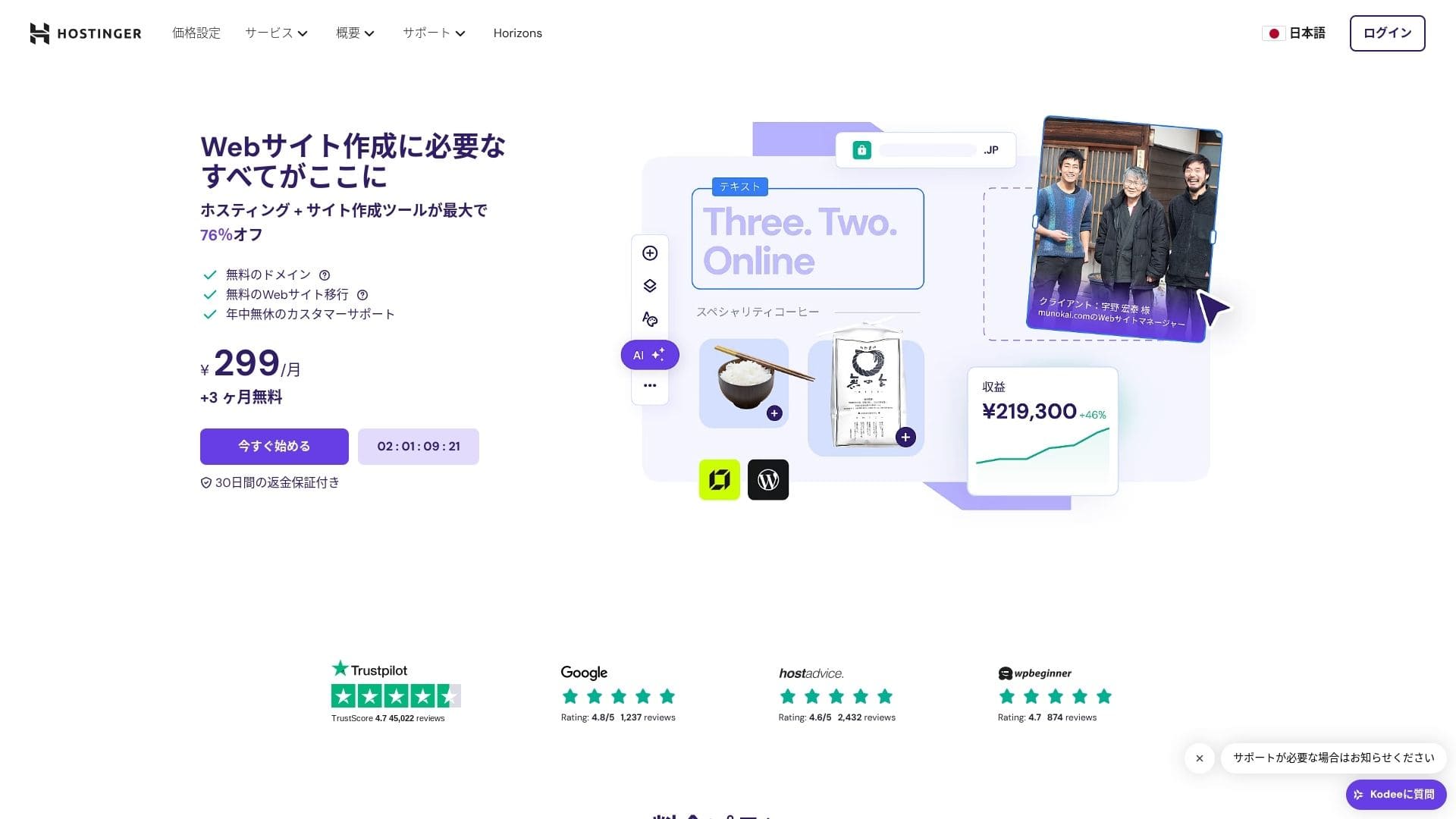
【Hostinger】 ಲಿಥುವೇನಿಯಾದಲ್ಲಿ ಪ್ರಾರಂಭವಾಗಿ ಈಗ 29 ದಶಲಕ್ಷಕ್ಕೂ ಹೆಚ್ಚು ಬಳಕೆದಾರರಿಗೆ ಸೇವೆ ಸಲ್ಲಿಸುತ್ತಿರುವ ಹೋಸ್ಟಿಂಗ್ ಕಂಪನಿಯಾಗಿದೆ. ಇದರ ಬಲವಾದ ಬ್ಯಾಕಪ್ ವ್ಯವಸ್ಥೆಯು ವರ್ಡ್ಪ್ರೆಸ್ ಡೇಟಾವನ್ನು ಸುರಕ್ಷಿತವಾಗಿರಿಸಲು ಸಹಾಯ ಮಾಡುತ್ತದೆ. ವಿದೇಶಿ ಹೋಸ್ಟಿಂಗ್ ಸಾಮಾನ್ಯವಾಗಿ ದೊಡ್ಡ ಶೇಖರಣಾ ಹಂಚಿಕೆಗಳನ್ನು ಒದಗಿಸುವುದರಿಂದ, ಇದು ದೊಡ್ಡ ಸೈಟ್ಗಳಿಗೆ ಉತ್ತಮ ಆಯ್ಕೆಯಾಗಿದೆ.

| Server type | Shared hosting |
| Speed (TTFB) | 31ms |
| ಶಿಫಾರಸು ಮಾಡಿದ ಯೋಜನೆ ಮತ್ತು ಅವಧಿ | Premium Web Hosting 12 months |
| Free trial / money-back guarantee | 30-day money-back guarantee |
| Monthly ಬೆಲೆ (12-month ಯೋಜನೆ) | 4.50 USD (438 yen) |
| Initial setup fee | Free |
| ಉಚಿತ domain | 1 free domain for the first year |
| ಬೆಂಬಲ | 24/7 chat |
| Uptime | 99.9% |
| Storage | 100 GB |
| Number of databases | 50 |
| Security | DDoS protection, malware scanning, firewall, Cloudflare protected name servers, Secure Access Manager |
| SSL | Free SSL |
| Backups | 7-day backups & 7-week backups |
| Number of email accounts | 100 |
| Email security | — |
| Server / website migration ಸೇವೆ | None |
| WordPress preinstall | None |
| CDN | Free |
| Data centers | France, Lithuania, the Netherlands, the United Kingdom, India, Indonesia, Singapore, the United States, and Brazil |
Hostinger ಲಿಥುವೇನಿಯಾದಲ್ಲಿ ಪ್ರಾರಂಭವಾದ ಪ್ರಮುಖ ಹೋಸ್ಟಿಂಗ್ ಪೂರೈಕೆದಾರ ಸಂಸ್ಥೆಯಾಗಿದೆ ಮತ್ತು ಈಗ 178 ದೇಶಗಳಲ್ಲಿ 29 ದಶಲಕ್ಷಕ್ಕೂ ಹೆಚ್ಚು ಬಳಕೆದಾರರಿಗೆ ಸೇವೆ ಸಲ್ಲಿಸುತ್ತಿದೆ. ಉದ್ಯಮದಲ್ಲಿಯೇ ಅತ್ಯಂತ ಕಡಿಮೆ ಬೆಲೆಯಲ್ಲಿ ಉತ್ತಮ ಗುಣಮಟ್ಟದ ಸೇವೆಯನ್ನು ನೀಡುವುದು ಇದರ ವಿಶಿಷ್ಟ ಸಾಮರ್ಥ್ಯವಾಗಿದೆ.
Hostinger ನ ಹಂಚಿಕೆಯ ಹೋಸ್ಟಿಂಗ್ ಯೋಜನೆಗಳು Single Web Hosting ಗಾಗಿ ತಿಂಗಳಿಗೆ ಸುಮಾರು 200 ಯೆನ್ಗಳಿಂದ ಪ್ರಾರಂಭವಾಗುತ್ತವೆ. ಸುಮಾರು 500 ಯೆನ್ ವೆಚ್ಚದ ಉನ್ನತ Premium Web Hosting ಯೋಜನೆಯು ಅನಿಯಮಿತ ವೆಬ್ಸೈಟ್ಗಳು, 100 GB SSD ಸಂಗ್ರಹಣೆ ಮತ್ತು ಅನಿಯಮಿತ ಬ್ಯಾಂಡ್ವಿಡ್ತ್ ಅನ್ನು ಒಳಗೊಂಡಿದೆ. ಪ್ರತಿ ಯೋಜನೆಯು ಉಚಿತ SSL ಪ್ರಮಾಣಪತ್ರ, ಸಾಪ್ತಾಹಿಕ ಸ್ವಯಂಚಾಲಿತ ಬ್ಯಾಕಪ್ಗಳು ಮತ್ತು 24/7 ಗ್ರಾಹಕ ಬೆಂಬಲವನ್ನು ಒಳಗೊಂಡಿರುತ್ತದೆ.
Hostinger ತನ್ನದೇ ಆದ hPanel ನಿಯಂತ್ರಣ ಫಲಕವನ್ನು ಬಳಸುತ್ತದೆ, ಇದು ಅರ್ಥಮಾಡಿಕೊಳ್ಳಲು ಸುಲಭವಾಗಿದ್ದು ನಿರ್ವಹಿಸಲು ಸಹಜ. ಏಷ್ಯಾ-ಪೆಸಿಫಿಕ್ ಪ್ರದೇಶದ ಡೇಟಾ ಕೇಂದ್ರಗಳನ್ನು ಬಳಸುವುದರಿಂದ, ಜಪಾನಿನಿಂದಲೂ ಉತ್ತಮ ಕಾರ್ಯಕ್ಷಮತೆಯನ್ನು ನೀಡುತ್ತದೆ. ಇದಲ್ಲದೆ, WordPress ಅನ್ನು ಸ್ವಯಂಚಾಲಿತವಾಗಿ ಸ್ಥಾಪಿಸುವ ಬಲಿಷ್ಠ ಪ್ರಕ್ರಿಯೆಯನ್ನು ಒದಗಿಸುತ್ತದೆ; ಕೆಲವೇ ನಿಮಿಷಗಳಲ್ಲಿ ಸೈಟ್ ಅನ್ನು ಆರಂಭಿಸಬಹುದು.
ವೆಚ್ಚಕ್ಕೆ ಹೆಚ್ಚಿನ ಆದ್ಯತೆ ನೀಡುವ ವೈಯಕ್ತಿಕ ಬ್ಲಾಗರ್ಗಳು ಮತ್ತು ಸಣ್ಣ ಉದ್ಯಮಗಳಿಗೆ Hostinger ಅತ್ಯುತ್ತಮ ಆಯ್ಕೆಯಾಗಿದೆ. ಮತ್ತೊಂದೆಡೆ, ನಿಮಗೆ ಸುಧಾರಿತ ಕಸ್ಟಮೈಸೇಶನ್ ಅಥವಾ ಎಂಟರ್ಪ್ರೈಸ್ ದರ್ಜೆಯ ಬೆಂಬಲದ ಅಗತ್ಯವಿದ್ದರೆ, ಉನ್ನತ ಮಟ್ಟದ ಸೇವೆಯನ್ನು ಪರಿಗಣಿಸುವುದು ಸೂಕ್ತವಾಗಿದೆ.

Hikaru Ono
ವೈಶಿಷ್ಟ್ಯಗಳಿಂದ ಸಮೃದ್ಧವಾಗಿದ್ದರೂ hPanel ಅನ್ನು ಬಳಸುವುದು ಎಷ್ಟು ಸುಲಭ ಎಂಬುದು ನನಗೆ ಹೆಚ್ಚು ಪ್ರಭಾವ ಬೀರಿದ ಅಂಶವಾಗಿದೆ. ನಿರ್ವಹಣಾ ಇಂಟರ್ಫೇಸ್ ಜಪಾನೀಸ್ನಲ್ಲಿ ಲಭ್ಯವಿರುವುದರಿಂದ, ನೀವು ಇಂಗ್ಲಿಷ್ ಬಗ್ಗೆ ಚಿಂತಿಸದೆ ಇದನ್ನು ಬಳಸಬಹುದು.

Hostinger ವಿಮರ್ಶೆ [2025 ಇತ್ತೀಚಿನ]: ವರ್ಡ್ಪ್ರೆಸ್ನಿಂದ ಅಧಿಕೃತವಾಗಿ ಶಿಫಾರಸು ಮಾಡಲ್ಪಟ್ಟಿದೆ. ಅನುಕೂಲಗಳು, ಅನಾನುಕೂಲಗಳು ಮತ್ತು ಸ್ಪರ್ಧಿಗಳ ಹೋಲಿಕೆ
Hostinger ವಿಮರ್ಶೆ [2025 ಇತ್ತೀಚಿನ]: ವರ್ಡ್ಪ್ರೆಸ್ನಿಂದ ಅಧಿಕೃತವಾಗಿ ಶಿಫಾರಸು ಮಾಡಲ್ಪಟ್ಟಿದೆ. ಅನುಕೂಲಗಳು, ಅನಾನುಕೂಲಗಳು ಮತ್ತು ಸ್ಪರ್ಧಿಗಳ ಹೋಲಿಕೆ
serverfield.org
[ಜಪಾನೀಸ್ ಬೆಂಬಲ] mixhost - ಸಂಪೂರ್ಣ ಜಪಾನೀಸ್ ಬೆಂಬಲದೊಂದಿಗೆ ವಿದೇಶಿ ಕಾರ್ಯಕ್ಷಮತೆ
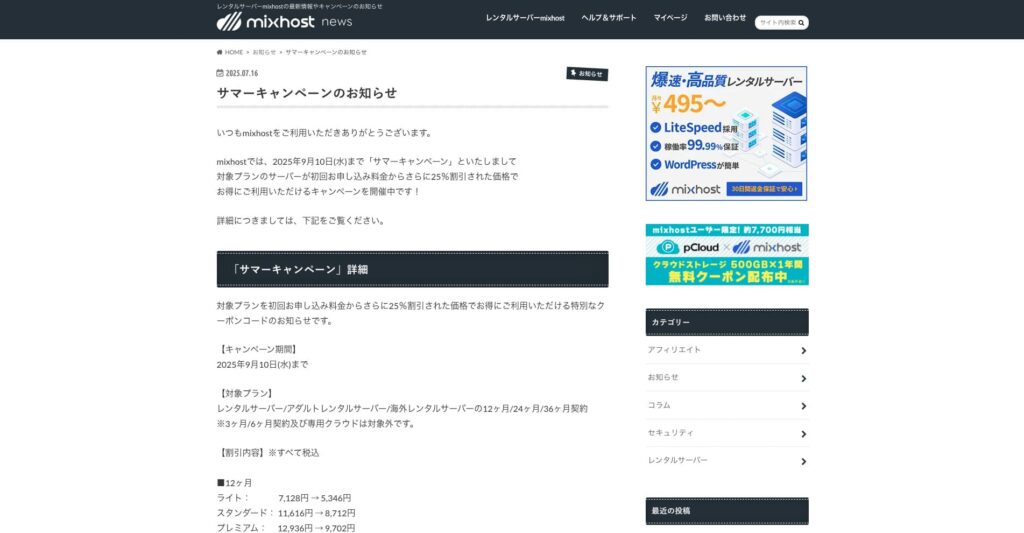
mixhost ಎಂಬುದು ಒಸಾಕಾದಲ್ಲಿ ಪ್ರಧಾನ ಕಚೇರಿಯನ್ನು ಹೊಂದಿರುವ AzPocket Inc. ನಿಂದ ನಿರ್ವಹಿಸಲ್ಪಡುವ ಅತಿ ವೇಗದ ಹೋಸ್ಟಿಂಗ್ ಸೇವೆಯಾಗಿದೆ. ಇದು ಯು.ಎಸ್. ಪಶ್ಚಿಮ ಕರಾವಳಿಯ ಸ್ಯಾನ್ ಜೋಸ್ನಲ್ಲಿರುವ ಸರ್ವರ್ಗಳಿಂದ ವಿಷಯವನ್ನು ತಲುಪಿಸಬಲ್ಲದು. ಇದು ವಿದೇಶಿ ಸರ್ವರ್ಗಳನ್ನು ಬಳಸುತ್ತಿದ್ದರೂ, ಜಪಾನಿನ ಕಂಪನಿಯಿಂದ ನಡೆಸಲ್ಪಡುತ್ತದೆ, ಆದ್ದರಿಂದ ನೀವು ಸಂಪೂರ್ಣ ಜಪಾನೀಸ್ ಬೆಂಬಲವನ್ನು ಪಡೆಯಬಹುದು.
25% off the first contract through September 10, 2025, plus 500 GB of cloud storage free for one year and a 30-day money-back guarantee

| Server type | Shared hosting / dedicated cloud hosting |
| Speed (TTFB) | 150 ms |
| ಶಿಫಾರಸು ಮಾಡಿದ ಯೋಜನೆ ಮತ್ತು ಅವಧಿ | Shared hosting Light, 12 months |
| Trial / money-back guarantee | 30-day money-back guarantee |
| Monthly ಬೆಲೆ (12-month term) | 594 yen |
| Initial administrative fee | Free |
| ಉಚಿತ domain | 1 domain ಉಚಿತ for life |
| ಬೆಂಬಲ | |
| Uptime | 99.99% guarantee |
| Storage | 100 GB |
| Number of databases | Unlimited |
| Security measures | WAF / DDoS protection / malware detection and cleanup |
| SSL | ಉಚಿತ ಕಸ್ಟಮ್ SSL |
| Backup / ಮರುಸ್ಥಾಪಿಸಿ | Standard ಯೋಜನೆ ಮತ್ತು ಮೇಲ್ಪಟ್ಟ ಆವೃತ್ತಿಗಳಲ್ಲಿ 14 ದಿನಗಳವರೆಗೆ ಸ್ವಯಂಚಾಲಿತ ಬ್ಯಾಕಪ್ಗಳು ಸೇರಿವೆ |
| Number of email accounts | Unlimited |
| Email security | — |
| WordPress preinstall | Yes |
| Server / website migration ಸೇವೆ | 10,890 yen |
| CDN | None |
| Data center | San Jose, West Coast, United States |
mixhost ಸಂಪೂರ್ಣ ಜಪಾನೀಸ್ ಬೆಂಬಲದ ಅನುಭವವನ್ನು ಹೊಂದಿರುವ ವಿದೇಶಿ-ಕೇಂದ್ರಿತ ಹೋಸ್ಟಿಂಗ್ ಸೇವೆಯಾಗಿದೆ ಎಂಬುದು ಗಮನಾರ್ಹವಾಗಿದೆ. ಇದು ಪ್ರತಿ ಯೋಜನೆಯಲ್ಲಿ LiteSpeed ವೆಬ್ ಸರ್ವರ್ ಮತ್ತು NVMe SSD ಸಂಗ್ರಹಣೆಯನ್ನು ಬಳಸುತ್ತದೆ, ಇದು ಸ್ಪಷ್ಟವಾಗಿ ವೇಗದ ಸುತ್ತ ವಿನ್ಯಾಸಗೊಳಿಸಲಾದ ಸಂರಚನೆಯನ್ನು ನೀಡುತ್ತದೆ.
mixhost ನ Standard ಯೋಜನೆಯು 12 ತಿಂಗಳ ಒಪ್ಪಂದದ ಮೇಲೆ ತಿಂಗಳಿಗೆ 968 ಯೆನ್ಗಳಿಂದ ಪ್ರಾರಂಭವಾಗುತ್ತದೆ. ಪ್ರತಿ ಯೋಜನೆಯು ಅನಿಯಮಿತ ಡೇಟಾಬೇಸ್ಗಳು, ಉಪಡೊಮೇನ್ಗಳು ಮತ್ತು ಇಮೇಲ್ ಖಾತೆಗಳನ್ನು ಒಳಗೊಂಡಿರುತ್ತದೆ ಮತ್ತು HTTP/3 ಬೆಂಬಲ, ಸ್ವಯಂಚಾಲಿತ ಬ್ಯಾಕಪ್ಗಳು ಮತ್ತು ವರ್ಡ್ಪ್ರೆಸ್ ಕ್ವಿಕ್ ಸ್ಟಾರ್ಟ್ನಂತಹ ವೈಶಿಷ್ಟ್ಯಗಳೊಂದಿಗೆ ಪ್ರಮಾಣಿತವಾಗಿ ಬರುತ್ತದೆ.
mixhost ಜಪಾನೀಸ್ ಭಾಷೆಗೆ ಸ್ಥಳೀಕರಿಸಿದ cPanel ಆವೃತ್ತಿಯನ್ನು ಬಳಸುತ್ತದೆ, ಇದು ವಿದೇಶಿ ಹೋಸ್ಟಿಂಗ್ನ ಹೆಚ್ಚಿನ ಕ್ರಿಯಾತ್ಮಕತೆಯನ್ನು ಜಪಾನಿನ ಬಳಕೆದಾರರು ಬಯಸುವ ಬಳಕೆಯ ಸುಲಭತೆಯೊಂದಿಗೆ ಸಂಯೋಜಿಸುತ್ತದೆ. LiteSpeed ವೆಬ್ ಸರ್ವರ್ನಲ್ಲಿ ನಿರ್ಮಿಸಲಾದ ಇದರ ವರ್ಡ್ಪ್ರೆಸ್ ಆಪ್ಟಿಮೈಸೇಶನ್ ಸಾಂಪ್ರದಾಯಿಕ Apache ಹೋಸ್ಟಿಂಗ್ಗೆ ಹೋಲಿಸಿದರೆ 84 ಪಟ್ಟು ವೇಗದ ಕಾರ್ಯಕ್ಷಮತೆಯನ್ನು ನೀಡುತ್ತದೆ.
ಜಪಾನೀಸ್ ಭಾಷೆಯ ಬೆಂಬಲಕ್ಕೆ ಹೆಚ್ಚಿನ ಆದ್ಯತೆ ನೀಡುವ ಜೊತೆಗೆ ವಿದೇಶಿ ಹೋಸ್ಟಿಂಗ್ನ ಪ್ರಯೋಜನಗಳನ್ನು ಬಯಸುವ ಜನರಿಗೆ mixhost ಸೂಕ್ತವಾಗಿದೆ. ಹೀಗೆ ಹೇಳಿದಾಗ, ಇದು ಅನೇಕ ದೇಶೀಯ ಸರ್ವರ್ಗಳಿಗಿಂತ ಹೆಚ್ಚು ದುಬಾರಿಯಾಗಿದೆ, ಆದ್ದರಿಂದ ಕಡಿಮೆ ವೆಚ್ಚಕ್ಕೆ ಆದ್ಯತೆ ನೀಡುವ ಯಾರಾದರೂ ಇತರ ಆಯ್ಕೆಗಳನ್ನು ಸಹ ಹೋಲಿಸಬೇಕು.
Hikaru Ono
ನೈಸರ್ಗಿಕ ಜಪಾನೀಸ್ ಭಾಷೆಯಲ್ಲಿ ಬೆಂಬಲವನ್ನು ಪಡೆಯುವುದರಿಂದ ಬರುವ ಮನಸ್ಸಿನ ಶಾಂತಿ ಬೇರೆ ಯಾವುದಕ್ಕೂ ಬದಲಿಸಲಾಗದ ಪ್ರಯೋಜನವಾಗಿದೆ.

mixhost ವಿಮರ್ಶೆ [2025 ಇತ್ತೀಚಿನ]: ಜಾಗತಿಕ ತಲುಪುವಿಕೆ ಮತ್ತು ಬಲವಾದ ಭದ್ರತೆಯೊಂದಿಗೆ ವೇಗದ ಹೋಸ್ಟಿಂಗ್ನ ಸಂಪೂರ್ಣ ಮಾರ್ಗದರ್ಶಿ
mixhost ವಿಮರ್ಶೆ [2025 ಇತ್ತೀಚಿನ]: ಜಾಗತಿಕ ತಲುಪುವಿಕೆ ಮತ್ತು ಬಲವಾದ ಭದ್ರತೆಯೊಂದಿಗೆ ವೇಗದ ಹೋಸ್ಟಿಂಗ್ನ ಸಂಪೂರ್ಣ ಮಾರ್ಗದರ್ಶಿ
serverfield.org
[WordPress-focused] Kinsta - Premium WordPress hosting
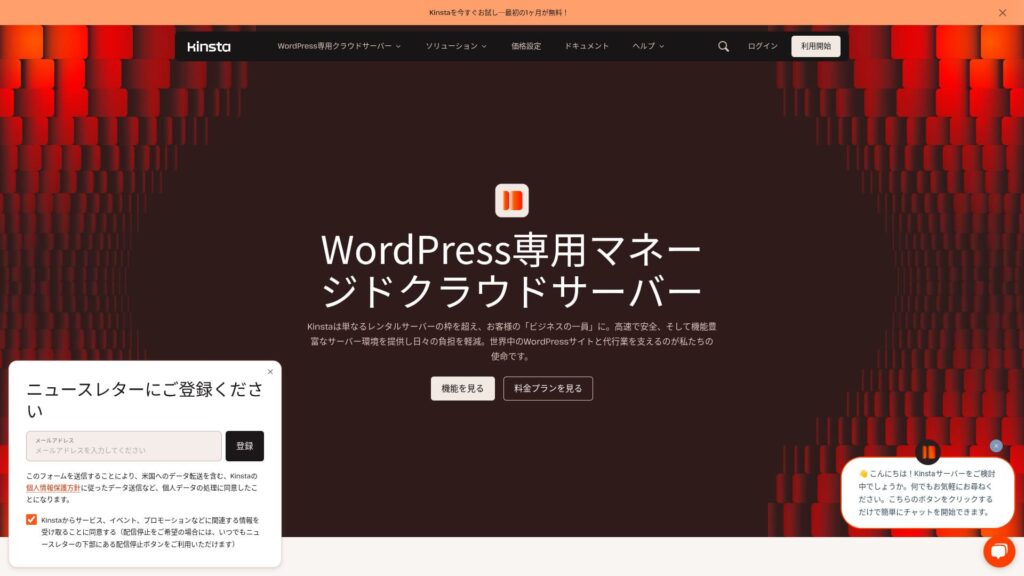
Kinsta ಪ್ರಪಂಚದಾದ್ಯಂತ 37 ಸ್ಥಳಗಳಲ್ಲಿ ಡೇಟಾ ಕೇಂದ್ರಗಳನ್ನು ಹೊಂದಿರುವ ಉನ್ನತ ದರ್ಜೆಯ ಅಲ್ಟ್ರಾ-ಫಾಸ್ಟ್ ಹೋಸ್ಟಿಂಗ್ ಸೇವೆಯಾಗಿದೆ. ನಮ್ಮದೇ ಆದ ಅಳತೆಗಳಲ್ಲಿ ಇದು ಅತ್ಯಂತ ವೇಗದ ಪೂರೈಕೆದಾರ ಸಂಸ್ಥೆಯಾಗಿದೆ. ಇದು ದುಬಾರಿಯಾಗಿದೆ ಎಂಬುದರಲ್ಲಿ ಸಂದೇಹವಿಲ್ಲ, ಆದರೆ ಗರಿಷ್ಠ ಕಾರ್ಯಕ್ಷಮತೆಗಾಗಿ ನಿರ್ಮಿಸಲಾದ ಸರ್ವರ್ ನಿಮಗೆ ಬೇಕಿದ್ದರೆ, ಇದು ಅತ್ಯುತ್ತಮ ಆಯ್ಕೆಯಾಗಿದೆ. ಜಪಾನೀಸ್ನಲ್ಲಿ ಚಾಟ್ ಬೆಂಬಲವೂ ಲಭ್ಯವಿದೆ.
30-day money-back guarantee
| Server type | Dedicated managed server |
| Display speed (TTFB) | 30ms |
| ಶಿಫಾರಸು ಮಾಡಿದ ಯೋಜನೆ ಮತ್ತು ಬಿಲ್ಲಿಂಗ್ ಅವಧಿ | Single35k |
| Trial / money-back guarantee | 30-day money-back guarantee |
| Monthly fee (12-month ಯೋಜನೆ) | 4,407 yen |
| Initial setup fee | Free |
| ಉಚಿತ domain | None |
| ಬೆಂಬಲ | 24/7 chat ಬೆಂಬಲ (available in Japanese) and email |
| Uptime | 99.9% |
| Server storage | 10GB |
| Number of databases | 1 |
| Security | Malware scanning, WAF, firewall, DDoS protection, Google Cloud firewall |
| SSL | ಉಚಿತ ಕಸ್ಟಮ್ SSL |
| Backups | 14 days of automatic backups |
| Number of email accounts | None |
| Email security features | None |
| Server / website migration ಸೇವೆ | Free |
| WordPress preinstalled | Yes |
| CDN | Free (125GB) |
| Data centers | Johannesburg, South Africa; Changhua County, Taiwan; Hong Kong; Tokyo; Osaka; Seoul, South Korea; Mumbai, India; Delhi, India; Jurong West, Singapore; Jakarta, Indonesia; Sydney, Australia; Melbourne, Australia; Warsaw, Poland; Hamina, Finland; Madrid, Spain; Saint-Ghislain, Belgium; London, United Kingdom; Frankfurt, Germany; Eemshaven, Netherlands; Zurich, Switzerland; Milan, Italy; Paris, France; Dammam, Saudi Arabia; Tel Aviv, Israel; Montreal, Canada; Toronto, Canada; Sao Paulo, Brazil; Santiago, Chile; Council Bluffs, Iowa, USA; Moncks Corner, South Carolina, USA; Ashburn, Virginia, USA; Columbus, Ohio, USA; Dallas, Texas, USA; The Dalles, Oregon, USA; Los Angeles, California, USA; Salt Lake City, Utah, USA; Las Vegas, Nevada, USA |
Kinsta ಎನ್ನುವುದು ನಿರ್ವಹಿಸಲ್ಪಡುವ (managed) ವರ್ಡ್ಪ್ರೆಸ್ ಹೋಸ್ಟಿಂಗ್ ಸೇವೆಯಾಗಿದ್ದು, ಇದು ಹೆಚ್ಚಿನ ಕಾರ್ಯಕ್ಷಮತೆ ಮತ್ತು ಹೆಚ್ಚಿನ ಭದ್ರತೆಯ ಪರಿಸರವನ್ನು ಒದಗಿಸುತ್ತದೆ. ಇದು ಗೂಗಲ್ ಕ್ಲೌಡ್ ಪ್ಲಾಟ್ಫಾರ್ಮ್ ಮೂಲಸೌಕರ್ಯದಲ್ಲಿ ಕಾರ್ಯನಿರ್ವಹಿಸುತ್ತದೆ ಮತ್ತು ಪ್ರಪಂಚದಾದ್ಯಂತದ ಡೇಟಾ ಕೇಂದ್ರಗಳಿಂದ ಉತ್ತಮ ಸ್ಥಳವನ್ನು ಆಯ್ಕೆ ಮಾಡಲು ನಿಮಗೆ ಅನುಮತಿಸುತ್ತದೆ.
Kinsta ನ ಆರಂಭಿಕ ಯೋಜನೆಯು ತಿಂಗಳಿಗೆ 35 ಡಾಲರ್ಗಳಿಂದ ಪ್ರಾರಂಭವಾಗುತ್ತದೆ ಮತ್ತು ಒಂದು ವರ್ಡ್ಪ್ರೆಸ್ ಸೈಟ್, 25,000 ಮಾಸಿಕ ಭೇಟಿಗಳು ಮತ್ತು 10 GB SSD ಸಂಗ್ರಹಣೆಯನ್ನು ಒಳಗೊಂಡಿದೆ. ಪ್ರತಿ ಯೋಜನೆಯು CDN, SSL ಪ್ರಮಾಣಪತ್ರ, DDoS ರಕ್ಷಣೆ, ಸ್ವಯಂಚಾಲಿತ ಬ್ಯಾಕಪ್ಗಳು ಮತ್ತು ಸ್ಟೇಜಿಂಗ್ ಪರಿಸರವನ್ನು ಪ್ರಮಾಣಿತ ವೈಶಿಷ್ಟ್ಯಗಳಾಗಿ ಒಳಗೊಂಡಿದೆ.
Kinsta ತನ್ನ ಕಸ್ಟಮ್ MyKinsta ಡ್ಯಾಶ್ಬೋರ್ಡ್ ಮೂಲಕ ಕಾರ್ಯಕ್ಷಮತೆಯ ಮೇಲ್ವಿಚಾರಣೆ, ಬ್ಯಾಕಪ್ಗಳು ಮತ್ತು ಭದ್ರತಾ ಸೆಟ್ಟಿಂಗ್ಗಳನ್ನು ನಿರ್ವಹಿಸುತ್ತದೆ. PHP 8.2, Nginx Reverse Proxy ಮತ್ತು ಇತ್ತೀಚಿನ MariaDB ಆವೃತ್ತಿಗಳ ಬೆಂಬಲದೊಂದಿಗೆ, ಇದು ವರ್ಡ್ಪ್ರೆಸ್ಗಾಗಿ ಸಂಪೂರ್ಣವಾಗಿ ಆಪ್ಟಿಮೈಸ್ ಮಾಡಿದ ಮತ್ತು ಅತಿ ವೇಗವಾಗಿ ಪುಟಗಳನ್ನು ತಲುಪಿಸುವ ಪರಿಸರವನ್ನು ಒದಗಿಸುತ್ತದೆ.
ಗಂಭೀರ ವ್ಯಾಪಾರ ವೆಬ್ಸೈಟ್ಗಳು ಮತ್ತು ಹೆಚ್ಚಿನ ಟ್ರಾಫಿಕ್ ಹೊಂದಿರುವ ವರ್ಡ್ಪ್ರೆಸ್ ಸೈಟ್ಗಳ ಆಪರೇಟರ್ಗಳಿಗೆ Kinsta ಉತ್ತಮ ಆಯ್ಕೆಯಾಗಿದೆ. ಮತ್ತೊಂದೆಡೆ, ಹವ್ಯಾಸಿ ಬ್ಲಾಗ್ ಅಥವಾ ಸ್ಥಿರ ಸೈಟ್ಗಾಗಿ, ಇದರ ವೆಚ್ಚ-ಕಾರ್ಯಕ್ಷಮತೆಯ ಸಮತೋಲನವು ಸೂಕ್ತವಲ್ಲದಿರಬಹುದು.
Hikaru Ono
The speed really was as impressive as advertised. Once you use it, the difference is obvious.

Kinsta ವಿಮರ್ಶೆ: ಗೂಗಲ್ ಶಿಫಾರಸು ಮಾಡಿದ ಅತಿ ವೇಗದ ಸರ್ವರ್ನ ಒಳಿತು ಮತ್ತು ಕೆಡುಕುಗಳು, ಜೊತೆಗೆ ವರ್ಡ್ಪ್ರೆಸ್ ಸೆಟಪ್ ಮಾರ್ಗದರ್ಶಿ
Kinsta ವಿಮರ್ಶೆ: ಗೂಗಲ್ ಶಿಫಾರಸು ಮಾಡಿದ ಅತಿ ವೇಗದ ಸರ್ವರ್ನ ಒಳಿತು ಮತ್ತು ಕೆಡುಕುಗಳು, ಜೊತೆಗೆ ವರ್ಡ್ಪ್ರೆಸ್ ಸೆಟಪ್ ಮಾರ್ಗದರ್ಶಿ
serverfield.org
[Established Reliability] DreamHost - A long track ದಾಖಲೆ you can trust
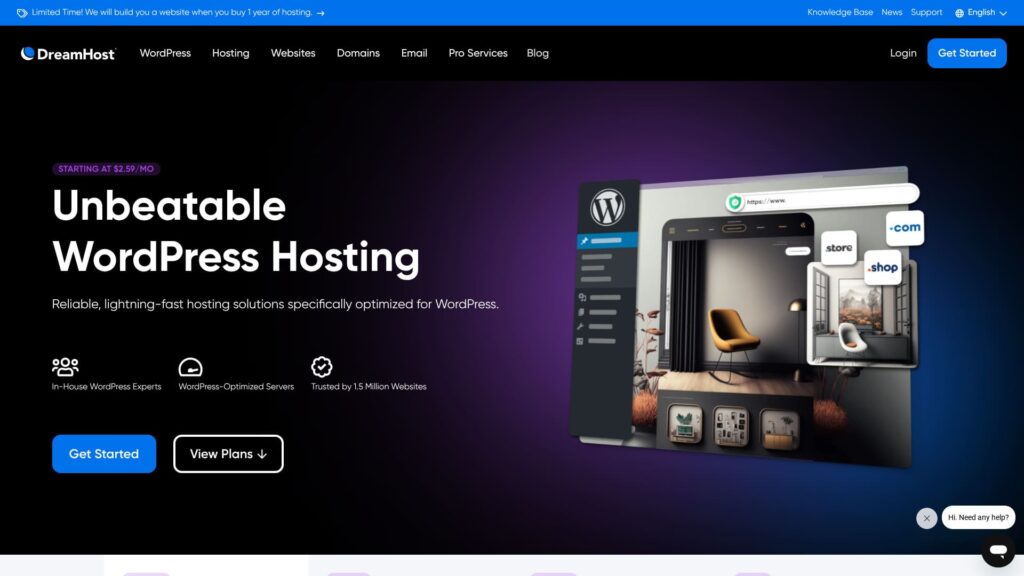
DreamHost
97-day money-back guarantee
| Server type | Shared hosting |
| Server ಪ್ರತಿಕ್ರಿಯೆ speed (TTFB) | 400ms |
| ಶಿಫಾರಸು ಮಾಡಿದ ಯೋಜನೆ ಮತ್ತು ಅವಧಿ | WordPress Starter, 1 year |
| Trial / money-back guarantee | 97-day money-back guarantee |
| Monthly fee (12-month ಯೋಜನೆ) | $2.95 (432 yen) |
| Initial setup fee | Free |
| ಉಚಿತ domain | 1 domain ಉಚಿತ for 3 months |
| ಬೆಂಬಲ | 24/7 chat, email, and phone callback |
| Uptime | 100% |
| Storage | 50GB |
| Number of databases | 6 |
| SSL | Free SSL |
| Backups | Included |
| Email accounts | None |
| Email security measures | None |
| Server / website migration ಸೇವೆ | None |
| WordPress preinstall | None |
| CDN | None |
| Data center locations | Ashburn, Virginia, USA; Hillsboro, Oregon, USA |
DreamHost 1996 ರಲ್ಲಿ ಸ್ಥಾಪಿಸಲಾದ ಸುದೀರ್ಘ ಇತಿಹಾಸ ಹೊಂದಿರುವ ಹೋಸ್ಟಿಂಗ್ ಕಂಪನಿಯಾಗಿದೆ. ಇದು 1.5 ದಶಲಕ್ಷಕ್ಕೂ ಹೆಚ್ಚು ವೆಬ್ಸೈಟ್ಗಳನ್ನು ಹೊಂದಿರುವ ದಾಖಲೆ ಹೊಂದಿದೆ ಮತ್ತು WordPress.org ನಿಂದ ಶಿಫಾರಸು ಮಾಡಲ್ಪಟ್ಟಿದೆ. ಮುಕ್ತ ಮೂಲ (open source) ಮತ್ತು ಗೌಪ್ಯತೆ ರಕ್ಷಣೆಗೆ ತನ್ನ ಬಲವಾದ ಬದ್ಧತೆಗೆ ಇದು ಹೆಸರುವಾಸಿಯಾಗಿದೆ.
DreamHost ನ Shared Starter ಯೋಜನೆಯು ತಿಂಗಳಿಗೆ 2.95 ಡಾಲರ್ಗಳಿಂದ ಪ್ರಾರಂಭವಾಗುತ್ತದೆ ಮತ್ತು ಒಂದು ವೆಬ್ಸೈಟ್, 50 GB SSD ಸಂಗ್ರಹಣೆ ಮತ್ತು ಅನಿಯಮಿತ ಬ್ಯಾಂಡ್ವಿಡ್ತ್ ಅನ್ನು ಒಳಗೊಂಡಿದೆ. ಉನ್ನತ ಮಟ್ಟದ Shared Unlimited ಯೋಜನೆಯು ಅನಿಯಮಿತ ವೆಬ್ಸೈಟ್ಗಳು, ಅನಿಯಮಿತ ಸಂಗ್ರಹಣೆ ಮತ್ತು ಒಂದು ವರ್ಷದವರೆಗೆ ಉಚಿತ ಡೊಮೇನ್ ಅನ್ನು ಸೇರಿಸುತ್ತದೆ.
DreamHost ಸರಳ ಮತ್ತು ಬಳಕೆದಾರ ಸ್ನೇಹಿ ಇಂಟರ್ಫೇಸ್ ಹೊಂದಿರುವ ಕಸ್ಟಮ್-ಅಭಿವೃದ್ಧಿಪಡಿಸಿದ ನಿಯಂತ್ರಣ ಫಲಕವನ್ನು ಬಳಸುತ್ತದೆ. ಇದು 99.9% ರಷ್ಟು ಚಾಲನೆಯಲ್ಲಿರುವ ಸಮಯದ ಭರವಸೆ ನೀಡುತ್ತದೆ ಮತ್ತು SSD-ಮಾತ್ರ ಮೂಲಸೌಕರ್ಯ, HTTP/2 ಬೆಂಬಲ ಮತ್ತು PHP 8.x ಹೊಂದಾಣಿಕೆಯನ್ನು ಒಳಗೊಂಡಿರುವ ಆಧುನಿಕ ತಂತ್ರಜ್ಞಾನವನ್ನು ಅಳವಡಿಸಿಕೊಂಡಿದೆ.
ಸ್ಥಿರತೆ ಮತ್ತು ನಂಬಿಕೆಗೆ ಆದ್ಯತೆ ನೀಡುವ ಹಾಗೂ ದೀರ್ಘಾವಧಿಯಲ್ಲಿ ವೆಬ್ಸೈಟ್ ನಡೆಸಲು ಯೋಜಿಸುವ ಜನರಿಗೆ DreamHost ಸೂಕ್ತವಾಗಿದೆ. ಆದಾಗ್ಯೂ, ನೀವು ಇತ್ತೀಚಿನ ಕಾರ್ಯಕ್ಷಮತೆ ಆಪ್ಟಿಮೈಸೇಶನ್ ವೈಷ್ಟ್ಯಗಳು ಅಥವಾ ಹೆಚ್ಚಿನ ಕಸ್ಟಮೈಸೇಶನ್ ಬಯಸಿದರೆ, ಹೆಚ್ಚು ವಿಶೇಷವಾದ ಸೇವೆಯು ಉತ್ತಮವಾಗಿ ಹೊಂದಿಕೊಳ್ಳಬಹುದು.
Hikaru Ono
Because it comes with a 97-day money-back guarantee, I think it is perfectly reasonable to simply try it once.

DreamHost ವಿಮರ್ಶೆ: 97 ದಿನಗಳ ಹಣ ಮರುಪಾವತಿ ಭರವಸೆಯೊಂದಿಗೆ ಸಮಂಜಸವಾದ ಬೆಲೆಯಲ್ಲಿ ವರ್ಡ್ಪ್ರೆಸ್ ಪ್ರಾರಂಭಿಸಲು ಶಿಫಾರಸು ಮಾಡಲಾಗಿದೆ
DreamHost ವಿಮರ್ಶೆ: 97 ದಿನಗಳ ಹಣ ಮರುಪಾವತಿ ಭರವಸೆಯೊಂದಿಗೆ ಸಮಂಜಸವಾದ ಬೆಲೆಯಲ್ಲಿ ವರ್ಡ್ಪ್ರೆಸ್ ಪ್ರಾರಂಭಿಸಲು ಶಿಫಾರಸು ಮಾಡಲಾಗಿದೆ
serverfield.org
[ಡೊಮೇನ್ ಒಳಗೊಂಡಿದೆ] Namecheap - ನಿಮ್ಮ ಡೊಮೇನ್ ಮತ್ತು ಹೋಸ್ಟಿಂಗ್ ಅನ್ನು ಒಟ್ಟಿಗೆ ನಿರ್ವಹಿಸಿ
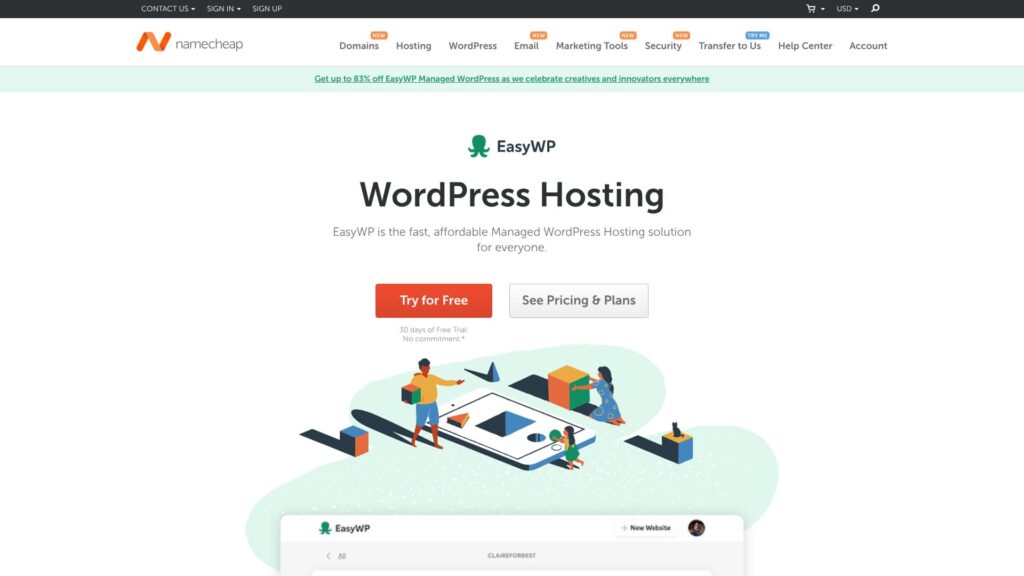
Namecheap
30-day free trial
| Server type | Shared hosting |
| Server ಪ್ರತಿಕ್ರಿಯೆ speed (TTFB) | 440ms |
| ಶಿಫಾರಸು ಮಾಡಿದ ಯೋಜನೆ ಮತ್ತು ಅವಧಿ | EasyWP Starter, 1 year |
| Trial / money-back guarantee | 30-day money-back guarantee |
| Monthly fee (12-month ಯೋಜನೆ) | $2.98 (437 yen) |
| Initial setup fee | Free |
| ಉಚಿತ domain | None |
| ಬೆಂಬಲ | 24/7 chat |
| Uptime | 99.9% |
| Storage | 10GB |
| Number of databases | 1 |
| SSL | Free SSL |
| Backups | Yes |
| Email accounts | None |
| Email security measures | None |
| Server / website migration ಸೇವೆ | None |
| WordPress preinstall | None |
| CDN | Free |
| Data center locations | Phoenix, Arizona, USA; Timico, Midlands, UK; Amsterdam, Netherlands |
Namecheap is globally well known as a domain registrar, and it also operates a hosting business. Its strengths are the convenience of managing domains and hosting in one place and a pricing structure that is relatively transparent.
Namecheap ನ ಹಂಚಿಕೆಯ ಹೋಸ್ಟಿಂಗ್ Stellar ಯೋಜನೆಯು ತಿಂಗಳಿಗೆ 1.44 ಡಾಲರ್ಗಳಿಂದ ಪ್ರಾರಂಭವಾಗುತ್ತದೆ ಮತ್ತು ಮೂರು ವೆಬ್ಸೈಟ್ಗಳು, 20 GB SSD ಸಂಗ್ರಹಣೆ ಮತ್ತು ಅನಿಯಮಿತ ಬ್ಯಾಂಡ್ವಿಡ್ತ್ ಅನ್ನು ಒಳಗೊಂಡಿದೆ. ವಾರ್ಷಿಕ ಯೋಜನೆಗಳಲ್ಲಿ, ಮೊದಲ ವರ್ಷದ ಡೊಮೇನ್ ನೋಂದಣಿ ಉಚಿತವಾಗಿರುತ್ತದೆ, ಮತ್ತು ಎಲ್ಲಾ ಯೋಜನೆಗಳು ಉಚಿತ SSL ಪ್ರಮಾಣಪತ್ರ, ಸ್ವಯಂಚಾಲಿತ ಬ್ಯಾಕಪ್ಗಳು ಮತ್ತು ವರ್ಡ್ಪ್ರೆಸ್ ಆಪ್ಟಿಮೈಸೇಶನ್ ವೈಶಿಷ್ಟ್ಯಗಳನ್ನು ಒಳಗೊಂಡಿರುತ್ತವೆ.
Namecheap ಒಂದೇ ನಿಯಂತ್ರಣ ಫಲಕದಲ್ಲಿ ಡೊಮೇನ್ ನಿರ್ವಹಣೆ ಮತ್ತು ಸರ್ವರ್ ನಿರ್ವಹಣೆಯನ್ನು ಸಂಯೋಜಿಸಲು cPanel ಅನ್ನು ಬಳಸುತ್ತದೆ. ಸರ್ವರ್ ಕಾರ್ಯಕ್ಷಮತೆ ಸಾಕಷ್ಟು ಪ್ರಮಾಣಿತವಾಗಿದೆ, ಆದರೆ ಕೇಂದ್ರೀಕೃತ ಡೊಮೇನ್ ನಿರ್ವಹಣೆಯ ಅನುಕೂಲತೆಯೊಂದಿಗೆ ಸಂಯೋಜಿಸಿದಾಗ, ಒಟ್ಟಾರೆ ಕಾರ್ಯಾಚರಣೆಯ ದಕ್ಷತೆಯು ಸುಧಾರಿಸುತ್ತದೆ.
Namecheap is a good match for people who want to manage domains and hosting together and who prefer a simple pricing structure. If you want higher performance or more specialized features, it makes sense to compare more focused services.
Hikaru Ono
ನಾನು ಇದನ್ನು ನಿಜವಾಗಿಯೂ ಬಳಸಿದಾಗ, ಚಾಟ್ ಬೆಂಬಲವು ಅಸಾಧಾರಣವಾಗಿ ಉತ್ತಮವಾಗಿತ್ತು.

Namecheap ವಿಮರ್ಶೆ ಮತ್ತು ಸೆಟಪ್ ಮಾರ್ಗದರ್ಶಿ: ಬೆಲೆ, ವೇಗ, ಬೆಂಬಲ ಮತ್ತು ವರ್ಡ್ಪ್ರೆಸ್ ಹೊಂದಾಣಿಕೆ
Namecheap ವಿಮರ್ಶೆ ಮತ್ತು ಸೆಟಪ್ ಮಾರ್ಗದರ್ಶಿ: ಬೆಲೆ, ವೇಗ, ಬೆಂಬಲ ಮತ್ತು ವರ್ಡ್ಪ್ರೆಸ್ ಹೊಂದಾಣಿಕೆ
serverfield.org
[Best for Beginners] Bluehost - A ಸ್ಟ್ಯಾಂಡರ್ಡ್ choice officially recommended by WordPress
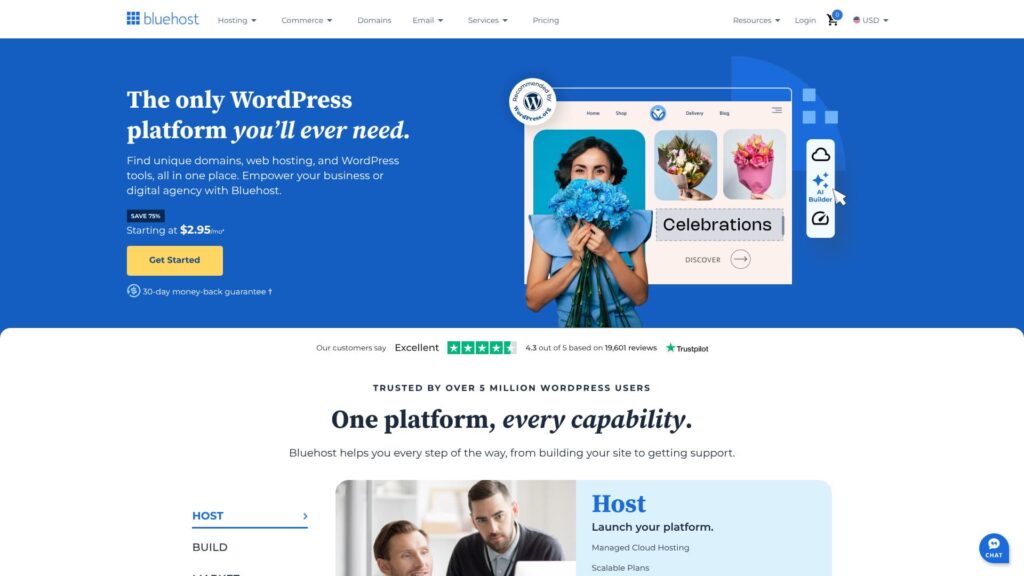
Bluehost ಯುನೈಟೆಡ್ ಸ್ಟೇಟ್ಸ್ನ ಫ್ಲೋರಿಡಾದಲ್ಲಿ ಪ್ರಧಾನ ಕಚೇರಿಯನ್ನು ಹೊಂದಿರುವ ಜಗತ್ಪ್ರಸಿದ್ಧ ಹೋಸ್ಟಿಂಗ್ ಕಂಪನಿಯಾಗಿದೆ. ವರ್ಡ್ಪ್ರೆಸ್ನಿಂದ ಅಧಿಕೃತವಾಗಿ ಶಿಫಾರಸು ಮಾಡಲ್ಪಟ್ಟ ಸರ್ವರ್ಗಳಲ್ಲಿ ಒಂದಾಗಿ ಇದು ನಂಬಿಕೆಗೆ ಪಾತ್ರವಾಗಿದೆ. ಉತ್ತಮ ಗುಣಮಟ್ಟ ಹೊಂದಿದ್ದರೂ, ಇದು ಕೈಗೆಟುಕುವ ಬೆಲೆಯಲ್ಲಿದೆ, ಇದು ಸುಲಭವಾಗಿ ಶಿಫಾರಸು ಮಾಡಲು ಸೂಕ್ತವಾಗಿಸುತ್ತದೆ.
30-day money-back guarantee
| Server type | Shared server |
| Display speed (TTFB) | 420 ms |
| ಶಿಫಾರಸು ಮಾಡಿದ ಯೋಜನೆ ಮತ್ತು ಒಪ್ಪಂದದ ಅವಧಿ | Basic, 12 months |
| Trial / money-back guarantee | 30-day money-back guarantee |
| Monthly fee (12-month ಒಪ್ಪಂದ) | $2.95 (432 yen) |
| Initial administrative fee | Free |
| ಉಚಿತ domain | ಮೊದಲ ವರ್ಷಕ್ಕೆ 1 ಉಚಿತ |
| ಬೆಂಬಲ | 24/7 chat |
| Uptime | 100% |
| Server storage | 10 GB |
| Number of databases | 10 |
| Security measures | Malware scanning, SiteLock |
| SSL | ಉಚಿತ ಕಸ್ಟಮ್ SSL |
| Backup / ಮರುಸ್ಥಾಪಿಸಿ | None |
| Number of email accounts | None |
| Email security measures | None |
| Server / website migration ಸೇವೆ | None |
| WordPress preinstall | None |
| CDN | Free |
| Data centers | Utah, USA / Orem, USA / London, UK / Shanghai, China / Hong Kong / Mumbai, India |
Bluehost ಎನ್ನುವುದು WordPress.org ನಿಂದ ಅಧಿಕೃತವಾಗಿ ಶಿಫಾರಸು ಮಾಡಲ್ಪಟ್ಟ ಹೋಸ್ಟಿಂಗ್ ಸೇವೆಗಳಲ್ಲಿ ಒಂದಾಗಿದೆ ಮತ್ತು ಇದು ಪ್ರಪಂಚದಾದ್ಯಂತ ಎರಡು ದಶಲಕ್ಷಕ್ಕೂ ಹೆಚ್ಚು ವೆಬ್ಸೈಟ್ಗಳನ್ನು ಬೆಂಬಲಿಸುತ್ತದೆ. ಇದು 1996 ರಲ್ಲಿ ಸೇವೆ ಪ್ರಾರಂಭಿಸಿದ ಸುದೀರ್ಘ ಇತಿಹಾಸ ಹೊಂದಿರುವ ಹೋಸ್ಟಿಂಗ್ ಕಂಪನಿಯಾಗಿದೆ ಮತ್ತು ಯು.ಎಸ್. ವಿಮರ್ಶೆ ಪಟ್ಟಿಗಳಲ್ಲಿ ಸ್ಥಿರವಾಗಿ ಅಗ್ರಸ್ಥಾನದಲ್ಲಿದೆ.
Bluehost ನ ಮೂಲ ಯೋಜನೆಯು ತಿಂಗಳಿಗೆ 2.95 ಡಾಲರ್ಗಳಿಂದ ಪ್ರಾರಂಭವಾಗುತ್ತದೆ ಮತ್ತು ಒಂದು ವೆಬ್ಸೈಟ್, 50 GB SSD ಸಂಗ್ರಹಣೆ ಮತ್ತು ಅನಿಯಮಿತ ಬ್ಯಾಂಡ್ವಿಡ್ತ್ ಅನ್ನು ಒಳಗೊಂಡಿದೆ. ಹೋಸ್ಟಿಂಗ್ಗಾಗಿ ಸೈನ್ ಅಪ್ ಮಾಡುವಾಗ ನೀವು ಒಂದು ಡೊಮೇನ್ ಅನ್ನು ಸಹ ಪಡೆಯುತ್ತೀರಿ. ನೀವು ಹೋಸ್ಟಿಂಗ್ ಒಪ್ಪಂದವನ್ನು ನವೀಕರಿಸಿದಾಗ, ಯಾವುದೇ ವೆಚ್ಚವಿಲ್ಲದೆ ಆ ಡೊಮೇನ್ ಅನ್ನು ಬಳಸುವುದನ್ನು ಮುಂದುವರಿಸಬಹುದು.
Bluehost provides a WordPress-optimized control panel and supports one-click WordPress installation. It also comes with CDN integration, automatic WordPress updates, malware detection and removal, and other capabilities needed for running WordPress smoothly.
ವರ್ಡ್ಪ್ರೆಸ್ನೊಂದಿಗೆ ಬ್ಲಾಗ್ ಅಥವಾ ವೆಬ್ಸೈಟ್ ಪ್ರಾರಂಭಿಸಲು ಬಯಸುವ ಮತ್ತು ಅಧಿಕೃತ ವರ್ಡ್ಪ್ರೆಸ್ ಶಿಫಾರಸಿನ ಭರವಸೆಯನ್ನು ಗೌರವಿಸುವ ಜನರಿಗೆ Bluehost ಸೂಕ್ತವಾಗಿದೆ. ನೀವು ಬೇರೆ CMS ಬಳಸಲು ಯೋಜಿಸುತ್ತಿದ್ದರೆ ಅಥವಾ ಹೆಚ್ಚಿನ ಕಸ್ಟಮೈಸೇಶನ್ ಅಗತ್ಯವಿದ್ದರೆ, ಹೆಚ್ಚು ಹೊಂದಿಕೊಳ್ಳುವ ಸೇವೆಯು ಉತ್ತಮ ಆಯ್ಕೆಯಾಗಿರಬಹುದು.

Bluehost ವಿಮರ್ಶೆ [2024 ಆವೃತ್ತಿ]: ವರ್ಡ್ಪ್ರೆಸ್ನಿಂದ ಅಧಿಕೃತವಾಗಿ ಶಿಫಾರಸು ಮಾಡಲ್ಪಟ್ಟಿದೆ, ಅನುಕೂಲಗಳು, ಅನಾನುಕೂಲಗಳು ಮತ್ತು ಸೆಟಪ್ ಮಾರ್ಗದರ್ಶಿಯೊಂದಿಗೆ
Bluehost ವಿಮರ್ಶೆ [2024 ಆವೃತ್ತಿ]: ವರ್ಡ್ಪ್ರೆಸ್ನಿಂದ ಅಧಿಕೃತವಾಗಿ ಶಿಫಾರಸು ಮಾಡಲ್ಪಟ್ಟಿದೆ, ಅನುಕೂಲಗಳು, ಅನಾನುಕೂಲಗಳು ಮತ್ತು ಸೆಟಪ್ ಮಾರ್ಗದರ್ಶಿಯೊಂದಿಗೆ
serverfield.org
[Speed First] SiteGround - A strong choice if speed and security matter most
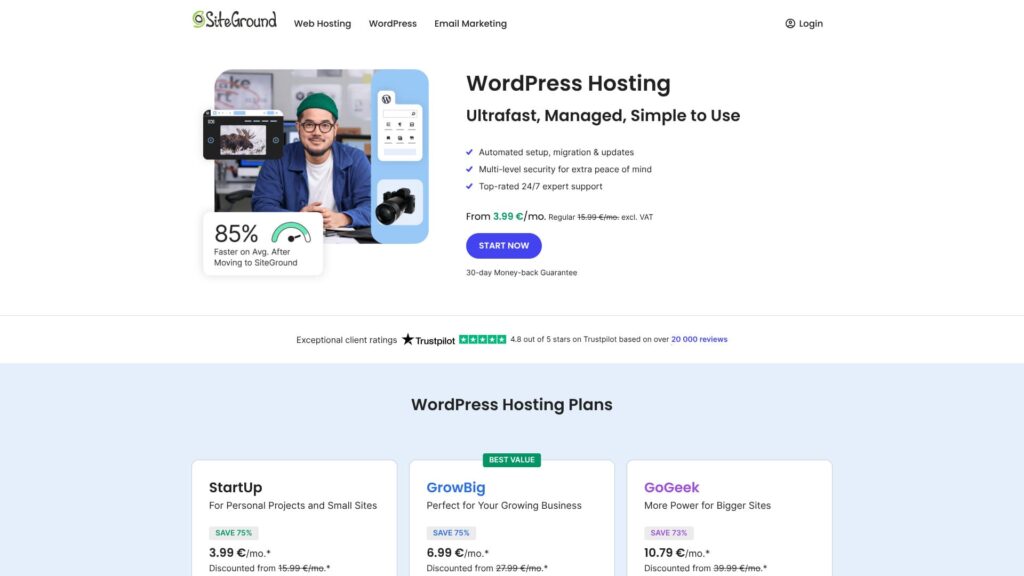
SiteGround is a hosting company founded in Bulgaria. Its biggest strength is 30 generations of automatic backups, which makes it reassuring to use. Because it can use data centers around the world as part of its CDN infrastructure, visitors can view sites comfortably from almost anywhere.
30-day money-back guarantee
| Server type | Shared hosting |
| Server ಪ್ರತಿಕ್ರಿಯೆ speed (TTFB) | Not measured |
| ಶಿಫಾರಸು ಮಾಡಿದ ಯೋಜನೆ ಮತ್ತು ಅವಧಿ | WordPress Hosting StartUp, 1 year |
| Trial / money-back guarantee | 30-day money-back guarantee |
| Monthly fee (12-month ಯೋಜನೆ) | $3.99 (586 yen) |
| Initial setup fee | Free |
| ಉಚಿತ domain | None |
| ಬೆಂಬಲ | 24/7 chat, email, and phone |
| Uptime | 99.99% |
| Storage | 10GB |
| Number of databases | Unlimited |
| SSL | Free SSL |
| Backups | 30 automatic backup generations included ಉಚಿತ |
| Email accounts | Unlimited |
| Email security measures | — |
| Server / website migration ಸೇವೆ | None |
| WordPress preinstall | None |
| CDN | Free |
| Data center locations | Los Angeles, California, USA; Dallas, Texas, USA; Council Bluffs, Iowa, USA; Ashburn, Virginia, USA; London, UK; Madrid, Spain; Eemshaven, Netherlands; Frankfurt, Germany; Paris, France; Singapore; Sydney, Australia |
SiteGround is a Bulgaria-based, technology-focused hosting company that is highly regarded for its proprietary performance technology and proactive security measures.
SiteGround ನ StartUp ಯೋಜನೆಯು ತಿಂಗಳಿಗೆ 2.99 ಡಾಲರ್ಗಳಿಂದ ಪ್ರಾರಂಭವಾಗುತ್ತದೆ ಮತ್ತು ಒಂದು ವೆಬ್ಸೈಟ್, 10 GB ವೆಬ್ ಸ್ಥಳಾವಕಾಶ ಮತ್ತು ಸುಮಾರು 10,000 ಮಾಸಿಕ ಭೇಟಿಗಳನ್ನು ಬೆಂಬಲಿಸುತ್ತದೆ. ಪ್ರತಿ ಯೋಜನೆಯು ಉಚಿತ SSL ಪ್ರಮಾಣಪತ್ರ, ದೈನಂದಿನ ಬ್ಯಾಕಪ್ಗಳು, ಸ್ವಯಂಚಾಲಿತ ವರ್ಡ್ಪ್ರೆಸ್ ನವೀಕರಣಗಳು ಮತ್ತು CDN ಸಂಯೋಜನೆಯನ್ನು ಒಳಗೊಂಡಿದೆ.
SiteGround ತನ್ನದೇ ಆದ ಸೈಟ್ ಪರಿಕರಗಳ (Site Tools) ನಿಯಂತ್ರಣ ಫಲಕವನ್ನು ಬಳಸುತ್ತದೆ, ಇದು ಸರಳ ಮತ್ತು ಬಳಸಲು ಸುಲಭವಾಗಿದೆ. ಇದು SuperCacher, NGINX, HTTP/2 ಮತ್ತು PHP 8.x ಬೆಂಬಲದಂತಹ ಆಧುನಿಕ ವೇಗವರ್ಧಕ ತಂತ್ರಜ್ಞಾನಗಳನ್ನು ಸಕ್ರಿಯವಾಗಿ ಅಳವಡಿಸಿಕೊಳ್ಳುತ್ತದೆ. ಇದು ನೈಜ-ಸಮಯದ ಬೆದರಿಕೆ ಪತ್ತೆಹಚ್ಚುವಿಕೆ ಮತ್ತು ಪ್ರತಿಕ್ರಿಯೆಗಾಗಿ AI-ಚಾಲಿತ ಭದ್ರತಾ ವ್ಯವಸ್ಥೆಗಳನ್ನು ಸಹ ಬಳಸುತ್ತದೆ.
ಸೈಟ್ನ ವೇಗ, ಭದ್ರತೆ ಮತ್ತು ತಾಂತ್ರಿಕ ಗುಣಮಟ್ಟಕ್ಕೆ ಹೆಚ್ಚಿನ ಆದ್ಯತೆ ನೀಡುವ ಜನರಿಗೆ SiteGround ಉತ್ತಮ ಆಯ್ಕೆಯಾಗಿದೆ. ನಿಮ್ಮ ಪ್ರಮುಖ ಆದ್ಯತೆ ಕೇವಲ ಕಡಿಮೆ ಬೆಲೆ ಅಥವಾ ದೊಡ್ಡ ಶೇಖರಣಾ ಸಾಮರ್ಥ್ಯವಾಗಿದ್ದರೆ, ಇತರ ಪೂರೈಕೆದಾರರನ್ನು ಸಹ ಹೋಲಿಸುವುದು ಉತ್ತಮ.

SiteGround ವಿಮರ್ಶೆ: 30 ಬ್ಯಾಕಪ್ ಪೀಳಿಗೆಗಳು ಮತ್ತು 24/7 ಬೆಂಬಲದೊಂದಿಗೆ ಸುರಕ್ಷಿತ, ಸ್ಥಿರ ಹೋಸ್ಟಿಂಗ್
SiteGround ವಿಮರ್ಶೆ: 30 ಬ್ಯಾಕಪ್ ಪೀಳಿಗೆಗಳು ಮತ್ತು 24/7 ಬೆಂಬಲದೊಂದಿಗೆ ಸುರಕ್ಷಿತ, ಸ್ಥಿರ ಹೋಸ್ಟಿಂಗ್
serverfield.org
[ಜಾಗತಿಕ ದೈತ್ಯ] GoDaddy - ವಿಶಾಲವಾದ ಸೇವಾ ಶ್ರೇಣಿಯೊಂದಿಗೆ ಬೃಹತ್ ಪ್ರಮಾಣದ ನೆಟ್ವರ್ಕ್
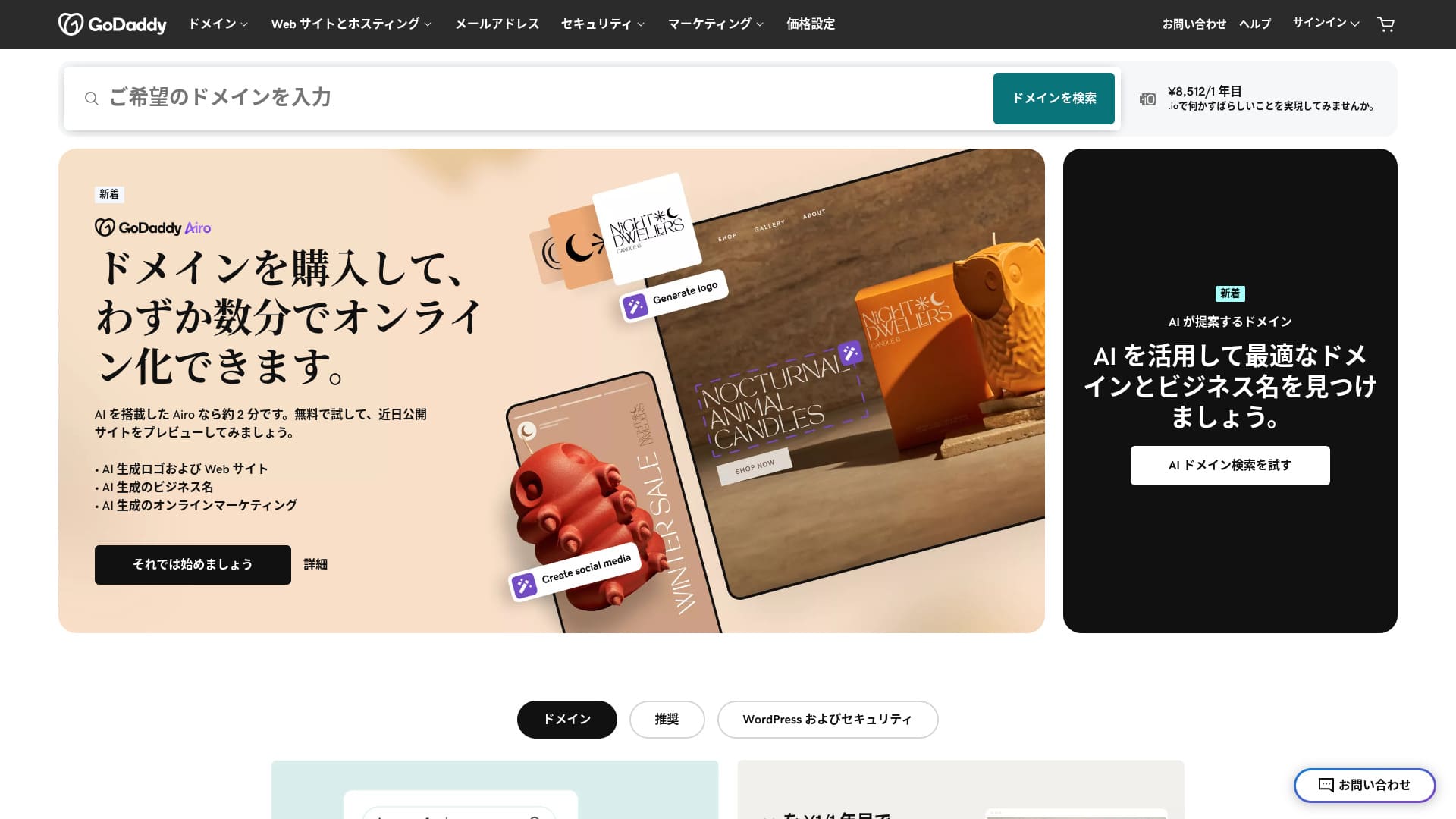
GoDaddy ಪ್ರಪಂಚದ ಅತಿ ದೊಡ್ಡ ಹೋಸ್ಟಿಂಗ್ ಕಂಪನಿಗಳಲ್ಲಿ ಒಂದಾಗಿದೆ ಮತ್ತು ಇದು ಅರಿಜೋನಾದ ಸ್ಕಾಟ್ಸ್ಡೇಲ್ನಲ್ಲಿ ಪ್ರಧಾನ ಕಚೇರಿಯನ್ನು ಹೊಂದಿದೆ. ಇದು ಜಪಾನೀಸ್ ಭಾಷೆಯ ಪುಟಗಳನ್ನು ಸಹ ಒದಗಿಸುವುದರಿಂದ ಬಳಸಲು ಸುಲಭವಾಗಿದೆ. ಇದರ ಅತ್ಯಂತ ಅಗ್ಗದ ಯೋಜನೆಯು ಸಹ WAF ಅನ್ನು ಒಳಗೊಂಡಿರುತ್ತದೆ, ಇದು ಬಲವಾದ ಭದ್ರತೆಯನ್ನು ನೀಡುತ್ತದೆ.
30-day money-back guarantee
| Server type | Shared server |
| Display speed (TTFB) | Not measured |
| ಶಿಫಾರಸು ಮಾಡಿದ ಯೋಜನೆ ಮತ್ತು ಒಪ್ಪಂದದ ಅವಧಿ | Basic, 1 year |
| Trial / money-back guarantee | 30-day money-back guarantee |
| Monthly fee (12-month ಒಪ್ಪಂದ) | 899 yen |
| Initial administrative fee | Free |
| ಉಚಿತ domain | None |
| ಬೆಂಬಲ | 24/7 chat, phone (weekdays 10:00-17:00) |
| Uptime | 99.9% |
| Server storage | 10 GB |
| Number of databases | 1 |
| SSL | Free SSL |
| Backup | Weekly backup |
| Number of email accounts | None |
| Email security measures | None |
| Server / website migration ಸೇವೆ | None |
| WordPress preinstall | Yes |
| CDN | Free |
| Data centers | Kirkland, Washington, USA / Beeston, UK / Iași, Romania / Tempe, Arizona, USA / Belgrade, Serbia |
GoDaddy ಪ್ರಪಂಚದ ಅತಿ ದೊಡ್ಡ ಡೊಮೇನ್ ನೋಂದಣಿದಾರ ಸಂಸ್ಥೆ ಮತ್ತು ಪ್ರಮುಖ ಹೋಸ್ಟಿಂಗ್ ಪೂರೈಕೆದಾರ ಎರಡೂ ಆಗಿದೆ, ಇದು ಪ್ರಪಂಚದಾದ್ಯಂತ 84 ದಶಲಕ್ಷಕ್ಕೂ ಹೆಚ್ಚು ಡೊಮೇನ್ಗಳನ್ನು ನಿರ್ವಹಿಸುತ್ತದೆ ಮತ್ತು 20 ದಶಲಕ್ಷಕ್ಕೂ ಹೆಚ್ಚು ಗ್ರಾಹಕರಿಗೆ ಸೇವೆ ನೀಡುತ್ತದೆ. ಇದರ ಪ್ರಮುಖ ಸಾಮರ್ಥ್ಯಗಳೆಂದರೆ ಅದರ ಸೇವೆಗಳ ವಿಸ್ತಾರ ಮತ್ತು ಜಾಗತಿಕ ಮಟ್ಟದಲ್ಲಿ ಕಾರ್ಯನಿರ್ವಹಿಸಿದ ದಾಖಲೆಯಾಗಿದೆ.
GoDaddy ನ Economy ಯೋಜನೆಯು ತಿಂಗಳಿಗೆ 2.99 ಡಾಲರ್ಗಳಿಂದ ಪ್ರಾರಂಭವಾಗುತ್ತದೆ ಮತ್ತು ಒಂದು ವೆಬ್ಸೈಟ್, 100 GB ಸಂಗ್ರಹಣೆ ಮತ್ತು ಅನಿಯಮಿತ ಬ್ಯಾಂಡ್ವಿಡ್ತ್ ಅನ್ನು ಒಳಗೊಂಡಿದೆ. ಪ್ರತಿ ಯೋಜನೆಯು ಉಚಿತ SSL ಪ್ರಮಾಣಪತ್ರ, 24/7 ಭದ್ರತಾ ಮೇಲ್ವಿಚಾರಣೆ, ಒಂದು-ಕ್ಲಿಕ್ ವರ್ಡ್ಪ್ರೆಸ್ ಸ್ಥಾಪನೆ ಮತ್ತು DDoS ರಕ್ಷಣೆಯನ್ನು ಪ್ರಮಾಣಿತವಾಗಿ ಒಳಗೊಂಡಿರುತ್ತದೆ.
cPanel-ಆಧಾರಿತ ನಿಯಂತ್ರಣ ಫಲಕದ ಜೊತೆಗೆ, GoDaddy ಸ್ಟುಡಿಯೋದಂತಹ ಸೈಟ್-ನಿರ್ಮಾಣ ಪರಿಕರಗಳನ್ನು GoDaddy ನೀಡುತ್ತದೆ. ಇದರ CDN ಮತ್ತು ಜಾಗತಿಕವಾಗಿ ಹರಡಿರುವ ಡೇಟಾ ಕೇಂದ್ರಗಳು ಅಂತರರಾಷ್ಟ್ರೀಯ ಟ್ರಾಫಿಕ್ ಅನ್ನು ನಿಭಾಯಿಸಲು ಸಮರ್ಥವಾಗಿಸುತ್ತವೆ.
ಪ್ರಪಂಚದ ಅತಿ ದೊಡ್ಡ ಪೂರೈಕೆದಾರರ ಭರವಸೆಯನ್ನು ಬಯಸುವವರಿಗೆ, ಡೊಮೇನ್ ಮತ್ತು ಹೋಸ್ಟಿಂಗ್ ಅನ್ನು ಒಟ್ಟಿಗೆ ನಿರ್ವಹಿಸಲು ಬಯಸುವವರಿಗೆ ಅಥವಾ ವ್ಯಾಪಕ ಶ್ರೇಣಿಯ ಆಡ್-ಆನ್ ಸೇವೆಗಳ ಲಾಭವನ್ನು ಪಡೆಯಲು ಬಯಸುವವರಿಗೆ GoDaddy ಸೂಕ್ತವಾಗಿದೆ. ನೀವು ಸರಳ ಬೆಲೆಯನ್ನು ಆದ್ಯತೆ ನೀಡಿದರೆ ಅಥವಾ ಆಳವಾದ ತಾಂತ್ರಿಕ ನಿಯಂತ್ರಣವನ್ನು ಬಯಸಿದರೆ, ಹೆಚ್ಚು ವಿಶೇಷವಾದ ಸೇವೆಯು ಉತ್ತಮವಾಗಿ ಹೊಂದಿಕೊಳ್ಳಬಹುದು.

GoDaddy ವಿಮರ್ಶೆ: ಅನುಕೂಲಗಳು, ಅನಾನುಕೂಲಗಳು, ವರ್ಡ್ಪ್ರೆಸ್ ಸೆಟಪ್ ಮತ್ತು ರದ್ದತಿ ಪ್ರಕ್ರಿಯೆಯ ಸಂಪೂರ್ಣ ವಿವರಣೆ
GoDaddy ವಿಮರ್ಶೆ: ಅನುಕೂಲಗಳು, ಅನಾನುಕೂಲಗಳು, ವರ್ಡ್ಪ್ರೆಸ್ ಸೆಟಪ್ ಮತ್ತು ರದ್ದತಿ ಪ್ರಕ್ರಿಯೆಯ ಸಂಪೂರ್ಣ ವಿವರಣೆ
serverfield.org
[ಯುರೋಪಿಯನ್ ಆಯ್ಕೆ] IONOS - ಜರ್ಮನಿಯಿಂದ ಉತ್ತಮ ಗುಣಮಟ್ಟದ ಹೋಸ್ಟಿಂಗ್
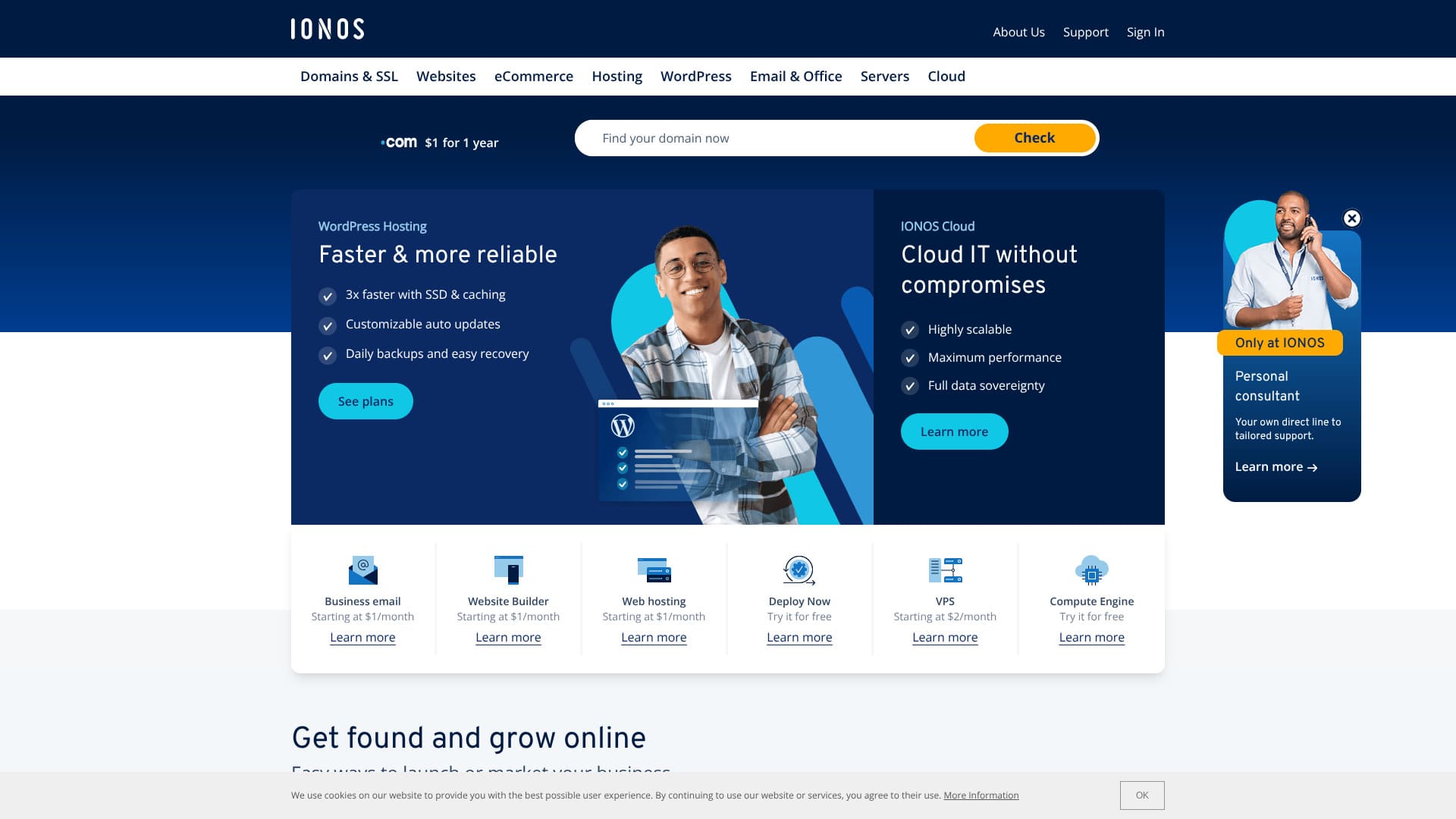
IONOS is a German hosting company. It delivers outstanding stability with 99.98% uptime while remaining inexpensive. In addition to seven days of automatic backups, it also includes security measures such as DDoS protection.
30-day money-back guarantee
| Server type | Shared hosting |
| Server ಪ್ರತಿಕ್ರಿಯೆ speed (TTFB) | Not measured |
| ಶಿಫಾರಸು ಮಾಡಿದ ಯೋಜನೆ ಮತ್ತು ಅವಧಿ | WordPress Hosting Grow, 1 year |
| Trial / money-back guarantee | 30-day money-back guarantee |
| Monthly fee (12-month ಯೋಜನೆ) | $5 (734 yen) |
| Initial setup fee | Free |
| ಉಚಿತ domain | 1 domain free for the first year |
| ಬೆಂಬಲ | 24/7 chat, email, and phone |
| Uptime | 99.98% |
| Storage | 50GB |
| Number of databases | 1 |
| Security | Malware scanning, vulnerability scanning, DDoS protection, and anti-phishing / anti-spam filters |
| SSL | Free SSL |
| Backups | Seven days of automatic backups |
| Email accounts | 5 |
| Email security measures | None |
| Server / website migration ಸೇವೆ | None |
| WordPress preinstall | None |
| CDN | None |
| Data center locations | Frankfurt, Germany; Berlin, Germany; London, UK; Logrono, Spain; Las Vegas, Nevada, USA; Newark, New Jersey, USA; Lenexa, Kansas, USA |
IONOS is part of the 1&1 IONOS brand based in Germany and is one of the largest hosting providers in Europe. It offers strict data protection standards, including full GDPR compliance, together with environmentally conscious green hosting.
IONOS ನ Essential ಯೋಜನೆಯು ತಿಂಗಳಿಗೆ 1 ಡಾಲರ್ನಿಂದ ಪ್ರಾರಂಭವಾಗುತ್ತದೆ ಮತ್ತು ಒಂದು ವೆಬ್ಸೈಟ್, 10 GB SSD ಸಂಗ್ರಹಣೆ ಮತ್ತು ಅನಿಯಮಿತ ಬ್ಯಾಂಡ್ವಿಡ್ತ್ ಅನ್ನು ಒಳಗೊಂಡಿದೆ. ಎಲ್ಲಾ ಯೋಜನೆಗಳು ಉಚಿತ SSL ಪ್ರಮಾಣಪತ್ರ, DDoS ರಕ್ಷಣೆ, ದೈನಂದಿನ ಬ್ಯಾಕಪ್ಗಳು ಮತ್ತು 24/7 ಬೆಂಬಲವನ್ನು ಒಳಗೊಂಡಿರುತ್ತವೆ, ಜೊತೆಗೆ ಮೂರು ತಿಂಗಳ ಉಚಿತ ಪ್ರಯೋಗ ಅವಧಿಯನ್ನು ಸಹ ನೀಡುತ್ತವೆ.
IONOS uses its own control panel and is straightforward to operate. By using data centers in Europe, the United States, and Asia, it optimizes performance through geographic distribution. It also maintains enterprise-level security practices backed by ISO 27001 certification.
ಡೇಟಾ ಗೌಪ್ಯತೆಯನ್ನು ಗೌರವಿಸುವವರಿಗೆ, ಪರಿಸರ ಉಪಕ್ರಮಗಳನ್ನು ಹೊಂದಿರುವ ಪೂರೈಕೆದಾರರನ್ನು ಬಯಸುವವರಿಗೆ ಅಥವಾ ಯುರೋಪಿಯನ್ ಮಾರುಕಟ್ಟೆಗಳನ್ನು ಗುರಿಯಾಗಿಸುವವರಿಗೆ IONOS ಉತ್ತಮ ಆಯ್ಕೆಯಾಗಿದೆ. ನಿಮಗೆ ಜಪಾನೀಸ್ ಭಾಷೆಯ ಬೆಂಬಲ ಅಥವಾ ಜಪಾನ್-ನಿರ್ದಿಷ್ಟ ಕಾರ್ಯಕ್ಷಮತೆಯ ಅಗತ್ಯವಿದ್ದರೆ, ಜಪಾನ್ಗೆ ಹತ್ತಿರವಾಗಿ ಹೊಂದುವ ಪೂರೈಕೆದಾರರಿಂದ ನೀವು ಉತ್ತಮ ಸೇವೆಯನ್ನು ಪಡೆಯಬಹುದು.

IONOS ಪರಿಶೀಲನೆ: Stable, ಕಡಿಮೆ-ವೆಚ್ಚ hosting in Europe that also ಬೆಂಬಲs WordPress
IONOS ಪರಿಶೀಲನೆ: Stable, ಕಡಿಮೆ-ವೆಚ್ಚ hosting in Europe that also ಬೆಂಬಲs WordPress
serverfield.org
[ವೈಶಿಷ್ಟ್ಯ-rich] HostGator - Diverse ಯೋಜನೆs backed by substantial ಬೆಂಬಲ
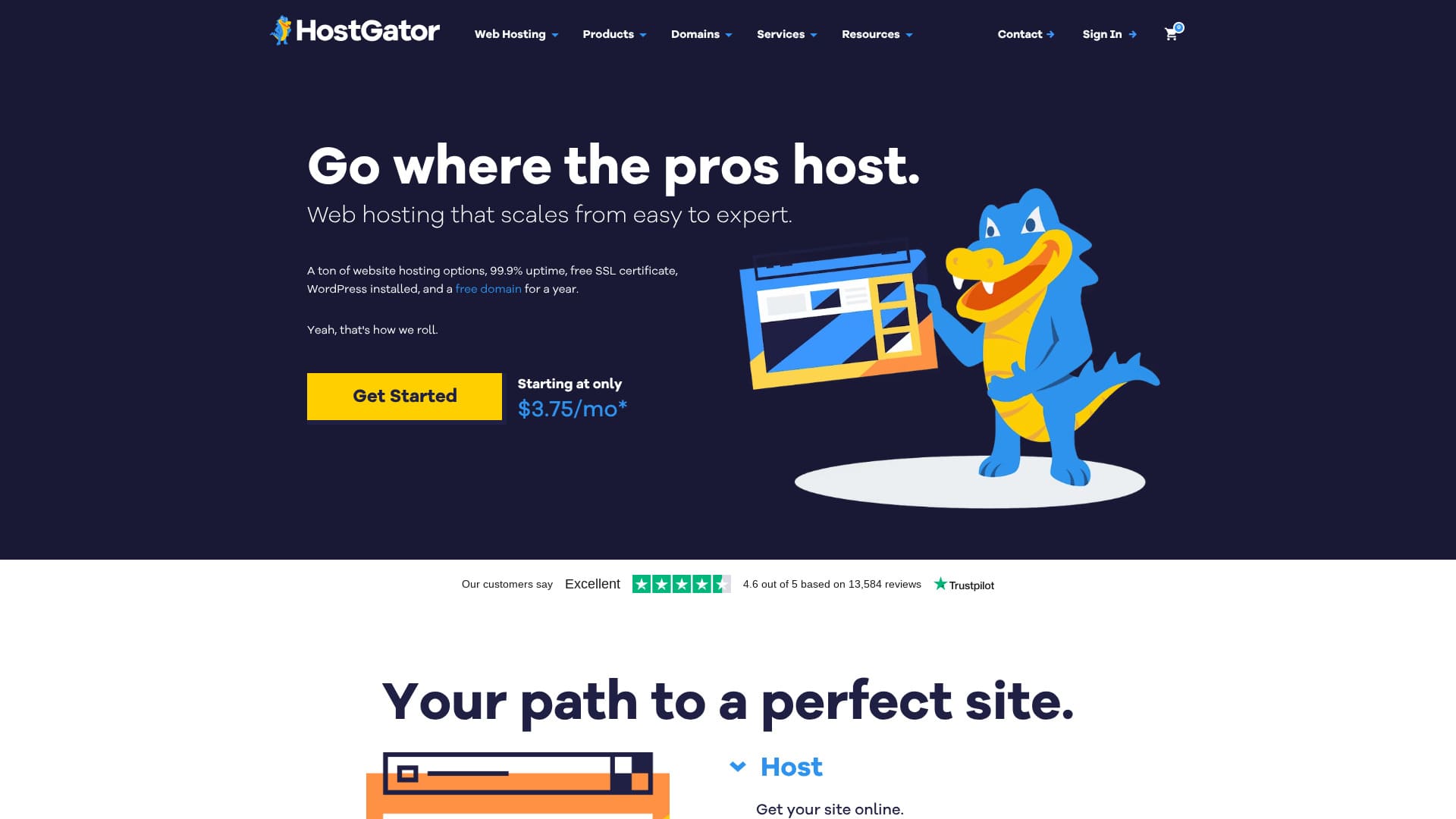
HostGator ಯುನೈಟೆಡ್ ಸ್ಟೇಟ್ಸ್ನ ಹೂಸ್ಟನ್ ಮೂಲದ ಹೋಸ್ಟಿಂಗ್ ಕಂಪನಿಯಾಗಿದೆ. ವರ್ಡ್ಪ್ರೆಸ್ ಮೊದಲೇ ಇನ್ಸ್ಟಾಲ್ ಆಗಿರುವುದರಿಂದ, ಯಾರಾದರೂ ವಿಶ್ವಾಸದಿಂದ ಪ್ರಾರಂಭಿಸಬಹುದು. ಅತ್ಯಂತ ಕಡಿಮೆ ಬೆಲೆಯ ಯೋಜನೆಯು ಮಾಲ್ವೇರ್ ಸ್ಕ್ಯಾನಿಂಗ್ನಂತಹ ಭದ್ರತಾ ವೈಶಿಷ್ಟ್ಯಗಳನ್ನು ಒಳಗೊಂಡಿದೆ.
30-day money-back guarantee
| Server type | Shared server |
| Display speed (TTFB) | Not measured |
| ಶಿಫಾರಸು ಮಾಡಿದ ಯೋಜನೆ ಮತ್ತು ಒಪ್ಪಂದದ ಅವಧಿ | WordPress Baby Plan |
| Trial / money-back guarantee | 30-day money-back guarantee |
| Monthly fee (12-month ಒಪ್ಪಂದ) | $4.50 (661 yen) |
| Initial administrative fee | Free |
| ಉಚಿತ domain | ಮೊದಲ ವರ್ಷಕ್ಕೆ 1 ಉಚಿತ |
| ಬೆಂಬಲ | 24/7 ಫೋನ್ ಬೆಂಬಲ (Baby ಯೋಜನೆ ಮತ್ತು ಮೇಲ್ಪಟ್ಟ ಆವೃತ್ತಿಗಳು), ಚಾಟ್ |
| Uptime | 99.9% |
| Server storage | 20 GB |
| Number of databases | 20 |
| Security | Malware scanning |
| SSL | Free SSL |
| Backup | Available |
| Number of email accounts | - |
| Email security measures | POP3 email accounts with SMTP, Prevent spam with SpamAssassin |
| Server / website migration ಸೇವೆ | None |
| WordPress preinstall | Yes |
| CDN | Available |
| Data centers | Provo, Utah, USA / Atlanta, Georgia, USA |
HostGator ಎನ್ನುವುದು 2002 ರಲ್ಲಿ ಪ್ರಾರಂಭವಾದ ಯು.ಎಸ್. ಹೋಸ್ಟಿಂಗ್ ಸೇವೆಯಾಗಿದೆ ಮತ್ತು ಇದು ವ್ಯಾಪಕ ಶ್ರೇಣಿಯ ಹೋಸ್ಟಿಂಗ್ ಪರಿಹಾರಗಳು ಮತ್ತು ಉತ್ತಮ ಬೆಂಬಲಕ್ಕೆ ಹೆಸರುವಾಸಿಯಾಗಿದೆ. ಇದರ ವ್ಯಾಪಕವಾದ ಯೋಜನೆಗಳ ಶ್ರೇಣಿಯು ವೈಯಕ್ತಿಕ ಬಳಕೆದಾರರಿಂದ ಹಿಡಿದು ದೊಡ್ಡ ಕಂಪನಿಗಳವರೆಗೆ ಎಲ್ಲರಿಗೂ ಸೂಕ್ತವಾಗಿದೆ.
HostGator ನ Hatchling ಯೋಜನೆಯು ತಿಂಗಳಿಗೆ 2.75 ಡಾಲರ್ಗಳಿಂದ ಪ್ರಾರಂಭವಾಗುತ್ತದೆและ ಒಂದು ವೆಬ್ಸೈಟ್, ಅನಿಯಮಿತ ಸಂಗ್ರಹಣೆ ಮತ್ತು ಅನಿಯಮಿತ ಬ್ಯಾಂಡ್ವಿಡ್ತ್ ಅನ್ನು ಒಳಗೊಂಡಿದೆ. ಎಲ್ಲಾ ಯೋಜನೆಗಳು ಉಚಿತ SSL ಪ್ರಮಾಣಪತ್ರ, ಗೂಗಲ್ ಜಾಹೀರಾತುಗಳಲ್ಲಿ 100 ಡಾಲರ್ ಕ್ರೆಡಿಟ್ ಮತ್ತು 45 ದಿನಗಳ ಹಣ ಮರುಪಾವತಿ ಭರವಸೆಯನ್ನು ಒಳಗೊಂಡಿವೆ.
HostGator cPanel ಅನ್ನು ಬಳಸುತ್ತದೆ ಮತ್ತು ವರ್ಡ್ಪ್ರೆಸ್, ಜೂಮ್ಲಾ ಮತ್ತು ಡ್ರುಪಾಲ್ ಸೇರಿದಂತೆ ಪ್ರಮುಖ CMS ಪ್ಲಾಟ್ಫಾರ್ಮ್ಗಳಿಗಾಗಿ ಒಂದು-ಕ್ಲಿಕ್ ಸ್ಥಾಪನೆಯನ್ನು ಬೆಂಬಲಿಸುತ್ತದೆ. ಇದು 99.9% ಚಾಲನೆಯಲ್ಲಿರುವ ಸಮಯದ ಭರವಸೆ, 24/7/365 ಗ್ರಾಹಕ ಬೆಂಬಲ ಮತ್ತು ಅನಿಯಮಿತ ಇಮೇಲ್ ಖಾತೆಗಳನ್ನು ಸಹ ನೀಡುತ್ತದೆ, ಇದು ಸ್ಥಿರ ಕಾರ್ಯಾಚರಣೆಗೆ ಬಲವಾದ ಅಡಿಪಾಯವನ್ನು ಒದಗಿಸುತ್ತದೆ.
HostGator is a good choice for users who want a rich feature set and substantial support, especially if they plan to operate multiple sites. If you want the newest performance technologies or more innovative features, a more technology-focused provider may be preferable.

HostGator Review: Easy WordPress Setup, Pricing, Support, and Cancellation Compared [2024 Edition]
HostGator Review: Easy WordPress Setup, Pricing, Support, and Cancellation Compared [2024 Edition]
serverfield.org
Four Reasons and Benefits to Choose Overseas Hosting

ವಿದೇಶಿ ಹೋಸ್ಟಿಂಗ್ನ ಪ್ರಮುಖ ಆಕರ್ಷಣೆಯೆಂದರೆ ದೇಶೀಯ ಹೋಸ್ಟಿಂಗ್ ನೀಡಲು ಸಾಧ್ಯವಾಗದ ಸ್ವಾತಂತ್ರ್ಯ ಮತ್ತು ವೆಚ್ಚದ ಕಾರ್ಯಕ್ಷಮತೆಯಾಗಿದೆ. ಅನೇಕ ವಿದೇಶಿ ಪೂರೈಕೆದಾರರು ಕಂಟೆಂಟ್ ಮೇಲೆ ಕಡಿಮೆ ನಿರ್ಬಂಧಗಳನ್ನು ಹೇರುತ್ತಾರೆ ಮತ್ತು ಹೆಚ್ಚು ಹೊಂದಿಕೊಳ್ಳುವ ನೀತಿಗಳೊಂದಿಗೆ ಕಾರ್ಯನಿರ್ವಹಿಸುತ್ತಾರೆ. ನೀವು ಜಾಗತಿಕ ಮಾರುಕಟ್ಟೆಗಳಿಗೆ ವಿಸ್ತರಿಸಲು ಯೋಚಿಸುತ್ತಿದ್ದರೆ, ವಿದೇಶಿ ಹೋಸ್ಟಿಂಗ್ ಬಳಸುವುದು ಒಂದು ಕಾರ್ಯತಂತ್ರದ ನಿರ್ಧಾರವಾಗಬಹುದು.
Outstanding value when compared with domestic hosting
Overseas hosting is often dramatically cheaper than domestic hosting. It is not unusual to find functionality that costs around 1,000 yen per month on a domestic shared server available overseas for 200 to 500 yen per month. Long-term contracts often unlock even deeper discounts, and on three-year contracts, reductions of more than 50% are not uncommon.
The appeal of overseas hosting: greater freedom of expression
Overseas hosting often imposes fewer restrictions on content than domestic hosting does. This reflects differences in laws and cultural backgrounds from one country to another. Even so, you should always review the terms of service carefully and operate with enough caution to avoid legal problems.
Key points when choosing a server for global expansion
ನೀವು ವಿದೇಶಿ ಮಾರುಕಟ್ಟೆ ವಿಸ್ತರಣೆಯನ್ನು ಯೋಜಿಸುತ್ತಿದ್ದರೆ, ನಿಮ್ಮ ಗುರಿ ಪ್ರದೇಶಕ್ಕೆ ಹತ್ತಿರವಿರುವ ಸರ್ವರ್ ಅನ್ನು ಆಯ್ಕೆ ಮಾಡುವುದರಿಂದ ಪುಟದ ವೇಗ ಸುಧಾರಿಸಬಹುದು. ಇದು ಬಹು ಭಾಷೆಗಳನ್ನು ಬೆಂಬಲಿಸಲು ಮತ್ತು ಅಂತರರಾಷ್ಟ್ರೀಯ ಪಾವತಿ ವ್ಯವಸ್ಥೆಗಳೊಂದಿಗೆ ಸಂಯೋಜಿಸಲು ಸುಲಭವಾಗುತ್ತದೆ. CDN (Content Delivery Network) ಬಳಸುವ ಮೂಲಕ, ಪ್ರಪಂಚದಾದ್ಯಂತದ ಬಳಕೆದಾರರ ಪ್ರವೇಶವನ್ನು ನೀವು ಸುಲಭವಾಗಿ ನಿಭಾಯಿಸಬಹುದು.
★ What Is a CDN? Improve Speed and Performance with a Network of Servers
SEO benefits optimized for target regions
ನೀವು ವಿದೇಶಿ ಮಾರುಕಟ್ಟೆಗಳಿಗಾಗಿ ಸೈಟ್ ಅನ್ನು ನಡೆಸುತ್ತಿದ್ದರೆ, ಗುರಿ ಪ್ರದೇಶದಲ್ಲಿನ ಸರ್ವರ್ನೊಂದಿಗೆ ಪ್ರದೇಶ-ನಿರ್ದಿಷ್ಟ ಡೊಮೇನ್ ಅನ್ನು ಸಂಯೋಜಿಸುವುದು ಎಸ್ಇಒ (SEO) ಅನ್ನು ಗಮನಾರ್ಹವಾಗಿ ಸುಧಾರಿಸುತ್ತದೆ. ಪ್ರಾದೇಶಿಕ ಪ್ರಸ್ತುತತೆಯನ್ನು ನಿರ್ಧರಿಸಲು ಐಪಿ ವಿಳಾಸಗಳು ಮತ್ತು ಉನ್ನತ ಮಟ್ಟದ ಡೊಮೇನ್ಗಳೆರಡನ್ನೂ ಬಳಸುವುದಾಗಿ ಗೂಗಲ್ ಅಧಿಕೃತವಾಗಿ ತಿಳಿಸಿದೆ, ಆದ್ದರಿಂದ ಗುರಿ ದೇಶದಲ್ಲಿ ಸರ್ವರ್ ಅನ್ನು ಆಯ್ಕೆ ಮಾಡುವುದರಿಂದ ಹುಡುಕಾಟದ ಗೋಚರತೆ ಸುಧಾರಿಸುತ್ತದೆ.
Compliance with local regulations and data privacy requirements
When responding to data protection rules such as the GDPR in Europe or the CCPA in California, there are cases where using a local server is effectively required. Choosing a local server in advance makes it easier to meet legal requirements later and helps preserve business continuity.
How to Choose Overseas Hosting Without Regret: 7 Checkpoints
ವಿದೇಶಿ ಹೋಸ್ಟಿಂಗ್ ಅನ್ನು ಆಯ್ಕೆಮಾಡುವಾಗ, ಯಶಸ್ಸು ಕೇವಲ ಬೆಲೆಯನ್ನು ಮಾತ್ರವಲ್ಲದೆ ಪ್ರಾಯೋಗಿಕ ದೈನಂದಿನ ಬಳಕೆಯ ಸುಲಭತೆಯನ್ನೂ ಅವಲಂಬಿಸಿರುತ್ತದೆ. ಈ ಕೆಳಗಿನ ಏಳು ಅಂಶಗಳನ್ನು ಮನಸ್ಸಿನಲ್ಲಿಟ್ಟುಕೊಂಡರೆ, ನೀವು ವಿಷಾದಿಸದಂತಹ ಆಯ್ಕೆಯನ್ನು ಮಾಡಲು ಸಾಧ್ಯವಾಗುತ್ತದೆ.
ಜಪಾನ್ನಿಂದ ಸರ್ವರ್ ಪ್ರತಿಕ್ರಿಯೆ ಸಮಯ ಮತ್ತು ಕಾರ್ಯಕ್ಷಮತೆ
ಜಪಾನ್ನಿಂದ ಪ್ರವೇಶದ ವೇಗವು ಸರ್ವರ್ನ ಭೌತಿಕ ದೂರದಿಂದ ಹೆಚ್ಚು ಪ್ರಭಾವಿತವಾಗಿರುತ್ತದೆ. ಯು.ಎಸ್. ಪಶ್ಚಿಮ ಕರಾವಳಿಯ ಸರ್ವರ್ಗಳು ಸಾಮಾನ್ಯವಾಗಿ ತುಲನಾತ್ಮಕವಾಗಿ ವೇಗವಾಗಿರುತ್ತವೆ, ಆದರೆ ಯುರೋಪಿಯನ್ ಸರ್ವರ್ಗಳು ಸ್ವಲ್ಪ ನಿಧಾನವಾಗಿರುತ್ತವೆ. ಸಹಿ ಮಾಡುವ ಮುನ್ನ ನೈಜ ಕಾರ್ಯಕ್ಷಮತೆಯನ್ನು ಖಚಿತಪಡಿಸಿಕೊಳ್ಳಲು ಲಭ್ಯವಿರುವ ಯಾವುದೇ ಉಚಿತ ಪ್ರಯೋಗ ಅವಧಿಯನ್ನು ಬಳಸುವುದು ಉತ್ತಮ.
Hikaru Ono
Sometimes it turns out not to be as fast as you imagined.
Japanese-language support and how strong it really is
ಹೆಚ್ಚಿನ ವಿದೇಶಿ ಹೋಸ್ಟಿಂಗ್ ಕಂಪನಿಗಳು ಈಗ ಜಪಾನೀಸ್ ಭಾಷೆಯ ಬೆಂಬಲವನ್ನು ನೀಡುತ್ತಿವೆ. ಆದಾಗ್ಯೂ, ಬೆಂಬಲದ ಗುಣಮಟ್ಟವು ತುಂಬಾ ಭಿನ್ನವಾಗಿರುತ್ತದೆ, ಆದ್ದರಿಂದ ಸೈನ್ ಅಪ್ ಮಾಡುವ ಮುನ್ನ ಪ್ರತಿಕ್ರಿಯೆ ಸಮಯ ಮತ್ತು ಉತ್ತರಗಳ ಗುಣಮಟ್ಟವನ್ನು ಖಚಿತಪಡಿಸಿಕೊಳ್ಳಿ. ಬೆಂಬಲವು ಕೇವಲ ಇಂಗ್ಲಿಷ್ನಲ್ಲಿ ಲಭ್ಯವಿದ್ದರೆ, ಅನುವಾದ ಪರಿಕರಗಳು ಮತ್ತು ಮೂಲಭೂತ ಇಂಗ್ಲಿಷ್ ಪದಗುಚ್ಛಗಳನ್ನು ಅವಲಂಬಿಸಲು ಸಿದ್ಧರಾಗಿರಬೇಕು.
Hikaru Ono
ವಿದೇಶಿ ಚಾಟ್ ಬೆಂಬಲವು ಸಾಮಾನ್ಯವಾಗಿ ವ್ಯಕ್ತಿಯೊಂದಿಗೆ ನಿಮ್ಮನ್ನು ತ್ವರಿತವಾಗಿ ಸಂಪರ್ಕಿಸುತ್ತದೆ. ಆ ಅರ್ಥದಲ್ಲಿ, ಮೊದಲು AI ಉತ್ತರಿಸುವ ದೇಶೀಯ ಹೋಸ್ಟಿಂಗ್ ಬೆಂಬಲಕ್ಕಿಂತ ಇದು ಉತ್ತಮವಾಗಿದೆ ಎಂದು ನಾನು ಭಾವಿಸುತ್ತೇನೆ.
ಪಾರದರ್ಶಕ ಬೆಲೆ ಮತ್ತು ಗುಪ್ತ ವೆಚ್ಚಗಳನ್ನು ಗುರುತಿಸುವುದು ಹೇಗೆ
ವಿದೇಶಿ ಹೋಸ್ಟಿಂಗ್ನಲ್ಲಿ, ಆರಂಭಿಕ ಬೆಲೆಯು ಕಡಿಮೆಯಾಗಿ ಕಾಣಿಸಬಹುದು ಆದರೆ ನವೀಕರಣ ಬೆಲೆಯು ನಂತರ ತೀವ್ರವಾಗಿ ಹೆಚ್ಚಾಗುತ್ತದೆ. SSL ಪ್ರಮಾಣಪತ್ರಗಳು, ಬ್ಯಾಕಪ್ಗಳು ಮತ್ತು ಭದ್ರತಾ ವೈಶಿಷ್ಟ್ಯಗಳಿಗೆ ಹೆಚ್ಚುವರಿ ವೆಚ್ಚವಾಗಬಹುದು, ಆದ್ದರಿಂದ ನೀವು ಒಪ್ಪಂದ ಮಾಡಿಕೊಳ್ಳುವ ಮುನ್ನ ಒಟ್ಟು ವೆಚ್ಚವನ್ನು ನಿಖರವಾಗಿ ಅರ್ಥಮಾಡಿಕೊಳ್ಳುವುದು ಮುಖ್ಯವಾಗಿದೆ.
ಸರ್ವರ್ ಎನ್ನುವುದು ನೀವು ದೀರ್ಘಾವಧಿಯವರೆಗೆ ಬಳಸುವುದನ್ನು ಮುಂದುವರಿಸುವ ಅಂಶವಾಗಿದೆ. ಈ ವಿವರಗಳನ್ನು ಎಚ್ಚರಿಕೆಯಿಂದ ಪರಿಶೀಲಿಸಿ.
ಭದ್ರತಾ ವೈಶಿಷ್ಟ್ಯಗಳು ಮತ್ತು ಬ್ಯಾಕಪ್ ವ್ಯವಸ್ಥೆಗಳು
ಮೂಲಭೂತ ಭದ್ರತಾ ಕ್ರಮಗಳಾಗಿ, ಉಚಿತ SSL ಪ್ರಮಾಣಪತ್ರಗಳು, DDoS ರಕ್ಷಣೆ ಮತ್ತು ನಿಯಮಿತ ಭದ್ರತಾ ನವೀಕರಣಗಳನ್ನು ಹೊಂದುವುದು ಮುಖ್ಯವಾಗಿದೆ. ಬ್ಯಾಕಪ್ಗಳಿಗಾಗಿ, ಅವುಗಳನ್ನು ಎಷ್ಟು ಬಾರಿ ರಚಿಸಲಾಗುತ್ತದೆ ಮತ್ತು ಮರುಪಡೆಯುವಿಕೆ ಹೇಗೆ ಕಾರ್ಯನಿರ್ವಹಿಸುತ್ತದೆ ಎಂಬುದನ್ನು ಖಚಿತಪಡಿಸಿಕೊಳ್ಳಿ ಮತ್ತು ಸಾಧ್ಯವಾದರೆ, ಒಂದಕ್ಕಿಂತ ಹೆಚ್ಚು ಬ್ಯಾಕಪ್ ವಿಧಾನಗಳನ್ನು ಸಂಯೋಜಿಸಿ.
★ Five Powerful WordPress Backup Plugins to Help You Recover Data
Scalability and flexibility for changing plans
ನಿಮ್ಮ ಸೈಟ್ ಬೆಳೆದಂತೆ ಯೋಜನೆಗಳನ್ನು ಬದಲಾಯಿಸುವ ನಮ್ಯತೆ ಮುಖ್ಯವಾಗಿದೆ. ವಿಶೇಷವಾಗಿ, ಸಿಪಿಯು, ಮೆಮೊರಿ ಮತ್ತು ಸಂಗ್ರಹಣೆಯನ್ನು ಹಂತ ಹಂತವಾಗಿ ಹೆಚ್ಚಿಸಬಹುದೇ ಮತ್ತು ಯಾವುದೇ ಅಡಚಣೆಯಿಲ್ಲದೆ ಯೋಜನೆ ಬದಲಾವಣೆಗಳನ್ನು ಮಾಡಬಹುದೇ ಎಂಬುದನ್ನು ನೀವು ಪರಿಶೀಲಿಸಬೇಕು.
ಚಾಲನೆಯಲ್ಲಿರುವ ಸಮಯದ ಭರವಸೆಗಳು ಮತ್ತು SLAಗಳು (ಸೇವಾ ಗುಣಮಟ್ಟದ ಭರವಸೆಗಳು)
ನಂಬಿಕಸ್ಥ ಹೋಸ್ಟಿಂಗ್ ಕಂಪನಿಗಳು ಕನಿಷ್ಠ 99.9% ರಷ್ಟು ಚಾಲನೆಯಲ್ಲಿರುವ ಸಮಯದ ಭರವಸೆ ನೀಡುತ್ತವೆ. SLA ಎನ್ನುವುದು ಘಟನೆಗಳ ಸಮಯದಲ್ಲಿ ಪರಿಹಾರದ ನಿಯಮಗಳು ಮತ್ತು ಪ್ರತಿಕ್ರಿಯೆ ಸಮಯವನ್ನು ಸಹ ವಿವರಿಸುತ್ತದೆ, ಇದು ವಿಶೇಷವಾಗಿ ವ್ಯಾಪಾರ ಬಳಕೆಗೆ ಮುಖ್ಯವಾಗಿಸುತ್ತದೆ.
In that respect, overseas hosting often feels reassuring because providers tend to ಸ್ಥಿತಿ their upಸಮಯ guarantees more clearly than domestic services do.
Hikaru Ono
Whenever possible, choose a provider that guarantees at least 99.99% uptime.
★ A Beginner's Guide to Understanding Rental Server Uptime and SLAs
Cancellation, migration procedures, and restrictions
ವಿದೇಶಿ ಹೋಸ್ಟಿಂಗ್ನಲ್ಲಿ, ರದ್ದತಿ ಪ್ರಕ್ರಿಯೆಗಳು ಕೆಲವೊಮ್ಮೆ ಜಟಿಲವಾಗಿರಬಹುದು. ಡೇಟಾ ರಫ್ತು ಮೇಲಿನ ನಿರ್ಬಂಧಗಳು ಮತ್ತು ರದ್ದತಿಯ ನಂತರ ಡೇಟಾವನ್ನು ಉಳಿಸಿಕೊಳ್ಳುವ ಅವಧಿಯು ಪೂರೈಕೆದಾರರಿಂದ ಪೂರೈಕೆದಾರರಿಗೆ ಭಿನ್ನವಾಗಿರುತ್ತದೆ, ಆದ್ದರಿಂದ ಈ ಅಂಶಗಳನ್ನು ಮೊದಲೇ ಪರಿಶೀಲಿಸುವುದು ಮುಖ್ಯವಾಗಿದೆ.
Points to Watch and Countermeasures When Using Overseas Hosting
ನೀವು ವಿದೇಶಿ ಹೋಸ್ಟಿಂಗ್ ಬಳಸುವಾಗ, ದೇಶೀಯ ಹೋಸ್ಟಿಂಗ್ಗಿಂತ ಭಿನ್ನವಾದ समस्याಗಳನ್ನು ಎದುರಿಸುತ್ತೀರಿ. ನೀವು ಆ ಸಮಸ್ಯೆಗಳನ್ನು ಮೊದಲೇ ಅರ್ಥಮಾಡಿಕೊಂಡು ಸರಿಯಾದ ಮುನ್ನೆಚ್ಚರಿಕೆಗಳನ್ನು ತೆಗೆದುಕೊಂಡರೆ, ಕಾರ್ಯಾಚರಣೆಗಳು ಹೆಚ್ಚು ಸುಲಭವಾಗಿ ನಡೆಯಬಹುದು.
Practical ways to overcome the language barrier
ಅನೇಕ ವಿದೇಶಿ ಪೂರೈಕೆದಾರರು ಮುಖ್ಯವಾಗಿ ಇಂಗ್ಲಿಷ್ನಲ್ಲಿ ಬೆಂಬಲವನ್ನು ನೀಡುವುದರಿಂದ, ಮೂಲಭೂತ ಇಂಗ್ಲಿಷ್ ಬೆಂಬಲ ಪದಗುಚ್ಛಗಳನ್ನು ತಿಳಿಯುವುದು ಮುಖ್ಯವಾಗಿದೆ. ತಾಂತ್ರಿಕ ಸಮಸ್ಯೆಗಳಿಗಾಗಿ, DeepL ಅಥವಾ Google Translate ನಂತಹ ಪರಿಕರಗಳು ಉಪಯುಕ್ತವಾಗಿವೆ, ಮತ್ತು ಪ್ರಮುಖ ವಿಷಯಗಳಿಗಾಗಿ, ಒಂದಕ್ಕಿಂತ ಹೆಚ್ಚು ಅನುವಾದ ಸೇವೆಗಳ ಮೂಲಕ ಅರ್ಥವನ್ನು ಪರಿಶೀಲಿಸುವುದು ಜಾಣತನ. ವಿದೇಶಿ ಹೋಸ್ಟಿಂಗ್ಗೆ ಸಂಬಂಧಿಸಿದ ಬಳಕೆದಾರರ ಸಮುದಾಯಗಳು ಮತ್ತು ಚರ್ಚಾ ವೇದಿಕೆಗಳನ್ನು ಬಳಸಿಕೊಳ್ಳುವ ಮೂಲಕ ನೀವು ಪ್ರಾಯೋಗಿಕ ಪರಿಹಾರಗಳನ್ನು ಸಹ ಪಡೆಯಬಹುದು.
How to make effective use of ಬೆಂಬಲ across ಸಮಯ zones
ವಿದೇಶಿ ಬೆಂಬಲವು ಸ್ಥಳೀಯ ಸಮಯದಲ್ಲಿ ಕಾರ್ಯನಿರ್ವಹಿಸುವುದರಿಂದ, ತುರ್ತು ಪ್ರತಿಕ್ರಿಯೆಯನ್ನು ಮನಸ್ಸಿನಲ್ಲಿಟ್ಟುಕೊಂಡು ನೀವು ಯೋಜಿಸಬೇಕಾಗುತ್ತದೆ. ವಿಶೇಷವಾಗಿ ಯು.ಎಸ್. ಮೂಲದ ಹೋಸ್ಟಿಂಗ್ನಲ್ಲಿ, ಬೆಂಬಲವು ಸಾಮಾನ್ಯವಾಗಿ ಜಪಾನ್ನಲ್ಲಿ ತಡರಾತ್ರಿಯಿಂದ ಮುಂಜಾನೆಯ ಸಮಯಕ್ಕೆ ಹೊಂದಿಕೆಯಾಗುತ್ತದೆ, ಆದ್ದರಿಂದ ಪ್ರಮುಖ ಕೆಲಸಗಳನ್ನು ಮೊದಲೇ ಯೋಜಿಸಬೇಕು ಮತ್ತು ಬೆಂಬಲ ಲಭ್ಯವಿರುವ ಸಮಯದಲ್ಲಿ ಕೈಗೊಳ್ಳಬೇಕು.
ತೆರಿಗೆಗಳು ಮತ್ತು वಿನಿಮಯ ದರ ಏರಿಳಿತಗಳನ್ನು ನಿಭಾಯಿಸುವುದು ಹೇಗೆ
ವಿದೇಶಿ ಹೋಸ್ಟಿಂಗ್ ಶುಲ್ಕಗಳನ್ನು ವಿದೇಶಿ ಕರೆನ್ಸಿಗಳಲ್ಲಿ ವಿಧಿಸಲಾಗುವುದರಿಂದ, ಅವು वಿನಿಮಯ ದರ ಏರಿಳಿತಗಳಿಂದ ಪ್ರಭಾವಿತವಾಗುತ್ತವೆ. ದೀರ್ಘಾವಧಿಯ ಒಪ್ಪಂದಗಳಿಗೆ ಸಹಿ ಹಾಕುವಾಗ, ಆ ಅಪಾಯವನ್ನು ತಡೆದುಕೊಳ್ಳಲು ಬಜೆಟ್ನಲ್ಲಿ ಸಾಕಷ್ಟು ಅವಕಾಶವನ್ನು ಕಲ್ಪಿಸುವುದು ಮುಖ್ಯವಾಗಿದೆ. ಜಪಾನಿನ ತೆರಿಗೆ ಕಾನೂನಿಗೆ ಅನುಗುಣವಾಗಿ ನೀವು ಬಳಕೆ ತೆರಿಗೆಯನ್ನು ಸಹ ಸರಿಯಾಗಿ ನಿರ್ವಹಿಸಬೇಕಾಗುತ್ತದೆ.
How Japanese law can still apply
Even when you use an overseas server, Japanese law may still apply if you provide services to users in Japan. In particular, it is wise to seek professional advice regarding laws such as the Personal Information Protection Act, e-commerce law, and copyright law.
ವಿದೇಶಿ ಹೋಸ್ಟಿಂಗ್ ಪ್ರಾರಂಭಿಸಿದ ನಂತರದ ಸೆಟಪ್ ಮತ್ತು ಕಾರ್ಯಾಚರಣೆಗಳ ಮಾರ್ಗದರ್ಶಿ
Five setup steps you should always complete first
- Strengthen security ಸೆಟ್ಟಿಂಗ್ಗಳು: ನಿರ್ವಾಹಕ ಪಾಸ್ವರ್ಡ್ ಅನ್ನು ಬದಲಾಯಿಸಿ, ದ್ವಿ-ಅಂಶ ದೃಢೀಕರಣವನ್ನು ಸಕ್ರಿಯಗೊಳಿಸಿ ಮತ್ತು ಅನಗತ್ಯ ಸೇವೆಗಳನ್ನು ನಿಷ್ಕ್ರಿಯಗೊಳಿಸಿ.
- Build a backup ಸಿಸ್ಟಮ್: ಸ್ವಯಂಚಾಲಿತ ಬ್ಯಾಕಪ್ ಸೆಟ್ಟಿಂಗ್ಗಳನ್ನು ಖಚಿತಪಡಿಸಿಕೊಳ್ಳಿ ಮತ್ತು ಮ್ಯಾನುಯಲ್ ಬ್ಯಾಕಪ್ಗಳನ್ನು ಹೇಗೆ ತೆಗೆದುಕೊಳ್ಳುವುದು ಎಂದು ತಿಳಿಯಿರಿ.
- Configure the SSL certificate: ಉಚಿತ SSL ಪ್ರಮಾಣಪತ್ರವನ್ನು ಸಕ್ರಿಯಗೊಳಿಸಿ ಮತ್ತು HTTPS ಬಳಸಲು ಸೈಟ್ ಅನ್ನು ಹೊಂದಿಸಿ.
- Confirm DNS ಸೆಟ್ಟಿಂಗ್ಗಳು: make sure the domain is correctly connected to the server.
- Set up monitoring and alerts: configure notifications for uptime issues and other abnormalities.
Building a Japanese-language environment and installing WordPress
ವಿದೇಶಿ ಹೋಸ್ಟಿಂಗ್ನಲ್ಲಿ ಜಪಾನೀಸ್ ಭಾಷೆಯ ಪರಿಸರವನ್ನು ನಿರ್ಮಿಸುವಾಗ, ಕ್ಯಾರೆಕ್ಟರ್ ಎನ್ಕೋಡಿಂಗ್ ನಿರ್ಣಾಯಕವಾಗಿರುತ್ತದೆ. PHP ಯಲ್ಲಿ mb_string ಕಾರ್ಯವನ್ನು ಸಕ್ರಿಯಗೊಳಿಸಿ ಮತ್ತು ಡೇಟಾಬೇಸ್ ಕ್ಯಾರೆಕ್ಟರ್ ಸೆಟ್ ಅನ್ನು UTF-8 ಗೆ ಹೊಂದಿಸಿ. ವರ್ಡ್ಪ್ರೆಸ್ ಸ್ಥಾಪನೆಯ ಸಮಯದಲ್ಲಿ, ಜಪಾನೀಸ್ ಆವೃತ್ತಿಯ ವರ್ಡ್ಪ್ರೆಸ್ ಅನ್ನು ಆಯ್ಕೆಮಾಡಿ ಮತ್ತು ಸಮಯ ವಲಯವನ್ನು Asia/Tokyo ಗೆ ಹೊಂದಿಸಿ, ಇದರಿಂದ ಪರಿಸರವು ಜಪಾನ್ಗೆ ಹೊಂದುವಂತೆ ಆಪ್ಟಿಮೈಸ್ ಆಗುತ್ತದೆ.
Regular backups and security measures
ಬ್ಯಾಕಪ್ಗಳು ಫೈಲ್ಗಳು ಮತ್ತು ಡೇಟಾಬೇಸ್ಗಳೆರಡನ್ನೂ ಒಳಗೊಂಡಿರಬೇಕು ಮತ್ತು ವಿಭಿನ್ನ ಸ್ಥಳಗಳಲ್ಲಿ ಸಂಗ್ರಹಿಸಲ್ಪಡಬೇಕು. ಸಾಪ್ತಾಹಿಕ ಪೂರ್ಣ ಬ್ಯಾಕಪ್ನೊಂದಿಗೆ ದೈನಂದಿನ ಬ್ಯಾಕಪ್ಗಳನ್ನು ಸಂಯೋಜಿಸುವುದು ಡೇಟಾ ರಕ್ಷಣೆಯನ್ನು ಹೆಚ್ಚು ಪರಿಣಾಮಕಾರಿಯಾಗಿಸುತ್ತದೆ. ಭದ್ರತೆಗಾಗಿ, Wordfence ಮತ್ತು Sucuri ನಂತಹ ಪ್ಲಗಿನ್ಗಳು ನೈಜ-ಸಮಯದ ಬೆದರಿಕೆ ಪತ್ತೆಹಚ್ಚುವಿಕೆ ಮತ್ತು ಪ್ರತಿಕ್ರಿಯೆಗೆ ಸಹಾಯ ಮಾಡುತ್ತವೆ.
Tips for performance optimization
ಚಿತ್ರ ಆಪ್ಟಿಮೈಸೇಶನ್ ಪ್ಲಗಿನ್ಗಳು, ಕ್ಯಾಶ್ ಪ್ಲಗಿನ್ಗಳು ಮತ್ತು CDN ಬಳಸುವ ಮೂಲಕ ನೀವು ಸೈಟ್ ವೇಗವನ್ನು ಸುಧಾರಿಸಬಹುದು. ಅನಗತ್ಯ ಪ್ಲಗಿನ್ಗಳನ್ನು ತೆಗೆದುಹಾಕುವುದು, ಡೇಟಾಬೇಸ್ ಅನ್ನು ಆಪ್ಟಿಮೈಸ್ ಮಾಡುವುದು ಮತ್ತು PHP ಅನ್ನು ನವೀಕೃತವಾಗಿರಿಸುವುದು ಸೇರಿದಂತೆ ನಿಯಮಿತ ನಿರ್ವಹಣೆಯೂ ಮುಖ್ಯವಾಗಿದೆ.
ಸಾಮಾನ್ಯ ಪ್ರಶ್ನೆಗಳು (ಸಾಮಾನ್ಯ ಪ್ರಶ್ನೆಗಳು)
Questions about contracts and pricing
Q: What payment methods are available for overseas hosting?
A: Most overseas hosting providers accept credit cards such as Visa, Mastercard, and American Express, PayPal, and bank transfers. Some providers also accept cryptocurrency payments.
Q: Are there any costs beyond the initial fee?
ಉ: ಹೌದು. ಹೆಚ್ಚುವರಿ ಸಂಭಾವ್ಯ ವೆಚ್ಚಗಳಲ್ಲಿ ಉಚಿತವಾಗಿ ಸೇರಿಸದಿದ್ದಾಗ SSL ಪ್ರಮಾಣಪತ್ರಗಳು, ಹೆಚ್ಚುವರಿ ಬ್ಯಾಕಪ್ಗಳು, ಪ್ರೀಮಿಯಂ ಬೆಂಬಲ ಮತ್ತು ಡೊಮೇನ್ ನವೀಕರಣ ಶುಲ್ಕಗಳು ಸೇರಿವೆ. ನೀವು ಸೈನ್ ಅಪ್ ಮಾಡುವ ಮುನ್ನ ಬೆಲೆ ರಚನೆಯನ್ನು ವಿವರವಾಗಿ ಪರಿಶೀಲಿಸುವುದು ಉತ್ತಮ.
ಪ್ರ: ಒಪ್ಪಂದದ ಅವಧಿಯಲ್ಲಿ ನಾನು ಯೋಜನೆಗಳನ್ನು ಬದಲಾಯಿಸಬಹುದೇ?
A: With many providers, upgrades can be made immediately, while downgrades may take effect only from the next renewal. You should also confirm any extra charges or restrictions that apply when changing plans.
Answers to technical questions
Q: Can I use a Japanese domain on overseas hosting?
A: Yes, if the provider supports internationalized domain names (IDNs), you can use Japanese domain names. In some cases, however, you may need to convert the domain to Punycode during setup.
Q: Can an overseas server access external APIs in Japan?
ಉ: ತಾತ್ವಿಕವಾಗಿ, ಹೌದು. ಆದಾಗ್ಯೂ, ಜಪಾನೀಸ್ ಕಂಪನಿಗಳು ಒದಗಿಸುವ ಕೆಲವು APIಗಳು ವಿದೇಶಿ IP ವಿಳಾಸಗಳಿಂದ ಪ್ರವೇಶವನ್ನು ನಿರ್ಬಂಧಿಸುತ್ತವೆ, ಆದ್ದರಿಂದ ನೀವು ಬಳಸಲು ಯೋಜಿಸುವ any API ನ ವಿಶೇಷಣಗಳನ್ನು ಮೊದಲೇ ಪರಿಶೀಲಿಸುವುದು ಜಾಣತನ.
Q: What should I do if my database text becomes garbled?
ಉ: ಡೇಟಾಬೇಸ್ ಕ್ಯಾರೆಕ್ಟರ್ ಸೆಟ್ ಅನ್ನು UTF-8 (utf8mb4) ಗೆ ಬದಲಾಯಿಸಿ ಮತ್ತು PHP ಯಲ್ಲಿ mb_internal_encoding ಅನ್ನು UTF-8 ಗೆ ಹೊಂದಿಸಿ. ಅಸ್ತಿತ್ವದಲ್ಲಿರುವ ಡೇಟಾ ಈಗಾಗಲೇ ದೋಷಪೂರಿತವಾಗಿದ್ದರೆ, phpMyAdmin ನಂತಹ ಪರಿಕರಗಳನ್ನು ಬಳಸಿಕೊಂಡು ನೀವು ಅದನ್ನು ಸರಿಪಡಿಸಬಹುದು.
How to handle trouble when problems occur
Q: What should I ಪರಿಶೀಲಿಸಿ if my site is not loading?
ಉ: ಈ ಕ್ರಮದಲ್ಲಿ ಪರಿಶೀಲಿಸಿ: 1) DNS ಸೆಟ್ಟಿಂಗ್ಗಳು, 2) ಸರ್ವರ್ ಸ್ಥಿತಿ, 3) .htaccess ಫೈಲ್, 4) ಪ್ಲಗಿನ್ಗಳನ್ನು ನಿಷ್ಕ್ರಿಯಗೊಳಿಸಬೇಕೇ ಮತ್ತು 5) ಥೀಮ್ಗಳನ್ನು ಬದಲಾಯಿಸುವುದರಿಂದ समस्या ಪರಿಹಾರವಾಗುತ್ತದೇ ಎಂದು ನೋಡಿ. ಸಮಸ್ಯೆ ಮುಂದುವರಿದರೆ, ಪೂರೈಕೆದಾರರ ಬೆಂಬಲ ತಂಡವನ್ನು ಸಂಪರ್ಕಿಸಿ.
Q: What should I do if email will not send or ಸ್ವೀಕರಿಸಿ?
ಉ: ನಿಮ್ಮ ಮೇಲ್ ಸೆಟ್ಟಿಂಗ್ಗಳನ್ನು ಪರಿಶೀಲಿಸಿ, SPF, DKIM ಮತ್ತು DMARC ದಾಖಲೆಗಳನ್ನು ಕಾನ್ಫಿಗರ್ ಮಾಡಿ ಮತ್ತು ಮೇಲ್ ಸರ್ವರ್ನ ಕಾರ್ಯಾಚರಣೆಯ ಸ್ಥಿತಿಯನ್ನು ಖಚಿತಪಡಿಸಿಕೊಳ್ಳಿ. ವಿದೇಶಿ ಹೋಸ್ಟಿಂಗ್ನಲ್ಲಿ, ಜಪಾನಿನ ಕ್ಯಾರಿಯರ್ ಇಮೇಲ್ ವಿಳಾಸಗಳು ಸಂದೇಶಗಳನ್ನು ನಿರ್ಬಂಧಿಸಬಹುದು, ಆದ್ದರಿಂದ ಬೇರೆ ಇಮೇಲ್ ವಿಳಾಸದೊಂದಿಗೆ ಪರೀಕ್ಷಿಸುವುದು ಸಹ ಸಹಾಯ ಮಾಡುತ್ತದೆ.
Q: What points should I watch when migrating servers?
ಉ: ಪ್ರಮುಖ ಅಂಶಗಳೆಂದರೆ ವಲಸೆ ಹೋಗುವ ಮುನ್ನ ಸಂಪೂರ್ಣ ಬ್ಯಾಕಪ್ ತೆಗೆದುಕೊಳ್ಳುವುದು, ಮೊದಲೇ DNS TTL ಮೌಲ್ಯಗಳನ್ನು ಕಡಿಮೆ ಮಾಡುವುದು, ವಲಸೆಯ ನಂತರ ಕಾರ್ಯಾಚರಣೆಯನ್ನು ಖಚಿತಪಡಿಸಿಕೊಳ್ಳುವುದು ಮತ್ತು ಹಳೆಯ ಸರ್ವರ್ನಿಂದ ಡೇಟಾವನ್ನು ಅಳಿಸುವ ಮೊದಲು ಪರಿಶೀಲನಾ ಅವಧಿಗೆ ಅವಕಾಶ ನೀಡುವುದು. SSL ಪ್ರಮಾಣಪತ್ರಗಳು ಮತ್ತು ಇಮೇಲ್ ಸೆಟ್ಟಿಂಗ್ಗಳನ್ನು ಸಹ ಸ್ಥಳಾಂತರಿಸಲು ಮರೆಯಬೇಡಿ.
Other questions
Q: Which overseas server companies rank the highest?
Microsoft, Alphabet, and Amazon rank at the top by market capitalization among server-related companies. All three are American companies, and they are followed by businesses from places such as Hong Kong and China.
Q: Are there any ಉಚಿತ overseas hosting services?
Google Cloud Hosting has a ಉಚಿತ tier, but once you exceed that allowance, charges apply, so you need to keep ಮುಚ್ಚಿ track of your usage.
ಸಾರಾಂಶ: ನಿಮಗಾಗಿ ಸರಿಯಾದ ವಿದೇಶಿ ಹೋಸ್ಟಿಂಗ್ ಸೇವೆಯನ್ನು ಹೇಗೆ ಆರಿಸುವುದು
Choosing overseas hosting is not just a matter of comparing prices. It is important to consider your operating goals, technical skill level, and long-term plans as a whole.
ನೀವು ಮೊದಲ ಬಾರಿಗೆ ವಿದೇಶಿ ಹೋಸ್ಟಿಂಗ್ ಬಳಸುತ್ತಿದ್ದರೆ, ಸೇವೆಯು ನಿಜವಾಗಿ ಹೇಗಿದೆ ಎಂಬುದನ್ನು ಖಚಿತಪಡಿಸಿಕೊಳ್ಳಲು ಉಚಿತ ಪ್ರಯೋಗಗಳು ಮತ್ತು ಹಣ ಮರುಪಾವತಿ ಭರವಸೆಗಳ ಲಾಭ ಪಡೆಯಿರಿ. ವಲಸೆ ಹೋಗುವ ಮುನ್ನ bhದ್ರವಾದ ಬ್ಯಾಕಪ್ ವ್ಯವಸ್ಥೆಯನ್ನು ಸ್ಥಾಪಿಸುವುದು ಸಹ ಅತ್ಯಗತ್ಯವಾಗಿದೆ, ಏಕೆಂದರೆ ಇದು ಯಶಸ್ವಿ ಅನುಷ್ಠಾನಕ್ಕೆ ಪ್ರಮುಖವಾಗಿದೆ.
ಸರಿಯಾಗಿ ಆಯ್ಕೆಮಾಡಿ ಮತ್ತು ನಿರ್ವಹಿಸಿದಾಗ, ವಿದೇಶಿ ಹೋಸ್ಟಿಂಗ್ ದೇಶೀಯ ಹೋಸ್ಟಿಂಗ್ ನೀಡಲು ಸಾಧ್ಯವಾಗದ ಅನೇಕ ಪ್ರಯೋಜನಗಳನ್ನು ಒದಗಿಸುತ್ತದೆ. ನಿಮ್ಮ ಅಗತ್ಯಗಳಿಗೆ ಸೂಕ್ತವಾಗಿ ಹೊಂದುವ ಪೂರೈಕೆದಾರರನ್ನು ಹುಡುಕಲು ಈ ಲೇಖನದಲ್ಲಿ ಪರಿಚಯಿಸಲಾದ ಆಯ್ಕೆ ಮಾನದಂಡಗಳು ಮತ್ತು ಸೇವಾ ಗುಣಲಕ್ಷಣಗಳನ್ನು ಬಳಸಿ.