Eligible domains free forever
PR
Серверлер
Onamae.com Rental Server shouly: 99.99% жұмыс уақыты, тұрақтылық және құндылық
Жарияланды: 2025.04.18
Жаңартылды: 2025.04.18
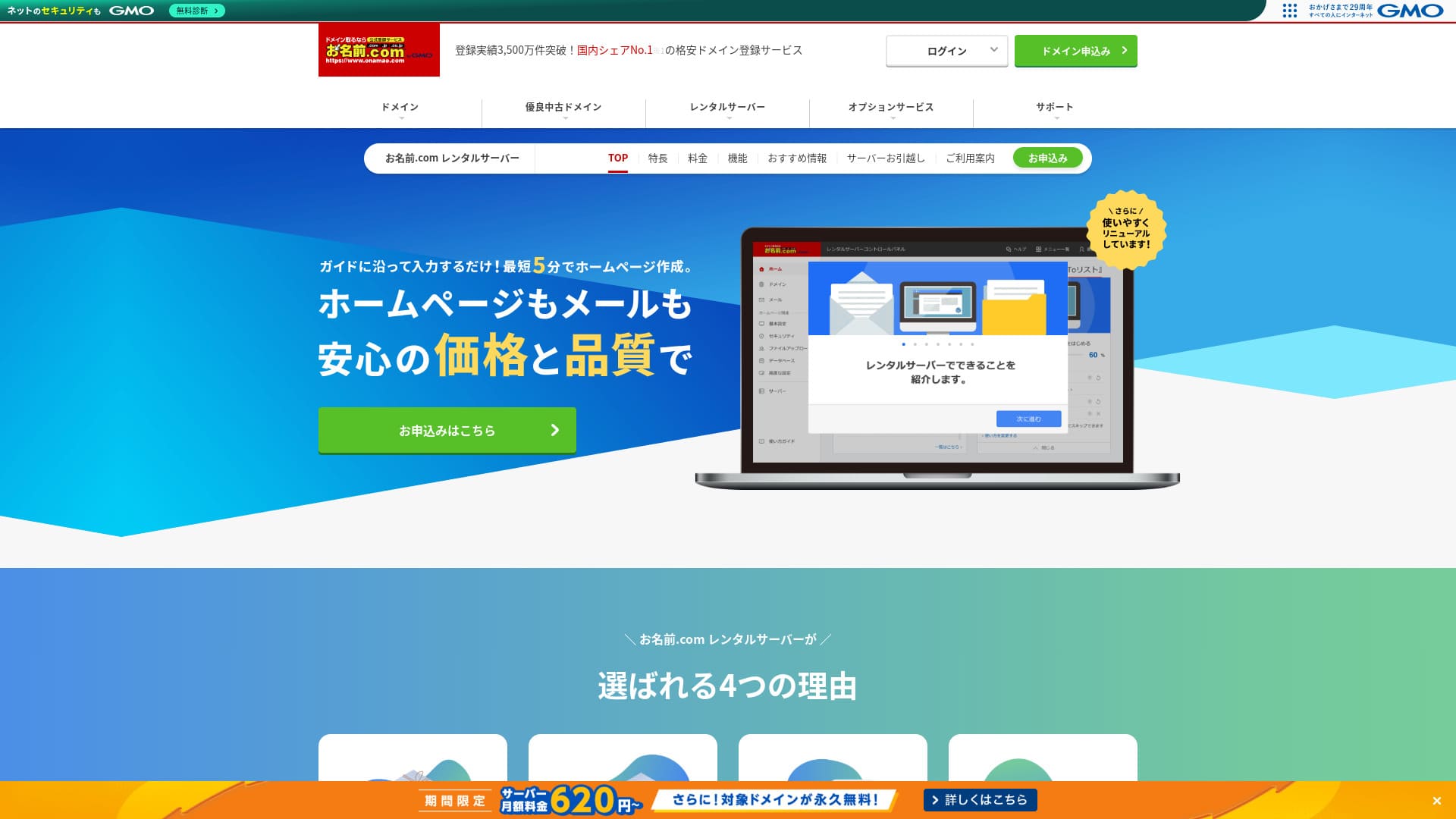
Тек домендермен емес, серверлермен де танымал болудың маңызы бар.
Onamae.com Жапонияда домен тіркеуші ретінде жақсы танымал. Оның серверлік қызметі көбіне тасада қалып қояды.Алайда оның мүмкіндіктері мен сипаттамалары мықты. Мен оны жеке тұлғаларға да, бизнеске де ұсына аламын.
In this article, I explain everything from the reputation and features of onamae.com Rental Server to how to start WordPress.

Complete Comparison of 32 WordPress Rental Servers: Recommendations by Personal, Business, and Overseas Use

«WordPress-ті бастағым келеді» деп ойлап, «WordPress ұсыныстары» деп іздегенде, сіз жеке тұлғаларға, компаниялар мен шағын бизнеске арналған қызметтер мен серверлерден бастап, шетелдік және арзан опцияларға дейінгі әртүрлі мақалаларды көресіз. Шыны керек,
- Which site should I read?
- I just want to choose a server simply and clearly.
- Show me how to start WordPress right away.
Сіз де осылай сезінбейсіз бе? Бұл мақаладаcarefully selected recommendations from 32 rental servers for individuals, businesses, domestic use, and overseas use. It is explained by the SEO lead of an app development company that works with rental servers every day.
Onamae.com Rental Server шолуы: жоғары жұмыс уақыты сенімділік беретін сервер
「 onamae.com Rental Server” has been used by both individuals and businesses. It is Japan’s largest domain registration service, and being able to manage your domain and server together is a major advantage. It makes email, website, and domain management easier across the board.

| Server type | Shared server |
| Display speed (TTFB) | Not measured |
| Recommended plan and contract term | 12 months |
| Trial / money-back guarantee | None |
| Monthly fee (12-month contract) | 2,398 yen |
| Initial setup fee | Free |
| Free domain | 1 free forever |
| Support | Phone, email, and chat (weekdays 10:00-18:00) |
| Uptime | 99.99% guaranteed |
| Server storage | 1TB |
| Number of databases | Unlimited |
| Security measures | WAF / access restrictions / ads.txt / SiteLock |
| SSL | Free SSL / AlphaSSL |
| Backup / restore | 14 күндік автоматты сақтық көшірмелер / Free restoration |
| Number of email accounts | Unlimited |
| Email security measures | Spam filter and virus scanning / SMTP over SSL, POP over SSL / IMAP / restriction on outbound mail from overseas / blacklist and whitelist |
| Server / website migration service | No migration service Migration tool available |
| Easy WordPress installation | Yes |
| CDN | None |
Five features of Onamae.com Rental Server

99.99% жұмыс уақыты
onamae.com Rental Server жұмыс уақыты 99.99% құрайды. Сервер өте тұрақты.Because the server is stable, your website display stays stable as well.
Because it reaches the 99.99% benchmark for high uptime, total downtime over a one-year contract does not even reach one hour.
★ A Beginner's Guide to Understanding Rental Server Uptime and SLAs
Кеңейтілген электрондық пошта мүмкіндіктері
onamae.com Rental Server is run by a company that specializes in domain services, and its email features are comprehensive.
The number of email accounts is unlimited. You can also create unlimited mailing lists, which makes it convenient for companies that want to create corporate email accounts and distribute messages to employees without restrictions.
The email virus removal feature is also available at no extra charge, so you can use the email service with confidence.
14 күндік автоматты сақтық көшірмелер
onamae.com Rental Server includes a 14-day automatic backup feature.
Because backup data is kept, your site can be restored even if you accidentally delete website data or it gets tampered with in a cyberattack.
That lets you operate your website with peace of mind.
Шексіз дерек тасымалы
onamae.com Rental Server offers unlimited data transfer.
You do not run into a situation where traffic grows and you can no longer serve the site because you ran out of transfer capacity.
★ What Are Traffic and Data Transfer? Managing and Optimizing Web Traffic
Шағын және орта компанияларды қоса алғанда, бизнес үшін қолайлы баға
「 onamae.com Rental Server” is well known as the domain management company within GMO Internet Group. It is one of the most affordable servers for business use. Because it is a domain-focused company, it is particularly strong at email operation. It is a good fit for companies that want to manage their website and email together.
Eligible domains free forever
onamae.com Rental Server works for both individuals and businesses because its uptime is high and stable and its email features are comprehensive.
Even so, it is cheaper than competing services when you evaluate it for business use by small and midsize companies and other organizations.That makes it a strong option for companies that want to keep costs down.
Onamae.com Rental Server-дің кемшілігі — оның тек бір ғана жоспары бар

One disappointing point is that onamae.com Rental Server only has one plan.While it is nice to have more features and specs than you may ever fully use, it would be even nicer if there were a cheaper plan that limited some of them.
If you could choose a plan according to your site traffic, it would be easier to lower operating costs, so this is a point I hope changes in the future.
That said, having only one plan is simple and easy to understand. If it feels expensive, you can choose another server, and if the price feels acceptable, the high functionality means you can keep using it for the long term.
Onamae.com Rental Server-ді екі ұқсас сервермен салыстыру
ConoHa WING
ConoHa WING is a server that makes it easy to start WordPress. Because the domain and WordPress settings are completed when you sign up, you can launch your website with confidence.
Because multiple plans are available, you can scale up the specs when you need to.
However, Onamae.com Rental Server is cheaper in the first year.

ConoHa WING Review: Testing the Reasons 750,000 Users Choose It, Plus Its Speed, Pros, and Cons
ConoHa WING Review: Testing the Reasons 750,000 Users Choose It, Plus Its Speed, Pros, and Cons
serverfield.org
Xserver
Xserver сондай-ақ 99.99% жұмыс уақыты бар тұрақты сервер болып табылады. Оның сипаттамалары мен мүмкіндіктері бірін екіншісінен анық жоғары қою қиын болатындай дәрежеде мықты.
Бұл сонымен қатар WordPress-ті оңай бастауға мүмкіндік беретін сервер. Егер сіз «WordPress Quick Start» (WordPress-ті жылдам бастау) функциясын пайдалансаңыз, тіркелген кезде WordPress алдын ала орнатылады.That means even server beginners can start WordPress with confidence.
However, because Onamae.com Rental Server is cheaper in the first year, cost is something you should factor into your decision.

Xserver Review [2025 Edition]: A Thorough Look at Speed, Pricing, Pros, and Cons
Xserver Review [2025 Edition]: A Thorough Look at Speed, Pricing, Pros, and Cons
serverfield.org
Қазір Onamae.com Rental Server арқылы WordPress сайтын бастаудың бес қадамы
Let’s start your website with Onamae.com Rental Server
- STEP.1Visit the official site: Onamae.com Rental Server
Click “Apply now.”
- STEP.2Apply for the server and get your domain
Choose a billing term. I recommend the 12-month payment option because the discount is larger.
Доменіңізді таңдаңыз. «Жеке доменге өтінім беру» дегенді таңдаңыз. Бұл домен мен серверді қолмен қосу сияқты жұмыстарды өткізіп жіберуге мүмкіндік береді.
In the application details, if this is your first time, set your email address and password. Agree to the terms of use and privacy policy, then click “Next.”
Қалаған домен жолын енгізіп, оны іздеңіз.
★ What Is a Domain? Its Role as an Address on the Internet and How to Get One
«.com» немесе «.co.jp» сияқты негізгі доменді таңдауға болады. Тіркелу және ұзарту шығындары негізгі доменге байланысты өзгереді. Егер қайсысын таңдау керектігін білмесеңіз, бизнес үшін мүмкіндігінше «.co.jp» доменін ұсынамын. Жеке тұлғалар үшін «.com» және «.net» жақсы таңдау болып табылады, өйткені олар кеңінен танымал және келушілерге күмәнді болып көрінбейді.
Қажетті доменді тексеріп, “Proceed to application” түймесін басыңыз.
Choose the number of years for domain registration. It is fine to leave the optional services unchecked.
Төлем ақпаратын енгізіңіз. Сайтыңызды бірден бастау үшін несие картасымен төлеуді ұсынамын. Егер бәрі дұрыс болса, «Өтінімді аяқтау» түймесін басыңыз. Осылайша серверге өтінім беру де, домен тіркеу де аяқталады.
- STEP.3Install WordPress
“Onamae.com Navi Login” арқылы кіріңіз.
«Жалдамалы сервер» (Rental Server) бөлімінен «Пайдаланылудағы жалдамалы серверлер тізімі» (List of rental servers in use) түймесін басыңыз. Сіз жаңа ғана өтінім берген домен сол жерде көрсетіледі. WordPress орнатқыңыз келетін домен үшін «Кіру» (Login) түймесін басыңыз.
Басқару панелінің құпиясөз орнату экраны пайда болады. Жаңа құпиясөз жасаңыз. Нұсқаулықпен жұмысты жалғастыра отырып, WordPress веб-сайтын жасау экранына өтесіз. «Жасау» (Create) түймесін басыңыз.
Click “Create a new site if this is your first one.”
Алынған доменді таңдаңыз. Қосымша мәтін қосудың қажеті жоқ. «Ақпаратты енгізу» (Enter information) түймесін басыңыз.
Пайдаланушы параметрлерін енгізіңіз.
- Вебсайт атауы: Anything is fine. You can easily change it later.
- Электрондық пошта мекенжайы: Use an address you normally check. For companies, a business email address for the website administrator is best.
- Құпиясөз: Make it as complex as possible. You can easily change it later.
Барлығын толтырған соң, “Confirm” түймесін басыңыз.
You will use the email address and password when logging in to WordPress. Be sure to save them.After confirming the details, click “Create.”
Дерекқор ақпаратыңыз көрсетіледі. Оны сақтап қойыңыз.You will need it when editing the database.
- STEP.4Initial WordPress setup
«Тізімге өту» (Go to list) түймесін басыңыз. WordPress сайттарының тізімі пайда болады, сол жерден жаңа орнатылған сайт үшін «Кіру» (Login) түймесін басыңыз.
WordPress кіру экранында орнату кезінде қойған пайдаланушы аты мен құпиясөзді енгізіп, “Log in” түймесін басыңыз.
WordPress-ке кіргеннен кейін тұрақты сілтемелерді (permalink) орнатыңыз. WordPress басқару панелінде «Баптаулар» (Settings) -> «Тұрақты сілтемелер» (Permalinks) бөліміне өтіңіз. «Жазба атауы» (Post name) опциясын таңдап, «Өзгерістерді сақтау» түймесін басыңыз.
With “Post name,” you can enter whatever string you want in each article URL. I recommend a short string that helps readers imagine the article content. If it gets too long, some people may worry that the site looks suspicious.
- STEP.5Install plugins
WordPress басқару панеліне оралып, «Плагиндер» (Plugins) -> «Жаңасын қосу» (Add New) бөліміне өтіп, қажетті плагиндерді орнатыңыз.
When you find a plugin you want by searching, click “Install Now” and then “Activate.” After that, follow the instructions for each plugin.
Қауіпсіздік және сақтық көшірме плагиндерін міндетті түрде орнатыңыз.
- Қауіпсіздікті күшейтуге арналған 5 WordPress плагині және оларды қалай таңдау керек
- Деректерді қалпына келтіруге көмектесетін 5 қуатты WordPress резервтік көшіру плагині
Once your plugins are installed, your WordPress website is ready to go!
Summary
「 onamae.com Rental Server” has been used by both individuals and businesses. It is Japan’s largest domain registration service, and being able to manage your domain and server together is a major advantage. It makes email, website, and domain management easier across the board.
Eligible domains free forever
onamae.com Rental Server жұмыс уақыты 99.99% құрайтын тұрақты сервер болып табылады. Its specs and features are strong enough that both individuals and businesses can use it with confidence. Give it a try.
Complete Comparison of 32 WordPress Rental Servers: Recommendations by Personal, Business, and Overseas Use
«WordPress-ті бастағым келеді» деп ойлап, «WordPress ұсыныстары» деп іздегенде, сіз жеке тұлғаларға, компаниялар мен шағын бизнеске арналған қызметтер мен серверлерден бастап, шетелдік және арзан опцияларға дейінгі әртүрлі мақалаларды көресіз. Шыны керек,
- Which site should I read?
- I just want to choose a server simply and clearly.
- Show me how to start WordPress right away.
Сіз де осылай сезінбейсіз бе? Бұл мақаладаcarefully selected recommendations from 32 rental servers for individuals, businesses, domestic use, and overseas use. It is explained by the SEO lead of an app development company that works with rental servers every day.