Бірінші ай тегін және 14 күндік тегін сынақ
PR
Серверлер
KAGOYA JAPAN шолуы: 61 000 бизнес қолданатын WordPress-ке арналған сервер шығынға тұрарлық па?
Жарияланды: 2025.04.18
Жаңартылды: 2025.04.18
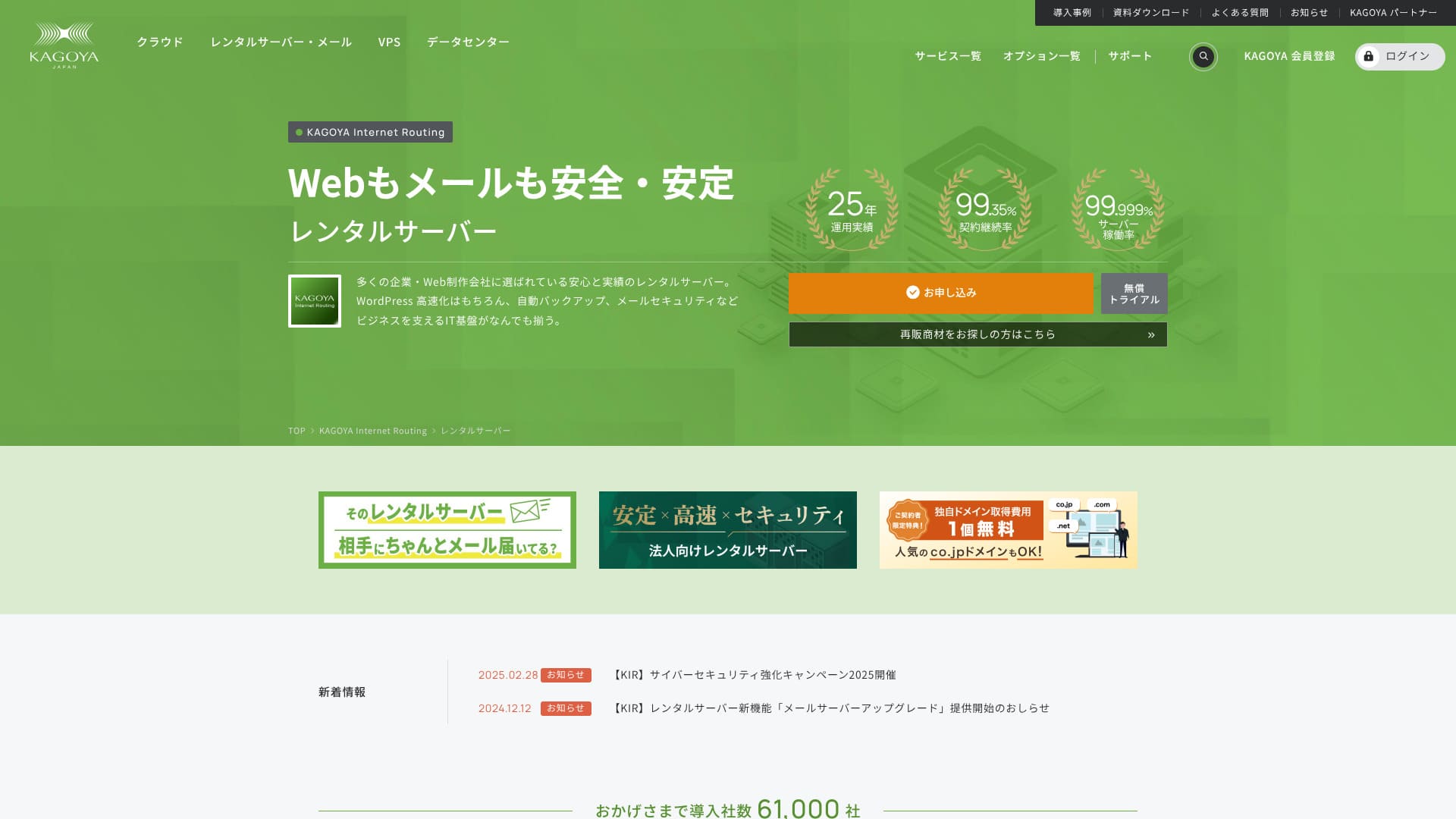
Based in Kyoto City, KAGOYA JAPAN operates its own data center. 80% of its users are corporate entities, and 61,000 companies are utilizing the service.

KAGOYA JAPAN is recommended for тұрақты серверді пайдаланғысы келетін адамдар because:
- ол WordPress-ке арналған арнайы сервер ұсынады
- plans start at 440 yen per month
- it delivers 99.999% uptime
Сондықтан бұл сервер көптеген пайдаланушыларды қанағаттандыруы тиіс және сіз оны бірінші айда тегін пайдаланып көре аласыз.
Бәсекелес серверлердің бірі — Xserver. Ол ел ішіндегі нарықта 1-ші орынды иеленеді және оның пайдаланушылар базасы келесі серверден үлкенірек: KAGOYA JAPAN. It is worth considering as well.
★ Xserver шолуы [2025]: Жылдамдық, баға, артықшылықтар мен кемшіліктерді мұқият талдау
| Server Type | Ортақ сервер / Cloud Server / WordPress-ке арналған сервер / VPS |
| Load Time (TTFB) | Unmeasured |
| Ұсынылатын жоспарлар мен келісімшарт кезеңдері | WordPress-ке арналған сервер Grade 1 12 Months |
| Trial & Money-Back Guarantee | Жоқ |
| Айлық төлем (12-Month Contract) | 440 yen |
| Бастапқы әкімшілік ақы | Free |
| Тегін домен | Жоқ |
| Қолдау | Weekdays 10:00 a.m. - 5:00 p.m. |
| Жұмыс тұрақтылығы | 99.999% guarantee |
| Сервер сыйымдылығы | 20GB |
| Дерекқорлар саны | 1 |
| Қауіпсіздік шаралары | Dashboard Access Restriction / Dashboard Login Attempt Restriction / XML-RPC API Access Restriction / REST API Access Restriction / Large Comment / Trackback Restriction / Foreign IP Address Comment / Trackback Restriction |
| SSL | Free SSL |
| Резервтік көшіру және қалпына келтіру | Бір буынды сақтық көшіру енгізілген / Қалпына келтіру тегін |
| Number of Email Account Creation | Жоқ |
| Email Қауіпсіздік шаралары | Жоқ |
| Server/Website Migration Service | Migration service: 11,000 yen Көшіру құралы жоқ |
| WordPress алдын ала орнатылған | Иә |
| CDN | Paid |

Hikaru Ono
KAGOYA JAPAN-ның WordPress-ке арналған арнайы серверін таңдау келісімшарт жасалған бойда WordPress-тің орнатылатынын білдіреді, бұл веб-сайтыңызды немесе блогыңызды бірден бастауға мүмкіндік береді.
Жұмыс уақытының жоғары болуына байланысты бұл серверді бизнесте қауіпсіз пайдалануға болады.
KAGOYA JAPAN-ды басқа провайдерлермен салыстыру
- ComprehensiveEvaluation★★★★☆
- Server Speed Unmeasured
- Pricing ★★★★☆
- Stability ★★★★★
- Ease of Getting Started with WordPress* ★★★★★
- Operations such as Domain Management and SSL Settings* ★★★★☆

Жеке тұлғаларға ұсынылатын 21 WordPress жалдамалы серверін мұқият салыстыру және таңдау нұсқаулығы
Жеке тұлғаларға ұсынылатын 21 WordPress жалдамалы серверін мұқият салыстыру және таңдау нұсқаулығы
serverfield.org
- 4 қараша, 2025based on market research data,жылдамдығы бойыншаArranged
- Айлық төлем — келісімшарттың бірінші жылында WordPress пайдалануға арналған ең төменгі баға жоспары.
- Жылдамдық — бірдей жағдайлардағы демо сайттың Time to First Byte (бірінші байтқа дейінгі уақыт) мәні болып табылады.
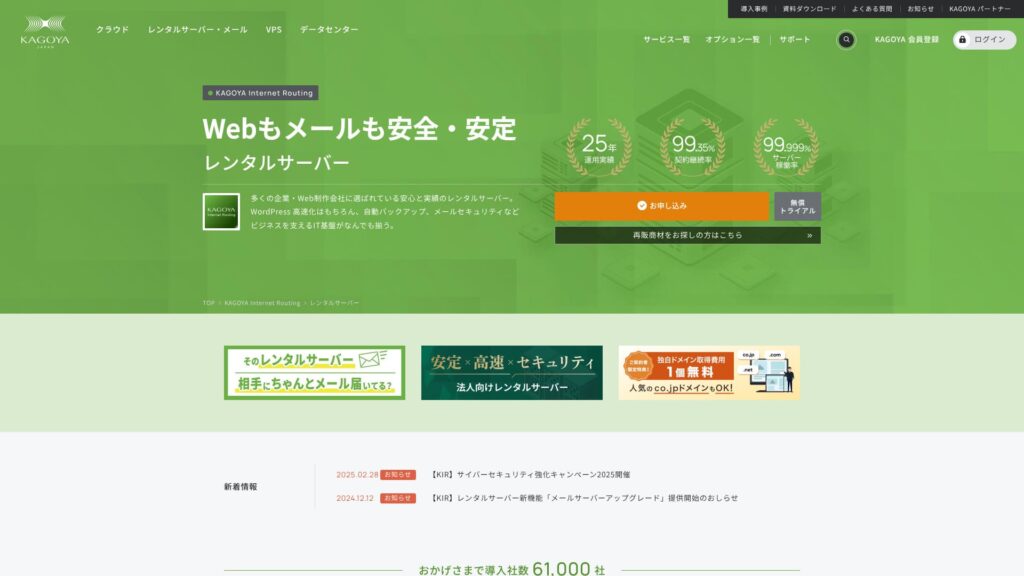
KAGOYA JAPAN 20 жылдан астам тарихы бар KAGOYA JAPAN Co., Ltd. компаниясының жалдамалы серверлерін ұсынады. Оны тиімді бағада пайдалануға болады. 99.999% жұмыс уақытымен ол ерекше тұрақты және сенімді болып табылады.
KAGOYA JAPAN's Reputation and 4 Key Features

99.999% жұмыс уақыты кепілдігі бар жалдамалы сервер
KAGOYA JAPAN жұмыс уақыты 99.999% құрайтын жалдамалы серверлерді ұсынады.Оның тұрақтылығы Жапониядағы ең үздіктердің қатарына жатады.
Жоғары жұмыс уақыты сервердің жақсы басқарылуы мен сенімді қауіпсіздік жүйесінің арқасында қамтамасыз етіледі. Сайтыңызды алаңдамай басқара аласыз. Сонымен қатар, тұрақсыз жұмыс істейтін веб-сайт жақсы әсер қалдырмайды.
★ Бастаушылар оқуы тиіс! Сервердің жұмыс уақыты мен SLA туралы түсінік
KAGOYA JAPAN offers you peace of mind.
WordPress-ке арналған арнайы серверлердің бағасы тиімді
KAGOYA JAPAN-ның WordPress-ке арналған арнайы серверлері қолжетімді бағада ұсынылады.Мүмкіндіктерде көптеген шектеулер болғанымен, егер сіз тек WordPress веб-сайтыңызға назар аудару үшін сервер жалдағыңыз келсе, олар жеткілікті. Төмендегі шарттар салыстырылды.
- Бастапқы әкімшілік ақы
- Sign up for a 12-month contract.
- Domain registration fee for one year's worth of expenses.
- Here are the most affordable WordPress plans you can use.
| Hosting Provider | Total Cost for the First Year |
|---|---|
| KAGOYA JAPAN | 4,840 yen |
| ConoHa WING | 11,292 yen |
| Xserver | 10,560 yen |
| Lolipop! | 5,940 yen |
| Sakura Rental Server | 6,600 yen |
Бұл тіпті төмен бағаларымен танымал Lolipop!-тан да арзан. KAGOYA JAPAN-ның WordPress-ке арналған арнайы серверінен айырмашылығы, Lolipop! электрондық поштаны пайдалануға мүмкіндік береді. Екінші жағынан, Lolipop! құрамында KAGOYA JAPAN-да тегін пайдалануға болатын сақтық көшіру мүмкіндігі жоқ.
There are differences in functionality, but if you are dedicated to your website, KAGOYA JAPAN is a good choice.
Резервтік көшіру
KAGOYA JAPAN can back up data up to 10GB in size.
Дегенмен, сақтық көшірме жасауға болатын деректер тек бір буынмен шектеледі, яғни тек бір ғана көшірме сақталады. Сонымен қатар, сақтық көшіру уақытын өзіңіз орнатуыңыз керек немесе оны қолмен орындауыңыз қажет. Бұл біраз қиындық тудырады және тек бір ғана көшірменің болуы алаңдаушылық туғызады.
Сақтық көшірме жасауға арналған WordPress плагинін пайдаланайық.
★ Top 5 Strongest WordPress Backup Plugins for Data Recovery
Unlimited Transfer Volume
KAGOYA JAPAN өзінің жалдамалы серверлерінде де, WordPress-ке арналған арнайы серверлерінде де шексіз деректер тасымалын ұсынады.Келушілер трафигі қаншалықты көп болса да, сізге деректер тасымалы бойынша шектеулер қойылмайды.
★ What is Traffic and Transfer Volume? Management and Optimization of Web Traffic
Honest Breakdown of KAGOYA JAPAN's Drawbacks

KAGOYA JAPAN тартымды ұсыныстар жасайды, бірақ оның кемшіліктері भी бар. Әсіресе, WordPress-ке арналған арнайы серверлерде көптеген функционалдық шектеулер бар, сондықтан келісімшартқа отырмас бұрын оның бөлшектерін мұқият шолып шығу маңызды.
WordPress-ке арналған арнайы серверлерді электрондық пошта үшін пайдалану мүмкін емес
WordPress-ке арналған арнайы серверлерді электрондық пошта үшін пайдалануға болмайды.Корпоративтік электрондық пошта meкенжайын сақтағысы келетін компаниялар KAGOYA JAPAN-ның жалдамалы серверін таңдауы керек немесе басқа компанияның электрондық пошта қызметін пайдалануы тиіс.
Сонымен қатар, сервердің өзінде электрондық поштаны пайдалану мүмкін болмаса да, сіз өзіңіздің бұрыннан бар поштаңызды WordPress веб-сайтындағы байланыс мекенжайы ретінде орната аласыз. Сондықтан бұл веб-сайттың жұмысында ешқандай қиындық тудырмайды.
WordPress-ке арналған арнайы серверлерде WAF-ты пайдалану мүмкін емес
WordPress-ке арналған арнайы серверлер WAF қызметін ұсынбайды.WAF — бұл қауіпсіздіктің келесі буыны. Олар тіпті ең жаңа, бұрын-соңды болмаған кибершабуылдарға төтеп беруге арналған. Олар отандық ірі серверлердің көпшілігінде қолжетімді.
KAGOYA JAPAN-ның жалдамалы серверін таңдағанда WAF-ты пайдалануға болады, бірақ WordPress-ке арналған арнайы серверлерде шектеулер бар. Солай болса да, егер сіз WordPress пайдалансаңыз, бұл мәселені WAF функциясын қолдайтын WordPress плагині арқылы шеше аласыз.
★ Қауіпсіздікті күшейтуге арналған 5 WordPress плагині және оларды қалай таңдау керек
KAGOYA JAPAN-ға ұқсас 2 серверді салыстыру
Xserver
Xserver KAGOYA JAPAN сияқты жұмыс уақытының жоғарылығымен танымал сервер болып табылады. Оның кеңейтілген сақтық көшіру және қауіпсіздік мүмкіндіктері бар, және оны көптеген компаниялар жылдар бойы пайдаланып келеді.
Xserver жылына KAGOYA JAPAN-ның WordPress-ке арналған арнайы серверінен шамамен екі есе қымбат тұрады, бірақ оның мүмкіндіктері мен сипаттамаларында ешқандай кемшілік жоқ. Ол веб-сайт жұмысын да, электрондық поштаны да қамтамасыз ете алады.Егер сіз серверді тек веб-сайтты басқарудан тыс мақсаттарда пайдаланғыңыз келсе, Xserver жақсырақ таңдау болады.
If your use is limited to running a website, KAGOYA JAPAN is the lower-cost option.

Xserver шолуы [2025]: Жылдамдық, баға, артықшылықтар мен кемшіліктерді мұқият талдау
Xserver шолуы [2025]: Жылдамдық, баға, артықшылықтар мен кемшіліктерді мұқият талдау
serverfield.org
Sakura Rental Server
Sakura Rental Server KAGOYA JAPAN сияқты бизнес арасында кеңінен қолданылатын тағы бір сервер болып табылады. Оның басты артықшылығы — тұрақтылық. Оның KAGOYA JAPAN-ның WordPress-ке арналған арнайы серверінен асып түсетін тұсы — сақтық көшіру функциясы.Оның құрамына сегіз буын бойынша автоматты сақтық көшірмелер кіреді, және сіз бұл мүмкіндікті WordPress сынақ ортасын жасау үшін де пайдалана аласыз.
Мүмкіндіктер тұрғысынан ол WordPress-ке арналған арнайы серверден әлдеқайда мықты.However, the annual cost is about 2,000 yen higher, so if you prioritize cost performance, KAGOYA JAPAN is the better choice.

Sakura жалдамалы сервері туралы шолулар мен бағалаулар【Қорқынышты баяу ма?】Жеке кәсіпкерлер үшін тамаша◎Бағалардың артықшылықтары мен кемшіліктері түсіндіріледі
Sakura жалдамалы сервері туралы шолулар мен бағалаулар【Қорқынышты баяу ма?】Жеке кәсіпкерлер үшін тамаша◎Бағалардың артықшылықтары мен кемшіліктері түсіндіріледі
serverfield.org
KAGOYA JAPAN арқылы WordPress сайтыңызды қазір 7 қадамда бастаңыз
KAGOYA JAPAN-мен сайт бастайық!
- STEP.1Ресми сайтқа кіріңіз.
KAGOYA JAPAN WordPress-ке арналған серверінің веб-сайтындағы «Өтінім беру» (Apply) түймесін басыңыз.
Choose your payment method. We recommend using a credit card for immediate website setup. Click “Apply Online”.
- STEP.2Сервер келісімі және мүшелік тіркеу
Тарифтік жоспарды таңдаңыз. WordPress-ке арналған арнайы сервердің Grade 1 жоспары ұсынылады. «Келесі» (Next) түймесін басыңыз. Өтініміңіздің егжей-тегжейлерін тексеріп, «Келесі» (Next) түймесін басыңыз.
Check the terms and conditions and the handling of personal information, then click “Next”.
Click “KAGOYA Member Registration”, check the member terms and conditions and personal information agreement, and click “Next”.
Enter your member information, including your name and address. Click “Proceed to Email Confirmation”.
- STEP.3Тұтынушы деректеріңізді және карта ақпаратын енгізіңіз.
Enter your customer information and verify it, then enter your card information.
After the provisional registration is completed and authentication is successful, the account registration is complete.
- STEP.4WordPress бастапқы баптауы
Log in to the user control panel.
Go to WING→Site Management→Site Settings→WordPress. The site URL you set during registration will be displayed. Click the management screen URL.
In the displayed WordPress login screen, enter the WordPress username/WordPress password you set during registration and click “Login.”
※If you see a warning message saying “Cannot access this site,” the DNS settings have not been reflected. There is nothing you can do but wait; try logging in every few hours.
★ DNS/Name Server: What They Are
When you open “Appearance” in the WordPress management screen, the WordPress theme “Cocoon” is installed. Activate the parent theme first, and then activate the child theme.You must always activate both the parent and child themes.
Return to the WordPress management screen and open “Settings”→“General.” Set the site title/catchphrase. This will be the name and catchphrase of your homepage. After entering it, click “Save Changes.”
- STEP.5Плагиндерді орнату
Return to the WordPress management screen and go to “Plugins”→“Add New” to install the necessary plugins.
Егер орнатқыңыз келетін плагинді тапсаңыз, оны іздеп, “Install Now” және “Activate” түймелерін басыңыз. Одан кейін әр плагиннің нұсқаулығын орындаңыз.
Қауіпсіздік және резервтік көшіру плагиндерін орнату маңызды.
- Қауіпсіздікті күшейтуге арналған 5 WordPress плагині және оларды қалай таңдау керек
- Top 5 Strongest WordPress Backup Plugins for Data Recovery
With the plugins installed, you’re ready to launch your WordPress homepage!
Қорытынды
KAGOYA JAPAN 20 жылдан астам тарихы бар KAGOYA JAPAN Co., Ltd. компаниясының жалдамалы серверлерін ұсынады. Оны тиімді бағада пайдалануға болады. 99.999% жұмыс уақытымен ол ерекше тұрақты және сенімді болып табылады.
Бірінші ай тегін және 14 күндік тегін сынақ
KAGOYA JAPAN ерекше тұрақтылығы бар сервер ұсынады.WordPress-ке арналған арнайы сервер қолжетімді бағамен ұсынылады.Although frequently used by businesses, it can also be used by individuals. Please give it a try.
32 WordPress хостинг провайдерін толық салыстыру: жеке тұлғаларға, бизнеске және халықаралық сайттарға арналған ұсыныстар

WordPress-ті бастауға шешім қабылдап, “ең жақсы WordPress hosting” деп іздегенде, жеке және бизнес нұсқалардан бастап, шетелдік және арзан серверлерге дейін түрлі мақалалар шығады. Шынымды айтсам,
- Which site should I trust?
- Серверді қарапайым әрі түсінікті түрде таңдағым келеді.
- Please show me how to start WordPress right away.
Don't you feel that way? In this article, Мен жеке тұлғаларға, бизнеске және отандық әрі халықаралық қолдануға арналған 32 хостинг провайдерінің ішінен ұсыныстарды мұқият іріктедім. Түсіндіруді күнделікті хостинг серверлерін пайдаланатын қолданбалар әзірлеу компаниясындағы SEO маманы жасайды.