97 napos pénzvisszafizetési garancia
PR
Szerverek
DreamHost-értékelés: ajánlott, ha kedvező áron szeretnél WordPress-t indítani, 97 napos pénzvisszafizetési garanciával
Közzétéve: 2025.07.13
Frissítve: 2025.07.13
Értékelés: 3.0
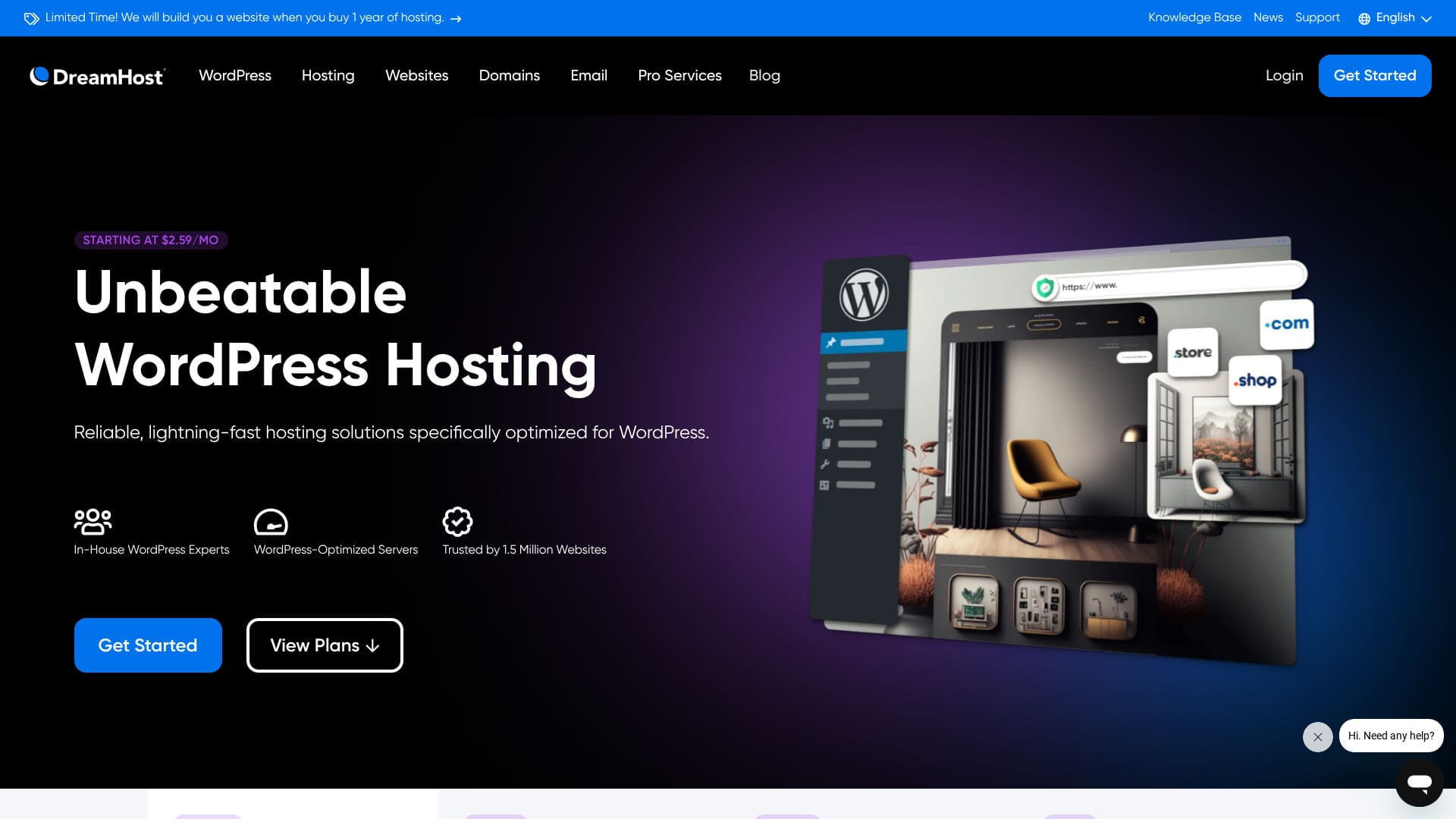
DreamHostDreamHost értékelés árakkal, stabilitással, összehasonlítással és WordPress beállítással.97 napos pénzvisszafizetési garancia.

Három okból ajánlom a DreamHost szolgáltatását azoknak, akik külföldi tárhelyet keresnek:people looking for overseas hosting for three reasons:
- A WordPress által hivatalosan ajánlott szerver használatának biztonsága
- A nap 24 órájában, az év 365 napján kapsz támogatást
- 100% rendelkezésre állás
Ezek az okok. Úgy gondolom, elégedett leszel. 97 napos pénzvisszafizetési garanciával érkezik, így nyugodtan kipróbálhatod.

Hikaru Ono
A DreamHost viszonylag megfizethető külföldi tárhely. A vezérlőpanel használhatóságával nem volt problémám; könnyű volt kezelni.
Mivel 100% üzemidő mellett stabil, olyan tárhely, amelyet hosszú távon is használhatsz.
| Szervertípus | Megosztott tárhely |
| Szerverválaszidő (TTFB) | 400ms |
| Ajánlott csomag és futamidő | WordPress Starter, 1 év |
| Próbaidő / pénzvisszafizetési garancia | 97 napos pénzvisszafizetési garancia |
| Havi díj (12 hónapos csomag) | DreamHost tárhelyinformáció |
| Kezdeti beállítási díj | Ingyenes |
| Ingyenes domain | 1 domain 3 hónapig ingyen |
| Támogatás | 0-24 chat, e-mail és telefonos visszahívás |
| Üzemidő | 100% |
| Tárhely | 50 GB |
| Adatbázisok száma | 6 |
| SSL | Ingyenes SSL |
| Biztonsági mentések | Tartalmazza |
| E-mail fiókok | Nincs |
| E-mail biztonsági intézkedések | Nincs |
| Szerver-/webhelymigrációs szolgáltatás | Nincs |
| WordPress előtelepítés | Nincs |
| CDN | Nincs |
| Adatközpontok helyszínei | DreamHost értékelés árakkal, stabilitással, összehasonlítással és WordPress beállítással. |
DreamHost összehasonlítása más tárhelyekkel
- Összesítettértékelés3/5
- Szerversebesség 2/5
- Árazás 4/5
- Stabilitás 5/5
- A WordPress indításának egyszerűsége* 3/5
- Domainkezelési és SSL-beállítási műveletek* 4/5
* Saját használat alapján.

Hogyan hasonlíts össze és válassz 10 ajánlott külföldi tárhelyszolgáltatót
Hogyan hasonlíts össze és válassz 10 ajánlott külföldi tárhelyszolgáltatót
serverfield.org
Based on market research data as of Nincsvember 4, 2025DreamHost tárhelyinformációDreamHost tárhelyinformáció
The hónaply fee is the first-év cost of the lowest-priced plan that can run WordPress.
DreamHost értékelés árakkal, stabilitással, összehasonlítással és WordPress beállítással.
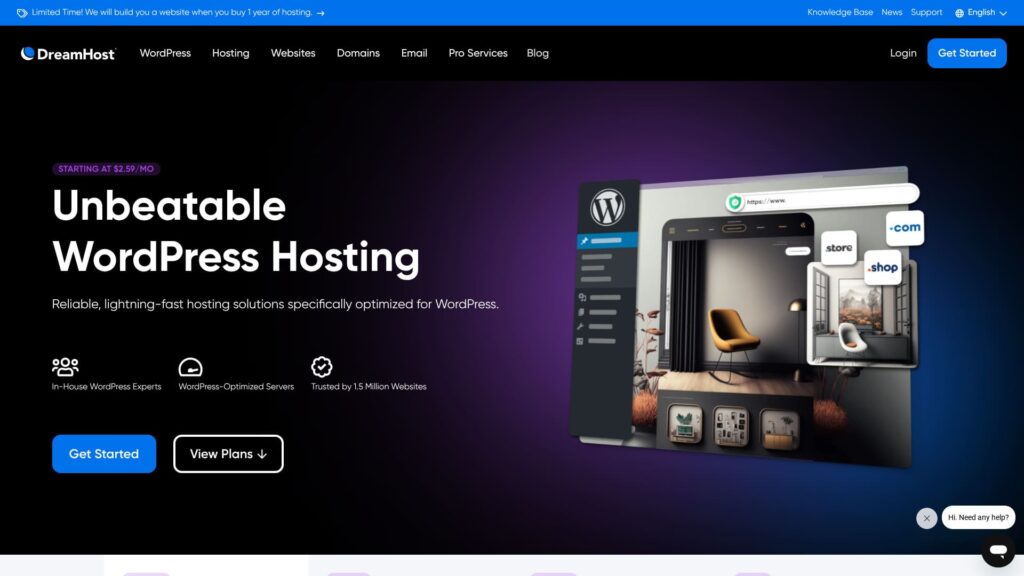
“DreamHost” is a hosting company based in Los Angeles, USA. Its biggest appeal is the exceptionally long 97 napos pénzvisszafizetési garancia. Because it is an overseas host, being able to try it for a long period feels reassuring. It is also reasonably priced among overseas hosts.
DreamHost-értékelés: megfizethető és stabil tárhely kevés hátránnyal
DreamHost értékelés árakkal, stabilitással, összehasonlítással és WordPress beállítással.
DreamHost has been committed to WordPress and its community for more than 10 évs. Its hosting platform is optimized for WordPress, and its team actively contributes to the WordPress community.
DreamHost értékelés árakkal, stabilitással, összehasonlítással és WordPress beállítással.
A DreamHost hat jellemzője

Átlagos szintű szerversebességet nyújt
DreamHost értékelés árakkal, stabilitással, összehasonlítással és WordPress beállítással.
DreamHost értékelés árakkal, stabilitással, összehasonlítással és WordPress beállítással.
★ DreamHost értékelés árakkal, stabilitással, összehasonlítással és WordPress beállítással.
0-24 támogatással érkezik
A DreamHost 24/7 támogatást kínál. Megnyugtató tudni, hogy bármikor kérhetsz támogatást.
With overseas hosts, support may sometimes be limited to local business hours, which makes it harder for users in Japan to get help because of the time difference. With 0-24 support, that problem disappears. Even if it is late at night locally, you can still contact them.
DreamHost tárhelyinformáció
100%-os üzemidő-garanciával rendelkezik
DreamHost guarantees 100% rendelkezésre állás. DreamHost értékelés árakkal, stabilitással, összehasonlítással és WordPress beállítással.
DreamHost értékelés árakkal, stabilitással, összehasonlítással és WordPress beállítással.
★ DreamHost értékelés árakkal, stabilitással, összehasonlítással és WordPress beállítással.
Már 1,5 millió webhely használta
DreamHost értékelés árakkal, stabilitással, összehasonlítással és WordPress beállítással.
DreamHost értékelés árakkal, stabilitással, összehasonlítással és WordPress beállítással.
Egy kattintással telepítheted a WordPress-t
DreamHost értékelés árakkal, stabilitással, összehasonlítással és WordPress beállítással.
DreamHost értékelés árakkal, stabilitással, összehasonlítással és WordPress beállítással.
★ DreamHost értékelés árakkal, stabilitással, összehasonlítással és WordPress beállítással.
97 napos pénzvisszafizetési garanciával érkezik
DreamHost comes with a 97 napos pénzvisszafizetési garancia. That means the guarantee lasts for more than three hónaps. It must be very confident in the services it provides.
DreamHost értékelés árakkal, stabilitással, összehasonlítással és WordPress beállítással.
A DreamHost hátránya, hogy a Shared Starter csak egy WordPress-webhelyet tud kiszolgálni

A DreamHost Shared Starter csomagja csak egy WordPress-webhelyet tud kiszolgálni. Ha több webhelyet szeretnél futtatni, másik szerverre vagy magasabb szintű csomagra lesz szükséged.
Mivel hasonló árkategóriában vannak olyan tárhelyek, amelyek több webhelyet is kezelnek, ez összehasonlításban hátrány.
DreamHost összehasonlítása két versenytárssal
DreamHost értékelés árakkal, stabilitással, összehasonlítással és WordPress beállítással.
Kinsta
A Kinstát gyakran csúcskategóriás tárhelyként írják le, és őszintén szólva elég drága. A havi díja közel 5 000 jen. A DreamHostot könnyebb választani, mert megfizethetőbb.
Ugyanakkor a Kinsta a WordPress megjelenítési sebességének és az általános kényelmének egyik legjobb választásaként is ismert. Ha a használhatóságot a lehető legmesszebb szeretnéd tolni, érdemes megfontolni.

Kinsta-értékelés: a Google által ajánlott ultra gyors szerver előnyei és hátrányai, valamint WordPress-beállítási útmutató
Kinsta-értékelés: a Google által ajánlott ultra gyors szerver előnyei és hátrányai, valamint WordPress-beállítási útmutató
serverfield.org
Bluehost szolgáltatás
Bluehost is a host where AI helps create your WordPress site. Like DreamHost, it offers good-quality hosting and support, including 0-24 support and 100% rendelkezésre állás.
DreamHost értékelés árakkal, stabilitással, összehasonlítással és WordPress beállítással.
| DreamHost tárhelyinformáció | DreamHost | Bluehost szolgáltatás |
|---|---|---|
| Legnagyobb erősség | Rendkívül hosszú pénzvisszafizetési garancia | DreamHost tárhelyinformáció |
| Próbaidő / pénzvisszafizetési garancia | 97 napos pénzvisszafizetési garancia | 30 napos pénzvisszafizetési garancia |
| Üzemidő | 100% | 100% |
| Tárhely | 50 GB | 10GB |
| Első évi tárhelyköltség | DreamHost tárhelyinformáció | DreamHost tárhelyinformáció |

DreamHost tárhelyértékelés
DreamHost tárhelyértékelés
serverfield.org
Hat lépés a WordPress-webhely azonnali indításához a DreamHosttal
DreamHost tárhelyértékelés
- STEP.1DreamHost tárhelyértékelés
DreamHost értékelés árakkal, stabilitással, összehasonlítással és WordPress beállítással.
Choose the Shared Starter plan and click “Sign Up Nincsw.”
DreamHost értékelés árakkal, stabilitással, összehasonlítással és WordPress beállítással.
- STEP.2DreamHost tárhelyértékelés
DreamHost tárhelyinformáció
DreamHost értékelés árakkal, stabilitással, összehasonlítással és WordPress beállítással.
DreamHost értékelés árakkal, stabilitással, összehasonlítással és WordPress beállítással.
- STEP.3DreamHost tárhelyértékelés
DreamHost értékelés árakkal, stabilitással, összehasonlítással és WordPress beállítással.
DreamHost értékelés árakkal, stabilitással, összehasonlítással és WordPress beállítással.
DreamHost értékelés árakkal, stabilitással, összehasonlítással és WordPress beállítással.
- STEP.4DreamHost tárhelyértékelés
DreamHost értékelés árakkal, stabilitással, összehasonlítással és WordPress beállítással.
DreamHost tárhelyinformáció
DreamHost értékelés árakkal, stabilitással, összehasonlítással és WordPress beállítással.
DreamHost értékelés árakkal, stabilitással, összehasonlítással és WordPress beállítással.
- STEP.5DreamHost tárhelyértékelés
DreamHost értékelés árakkal, stabilitással, összehasonlítással és WordPress beállítással.
DreamHost értékelés árakkal, stabilitással, összehasonlítással és WordPress beállítással.
DreamHost tárhelyinformáció
DreamHost értékelés árakkal, stabilitással, összehasonlítással és WordPress beállítással.
- STEP.6DreamHost tárhelyértékelés
DreamHost értékelés árakkal, stabilitással, összehasonlítással és WordPress beállítással.
DreamHost értékelés árakkal, stabilitással, összehasonlítással és WordPress beállítással.
Összegzés
“DreamHost” is a hosting company based in Los Angeles, USA. Its biggest appeal is the exceptionally long 97 napos pénzvisszafizetési garancia. Because it is an overseas host, being able to try it for a long period feels reassuring. It is also reasonably priced among overseas hosts.
97 napos pénzvisszafizetési garancia
A DreamHost olyan tárhely, amelyet bizalommal használhatsz a 0-24 támogatásnak és a 100%-os üzemidő-garanciának köszönhetően.
Megfizethető, és 97 napos pénzvisszafizetési garanciával is érkezik. Érdemes először kipróbálni.