
50% povrata novca do 6. kolovoza 2025. i 10-dnevno besplatno probno razdoblje
PR
Posluzitelji
Recenzija Shin Rental Servera [najnovije 2025.]: praktičan pregled brzine i cijena
Objavljeno: 2025.04.18
Azurirano: 2025.04.18
Ocjena: 4.0
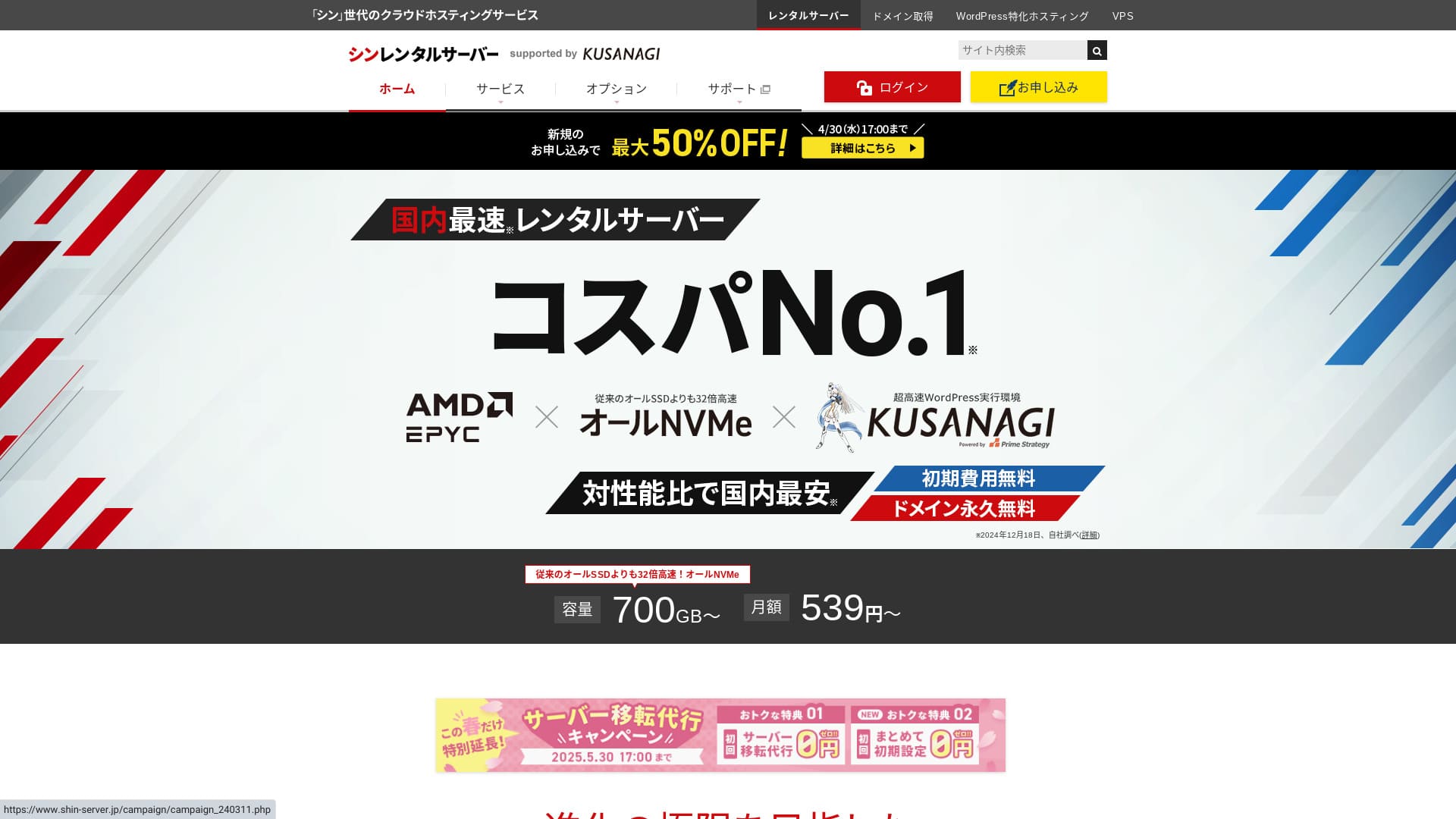
Shin Rental Server vodi ShinCloud Co., Ltd. i omogućuje vam da pokrenete WordPress po pristupačnoj cijeni.

Preporučujemo Shin Rental Server za pojedince, tvrtke i samostalne poduzetnike koji prvi put koriste WordPress jer:
- Ispunjava Googleov preporučeni cilj brzine.
- WordPress možete pokrenuti lako.
- Kampanje su česte, a cijene su povoljne.
Zato ćete vjerojatno biti zadovoljni. Možete ga isprobati besplatno 10 dana.
Konkurentska usluga je ColorfulBox. Njegov regionalni sustav automatskih sigurnosnih kopija još je jači od onoga kod Shin Rental Servera. Razmotrite i tu uslugu.
★ Recenzija Colorful Boxa [najnovije 2025.]: pokrenite WordPress uz izvrsnu isplativost
| Vrsta servera | Dijeljeni hosting |
| Brzina odziva (TTFB) | 200ms |
| Preporučeni plan i trajanje | Basic, 12 mjeseci |
| Probno / besplatno razdoblje | 10-dnevno besplatno probno razdoblje |
| Mjesečna cijena (12-mjesečni ugovor) | 880 jena |
| Naknada za početno postavljanje | Besplatno |
| Besplatna domena | Jedna besplatna zauvijek |
| Podrška | Telefon i e-mail (radnim danima 10:00-18:00) |
| Neprekidni rad | Nije objavljeno |
| Prostor za pohranu | 700GB |
| Broj baza podataka | Neograničeno |
| Sigurnosne mjere | SECOM sigurnosna dijagnostika, WAF, ads.txt, ograničenja pokušaja prijave, ograničenja pristupa s inozemnih IP adresa, ograničenja masovnih komentara i trackbackova, ograničenja komentara i trackbackova s inozemnih IP adresa, antivirus, filtar neželjene pošte |
| SSL | Besplatni namjenski SSL, opcijski namjenski SSL |
| Sigurnosna kopija / vraćanje | 14 dana automatskih sigurnosnih kopija besplatno, besplatno vraćanje |
| Broj e-mail računa | Neograničeno |
| Sigurnost e-pošte | POP putem SSL-a, SMTP putem SSL-a, IMAP putem SSL-a, DKIM, DMARC |
| Usluga migracije servera / web stranice | Nema |
| WordPress unaprijed instaliran | Da |
| CDN | Nema |

Hikaru Ono
Uspio sam lako pokrenuti WordPress tijekom prijave za Shin Rental Server. Budući da se kampanje održavaju vrlo često, preporučujem da redovito provjeravate službenu stranicu.
Najbolja ponuda dosad bila je ili 50% povrata novca ili 50% popusta na naknadu za poslužitelj. Ako je jedna od tih ponuda dostupna dok razmišljate o usluzi, imate sreće.
Shin Rental Server naspram drugih usluga
- Ukupno ocjena★★★★☆
- Brzina servera ★★★★☆
- Cijena ★★★★☆
- Stabilnost ★★★★☆
- Jednostavnost pokretanja WordPressa* ★★★★★
- Jednostavnost upravljanja domenom, postavljanja SSL-a i povezanih operacija* ★★★★★
* Ove ocjene odražavaju moje vlastito praktično iskustvo korištenja usluge.

Potpuna usporedba 21 preporučene WordPress hosting usluge za pojedince
Potpuna usporedba 21 preporučene WordPress hosting usluge za pojedince
serverfield.org
- Na temelju istraživanja tržišta zaključno s 4. studenoga 2025., sortirano po brzini
- Mjesečna cijena je trošak u prvoj godini najjeftinijeg plana koji može pokretati WordPress
- Brzina je Time to First Byte izmjeren na demo stranicama pod istim uvjetima
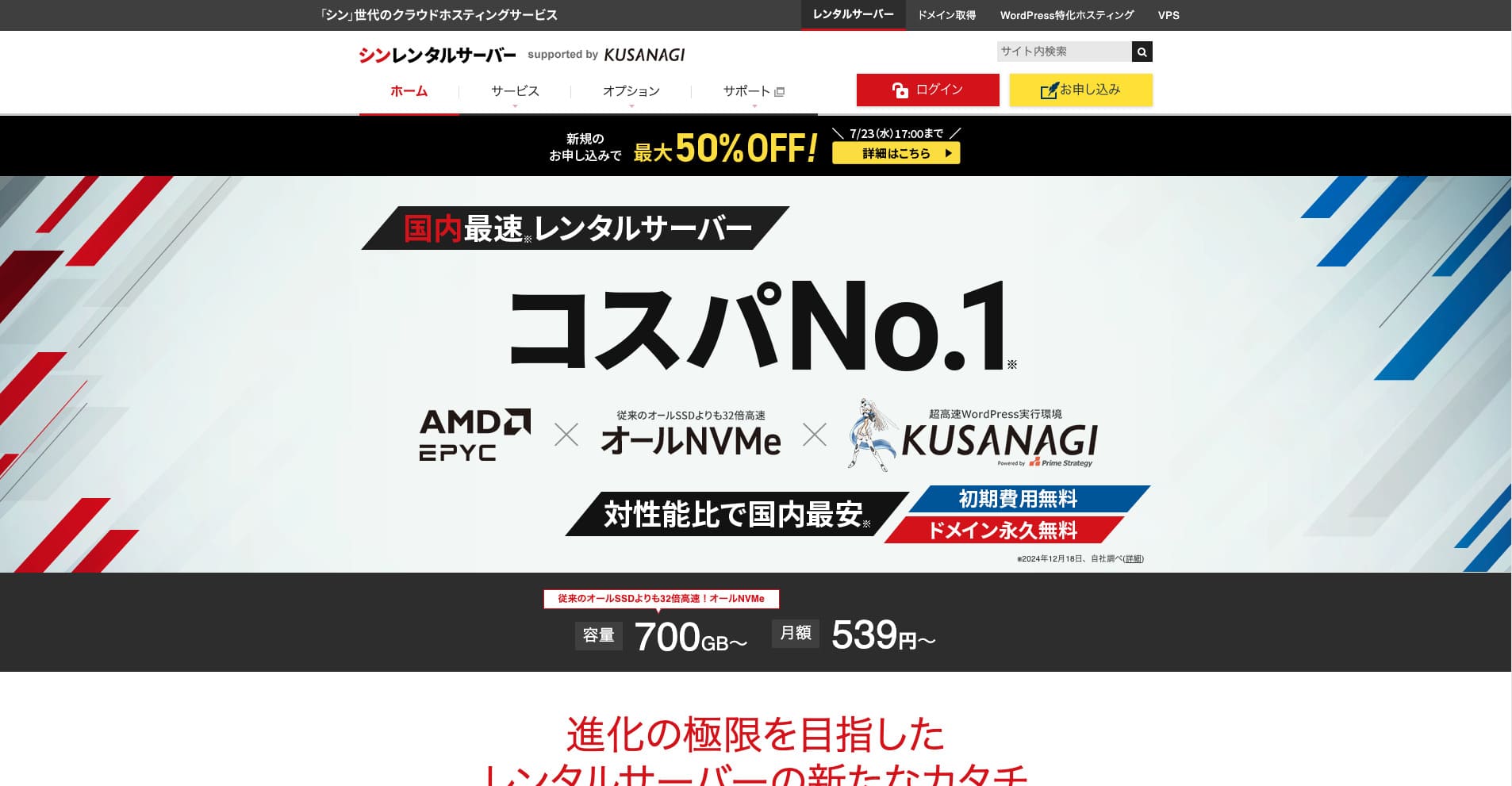
Shin Rental Server je brzi hosting poslužitelj tvrtke ShinCloud Co., Ltd. Njegova pristupačna cijena čini ga privlačnim čak i pojedinačnim korisnicima. Osim toga, redovito provodi kampanje, pa je najbolje vrijeme za prijavu dok je kampanja aktivna.
Recenzija Shin Rental Servera i šest ključnih značajki

Zadovoljava dovoljno jak standard brzine stranice
Shin Rental Server, prema neovisnom testiranju ove stranice, ispunjava dovoljno jak standard brzine stranice.
Google je javno naveo da bi vrijeme odziva poslužitelja idealno trebalo ostati ispod 200 ms. Shin Rental Server prelazi taj prag, što ga čini brzim hostingom. Brzina stranice vjerojatno neće postati problem, pa ga možete koristiti s povjerenjem.
Vrijeme odziva poslužitelja treba držati ispod 200 milisekundi.
https://developers.google.com/server/speed/docs/insights/Server?hl=en
★ Provjereno: usporedba osam hosting usluga u poretku brzine
WordPress možete pokrenuti jednostavno
Shin Rental Server olakšava pokretanje WordPressa. Uključuje značajku “WordPress Quick Start” koja dovršava nabavu domene i postavljanje DNS-a kada se prijavite za poslužitelj. S njom možete izraditi WordPress web stranicu za oko 10 minuta.
★ Što je domena? Njezina uloga kao adrese na internetu i kako je registrirati
★ Što su DNS i poslužitelji naziva? Povezivanje domene i poslužitelja
Nećete se naći u situaciji da napokon pokušavate pokrenuti web stranicu, a zatim shvatite da je početak pretežak. Svatko može početi koristiti WordPress s povjerenjem.
Cijena je niska
Shin Rental Serverima niske cijene. Usporedimo ga s glavnim domaćim hosting uslugama pod sljedećim uvjetima.
- Naknada za početno postavljanje
- 12-mjesečni ugovor za poslužitelj
- Trošak domene u prvoj godini
- Najjeftiniji plan koji može pokretati WordPress
Ako pogledamo usporednu tablicu, LOLIPOP i Sakura Rental Server su jeftiniji. Međutim, najjeftiniji LOLIPOP plan koji podržava WordPress ne uključuje automatske sigurnosne kopije. Kada usporedite tu točku, vidi se koliko je ukupna vrijednost Shin Rental Servera zapravo jaka.
Svaka usluga ima prednosti i slabosti, ali Shin Rental Server dobro stoji čak i u usporedbi s tvrtkama koje se natječu omjerom cijene i vrijednosti.
Sigurnost je dobra
Shin Rental Server dobro je opremljen sigurnosnim značajkama kao što je WAF. WAF čini poslužitelj otpornijim na najnovije kibernetičke napade. Budući da je to tako korisna značajka, jeftiniji hostovi ponekad je nude samo kao plaćenu opciju.
Kod Shin Rental Server uključena je besplatno.
Ima automatske sigurnosne kopije
Shin Rental Server uključuje automatske sigurnosne kopije. Razdoblje čuvanja je 14 dana.
Uz sigurnosne kopije možete vratiti svoju stranicu čak i ako su podaci slučajno promijenjeni ili ugroženi kibernetičkim napadom. Koliko god pojačali sigurnost, nitko ne može jamčiti apsolutnu sigurnost. Zato su sigurnosne kopije važne, ali ručno spremanje podataka svaki dan je gnjavaža.
Uz Shin Rental Server sve se automatski sprema svaki dan, pa je jednostavno.
Značajke e-pošte su snažne
Shin Rental Server ima snažne značajke e-pošte. Budući da možete izraditi neograničen broj e-mail računa, može služiti čak i kao poslužitelj e-pošte za veliku tvrtku.
Poslovni plan nudi snažnu vrijednost za MSP-ove i tvrtke
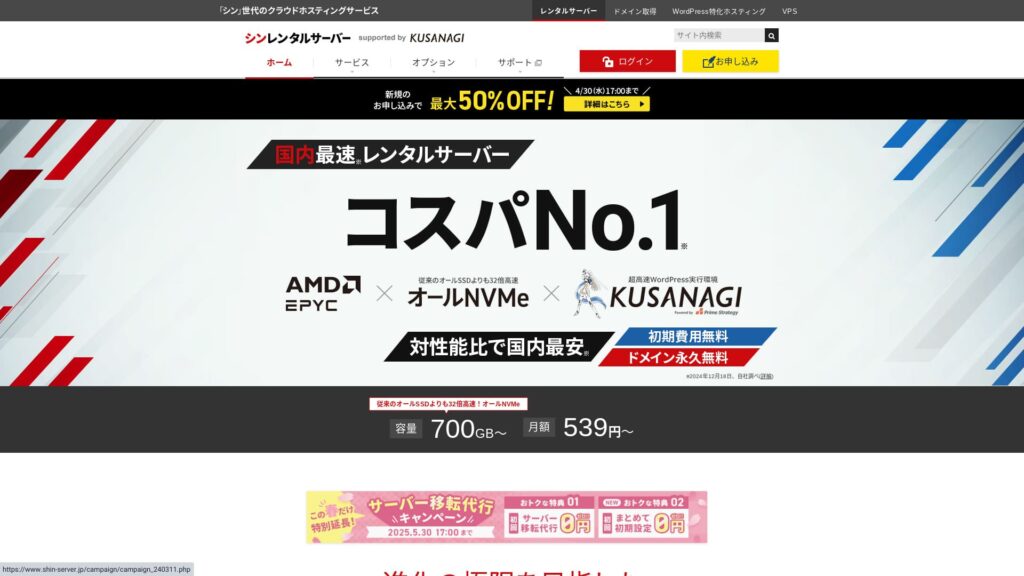
Shin Rental Server je brzi poslužitelj tvrtke ShinCloud Co., Ltd. i pristupačan je. Nudi i poslovni plan. Poslovni plan održava stabilnost pomoću zajamčenih resursa.
50% povrata novca do 14. svibnja 2025., besplatna usluga migracije poslužitelja do 30. svibnja i 10-dnevno besplatno probno razdoblje
Shin Rental Server nudi poslovni plan za male i srednje tvrtke te korporacije. Njegova ključna značajka je to što jača stabilnost koja je poslovanju potrebna, a i dalje pruža odličan omjer cijene i vrijednosti.
Poslovni plan pojačan je na dva načina.
- Zajamčeni resursi: vrijednosti CPU-a i memorije su zajamčene, što sprječava da vaša stranica bude pogođena kada promet poraste na drugim stranicama koje dijele isti poslužitelj.
- Dvije prilagođene domene besplatne zauvijek: Dok je vaš ugovor za poslužitelj aktivan, dvije prilagođene domene potrebne za rad web stranice i korištenje e-pošte ostaju besplatne zauvijek.
Možete ga koristiti od 963 jena mjesečno uz 12-mjesečni ugovor, što ga čini pristupačnim u usporedbi s poslovno orijentiranim poslužiteljima i poslovnim planovima drugih tvrtki.
Nedostatak Shin Rental Servera: uptime nije objavljen

Jedina razočaravajuća točka je to što Shin Rental Server ne objavljuje svoj uptime. To znači da ne možete točno znati stabilnost poslužitelja. Ako je poslužitelj nestabilan, i vaša će se web stranica prikazivati nepouzdano.
Web stranica ispunjava svoju ulogu samo kada se prikazuje ispravno i dosljedno. Kada to tako promatrate, nemogućnost procjene stabilnosti ipak ostavlja određenu nelagodu.
★ Vodič za početnike kroz uptime hostinga i SLA ugovore
Usporedite Shin Rental Server s dvije slične usluge
mixhost
mixhost nudi snažne značajke, slično kao Shin Rental Server. Budući da su i kapacitet pohrane i prijenos podataka neograničeni, koristan je kada želite izraditi web stranicu s velikom količinom podataka.
Međutim, njegova ukupna cijena viša je od Shin Rental Server. Prva godina je jeftina, ali od druge godine nadalje postaje skuplje. Ako vam je cijena najvažnija, preporučujem Shin Rental Server.

Recenzija mixhosta [najnovije 2025.]: detaljan pregled brzog poslužitelja s globalnim dosegom i izvrsnom sigurnošću
Recenzija mixhosta [najnovije 2025.]: detaljan pregled brzog poslužitelja s globalnim dosegom i izvrsnom sigurnošću
serverfield.org
Colorful Box
ColorfulBox cijenom je vrlo blizu Shin Rental Server. Njegove specifikacije i značajke također su dobro razvijene. Ima regionalni sustav sigurnosnih kopija koji upravlja rizikom tako da je gubitak podataka manje vjerojatan čak i u velikoj katastrofi.
Budući da je podijeljen u osam planova i planove možete slobodno mijenjati, možete smanjiti troškove ili po potrebi povećati specifikacije.
Nedostaci su također slični, primjerice činjenica da uptime nije javno objavljen.

Recenzija Colorful Boxa [najnovije 2025.]: pokrenite WordPress uz izvrsnu isplativost
Recenzija Colorful Boxa [najnovije 2025.]: pokrenite WordPress uz izvrsnu isplativost
serverfield.org
Pokrenite WordPress web stranicu sa Shin Rental Serverom odmah u 7 koraka
Pokrenimo web stranicu uz Shin Rental Server.
- STEP.1Posjetite službeni Shin Rental Server
Na popisu planova kliknite “Apply” za Basic plan. Plan možete nadograditi u bilo kojem trenutku, pa preporučujem da najprije počnete s najjeftinijim Basic planom.
Iz “Start now! New application” prijeđite na “10-day free trial new application.”
- STEP.2Odaberite pojedinosti prijave
Server ID možete ostaviti kakav jest.
Odaberite standardni plan. Rezervirani plan uključuje mjere koje sprječavaju da promet drugih korisnika oteža pristup vašoj stranici, ali to je rijetko relevantno kada tek započinjete s web stranicom.
Odaberite plan. Preporučuje se Basic plan. Ako se promet poveća i specifikacije postanu nedostatne, kasnije možete nadograditi.
Označite “Use” za WordPress Quick Start.Bez toga postavljanje WordPressa postaje mnogo teže. (Više nećete imati pravo na 10-dnevno besplatno probno razdoblje. Ipak, bolje je koristiti tu opciju.)
Pojavit će se poruka “Please confirm before applying”. Provjerite detalje, zatim kliknite “Confirmed”.
Preporučuje se trajanje od 12 mjeseci. Uz ugovor od 12 mjeseci ili dulje možete besplatno koristiti i prilagođenu domenu.
Unesite niz znakova za prilagođenu domenu koju želite dobiti. Može biti bilo koji niz koji želite. Kasnija promjena prilagođene domene košta i zahtijeva neugodno ponovno podešavanje, pa je pažljivo odaberite.
★ Što je domena? Njezina uloga kao adrese na internetu i kako je registrirati
Unesite svoje WordPress informacije.
- Naslov bloga: bilo što je u redu
- Korisničko ime: bilo što je u redu
- Lozinka: neka bude što složenija
- E-mail adresa*: praktična je vaša svakodnevna e-mail adresa
Korisničko ime i lozinka potrebni su kada se prijavljujete u WordPress.Zapišite ih. Trebat će vam za prijavu na web stranicu koju izradite pomoću WordPressa.
Postavka prilagođene domene važna je jer postaje URL vaše stranice. Pažljivo odaberite niz znakova.
Naziv stranice može se kasnije promijeniti. Ako ga još niste odlučili, zasad unesite privremeni naziv.
Odaberite WordPress temu. Ako izrađujete poslovnu web stranicu, preporučuje se Lightning. Ako pokrećete blog, preporučuje se Cocoon. (Ova stranica koristi Cocoon.)
Označite i instalirajte dodatak “CloudSecure WP Security”. Može ojačati vašu sigurnost.
★ Što je WordPress dodatak? Vrste dodatnih značajki i na što treba paziti
- STEP.3Unesite podatke svog Shin računa
Unesite e-mail adresu, ime, adresu i druge podatke.
Pripremite kreditnu karticu i unesite podatke za plaćanje.
Pregledajte Uvjete korištenja i postupanje s osobnim podacima. Ako se slažete, označite kućicu i kliknite “Next”.
Unesite kontrolni kod na zaslonu. Kod je poslan na e-mail adresu koju ste registrirali, pa ga tamo provjerite.
- STEP.4Potvrda
Još jednom provjerite pojedinosti prijave i podatke Shin računa. Ako je sve točno, kliknite “Proceed to SMS / phone verification”.
Pojedinosti vaše prijave zatim će se potvrditi pomoću vašeg telefonskog broja.
Unesite telefonski broj koji ćete koristiti, odaberite SMS ili automatski glasovni poziv za primanje kontrolnog koda i kliknite “Get verification code”. Kada ga primite, unesite kod.
Kada stigne e-mail potvrde, vaša je prijava dovršena.
Kliknite “Apply” da biste dovršili cijelu prijavu. Vaša WordPress web stranica bit će odmah izrađena.
- STEP.5Početno postavljanje WordPressa
E-mail koji ste ranije primili sadrži podatke za prijavu u WordPress.
Kliknite administratorski URL. Na zaslonu za prijavu koji se pojavi unesite korisničko ime i lozinku koje ste ranije zabilježili, zatim kliknite “Log in”.
Ako vidite upozorenje “This site can’t be reached”, DNS postavke još se nisu propagirale. Možete samo pričekati, pa pokušajte prijavu jednom na sat.
★ Što su DNS i poslužitelji naziva?
Postavite stalne poveznice. U administracijskom zaslonu WordPressa idite na “Settings”, zatim “Permalinks”. Odaberite “Post name”, zatim kliknite “Save changes”.
Kada odaberete “Post name”, pri objavi članaka u URL možete unijeti bilo koji niz znakova. Preporučuju se kratki nizovi koji čitateljima pomažu zamisliti sadržaj članka jer ih je posjetiteljima lakše čitati. Ako je URL predugačak, neki se mogu početi brinuti da stranica izgleda sumnjivo.
- STEP.6Instalirajte dodatke
Vratite se u administracijski zaslon WordPressa, idite na “Plugins”, zatim “Add New” i instalirajte potrebne dodatke.
Kada pretraživanjem pronađete dodatak koji želite, kliknite “Install Now”, zatim “Activate”. Nakon toga slijedite upute pojedinog dodatka.
Obavezno instalirajte dodatke za sigurnost i sigurnosne kopije.
- Pet WordPress dodataka koji jačaju sigurnost i kako odabrati jedan
- Pet snažnih WordPress dodataka za sigurnosne kopije koji pomažu oporaviti podatke
Nakon što instalirate dodatke, vaša WordPress web stranica potpuno je spremna!
Sažetak
Shin Rental Server je brzi hosting poslužitelj tvrtke ShinCloud Co., Ltd. Njegova pristupačna cijena čini ga privlačnim čak i pojedinačnim korisnicima. Osim toga, redovito provodi kampanje, pa je najbolji trenutak za prijavu dok je kampanja aktivna.
50% povrata novca do 6. kolovoza 2025. i 10-dnevno besplatno probno razdoblje
Shin Rental Server nudi izvrstan omjer cijene i vrijednosti. Iako uptime nije objavljen, njegove specifikacije i funkcije iznimno su snažne. Budući da je i početak rada s WordPressom jednostavan, mogu ga preporučiti bez zadrške.
Potpuna usporedba 32 WordPress hosting usluge: najbolji izbori za pojedince, tvrtke i međunarodnu upotrebu

Ako pretražujete “WordPress recommendation” jer želite započeti s WordPressom, pronaći ćete razne članke, od hostinga za pojedince i planova za male tvrtke do inozemnih poslužitelja i jeftinih opcija. Iskreno, ne pomislite li na kraju:
- Koju stranicu trebam pogledati?
- Želim odabrati poslužitelj na jednostavan i razumljiv način.
- Pokažite mi kako odmah pokrenuti WordPress.
Upravo zato ovaj članak predstavlja pažljivo odabrane preporuke iz 32 hosting usluge za pojedince, tvrtke, domaću upotrebu i međunarodnu upotrebu. Objašnjava ih SEO voditelj u tvrtki za razvoj aplikacija koja svakodnevno koristi hosting.