
Try it out for free
PR
Servers
Tada Server समीक्षा [2025 अपडेट]: free WordPress hosting के pros, cons और वास्तविक मूल्यांकन की thorough guide
प्रकाशित: 2025.06.26
अपडेट: 2025.06.26
रेटिंग: 3.0
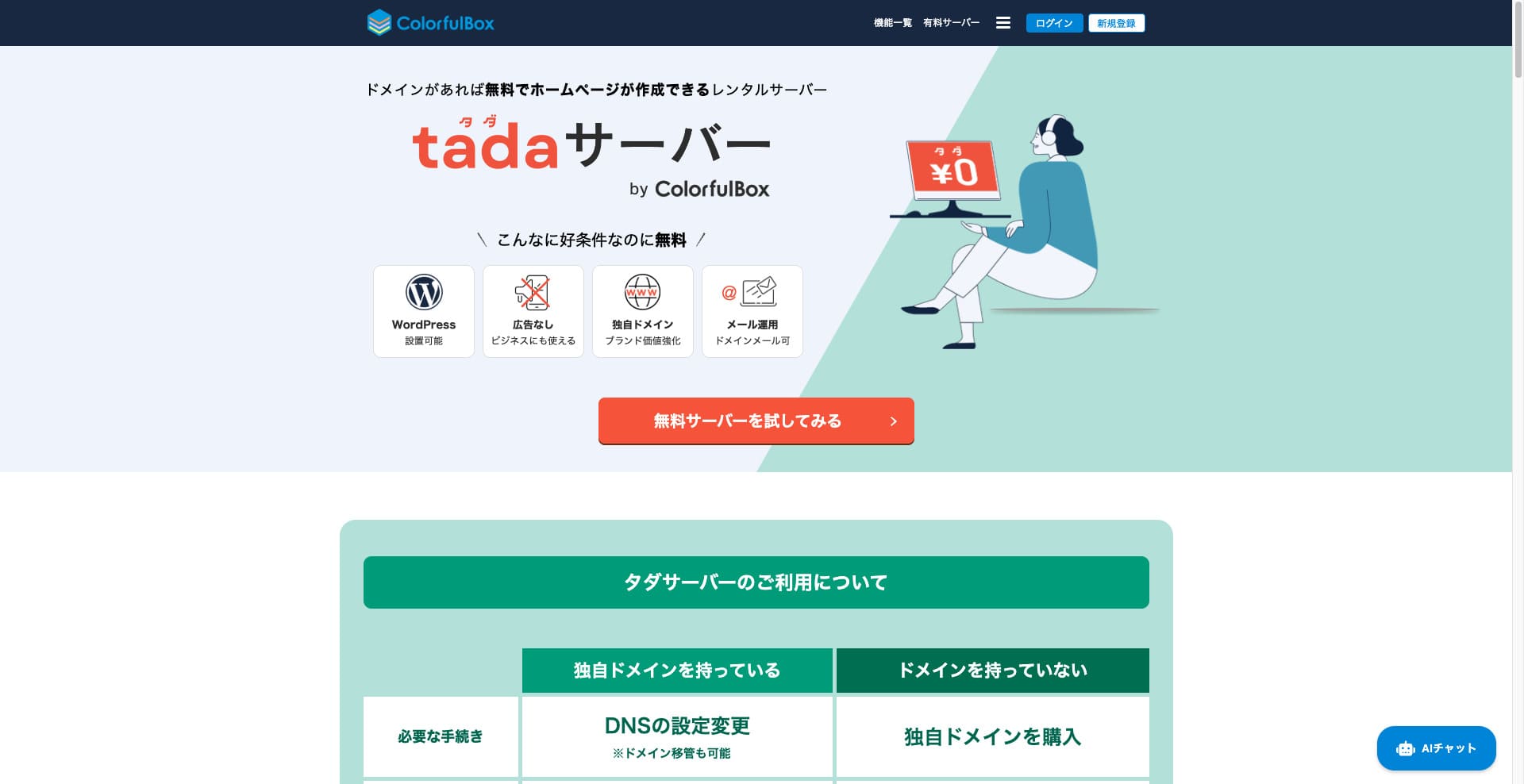
Tada Server ऐसा server है जो WordPress को free में उपयोग करने देता है। इसे Colorful Lab Inc. उपलब्ध कराती है।

Tada Server is what I recommend to people who are looking for a free server, and the reasons are:
- You can start WordPress for free.
- No ads are displayed.
- It supports sending and receiving email.
That is why. I think you will be satisfied. If you renew it every three months, you can keep using it for free indefinitely.
A competing server worth comparing is Star Rental Server. Even though it is free, it is a very fast server, so it is well worth considering alongside Tada Server.
★★ Star Rental Server Reviews (Published December 19, 2024): Pros and Cons of the Most Cost-Effective Free-to-Use Server

Hikaru Ono
To use the Tada Server, you need a domain because subdomains are not provided.
Comparison with Other Hosting Services
- Overall Rating★★★☆☆
- Server Speed Not tested
- Usage Fees ★★★★★
- Stability ★★★☆☆
- Ease of Starting WordPress* ★★★☆☆
- Operations such as domain management and SSL setup* ★★★☆☆
* This is based on my actual experience using it.

Comprehensive Comparison of 21 WordPress Hosting Providers and How to Choose
Comprehensive Comparison of 21 WordPress Hosting Providers and How to Choose
serverfield.org
- November 4, 2025 based on market research data, sorted by speed
- The monthly fee is the cost of the first year of the lowest-priced WordPress-compatible plan.
- Speed is the Time to First Byte value of a demo site with the same conditions.
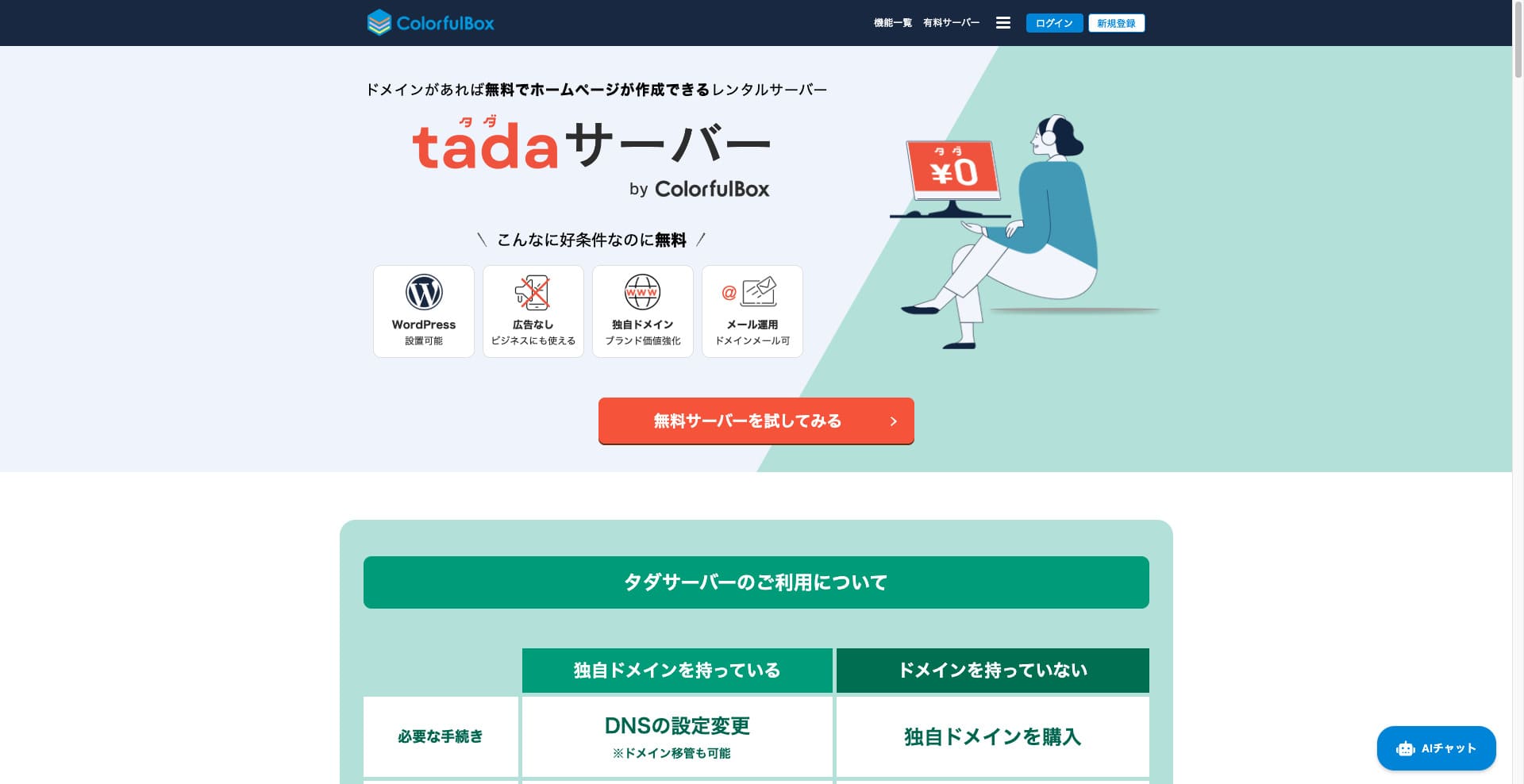
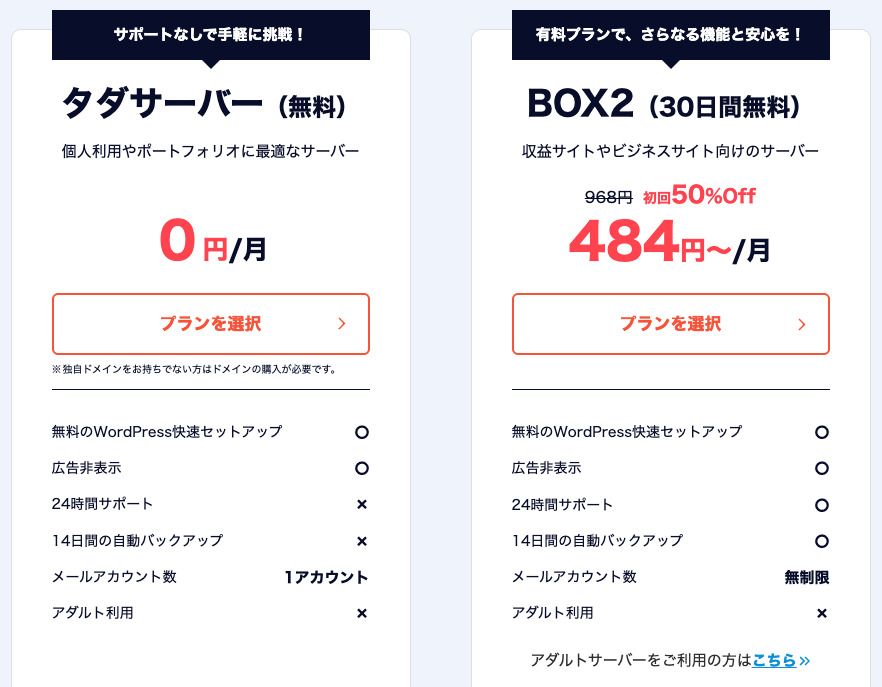
“Tada Server” is a cost-effective rental server from Colorful Lab Inc. that you can start using for free. Despite being free, it doesn't include advertising. It also has email functionality. Paid plans, such as ColorfulBox’s BOX2, are available with a 36-month contract at the lowest price of ¥484 per month.
Reviews of Tada Server Regarding WordPress
Easy WordPress Installation Function
Tada Server के लिए यह practical विकल्प है।
WordPress Installation Procedure
- Step 1Sign Up for Tada Server
Click “Try Free Server,” and then click “Use Free Server” that appears.
When asked “Do you have an existing domain?”, select “You already own a domain.” Since we’re using an existing domain, we chose this option.
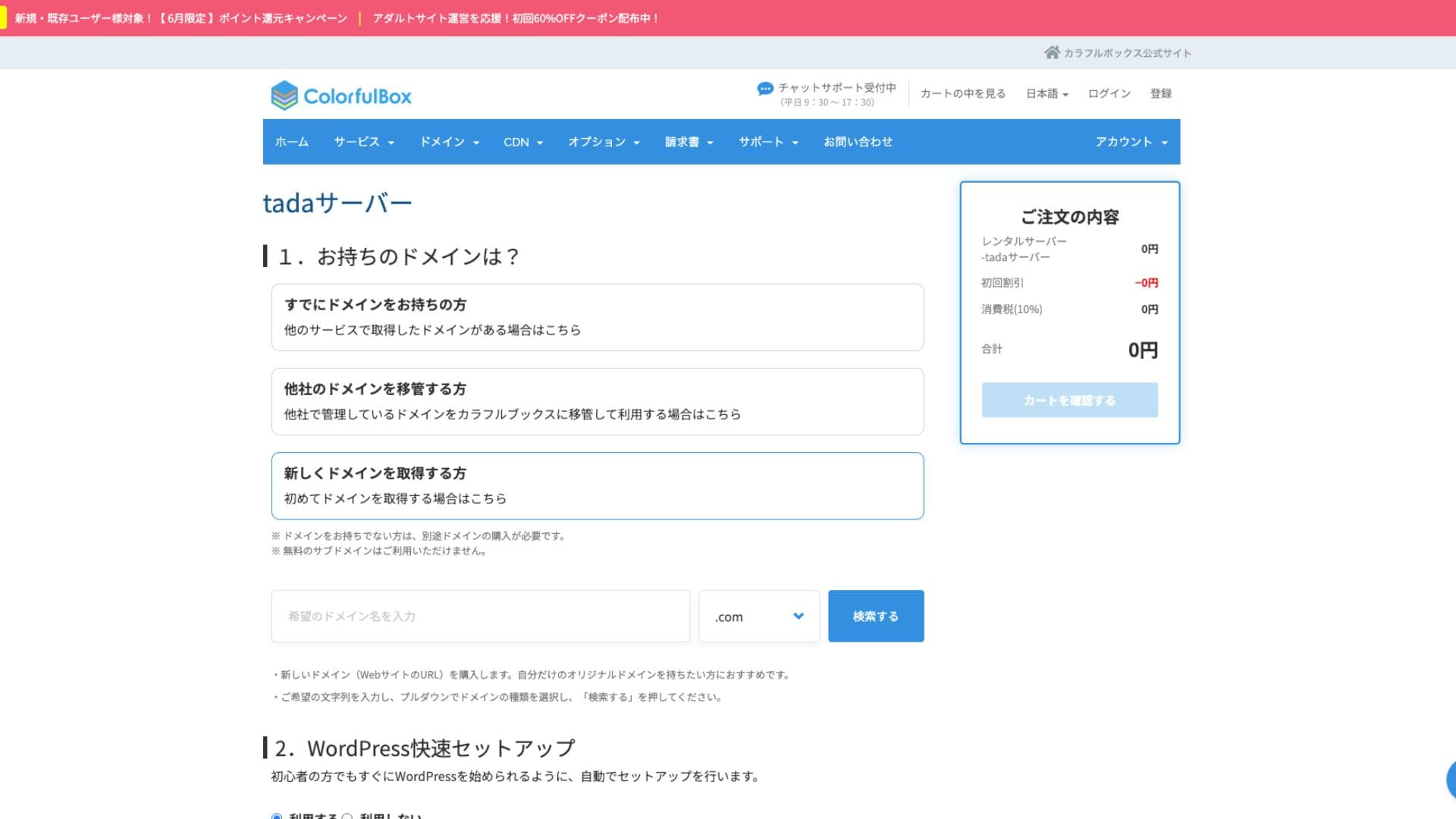
We highly recommend utilizing the “WordPress Quick Setup.”
- Website Title
- Admin User Name
- Admin Password
After entering the information, click “Review Cart.” Click “Continue Shopping.”
- STEP.2Purchase Process
This is the checkout step, but no fee is charged. The total is 0 yen, so you can proceed without concern.
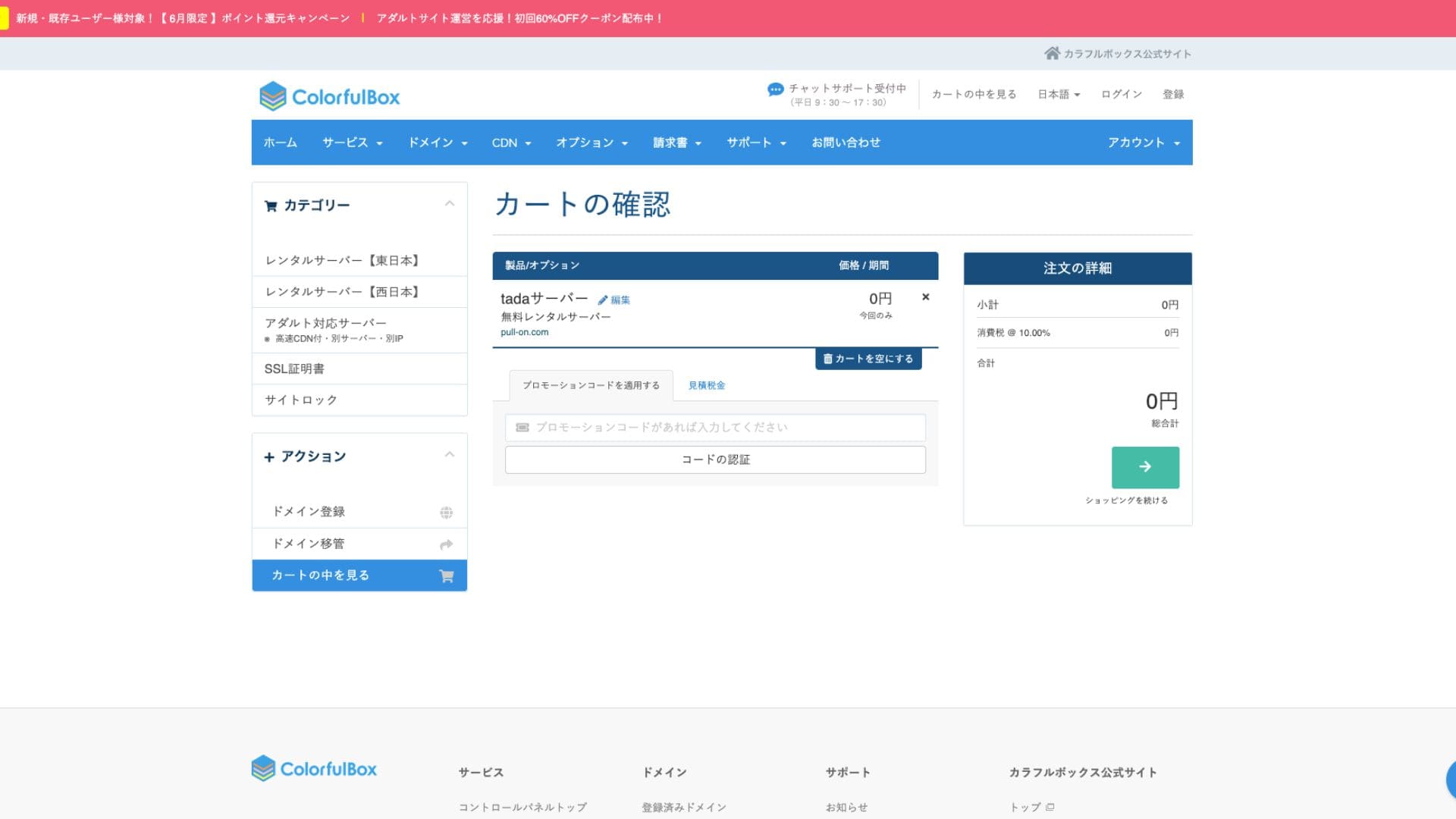
If you already have an account, you can proceed with the purchase from your registered account.
Once you purchase, an order number will be displayed.
When you receive an email, check its contents. The nameserver information is also included, so please update it.
Hikaru OnoPlease be sure to set up your nameserver settings.
WordPress के संदर्भ में Tada Server की समीक्षा
Tada Server You can only operate one site with and only one subdomain (e.g., your-name.tada-server.com) is available. Multiple sites or additional custom domains cannot be added.
Reviews of the performance and specifications of the Tada Server
display speed
Tada Server does not use the LiteSpeed web server, which is fast. Therefore, you shouldn’t expect much in terms of server speed.
Hikaru Ono
If you’re concerned about speed, we recommend a paid rental server.
Loading speed
Disk space is 5GB SSD. This is sufficient for text-focused blogs or small websites, but you may run out of space if you upload a lot of high-quality images or install many multi-functional plugins.
Speed comparison के लिए देखें:
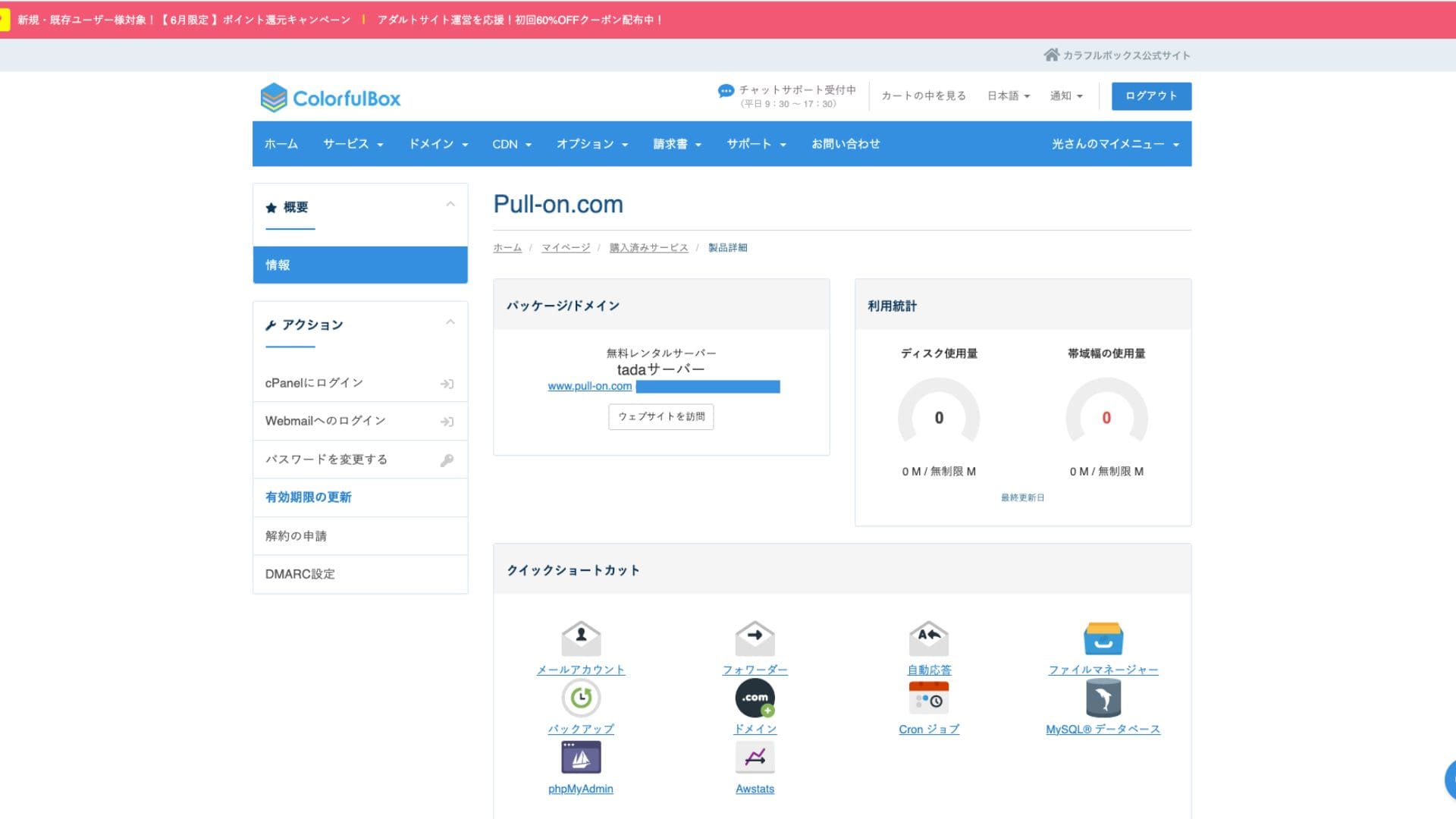
Disk space
Disk space 5GB SSD है। Text-focused blogs या small websites के लिए यह पर्याप्त है, लेकिन high-quality images या कई multi-functional plugins जोड़ने पर space जल्दी भर सकती है।
Images में unlimited लिखा हो सकता है, लेकिन actual capacity 5GB है।
The official website doesn’t specify the uptime. This is also a common point with paid servers like ColorfulBox. However, it’s operated on a 24-hour monitored domestic server, so you can expect a certain level of stability.
Bandwidth
Estimated transfer volume
Server stability और uptime
Tada Server’s biggest draw is that it’s completely free – with no initial or monthly fees. You can start running your WordPress website without worrying about server maintenance costs at all.
- Tada Server
- Kinsta
- XServer Business
- wpx
- Lolipop!
- Star Rental Server
- Rakko Server
- XServer
- ConoHa
- Colorful Box
- Shin Rental Server
- Little Server
- CORESERVER
- DreamHost
- Bluehost
- Sakura
- Namecheap
- Shin Free Server
- XREA
- Value Server
- HOSTINGER
- KAGOYA
- SiteGround
- Hostgator
- IONOS
- Onamae.com
- ABLENET
- mixhost
- GoDaddy
- iCLUSTA+
- MuuMuu Server
- WADAX
- WebARENA
- heteml
- CPI Rental Server


































Pricing और cost evaluation
Tada Server allows you to use your own domain.
You can obtain a custom domain from the management screen. It’s offered at the same price as ColorfulBox. Managing your server and domain with the same company simplifies management.
- Colorful Domain
- Onamae.com
- XServer Domain
- MuuMuu Domain
- Value Domain
- Shin Domain
- Star Domain
- Rakko Domain








Domain cost
Security measures, including SSL (encrypted communication), are available for free. Because a free SSL “Let’s Encrypt” is automatically set up, you can achieve constant SSL for your site even without specialized knowledge.
Custom domain management screen से लिया जा सकता है, और इसकी pricing ColorfulBox के समान है। Server और domain को एक ही company के साथ manage करने पर operations सरल हो जाते हैं।
Because it is a free service, you do not need to register a credit card or provide any similar payment information.
SSL certificate cost
SSL (encrypted communication) सहित security measures
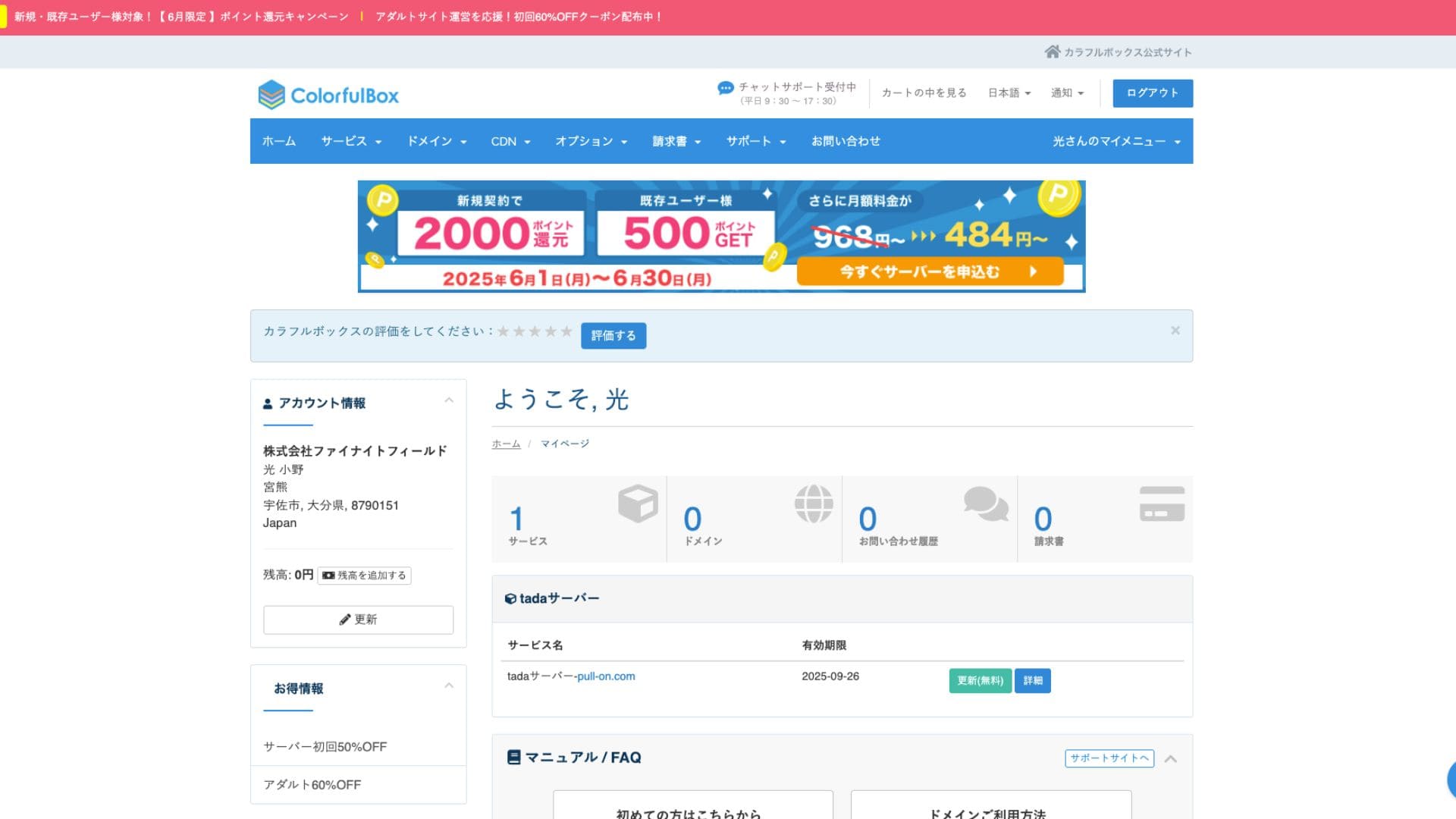
Tada Server utilizes cPanel, a control panel widely used around the world. It includes all the necessary features for website management, such as file management, database creation, and WordPress installation, and has abundant information, so you shouldn’t have much trouble operating it.
- Top Screen
- Contract Renewal
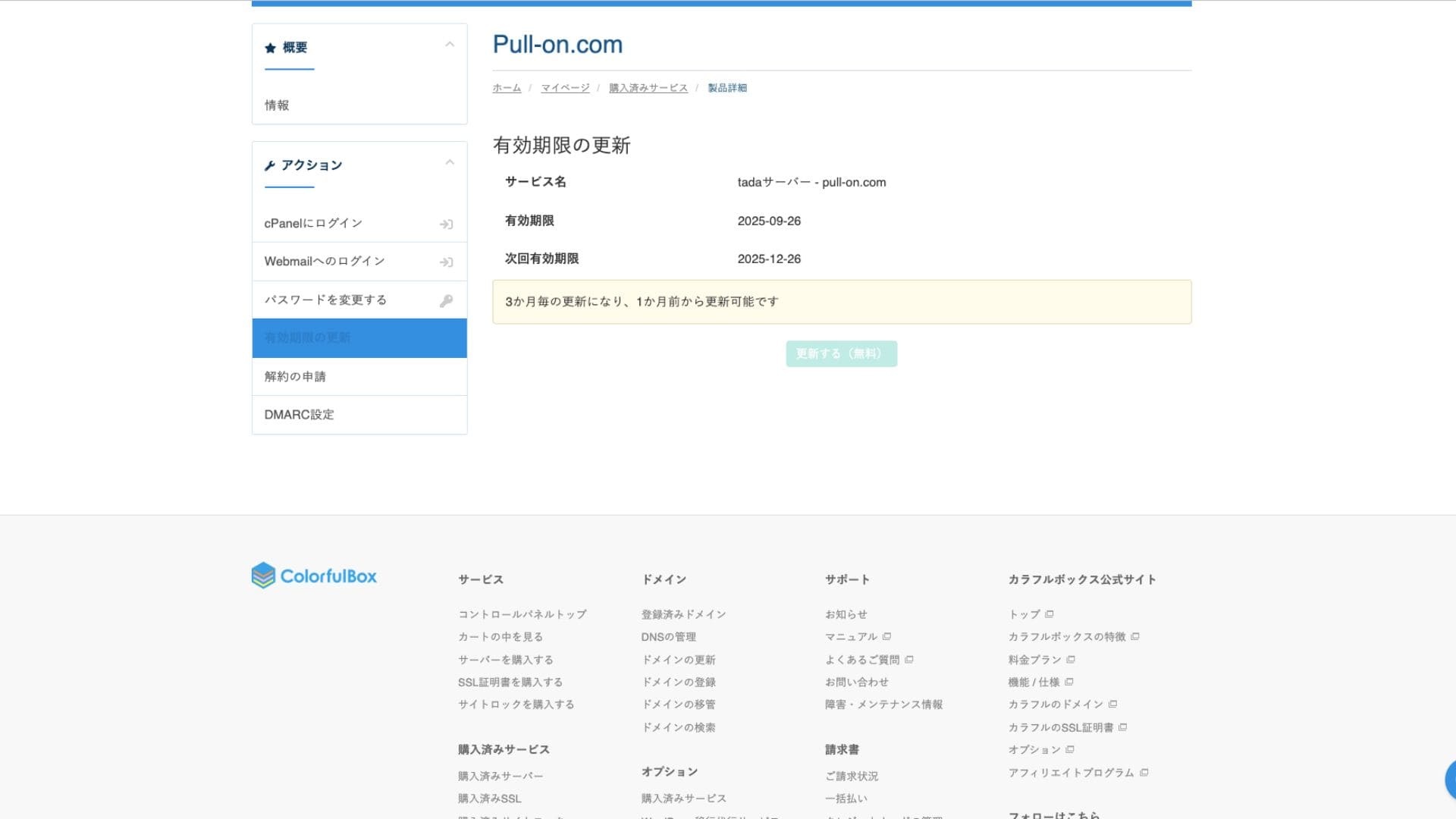
Usability और support review
Tada Server does not provide official support by phone or email. This is the biggest difference from the paid plans and the main point to watch out for. You need to be prepared to solve problems on your own.
Availability of Manuals and FAQs
The official ColorfulBox website has extensive documentation, but for issues specific to Tada Server, you will need to look for information in the community forum mentioned above.
Support structure
Security Measures
Manuals और FAQs की completeness
Official ColorfulBox site पर documentation भरपूर है, लेकिन Tada Server-specific issues के लिए community forum या similar external information sources देखनी पड़ सकती हैं।
Tada Server does not have an automatic backup function. If your data is lost, it cannot be restored. You must make manual backups at your own responsibility by using WordPress plugins or other methods. This is the most important point to keep in mind when using Tada Server.
Security measures
Free SSL certificate के अलावा firewalls (WAF) और intrusion detection systems (IDS/IPS) जैसी basic security features standard रूप में शामिल हैं।Tada Server for a company.
Automatic backup function
Summary
Tada Server is a server that lets you use WordPress for free. While it might have limitations regarding disk space and bandwidth for serious business use, it’s perfectly fine for a trial run. Be sure to give it a try.
“Tada Server” is a cost-effective rental server from Colorful Lab Inc. that you can start using for free. Even though it is free, it does not display ads, and it includes email functionality. Among the paid plans, ColorfulBox’s BOX2 plan is the cheapest at 484 yen per month on a 36-month contract.
Try it out for free