קיבולת שרת להשכרה: כיצד לבחור בלי טעויות ולמה זה חשוב להפעלה חלקה של האתר

כאשר שוכרים שרת, האם אתם מוצאים את עצמכם משווים בין מפרטים כמו CPU וזיכרון ואז נתקעים ב“קיבולת”? אם זו הפעם הראשונה שלכם עם שרתי השכרה, ייתכן שאין לכם מושג כמה קיבולת אתם צריכים, או אפילו מהי בכלל אותה קיבולת.
במאמר הזה אני בוחן לעומק את קיבולת שרת ההשכרה. יחד עם נקודות שחשוב לשים לב אליהן כשתתחילו בלוג WordPress, אעזור לכם לבחור את התוכנית הטובה ביותר. לאחר קריאת המאמר הזה, תבינו את קיבולת שרת ההשכרה ותוכלו לבחור תוכנית בביטחון.
מהי בדיוק קיבולת של שרת להשכרה? מה היא מאחסנת?

בקיצור, קיבולת של שרת השכרה היא השטח הזמין לאחסון הנתונים של האתר שלכם. בפועל, היא מאחסנת את סוגי הנתונים הבאים.
- קבצי אתר: כל הקבצים הדרושים להצגת האתר, כגון HTML, CSS, JavaScript, תמונות וסרטונים
- מסדי נתונים: מאחסנים תוכן דינמי כמו פוסטים בבלוג, מידע משתמש ומידע מוצרים
- נתוני דוא"ל: אם אתם משתמשים בחשבונות דוא"ל, הודעות הדוא"ל שנשלחו והתקבלו והקבצים המצורפים שלהן
- קובצי יומן: יומני גישה לשרת, יומני שגיאות ורישומים דומים
- נתוני גיבוי: גיבויים של נתוני האתר שלכם
כל הנתונים הללו צורכים קיבולת שרת. אם נגמרת הקיבולת, ייתכן שלא תוכלו עוד להוסיף תוכן חדש, האתר יאט, ובמקרה הגרוע הוא אף עלול לקרוס.
שלושה שלבים לבחירת קיבולת השרת הנכונה

אז כיצד בוחרים את כמות הקיבולת הנכונה? חשבו על כך בשלושת השלבים הבאים.
שלב 1: חשבו על סוג האתר (ל-WordPress)
כמות הקיבולת שאתם צריכים משתנה מאוד בהתאם לסוג האתר. אם אתם מתחילים בלוג WordPress, קחו בחשבון את הנקודות הבאות.
- גודל הבלוג: האם מדובר בבלוג אישי קטן או בבלוג גדול שמופעל על ידי כמה אנשים.
- סוג התוכן: האם הוא בעיקר טקסט או משתמש בהרבה תמונות וסרטונים.
- מספר התוספים: תוספים רבים צורכים קיבולת.
- משקל התבנית: בהתאם לתבנית שבה אתם משתמשים, היא עלולה להעמיס על הקיבולת.
ככלל אצבע,
- בלוג קטן (בעיקר טקסט, מעט תמונות): 5GB to 10GB
- בלוג בינוני (הרבה תמונות, כמה תוספים): 10GB to 20GB
- בלוג גדול (כולל סרטונים, הרבה תוספים): 20GB to 50GB or more
הם מספרים טובים לזכור.
★ שליטה בתוספי WordPress והקפצת האתר שלכם: מדריך מקיף למתחילים
שלב 2: העריכו את הצמיחה העתידית
אתר איננו משהו שבונים ושוכחים ממנו. ככל שמוסיפים תוכן והתעבורה גדלה, גם הקיבולת הנדרשת עולה.
תארו לעצמכם איך הדברים ייראו לפחות שנה קדימה, ובחרו קיבולת עם מרווח מסוים. אפשר להוסיף קיבולת מאוחר יותר, אך בהתחשב במאמץ של מעבר בין תוכניות, נוח יותר לבחור כבר בהתחלה תוכנית מעט גדולה יותר.
במקרה של WordPress, הניחו שמספר הפוסטים, התמונות והסרטונים יגדל עם הזמן.
שלב 3: חשבו במספרים מוחשיים
על סמך השלבים שלמעלה, חשבו במספרים מוחשיים. למשל, אפשר להעריך כך.
- טקסט לעמוד אחד: כ־1KB
- תמונה אחת: כ־1MB (היא יכולה להיות גדולה יותר עבור תמונות ברזולוציה גבוהה)
- דקה אחת של וידאו: כ־100MB (משתנה מאוד בהתאם לאיכות ולפורמט)
ב-WordPress צריך גם להתחשב בגודל של תבניות ותוספים. אלה יכולים להגיע לעשרות ואף למאות מגה-בייט.
★ חברת פיתוח אפליקציות מסבירה את המלכודות בבחירת תבנית WordPress ואת הדרך להצלחה
היתרונות ונקודות שחשוב לשים לב אליהן בתוכניות קיבולת ללא הגבלה (ל-WordPress)
אם אתם מתחילים בלוג WordPress, תוכנית עם קיבולת בלתי מוגבלת עשויה להיראות מפתה. עם זאת, כפי שצוין לעיל, יש גם נקודות שצריך לשים לב אליהן.
- שימו לב לגודל מסד הנתונים: מכיוון ש-WordPress מאחסן פוסטים, הגדרות ונתונים אחרים במסד נתונים, גם עם קיבולת בלתי מוגבלת עדיין עלולים להיווצר מגבלות גודל של מסד הנתונים.
- אחסון גיבויים: זה שהקיבולת בלתי מוגבלת לא אומר שאפשר לאחסן מספר בלתי מוגבל של גיבויים. בדקו את מגבלת אחסון הגיבויים ואת תקופת השמירה.
★ What Is a Database? An Essential Management System for WordPress
בעיות חמורות שנגרמות ממחסור בקיבולת שרת: השפעות ספציפיות וצעדי נגד

1. אי אפשר עוד להוסיף תוכן
כאשר הקיבולת מלאה, אי אפשר עוד להוסיף תוכן חדש. זוהי בעיה רצינית שפוגעת בצמיחת האתר.
- אי אפשר עוד להעלות תמונות או סרטונים: תמונות וסרטונים הם רכיבים חשובים שהופכים אתר לאטרקטיבי, אך ברגע שהקיבולת נגמרת, אי אפשר עוד להעלותם. ב-WordPress יופיעו שגיאות בעת העלאת קבצים לספריית המדיה, ולא תוכלו עוד להוסיף תמונות או סרטונים חדשים.
- אי אפשר עוד ליצור או לעדכן פוסטים ודפים: גם טקסט צורך נפח אחסון. כשהקיבולת נגמרת, ייתכן שלא תוכלו עוד ליצור פוסטים או דפים חדשים, ואפילו לא לעדכן קיימים.
- אי אפשר עוד לרשום מוצרים (במקרה של אתר מסחר אלקטרוני): באתר מסחר אלקטרוני, פרטי המוצר והתמונות הם חמצן העסק. מחסור בקיבולת יכול למנוע הוספת מוצרים חדשים או עדכון של קיימים, ולפגוע קשות בעסק.
פתרון: עברו לתוכנית גדולה יותר, מחקו קבצים מיותרים, ואִטמו תמונות (למשל באמצעות דחיסה).
2. תצוגת אתר איטית יותר: חוויית משתמש גרועה יותר
מחסור בקיבולת עלול גם לגרום להאטת מהירות התצוגה של האתר. אם מהירות התצוגה נעשית איטית, חוויית המשתמש נפגעת וגם ה-SEO נפגע.
- עומס מוגבר על השרת: כשהקיבולת מצטמצמת, העומס על השרת גדל ומהירות העיבוד יורדת. כתוצאה מכך זמן טעינת הדף מתארך, מה שאומר להשאיר את המשתמשים ממתינים.
- הביצועים נחלשים בעת עומסי תעבורה: אם השרת כבר חסר קיבולת בתקופות של תעבורה מרוכזת, הוא עלול להעמיס יתר על המידה, לגרום לאתר להיות איטי מאוד, ובמקרה הגרוע להפיל אותו.
- השפעה שלילית על SEO: מנועי חיפוש כמו Google לוקחים את מהירות טעינת הדף בחשבון כגורם דירוג. אתר איטי עלול לרדת בדירוגי החיפוש, דבר שעלול להוביל לפחות מבקרים.
פתרון: השתמשו באמצעים כמו תוספי cache, אופטימיזציית תמונות ו-CDN כדי לשפר את מהירות התצוגה. ייתכן שתצטרכו גם לשקול מעבר לתוכנית שרת שמתאימה לנפח התעבורה שלכם.
★ How Fast Is It? Comparing 15 Rental Servers in a Speed Ranking
3. שליחת וקבלת דוא"ל מפסיקות: התקשורת העסקית משתבשת
גם נתוני דוא"ל צורכים קיבולת שרת. כשהקיבולת נגמרת, ייתכן שלא תוכלו עוד לשלוח או לקבל דוא"ל, מה שמפריע לתקשורת העסקית.
- אי אפשר עוד לקבל דוא"ל: כאשר תיבת הדואר הנכנס מגיעה למגבלת הקיבולת שלה, לא ניתן עוד לקבל דוא"ל חדש. אתם עלולים לפספס תקשורת חשובה או לא להשיב לפניות לקוחות.
- אי אפשר עוד לשלוח דוא"ל: גם דואר נשלח וטיוטות צורכים קיבולת. ברגע שהקיבולת נגמרת, ייתכן שלא תוכלו עוד לשלוח דוא"ל, מה שיכול להוביל להחמצת הזדמנויות עסקיות.
פתרון: מחקו הודעות דוא"ל מיותרות, שמרו את נתוני הדוא"ל מקומית, ושקלו להשתמש בשירות דוא"ל חיצוני.
4. השבתת האתר: העסק נעצר
אם המחסור בקיבולת נעשה חמור, במקרה הגרוע האתר עלול ליפול ולהיות בלתי נגיש. המשמעות היא שהפעילות העסקית נעצרת בפועל ועלולה לגרום להפסדים כבדים.
- עומס יתר על השרת: ריכוז תעבורה כאשר השרת כבר חסר קיבולת עלול להעמיס עליו יתר על המידה ולגרום לקריסת המערכת.
- השחזור עלול לקחת זמן: אם השרת נופל, עבודת השחזור עשויה לקחת זמן והאתר עלול להישאר בלתי נגיש לאורך זמן.
פתרון: יישמו בקפדנות אמצעים המבטיחים פעולה יציבה, כמו ניטור משאבי השרת, ניתוח יומני גישה ובחירת תוכנית שרת מתאימה. גם גיבויים שוטפים חשובים.
מחסור בקיבולת משפיע בצורה חמורה על פעולת האתר. כדי להימנע מבעיות אלו, חשוב לבחור תוכנית שרת עם קיבולת מתאימה ולנטר באופן קבוע את ניצול הקיבולת של האתר. חשוב גם לחשוב מראש מה לעשות אם הקיבולת אכן תתברר כלא מספקת.
★ What Is a 503 Error? Web Traffic Jams, How to Avoid Them, and Emergency Responses
שרתי השכרה מומלצים לפי קיבולת
30GB: Little Server
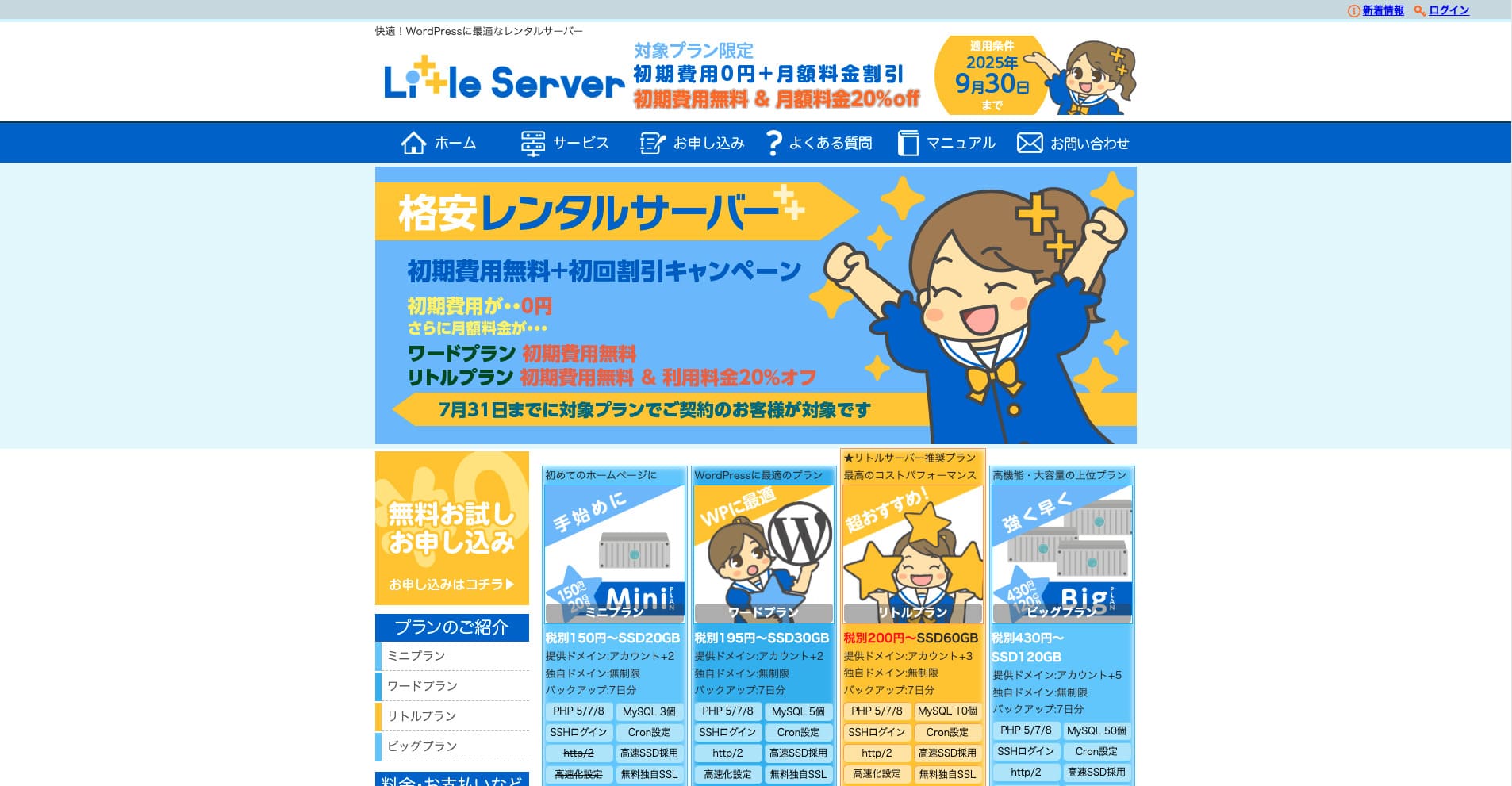
“Little Server” הוא שרת השכרה זול. בהשוואה לשרתים חינמיים, זהו אחד משרתי ההשכרה הזולים ביותר לשימוש אישי. עם זאת, הוא משתמש ב-NVMe SSD כדי לשפר את המהירות.
אין דמי פתיחה עד 30 בספטמבר 2025, 20% הנחה על דמי השרת של תוכנית Little, וניסיון חינם ל-20 יום
| Server type | Shared server |
| Display speed (TTFB) | 200ms |
| Recommended plan and contract term | Mini, 12 months |
| Trial / refund guarantee | 20-day free trial |
| Monthly fee (12-month contract) | 165 yen |
| Initial administrative fee | 920 yen |
| Free domain | None |
| Support | Email (business hours not disclosed) |
| Uptime | Not disclosed |
| Server capacity | 20GB |
| Number of databases | 3 |
| Security measures | IMP |
| SSL | Free SSL, dedicated SSL (Little Plan and above) |
| Backup / restore | 7 ימי גיבוי אוטומטי בחינם, שחזור בחינם |
| Number of email accounts | Unlimited |
| Email security measures | Spam filter |
| Server / website migration service | None |
| WordPress pre-installation | כן |
| CDN | None |
*לתוכנית Mini
אם אתם רוצים לשמור על מחיר נמוך ובו בזמן להבטיח את הקיבולת המינימלית הנחוצה, Little Server מומלץ לבחור ב-Little Server. אפילו התוכנית הזולה ביותר מעניקה לכם 30GB. גם אם תשדרגו, התשלום החודשי נשאר בתוך כמה מאות ין, כך שאם אתם מתחילים לחשוש ממחסור בקיבולת, שדרגו באופן יזום.
★ Little Server Reviews and How to Start WordPress on an Affordable Hosting Service
300GB: ConoHa WING

“ConoHa WING” הוא שרת מהיר של GMO Internet Group, שמספר המשתמשים בו גדל במהירות, והוא גם שירות שבו החברה שלנו משתמשת. מכיוון ש-WordPress מותקן מראש כשנרשמים לשרת, כל אחד יכול להתחיל בקלות. הוא מציע איזון טוב בין עלות לביצועים, ואנחנו משתמשים בו גם כן.
עד 53% הנחה על דמי השרת עד 5 באוגוסט 2025, שני דומיינים בחינם לצמיתות, והחודש הראשון חינם
| Server type | Shared server |
| Display speed (TTFB) | 160ms |
| Recommended plan and contract term | Basic, 12 months |
| Trial / refund guarantee | First month free |
| Monthly fee (12-month contract) | 971 yen |
| Initial administrative fee | Free |
| Free domains | שני דומיינים חינם לצמיתות |
| Support | Phone, email, and chat (weekdays 10:00-18:00) |
| Uptime | 99.99% guaranteed |
| Server capacity | 300GB |
| Number of databases | Unlimited |
| Security measures | WAF / directory access restrictions / IP access restrictions / vulnerability diagnosis (Net de Diagnosis) / spam comment and trackback restrictions / overseas comment and trackback restrictions / overseas access restrictions |
| SSL | Free SSL / Alpha SSL / Quick Authentication SSL / Company Authentication SSL / EV SSSL |
| Backup / restore | 14 days of automatic backups / restore free of charge |
| Number of email accounts | Unlimited |
| Email security measures | Virus checking / spam filters |
| Server / website migration service | WordPress migration service from 7,678 yen כלי העברה חינמי זמין |
| WordPress pre-installation | Yes |
| CDN | None |
אם אתם רוצים קיבולת מספיקה גם כיחידים, בחרו ב-ConoHa WING. אפילו התוכנית הזולה ביותר מעניקה 300GB, כך שהרצת WordPress אינה בעיה בכלל.
★ Build a Homepage in 10 Minutes! ConoHa WING Reviews and How to Start WordPress
600GB: Sakura Rental Server

“Sakura Rental Server” הוא שרת משותף של Sakura Internet Inc. החברה מציעה גם שרתים מנוהלים. יש לו איזון טוב בין ביצועים, שירות ומחיר, ולכן הוא מומלץ לכל תאגיד. מכיוון שהוא כולל כמות מסוימת של שימוש חינמי ב-CDN בהתאם לתוכנית, הוא יכול לספק תקשורת נוחה.
ניסיון חינם ל-14 יום
| Server type | Shared server |
| Display speed (TTFB) | 440ms |
| Recommended plan and contract term | Standard, 12 months |
| Trial / refund guarantee | 14-day free trial |
| Monthly fee (12-month contract) | 550 yen |
| Initial administrative fee | Free |
| Free domain | None |
| Support | Business hours: 10:00-18:00 Phone callback reservations, chat, and email (reply the same day or the next business day) |
| Uptime | 99.99% |
| Server capacity | 300GB |
| Number of databases | Unlimited |
| Security measures | Website defacement notifications (paid), WAF, overseas IP address filters, prevention of unauthorized relaying, encryption, |
| SSL | Free shared SSL, dedicated SSL |
| Backup / restore | שמונה דורות של גיבויים בחינם, שחזור בחינם |
| Number of email accounts | Unlimited |
| Email security measures | POP3, IMAP4, virus checking, simple spam filter, advanced spam filter |
| WordPress pre-installation | None |
| Server / website migration service | None |
| CDN | 100GB בחינם לחודש |
אם אתם תאגיד, קיבולת שרת גדולה יותר נותנת שקט נפשי. Sakura Rental Server מציע קיבולת גדולה, עם 300GB בתוכנית Standard ו-600GB בתוכנית Business.
קיבולת בלתי מוגבלת: mixhost
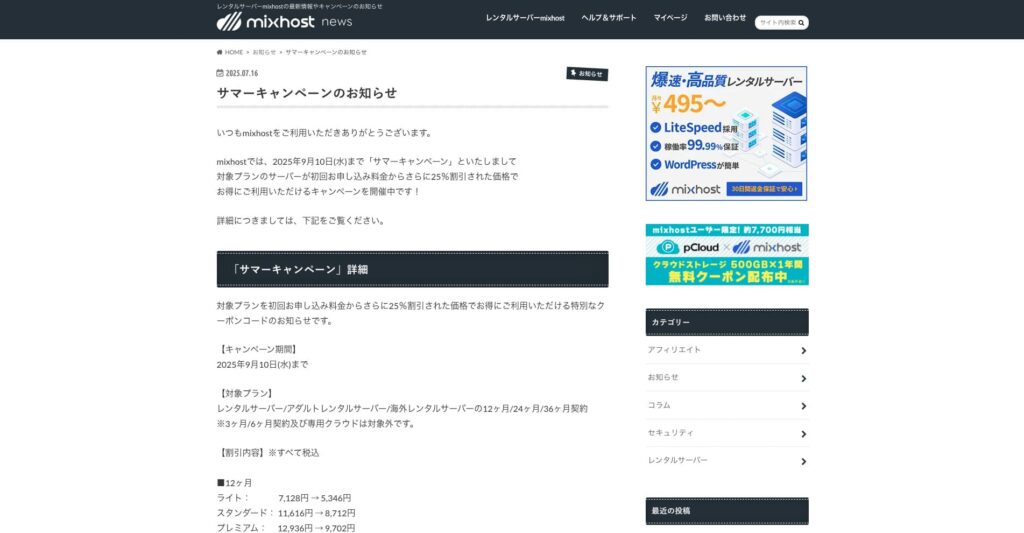
“ mixhost” הוא שרת השכרה מהיר של Az Pocket Co., Ltd., שמטה החברה נמצא באוסקה. הוא יכול להגיש תוכן משרתים הממוקמים בסן חוזה בחוף המערבי של ארצות הברית. אף שהוא שרת מעבר לים, החברה יושבת ביפן, כך שעדיין מקבלים תמיכה מלאה ביפנית.
25% הנחה על החוזה הראשוני עד 10 בספטמבר 2025, שנה חינם עבור 500GB של אחסון בענן, והחזר כספי ל-30 יום
| Server type | Shared server / dedicated cloud server |
| Display speed (TTFB) | 150ms |
| Recommended plan and contract term | Shared server Light, 12 months |
| Trial / refund guarantee | 30-day money-back guarantee |
| Monthly fee (12-month contract) | 594 yen |
| Initial administrative fee | Free |
| Free domain | One free forever |
| Support | |
| Uptime | 99.99% guaranteed |
| Server capacity | 100GB |
| Number of databases | Unlimited |
| Security measures | WAF / DDo attack protection / malware detection and removal |
| SSL | Free dedicated SSL |
| Backup / restore | Automatic backups for 14 days on the Standard plan and above |
| Number of email accounts | Unlimited |
| Email security measures | — |
| WordPress pre-installation | כן |
| Server / website migration service | 10,890 yen |
| CDN | None |
| Data center | San Jose, U.S. West Coast |
אם אתם רוצים להשתמש בשרת עם קיבולת בלתי מוגבלת, בחרו ב-mixhost. הקיבולת לא רק בלתי מוגבלת, אלא גם נפח התעבורה אינו מוגבל, ולכן הוא מציע סקלאביליות מצוינת.
★ mixhost Reviews and How to Start WordPress with Peace of Mind Thanks to Elevent Nines Backup
סיכום: בחרו את הקיבולת הנכונה והפעילו את בלוג WordPress שלכם בצורה חלקה

לקיבולת של שרת השכרה יש השפעה גדולה על היציבות והצמיחה של אתר. השתמשו בשלבים שהוצגו במאמר הזה כדי לבחור את הקיבולת המתאימה ביותר לבלוג WordPress שלכם ולהשיג תפעול חלק.
אם צריך, כדאי גם להתייעץ עם מנהל השרת. גם כשבוחרים תוכנית עם קיבולת בלתי מוגבלת, חשוב לקבל את ההחלטה רק לאחר שמבינים היטב גם את היתרונות וגם את נקודות הזהירות.