તમારા ફોટાઓને અલગ દેખાડતા પાંચ WordPress ગેલેરી પ્લગઇન

સુંદર સાઇટ જોઈએ તો, તમારા ફોટાઓને ગેલેરીમાં રજૂ કરો.
આકર્ષક વેબસાઇટ બનાવતી વખતે ફોટા અનિવાર્ય છે. છતાં, જો તમે પેજ પર ફક્ત ફોટા મૂકો, તો તમે અન્ય હોમપેજ અને બ્લોગથી અલગ દેખાઈ શકતા નથી. આવી સ્થિતિમાં ગેલેરીનો ઉપયોગ કરો.
ગેલેરી એ જ કામ કરે છે. તે device પ્રમાણે ફોટાના size ને સમાયોજિત કરે છે અને તમારા માટે તેને ફરી ગોઠવે છે. WordPress માં gallery functionality standard feature તરીકે ઉપલબ્ધ છે.

પરંતુ WordPress ની built-in gallery function કરતાં વધુ સુવિધાજનક અને વધુ feature-rich gallery plugins ઉપલબ્ધ છે. તમે તેનો સારી રીતે ઉપયોગ કરો તો તમારી website ને વધુ આકર્ષક બનાવી શકો છો. આ લેખમાં હું પાંચ ભલામણ કરેલ WordPress gallery plugins રજૂ કરું છું.
ઘણા ફોટાવાળી sites સામાન્ય રીતે display થવામાં ધીમી બને છે. જો page ઝડપથી દેખાતું નથી, તો લોકો આગળ જોવાની ઇચ્છા ગુમાવે છે. જો તમે ઘણા photos publish કરવા માંગતા હો, તો fast server નો ઉપયોગ જરૂર કરો.
★ ઝડપ માટે ચકાસાયેલ: server speed ranking માં 15 hosting companies ની તુલના
વ્યક્તિઓ, કંપનીઓ અને વિદેશી ઉપયોગ માટેની 32 WordPress હોસ્ટિંગ સેવાઓની સંપૂર્ણ તુલના

જ્યારે તમે “હું WordPress શરૂ કરું છું” એવું વિચારો અને “WordPress recommendations” શોધો, ત્યારે વ્યક્તિગત હોસ્ટિંગ, કંપનીઓ અને નાના વ્યવસાયો માટેના વિકલ્પો, વિદેશી હોસ્ટિંગ અને ઓછી કિંમતવાળા સર્વરો વિશેના અનેક લેખો મળે છે. સાચું કહીએ તો,
- કઈ site પર વિશ્વાસ કરવો?
- તમને કદાચ સરળ અને સમજાય એવો જવાબ જોઈએ હોય.
- તમને કદાચ WordPress તરત શરૂ કરવું હોય.
એ માટે આ લેખ individuals, companies, domestic use અને overseas use માટે 32 hosting providers માંથી ભલામણ કરેલી પસંદગીઓ કાળજીપૂર્વક પસંદ કરે છે. દરરોજ hosting વાપરતી app development company ના SEO lead દ્વારા તેની સમજ આપવામાં આવી છે.
તમારા ફોટાઓને અલગ દેખાડતી પાંચ WordPress ગેલેરી પ્લગઇન
Envira Gallery સાથે સુંદર ગેલેરી બનાવો
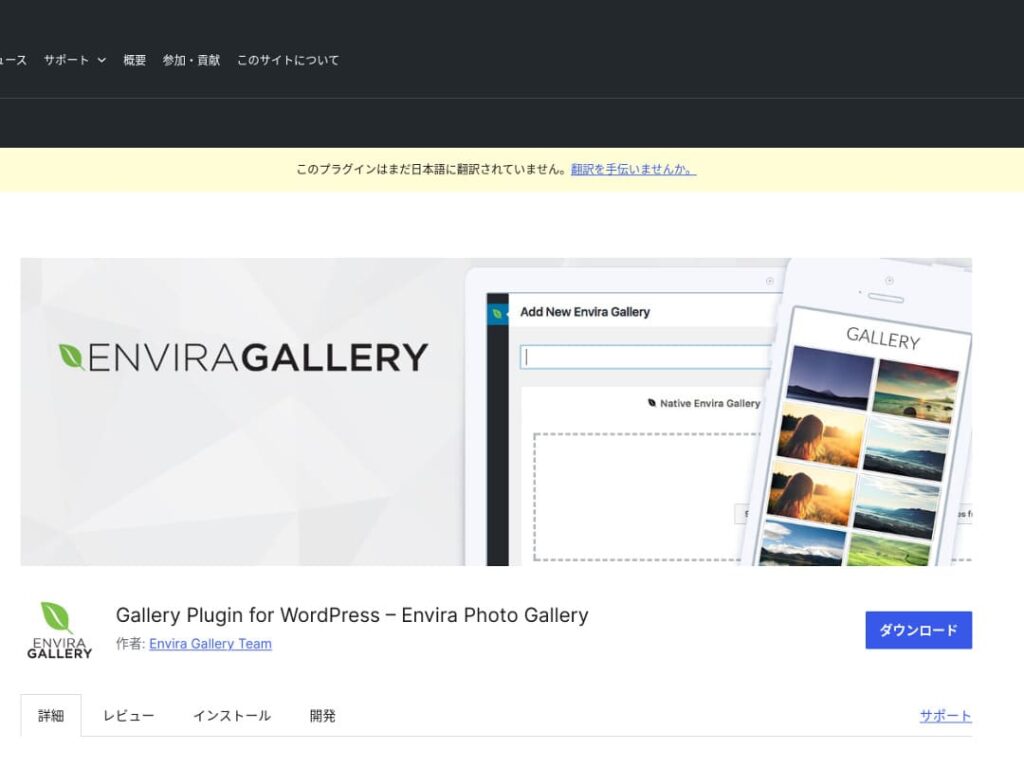
Envira Gallery ઉપયોગમાં સરળતા અને સુંદર ડિઝાઇન માટે લોકપ્રિય પ્લગઇન છે.
તેમાં ડ્રેગ-એન્ડ-ડ્રોપ એડિટિંગ અને રિસ્પોન્સિવ ટેમ્પ્લેટ્સ છે, તેથી કોડિંગ જ્ઞાન વિના પણ તમે સરળતાથી વ્યાવસાયિક-સ્તરની ગેલેરી બનાવી શકો છો. તેમાં SEO વિચારણાઓનો પણ સમાવેશ થાય છે, અને તેનું સામાજિક-મીડિયા એકીકરણ તમે બનાવેલી ગેલેરીઓને શેર કરવાનું સરળ બનાવે છે.
આથી, user engagement વધારવા અને તમારી વેબસાઇટ પર વધુ મુલાકાતીઓને લાવવા માટેનું ઉત્તમ વિકલ્પ છે.

NextGEN Gallery: વ્યાવસાયિક ફોટો પ્રસ્તુતિ માટે
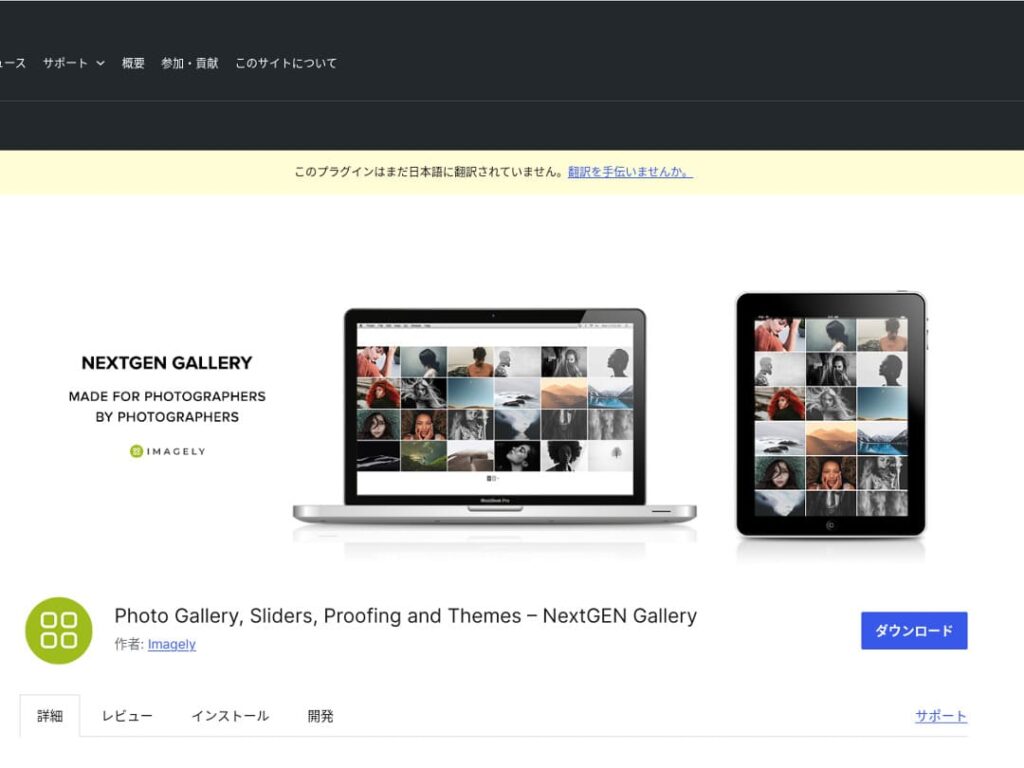
NextGEN Gallery અદ્યતન વ્યવસ્થાપન સુવિધાઓ અને વિવિધ ગેલેરી શૈલીઓ આપવા માટે જાણીતું છે.
આ plugin ખાસ કરીને photographers અને art lovers માટે ભલામણ કરાય છે. તેમાં અનેક album options, batch uploading અને image editing features છે, જેના કારણે પોતાની site ની galleries પર સૂક્ષ્મ નિયંત્રણ ઇચ્છતા users માટે તે અનુકૂળ છે.
NextGEN નો ઉપયોગ કરીને તમે મુલાકાતીઓને એક અવિસ્મરણીય દૃશ્ય અનુભવ આપી શકો છો.

FooGallery: સરળ વાપરવાની અને ઊંચી કસ્ટમાઇઝેબિલિટી ધરાવતી ગેલેરી
FooGallery તેની સહજ કામગીરી અને ઊંચી વિસ્તરણક્ષમતાને કારણે પસંદ કરવામાં આવે છે.
આ પ્લગઇન સાથે તમે થોડા જ ક્લિકમાં સુંદર ગેલેરી બનાવી શકો છો, અને તે ડેવલપર્સ અને અદ્યતન વપરાશકર્તાઓ માટે extension features પણ આપે છે.
FooGallery ની લવચીકતા તમારા સાઇટના વિકાસ સાથે અને જરૂરિયાતો બદલાતાં ગેલેરીને સરળતાથી સમાયોજિત કરવાની મંજૂરી આપે છે.

Modula Image Gallery: ઝડપ અને દૃશ્યો વચ્ચેનું ઉત્તમ સંતુલન
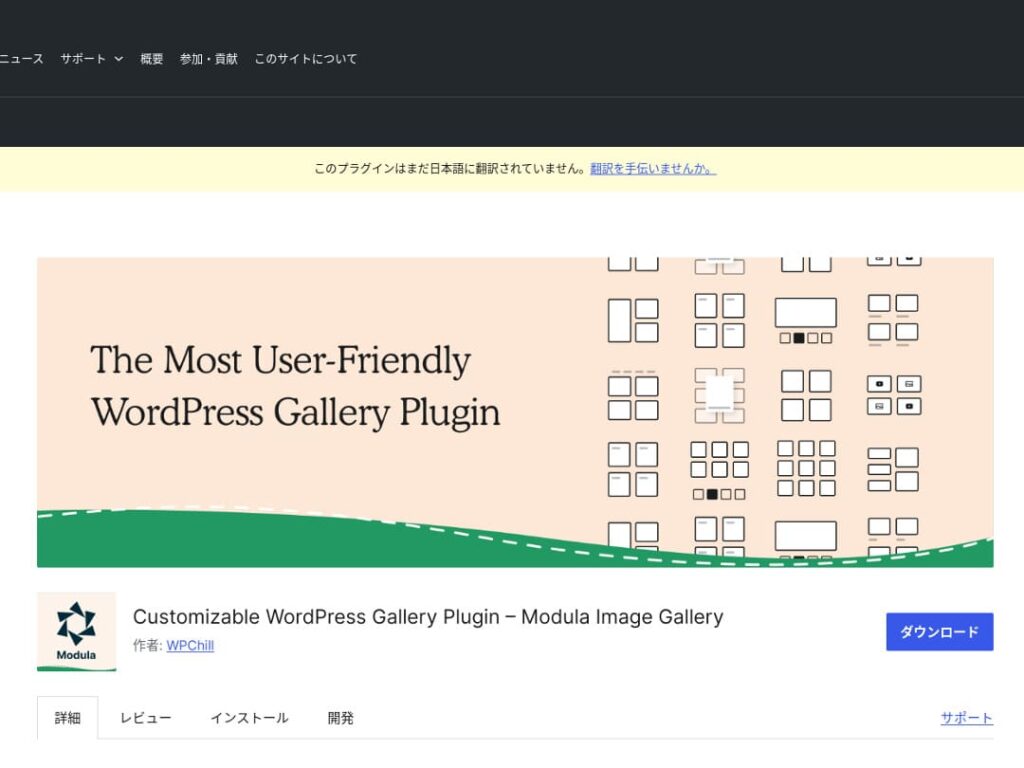
Modula Image Gallery નું આકર્ષણ ઝડપી લોડિંગ અને કસ્ટમાઇઝ કરી શકાય તેવી grid layouts માં છે.
આ lightweight plugin site performance ને નુકસાન કર્યા વિના સુંદર galleries બનાવવા માટે રચાયેલ છે. ખાસ કરીને page speed ને ગંભીરતાથી લેતા webmasters માટે Modula આદર્શ પસંદગી છે.
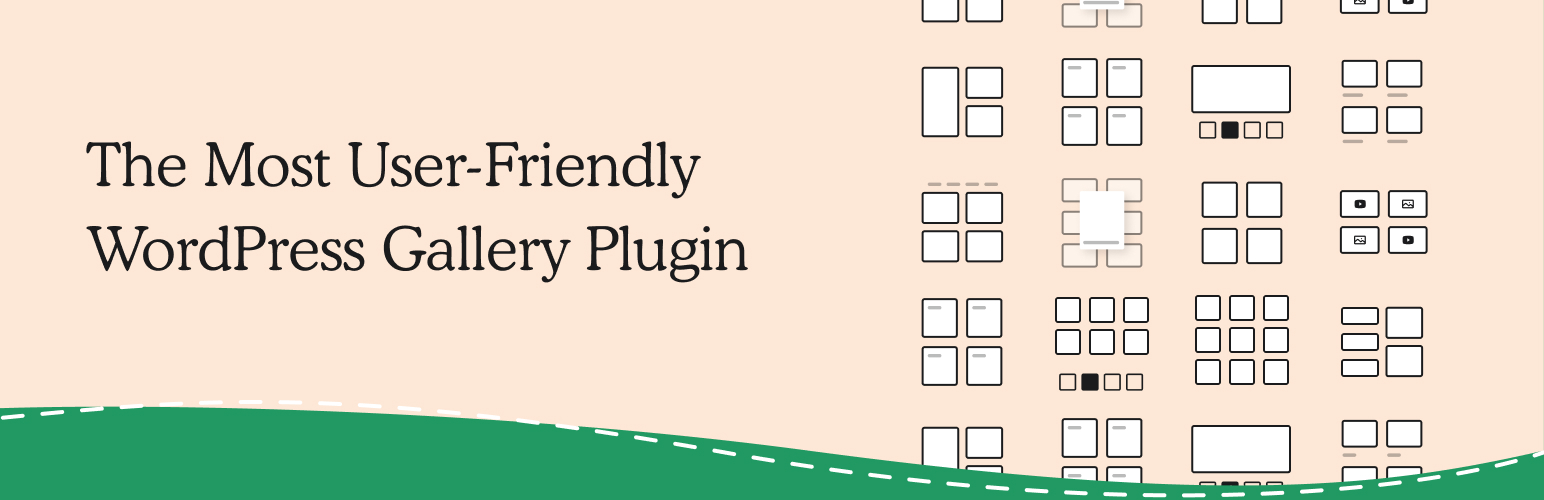
Photo Gallery by 10Web: ફોટા અને વિડિઓનું સંયોજન
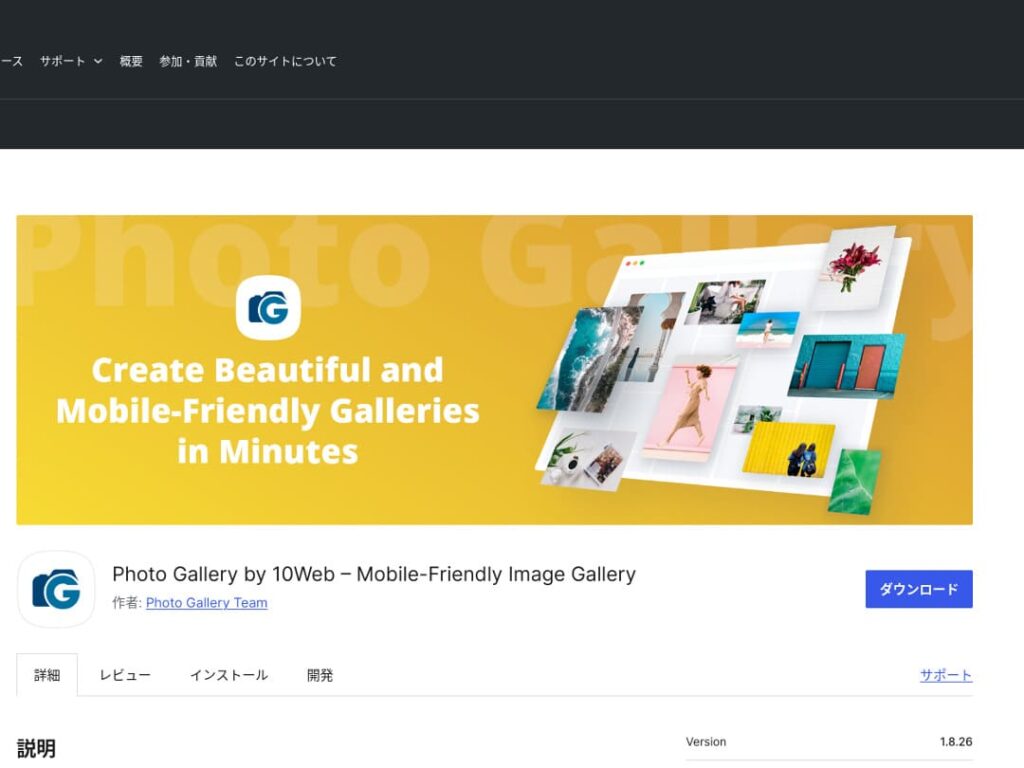
Photo Gallery by 10Web એ બહુવિધ કાર્યક્ષમ પ્લગઇન છે, જે સ્થિર છબીઓ ઉપરાંત વિડિઓ પણ સંભાળી શકે છે.
તે YouTube અને Vimeo videos સામેલ કરી શકે છે અને responsive galleries તથા slideshows બનાવવાનું સરળ કરે છે. visual content ને અનેક દૃષ્ટિકોણથી વિકસાવવા માંગતા website owners માટે તે આદર્શ છે.

ગેલેરીઓ સુધારીને WordPress ને વધુ આકર્ષક બનાવો

તમે તમારી ગેલેરીઓને સતત સુધારતા રહો તો તમારું WordPress હોમપેજ ઘણું વધુ આકર્ષક બની જાય છે.
છબીઓ ઑપ્ટિમાઇઝ કરો
આ વેબપેજ લોડ સમય ઘટાડે છે અને વપરાશકર્તા અનુભવ સુધારે છે.
- કદ ગોઠવો: પિક્સેલ માપને છબી દેખાય તે માપ સાથે મેળવો. વેબસાઇટ પર જે રીતે છબી દેખાય છે તેના કરતાં મોટી છબીની જરૂર નથી.
- છબીને સંકોચો: JPEG (અથવા WebP) ફોર્મેટમાં સાચવો અને ગુણવત્તા તથા ફાઇલ કદ વચ્ચે સંતુલન રાખો. ઘણા ઓનલાઇન સાધનો અને સોફ્ટવેર ગુણવત્તા ઘટાડ્યા વિના કદ ઘટાડવામાં મદદ કરે છે.
- યોગ્ય ફોર્મેટ પસંદ કરો: ફોટોગ્રાફ માટે JPEG, અને સરળ આલેખન અથવા લોગો માટે PNG અથવા SVG વાપરો. WebP કદ અને ગુણવત્તા વચ્ચે ઉત્તમ સંતુલન આપે છે, પરંતુ દરેક બ્રાઉઝર તેને સપોર્ટ કરતું નથી.
રિસ્પોન્સિવ ડિઝાઇન
વેબપેજ અને ગેલેરી દરેક ઉપકરણ પર યોગ્ય રીતે દેખાય તેની ખાતરી કરો.
- CSS media queries: સ્ક્રીનના કદ મુજબ અલગ સ્ટાઇલ નિયમો લાગુ કરો. આથી છબીઓ અને સામગ્રીનું લેઆઉટ ઉપકરણ પ્રમાણે બદલાઈ શકે છે.
- ફ્લેક્સિબલ છબીઓ: છબીઓ પર CSS property max-width: 100%; લાગુ કરો જેથી તેમની સાઇઝ parent element ની પહોળાઈ મુજબ સમાયોજિત થાય.
- ફ્રેમવર્કનો ઉપયોગ કરો: જો તમે Bootstrap જેવા રિસ્પોન્સિવ ડિઝાઇન framework નો ઉપયોગ કરો છો, તો રિસ્પોન્સિવ ગેલેરીને વધુ સહેલાઈથી અમલમાં મૂકી શકો છો.
SEO ઑપ્ટિમાઇઝેશન
સર્ચ એન્જિનોમાં તમારી છબીઓની દૃશ્યતા વધારો.
- Alt text: જ્યારે છબી લોડ ન થાય અથવા દૃષ્ટિઅસક્ષમ વપરાશકર્તા સ્ક્રીન રીડર વાપરે ત્યારે દેખાતો લખાણ. છબીને ચોક્કસ રીતે વર્ણવે અને keywords શામેલ કરે એવું લખાણ વાપરો.
- ફાઇલ નામો: keywords ધરાવતા વર્ણનાત્મક ફાઇલ નામો વાપરો. black-leather-shoes.jpg જેવું નામ DSC12345.jpg કરતાં વધુ સારું છે.
- છબીઓ માટે structured data: Google certain પ્રકારની છબીઓ, જેમ કે product images અને recipe images, માટે structured data ની ભલામણ કરે છે. તે છબીઓને search results માં અલગ દેખાવામાં મદદ કરે છે.
★ SEO શું છે? search engine optimization ના પગલાં અને યોગ્ય પદ્ધતિઓ
બૅકઅપનો ઉપયોગ કરો
બૅકઅપ્સ ડેટા ગુમાવવાનું અટકાવે છે અને તમારી સાઇટને સુરક્ષિત રાખવામાં મદદ કરે છે.
- નિયમિત રીતે બૅકઅપ લો: UpdraftPlus અથવા BackWPup જેવા WordPress બૅકઅપ પ્લગઇનોનો ઉપયોગ કરીને ડેટાબેસ, ફાઇલો અને છબીઓ સહિત સાઇટ ડેટાનો નિયમિત બૅકઅપ લો.
- બૅકઅપને બાહ્ય સંગ્રહમાં સાચવો: બૅકઅપ ફાઇલ્સને માત્ર સર્વર પર નહીં, પરંતુ Dropbox અથવા Google Drive જેવી બાહ્ય cloud storage સેવાઓમાં પણ રાખવું વધુ સુરક્ષિત છે.
- તમારા બૅકઅપનું પરીક્ષણ કરો: બૅકઅપ યોગ્ય રીતે કાર્ય કરે છે કે નહીં તે નિયમિતપણે તપાસો અને જરૂરી હોય ત્યારે restore પ્રક્રિયા સમીક્ષો. વાસ્તવિક સમસ્યા આવે ત્યારે તમે ઝડપથી પ્રતિસાદ આપી શકો છો.
★ પાંચ WordPress backup plugins
WordPress પ્લગઇન સાથે ગેલેરી બતાવતી વખતે પૃષ્ઠની ગતિ ધીમી ન પડે તેનું ધ્યાન રાખો
galleries નો ઉપયોગ કરતી વખતે ધ્યાનમાં રાખવાની બાબત display speed ધીમી થવી છે. જો તમે gallery માં મોટી સંખ્યામાં photos બતાવો છો, તો તે page પર data નું પ્રમાણ વધે છે અને page load થવામાં વધુ સમય લાગે છે.
જો page load થવામાં સમય લે, તો visitors ચીડાઈ શકે છે અને તમારી website છોડી શકે છે. લોકો જોવા ઇચ્છતા photos ગોઠવ્યા હોવા છતાં તેઓ gallery ની એક પણ image જોયા વિના જ ચાલ્યા જાય, તો એ અફસોસની વાત છે.
WordPress gallery plugins માં speed-improvement functions પહેલેથી હોય છે. તેથી, gallery plugin વાપર્યા પછી પણ તમારી website ધીમી હોય, તો બીજા server પર જવું સારું વિચાર છે.
સારાંશ
WordPress site પર gallery ને વધુ આકર્ષક બનાવવા માટે ઘણા plugins છે, પરંતુ Envira Gallery, NextGEN Gallery, FooGallery, Modula Image Gallery અને Photo Gallery by 10Web ખાસ મજબૂત પસંદગીઓ છે.
આ plugins નો યોગ્ય રીતે ઉપયોગ કરીને અને ઉપર રજૂ કરેલા improvement measures અમલમાં મૂકી, તમે visitors ના દિલ જીતે એવું visual content આપી શકો છો.
સુંદર ગેલેરી તમારી સાઇટ પર આવનાર લોકો પર મજબૂત છાપ છોડી અને વધુ ઊંડો સંવાદ સર્જશે.