IONOS Review: Stable, low-cost hosting in Europe that also supports WordPress
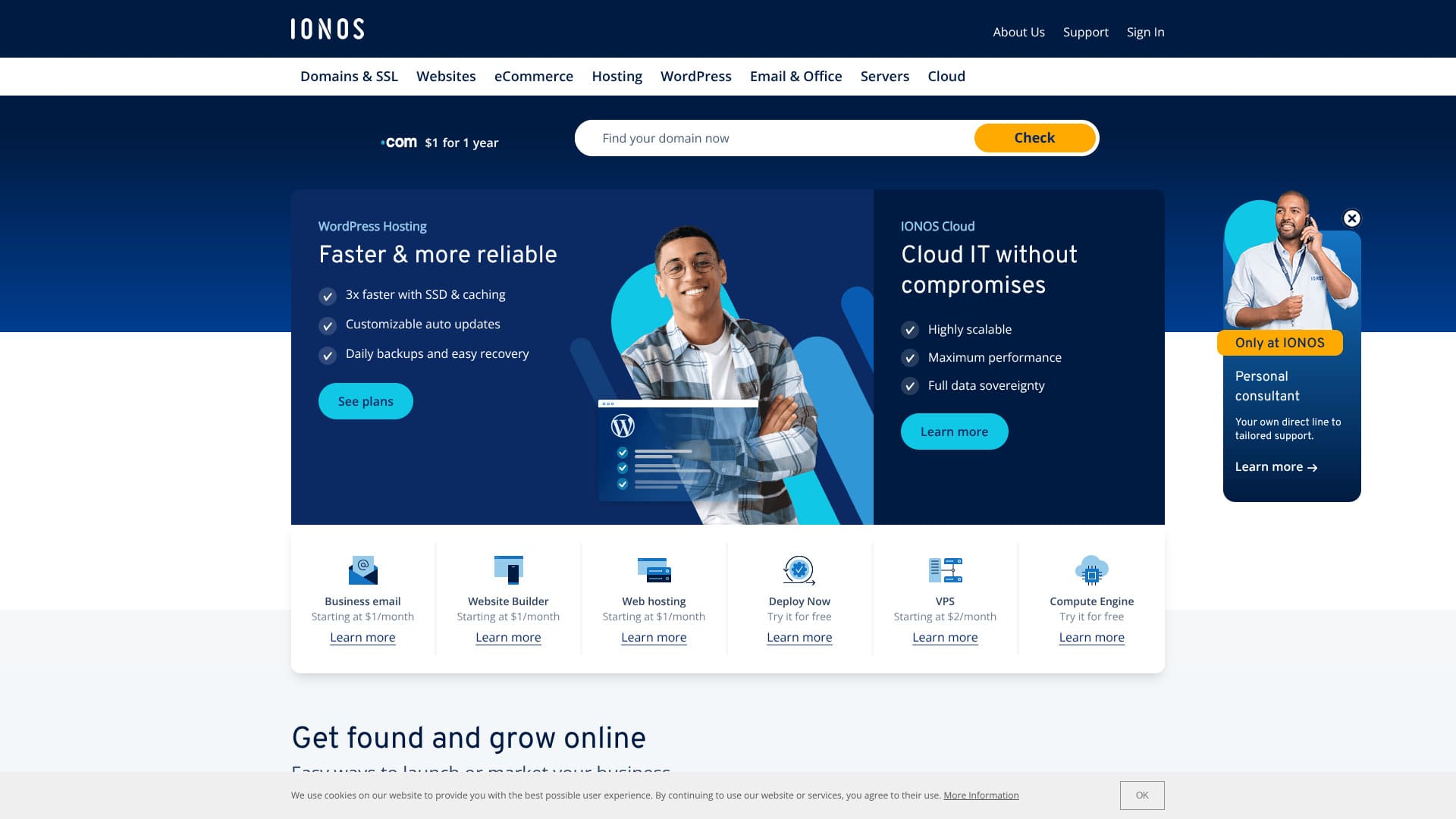
A host with outstanding stability and strong suitability for Europe.
IONOS is an internet service provider based in Montabaur, Germany. It has data centers in Europe and North America, including Germany. If you want to build a site for people who live in Europe, it is a good option.
It is also a relatively inexpensive overseas host. At the time of writing, it was running a campaign that made it 90% cheaper than the regular price.
This article explains IONOS from its reputation and features to how to start WordPress and how to cancel.
Overseas Hosting Comparison Article

Because of language barriers and cultural differences, many people are unsure which overseas hosting company to choose.
This article thoroughly compares 10 carefully selected overseas hosting companies from around the world and explains each one's features, pricing plans, and actual hands-on feelin detail.
It provides information for a wide range of needs, from decision criteria beginners can use with confidence to advanced features that technical users look for.
- IONOS review: a host with outstanding stability
- Six features of IONOS
- The drawback of IONOS is that before signing up, support is available only by phone
- Compare IONOS with two competing hosts
- Seven steps to start a WordPress website with IONOS right now
- How to cancel IONOS
- Frequently asked questions about IONOS
- Summary
IONOS review: a host with outstanding stability
“IONOS” is a hosting company from Germany. Even though it offers outstanding stability with 99.98% uptime, you can use it at a low price. In addition to seven days of automatic backups, it also has solid security measures such as DDoS attack protection.
| Server type | Shared hosting |
| Server response speed (TTFB) | Not measured |
| Recommended plan and term | WordPress Hosting Grow, 1 year |
| Trial / money-back guarantee | 30-day money-back guarantee |
| Monthly fee (12-month plan) | $5 (734 yen) |
| Initial setup fee | Free |
| Free domain | 1 domain free for the first year |
| Support | 24/7 chat, email, and phone |
| Uptime | 99.98% |
| Storage | 50GB |
| Number of databases | 1 |
| Security | Malware scanning, vulnerability scanning, DDoS protection, and anti-phishing / anti-spam filters |
| SSL | Free SSL |
| Backups | Seven days of automatic backups |
| Email accounts | 5 |
| Email security measures | None |
| Server / website migration service | None |
| WordPress preinstall | None |
| CDN | None |
| Data center locations | Frankfurt, Germany; Berlin, Germany; London, UK; Logrono, Spain; Las Vegas, Nevada, USA; Newark, New Jersey, USA; Lenexa, Kansas, USA |
Six features of IONOS

Right now, WordPress hosting is inexpensive at $1 per month
IONOS is an inexpensive host. At the time this article was written, its WordPress Hosting Grow plan was available for $1 per month on a 12-month contract.
The Grow plan renews at $10, but even then it is still relatively inexpensive among overseas hosts. The even cheaper Start plan renews at $6, which is among the lowest prices available from major overseas hosts.
I compared its pricing with major Japanese hosts.
| Hosting company | Total cost for the first year |
|---|---|
| IONOS | $12 (1,798 yen) |
| ConoHa WING | 11,292 yen |
| Xserver | 10,560 yen |
| heteml | 24,420 yen |
| mixhost | 8,712 yen |
If you look only at the first-year cost, it is an exceptionally low price compared with Japanese hosts.
You get a free domain for 12 months with a 12-month contract
If you sign up with IONOS for 12 months, you get a free domain for 12 months.
A domain usually costs around 2,000 to 5,000 yen, so getting that for free is a good deal.
★ What is a domain? Its role as an address on the internet and how to get one
That said, many major Japanese hosts include a domain free for as long as the server contract continues when you sign up for 12 months. In terms of domain cost, many Japanese hosts are better.
Outstanding stability with 99.98% uptime
IONOS has 99.98% uptime. Because the servers are extremely stable, site display stays stable as well. It is rare for a site not to load or to become extremely slow.
Stability of site display affects trust on a corporate website and revenue on affiliate sites and blogs. It is a very important server metric.
IONOS is easy to use with confidence.
★ A beginner's guide to hosting uptime and SLAs
You can create a website with AI
IONOS lets you create a website with AI. If you enter several pieces of detailed information related to your business, the AI will create a website with images and text.
You can further customize the website after it has been generated.
Even if you have been told, “Please make an internal company website,” but you have no experience, it helps a lot that AI can build the site for you.
It comes with seven days of automatic backups
IONOS includes seven days of automatic backups. If you have backups, you can restore the site even when something goes wrong.
If I were to criticize it strictly, though, a seven-day backup period is honestly a little short. If you do not check your website at least once a week to confirm that nothing is wrong, you may not be able to restore it even if a problem occurs.
Even so, it is far better than having no backup feature at all.
Security measures such as a DDoS shield are also thorough
IONOS also has strong security measures, including a DDoS shield. If a server or website has weak security, it may end up suffering problems such as information leaks or site tampering.
With IONOS, you get sufficient security measures, including a DDoS shield, malware scanning and repair, and vulnerability scanning, so it feels reassuring.
The drawback of IONOS is that before signing up, support is available only by phone

The drawback of IONOS is that before you sign up, support is available only by phone.
I have almost never heard of another host like that. Usually, before a contract is signed, hosts limit support to chat or email instead.
In other words, if you do not speak English, it is hard to get support before you sign up. Having to actually subscribe before chat or email support becomes available is a little inconvenient because you cannot ask questions casually.
Compare IONOS with two competing hosts
There are many overseas hosts, but I compared IONOS with two competitors that, like IONOS, compete primarily on price.
DreamHost
DreamHost is a host officially recommended by WordPress. In terms of having 100% uptime and the highest level of stability, it is a high-quality host that surpasses IONOS. Because it comes with a 97-day money-back guarantee, you can test it carefully.
That said, IONOS is cheaper. If price matters most to you, I recommend IONOS.
DreamHost also has data centers only in the United States, and it has no CDN. So if you want to build a site for people who live in Europe, IONOS, which has data centers across Europe, is still the better choice.
| Item | IONOS | DreamHost |
|---|---|---|
| Biggest strength | Excellent value for money | Ultra-long money-back guarantee |
| Trial / money-back guarantee | 30-day money-back guarantee | 97-day money-back guarantee |
| Uptime | 99.9% | 100% |
| Storage | 50GB | 50GB |
| First-year hosting cost | 1,798 yen | 5,303 yen |
With the Grow plan, IONOS is cheaper than DreamHost's lowest-priced plan.

Namecheap
Namecheap is one of the cheapest hosts available. When I actually used it, I was impressed by how kind and courteous the support was. That stands in clear contrast to IONOS, which provides only phone support before you sign up. If support matters to you, Namecheap is a strong choice.
That said, IONOS offers more storage and lower pricing. It also includes a domain free for 12 months. If you want to prioritize price, IONOS is the better choice.
| Comparison point | IONOS | Namecheap |
|---|---|---|
| Biggest strength | Excellent value for money | Excellent value for money |
| Trial / money-back guarantee | 30-day money-back guarantee | 30-day money-back guarantee |
| Uptime | 99.9% | 99.9% |
| Storage | 50GB | 10GB |
| First-year hosting cost | 1,798 yen | 2,229 yen |

Seven steps to start a WordPress website with IONOS right now
- STEP.1Create an account with IONOS
First, go to the IONOS website and create an account. You will need to enter your name, email address, and payment details.
- STEP.2Choose the WordPress Hosting Start plan
After creating your account, move to the IONOS hosting plans page and choose “WordPress Hosting.” The Start plan is an entry-level plan that works well for personal blogs and small websites.
- STEP.3Choose or obtain a domain
After choosing your plan, choose the domain you will use for the site. You can use a domain you already own, or, if you do not have one yet, you can purchase a new domain through IONOS.
- STEP.4Install WordPress
After choosing the domain, install WordPress. From the IONOS control panel, choose “WordPress” and click “Install.” This process is handled automatically, so no manual setup is required.
- STEP.5Initial WordPress setup
Once the installation is complete, you can access the WordPress dashboard. First, configure the following settings:
- Site title and tagline: Set the name of the site and a short description.
- Permalink settings: Choose a URL format that is good for SEO, such as post-name permalinks.
- Choose a theme: WordPress offers many free themes, so choose a design that fits your website.
- STEP.6Install plugins
If necessary, install plugins that provide extra functionality. Common examples include “Yoast SEO” for SEO and “Wordfence Security” for stronger security.
- STEP.7Publish the site and begin operating it
Finally, once you click “Publish” on the content you created, your WordPress site becomes available on the internet. At that point, operation of the WordPress site begins.
How to cancel IONOS
- STEP.1Log in to your IONOS account
First, go to the official IONOS website and log in to your account. You will need your registered email address and password.
- STEP.2Review your contract
After logging in, go to the “My IONOS” dashboard. Choose “Contracts” from the menu and review the list of services and plans you are currently using.
- STEP.3Choose the contract you want to cancel
Identify the service or plan you want to cancel and open its details page. At this stage, carefully confirm that it is the contract you want to cancel.
- STEP.4Start the cancellation procedure
On the details page for that contract, you will see a button such as “Cancel” or “Termination.” Click it to begin the cancellation procedure.
- STEP.5Choose the reason for cancellation
During the procedure, you may be asked why you want to cancel. Choose the appropriate reason from the options. In many cases, the reason is a required item.
- STEP.6Final confirmation and completion
A confirmation screen will appear. After checking that everything is correct, complete the final cancellation procedure. Once it is finished, a confirmation email will be sent to your registered email address.
Frequently asked questions about IONOS
What kinds of server plans does IONOS offer?
Shared hosting, VPS, dedicated servers, and cloud servers are available.
Can you use a custom domain with IONOS?
You can use a custom domain on an IONOS server. You can also purchase or transfer the domain through IONOS.
Summary
IONOS is an overseas host you can use at a low price. It is a good choice for people who prioritize price. Because it has data centers in Europe, it is especially well suited if you want to build a site for people who live in Europe.
It also comes with a 30-day money-back guarantee, so please give it a try.
Overseas Hosting Comparison Article
Because of language barriers and cultural differences, many people are unsure which overseas hosting company to choose.
This article thoroughly compares 10 carefully selected overseas hosting companies from around the world and explains each one's features, pricing plans, and actual hands-on feelin detail.
It provides information for a wide range of needs, from decision criteria beginners can use with confidence to advanced features that technical users look for.