HostGator Review: Easy WordPress Setup, Pricing, Support, and Cancellation Compared [2024 Edition]
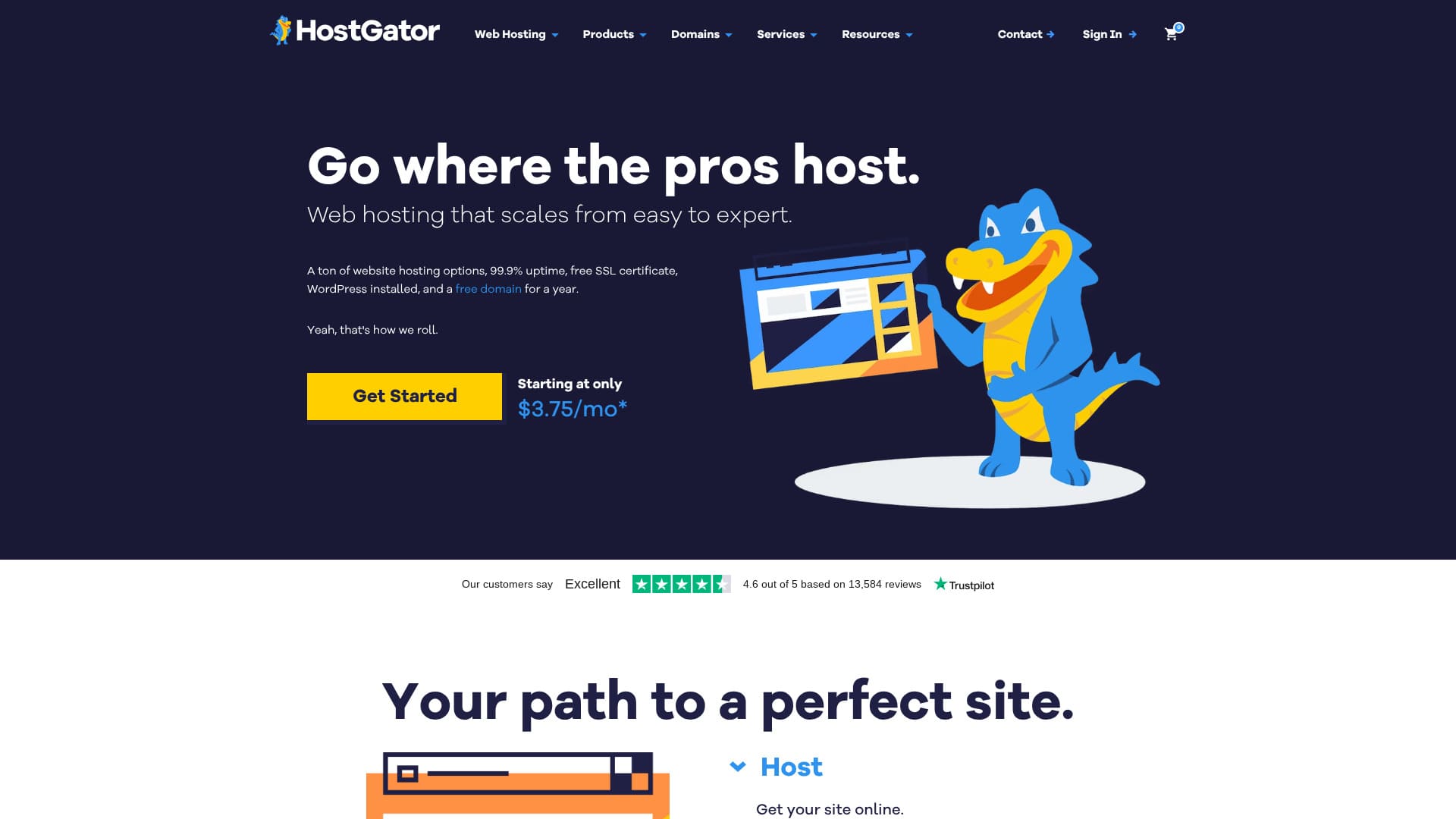
An overseas server that is easy to start with because WordPress comes preinstalled.
HostGator is a server company based in Houston, Texas, with more than 2 million sites running on it. It is a long-established server provider that has been in operation since 2002. Its long track record and large user base provide reassurance.
In this article, I thoroughly explain everything from HostGator's features and pros and cons to how to start WordPress and how to cancel.
Compare 10 overseas servers

With overseas rental servers, many people are unsure which server to choose because of language barriers and cultural differences.
In this article, I thoroughly compare 10 carefully selected overseas rental servers from around the world and explain each one's features, pricing plans, and actual user experience in detail.
I provide information that covers a wide range of needs, from selection criteria that beginners can use with confidence to advanced features that engineers look for.
HostGator review: a server that makes WordPress easy to start
"HostGator" is a hosting company based in Houston, Texas. Because WordPress comes preinstalled, anyone can start WordPress with confidence. Even the lowest-priced plan includes security measures such as malware scanning.
| Server type | Shared server |
| Display speed (TTFB) | Not measured |
| Recommended plan and contract term | WordPress Baby Plan |
| Trial / money-back guarantee | 30-day money-back guarantee |
| Monthly fee (12-month contract) | $4.50 (661 yen) |
| Initial administrative fee | Free |
| Free domain | 1 free for the first year |
| Support | 24/7 phone support (Baby plan and above), chat |
| Uptime | 99.9% |
| Server storage | 20 GB |
| Number of databases | 20 |
| Security | Malware scanning |
| SSL | Free SSL |
| Backup | Available |
| Number of email accounts | - |
| Email security measures | POP3 email accounts with SMTP, Prevent spam with SpamAssassin |
| Server / website migration service | None |
| WordPress preinstall | Yes |
| CDN | Available |
| Data centers | Provo, Utah, USA / Atlanta, Georgia, USA |
Four features of HostGator

24/7 support
HostGator offers 24/7 support. I also found comments online saying that chat support responded quickly.
It is reassuring when they can help you right away when something goes wrong.
WordPress preinstalled
HostGator comes with WordPress preinstalled. Because WordPress is installed when you sign up, even people with no experience using servers or WordPress can start WordPress with confidence.
Even experienced users find it cumbersome to install WordPress manually. HostGator is an overseas server, so having WordPress preinstalled is appreciated.
You can use a CDN
HostGator supports CDNs. If you can use a CDN, your site can display quickly no matter where in the world your visitors are. HostGator only has servers in the United States. However, because you can use servers around the world as a CDN, site display will not become extremely slow regardless of where you live.
★ What Is a CDN? Improve Speed and Performance with a Network of Servers
Automatic daily backups
HostGator is automatically backed up every day. Backups let you restore your site even if trouble occurs, so they are essential for running a site with peace of mind.
The drawback of HostGator is that the regular price is high

The drawback of HostGator is that the regular price is high. Look at the pricing.
- Baby Plan: $4.50 for the first 12-month term, renews at $16.49
- Business Plan: $6.25 for the first 12-month term, renews at $21.99
- Pro Plan: $13.95 for the first 12-month term, renews at $329.69
Even the Baby Plan renews at $16.49, which is 2,493 yen at the exchange rate on December 10, 2024. That is quite expensive. It costs more than fast domestic servers, and at that price you could almost rent a corporate-class server.
At the time of the initial contract, longer terms give you a higher discount rate, so they are a better deal. But if the contract period is short, the discount is not very large.
The low initial price makes it easy to get started, but you should be careful because the renewal price becomes high.
Compare HostGator with two competing servers
I compared HostGator with two competing overseas servers.
Kinsta
Kinsta is often described as a top-tier server. It focuses on speed and, honestly, it is not cheap. If server performance is your priority, I recommend Kinsta.
However, if you think about the balance with price, HostGator is the better choice.
| Item | HostGator | Kinsta |
|---|---|---|
| Biggest strength | Good value | Reputation as a top-tier server |
| Trial / money-back guarantee | 30-day money-back guarantee | 30-day money-back guarantee |
| Uptime | 99.9% | 99.9% |
| Storage | 20 GB | 10 GB |
| First-year server cost | 8,091 yen | 31,466 yen |
GoDaddy
GoDaddy is the most famous domain management company in the world. You can use it more cheaply than HostGator. If you want to prioritize price, GoDaddy is the better choice.
However, GoDaddy's lowest-priced plan lets you create only one website. By contrast, HostGator lets you create up to 20. If you plan to operate multiple sites, choose HostGator.
| Item | HostGator | GoDaddy |
|---|---|---|
| Biggest strength | Good value | No.1 in number of domain users |
| Trial / money-back guarantee | 30-day money-back guarantee | 30-day money-back guarantee |
| Uptime | 99.9% | 99.9% |
| Storage | 20 GB | 10 GB |
| First-year server cost | 8,091 yen | 14,388 yen |
Four steps to start a WordPress website with HostGator right now
- STEP.1Create an account with HostGator
Visit the HostGator website and go to the Managed WordPress Hosting page.
Choose a plan and register the domain name you need (or use an existing domain). Review the plan details, enter the contract term and payment information, and create your account.
- STEP.2Automatic WordPress installation
With HostGator Managed WordPress, WordPress is installed automatically.
- Log in to your account dashboard.
- A link to the WordPress admin panel will appear on the dashboard, so use it to access the WordPress admin screen.
- STEP.3Set up your WordPress site
Log in to WordPress and complete the initial settings. You can check your login details in the email from HostGator or in the dashboard.
Choose a theme and install it. You can choose from free and paid themes.
Install plugins: As needed, install plugins for security, SEO, caching, and so on. HostGator automatically installs some recommended plugins, but you can also add more.
- STEP.4Security and optimization
HostGator provides an SSL certificate, so make sure to enable SSL (it may be configured automatically in some cases).
Backups: The Managed WordPress plan includes automatic backups, so confirm that backup settings are in place just in case.
How to cancel HostGator
- STEP.1Log in to your HostGator account
Go to the HostGator dashboard and log in to your account.
- STEP.2Cancel the plan or service
After logging in, click the "Billing" tab at the top right of the screen.
Next, in sections such as "Manage Packages" or "Hosting," find the plan or service you want to cancel.
Click the "More" button (or a similar option) next to the relevant plan, and choose "Cancel Package" or the cancel option.
- STEP.3Fill out the cancellation form
A cancellation form will appear where you enter your reason for cancellation and other information. Fill in the appropriate items, enter your reason for cancellation, and click "Submit" to send the cancellation request.
- STEP.4Confirm with support
You may receive a confirmation email from HostGator customer support. They may reconfirm that you wish to cancel, so follow the instructions in the email. If necessary, contact support directly by live chat or phone to make sure the cancellation is completed.
- STEP.5Cancel the domain (optional)
- If you registered a domain with HostGator, you need to stop the domain's automatic renewal when you cancel the hosting.
- Go to the "Domains" tab and disable automatic renewal for the relevant domain.
- STEP.6About the refund policy
HostGator offers a 45-day money-back guarantee to first-time users. Depending on your usage period, you may qualify for a refund when you cancel, so check the refund policy as well.
Summary
HostGator is a server with WordPress preinstalled. The price is on the high side, but its basic features are solid. Because it comes with a 30-day money-back guarantee, try it first.
Compare 10 overseas servers
With overseas rental servers, many people are unsure which server to choose because of language barriers and cultural differences.
In this article, I thoroughly compare 10 carefully selected overseas rental servers from around the world and explain each one's features, pricing plans, and actual user experience in detail.
I provide information that covers a wide range of needs, from selection criteria that beginners can use with confidence to advanced features that engineers look for.