Shortest Path to Field DX. Turn Paper/Excel into Reporting & Inventory Apps that "Stick".
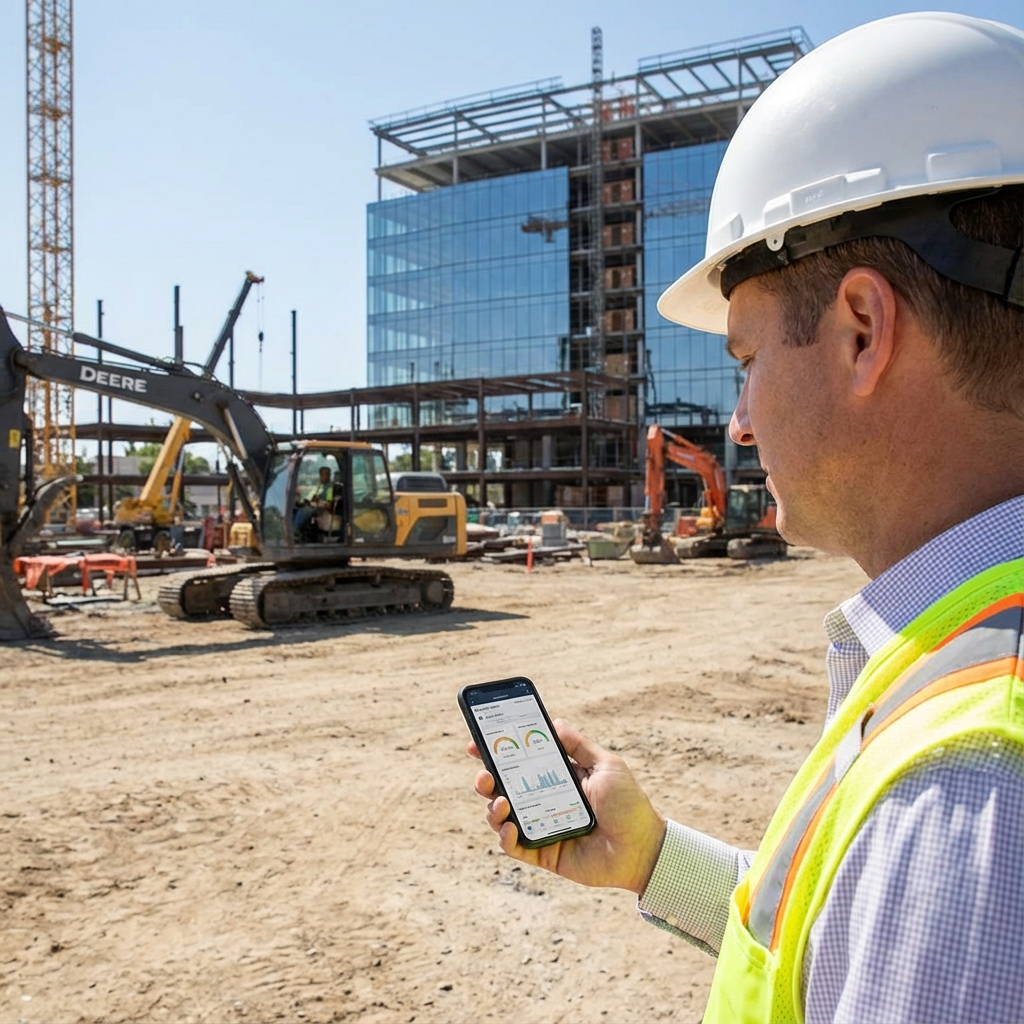
Why Field DX Often Stalls

What Field DX Apps Can Do
Common themes for Field DX apps are Reporting, Inventory, and Inspection. The key is to satisfy "shortest input path" for the field and "visibility and control (permissions/logs)" for management simultaneously.
Reporting (Daily Reports / Work Records / Photo Reports)
Inventory (In/Out / Stocktaking / Transfer)
Inspection (Checklists / Photos / Corrective Actions)
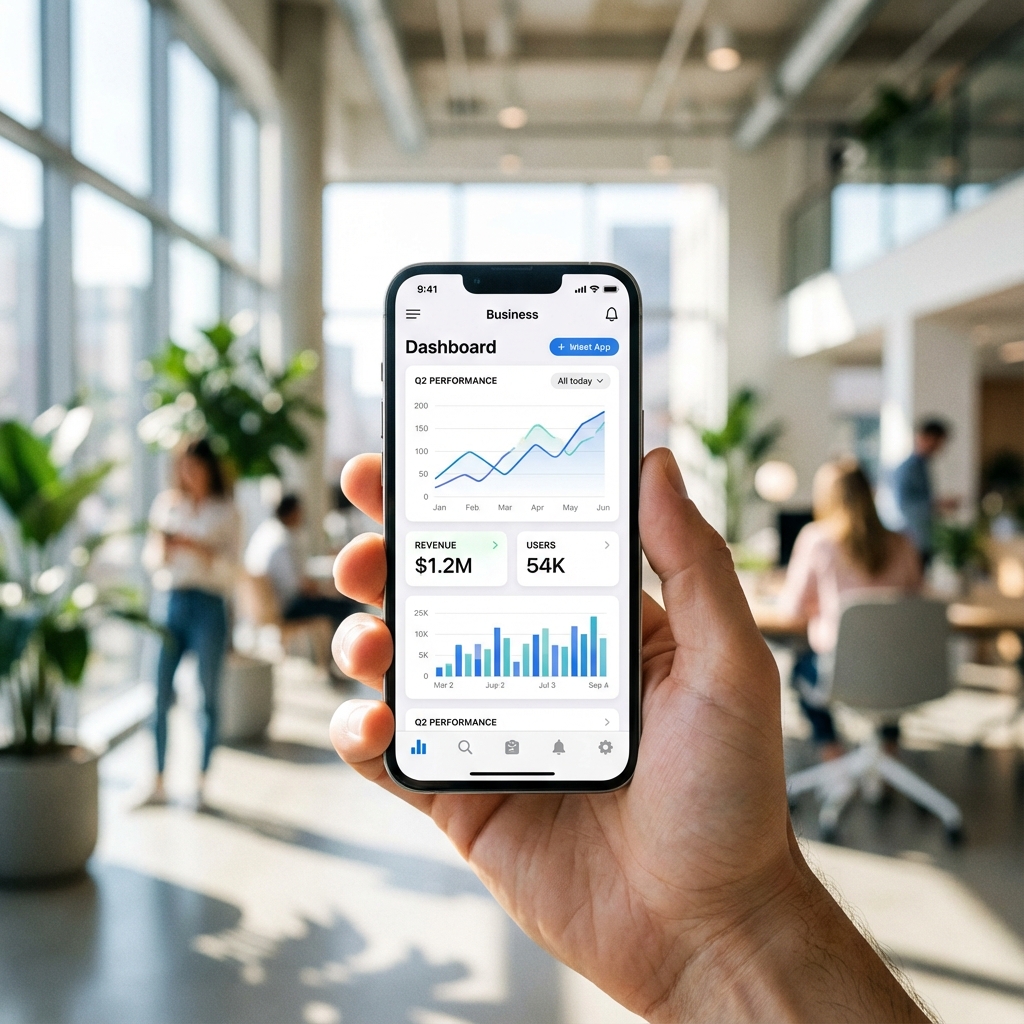
Design Requirements for "Stickiness" (Failure Avoidance Checklist)
The key to successful Field DX is meeting "conditions for stickiness" from the start. We incorporate the following requirements as standard in our design.
Manual-Free UI/UX
Field input stops the moment it becomes "confusing" or "troublesome." We narrow down buttons, input items, and flows to create a path that can be completed even with one hand.
Permission Management, Approval Flow, Audit Logs
If "who can do what" is ambiguous, management becomes anxious about operations. We control viewing/editing by role and ensure traceability of who changed what and when.
Offline Support (The Field Doesn't Stop)
If input isn't possible in weak signal areas, transcription returns, leading to double management. We design for offline input + automatic transmission (retry queue) upon signal recovery.
Multi-Language Support (Operable by International Staff)
Just having language switching reduces input errors and training costs. We incorporate multi-language support as needed to ensure the app continues to be used in the field.
Development Track Record (By Use Case)
In Field DX, results depend more on "creating a mechanism that keeps being used" than just "making an app." Finite Field develops business apps and management screens in a one-stop service, premised on a design that connects field input with management control (permissions, approval, logs).
Attendance & Direct Go/Return on Smartphone
Field staff go directly to sites, causing delays in HQ aggregation and approval
Handle everything from clock-in/out to leave application/approval on smartphone
Clarify "who does what" with approval flow/role design
Reducing Single Management of Ordering/Inventory/Shipping
Mix of Excel, email, and verbal communication makes latest status unknown / Transcription occurs
Centralize flow from order to stock to shipping, stabilize operations with management screen
Design permissions, audit logs, and management operation screens from the start
Real-time Schedule Sharing
Delays in sharing schedule changes increase adjustment costs
Management checks and manages schedules in real-time
UI where necessary information is immediately visible ("Fast Check" screen design)
How We Proceed (For Shortest Launch & Continued Use)
The process is simple. Rather than over-engineering and failing, "launch with minimum features -> improve while operating" suits Field DX.
Free Consultation (Zoom)
Organize current status, issues, and target operations
Requirement Definition
Determine Must/Should/Could, need for permissions, approval, offline, multi-language
Rough Estimate
Present cost/timeline based on requirements (AI estimate available for initial check)
Screen Design (Wireframe)
Create a flow where the field won't get lost
Development & Test
Build operations including management screen, logs, and aggregation
Release & Maintenance
Continued support anticipating improvements and extensions
Timeline & Cost Guide (Model Case)
Excel vs App: Which is Right?
Excel is excellent. However, in Field DX, it has the weakness that "invisible costs balloon the moment operations increase." The more items apply, the more likely app adoption will yield ROI.
| Aspect | Excel/Paper | App |
|---|---|---|
| Input | Transcription later -> Prone to omissions/delays | Input on the spot, mandatory fields prevent omissions |
| Approval | Stalls in verbal/paper/email | Fixed approval flow, notifications prevent stalling |
| Permissions | Boundaries ambiguous with file sharing | Control viewing/editing by role (Easy governance) |
| Offline | Cannot input, "transcribe later" returns | Offline input + retry ensures field doesn't stop |
| Aggregation | Time-consuming manual work | Auto-aggregation, easy search/filter |
| History | Hard to trace who changed what and when | Traceable with audit logs (Secure operation) |
| Stickiness | Difficult/Troublesome UI -> Eventually revert | Manual-free UI lowers training costs |