It becomes cheaper if you sign up for Xserver, Shin Rental Server, or Star Rental Server
PR
WordPress
For Company Sites and Affiliate Sites, Go With the Well-Regarded XWRITE WordPress Theme
Veröffentlicht: 2025.02.04
Aktualisiert: 2026.03.12
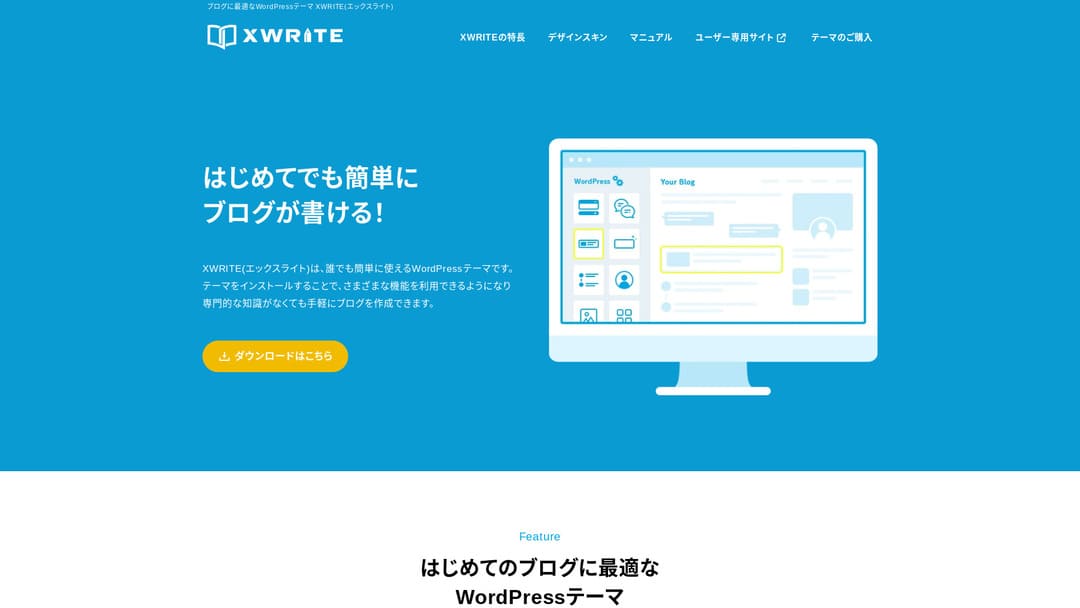
Wenn deine Website eine Unternehmensseite oder eine Affiliate-Seite ist, solltest du dieses Theme in Betracht ziehen.
XWRITEXWRITE ist ein auf Blogs ausgerichtetes WordPress-Theme, das von Xserver Inc. entwickelt wurde. Ja, es ist für Blogs gedacht. Aber ehrlich gesagt ist das Feld blogorientierter WordPress-Themes überfüllt, und es gibt viele großartige Themes außer XWRITE, etwa Cocoon und SWELL. (Wahrscheinlich arbeitet Xserver deshalb auch mit diesen beiden Themes zusammen.)
SWELL wirkt stilvoll, und Cocoon ist kostenlos.
Even so, XWRITE has original features that Cocoon and SWELL do not have, and if you can make use of those features on your homepage or site, I think XWRITE is the better choice.
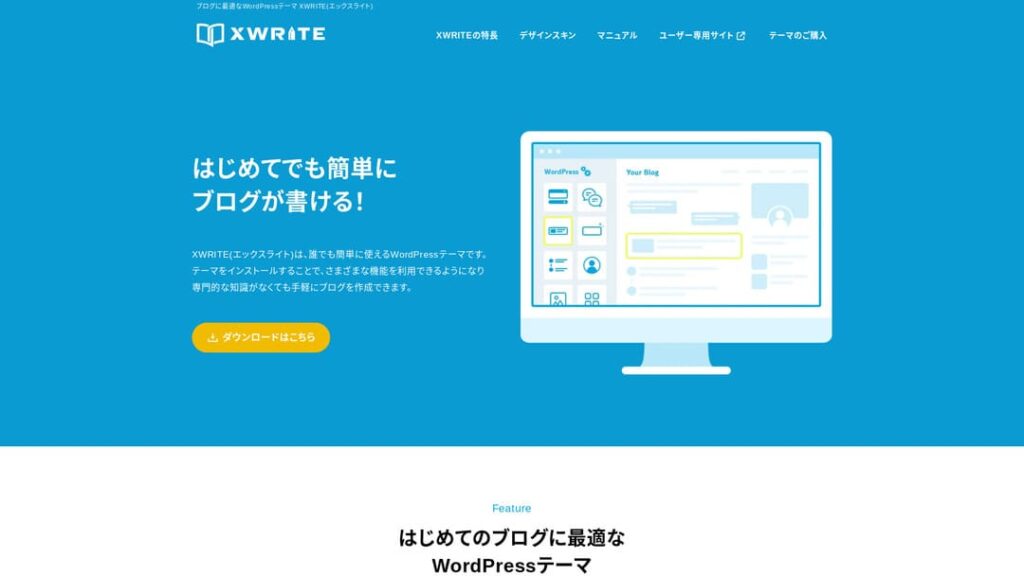
“XWRITE” is a WordPress theme provided by Xserver Inc. It has a reputation for being simple, fast, and easy to use for everyone. It is especially recommended for corporate websites and affiliate sites.

For corporate websites and affiliate sites, it is precisely in these two categories that XWRITE really shines. For everything else, to put it bluntly, just choose based on the design you prefer. But if it is a company homepage or an affiliate site, give XWRITE at least one serious look.
Complete Comparison of 32 WordPress Hosting Services for Individuals, Companies, and Overseas Use

When you think, “I want to start WordPress,” and search for “WordPress recommendations,” you find all kinds of articles covering personal hosting, options for companies and small businesses, overseas hosting, and low-cost servers. Honestly,
- which site should you trust?
- you may just want a simple and understandable answer.
- you may want to get started with WordPress right away.
That is why this article carefully selects recommended choices from 32 hosting providers for individuals, companies, domestic use, and overseas use. It is explained by the SEO lead at an app development company that uses hosting every day.
Why I recommend XWRITE for corporate websites
Take a look at the shop-style and corporate demo pages built by Xserver. They make you think, 'Oh, I can build a website like that.'

DEMO CORPORATION
DEMO CORPORATION
demo.xwrite.jp

DEMO Cafe & Lounge
DEMO Cafe & Lounge
demo.xwrite.jp
Der Google-Maps-Block lässt dich Google Maps ganz einfach gestalten
Firmenhomepages und Store-Websites zeigen gewöhnlich den Standort von Büro oder Laden mit Google Maps.
Mit XWRITE kannst du über den Google-Maps-Block das Erscheinungsbild von Google Maps sehr einfach anpassen.
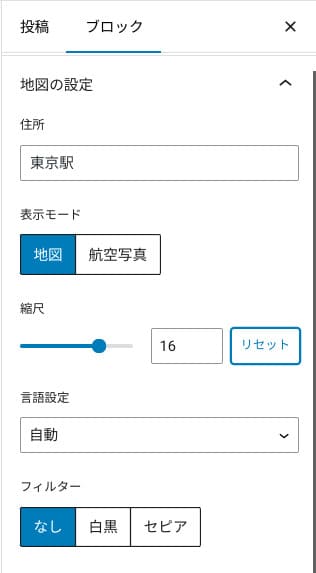
Du kannst zwischen Karten- und Satellitenansicht wechseln oder auf Schwarzweiß- bzw. Sepia-Darstellung umstellen. Cocoon und SWELL haben diese Funktion nicht. Solche Änderungen per CSS vorzunehmen, ist ehrlich gesagt schwierig, wenn man kein Designer oder Programmierer ist.
Mit XWRITE ist das allerdings auch ohne Spezialwissen kein Problem. Jeder kann Google Maps so einfach anpassen, dass es zur Atmosphäre der Firmen- oder Store-Homepage passt.
How to create a Google Map
How to create a Google Map
xwrite.jp
Der Abschnittsblock lässt sogar Leerraum schön wirken
Design ist für Firmenhomepages und Store-Websites wichtig. Es vermittelt eine Atmosphäre, die sich mit Worten nicht leicht ausdrücken lässt, etwa „Dieser Laden wirkt stilvoll“ oder „Die arbeiten bestimmt sorgfältig und ordentlich.“
Was diese Atmosphäre überraschenderweise stark beeinflusst, ist der Leerraum. Gut gestalteter, angenehmer Leerraum kann Schönheit und Eleganz oder sogar ein Gefühl lebendiger Energie erzeugen.
Wenn du den Abschnittsblock von XWRITE nutzt, kannst du sogar den Leerraum, der diese Atmosphäre formt, ganz nach Wunsch schön gestalten.
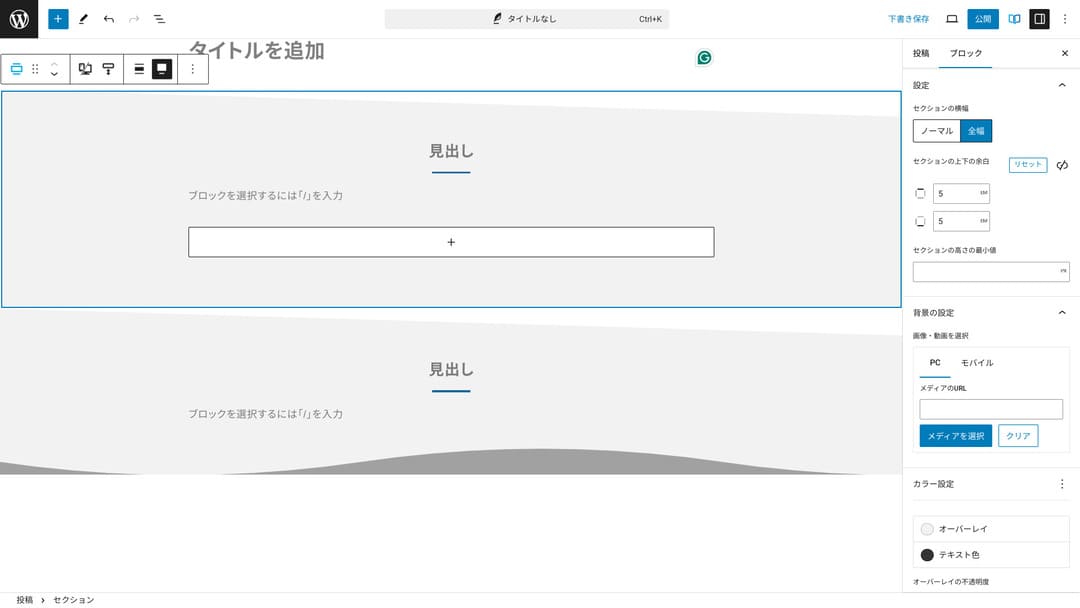
Du kannst diagonal geschnittenen Leerraum erzeugen oder wellenartige Formen hinzufügen. Wenn das Design sogar auf dieser Detailebene einschließlich des Leerraums durchdacht ist, kann es das Image eines Unternehmens oder Ladens deutlich verbessern.
How to create a Section
How to create a Section
xwrite.jp
Why I recommend XWRITE for affiliate sites
Sieh dir die von Xserver erstellte Demo-Seite im Affiliate-Stil an. Dort steht zwar „Blog“, aber das dort erkennbare Inhaltsdesign ist in Wahrheit das einer Affiliate-Seite.

STUDY DEMO BLOG
STUDY DEMO BLOG
demo.xwrite.jp
Der Produktbewertungsblock macht Vor- und Nachteile auf einen Blick deutlich
Mit dem Produktbewertungsblock von XWRITE kannst du die Vor- und Nachteile eines Produkts schön darstellen. Die Nutzer sehen sofort, was gut ist und was nicht. Auch Bewertung und Erklärung sind leicht zu lesen.
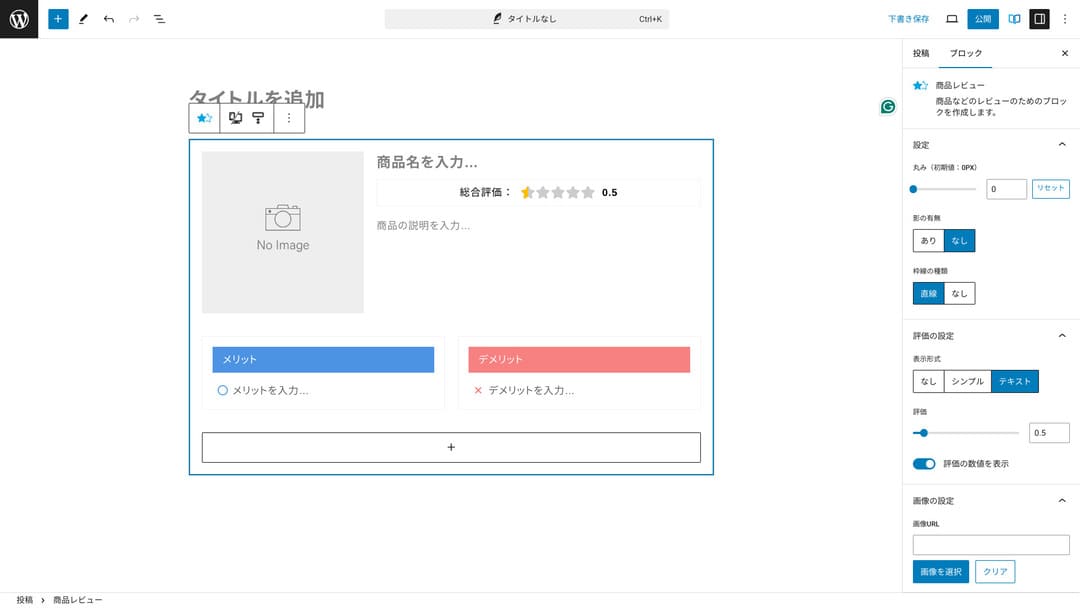
Wenn du das nutzt, können Besucher die Eigenschaften des vorgestellten Produkts sofort verstehen. Wenn sie es schnell erfassen können, fällt ihnen auch die Entscheidung leichter, ob sie kaufen oder nicht. Anders gesagt: Es verkauft sich leichter.
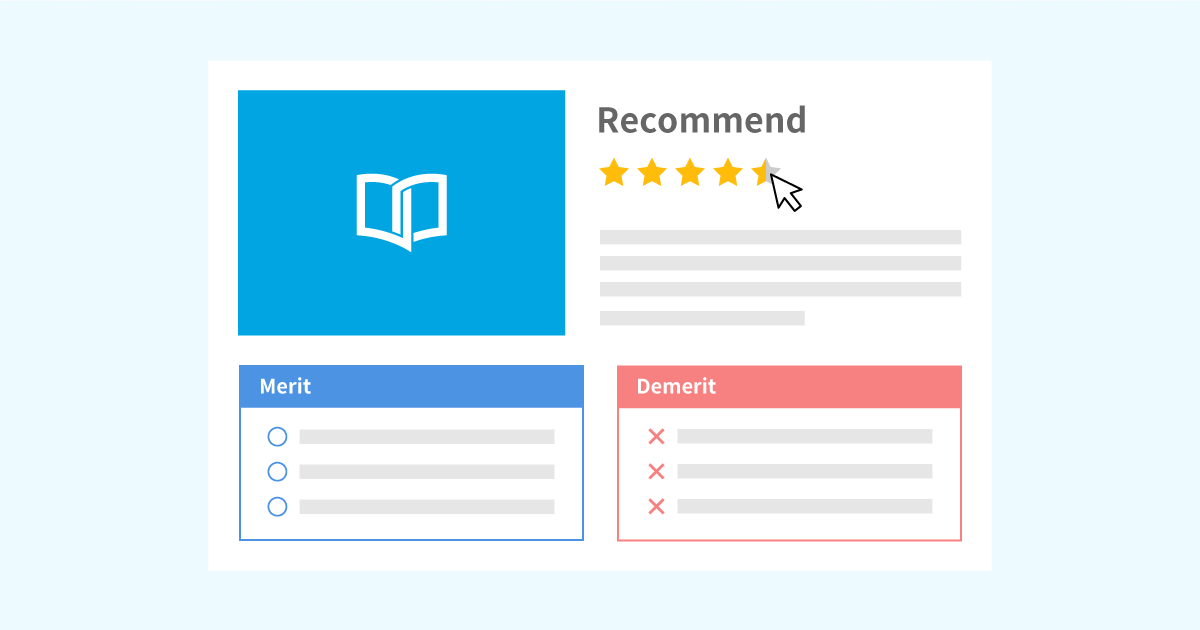
Sample of the Product Review block for product explanations and ratings
Sample of the Product Review block for product explanations and ratings
xwrite.jp
Der Schritt-Block vermittelt Abläufe und Reihenfolgen klar
Der Step-Block von XWRITE macht Abläufe und Reihenfolgen leicht verständlich. Erklärungen wie „nachdem du das gemacht hast, bereite dieses Dokument vor und klicke anschließend hier“ werden viel klarer.
Mit dem Step-Block kannst du erklären, wie man ein Produkt kauft oder wie die Schritte in einem Vertragsprozess ablaufen.
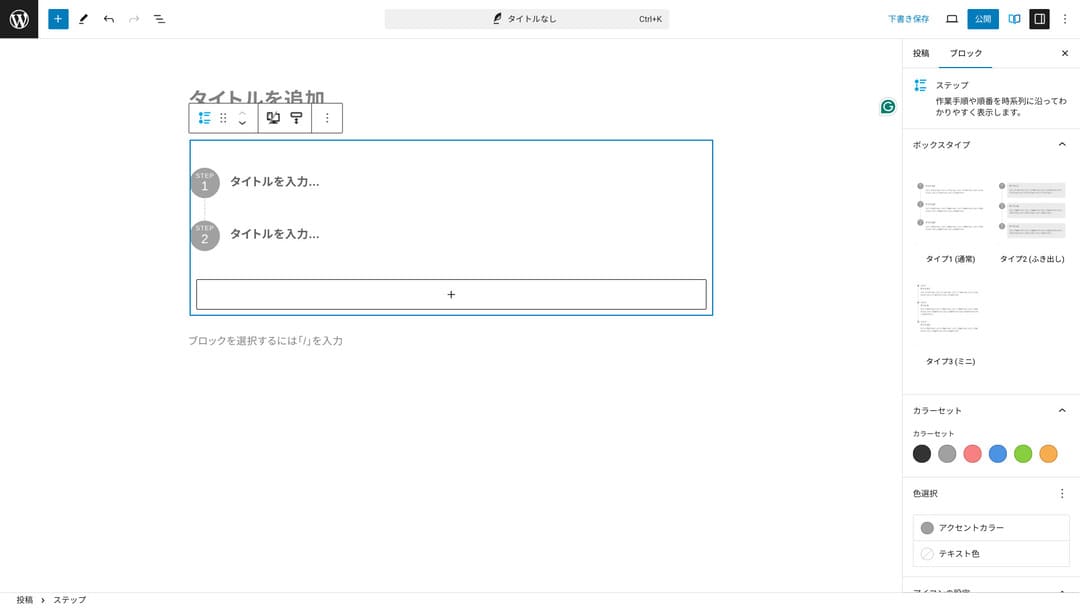
Man könnte Abläufe auch mit Überschriften und normalem Fließtext erklären, aber dann wirkt das Ganze nicht so sauber und erzeugt eher unnötigen Leerraum.
Außerdem kann die Seitenübersicht zu detailliert werden und die Benutzererfahrung verschlechtern, wenn man Abläufe über Überschriften erklärt. Der Schritt-Block hält alles einfach.
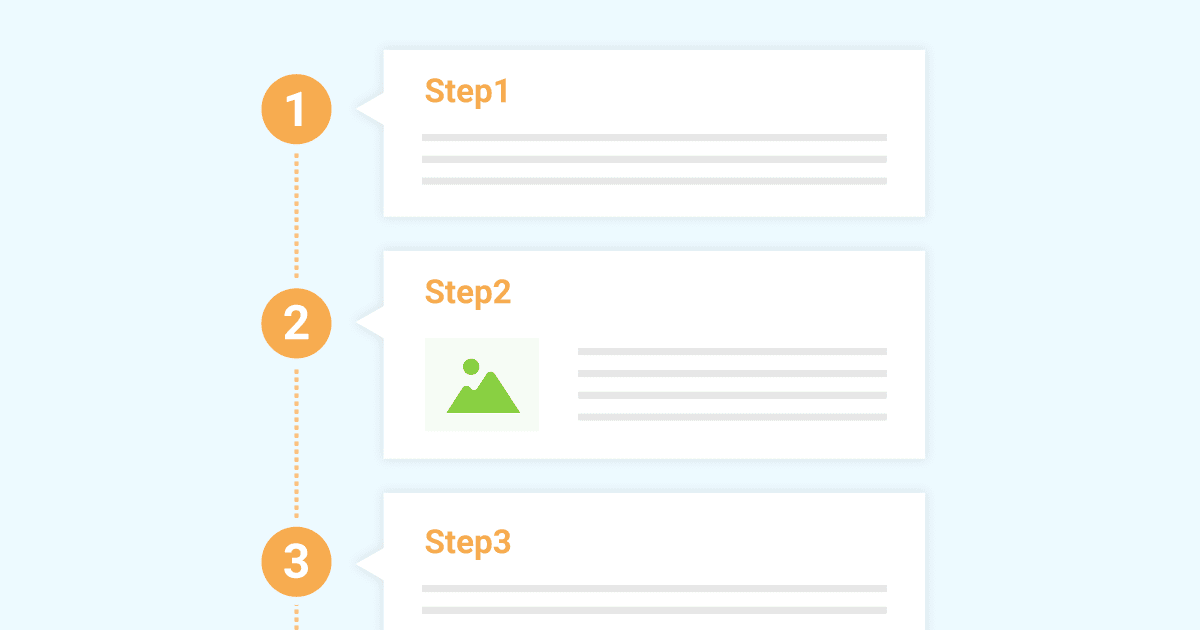
Sample of the Step block for introducing work procedures
Sample of the Step block for introducing work procedures
xwrite.jp
The Button block can improve CTR
If you use XWRITE’s Button block, you can probably improve CTR, or click-through rate. You can apply many different kinds of decoration to buttons, creating buttons that do not leave users wondering, “Where am I supposed to apply from?”
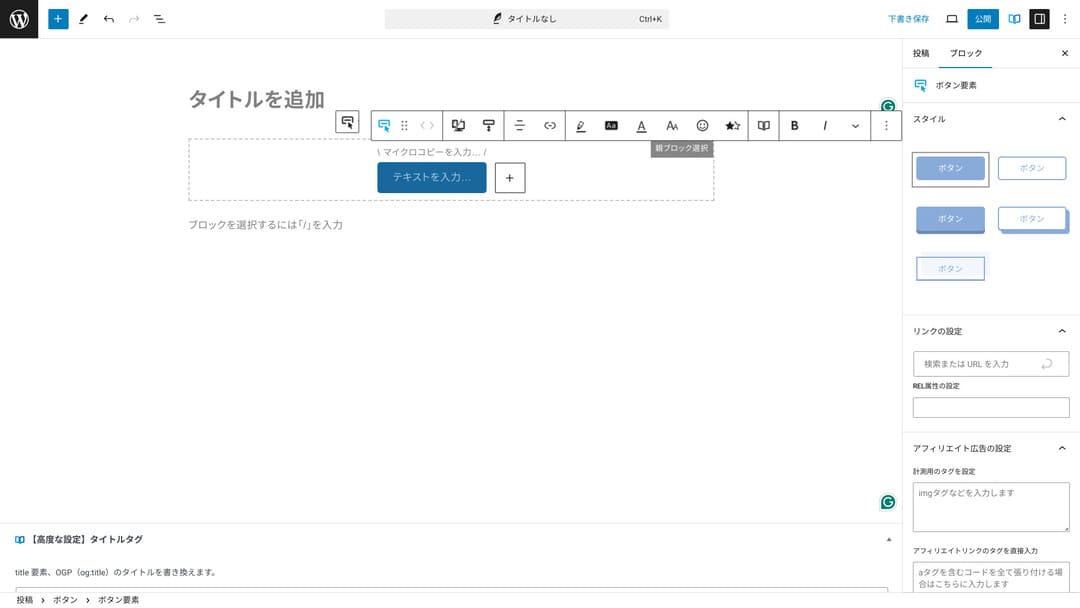
Because you can change the color and design, it can also be matched to the atmosphere of the site.
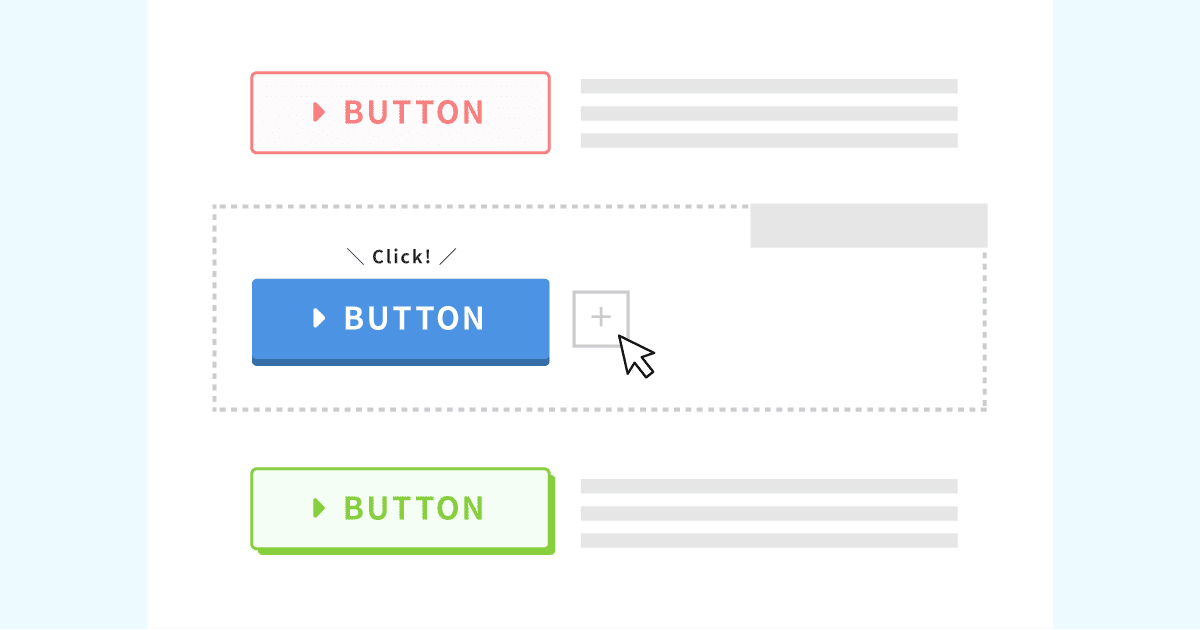
List of original button designs
List of original button designs
xwrite.jp
XWRITE pricing: subscription and one-time purchase
With XWRITE, you can choose either a subscription plan or a one-time purchase.
- Subscription (monthly): 990 yen per month
- Subscription (annual): 9,900 yen per year
- One-time purchase plan: 19,800 yen
Users of Xserver and Shin Rental Server can buy the one-time purchase plan for 15,840 yen. Because that makes it about 4,000 yen cheaper than usual, I recommend applying when you sign up for the server if you are thinking about both XWRITE and a new server contract.
Both Xserver and Shin Rental Server are excellent servers. I explained them in detail in the articles below.

Xserver reputation and review [2025 latest]: a thorough explanation of speed, pricing, merits, and drawbacks
Xserver reputation and review [2025 latest]: a thorough explanation of speed, pricing, merits, and drawbacks
serverfield.org
Shin Rental Server review [2025 latest]: a thorough explanation of speed and pricing from actual use
Shin Rental Server review [2025 latest]: a thorough explanation of speed and pricing from actual use
serverfield.org
Honestly, it is not cheap compared with other WordPress themes
To be completely honest, compared with other WordPress themes, the price is not low. It is either around the same price or a little higher.
| XWRITE | One-time purchase plan: 19,800 yen |
| Cocoon | Free |
| SWELL | 17,600 yen |
| SANGO | 14,800 yen |
| JIN:R | 19,800 yen |
So, to repeat myself, the best option is to apply at the price of 15,840 yen through a server contract with Xserver or Shin Rental Server.
However, if you already have a server contract, choose the subscription plan. You probably had a major reason for choosing the theme you are using now, and when you change themes, the difference in design can affect site PVs, meaning the number of pages viewed, and CTR, meaning click-through rate.
With the subscription plan, if you switch to XWRITE and then find that…
- the design is very different from your taste
- the influence of your previous theme makes the layout collapse and fixes become difficult
…you can still return to your original theme with minimal cost.
This site also considered signing up through the subscription plan and introducing XWRITE, but I gave up this time because of the second reason above. I cannot secure the time needed for the fixes.
How to apply for XWRITE
How to apply for XWRITE
- STEP.1Log in to the user site
- STEP.2Purchase the theme from the license page
Please purchase the theme from “License Authentication” on the user site.
- STEP.3Download the theme
Download the theme.
Take the downloaded ZIP file and install it through WordPress Appearance → Temas → Upload New Tema, then activate it.
- STEP.4Authenticate the license
Authenticate the license through XWRITE Settings → Activation. (official instructions)
XWRITE has a child theme
XWRITE did not originally have a child theme, but it was updated on January 22, 2025, and child themes became available. If possible, create a child theme. When you create a child theme for a WordPress theme, you can prevent major design breakage when switching to another theme.
General procedure for creating a WordPress child theme
- STEP.1Create a folder for the child theme
First, access the WordPress installation folder and create a folder for the child theme inside
wp-content/themes/.- Access it either by FTP or by using the WordPress admin screen > Appearance > Tema Editor.
- Create a new folder inside
wp-content/themes/and name it something liketheme-child. The folder name is up to you, but it is better to use a name that is easy to understand.
- STEP.2Create the child theme style sheet (style.css)
Next, create a style.css file in that folder. This file manages the style information for the child theme.
- Set the contents of theme-child/style.css as shown below.
Copy the CSS code/* Tema Name: Tema Child Template: Tema Version: 1.0*/@import url("../Tema/style.css");/* Write customization CSS here */Tema Name: the name of the child theme (you can change it freely)Template: the directory name of the parent theme- The parent theme’s CSS file is loaded with
@import.
- STEP.3Create the child theme’s functions.php
Next, create a functions.php file to load the parent theme’s styles correctly.
- Create a theme-child/functions.php file and add the following content.
Copy the PHP code<?php// Load the parent theme style sheetfunction theme_child_enqueue_styles() { wp_enqueue_style('parent-style', get_template_directory_uri() . '/style.css');}add_action('wp_enqueue_scripts', 'theme_child_enqueue_styles'); - STEP.4Activate the child theme
Return to the WordPress admin screen and go to Appearance > Temas. A theme called “Tema Child” will be displayed there, so activate it.
- STEP.5Start customizing
After the child theme is activated, customize style.css, functions.php, and, if necessary, other template files such as
header.phpandfooter.php. Instead of editing the parent theme’s files directly, make your customizations by overriding them in the child theme.
Frequently asked questions about XWRITE
How much does XWRITE cost?
- Subscription (monthly): 990 yen per month
- Subscription (annual): 9,900 yen per year
- One-time purchase plan: 19,800 yen
For users of Xserver and Shin Rental Server, the XWRITE one-time purchase plan becomes 15,840 yen.
What happens if I do not renew the subscription?
Even if you do not renew the subscription, the theme does not become unusable. However, you will no longer be able to update the theme. You will also lose the ability to ask questions in the forum.
If you choose the subscription, renew it every month. If you want to save money, the one-time purchase plan is recommended.
Summary
XWRITE is a theme for blogs. If you are going to write a blog, it is certainly a theme I can recommend. At the same time, I also recommend it for company homepages and affiliate sites.
If you choose the subscription plan, you can try it for one month for 990 yen. I recommend starting with the subscription. If you are satisfied with the feel and the design, then move to the one-time purchase plan.
“XWRITE” is a WordPress theme provided by Xserver Inc. It has a reputation for being simple, fast, and easy to use for everyone. It is especially recommended for corporate websites and affiliate sites.
It becomes cheaper if you sign up for Xserver, Shin Rental Server, or Star Rental Server
If you are looking for a server at the same time, I recommend Xserver.
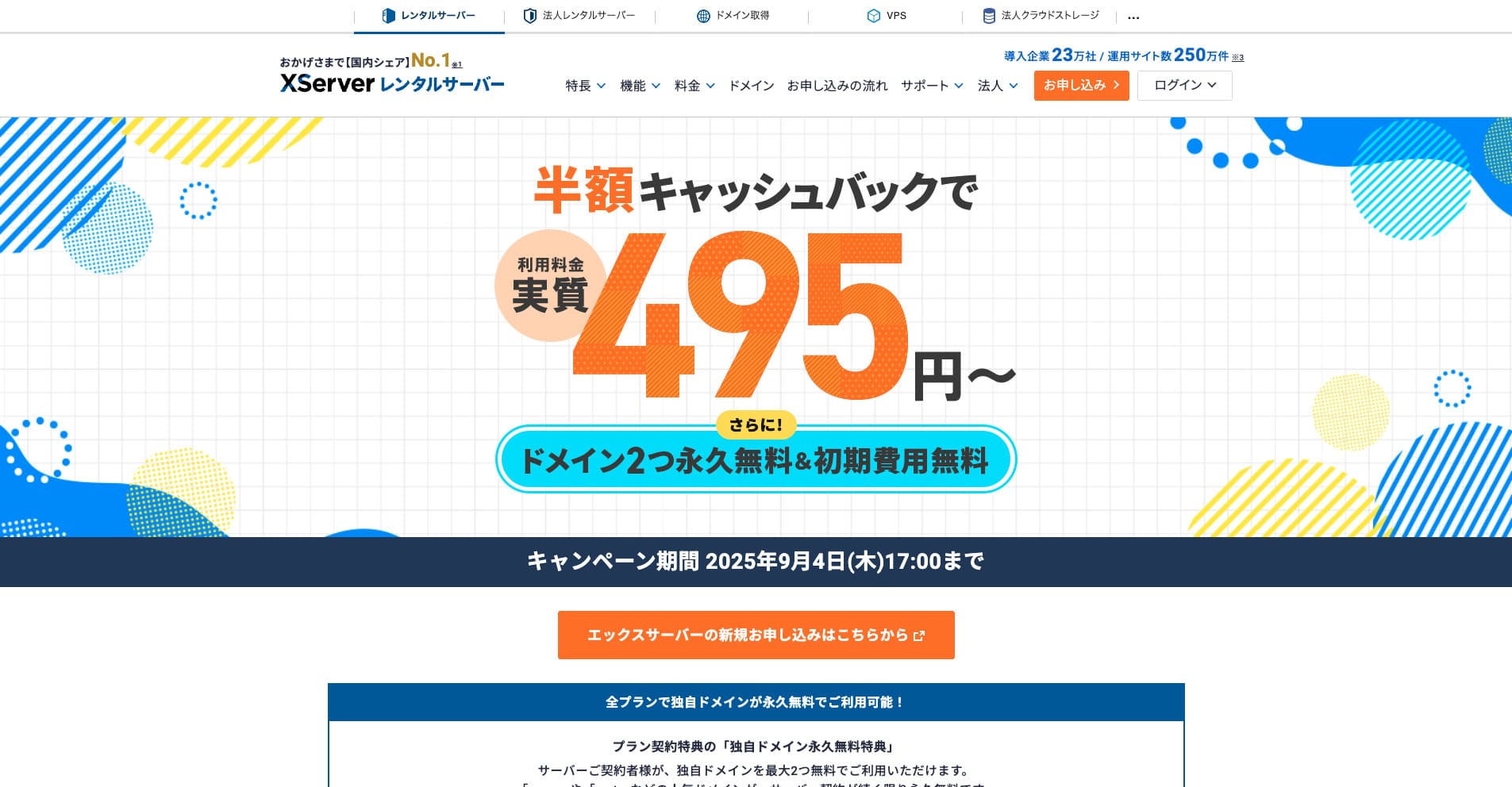
“Xserver” is a long-established high-speed rental server with the No. 1 domestic market share. It is popular with both individuals and companies. Honestly, it has no real drawbacks, and its stability, features, and support are all excellent. With cashback, you can use it from an effective 495 yen.
Until September 34, 2025, it offers half-price cashback and a 10-day free trial
