আপনার photo stand out করায় এমন পাঁচটি WordPress gallery plugin

beautiful site চাইলে photo gallery-তে showcase করা উচিত।
attractive website তৈরি করতে photo indispensable। তবুও শুধু page-এ photo রাখলে অন্য homepage ও blog থেকে নিজেকে differentiate করা যায় না। এমন situation-এ gallery ব্যবহার করুন।
gallery এটাই করে। device অনুযায়ী photo size adjust করে এবং আপনার জন্য rearrange করে। WordPress-এ gallery functionality standard feature হিসেবে available।

However, there are gallery plugins that are more convenient and more feature-rich than WordPress’s built-in gallery function. If you use them well, you can make your website even more attractive. In this article, I introduce five recommended WordPress gallery plugins.
অনেক photo থাকা site display হতে slow হয়ে যায়। page দ্রুত না দেখালে মানুষ দেখতে থাকার ইচ্ছা হারায়। অনেক photo publish করতে চাইলে fast server ব্যবহার নিশ্চিত করুন।
★ speed যাচাই: server speed ranking-এ ১৫টি hosting company comparison
individual, company এবং overseas use-এর জন্য ৩২টি WordPress hosting service-এর complete comparison

আপনি যখন “WordPress শুরু করতে চাই” ভাবেন এবং “WordPress recommendations” search করেন, তখন personal hosting, company ও small business-এর option, overseas hosting এবং low-cost server নিয়ে নানা article পাওয়া যায়। সত্যি বলতে,
- কোন site trust করবেন?
- আপনি হয়তো শুধু simple ও understandable answer চান।
- আপনি হয়তো WordPress এখনই শুরু করতে চান।
তাই এই article individual, company, domestic use এবং overseas use-এর জন্য ৩২টি hosting provider থেকে recommended choice carefully select করে। প্রতিদিন hosting ব্যবহার করা app development company-এর SEO lead এটি ব্যাখ্যা করেছেন।
আপনার photo stand out করায় এমন পাঁচটি WordPress gallery plugin
Build a beautiful gallery with Envira Gallery
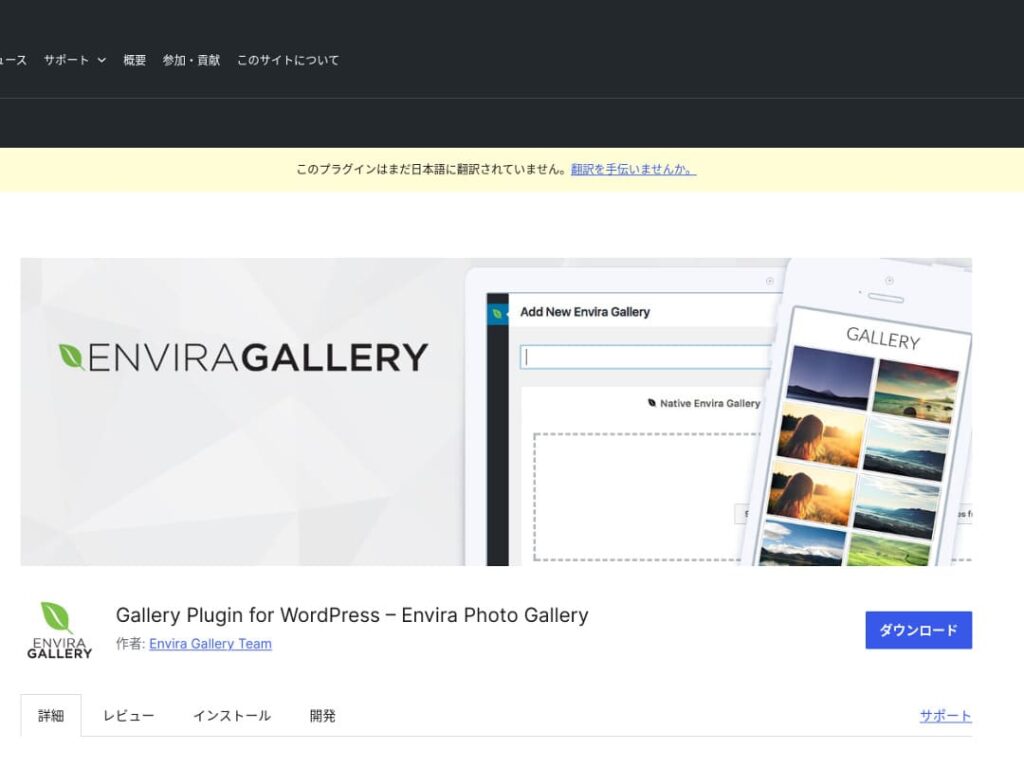
Envira Gallery is a plugin that is popular for its ease of use and beautiful design.
এতে ড্র্যাগ-অ্যান্ড-ড্রপ এডিটিং এবং রেসপন্সিভ টেমপ্লেট রয়েছে, তাই কোডিং জ্ঞান ছাড়াই পেশাদার মানের গ্যালারি সহজেই তৈরি করা যায়। এর এসইও সংক্রান্ত সুবিধাও রয়েছে এবং সোশ্যাল মিডিয়া ইন্টিগ্রেশন আপনার তৈরি করা গ্যালারি শেয়ার করা সহজ করে তোলে।
এটি user engagement বাড়ানো এবং website-এ আরও visitor আনার জন্য excellent choice।

NextGEN Gallery: for professional photo presentation
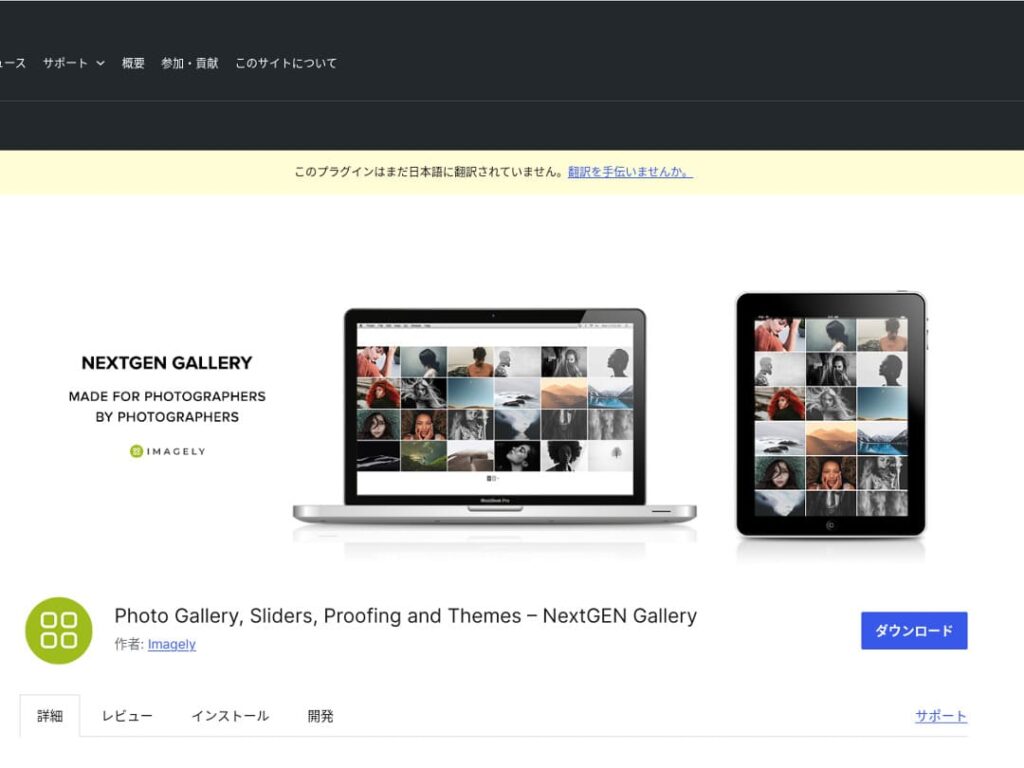
NextGEN Gallery is known for offering advanced management functions and a wide variety of gallery styles.
এই plugin photographer ও art lover-দের জন্য especially recommended। multiple album option, batch uploading এবং image editing feature আছে, তাই site-এর gallery-তে fine-grained control চাইলে ideal।
By using NextGEN, you can give visitors a visual experience they will not forget.

FooGallery: an easy-to-use gallery with strong customizability
FooGallery is chosen for its intuitive operation and its high degree of extensibility.
এই plugin দিয়ে কয়েক click-এ beautiful gallery create করা যায়, এবং developer ও advanced user-এর জন্য extension feature-ও দেয়।
The flexibility of FooGallery means that as your site grows and your needs change, you can easily adjust the gallery to match.

Modula Image Gallery: the perfect balance of speed and visuals
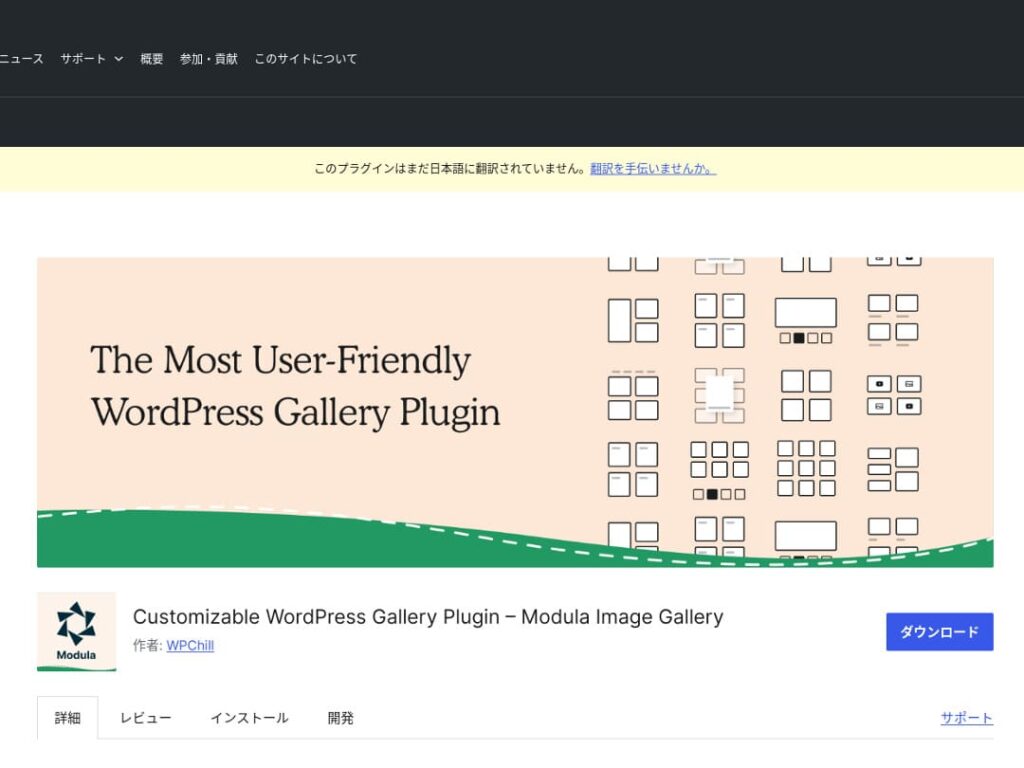
Modula Image Gallery is a plugin whose appeal lies in fast loading and customizable grid layouts.
এই lightweight plugin site performance ক্ষতি না করে beautiful gallery create করার জন্য designed। page speed নিয়ে বিশেষভাবে care করা webmaster-এর জন্য Modula ideal choice।
Photo Gallery by 10Web: combining photos and video
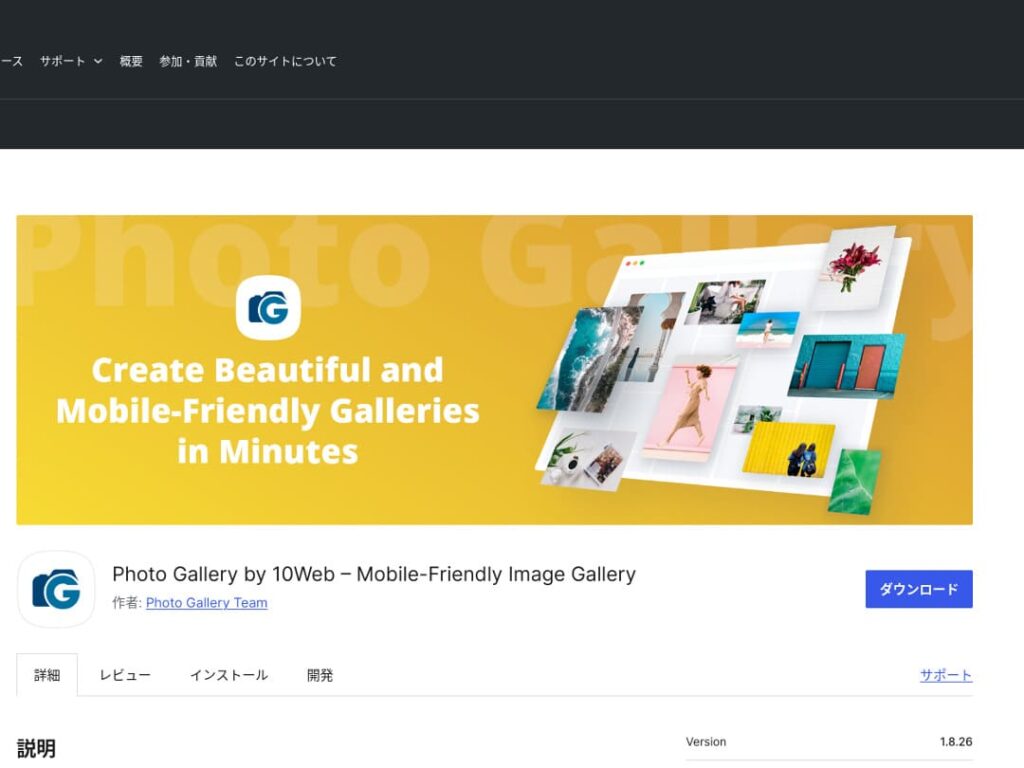
Photo Gallery by 10Web is a multifunctional plugin that can handle not only still images but also video.
It can incorporate YouTube and Vimeo videos and makes it easy to create responsive galleries and slideshows. It is ideal for website owners who want to develop visual content from multiple angles.

gallery improve করে WordPress আরও appealing করুন

gallery improve করতে থাকলে আপনার WordPress homepage অনেক বেশি attractive হয়।
image optimize করুন
এটি web page loading time কমায় এবং user experience improve করে।
- size adjust করুন: pixel dimension-কে image display size-এর সাথে match করুন। website-এ যেভাবে দেখানো হয় তার চেয়ে বড় image দরকার নেই।
- image compress করুন: JPEG (বা WebP) format-এ image save করুন এবং quality ও file size-এর balance রাখুন। অনেক online tool ও software package image quality না কমিয়ে file size reduce করতে সাহায্য করে।
- right format বেছে নিন: photograph-এর জন্য JPEG, এবং simple illustration ও logo-এর জন্য PNG বা SVG ব্যবহার করুন। WebP size ও quality-এর excellent balance দেয়, তবে সব browser support করে না।
responsive design
web page ও gallery প্রতিটি device-এ properly display হয় কি না নিশ্চিত করুন।
- CSS media query: screen size অনুযায়ী different style rule apply করুন। এতে image ও content layout device-এর সাথে adapt করে।
- Flexible image: image-এ CSS property max-width: 100%; apply করুন যাতে parent element-এর width অনুযায়ী size adjust হয়।
- framework ব্যবহার করুন: Bootstrap-এর মতো responsive design framework ব্যবহার করলে responsive gallery আরও সহজে implement করা যায়।
SEO optimization
search engine-এ image visibility বাড়ান।
- Alt text: image load না হলে বা visually impaired user screen reader ব্যবহার করলে যে text দেখানো/পড়া হয়। image accurately describe করে এবং keyword থাকে এমন text ব্যবহার করুন।
- File name: keyword অন্তর্ভুক্ত descriptive file name ব্যবহার করুন। DSC12345.jpg-এর চেয়ে black-leather-shoes.jpg-এর মতো name ভালো।
- image-এর জন্য structured data: product image ও recipe image-এর মতো certain type image-এর জন্য Google structured data recommend করে। এতে search result-এ image stand out করতে সাহায্য করে।
★ SEO কী? search engine optimization-এর step ও proper method
backup ব্যবহার করুন
backup data loss prevent করে এবং site secure করতে সাহায্য করে।
- regular backup করুন: database, file এবং image সহ site data regular basis-এ backup করতে UpdraftPlus বা BackWPup-এর মতো WordPress backup plugin ব্যবহার করুন।
- external storage-এ backup save করুন: backup file শুধু server-এ নয়, Dropbox বা Google Drive-এর মতো external cloud storage service-এ রাখাও safer।
- backup test করুন: backup properly কাজ করে কি না regular test করুন এবং প্রয়োজন হলে restoration process review করুন। real problem হলে দ্রুত respond করা যায়।
★ পাঁচটি WordPress backup plugin
WordPress plugin দিয়ে gallery display করার সময় page speed slow হওয়া watch করুন
gallery ব্যবহার করার সময় watch করার বিষয় হলো slower display speed। gallery-তে অনেক photo দেখালে page-এর data amount বাড়ে এবং load হতে বেশি সময় লাগে।
page load হতে সময় নিলে visitor irritated হয়ে website ছেড়ে যেতে পারেন। মানুষকে দেখাতে চাওয়া photo line up করেও তারা gallery-র একটি image না দেখেই চলে গেলে সেটি দুঃখজনক।
WordPress gallery plugin-এ speed-improvement function already থাকে। তাই gallery plugin ব্যবহার করেও website slow হলে different server-এ move করা ভালো idea।
Summary
There are many plugins for making the gallery on a WordPress site more appealing, but Envira Gallery, NextGEN Gallery, FooGallery, Modula Image Gallery, and Photo Gallery by 10Web are especially strong choices among them.
এই pluginগুলো properly ব্যবহার করে এবং উপরে দেখানো improvement measure carry out করলে visitor-এর মন ছুঁয়ে যায় এমন visual content provide করা যায়।
beautiful gallery আপনার site visit করা মানুষের ওপর strong impression রাখবে এবং deeper engagement তৈরি করবে।