Eligible domains free forever
PR
Сървъри
Преглед на Onamae.com Rental Server: 99,99% работно време, стабилност и добра стойност
Публикувано: 2025.04.18
Обновено: 2025.04.18
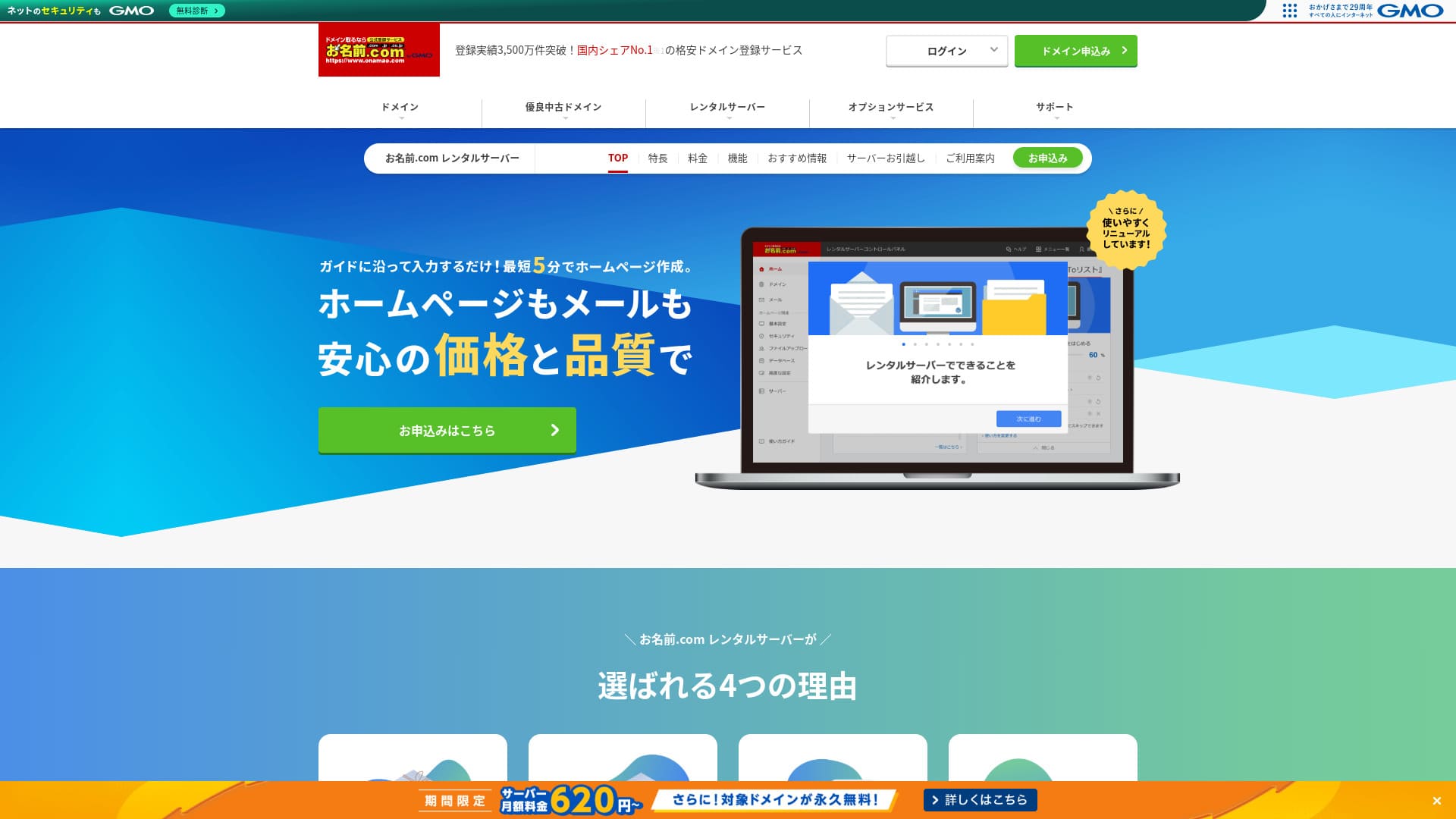
Има стойност в това да бъдете известни не само с домейни, но и със сървъри.
Onamae.com е добре познат в Япония като регистратор на домейни. Неговата сървърна услуга често остава на заден план.Въпреки това функциите и спецификациите са силни. Мога да го препоръчам както за физически лица, така и за бизнеси.
В тази статия обяснявам всичко - от репутацията и функциите на onamae.com Rental Server до това как да стартирате WordPress.

Complete Comparison of 32 WordPress Rental Servers: Recommendations by Personal, Business, and Overseas Use

When you think, “I want to start WordPress,” and search for “WordPress recommendations,” you see all kinds of articles, from personal-use services and servers for companies and small businesses to overseas and low-cost options. Honestly,
- Which site should I read?
- I just want to choose a server simply and clearly.
- Show me how to start WordPress right away.
Do you ever feel that way? This article introduces carefully selected recommendations from 32 rental servers for individuals, businesses, domestic use, and overseas use. It is explained by the SEO lead of an app development company that works with rental servers every day.
Преглед на Onamae.com Rental Server: сървър, чието високо работно време носи спокойствие
「 onamae.com Rental Server” has been used by both individuals and businesses. It is Japan’s largest domain registration service, and being able to manage your domain and server together is a major advantage. It makes email, website, and domain management easier across the board.

| Тип сървър | Споделен сървър |
| Скорост на показване (TTFB) | Не е измерено |
| Препоръчан план и срок на договора | 12 months |
| Пробен период / гаранция за връщане на парите | Няма |
| Месечна такса (12-месечен договор) | 2,398 yen |
| Първоначална такса за настройка | Безплатно |
| Безплатен домейн | 1 free forever |
| Поддръжка | Телефон, имейл и чат (делнични дни 10:00-18:00) |
| Работно време | 99.99% guaranteed |
| Сървърно пространство | 1TB |
| Брой бази данни | Неограничен |
| Мерки за сигурност | WAF / access restrictions / ads.txt / SiteLock |
| SSL | Free SSL / AlphaSSL |
| Резервно копие / възстановяване | 14-day automatic backups / Free restoration |
| Брой имейл акаунти | Неограничен |
| Мерки за имейл сигурност | Филтър за спам и сканиране за вируси / SMTP през SSL, POP през SSL / IMAP / ограничение на изходяща поща от чужбина / черен и бял списък |
| Услуга за миграция на сървър / уебсайт | No migration service Наличен е инструмент за миграция |
| Лесна инсталация на WordPress | Yes |
| CDN | Няма |
Five features of Onamae.com Rental Server

99,99% работно време
onamae.com Rental Server има 99,99% работно време. Сървърът е много стабилен.Because the server is stable, your website display stays stable as well.
Because it reaches the 99.99% benchmark for high uptime, total downtime over a one-year contract does not even reach one hour.
★ A Beginner's Guide to Understanding Rental Server Uptime and SLAs
Пълни имейл функции
onamae.com Rental Server се управлява от компания, специализирана в домейн услуги, и имейл функциите му са пълни.
The number of email accounts is unlimited. You can also create unlimited mailing lists, which makes it convenient for companies that want to create corporate email accounts and distribute messages to employees without restrictions.
The email virus removal feature is also available at no extra charge, so you can use the email service with confidence.
14-дневни автоматични резервни копия
onamae.com Rental Server включва функция за 14-дневни автоматични резервни копия.
Because backup data is kept, your site can be restored even if you accidentally delete website data or it gets tampered with in a cyberattack.
That lets you operate your website with peace of mind.
Неограничен трансфер на данни
onamae.com Rental Server предлага неограничен трансфер на данни.
You do not run into a situation where traffic grows and you can no longer serve the site because you ran out of transfer capacity.
★ What Are Traffic and Data Transfer? Managing and Optimizing Web Traffic
Достъпна цена за бизнес употреба, включително малки и средни компании
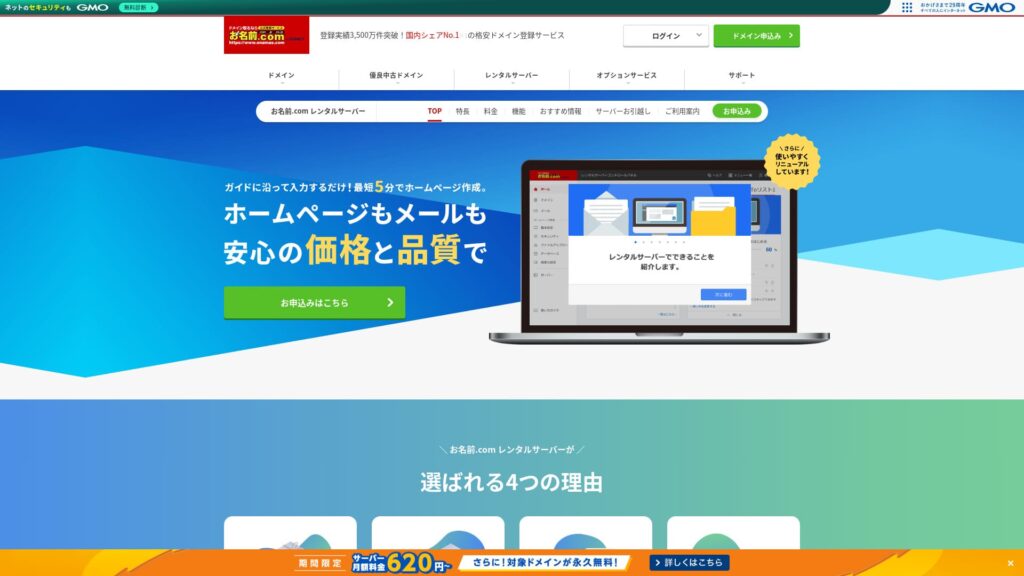
「 onamae.com Rental Server” is well known as the domain management company within GMO Internet Group. It is one of the most affordable servers for business use. Because it is a domain-focused company, it is particularly strong at email operation. It is a good fit for companies that want to manage their website and email together.
Eligible domains free forever
onamae.com Rental Server works for both individuals and businesses because its uptime is high and stable and its email features are comprehensive.
Even so, it is cheaper than competing services when you evaluate it for business use by small and midsize companies and other organizations.That makes it a strong option for companies that want to keep costs down.
Недостатък на Onamae.com Rental Server е, че има само един план

One disappointing point is that onamae.com Rental Server only has one plan.While it is nice to have more features and specs than you may ever fully use, it would be even nicer if there were a cheaper plan that limited some of them.
If you could choose a plan according to your site traffic, it would be easier to lower operating costs, so this is a point I hope changes in the future.
That said, having only one plan is simple and easy to understand. If it feels expensive, you can choose another server, and if the price feels acceptable, the high functionality means you can keep using it for the long term.
Сравнение на Onamae.com Rental Server с два подобни сървъра
ConoHa WING
ConoHa WING is a server that makes it easy to start WordPress. Because the domain and WordPress settings are completed when you sign up, you can launch your website with confidence.
Because multiple plans are available, you can scale up the specs when you need to.
However, Onamae.com Rental Server is cheaper in the first year.

ConoHa WING Review: Testing the Reasons 750,000 Users Choose It, Plus Its Speed, Pros, and Cons
ConoHa WING Review: Testing the Reasons 750,000 Users Choose It, Plus Its Speed, Pros, and Cons
serverfield.org
Xserver
Xserver is also a stable server with 99.99% uptime. Its specs and features are strong enough that it is difficult to rank one clearly above the other.
It is also a server that makes WordPress easy to start. If you use “WordPress Quick Start,” WordPress is preinstalled when you sign up.That means even server beginners can start WordPress with confidence.
However, because Onamae.com Rental Server is cheaper in the first year, cost is something you should factor into your decision.

Xserver Review [2025 Edition]: A Thorough Look at Speed, Pricing, Pros, and Cons
Xserver Review [2025 Edition]: A Thorough Look at Speed, Pricing, Pros, and Cons
serverfield.org
Пет стъпки, за да започнете WordPress сайт с Onamae.com Rental Server още сега
Let’s start your website with Onamae.com Rental Server
- STEP.1Visit the official site: Onamae.com Rental Server
Click “Apply now.”
- STEP.2Apply for the server and get your domain
Choose a billing term. I recommend the 12-month payment option because the discount is larger.
Choose your domain. Select “Apply for a custom domain.” That lets you skip tasks such as connecting the domain and server manually.
In the application details, if this is your first time, set your email address and password. Agree to the terms of use and privacy policy, then click “Next.”
Enter the domain string you want and search for it.
★ What Is a Domain? Its Role as an Address on the Internet and How to Get One
You can choose a root domain such as “.com” or “.co.jp.” Registration and renewal costs change depending on the root domain. If you are unsure which to choose, I recommend “.co.jp” for businesses whenever possible. For individuals, “.com” and “.net” are good choices because they are familiar and less likely to look suspicious to visitors.
Check the domain you want and click “Proceed to application.”
Choose the number of years for domain registration. It is fine to leave the optional services unchecked.
Enter your payment information. I recommend paying by credit card so you can start your website right away. If everything is correct, click “Complete application.” That finishes both the server application and domain registration.
- STEP.3Install WordPress
Log in from “Onamae.com Navi Login.”
From “Rental Server,” click “List of rental servers in use.” The domain you just applied for will be listed there. Click “Login” for the domain where you want to install WordPress.
The control panel password setup screen appears. Create a new password. As you continue through the guidance, you will reach the WordPress website creation screen. Click “Create.”
Click “Create a new site if this is your first one.”
Choose the domain you already obtained. You do not need to add any extra text. Click “Enter information.”
Enter the user settings.
- Website title: Anything is fine. You can easily change it later.
- Email address: Use an address you normally check. For companies, a business email address for the website administrator is best.
- Password: Make it as complex as possible. You can easily change it later.
After filling everything in, click “Confirm.”
You will use the email address and password when logging in to WordPress. Be sure to save them.After confirming the details, click “Create.”
Your database information will be shown. Save it.You will need it when editing the database.
- STEP.4Initial WordPress setup
Click “Go to list.” A list of WordPress sites will appear, so click “Login” for the site you just installed.
On the WordPress login screen, enter the username and password you set during installation and click “Log in.”
After logging in to WordPress, set your permalinks. In the WordPress dashboard, go to “Settings” and then “Permalinks.” Choose “Post name,” then click “Save changes.”
With “Post name,” you can enter whatever string you want in each article URL. I recommend a short string that helps readers imagine the article content. If it gets too long, some people may worry that the site looks suspicious.
- STEP.5Install plugins
Return to the WordPress dashboard, go to “Plugins,” then “Add New,” and install the plugins you need.
When you find a plugin you want by searching, click “Install Now” and then “Activate.” After that, follow the instructions for each plugin.
Be sure to install security and backup plugins.
- Five WordPress Security Plugins and How to Choose Them
- Five Powerful WordPress Backup Plugins to Help You Recover Data
Once your plugins are installed, your WordPress website is ready to go!
Summary
「 onamae.com Rental Server” has been used by both individuals and businesses. It is Japan’s largest domain registration service, and being able to manage your domain and server together is a major advantage. It makes email, website, and domain management easier across the board.
Eligible domains free forever
onamae.com Rental Server е стабилен сървър с 99,99% работно време. Неговите спецификации и функции са достатъчно силни, за да могат и физически лица, и бизнеси да го използват уверено. Опитайте го.
Complete Comparison of 32 WordPress Rental Servers: Recommendations by Personal, Business, and Overseas Use
When you think, “I want to start WordPress,” and search for “WordPress recommendations,” you see all kinds of articles, from personal-use services and servers for companies and small businesses to overseas and low-cost options. Honestly,
- Which site should I read?
- I just want to choose a server simply and clearly.
- Show me how to start WordPress right away.
Do you ever feel that way? This article introduces carefully selected recommendations from 32 rental servers for individuals, businesses, domestic use, and overseas use. It is explained by the SEO lead of an app development company that works with rental servers every day.