Hazırda miqrasiyalar istisna olmaqla yeni müraciətlərə bağlıdır
PR
Serverlər
Shin Free Server icmalı və çatışmazlıqları [2025 ən son]: pulsuz serverlə WordPress-i başladın
Yayımlandı: 2025.04.18
Yeniləndi: 2025.04.18
Reytinq: 3.0
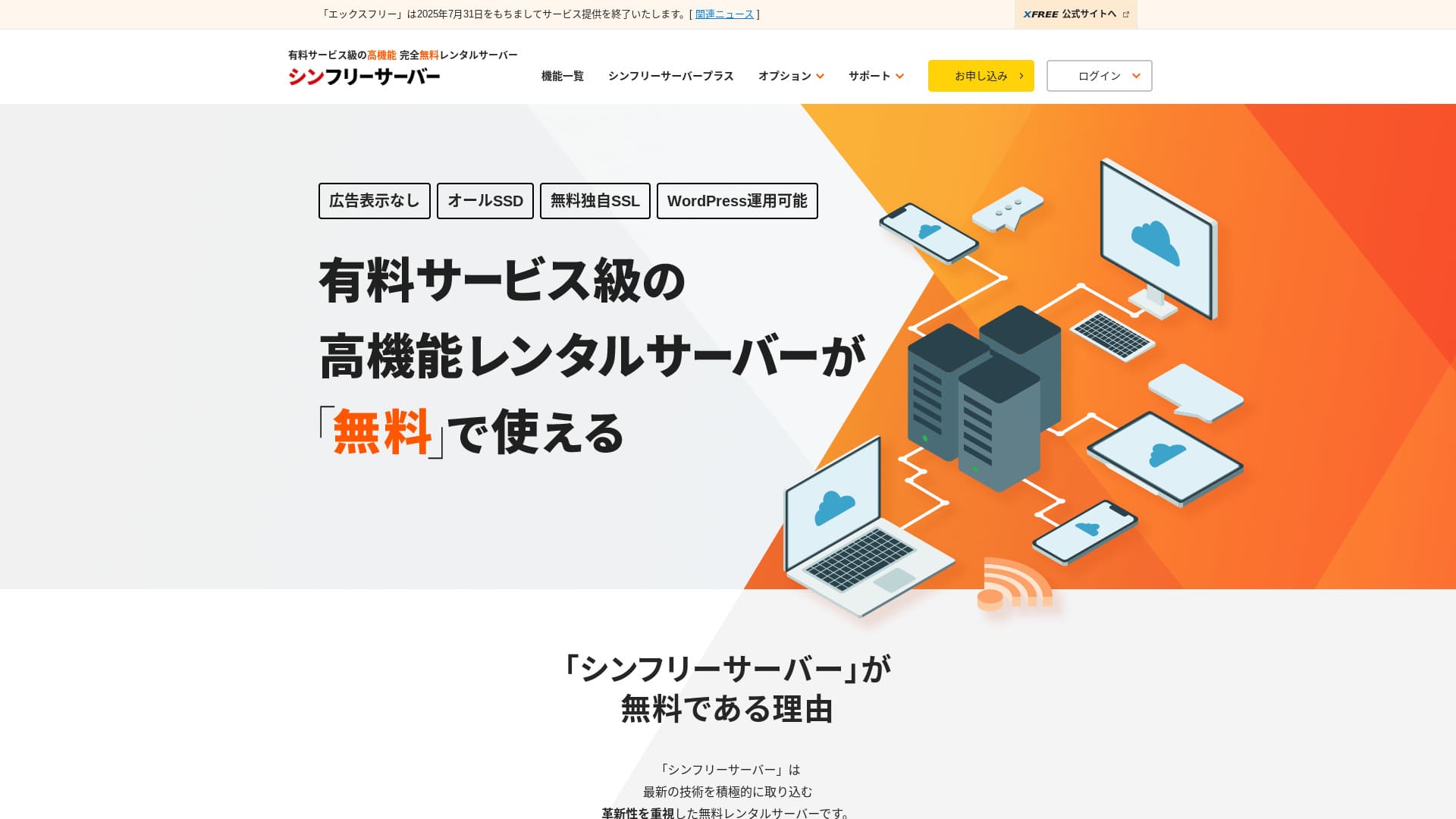
Shin Free Server ShinCloud Co., Ltd.-nin pulsuz serveridir. Bir çox pulsuz serverdən fərqli olaraq reklam göstərmir.

Shin Free Server is recommended for pulsuz server axtaran insanlar üçün tövsiyə olunur, çünki:
- Pulsuz server olmasına baxmayaraq reklam yoxdur
- Beş WordPress saytı yarada bilərsiniz
- Yüksək təhlükəsizlikli WAF mövcuddur
Məhz buna görə. Çox güman ki, razı qalacaqsınız.
Rəqib server Star Rental Server. Miqyas böyüdəndən sonra daha güclü planlar təklif edir, Shin Free Server. Onu da nəzərdən keçirin.
| Server növü | Paylaşılan server |
| Göstərmə sürəti (TTFB) | Ölçülməyib |
| Tövsiyə olunan plan və müqavilə müddəti | — |
| Sınaq / pulun geri qaytarılması zəmanəti | — |
| Aylıq ödəniş (12 aylıq müqavilə) | Free |
| İlkin quraşdırma haqqı | Free |
| Pulsuz domen | None |
| Dəstək | None |
| İşlək qalma müddəti | Açıqlanmır |
| Yaddaş | 10GB |
| Verilənlər bazalarının sayı | 5 |
| Təhlükəsizlik tədbirləri | WAF |
| SSL | Pulsuz fərdi SSL |
| Ehtiyat nüsxə / bərpa | 14 günlük avtomatik ehtiyat nüsxələr pulsuz, bərpa pulsuz |
| E-poçt hesablarının sayı | None |
| E-poçt təhlükəsizlik tədbirləri | None |
| WordPress əvvəlcədən quraşdırılmış | None |
| Server / sayt miqrasiya xidməti | None |
| CDN | None |

Hikaru Ono
Shin Free Server hazırda yalnız başqa serverdən miqrasiya zamanı istifadə edilə bilər.
Pulsuz server axtarırsınızsa, Star Rental Server tövsiyə olunur.
Shin Free Server-in digər serverlərlə müqayisəsi
- ÜmumiReytinq★★★☆☆
- Server sürətiÖlçülməyib
- Qiymət★★★★★
- Stabillik★★★☆☆
- WordPress-i başlatma asanlığı★★★★☆
- Domen idarəetməsi və SSL qurulması kimi əməliyyatlar★★★☆☆

Fərdi istifadəçilər üçün tövsiyə olunan 21 WordPress hosting xidmətindən necə seçim etmək olar
Fərdi istifadəçilər üçün tövsiyə olunan 21 WordPress hosting xidmətindən necə seçim etmək olar
serverfield.org
- November 4, 2025 bazar araşdırması məlumatlarına əsasən,sürətə görə sıralanıb
- Aylıq ödənişlər WordPress işlədə bilən ən ucuz planın ilk il xərcidir
- Sürət eyni şərtlər altında demo saytlarda ölçülmüş Time to First Byte göstəricisidir
“Shin Free Server” ShinCloud Co., Ltd.-nin pulsuz kirayə serveridir. Pulsuz olmasına baxmayaraq operator reklamlarını göstərmir. Funksiyalar və dəstək baxımından ödənişli serverlər səviyyəsində deyil, amma istifadəsi yenə də rahatdır.
Shin Free Server icmalları və dörd əsas xüsusiyyət

Reklam yoxdur
Pulsuz serverlərdə reklamlar adi hal olsa da, Shin Free Server onları göstərmir.
Bu o deməkdir ki, reklamlar şirkət saytının ab-havasını korlamayacaq və öz reklam gəlirinizi də azaltmayacaq.
Beş WordPress saytı yarada bilərsiniz
Shin Free Server-də beşədək verilənlər bazası yaratmaq olar, buna görə beş WordPress saytı yarada bilərsiniz.
Qeyd: Verilənlər bazası nədir? WordPress idarəetmə və əməliyyatlarda niyə ona əsaslanır
Şirkət saytından əlavə, bloq və ya müxtəlif janrlarda saytlar yarada bilərsiniz.
Pulsuz SSL mövcuddur
Shin Free Server pulsuz SSL-i dəstəkləyir.SSL artıq standart təhlükəsizlik tədbiridir. Quraşdırılmayıbsa, insanlar saytınızı şübhəli görə bilərlər, buna görə sayt qurarkən vacibdir.
Qeyd: SSL və TLS nədir? Şifrələmə ilə məlumatı necə qoruyurlar və üstünlükləri
Yüksək təhlükəsizlikli WAF mövcuddur
Shin Free Server WAF-dan istifadə edə bilir. Bu, inkişaf etmiş təhlükəsizlikdir.O qədər qabaqcıl funksiyadır ki, bəzi ödənişli serverlər onu yalnız ödənişli seçim kimi təqdim edir.
Bu da pulsuz təqdim olunur.
Əlbəttə, WAF təqdim etməyən serverlərdə belə WordPress təhlükəsizlik plaginləri quraşdıraraq onu özünüz qura bilərsiniz. Yenə də proses əziyyətlidir və server bunu sizin yerinizə idarə edəndə daha güvənli hiss olunur.
Qeyd: WordPress plaginləri nədir? Növləri və vacib ehtiyat tədbirləri
Shin Free Server-in çatışmazlıqları, səmimi şəkildə

Shin Free Server-in çox üstünlüyü var, amma təəssüf ki, çatışmazlıqları da mövcuddur.
Dəstək yoxdur
Əvvəla, Shin Free Server dəstək təqdim etmir.Problem nə qədər çətin olsa da, onu özünüz həll etməlisiniz.
Başqa bir pulsuz server olan XREA çat dəstəyi ilə gəlir. Onunla müqayisədə bu, məyusedicidir.
Ehtiyat nüsxə funksiyası yoxdur
Ehtiyat nüsxə funksiyası da yoxdur.Məsələn, WordPress plaginlərindən istifadə etməklə öz ehtiyat nüsxə sisteminizi qurmalısınız.
Əziyyətli olduğu üçün ehtiyat nüsxələri buraxsanız, sonra məlumatları səhvən silsəniz və ya məlumatlara müdaxilə edilsə, indiyədək sərf etdiyiniz bütün zəhmət boşa gedəcək.
Yenə də Shin Free Server-i seçirsinizsə, mütləq WordPress ehtiyat nüsxə plagini quraşdırın.
Qeyd: Məlumatlarınızı bərpa etməyə kömək edən 5 güclü WordPress ehtiyat nüsxə plagini
İşlək qalma müddəti açıqlanmır
Shin Free Server işlək qalma müddətini açıqlamır.Bu o deməkdir ki, serverin sabitliyi məlum deyil və istifadəçilər bunu dəqiq anlaya bilmirlər.
Server sabitliyi saytınızın etibarlı şəkildə əlçatan qalmasına birbaşa təsir edir. Təkrarlanan problemlər saytınızı dəfələrlə əlçatmaz edirsə, məqsəd boşa çıxır. Şirkət saytı üçün bu, imicinizə zərər vura və hətta görüşlərin və biznes fürsətlərinin itirilməsinə səbəb ola bilər.
Qeyd: Hosting işlək qalma müddətini və SLA-ları anlamaq üçün başlanğıc bələdçisi
Shin Free Server-i iki oxşar serverlə müqayisə edin
Shin Free Server-ə bənzər yerli pulsuz serverləri müqayisə etdik. Hər birinin öz güclü tərəfləri var, buna görə diqqətlə müqayisə edin.
XREA
XREA is 15 nəsil avtomatik ehtiyat nüsxəni daxil edən pulsuz serverdir.O, çat dəstəyi də təklif edir. WordPress və ya saytlarla bağlı təcrübəniz olmasa belə, saytı inamla işlətməyə başlaya bilərsiniz.
Lakin WAF kimi bahalı təhlükəsizlik tədbirləri yoxdur və reklam göstərir.
Shin Free Server ilə müqayisədə hansının açıq şəkildə daha yaxşı olduğunu demək çətindir.

XREA icmalı [2025 ən son]: pulsuz planda WordPress istifadə etməyin üstünlükləri və çatışmazlıqları, üstəlik digər pulsuz serverlərlə müqayisələr
XREA icmalı [2025 ən son]: pulsuz planda WordPress istifadə etməyin üstünlükləri və çatışmazlıqları, üstəlik digər pulsuz serverlərlə müqayisələr
serverfield.org
Star Server Free
Star Server Free də Yaponiyada tanınmış pulsuz serverdir.Shin Free Server Star Server Free-dən daha çox yaddaş təklif edir və buna görə daha sərfəlidir.
| Müqayisə maddəsi | Shin Free Server | Star Server Free |
|---|---|---|
| Əsas xüsusiyyət | Free | Free |
| Sınaq / pulun geri qaytarılması zəmanəti | None | None |
| İşlək qalma müddəti | Açıqlanmır | Açıqlanmır |
| Yaddaş | 10GB | 2GB |
| İlk il server xərci | 0 yen | 0 yen |

Star Rental Server icmalı [19 dekabr 2024-də dərc olunub]: pulsuz planlardan istifadə edə biləcəyiniz yüksək dəyərli serverin üstünlükləri və çatışmazlıqları
Star Rental Server icmalı [19 dekabr 2024-də dərc olunub]: pulsuz planlardan istifadə edə biləcəyiniz yüksək dəyərli serverin üstünlükləri və çatışmazlıqları
serverfield.org
Shin Free Server ilə 7 addımda sayt yaradın
2024-cü ilin dekabrına görə, Shin Free Server server miqrasiyaları istisna olmaqla müraciət qəbul etmir.
Shin Free Server ilə sayt yaratmağa başlayaq!
- STEP.1Rəsmi sayta daxil olun
Əsas səhifədə aşağı sürüşdürün və səhifənin ortalarına yaxın “Create a free server account” düyməsini klikləyin.
- STEP.2Shin Account qeydiyyatdan keçirin
“Start now! New signup” düyməsini klikləyin, sonra adınız və ünvanınız kimi üzvlük məlumatlarınızı daxil edin. Hər şey düzgündürsə, İstifadə Şərtləri və şəxsi məlumatların işlənməsi ilə razılaşdığınızı işarələyin. Sonra “Next” düyməsini klikləyin.
E-poçt təsdiqini tamamladıqdan və müraciət məlumatlarını yoxladıqdan sonra “Register with these details and proceed to server application” düyməsini klikləyin.
Server ID-ni yoxlayın, İstifadə Şərtləri və şəxsi məlumatların işlənməsi üçün xanaları işarələyin, sonra “Review application details” düyməsini klikləyin.
Müraciət məlumatlarını yenidən yoxlayın və Shin Account-u qeydiyyatdan keçirmək üçün “Apply” düyməsini klikləyin. Təsdiq e-poçtu gələcək.
Domeni seçdikdən sonra “Install WordPress at the same time” seçimini işarələyin.
“Next” düyməsini klikləyin.
- STEP.3Shin Domain ilə domen əldə edin
Shin Account-a daxil olun və “Get a domain” düyməsini klikləyin.
İstədiyiniz domeni əldə edin. “.com” və “.net” kimi tanınmış domenləri tövsiyə edirəm. Onların yenilənmə haqları da münasibdir, 2.000 yendən aşağıdır.
Qeyd: Domen nədir? İnternetdə ünvan kimi rolu və onu necə əldə etmək olar
“Enter the domain name you want to obtain” sahəsinə istədiyiniz domeni daxil edin, axtarın, istədiyiniz domen üçün xananı işarələyin və “Proceed to acquisition” düyməsini klikləyin.
Ödəniş məlumatınızı seçin və “Review application details” düyməsini klikləyin. Sonra kredit kartı məlumatlarınızı və s. daxil edin.
Müraciət məlumatlarını yoxlayın, Shin Domain İstifadə Şərtləri və şəxsi məlumatların işlənməsi ilə razılaşın və “Apply” düyməsini klikləyin. Müraciət məlumatları olan e-poçt alacaqsınız. O gəldikdən sonra iş tamamdır.
- STEP.4Domeni qeydiyyatdan keçirin
Shin Cloud for Free server panelinə daxil olun.
“Domain settings” seçin, “Add domain” düyməsini klikləyin, əldə etdiyiniz domeni daxil edin və “Add” düyməsini klikləyin.
- STEP.5WordPress quraşdırın
Shin Cloud for Free server panelində “WordPress” > “Easy WordPress Install” bölməsinə gedin və “New installation” düyməsini klikləyin.
WordPress-i qurun.
- Hədəf domen:Əvvəl qeydiyyatdan keçirdiyiniz domen
- Sayt URL-i:Hədəf domenlə eyni
- Bloq adı:İstənilən ad olar. Sonradan asanlıqla dəyişə bilərsiniz
- Username:İstənilən ad olar, amma sonradan dəyişmək əziyyətlidir
- Password:İstənilən parol olar, amma mümkün qədər mürəkkəb edin
- E-poçt ünvanı:Gündəlik istifadə etdiyiniz e-poçt ünvanı
- Avtomatik keş silinməsi:ON tövsiyə olunur
- Database:Avtomatik yaradılacaq şəkildə təyin edin
- Theme:Cocoon tövsiyə olunur. Bu sayt da Cocoon istifadə edir.
- Tema seçimi:“Install child theme” seçimini işarələyin
Hər şeyi doldurduqdan sonra “Install” düyməsini klikləyin.
İstifadəçi adı və parol WordPress-ə daxil olarkən istifadə olunur. Mütləq yazıb saxlayın.
Quraşdırma tamamlandıqdan sonra “Log in” düyməsini klikləyin.
- STEP.6SSL ayarları
Server panelində “Domain” bölməsindən “SSL settings” açın.
WordPress üçün konfiqurasiya etdiyiniz domeni açın və SSL ayarı status sürüşdürməsini “ON” vəziyyətinə keçirin. Təxminən bir saat ərzində əks olunacaq.
- STEP.7Plaginləri quraşdırın
WordPress idarəetmə ekranına qayıdın, “Plugins” açın, sonra lazım olan plaginləri quraşdırmaq üçün “Add New” bölməsinə gedin.
İstədiyiniz plaginləri axtarın, “Install Now”, sonra “Activate” düyməsini klikləyin. Bundan sonra hər plaginin təlimatlarına əməl edin.
Təhlükəsizlik və ehtiyat nüsxə plaginlərini mütləq quraşdırın.
- Təhlükəsizliyi gücləndirən 5 WordPress plaginini necə seçmək olar
- Məlumatlarınızı bərpa etməyə kömək edən 5 güclü WordPress ehtiyat nüsxə plagini
Plaginləri quraşdırdıqdan sonra WordPress saytınızın qurulması tamamlanır.
Xülasə
“Shin Free Server” ShinCloud Co., Ltd.-nin pulsuz kirayə serveridir. Pulsuz olmasına baxmayaraq operator reklamlarını göstərmir. Funksiyalar və dəstək baxımından ödənişli serverlər səviyyəsində deyil, amma istifadəsi yenə də rahatdır.
Hazırda miqrasiyalar istisna olmaqla yeni müraciətlərə bağlıdır
Shin Free Server reklamsız pulsuz serverdir. İstifadəsi rahatdır. Şirkət saytlarından hobi bloqlarına qədər müxtəlif məqsədlərlə istifadə edilə bilər.Lakin dəstək olmadığı üçün problemlə üzləşəndə təlimatı diqqətlə oxumalı və məsələləri özünüz həll etməlisiniz.
32 WordPress hosting xidmətinin tam müqayisəsi: fərdi istifadəçilər, bizneslər və xarici istifadə üçün tövsiyələr

WordPress-ə başlamaq istəyəndə və “tövsiyə olunan WordPress hosting” axtaranda fərdi və korporativ və ya kiçik biznes seçimlərindən xarici serverlərə və ucuz serverlərə qədər hər cür məqalə çıxır. Açığı,
- hansı saytı oxumalıyam?
- Serveri sadə və asan başa düşülən şəkildə seçmək istəyirəm!
- WordPress-ə indi necə başlayacağımı deyin.
Belə hiss etdiyiniz olurmu? Buna görə bu məqaləfərdi istifadəçilər, bizneslər, yerli və xarici istifadə üçün 32 hosting xidməti arasından tövsiyələri diqqətlə seçirvə onları təqdim edir. Bunu hər gün kirayə serverlərdən istifadə edən tətbiq inkişaf etdirmə şirkətinin SEO rəhbəri izah edir.